
Kinetik
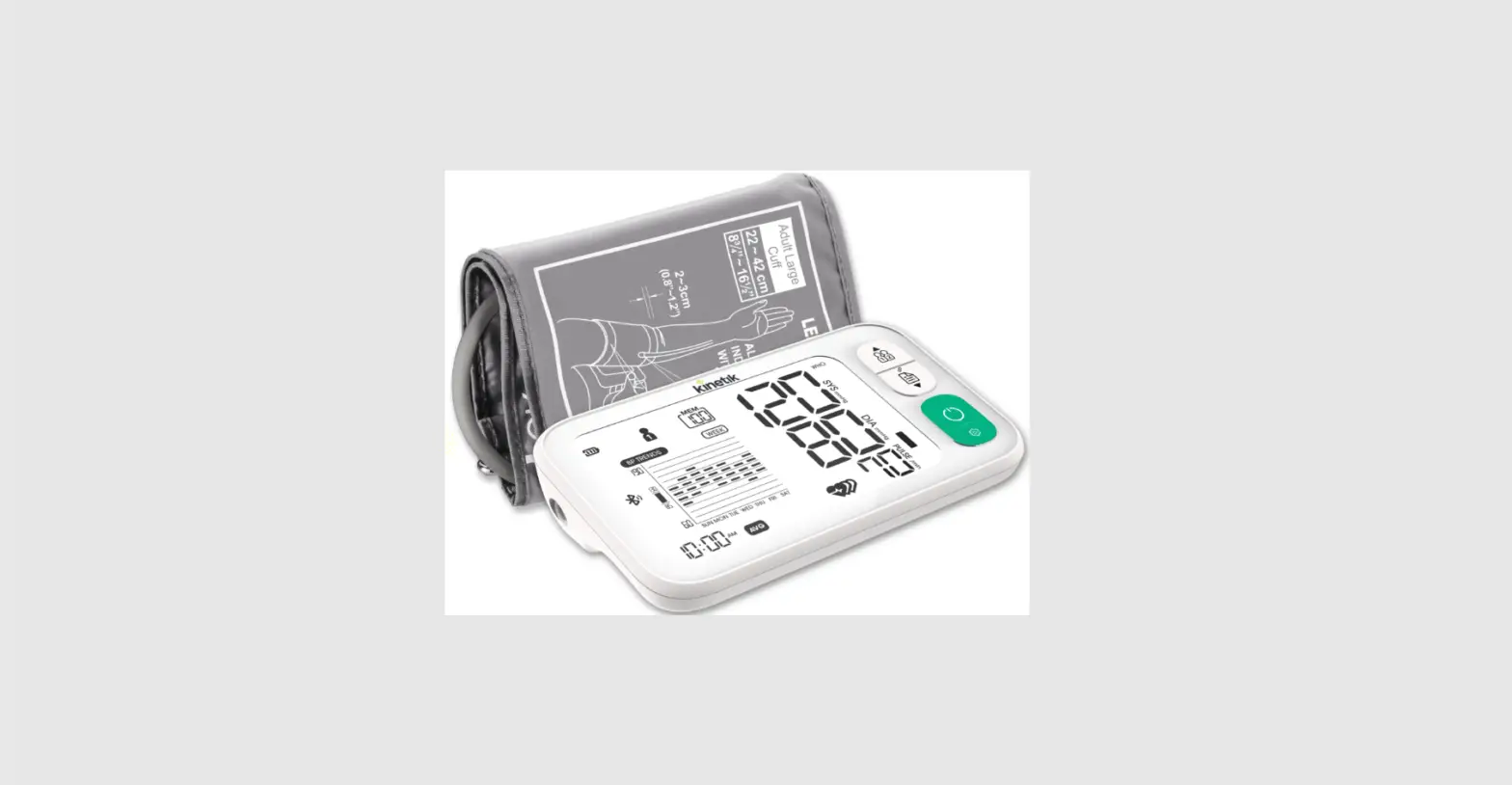
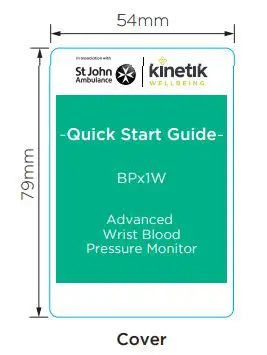
Kinetik BPx1W UK version Quick Start Guide (Double sided card)
Size: 50(W) x 75(H) mm [Cover and Back Cover Size: 54(W) x 79(H) mm]
Date: 20190529(V4) *Revised as per the comments of 2019-05-13 18:34
Colour : (Green) Pantone 339C (CMYK reference is C84 M0 Y59 K0)
(Black)
APPROVED
BY cmlam at 5 : 44 pm, May 31,2019
Kinetik Logo Colour :
Pantone 382C
(CMYK reference is C30 M0 Y100 K0)
Pantone Cool Grey 11
(CMYK reference is C44 M34 Y22 K77)
Step 1
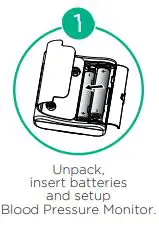
Unpack, insert batteries and setup Blood Pressure Monitor.
Step 2
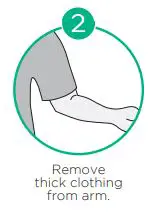
Remove thick clothing from arm.
Step 3
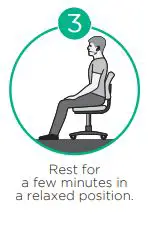
Rest for a few minutes in a relaxed position.
Step 4
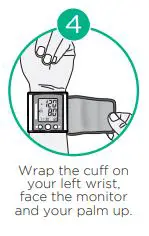
Wrap the cuff on your left wrist, face the monitor and your palm up.
Step 5
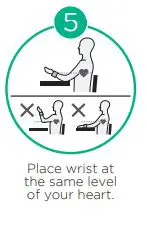
Place wrist at the same level of your heart.
Step 6
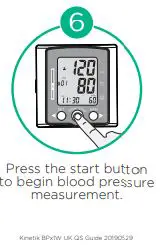
Press the start button to begin blood pressure measurement.
 We Deliver Health To The Home | Kinetik Wellbeing