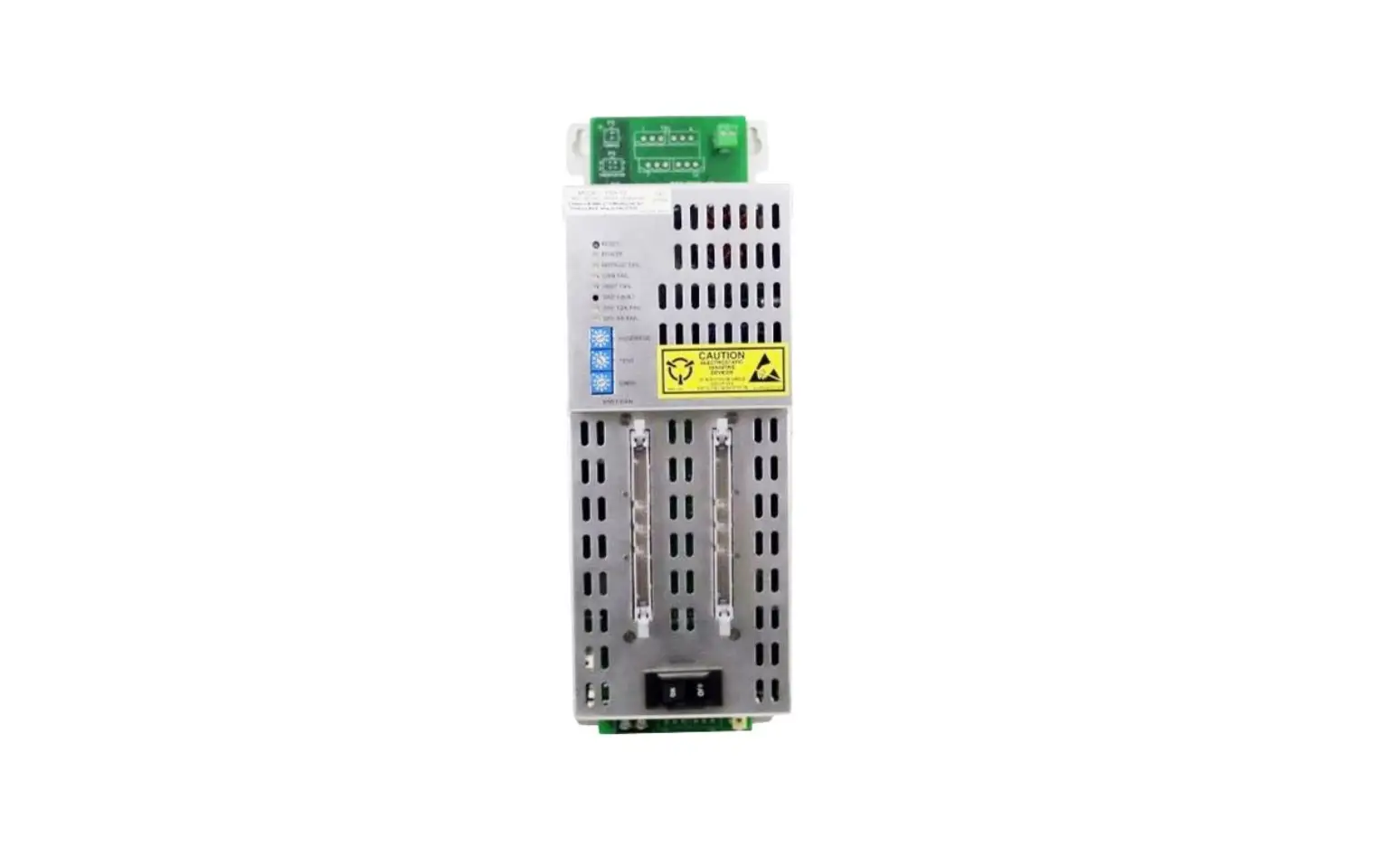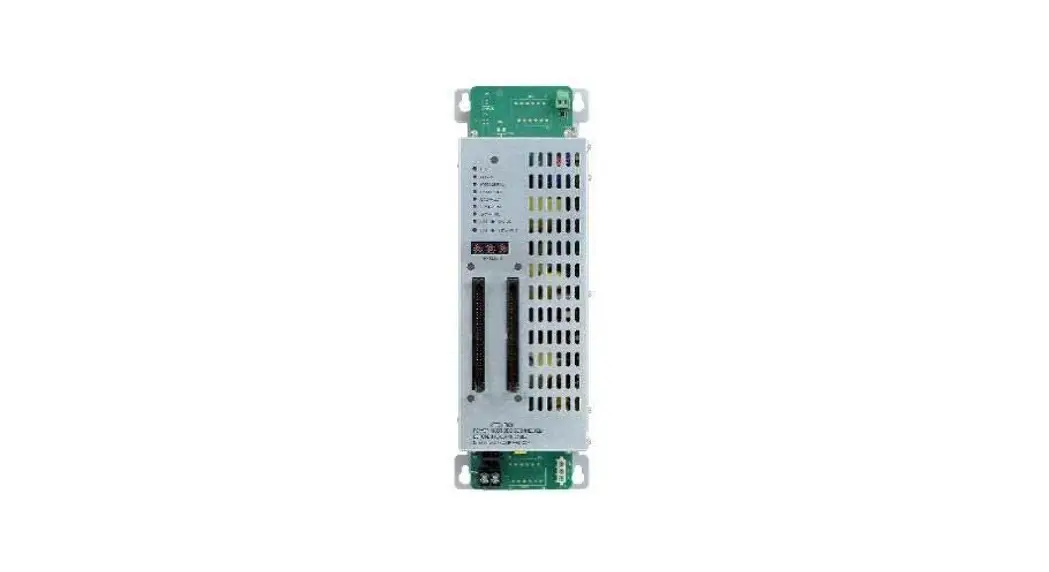

SIEMENS VNT-PS Power Supply
Installation Instructions Model VNT-PS Power Supply for VNT
INTRODUCTION
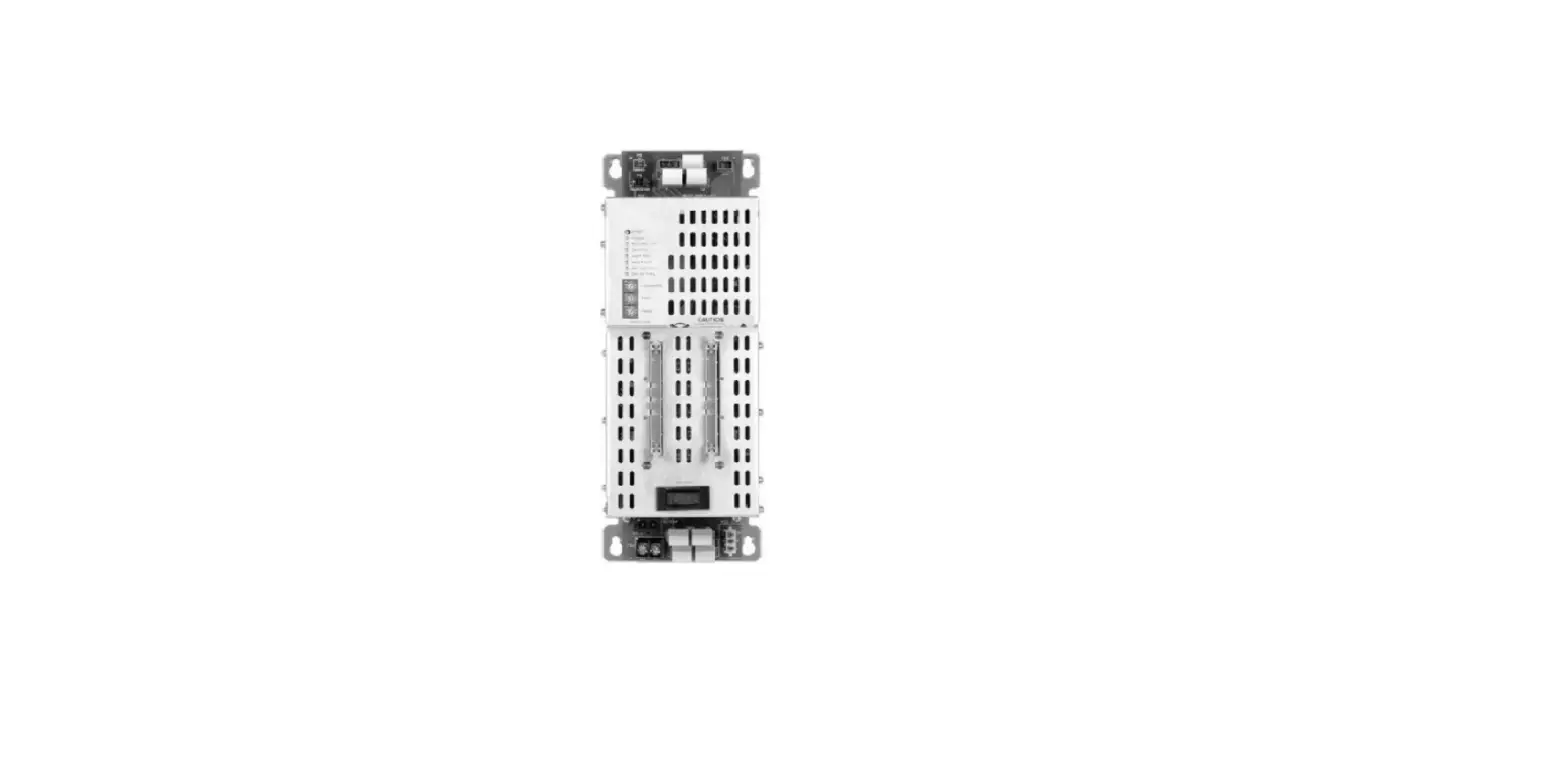
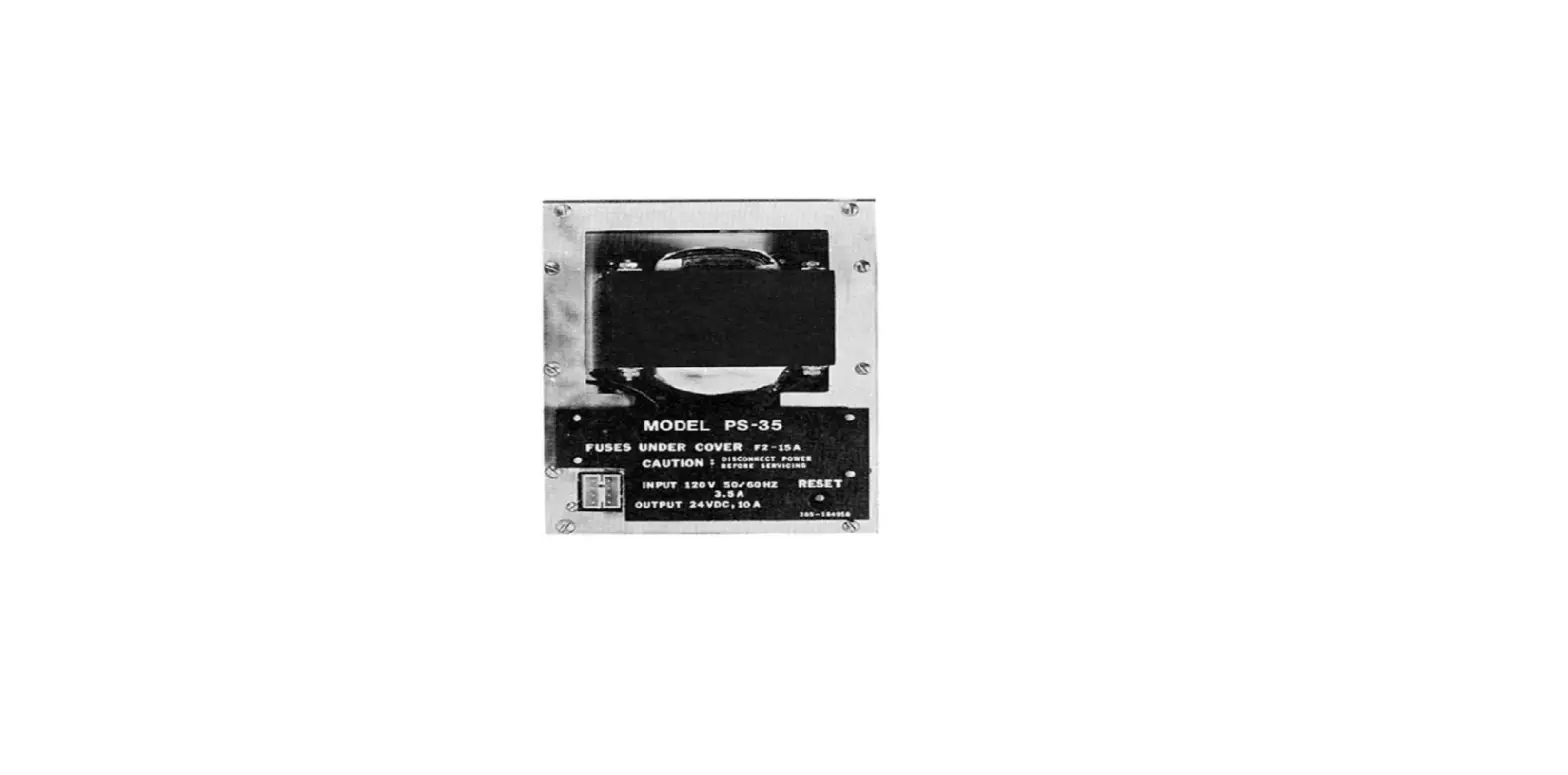
The Model VNT-PS is used to isolate the ground of the VNT (Virtual Network Tunnel) from the FireFinder-XLS system ground.
INSTALLATION
Remove all system power before installation, first battery then AC. (To power up, connect the AC first, then the battery.)
Mounting
The VNT-PS mounts with an attached bracket onto the VNT-MP using the hex nuts supplied with the VNT-MP.
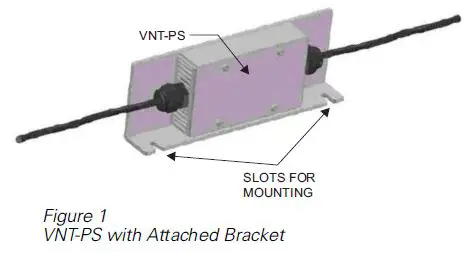
The VNT-PS installs on the left edge of the VNT-MP mounting plate. Loosen the two nuts on the left side of the VNT that are fastened to the VNT-MP, then slide the slots of the VNT-PS bracket onto the studs. Tighten the nuts to securely fasten the VNT-PS bracket in place. Refer to Figure 2.
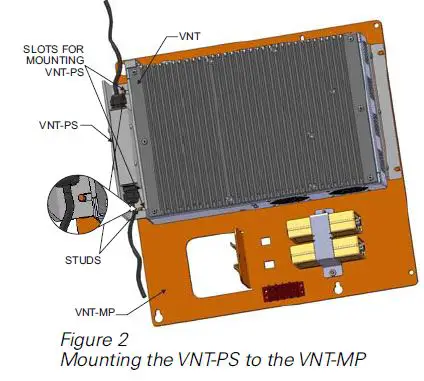
Figure 2
Mounting the VNT-PS to the VNT-MP
Siemens Industry, Inc.
Building Technologies Division
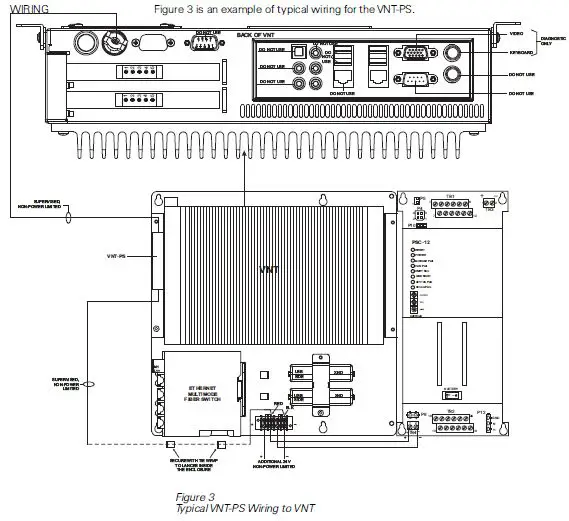
Figure 3
Typical VNT-PS Wiring to VNT
ELECTRICAL RATINGS
- Special Application: The VNT-PS may only be used to connect PSC-12 (P/N 500-033340) and VNT (P/N 500-650490).
- Output Voltage: 24VDC
- Output Current: 1.7A max
- Input Voltage: Regulated 24VDC 50mA
- No Load Current: 2.0A @ 24VDC max.
- Input Current: 2.0A @ 24VDC max.
Siemens Industry, Inc. Building Technologies Division Florham Park, NJ Siemens Building Technologies, Ltd. Fire Safety & Security Products
2 Kenville Boulevard
Brampton, Ontario L6T 5E4 Canada
 Home - Fire Alarm Resources - Free fire alarm PDF manuals, documents, installation instructions, and technical specifications