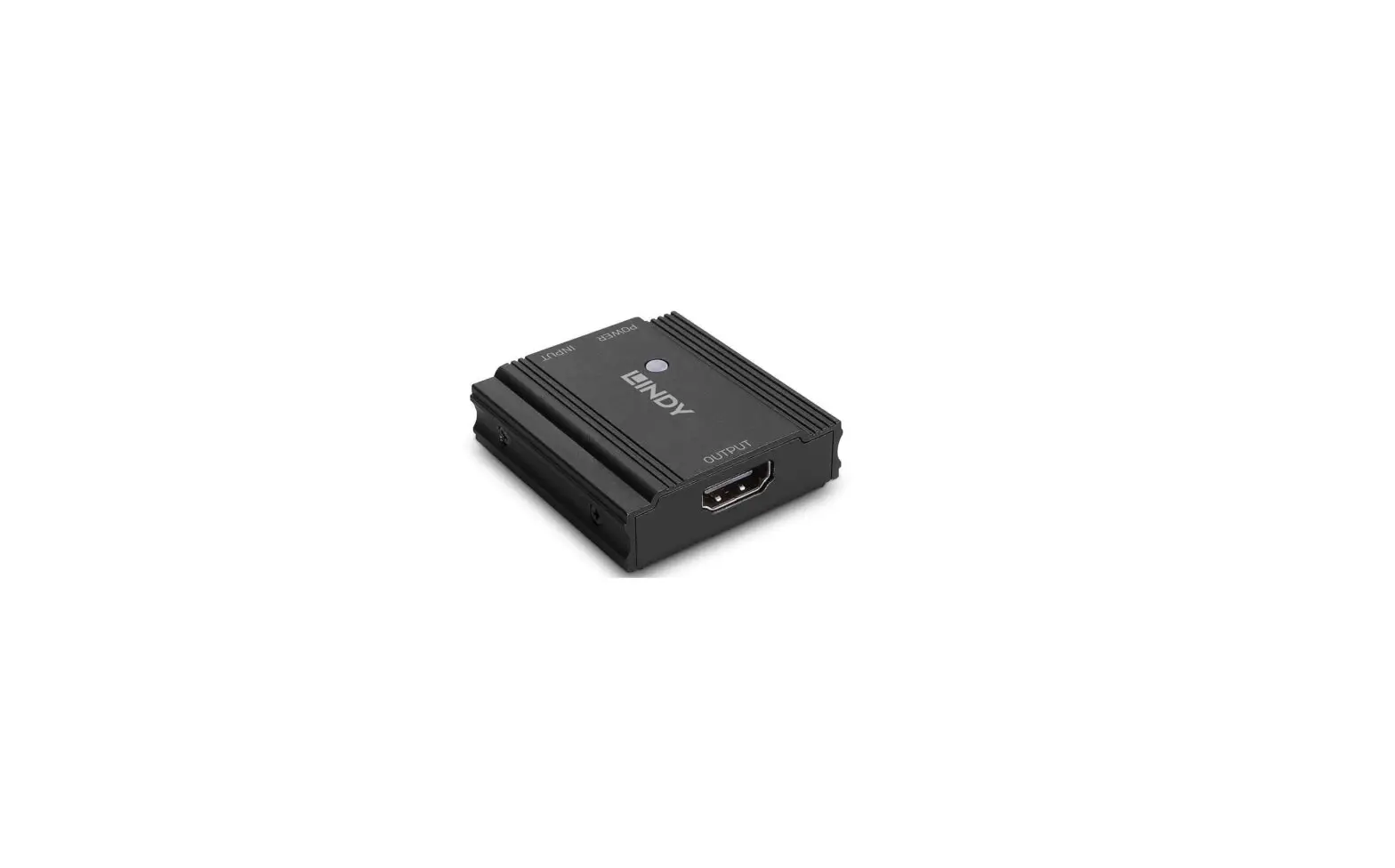
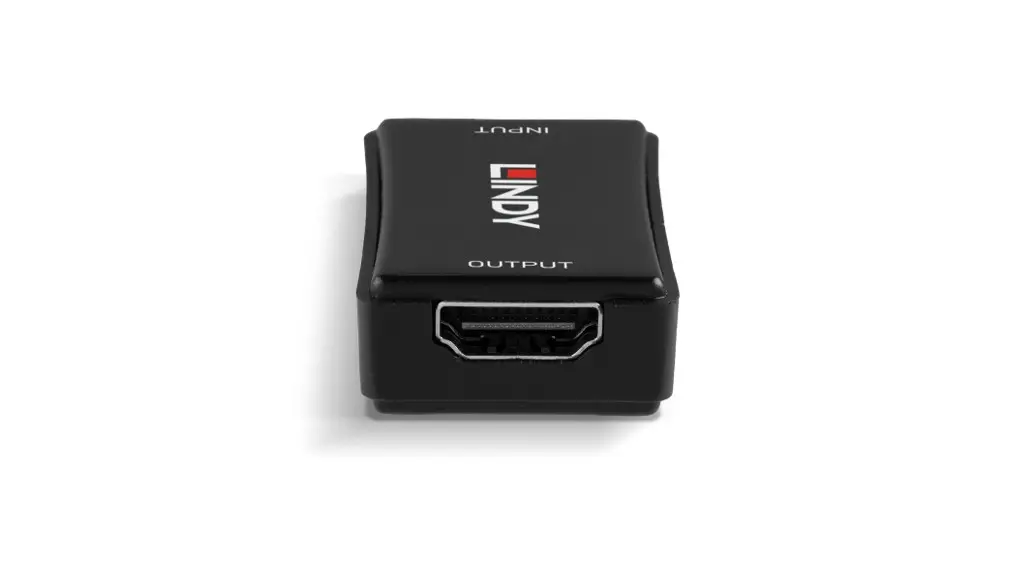
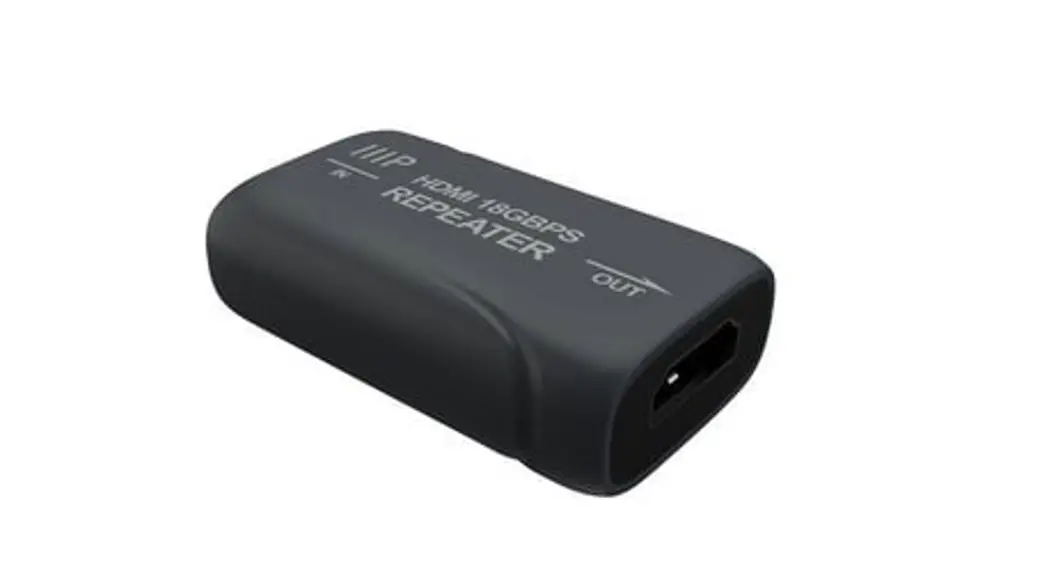
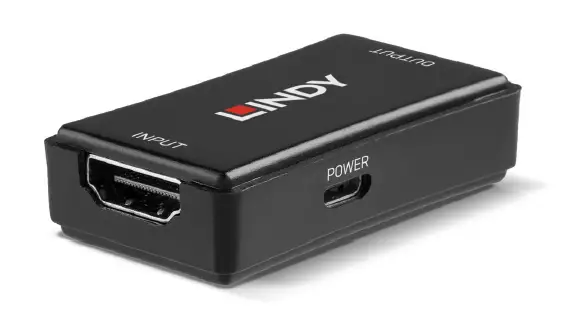
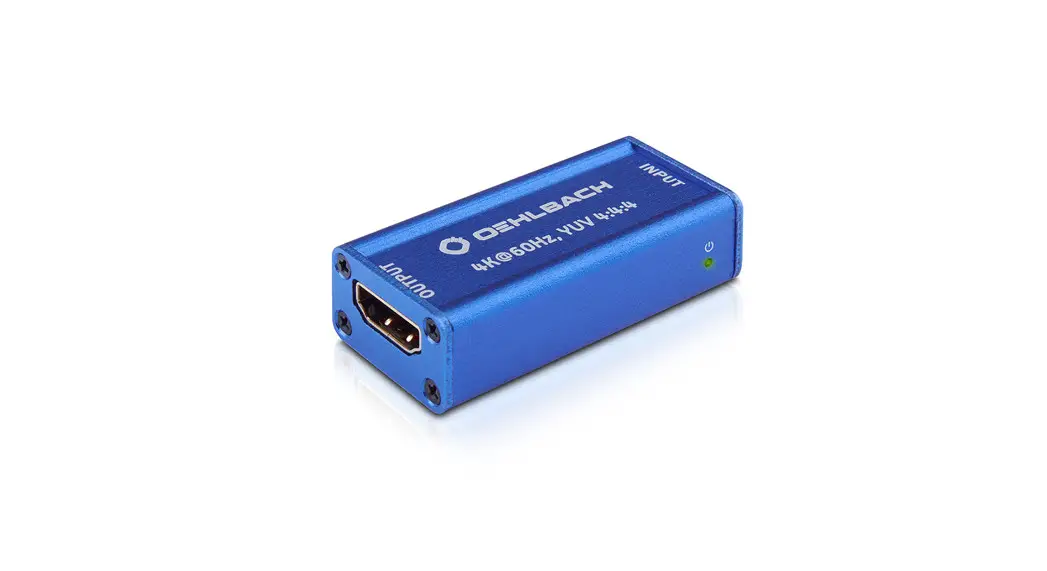
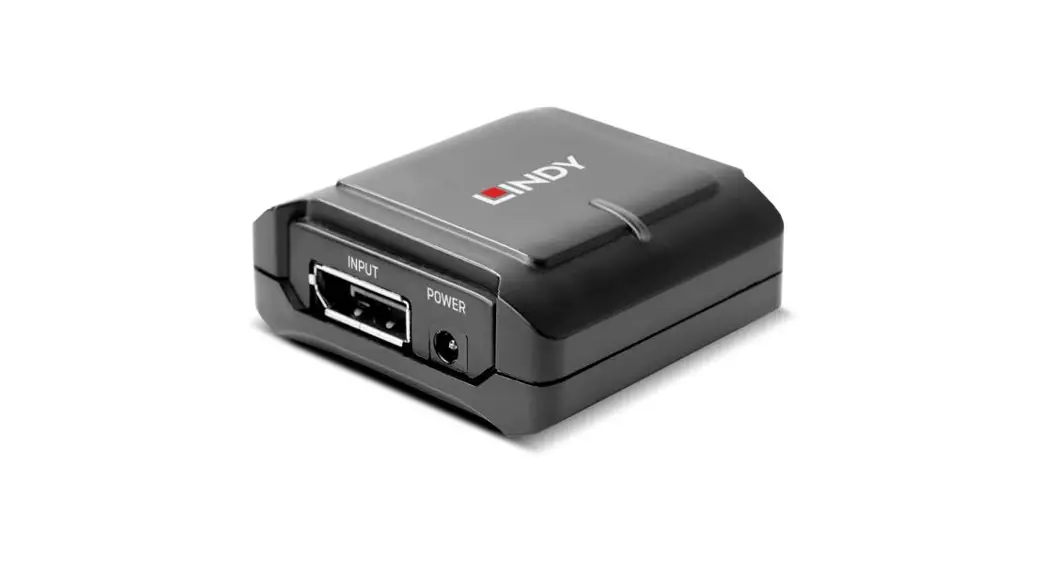
Y10G003-B1 TrueReach HDMI Repeater
Product Information:
- Product Name: Rocstor TrueReach HDMI
Repeater - Model Number: HDMITMREPEATER
- Specification: Supports resolutions up to
ultra HD 4Kx2K@60Hz - Dimensions: 2.0 x 1.01 x 0.5 – 53.0 x 25.9 x
12.7mm - Weight: 37gr – 1.3oz
Product Usage Instructions:
- Before installation and operation, please read and follow the
safety instructions provided in the user manual. - To troubleshoot if there is no output on the screen, follow
these steps:- Check and ensure that all cables are connected correctly.
- Verify that the correct HDMI input port on the TV or screen has
been selected. - Confirm that there is an HDMI signal to be fed into the HDMI
repeater unit and ensure that the HDMI OUTPUT port is properly
connected to the display device.
- If the HDMI input indicator keeps turning off, try the
following:- Change the HDMI sources.
- Use an external Micro USB power supply and then try again.
- If the output image has snow points, follow these steps:
- Change the HDMI cable.
- Use a better HDMI cable for re-testing.
- The Rocstor TrueReach HDMI Repeater can be powered by input
sources through the HDMI port. If the transmission/connection is
not stable or the output is not fluent, it is recommended to use an
external Micro USB power supply.
For further technical support or to inquire about sales
information, you can contact Rocstor through the following
channels:
- Technical Support / RMA Hours: 9:00 am – 5:00 pm PST Mon – Fri
(excluding holidays)
Tel: +1 (818) 727-7000 (DOM/INTL)
Fax: +1 (818) 875-0002
Email: [email protected] - General Sales Information:
Email: [email protected] - Corporate Sales Information:
Email: [email protected] - Educational Sales Information:
Email: [email protected] - Federal, State & Local Government Sales Information:
Email: [email protected] - Resellers/Business Development/OEM Partners:
For all channel national and international resellers, VARs,
consultants, contact Rocstor Channel Sales:
Tel: +1 (818) 727-7000
Email: [email protected]
FAQ
Q: No output on screen? A: 1) Please check and make sure all cables are connected correctly. 2 )Please check and make sure the right HDMI input port of the
TV/ screen has been chosen. 3 )Please check and make sure there is HDMI signal to be fed into
the HDMI repeater unit, then check and make sure the HDMI OUTPUT port has been connected well with the display device. Q: HDMI input indicator keep turning off? A: Change the HDMI sources or use external Micro USB power supply and then try again. Q: Output image with snow point? A: Change the HDMI cable and then try again, it will be better to use a better HDMI cable for re-testing.
FAQ
Technical Support / RMA Hours: 9:00 am – 5:00 pm PST Mon – Fri (excluding holidays)
Tell: +1 (818) 727-7000 (DOM/INTL) Fax: +1 (818) 875-0002 Email: [email protected]
Corporate, Government and Academic Customers
General sales information:
Corporate sales information:
Educational sales information:
Federal, State & Local government sales information: [email protected]
Resellers/Business Development/OEM Partners
All Channel National and International Resellers, VARs, Consultants …
contact Rocstor Channel Sales:
call: +1 (818) 727-7000
Email: [email protected]
Disclaimer
©2023 Rocstroge, Inc. Rocstor is registered trademark of Rocstorage, Inc. The terms HDMI, HDMI High-Definition Multimedia Interface, HDMI Trade dress and the HDMI Logos are trademarks or registered trademarks of HDMI Licensing Administrator, Inc. The product name and brand name may be registered trademark of related manufactures. TM and ® may be omitted on the user manual. The pictures in this user manual are just for reference. We reserve the rights to make changes without further notice to a product or system described herein to improve reliability, function or design.
Specification
82ft (25m) (AWG22 standard HDMI cable
100ft (30m) (AWG22 standard HDMI cable
130ft (40m) (AWG22 standard HDMI cable
(LxWxH)
2.0″ x 1.01″ x 0.5″ – 53.0 x 25.9 x 12.7mm
37gr – 1.3oz
®
TrueReach
HDMITMREPEATER
4K@60Hz
User Manual Y10G003-B1
Important Safety Instructions:
Thank you for purchasing Rocstor TrueReach HDMI Repeater.. For optimum performance and safety, please read the instructions carefully and keep the manual for future reference.
Please read below safety instructions carefully before installation and operation:
1. Please pay attention to all the warnings and instructions device. 2. Do not expose this unit to rain, moisture and liquid. 3. Do not insert any objects into the device. 4. Do not repair or open this device without professional people’s
guidance. 5. Prior to installation, ensure the environment is secure and cut off all the
power. 6. Do not plug-in/out the connected cables when it is in use. 7. The unit can be powered by input sources through HDMI port (when
the transmission/connection is not stable, or the output is not fluent, please use external Micro USB power supply).
Introduction
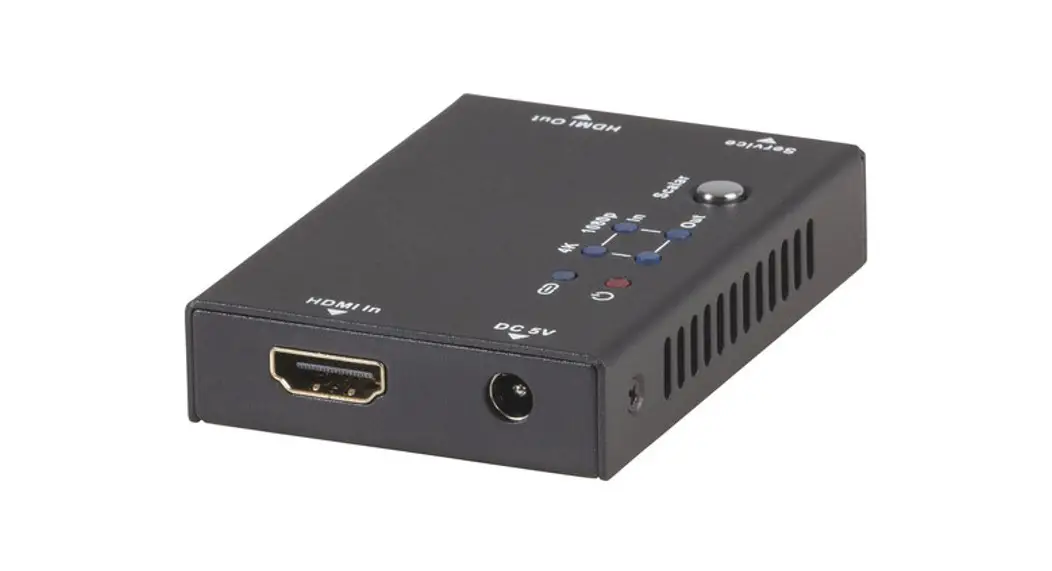
This mini HDMI repeater is use latest technology to form a new standard HDMI signal by decoding and re-encoding. The regenerated HDMI signal is transmitted over long distances without any loss. It can transmit HDMI signal up to 82ft (25m) when 4Kx2K@60Hz, 100ft (30m) when 4Kx2K@30Hz. It is really a good solution for AV transmission in applications of conference system, video shooting, multimedia education system, home entertainment etc.
Features
1. Supports resolutions up to ultra HD 4Kx2K@60Hz 2. CEC Pass through 3. Supports HDMI2.0, HDCP2.2, compliant HDCPl.4 4. Plug and play, easy installation 5. Small and portable 6. Transmits up to 82ft (25m) when 4Kx2K@60Hz, 100ft (30m) when
4Kx2K@30Hz, 130ft (40m) when 1080P@60Hz 7. Can be powered by input sources through HDMI port(when the
transmission/connection is not stable, or the output is not fluent, please use external Micro USB power supply)
Package Contents
Installation Requirements
1. HDMI source devices: with HDMI OUTPUT interface, DVD, PS3, STB, PC etc. 2. Display devices: with HDMI INPUT port, SDTV, HDTV, projector 3. HDMI cable: need high quality HDMI cable
Panel Description Installation Procedures