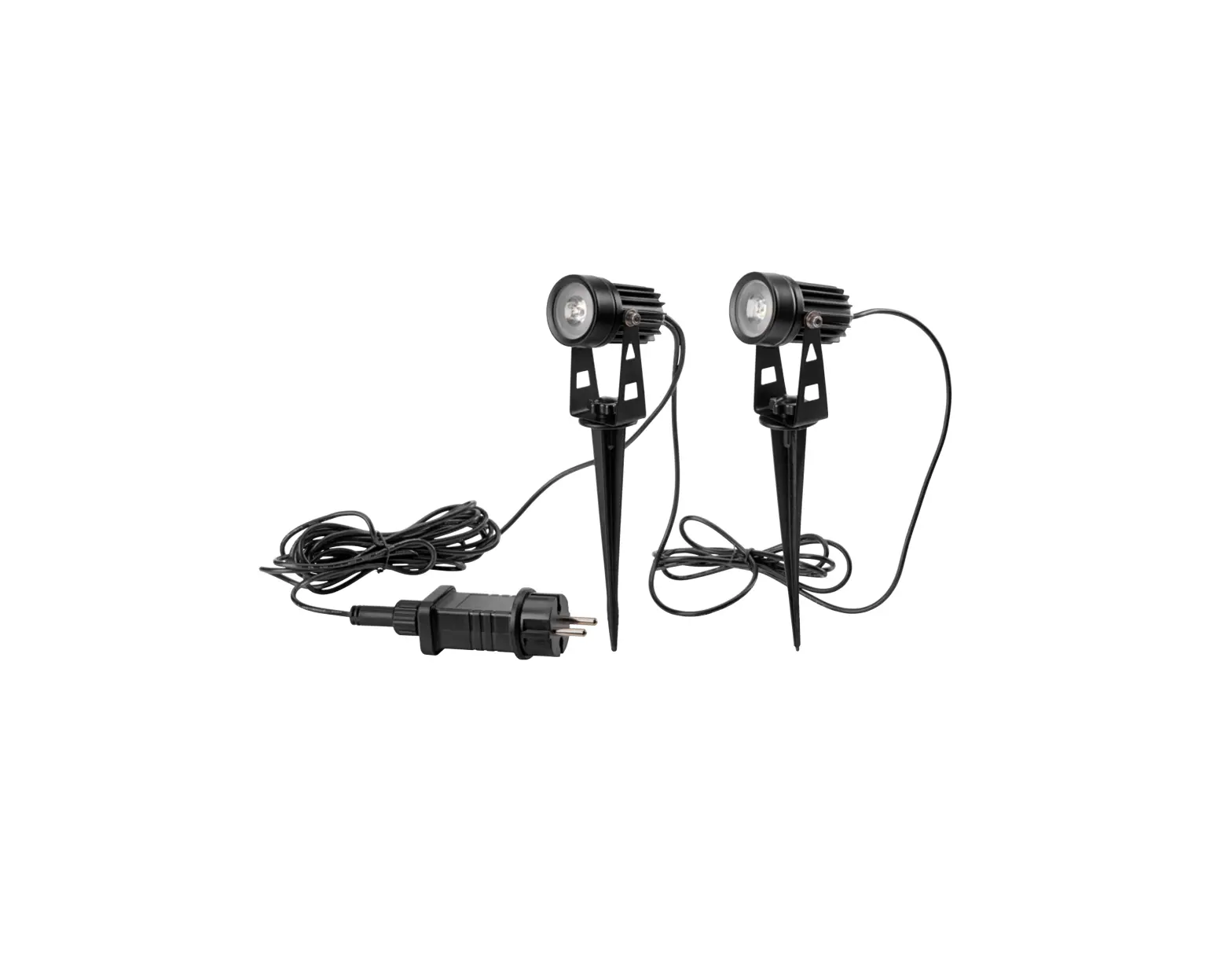
WASSERSTEIN 210422 UM Blink Spotlight Kit User Manual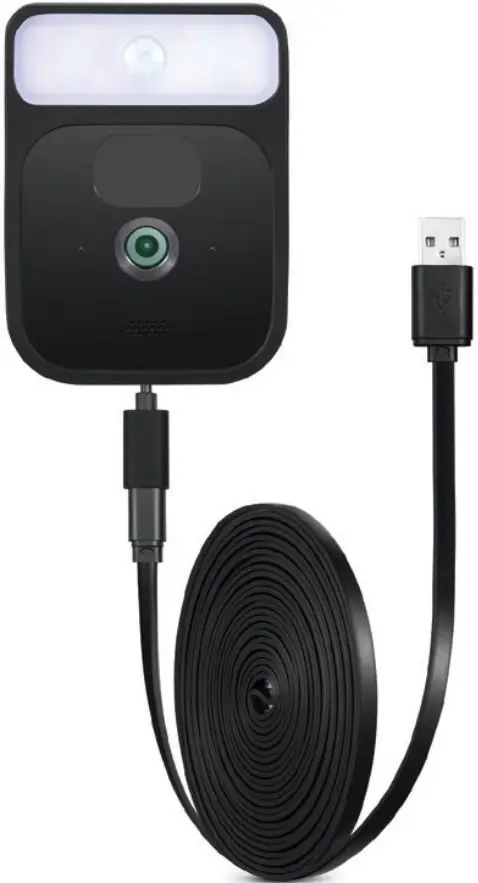
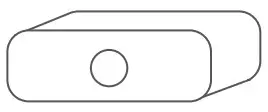
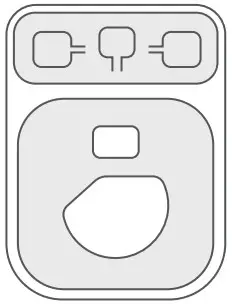
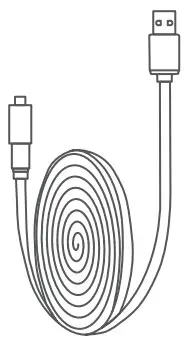
In the Box
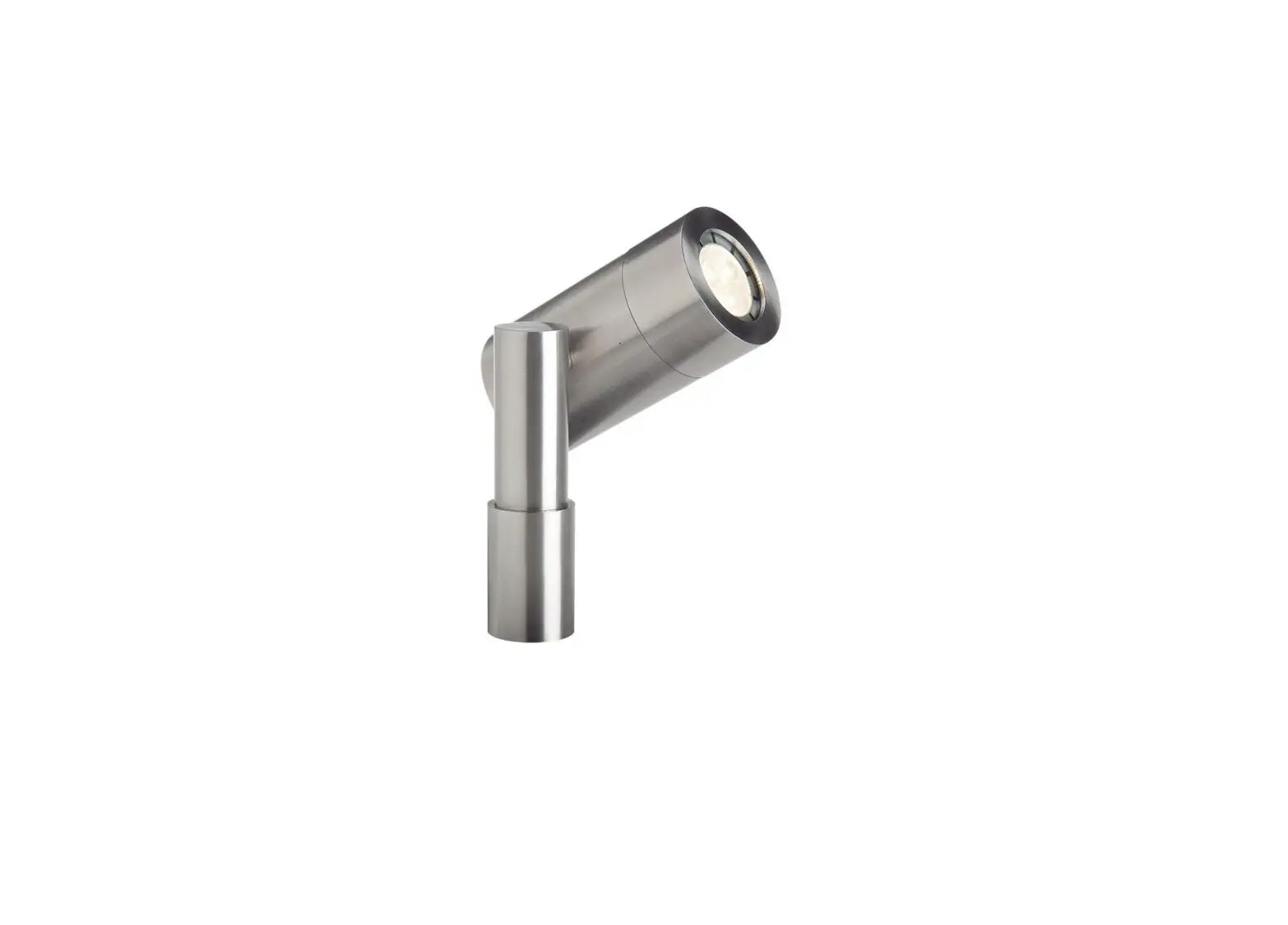
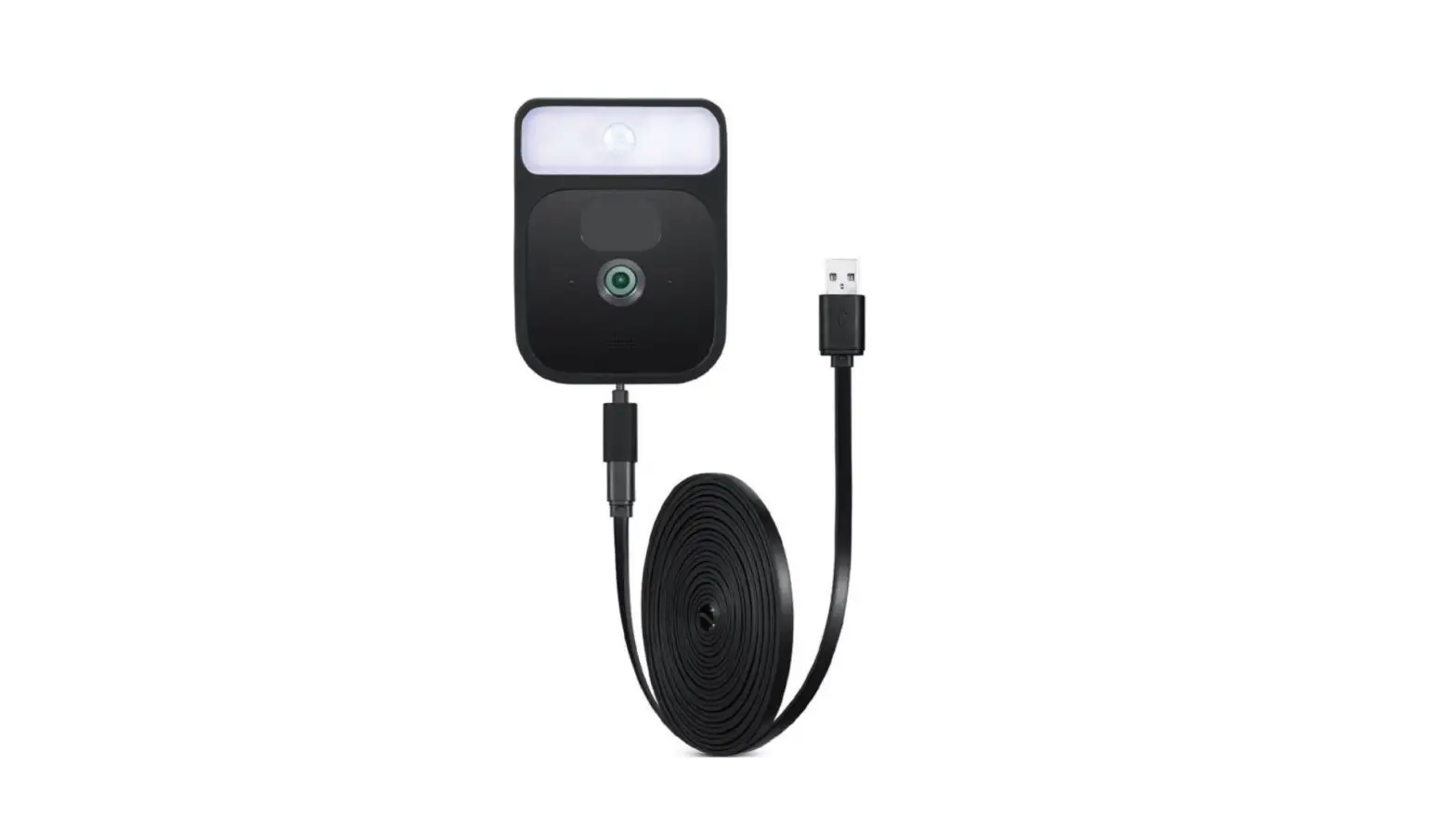
- 1 x spotlight

- 1 x rubber casing

- 1 x USB power cable

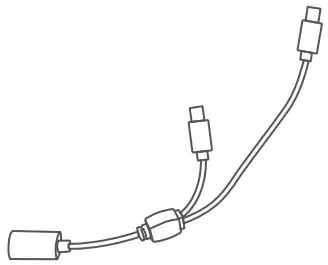
- 1 x split USB adapter cable

How to Install
Note: Fully charge the spotlight before using.
- Make sure the labels on the back of the spotlight are right-side-up, and slide the spotlight into the top of the rubber casing.

- Make sure the Blink logo on the front and labels on the back of the Blink Cam are right-side-up, and slide the Blink Cam into the bottom of the rubber casing.

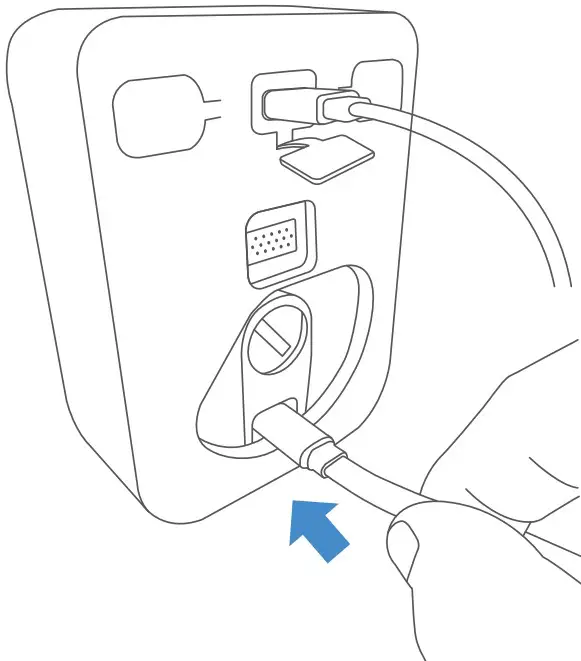
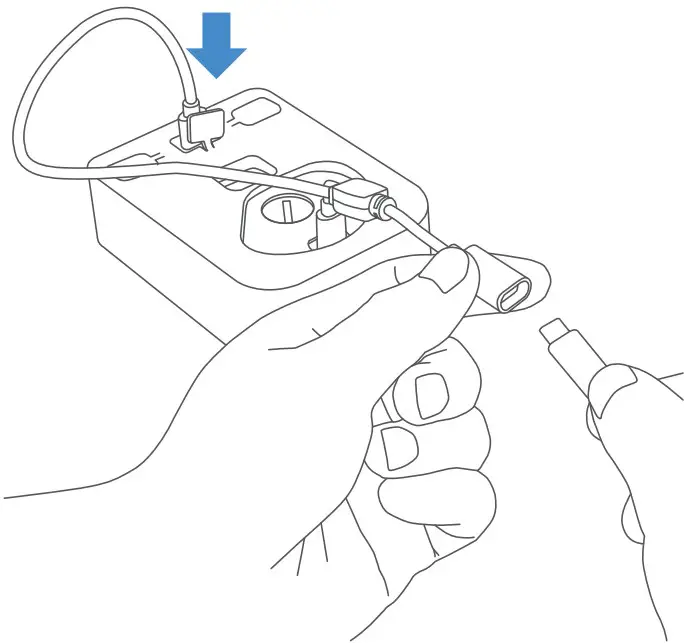
- Plug the split USB adapter cable into both the spotlight and Blink Cam USB ports.

- Plug the USB cable into the split USB adapter cable.

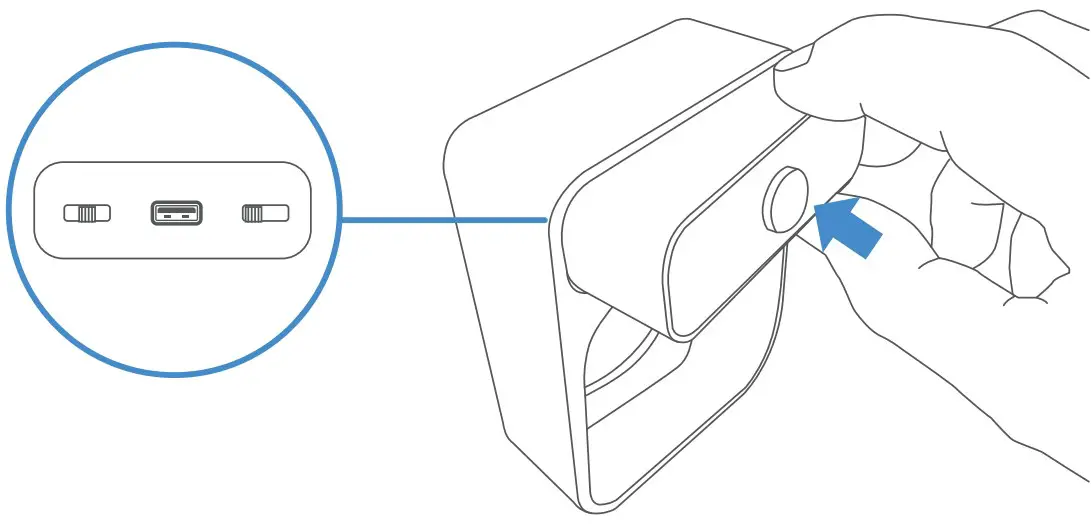
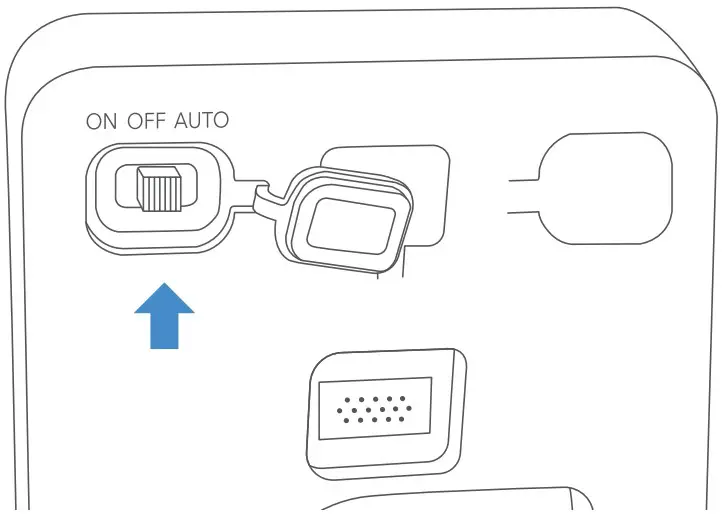
- To turn on/off, flip the switch on the left side. Flip left for ON, right for AUTO.

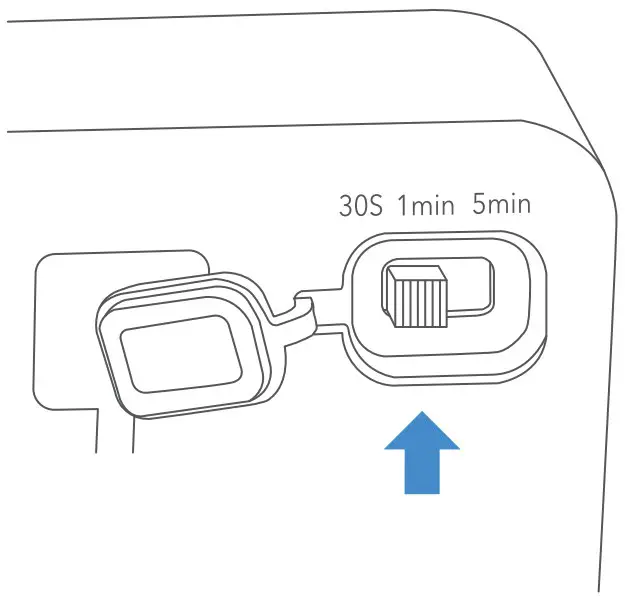
- To adjust the timer, flip the switch on the right side: 30 seconds, 1 minute, or 5 minutes.


Specifications
- Lumens: 100 lumens
- Angle: 120 degrees
- Power supply: 5V 1A
- Dimension: 1 x 2.2 x 1.4 in
- Connection: micro USB
- Operating current: 130 -150mA
- Motion sensing distance: 6.6 -16.4 ft
- Standbycurrent: 2mA
- Battery life: 2-3 days
- Number of LEDs: 8
- Light temperature: 4000K
- Operating conditions: -4 °F to 131 °F (-20 °C to 55 °C)
Get More Support
Scan the QR code below or email us at [email protected].
CONTACT US
Blink Outdoor Camera is not included.
Blink Indoor Camera is not included.
Wasserstein is a trademark of Dropcases Ltd.
Wasserstein is not affiliated with
Immedia Semiconductor, LLC.
Blink is the trademark of Immedia Semiconductor, LLC.

 Fairway Independent Mortgage Corporation
 Thoughtful Smart Home Products — Wasserstein Home