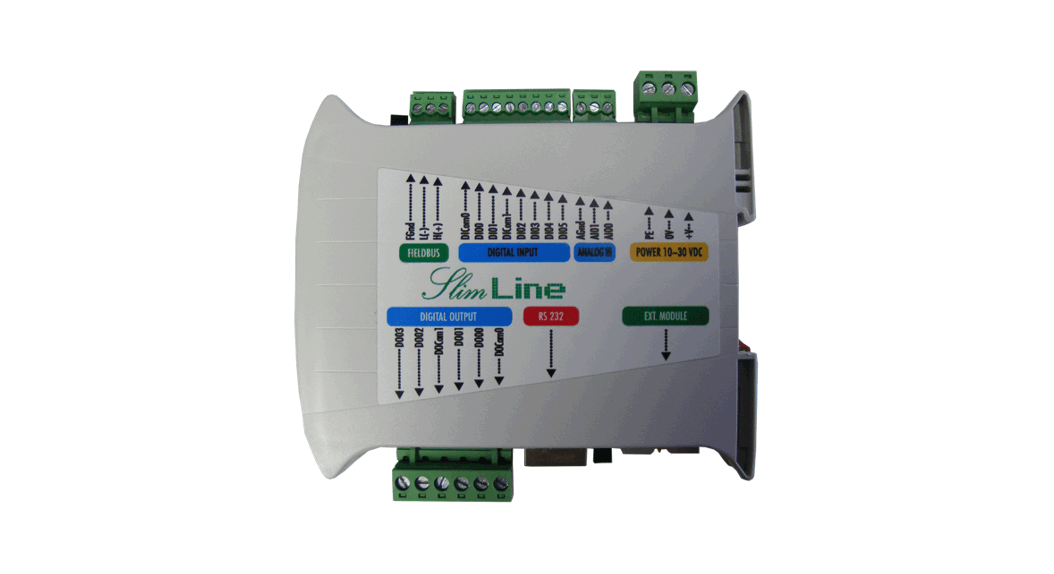
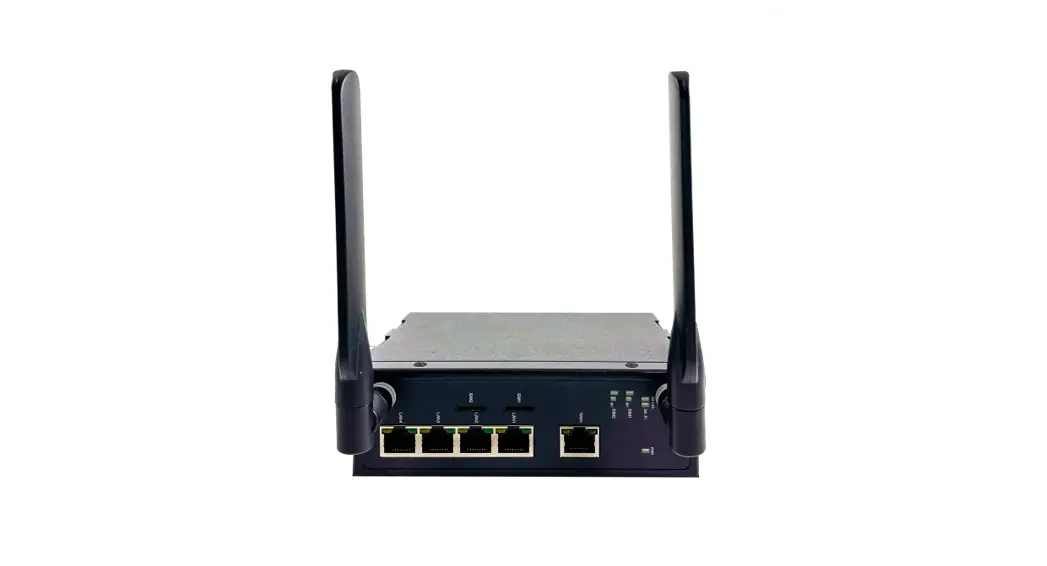
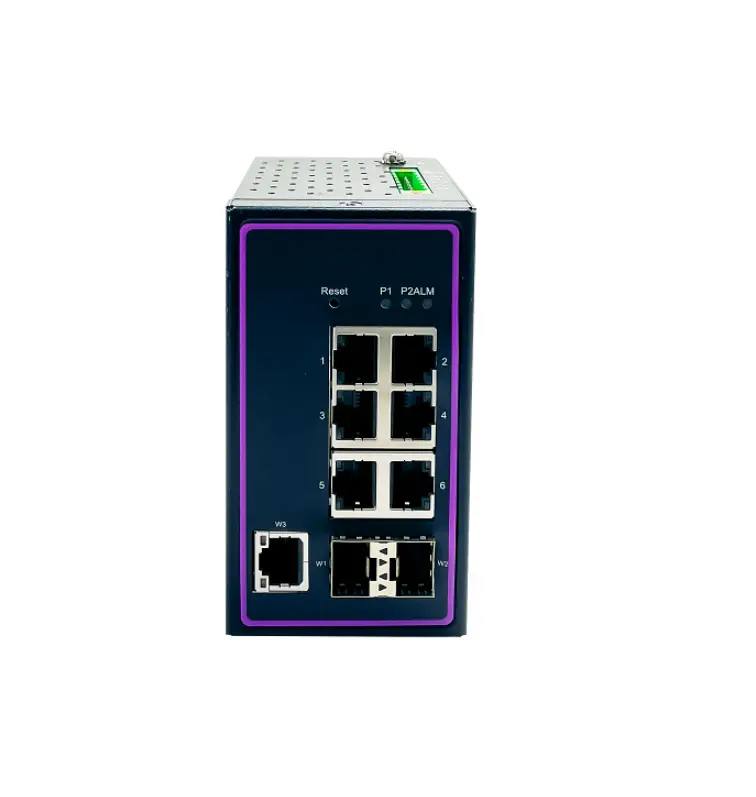
IEC61850 Protocol Gateway Client or Server Configuration
Product Information:
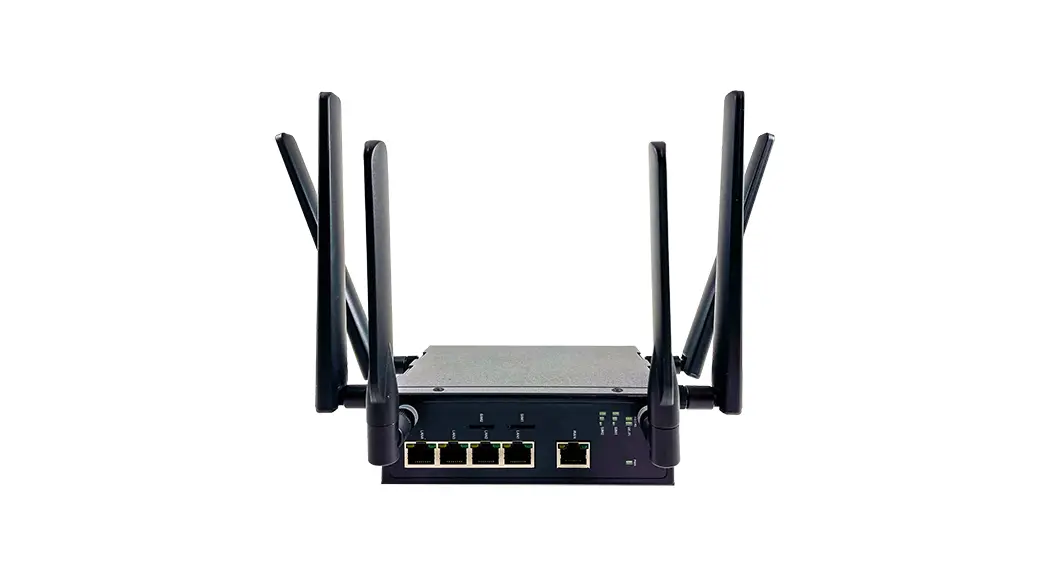
Product Name: Protocol Gateway IEC61850
Client/Server
Manufacturer: Atop Technologies, Inc.
Version: V1.5
Release Date: December 8th, 2022
Product Usage Instructions:
- Introduction
- Scope: This document provides instructions for
the configuration of the Protocol Gateway IEC61850
Client/Server. - Overview: The document references the IEC
61850 standard and provides a list of abbreviations used throughout
the document.
This section provides a general description of the product.
Please refer to the user manual for more details.
- To add the module in eNode Designer, follow the instructions
provided in this section. - Common configuration details are explained, including changing
and reloading SCL files. - Client configuration instructions are provided to configure the
IEC 61850 Client.
This section provides additional information and guidance for
using the product. Please refer to the user manual for more
details.
Please note that this is a summary of the product information
and usage instructions. For detailed instructions, please refer to
the complete user manual provided by Atop Technologies, Inc.
IEC 61850
eNode Configuration
CLIENT/SERVER
Atop Technologies, Inc.
Protocol Gateway IEC61850 Client/Server
Protocol and eNode Designer configuration
eNode Configuration
V1.5 December 8th, 2022
Page | 1
IEC 61850
eNode Configuration
CLIENT/SERVER
This PDF Document contains internal hyperlinks for ease of navigation. For example, click on any item listed in the Table of Contents to go to that page.
IEC 61850 Configuration Guide IEC 61850 Interoperability
Published by:
Atop Technologies, Inc. 2F, No. 146, Sec. 1, Tung-Hsing Rd, 30261 Chupei City, Hsinchu County Taiwan, R.O.C. Tel: +886-3-550-8137 Fax: +886-3-550-8131 www.atoponline.com www.atop.com.tw
Page | 2
IEC 61850
eNode Configuration
CLIENT/SERVER
Important Announcement
The information contained in this document is the property of Atop technologies, Inc., and is supplied for the sole purpose of operation and maintenance of Atop Technologies, Inc., products. No part of this publication is to be used for any other purposes, and it is not to be reproduced, copied, disclosed, transmitted, stored in a retrieval system, or translated into any human or computer language, in any form, by any means, in whole or in part, without the prior explicit written consent of Atop Technologies, Inc., Offenders will be held liable for damages and prosecution. All rights, including rights created by patent grant or registration of a utility model or design, are reserved.
Disclaimer
We have checked the contents of this manual for agreement with the hardware and the software described. Since deviations cannot be precluded entirely, we cannot guarantee full agreement. However, the data in this manual is reviewed regularly and any necessary corrections will be included in subsequent editions. Suggestions for improvement are welcome. All other product’s names referenced herein are registered trademarks of their respective companies.
Documentation Control
Author: Revision: Revision History:
Creation Date: Last Revision Date:
Reviewer Product Reference:
Document Status:
Charlie Yeh 1.5 Features improvement
12 September 2018 8 December 2022 Simon Huang PG59XX Protocol Gateways Release
Page | 3
IEC 61850
eNode Configuration
CLIENT/SERVER
Table of Contents
1 Introduction …………………………………………………………………………………………………..6
1.1 Scope …………………………………………………………………………………………………………………………….. 6 1.2 Overview ………………………………………………………………………………………………………………………… 7
1.2.1 Document Reference ………………………………………………………………………………………………………… 7 1.2.2 List of Abbreviations ………………………………………………………………………………………………………… 7
2 General Description ………………………………………………………………………………………..8
2.1 General Screen Description ………………………………………………………………………………………………. 8 2.2 SCL Tree Explanation ………………………………………………………………………………………………………. 9 2.3 Associated DAs are Combined into a Single Data Point ……………………………………………………… 10 2.4 Replaces Ethernet Properties ………………………………………………………………………………………….. 11
3 IEC 61850 ADH Application Configuration Guide……………………………………………….12
3.1 Adding the Module in eNode Designer ……………………………………………………………………………… 12 3.2 Common Configuration Details ………………………………………………………………………………………… 13
3.2.1 Changing and Reloading SCL Files…………………………………………………………………………………….13 3.3 Client Configuration…………………………………………………………………………………………………………14
3.3.1 IEC 61850 Client Select which data points to use in eNode Designer. ………………………………… 14 3.4 Server Configuration ………………………………………………………………………………………………………. 15
3.4.1 IEC 61850 Server Mapping Data Points to the Local IED …………………………………………………… 15
4 Reference Guide …………………………………………………………………………………………..17
4.1 Mass Tree Expanding and Collapsing ………………………………………………………………………………. 17
5 Protocol Implementation Conf. Statement (PICS) ……………………………………………..18
5.1 IEC 61850 Protocol Implementation Conformance Statement ……………………………………………… 18 5.2 ACSI Basic Conformance ……………………………………………………………………………………………….. 18 5.3 ACSI Models Conformance Statement ……………………………………………………………………………… 18 5.4 ACSI Service Conformance Statement………………………………………………………………………………20
Table of Figures
Figure 2-1 View of a newly loaded server SCL file. ……………………………………………………………………………………8 Figure 2-2 – Main screen. …………………………………………………………………………………………………………………………..9 Figure 2-3 – Main screen of a single logical node. …………………………………………………………………………………………9 Figure 2-4 Combined DAs, example one. ……………………………………………………………………………………………….10 Figure 2-5 Combined DAs, example two. ……………………………………………………………………………………………….11 Figure 3-1 – Adding an IEC 61850 module to the project. ……………………………………………………………………………..12 Figure 3-2 SCL file selection. ………………………………………………………………………………………………………………..13 Figure 3-3 Altered file warning. ……………………………………………………………………………………………………………..13 Figure 3-4 – Mapped client example. …………………………………………………………………………………………………………14 Figure 3-5 – To map, first browse to the desired point………………………………………………………………………………….15 Figure 3-6 – Mapping a server point. …………………………………………………………………………………………………………16 Figure 3-7 – Point has been mapped. …………………………………………………………………………………………………………16 Figure 4-1 – SCL tree node context menu …………………………………………………………………………………………………..17 Figure 4-2 – SCL tree pane context menu …………………………………………………………………………………………………..17
Page | 4
IEC 61850
User Manual
List of Tables
Table 2-1 Automatic IP Setting Modifications. …………………………………………………………………………………………11
Page | 5
IEC 61850
User Manual
1 Introduction
Thank you for Buying Atop’s Protocol Gateway.
The product is bundled with the following three user manuals:
1) Hardware specific installation user manual- not covered in this document. It covers Atop’s hardware installation procedure, wiring, power connection etc.
2) Getting started with Atop’s Protocol Gateway user manual configuration tool introduction, web configuration, software architecture introduction not covered in this document. This manual covers the introduction, installation, network set-up maintenance and using of the configuration tool software, including the procedure to be followed for uploading new configurations to Atop’s device.
3) Protocol specific user manual (This Manual). One protocol-specific manual will be provided for each protocol installed on the device. This manual covers: a. Basic device network configuration b. Step-by-step protocol set-up for in eNode designer c. Description of the protocol-specific software features, the device profile and the implementation table of supported functionalities.
This manual is for IEC 61850 Client/Server and describes how to use the IEC 61850 eNode Designer Module to configure Atop’s IEC 61850 ADH Application within the eNode Designer configuration tool.
1.1 Scope
This document is divided into 3 major sections: Overview with General Description; and a IEC 61850 ADH Application Configuration Guide IEC 61850 ADH Application Interoperability
IEC 61850 Standard related information and the IEC 61850 Standard itself is not part of the scope of this document, so it is assumed the user to have some basic knowledge about the protocol. For more detailed information on the IEC 61850 Standard visit the official IEC website on http://www.iec.ch
This manual assumes that reader has some basic knowledge of the IEC 61850 standard documents and protocol. The following is the document list:
IEC 61850 Document
Part
Description
IEC 61850-1 Introduction and overview
IEC 61850-2 Glossary
IEC 61850-3 General requirements
IEC 61850-4 System and project management
IEC 61850-5 Communication requirements for functions and device models
IEC 61850-6 Configuration description language for communication in electrical substations related to IED’s
IEC 61850-7-1 Basic communication structure for substation and feeder equipment Principles and models
Page | 6
IEC 61850
User Manual
IEC 61850-7-2 Basic communication structure for substation and feeder equipment Abstract communication service interface (ACSI)
IEC 61850-7-3 Basic communication structure for substation and feeder equipment Common data classes
IEC 61850-7-4 Basic communication structure for substation and feeder equipment Compatible logical node classes and data classes
IEC 61850-8-1 Specific communication service mapping (SCSM) Mappings to MMS (ISO/IEC 9506-1 and ISO/IEC 9506-2) and to ISO/IEC 8802-3
IEC 61850-9-1 Specific communication service mapping (SCSM) Sampled values over serial unidirectional multi-drop point-to-point link
IEC 61850-9-2 Specific communication service mapping (SCSM) Sampled values over ISO/IEC 8802-3 2
IEC 61850-10 Conformance testing
IEC 61850-80- Communication networks and systems for power utility automation
1 Ed. 1.0
Part 80-1: Guideline to exchange information from a CDC based data model using IEC
60870-5-101/104
1.2 Overview
1.2.1 Document Reference [1] Document Title: 197-0100 eNode Designer User Manual
Revision: Version 1.00
1.2.2 List of Abbreviations
ADH DA IEC IED SCL
= Application Data Hub = Data Attribute = International Electrotechnical Commission = Intelligent Electronic Device = Substation Configuration Language
Page | 7
IEC 61850
User Manual
2 General Description
The IEC 61850 eNode Designer Module uses a pre-existing SCL file for configuration; the configuration tool’s primary action is to select which data points should be added to or mapped from the ADH database.
When an SCL file is loaded into eNode Designer, a copy is automatically saved in the eNode Designer project file. This allows the project file to be sent (e.g. email) and opened anywhere without the need to send the SCL file as well.
The generation or the editing of the SCL file (ICD designer) is not covered inside this manual. For SCL file creation or editing, please contact an Atop Technologies representative
2.1 General Screen Description
Once an SCL file has been imported, a view similar to the following will be shown. The tab section allows the user to browse the local IED versus the connected remote IEDs.
In the client, there are no configuration options for the local IED so that tab will not be displayed. It just has a tab of remote IEDs showing all the servers connected.
In the server, the local IED is configurable so that tab is shown. In 61850 servers, the only data points should be accessed access from remote IEDs are those published on GOOSE, so the remote IEDs tabbed is named “GOOSE subscription”.
1 3
2
Figure 2-1 View of a newly loaded server SCL file.
1 Tabs Local IEDs will be separate from Remote IEDs. See details above.
2
SCL Tree Windowpane This shows the Project Tree of the currently selected IED. The tick-boxes allow for selection of data points for mapping. Expand the branches to view further down the project tree.
Mapped Points This is where the points that have been mapped will appear. Each row in this table 3 corresponds to a single “ticked” leaf DA node in the tree.
Page | 8
IEC 61850
User Manual
2.2 SCL Tree Explanation
The SCL file given is expanded into a tree-view showing different levels of IED, Logical Devices, Logical Nodes, then into Data Objects and Data Attributes. The “final” nodes are mappable data points. A screen shot is shown below.
Figure 2-2 – Main screen. Each mappable point has a description of its data type, which is extracted from the SCL file. A zoomed-in portion of the tree is shown below along with a more detailed description of the components.
Figure 2-3 – Main screen of a single logical node. For example with this BoolGGIO0/SPCSO1/stVal, the tree node text contains information about its node type (DA), node name (stVal), ADH Data Type (Single Point), and in this case also some square bracket notation. The square bracket notation shows that the q and t DAs are bound with the stVal data point. This is explained further in section 2.3.
Page | 9
IEC 61850
User Manual
The data type of the point is extracted from the IEC 61850 data type (e.g. “BOOLEAN” becomes “Single Point”). A special case is 61850 enumerated types, which are placed in the eNode Database as “Unsigned 8”. Data types that the ADH does not support, such as string types, are not shown in the SCL tree at all.
2.3 Associated DAs are Combined into a Single Data Point
Every eNode Designer data point has an associated timestamp (when the data value changed) and quality flags. This is similar to how IEC 61850 works with q (quality) and t (timestamp) DAs being updated together with DAs such as stVal. Thus eNode Designer groups the q and t with the appropriate values according to the 61850 specification to the single eNode (a.k.a. ADH) data point. This means that the with the stVal eNode data point, the associated quality and time are mapped with the 61850 data attributes q and t.
Multi-stage commands (such as Select Before Operates) are represented as a single data point for mapping in eNode Designer. Thus, the 61850 Operate structures are combined to a single structure: the “Oper”.
ICD Designer
1 2 3
eNode Designer
Figure 2-4 Combined DAs, example one.
This figure contains a screenshot from ICD Designer and a screenshot from eNode Designer to illustrate how data points are grouped together within eNode Designer. Both images show the same Pos Data Object in a XCBR Logical Node.
1 DA: Oper Shown in the ICD designer image as DA – SBOw, DA – Oper and DA Cancel, these data attributes are all grouped as DA: Oper within eNode Designer. This point contains the ctlVal data points of DA – SBOw, DA – Oper and DA Cancel. This is shown using the square brackets notation.
2 DA: stVal According to IEC 61850 specification, q and t apply to stVal. They are separate DAs but they are grouped together in eNode Designer. This is shown using the square bracket notation after the “stVal”: [q, t].
3 DA: ctlModel This is only a single Data Point in both ICD designer and eNode Designer.
Page | 10
IEC 61850
User Manual
Another example is shown below. In this example, the q and t apply to the mag according to the 61850 specification. Any selected point “inside” this mag will have the q and t values associated with the mag combined into one data point.
For example, in this case, the mag$i has its quality and time mapped with the 61850 q and t DAs adjacent to the mag.
ICD Designer
eNode Designer
Figure 2-5 Combined DAs, example two.
2.4 Replaces Ethernet Properties
When generating and sending the configuration to the target platform, the SCL’s local IED Ethernet properties are modified to match those specified in eNode Designer.
That is, the following attributes are changed in the Access Point associated with the first IED in the SCL file that is sent to the target device.
Attribute <P type=”IP”>…</P> <P type=”IP-SUBNET”>…</P> <P type=”IP-GATEWAY”>…</P> <P type=”MAC-Address”>…</P>
Modification Replaced by Ethernet’s property in eNode Designer Replaced by Ethernet’s property in eNode Designer Replaced by Ethernet’s property in eNode Designer
Removed. Obtained automatically.
Table 2-1 Automatic IP Setting Modifications.
Page | 11
IEC 61850
User Manual
3 IEC 61850 ADH Application Configuration Guide
3.1 Adding the Module in eNode Designer
The IEC 61850 module can only be added to Ethernet ports. An IEC 61850 ADH Application can be set up as a Client or a Server. The choice will be presented when adding it to the project. Atop device supports one server application per protocol per device. To add the module to the project, follow the steps explained below.
1
3
2
4 5
Figure 3-1 – Adding an IEC 61850 module to the project.
1 Click Add ADH Application. 2 Click IEC61850.
This dialogue box will appear asking whether the new application is to be configured as a Client or a 3 Server.
4 Select either Client or Server from the drop down menu. Click OK to add the application.
5
Page | 12
IEC 61850
User Manual
3.2 Common Configuration Details
After a new IEC61850 Server or Client is added, an SCL file needs to selected. The following pane will appear at the top centre of the screen for both IEC61850 Servers and Clients.
1
2
3
Figure 3-2 SCL file selection. 1 SCL file Shows location and name of the SCL file once it has been added to eNode Designer.
Browse This button will bring up an Open File dialogue box to select the SCL file to be loaded for the 2 ADH Application, see: Open SCL File Dialogue Box.
Reload File This option is only available once a file has been loaded. Reload file is explained further in 3 Changing and Reloading SCL Files.
3.2.1 Changing and Reloading SCL Files
When an SCL file is loaded into eNode Designer, it is saved into the eNode Designer project file. If the SCL file has been changed, a warning will appear next to Reload File, Left clicking the reload file button will load the changes into eNode Designer.
1
2
Figure 3-3 Altered file warning.
1
Browse This button can be used to change the current SCL file, however this will require confirming login details. This will bring up the Open File dialogue box to select the SCL file to be loaded for the ADH
Application, see: Open SCL File Dialogue Box.
2
Altered File Warning The exclamation mark within the yellow triangle will be shown when the currently loaded SCL file has been changed externally. This indicates that it will need to be reloaded to reflect
those changes within eNode Designer.
Page | 13
IEC 61850
User Manual
3.3 Client Configuration
3.3.1 IEC 61850 Client Select which data points to use in eNode Designer. Once a Client SCL file has been imported, the following view will be shown. In this example, some of the SCL Tree has been expanded and some data points selected.
Selecting data attributes in the tree assigns eNode Data points to them. Each eNode data point is shown in the table on the right. All the data points in the table are those available in eNode Designer for mapping. All data point values have default values automatically assigned based on the SCL file. The Tag and Description are, however, changeable by the user.
Checking (or unchecking) a tree node will check (or uncheck) all tree nodes “inside” it.
1
2
3
Figure 3-4 – Mapped client example.
1
Remote IEDs This shows the Remote IED’s connected to the client, all Remote IED’s will show in this area under their respective IED tree nodes within the Project Tree Windowpane.
2
Project Tree Windowpane This shows a tree view of all remote IEDs. The tick-boxes allow for selection of data points to be made available for mapping in the database. Expand the branches to view further
down the project tree.
3
Selected Data Points This is where the points selected for inclusion in the database will appear. Points that show in this area have been made available to the database and can be utilised by other
applications.
Page | 14
IEC 61850
User Manual
3.4 Server Configuration
If the server SCL file has more than one IED in the file, the first one is the Local IED, and the rest are remote IEDs. The GOOSE subscription tab shows all remote IEDs. The way 61850 works, the only data points accessible in a server from remote IEDs are those that are published on GOOSE.
The IEC 61850 server application in some way acts like a server and a client. It is able to reference “client” points to and from the local IED, but also “produces” client points it puts in to the eNode Database from the remote IEDs.
3.4.1 IEC 61850 Server Mapping Data Points to the Local IED To select a DA to map, expand the tree down to the final level (the final DA) and tick the checkbox.
Figure 3-5 – To map, first browse to the desired point.
Selecting a point for mapping from eNode will bring up the following window. This window allows you to select which data point value to map to. Points are live mapped within the dialogue: as soon as a mapping is changed in this window, it is changed within eNode Designer.
Page | 15
IEC 61850
User Manual
2 1
3
Figure 3-6 – Mapping a server point. 1 Project Tree Windowpane This shows the eNode Designer project view. Use this to filter the list of
available data points. 2 Available Points This shows the list of possible points which can map to the given point. 3 Mapped Points Shows the applications the selected point in (2) is currently mapped to. Once points have been mapped they are added to the table.
Figure 3-7 – Point has been mapped. Page | 16
IEC 61850
User Manual
4 Reference Guide
4.1 Mass Tree Expanding and Collapsing
There are several options for expanding and collapsing many tree nodes at once.
Right click a tree node:
Expand All
Expands all tree nodes inside the tree node.
Collapse All
Collapses the tree nodes inside it and the tree node itself.
Collapse Below
Collapses the tree nodes inside it
Figure 4-1 – SCL tree node context menu
Right click empty space in the SCL tree pane:
Expand Entire Tree
Expands the entire SCL tree. For very large files, it enforces a limit as a maximum number
of nodes it will expand.
Collapse Entire Tree Collapse the entire SCL tree.
Page | 17
Figure 4-2 – SCL tree pane context menu
IEC 61850
User Manual
5 Protocol Implementation Conf. Statement (PICS)
5.1 IEC 61850 Protocol Implementation Conformance Statement
Protocol Implementation Conformance Statements (PICS) contain information regarding the Abstract Communication Service Interface (ACSI) {IEC61850-7-2 edition 2.0 2010-08} components that may be tested. This tick list is a summary of the ACSI that has not been implemented and has been implemented by Atop Technologies Inc.
The following ACSI conformance statements are used to provide an overview and details about the Atop implementation for IEC 61850 software:
ACSI basic conformance statement ACSI models conformance statement ACSI service conformance statement
5.2 ACSI Basic Conformance
The basic conformance statement shall be as defined in Table 1.
Table 1 – Basic conformance statement
Client-server roles
B11
Server side (of TWO-PARTY-APPLICATION-ASSOCIATION)
B12
Client side of (TWO-PARTY-APPLICATION-ASSOCIATION)
SCSMs supported
B21
SCSM: IEC 61850-8-1 used
B22
SCSM: IEC 61850-9-1 used
B23
SCSM: IEC 61850-9-2 used
B24
SCSM: other
Generic substation event model (GSE)
B31
Publisher side
B32
Subscriber side
Transmission of sampled value model (SVC)
B41
Publisher side
B42
Subscriber side
Client/ Server/ Value/ subscriber publisher comments
5.3 ACSI Models Conformance Statement
The ACSI models conformance statement shall be as defined in Table 2.
Page | 18
IEC 61850
User Manual
Table 2 – ACSI models conformance statement
If Server side (B11) supported
M1
Logical device
M2
Logical node
M3
Data
M4
Data set
M5
Substitution
M6
Setting group control
Reporting
M7
Buffered report control
M7-1
sequence-number
M7-2
report-time-stamp
M7-3
reason-for-inclusion
M7-4
data-set-name
M7-5
data-reference
M7-6
buffer-overflow
M7-7
entryID
M7-8
BufTm
M7-9
IntgPd
M7-10
GI
M8
Unbuffered report control
M8-1
sequence-number
M8-2
report-time-stamp
M8-3
reason-for-inclusion
M8-4
data-set-name
M8-5
data-reference
M8-6
BufTm
M8-7
IntgPd
M8-8
GI
Logging
M9
Log control
M9-1
IntgPd
M10
Log
M11
Control
If GSE (B31/B32) is supported
M12
GOOSE
M13
GSSE
If SVC (B41/B42) is supported
M14
Multicast SVC
M15
Unicast SVC
For all IEDs
M16
Time
M17
File Transfer
Client/ Server/ Value/ subscriber publisher comments
Page | 19
IEC 61850
User Manual
5.4 ACSI Service Conformance Statement
The ACSI service conformance statement shall be as defined in Table 3 (depending on the statements in Table 1).
Table 3 – ACSI service conformance statement
Services
Server (Clause 7)
S1
ServerDirectory
AA:TP/MC
Client/ subscriber
Server/ publisher
TP
Comments
Application association (Clause 8)
S2
Associate
S3
Abort
S4
Release
Logical device (Clause 9)
S5
LogicalDeviceDirectory
TP
Logical node (Clause 10)
S6
LogicalNodeDirectory
S7
GetAllDataValues
TP
TP
Data (Clause 11)
S8
GetDataValues
S9
SetDataValues
S10
GetDataDirectory
S11
GetDataDefinition
TP
TP
TP
TP
Data set (Clause 12)
S12
GetDataSetValues
S13
SetDataSetValues
S14
CreateDataSet
S15
DeleteDataSet
S16
GetDataSetDirectory
TP
TP
TP
TP
TP
Setting group control (Clause 16)
S18
SelectActiveSG
S19
SelectEditSG
S20
SetSGValues
S21
ConfirmEditSGValues
S22
GetSGValues
S23
GetSGCBValues
TP
TP
TP
TP
TP
TP
Page | 20
IEC 61850
User Manual
Reporting (Clause 17)
Buffered report control block (BRCB)
S24
Report
TP
S24-1
data-change (dchg)
S24-2
qchg-change (qchg)
S24-3
data-update (dupd)
S25
GetBRCBValues
TP
S26
SetBRCBValues
TP
Unbuffered report control block (URCB)
S27
Report
TP
S27-1
data-change (dchg)
S27-2
qchg-change (qchg)
S27-3
data-update (dupd)
S28
GetURCBValues
TP
S29
SetURCBValues
TP
Logging (Clause 17)
Log control block
S30
GetLCBValues
TP
S31
SetLCBValues
TP
Log
S32
QueryLogByTime
TP
S33
QueryLogAfter
TP
S34
GetLogStatusValues
TP
Generic substation event model (GSE)
GOOSE (Clause 18)
S35
SendGOOSEMessage
MC
S36
GetGoReference
TP
S37
GetGOOSEElementNumber
TP
S38
GetGoCBValues
TP
S39
SetGoCBValues
TP
GSSE
S40
SendGSSEMessage
MC
S41
GetGsReference
TP
S42
GetGSSEElementNumber
TP
S43
GetGsCBValues
TP
S44
SetGsCBValues
TP
Transmission of sampled value model (SVC) (Clause 19)
Multicast SVC
S45
SendMSVMessage
MC
S46
GetMSVCBValues
TP
S47
SetMSVCBValues
TP
Page | 21
IEC 61850
User Manual
S48
SendUSVMessage
S49
GetUSVCBValues
S50
SetUSVCBValues
Control (Clause 20)
S51
Select
S52
SelectWithValue
S53
Cancel
S54
Operate
S55
Command-Termination
S56
TimeActivated-Operate
File transfer (Clause 23)
S57
GetFile
S58
SetFile
S59
DeleteFile
S60
GetFileAttributeValues
Time (5.5)
T1
Time resolution of internal clock
T2
Time accuracy of internal clock
T3
Supported TimeStamp resolution
TP
TP
TP
TP
TP
TP
TP
TP
TP
TP
TP
TP
Nearest negative power of 2 in seconds T0 T1 T2 T3 T4 T5 Nearest value of 2**-n in seconds
Page | 22
IEC 61850
User Manual
Atop Technologies, Inc.
www.atoponline.com www.atop.com.tw
TAIWAN HEADQUARTER:
2F, No. 146, Sec. 1, Tung-Hsing Rd, 30261 Chupei City, Hsinchu County Taiwan, R.O.C. Tel: +886-3-550-8137 Fax: +886-3-550-8131
ATOP INDIA OFFICE:
Abhishek Srivastava Head of India Sales Atop Communication Solution(P) Ltd. No. 22, Kensington Terrace, Kensington Rd, Bangalore, 560008, India Tel: +91-80-4920-6363 E-mail: [email protected]
ATOP EMEA OFFICE:
Bhaskar Kailas (BK) Vice President (Business Development) Atop Communication Solution(P) Ltd. No. 22, Kensington Terrace, Kensington Rd, Bangalore, 560008, India Tel: +91-988-0788-559 E-mail: [email protected]
ATOP CHINA BRANCH:
3F, 75th, No. 1066 Building, Qingzhou North Road, Shanghai, China Tel: +86-21-64956231
ATOP INDONESIA BRANCH:
Jopson Li Branch Director Wisma Lampung Jl. No. 40, Tomang Raya Jakarta, Barat, 11430, Indonesia Tel: +62-857-10595775 E-mail: [email protected]
ATOP AMERICAs OFFICE:
Venke Char Sr. Vice President & Head of Business 11811 North Tatum Blvd, Suite 3031 Phoenix, AZ 85028, United States Tel: +1-602-953-7669 E-mail: [email protected]
Page | 23
 ATOP Technologies - Shaping Industrial Connections
 Home - ATOP
 Homepage | IEC