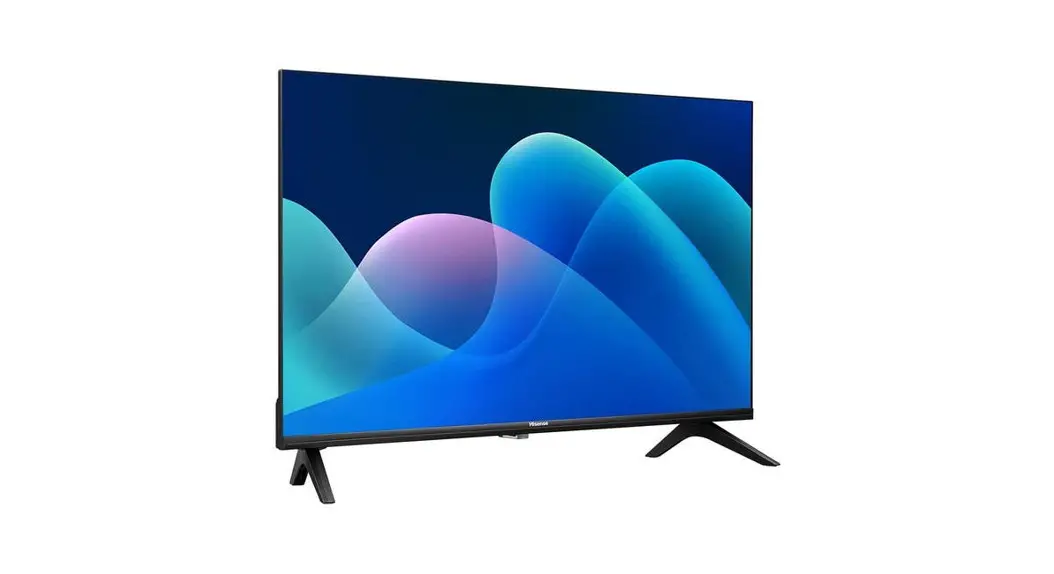
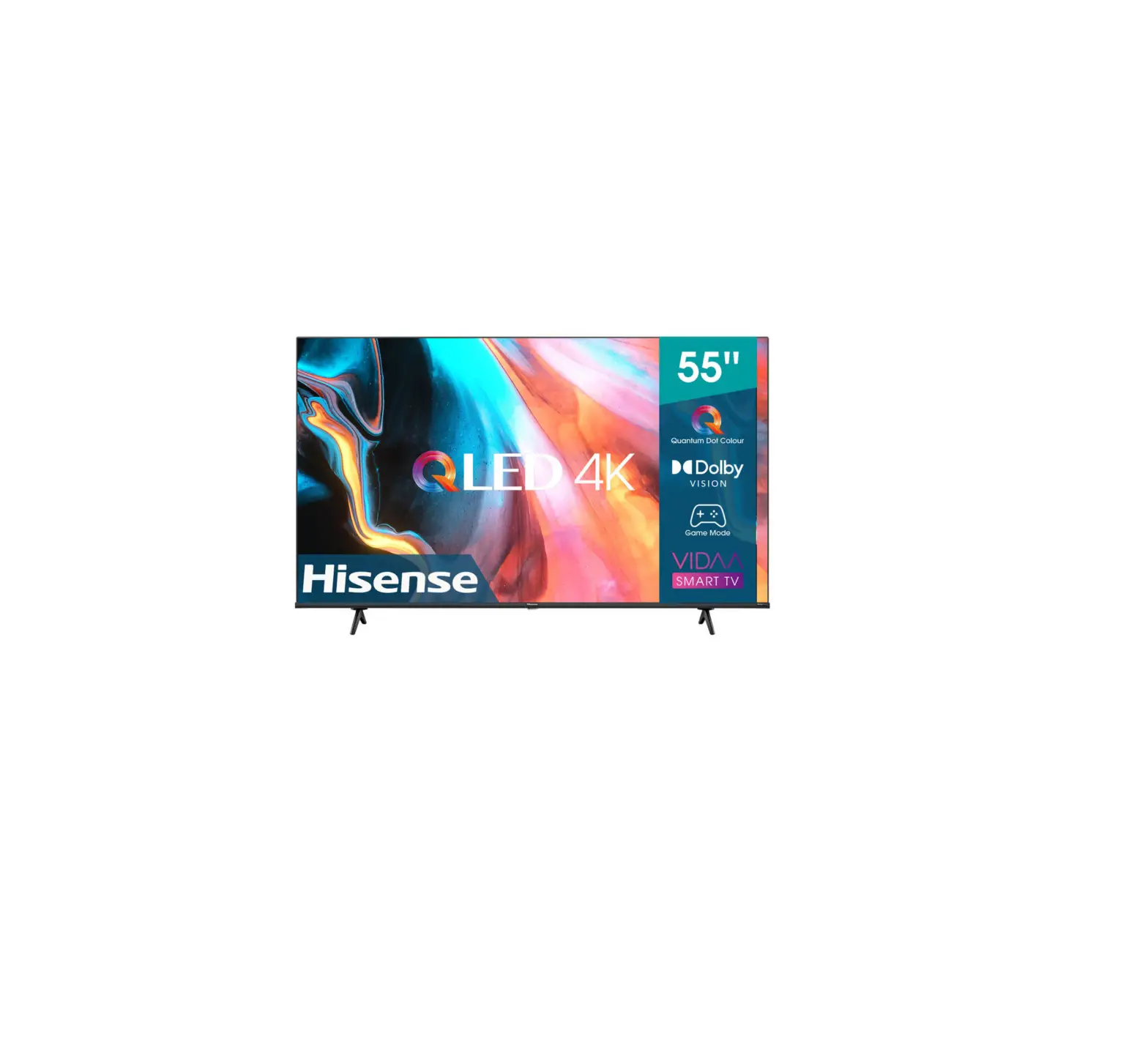
A4K Series 43 Inch UHD 4K TV
Product Information
This is a TV manufactured by an unspecified company. It is
equipped with ventilation slots and openings in the cabinet to
ensure reliable operation and prevent overheating. The ventilation
openings should not be covered, and the TV should not be placed in
a confined space without proper ventilation. It is recommended to
leave a minimum 10cm gap all around the unit, and the rear of the
TV should be at least 6cm away from the wall.
The TV should only be operated from the type of power source
indicated on the marking label. If unsure about the power supplied
to your home, consult your appliance dealer or local power
company.
Power supply cords should be routed in a way that they are not
likely to be walked on or pinched by items placed upon or against
them. Pay attention to cords at the plug, wall outlets, and the
point where they exit from the TV. The main plug on the power cord
is used as the disconnect device, so it should be easily accessible
along with the socket outlet.
To protect the TV during a lightning storm or when it is left
unattended for long periods, it is advised to unplug it from the
wall outlet and disconnect the antenna or cable system. This will
prevent damage from lightning or power-line surge.
An outside antenna system should not be located near overhead
power lines or other electric light or power circuits to avoid
contact or falling into them. Extreme care should be taken during
installation to prevent touching such power lines or circuits as
contact with them can be fatal.
Do not overload wall outlets and extension cords as it can
result in a risk of fire or electric shock. Never push objects into
the TV through openings, as they may touch dangerous voltage points
or short-out parts that could cause fire or electric shock.
Additionally, avoid spilling any kind of liquid on or into the
TV.
If an outside antenna or cable system is connected to the TV, it
is important to ground the antenna or cable system to provide
protection against voltage surges and built-up static charges.
It is advised not to attempt servicing the TV yourself, as
opening or removing covers may expose you to dangerous voltage or
other hazards. Refer all servicing to qualified service
personnel.
Unplug the TV from the wall outlet and refer servicing to
qualified service personnel under the following conditions: (a)
when the power supply cord or plug is damaged, (b) if liquid has
been spilled or objects have fallen into the TV, (c) if the TV has
been exposed to rain or water, (d) if the TV does not operate
normally following the operating instructions.
Note: Freeview Plus service is only available in Australia
territories.
Product Usage Instructions
1. Ensure proper ventilation by not covering the ventilation
openings and leaving a minimum 10cm gap all around the unit. The
rear of the TV should be at least 6cm away from the wall.
2. Use the TV only with the indicated power source mentioned on
the marking label. If unsure, consult your appliance dealer or
local power company.
3. Route power supply cords in a way that they are not likely to
be walked on or pinched. Pay attention to cords at the plug, wall
outlets, and where they exit from the TV. Ensure easy accessibility
to the main plug on the power cord.
4. During lightning storms or extended periods of non-use,
unplug the TV from the wall outlet and disconnect the antenna or
cable system to prevent damage from lightning or power-line
surge.
5. Avoid locating outside antenna systems near overhead power
lines or other electric light or power circuits to prevent contact
or falling into them.
6. Do not overload wall outlets and extension cords to avoid the
risk of fire or electric shock.
7. Never push objects into the TV through openings and avoid
spilling any kind of liquid on or into the TV.
8. If an outside antenna or cable system is connected to the TV,
ensure it is properly grounded for protection against voltage
surges and static charges.
9. For servicing or repairs, always refer to qualified service
personnel. Do not attempt to service the TV yourself as it may
expose you to dangerous voltage or other hazards.
10. Unplug the TV and refer servicing to qualified service
personnel if the power supply cord or plug is damaged, if liquid
has been spilled or objects have fallen into the TV, if the TV has
been exposed to rain or water, or if it does not operate normally
following the operating instructions.
the manufacturer or salesperson.
7. Ventilation Slots and openings in the cabinet are provided for ventilation, to ensure reliable operation of the TV and to protect it from overheating. Do not cover the ventilation openings in the cabinet and never place the set in a confined space such as builtin cabinet unless proper ventilation is provided. Leave a minimum 10cm gap all around the unit, the rear of the TV should be 6cm away from the wall.
8. Power Source This TV should be operated only from the type of power source indicated on the marking label. If you are not sure of the type of power supplied to your home, consult your appliance dealer or local power company.
9. Power-Cord Protection Power- supply cords should be routed so that they are not likely to be walked on or pinched by items placed upon or against them, paying particular attention to cords at plug, wall outlets, and the point where they exit from the TV. MAIN plug on the power cord is used as the disconnect device, the disconnect device and socketoutlet shall be easily accessible.
10. Lightning For added protection for this TV during a lightning storm, or when it is left unattended and unused for long periods of time, unplug it from the wall outlet and disconnect the antenna or cable system. This will prevent damage to the TV due to lightning or power-line surge.
11. Power Lines An outside antenna system should not be located in the vicinity of overhead power lines or other electric light or power
circuits, or where it can fall into such power lines or circuits. Where installing an outside antenna system, extreme care should be taken to keep from touching such power lines or circuits as contact with them might be fatal.
12. Overloading Do not overload wall outlets and extension cords as this can result in a risk of fire or electric shock.
13. Object and Liquid Entry Never push objects of any kind into this TV through openings as they may touch dangerous voltage points or short-out parts that could result in fire or electric shock. Never spill liquid of any kind on or into the TV.
14. Outdoor Antenna Grounding If an outside antenna or cable system is connected to the TV, be sure the antenna or cable system is grounded so as to provide some protection against voltage surges and built-up static charges.
15. Servicing Do not attempt to service this TV yourself as opening or removing covers may expose you to dangerous voltage or other hazards. Refer all servicing to qualified service personnel.
16. Damage Requiring Service Unplug the TV from the wall outlet and refer servicing to qualified service personnel under the following conditions: (a) When the power – supply cord or plug
is damaged. (b) If liquid has been spilled, or objects
have fallen into the TV. (c) If the TV has been exposed to rain or
water. (d) If the TV does not operate normally by
following the operating instructions.
C
What is Freeview Plus? Freeview Plus is a new television service delivered via broadband providing a state of the art Electronic Program Guide (EPG) and seamless access to catch-up TV across the free-to-air networks with the simple press of a button. How does it work? First ensure the TV is connected to internet and an antenna system. Then when you’re watching TV, you’ll briefly see a prompt at the top left of the screen. Press the `Green’ button on your remote to launch Freeview Plus. More information about Freeview Plus can be found on http://www.freeview.com.au/
NOTE Freeview Plus service only available in Australia territories.
9
 Home | Freeview Australia | Free-to-air TV guide, On Demand guide and more