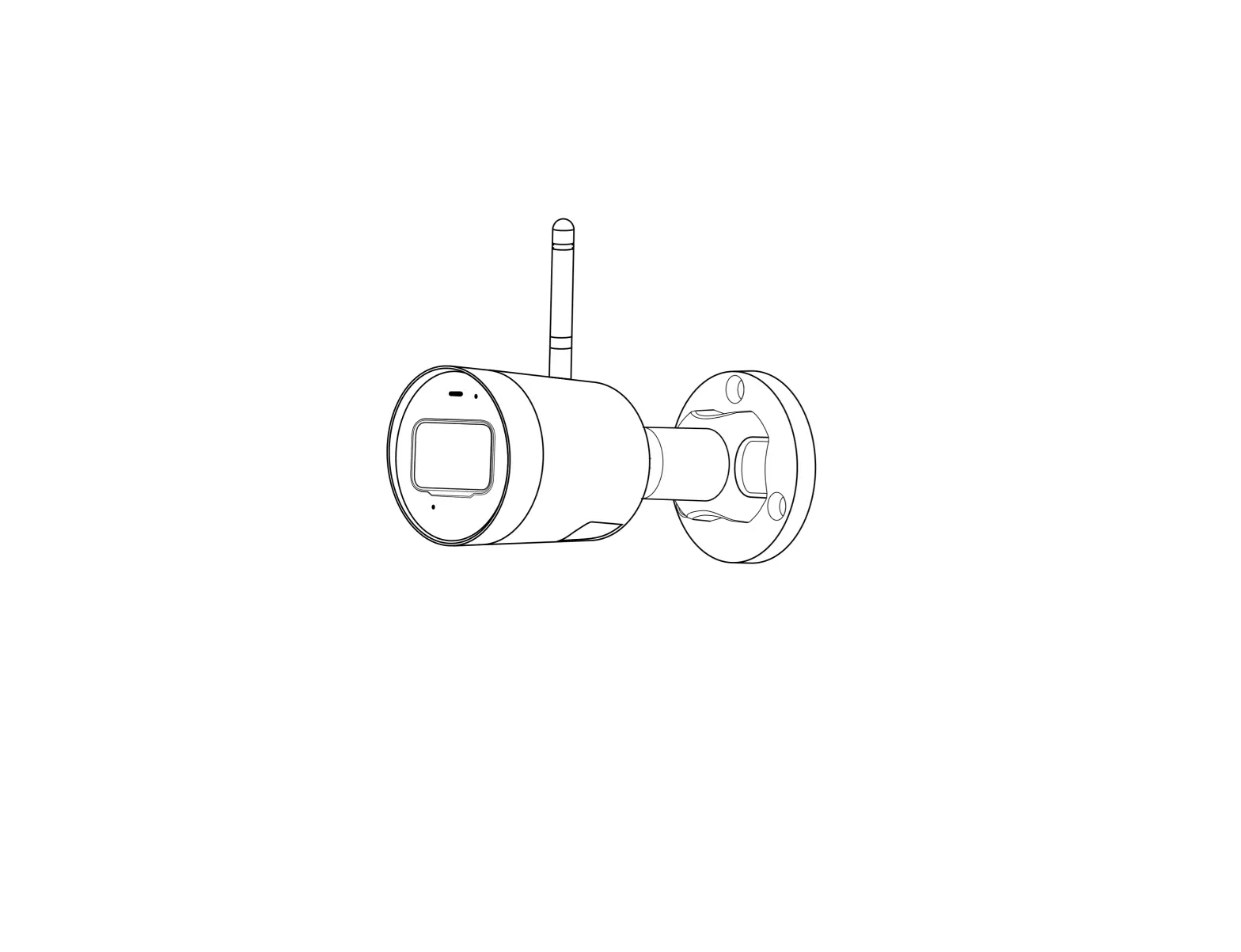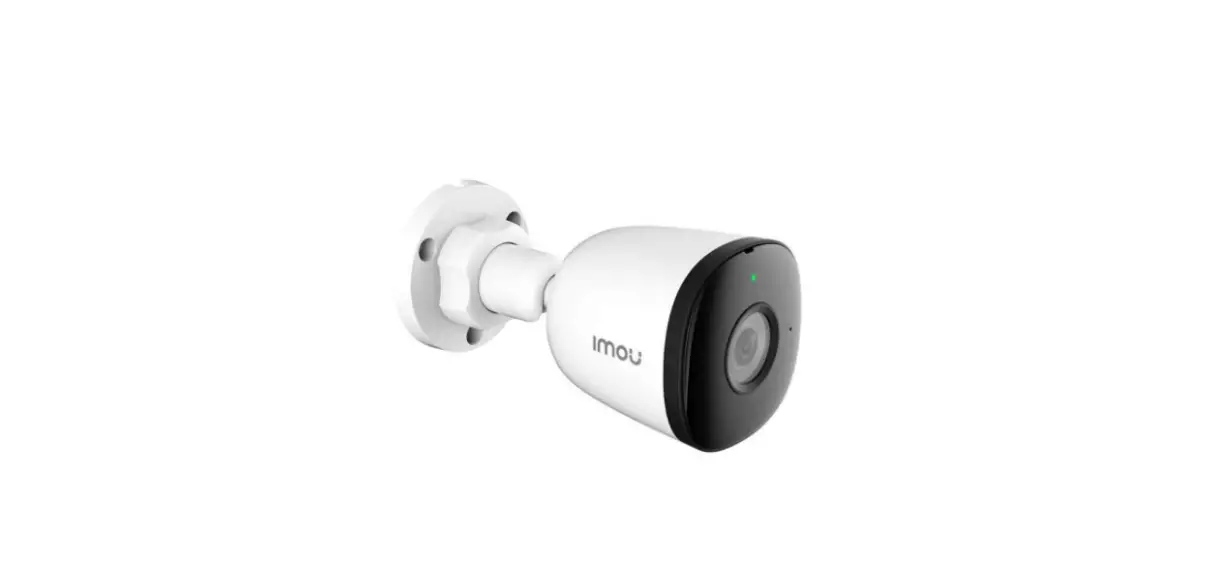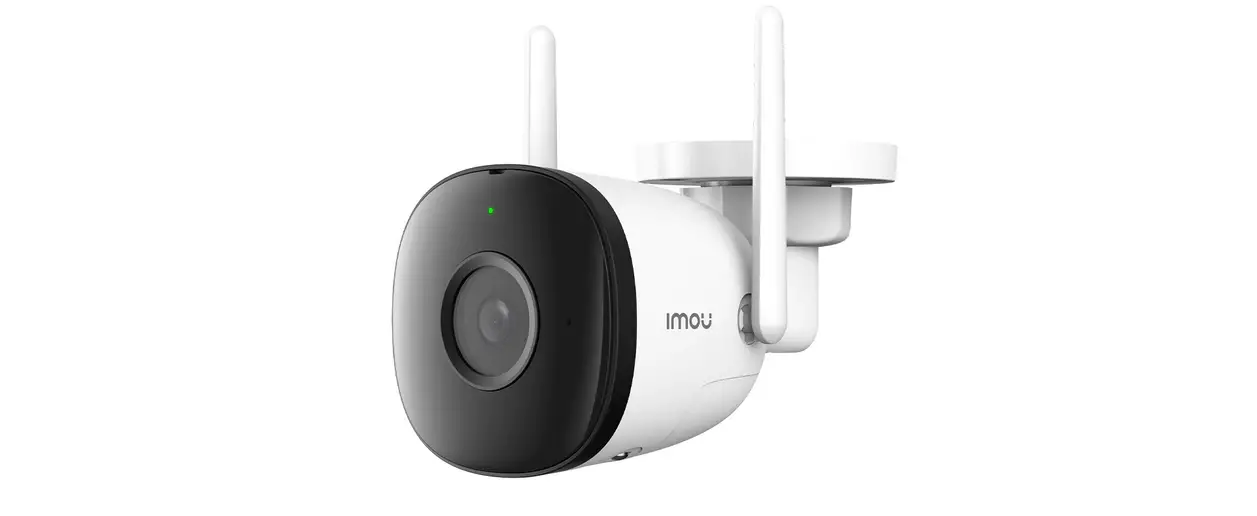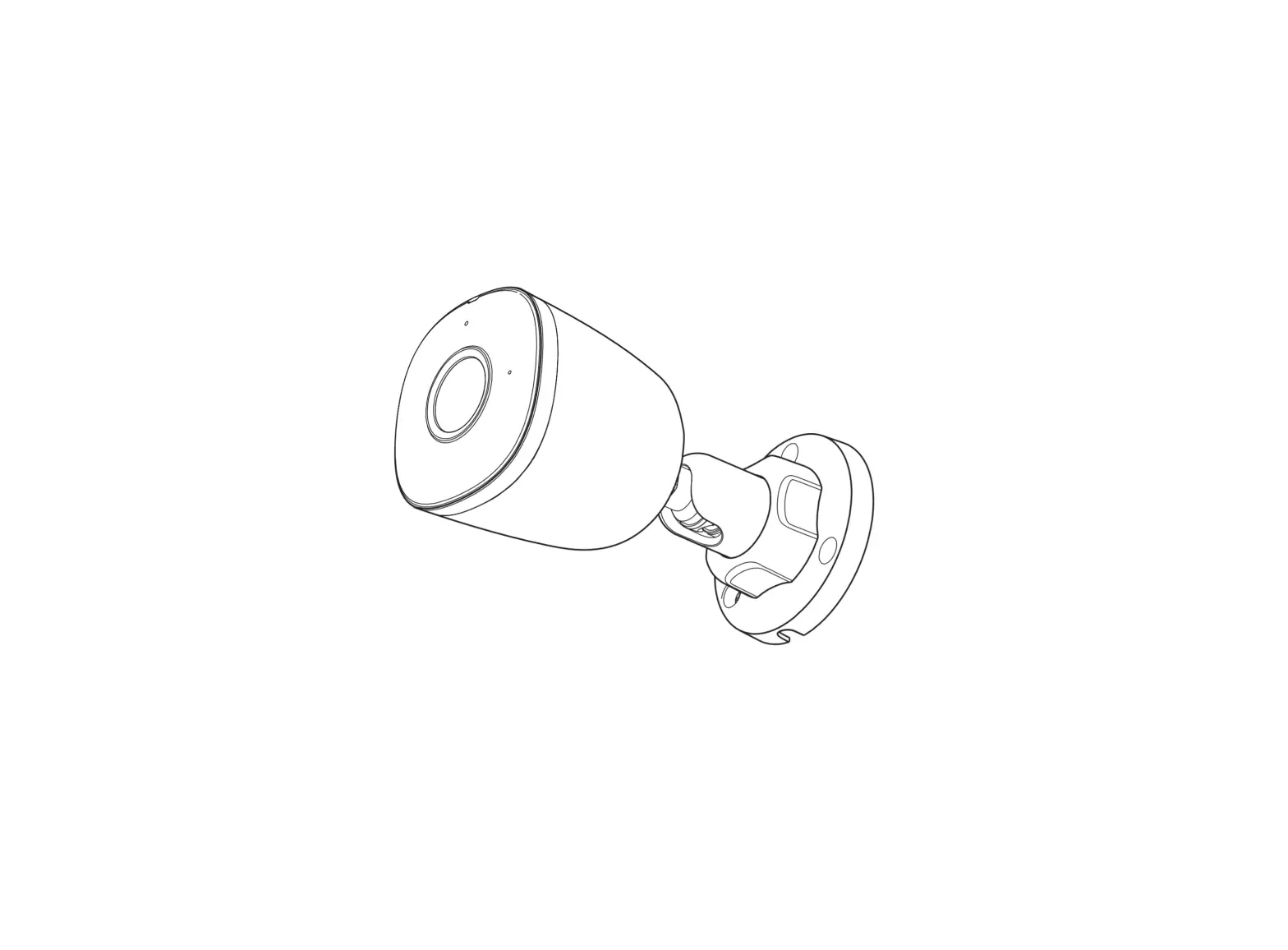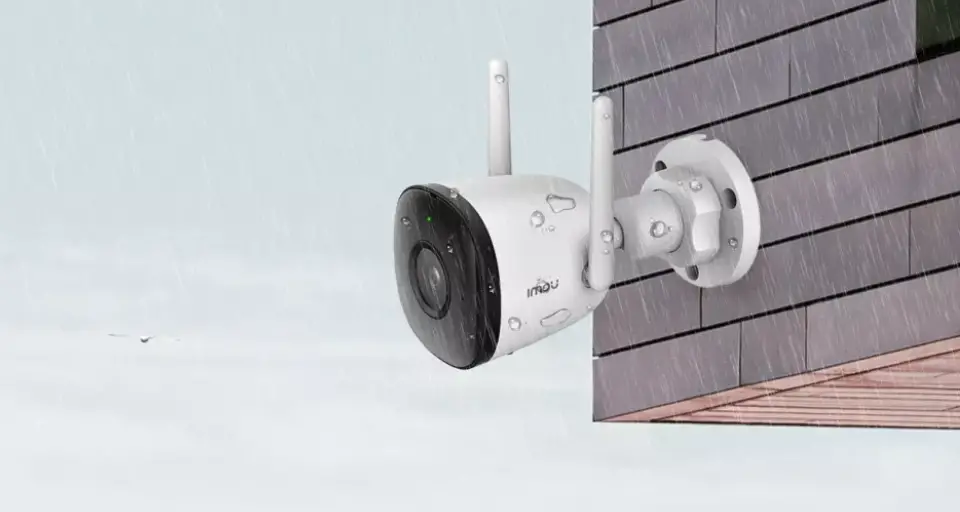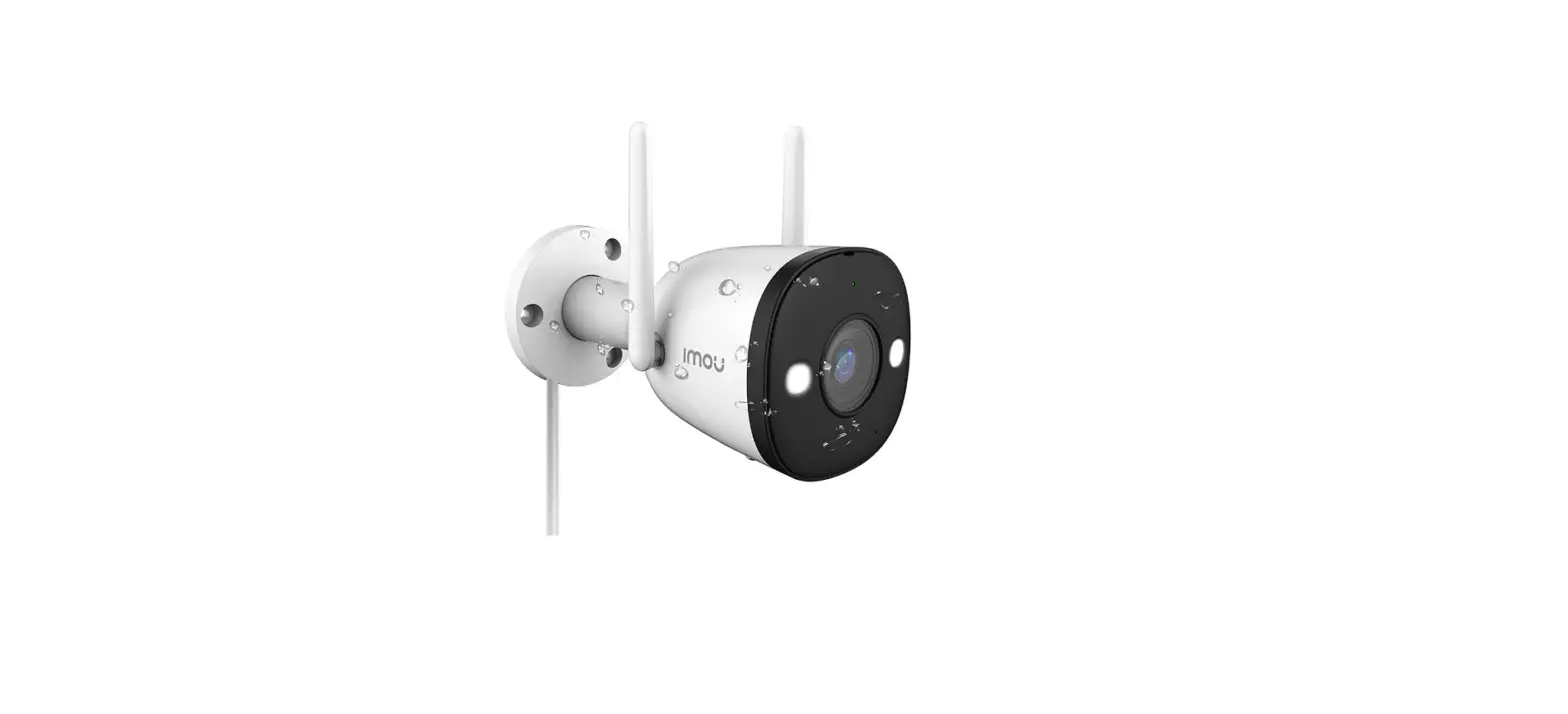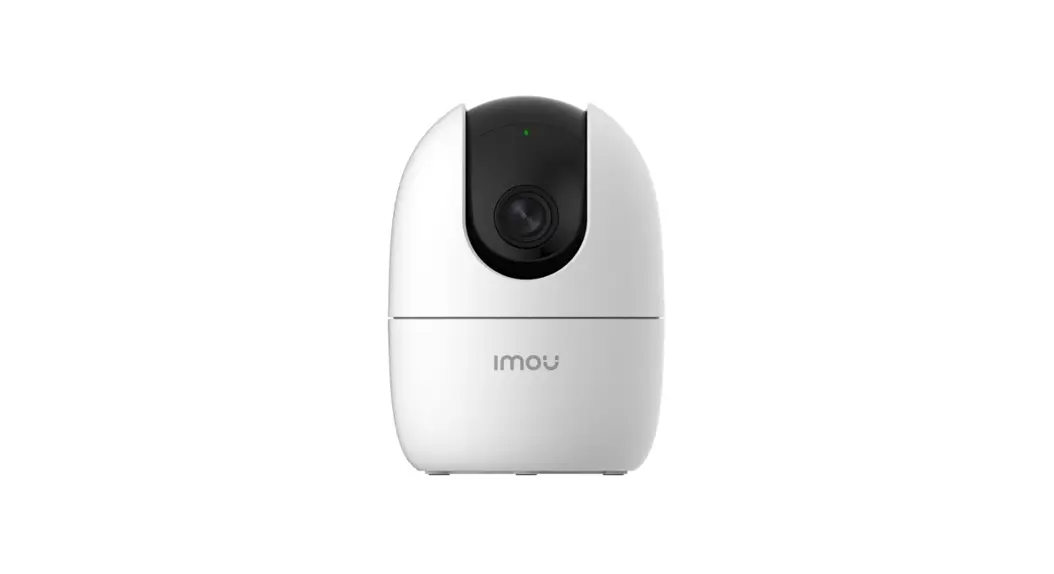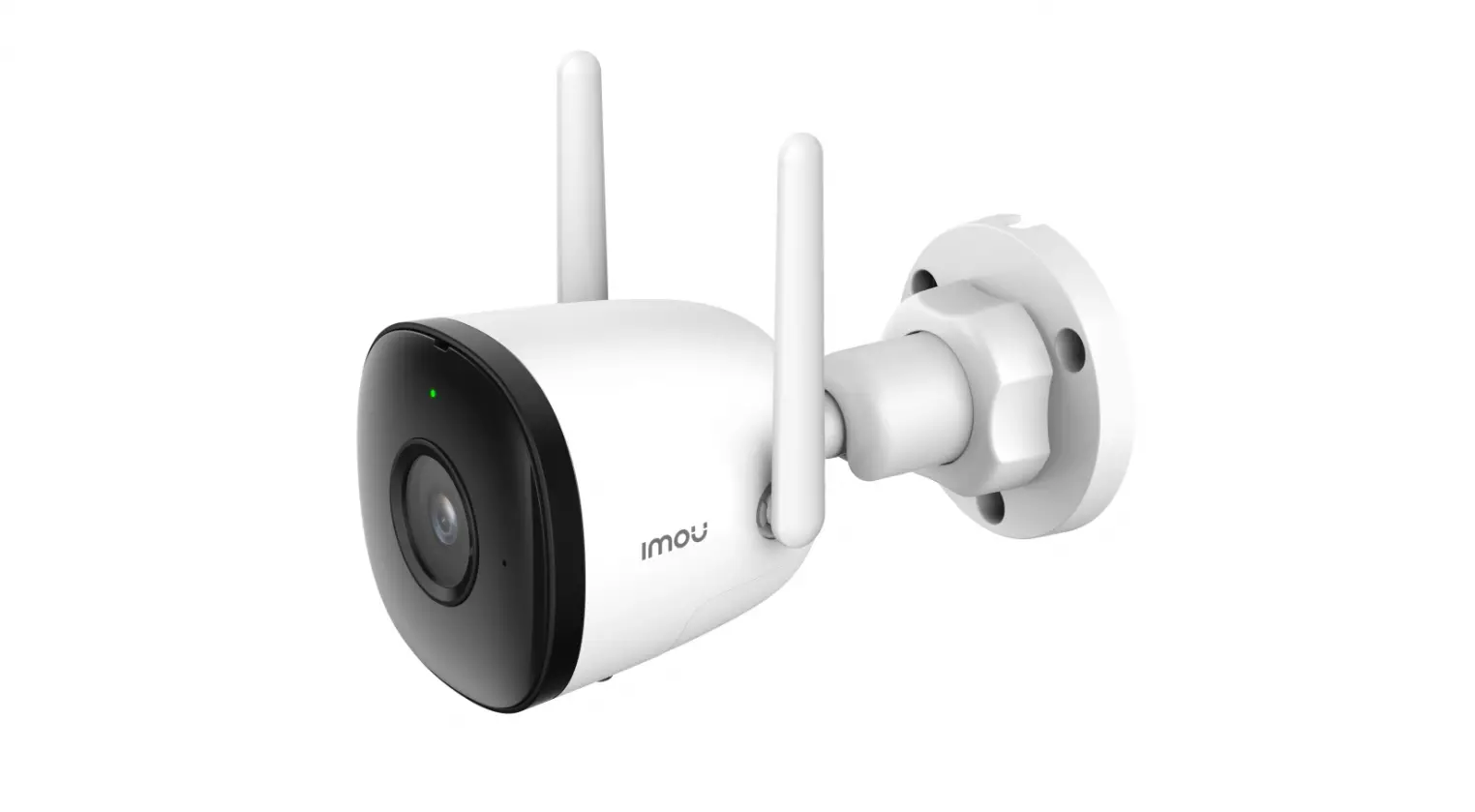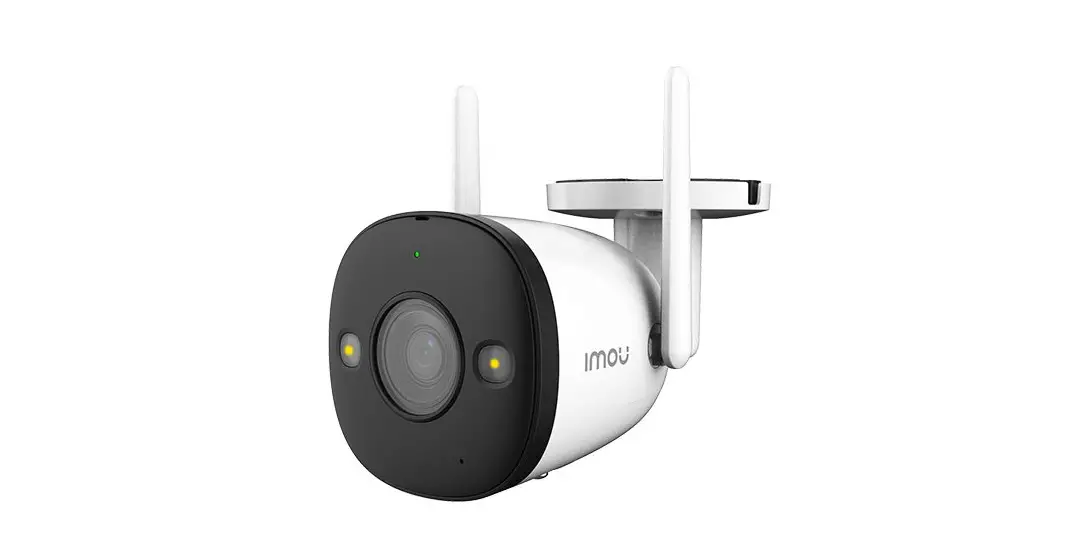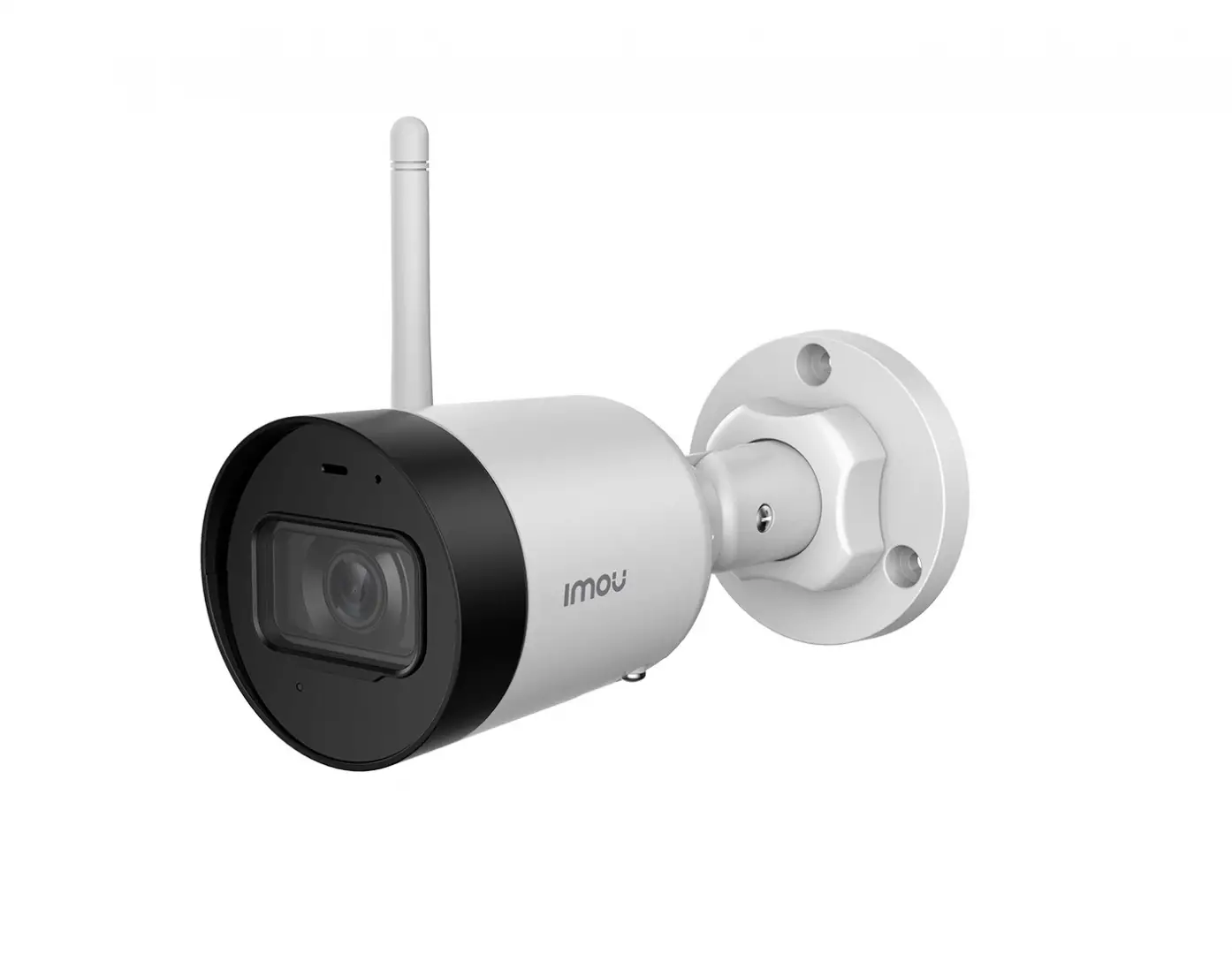
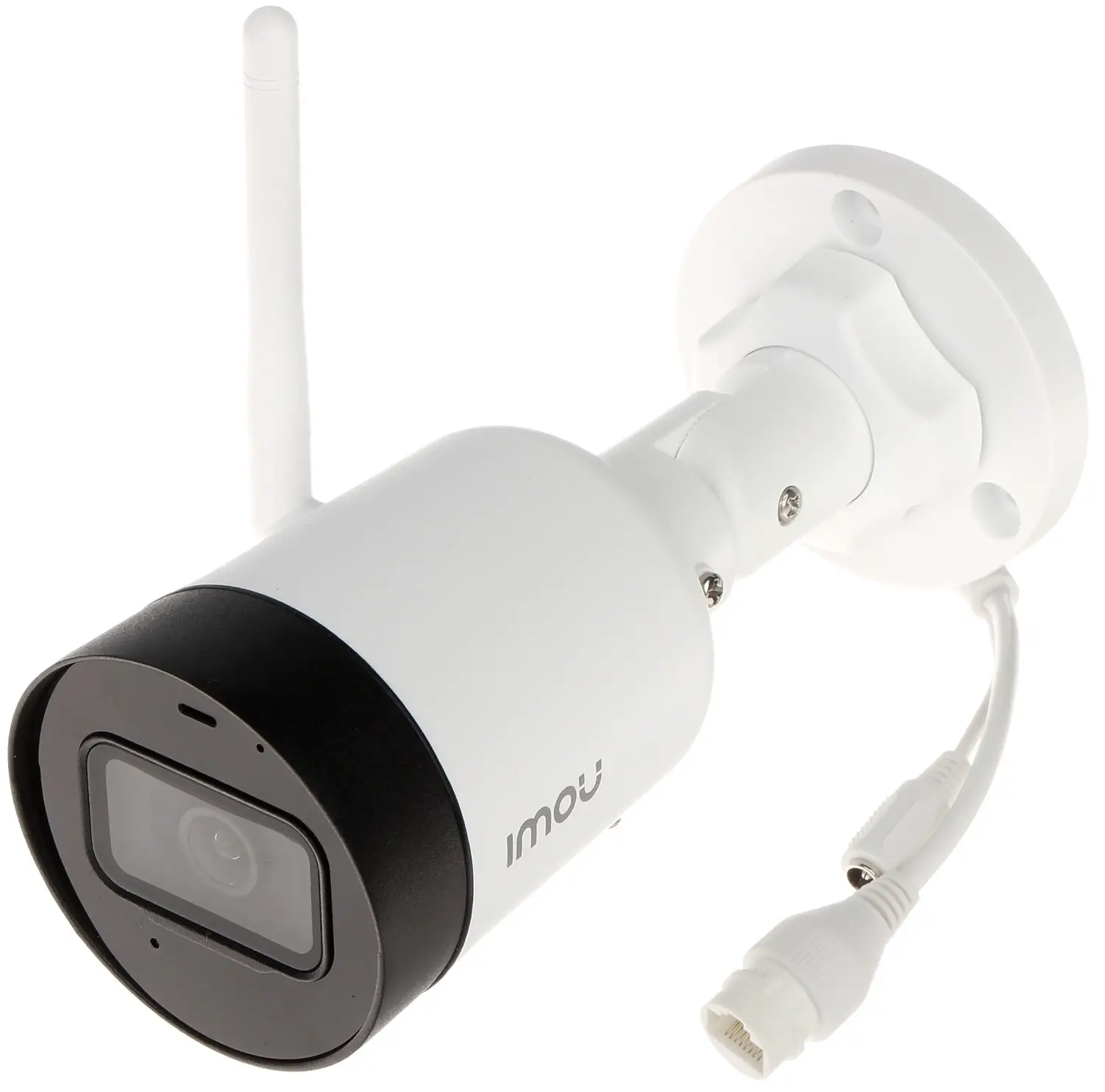
imou IPC-G22 Bullet LTE Camera
Packing List
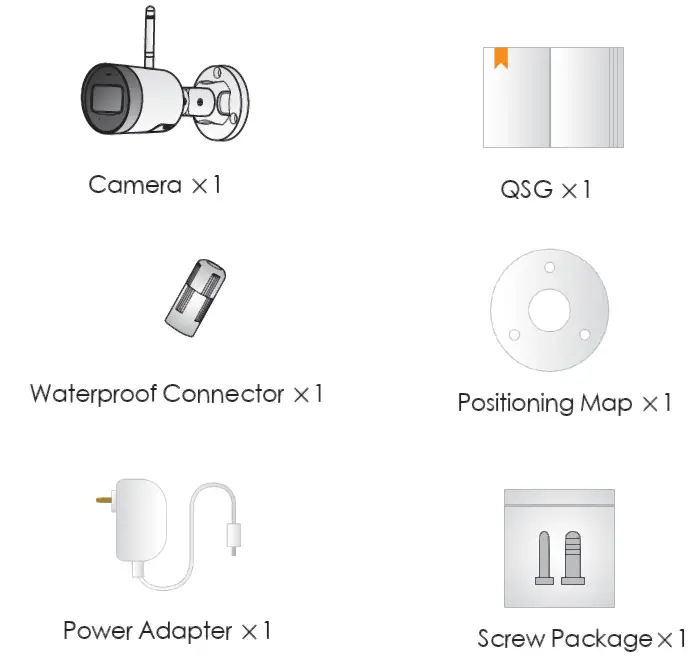
- Camera ×1
- QSG ×1
- Waterproof Connector ×1
- Positioning Map ×1
- Power Adapter ×1
- Screw Package×1
Camera Introduction
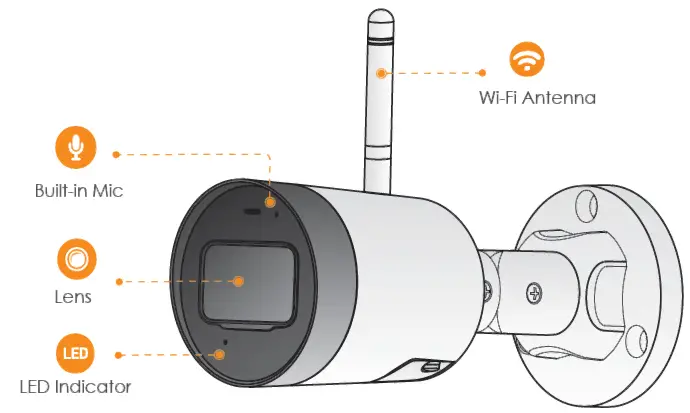
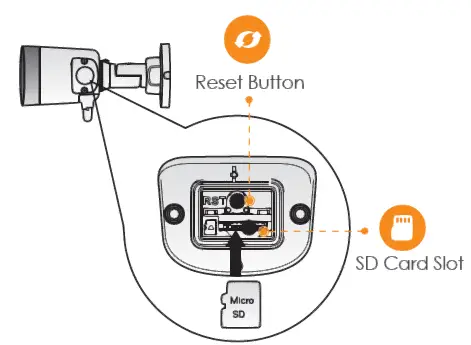
Note: Press and hold the reset button for 10 s to reset the camera. The pattern of the LED indicator is included in the following table.
| LED Indicator Status | |
| Off | Powered off/LED turned off Rebooting after reset |
| Red light on | Booting Device malfunction |
| Green light flashing | Waiting for network |
| Green light on | Operating properly |
| Red light flashing | Network connection failed |
| Green and Red light flashing alternately | Firmware updating |
Operating With Imou App
Step 1
Scan the following QR code or search “Imou” in Google Play or App Store to download and install Imou App. Step 2
Run Imou App, and then register an account for first use.
Step 3
Connect the camera to power source with the power adapter.