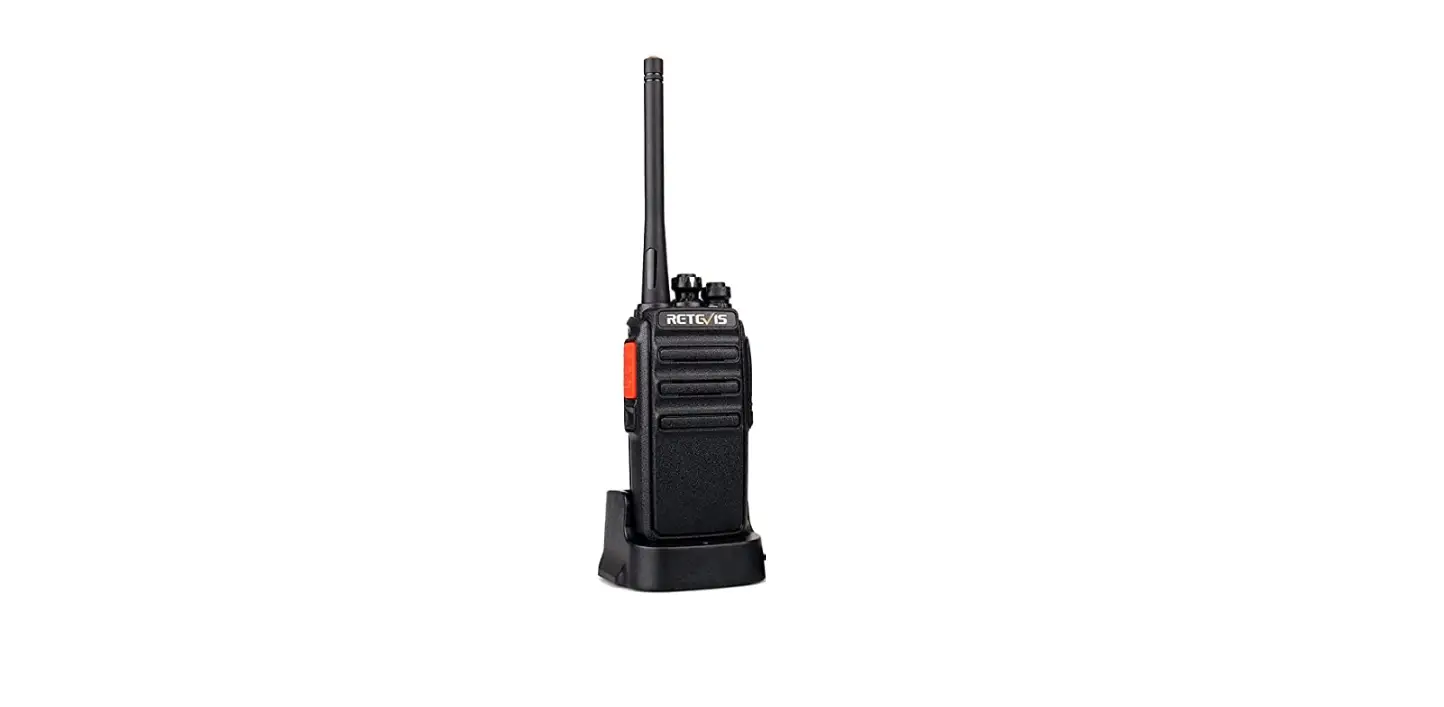
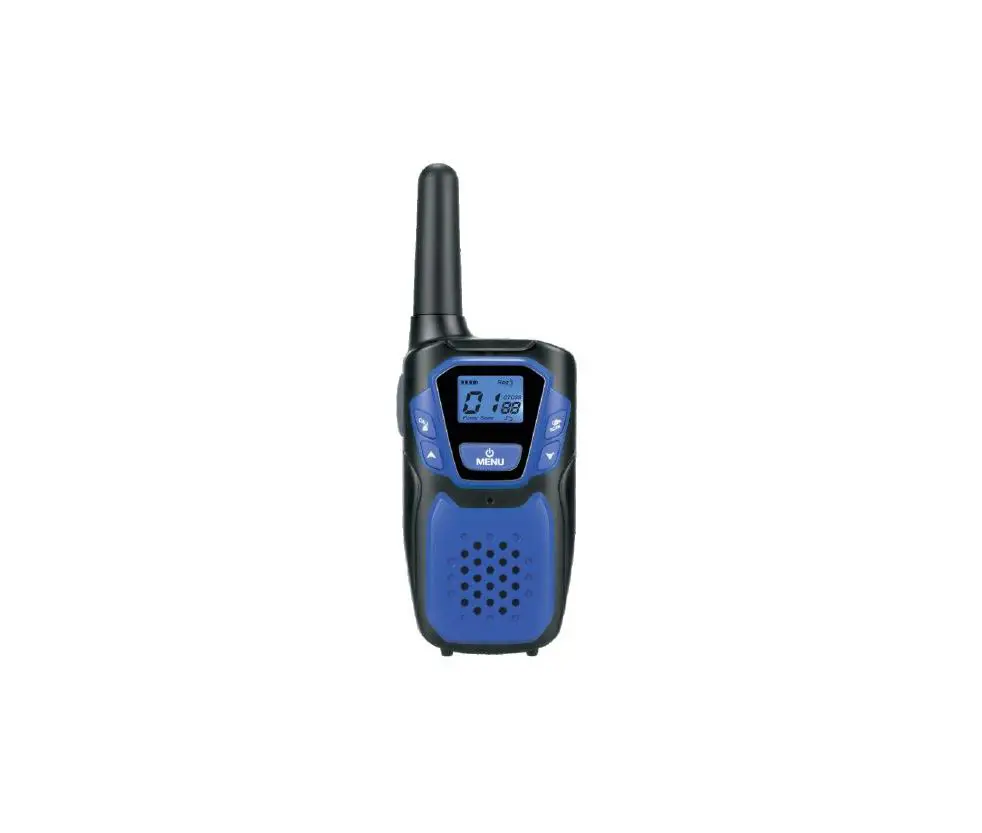
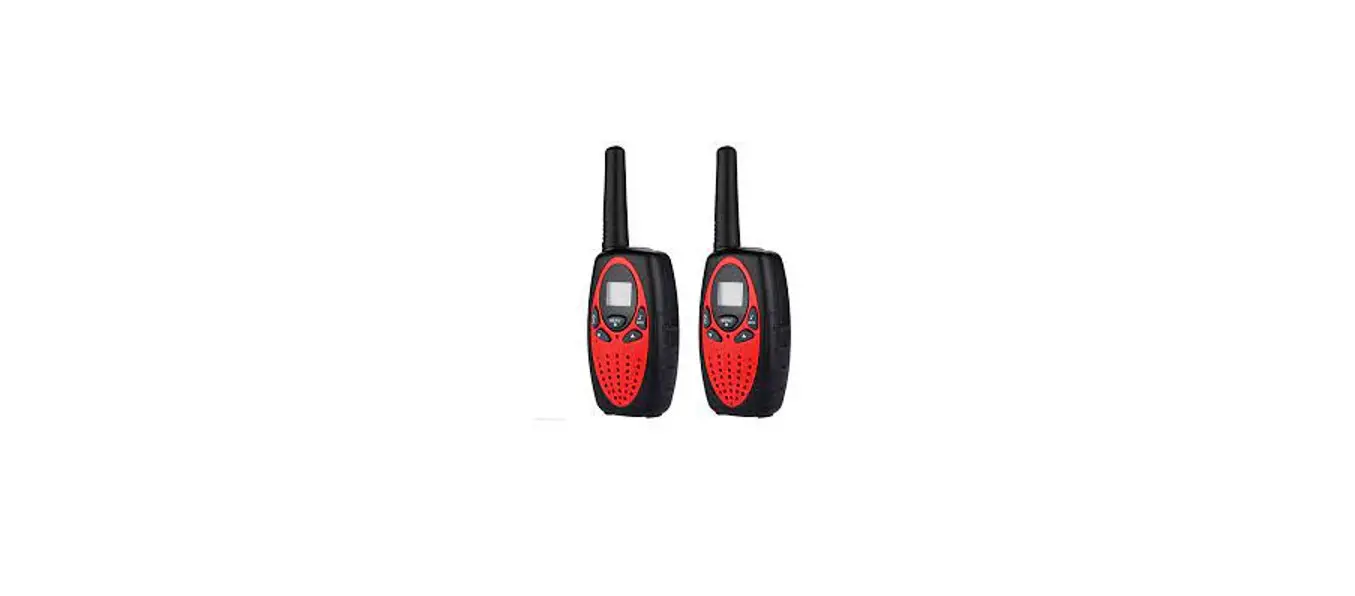
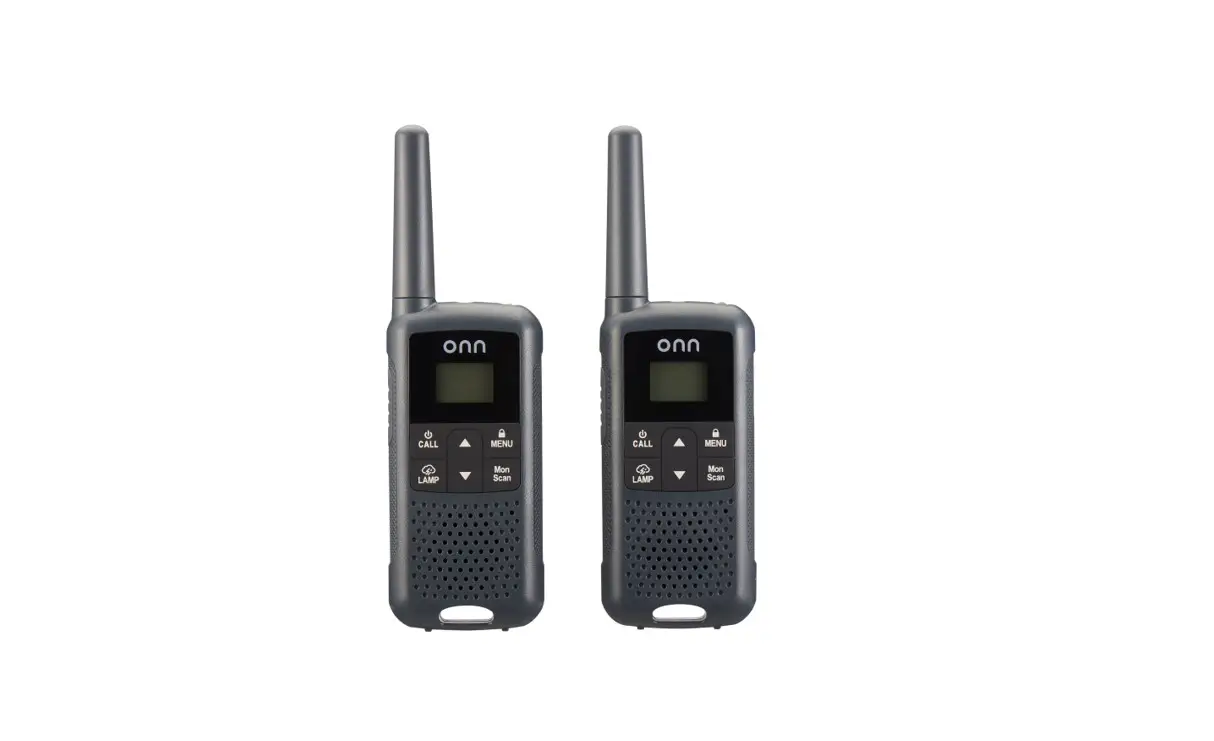
PD660 Digital Wireless Long Distance Walkie Talkies Radio
Product Information
The Inrico Technologies Digital Radio is a professional-grade
two-way radio that provides innovation-rich communication. The
product is designed and manufactured by INRICO TECHNOLOGIES CO.,
LTD. The radio is equipped with a lithium battery and comes with a
power adaptor, desktop charger, antenna, belt clip, hand strip, and
a user manual. The device is not to be used or charged in hazardous
areas such as gas, dust, or steam. The user must avoid
disassembling the radio and making any changes or modifications to
the device that are not expressly approved by Inrico. Reparation of
the device should only be done by professional technicians.
Product Usage Instructions
Before using the Inrico Technologies Digital Radio, please read
the operating safety instructions carefully. The battery should be
fully charged before initial use and should not be charged for an
extended period of time. If the battery is found not fully charged
within the specified time, stop charging immediately. Do not put
batteries in microwave ovens or high-pressure containers. The user
should keep cracked and leaking batteries away from fire and avoid
using abnormal batteries. A dedicated charger should be used to
ensure safety.
To start using the device, please follow the below
instructions:
- Unpack the device and all accessories carefully to ensure that
all items are received with the package. - Make sure that the battery is fully charged before initial
use. - Turn off the device while refueling or parking at a gas
station. - Avoid prolonged time in the sun or placing the device near a
heating appliance. - Avoid excessive exposure to extreme dusty, damp, and splashing
places or leave it on an unstable surface.
The user must preserve battery life by switching off the device
and removing the batteries when it’s not being used or is not
expected to be used for extended periods of time. Proper battery
storage should be practiced by keeping the batteries in a cool, dry
place at normal room temperature.
Innovation Rich Communications
Digital Radio
Professional In High Quality Two Way Radios INRICO TECHNOLOGIES CO., LTD. www.inricosolutions.com
A1703, Shenzhen National Engineering Laboratory Building, Shenzhen. P.R.C
1%
USER GUIDE
Please read this instruction book carefully before using and keep this with care.
www.inricosolutions.com
Notes Before Using
Please read the following content carefully. It is very important for radio users to gain general knowledge and risks.
Do not use the device or charging the battery in any hazardous areas such as gas, dust, steam, etc.
Please turn off the device while refueling or parking at the gas station.
Do not disassemble your radio. Avoid prolonged time in the sun or placing it near heating appliance. Avoid excessive exposure to the extreme dusty, damp and splashing place, or leave it on unstable surface. Changes or modifications made to this device, not expressly approved by Inrico, could void the user’s authority to operate this equipment. Reparation by professional technicians, do not disassemble by yourself.
This manual is for reference only and does not constitute any form of commitment. Detailed information is in accord with the final product.
Contents
Unpacking and Device Checking……………………………. 01 Operating Safety Instruction…………………………………..02 BatterySafetyInstruction……………………………………… 03
Fully Charge Battery Before Initial Use…………………… 03 Properly Store Batteries………………………………………. 03 Features of Lithium Battery………………………………….. 03 Clean and Maintenance……………………………………….03 Radio Structure Drawing………………………………………. 04 Function Sheet……………………………………………………. 06 Accessories Installation……………………………………….. 07 Assemble the Battery…………………………………………. 07 Remove the Battery……………………………………………. 07 Assemble the Antenna……………………………………….. 08 Assemble the Belt Clip…………………………………………09 Assemble headphones/speakers………………………….. 10 Charge via Desktop Charger………………………………… 11 Overview……………………………………………………………. 12 Basic Functions…………………………………………………… 12 Power on/Power off…………………………………………… 12 Adjust volume………………………………………………….. 12 Choose Channel……………………………………………….. 13 Voice Broadcast……………………………………………….. 13 PPT Transmit……………………………………………………. 13 User-defined Side Button…………………………………… 13 Digital/Analog Communication……………………………. 13 Encryption Function………………………………………….. 13 Simple Troubleshooting……………………………………….. 14 TechnicalParameters………………………………………….. 14 Technical Specifications………………………………………. 16
Unpacking and Device Checking
Please unpack and take out the device and all accessories carefully, and make sure all items listed below have been received before throwing away the box. If any items are lost or damaged in transit, please contact with our distributors.
Accessories Items
Walkie-talkie Lithium Battery Power Adaptor Desktop Charger
Antenna Belt Clip Hand Strip User Manual
Number 1 1 1 1 1 1 1 1
Operating Safety Instruction
Please read the following notice carefully. It is very important for device users to gain general knowledge and risks.
Do not charge the battery for an extended period of time Please stop charging if the battery is found not full charged within the specified time. The battery may overheat and burst with smoke or on fire.
Do not put batteries in microwave ovens and high pressure containers The battery may overheat and burst with smoke or on fire.
Please keep cracked and leaking batteries away from fire If the battery leaks or emits a pungent odor, move it away from flammable areas immediately. The electrolyte leaking from the battery is prone to fire, which may cause the battery to smoke or burst into flames.
Do not use abnormal battery Please remove the battery from charger or device and stop use if the battery smell, discolor, or behaves abnormally for any reason.
Please use a dedicated charger The charger is specially designed for this type of equipment, which is more scientific, reasonable, safe and reliable.
%DWWHUb6DIHWb,QVWUXFWLRQ
Fully Charge Battery Before Initial Use a. Do preserve battery life by switching off a device and removing the batteries when it’s not being used, and is not expected to be used for extended periods of time. b. Do practice proper battery storage by keeping batteries in a cool, dry place at normal room temperature.
Properly Store Batteries Remove the battery from the device. Charge and discharge the battery to 40%-65% if it will
not be used for 10 days or more. This can greatly extend the battery life.
The battery should drop below 65% when it is idle for more than 10 days to prevent it from swelling.
Store the battery in cool and dry environment that’s less than 25.
Features of Lithium Battery Battery capacity will reduce after multiple charging
cycles. The battery capacity drops gradually even without being
used. Longer charging time is required in shady place. Charging and storing Lithium battery in warm condition
will short its lifespan. Please do not leave them inside the vehicle or near the heater.
If the battery working time has reduced significantly, please replace the battery immediately in avoidance of fluid leakage.
Clean and Maintenance Before cleaning and maintaining the device: please stop
running, turn off the device, and disconnect all connections with other equipment.
When you do not use the radio, please cover the accessories connector.
When cleaning the dust, please use soft brush and neutral detergent (no strong corrosive chemicals) to wipe it.
Please keep the equipment and accessories dry. Please do not use the microwave oven or hair dryer or other heating devices for dry them.
Radio Structure Drawing
1 Antenna 2 Status Indicator 3 Loud Speaker
7 PTT 8 Side Button1 9 Side Button2
4 Microphone
10 Microphone/ Loud Speaker Interface
5 Frequency Switch
11 Program Interface
6 Power Switch/Volume 12 Li-ion Battery Pack
Function Sheet
Button Name
Function
Frequency Switch
Rotate the knob to select channels 1 to 32.
Power Switch/ Volume
Turn it clockwise to turn on the power of the walkie-talkie, and turn it counterclockwise until a click sounds to turn off the power of the walkie-talkie; Rotate to adjust the volume of the sound.
PTT Button
Press the PTT button, the red indicator light will light up, then speak into the microphone; Release the PTT button to receive, the LED indicator will be green.
Side Button1
Short press and long press function of side key can be customized through program software.
Side Button2
Short press and long press function of side key can be customized through program software.
Accessories Installation
1.Assemble the Battery
The average usage time of the Li-ion battery pack is 8 hours. Average usage time is calculated base on 5% transmit time, 5% receive time and 90% standby time.
Attention Do not short-circuit battery terminals or dispose of
batteries in fire. Do not disassemble the cover of the battery pack
without authorization.
Align the four grooves of the battery pack with the corresponding guides on the back of the radio. Push the battery pack along the back of the radio until the release latch on the base of the radio locks.
3.Assemble the Antenna
Holding the antenna base, screw the antenna clockwise into the connector on the top of the radio until it is firmly screwed. Attention
Do not use the antenna as a handle, keychain or speaker/microphone hanger. Otherwise the antenna will be damage and the performance will be degraded.
Antenna
2.Remove the Battery
Pull down on the release latch and push the battery pack off the radio.
4.Assemble the Belt Clip
If necessary, use the two included 3x8mm screws to fasten the back clip.
Attention If the back clip is not assembled, its site will become
hot during continuous communication or when placed in a hot environment.
5.Assemble headphones/speakers
Insert the speaker/microphone into the speaker/microphone jack cover.
Attention The walkie-talkie is not fully waterproof when using the
speaker/microphone.
6.Charge via Desktop Charger
The desktop charger must be placed on a plane away from inflammable materials when charging. Align the intercom with the charging port, and put it down into the desktop charger port according to the instructions. The battery does not need to be removed from the intercom when charging.
Overview
Main Feature 32 Storage Channels Dual Mode Communication Mode:DMR/Analog Computer Program Function Transmit High and Low Power Selection Transmit Timeout Prompt Chinese and English Voice Prompts
Analog Communication: CTCSS(QTV (DQT) Functional Analog Communication : WIDNAR Digital Communication: Encryption Function Digital Communication: Single Call/Group Call
Basic Function
Power on Rotate the power switch/volume knob clockwise to power on the radio, and simultaneously hear the “Beep”, the unit will broadcast the current corresponding channel by voice.
Power off Rotate the power switch/volume knob counterclockwise until a click sounds, it will turn off and the indicator light will be off.
Adjust volume Turn the volume control knob clockwise to increase the volume; turn it counterclockwise to decrease the volume.
Choose Channel You can turn the knob to select the channel you want. A total of 16 channels are available for programming.
Voice Broadcast 1.This machine has a voice broadcast function, which is convenient for you to quickly know the current channel of the walkie-talkie you are using when operating at night or in the dark. This function can be realized by computer programming software 2.Program Software}Setting~->Choose Language English/Chinese
PTT Transmit 1.Hold the PTT button and speak in a normal tone. (Red light on when launching) 2.Release the PTT button and wait for reception when you finish speaking.
User-defined Side Button 1.Set the function of long press and short press in program software(Keys Setting)
Digital/Analog Communication 1.DMR and Analog modes are both optional. Set the corresponding communication mode through program software.
Encryption Function 1.This function is only valid in digital channels 2.Only in the same method and serial of encryption then the receive radio and the transmit radio can communicate successfully.
6LPSOH7URXEOHVKRRWLQJ
Situation Possible Reason and Solution
Fail to turn on
Incorrectly assemble of battery:remove and reassemble Run out of battery: charge or replace battery Poor connection because of dirty or damage battery Battery contact: Clean contact point or replace the battery
Shorten the standby time
Hot environment:battery lifespan is shorten because of high temperature, replace the battery Local operator:power consumption increases in areas with weak signal. Please temporarily turn off the intercom
Receiver light is on, but speaker is silent
Make sure the volume knob is set to maximum Speaker damage: replace speaker
The light is red, but there’s no
sound
The power module is damaged: replace the power module The microphone is damaged:replace the microphone
7HFKQLFDOb3DUDPHWHUV
Analog(CTCSS) 1 67.0 14 103.5 27 159.8 39 196.6 2 69.3 15 107.2 28 162.2 40 199.5 3 71.9 16 110.9 29 165.5 41 203.5 4 74.4 17 114.8 30 167.9 42 206.5 5 77.0 18 118.8 31 171.3 43 210.7 6 79.7 19 123.0 32 173.8 44 218.1 7 82.5 20 127.3 33 177.3 45 225.7 8 85.4 21 131.8 34 179.9 46 229.1 9 88.5 22 136.5 35 183.5 47 233.6 10 91.5 23 141.3 36 186.2 48 241.8 11 94.8 24 146.2 37 189.9 49 250.3 12 97.4 25 151.4 38 192.8 50 254.1 13 100.0 26 156.7
Digital(D.C.S) 1 D023N 28 D155N 54 D315N 80 D503N 2 D025N 29 D156N 55 D325N 81 D506N 3 D026N 30 D162N 56 D331N 82 D516N 4 D031N 31 D165N 57 D332N 83 D523N 5 D032N 32 D172N 58 D343N 84 D526N 6 D036N 33 D174N 59 D346N 85 D532N 7 D043N 34 D205N 60 D351N 86 D546N 8 D047N 35 D212N 61 D356N 87 D565N 9 D051N 36 D223N 62 D364N 88 D606N 10 D053N 37 D225N 63 D365N 89 D612N 11 D054N 38 D226N 64 D371N 90 D624N 12 D065N 39 D243N 65 D411N 91 D627N 13 D071N 40 D244N 66 D412N 92 D631N 14 D072N 41 D245N 67 D413N 93 D632N 15 D073N 42 D246N 68 D423N 94 D645N 16 D074N 43 D251N 69 D431N 95 D654N 17 D114N 44 D252N 70 D432N 96 D662N 18 D115N 45 D255N 71 D445N 97 D664N 19 D116N 46 D261N 72 D446N 98 D703N 20 D122N 47 D263N 73 D452N 99 D712N 21 D125N 48 D265N 74 D454N 100 D723N 22 D131N 49 D266N 75 D455N 101 D731N 23 D132N 50 D271N 76 D462N 102 D732N 24 D134N 51 D274N 77 D464N 103 D734N 25 D143N 52 D306N 78 D465N 104 D743N 26 D145N 53 D311N 79 D466N 105 D754N 27 D152N
7HFKQLFDO6SHFLFDWLRQV
Basic Parameter
Frequency
UHF 400-480MHz
Channel Capacity
16*2 Channels
Channel Spacing Output power
12.5K 4W/1W
Antenna Impedance
50
Microphone Impedance
2.2K
Speaker Earphone Jack
16/1W Kenwood 2pin connector
Voltage Battery Capacity
DC7.4V±15%
1500mAh
Physical
Dimension (H*W*D)
125x60x37mm (Without Antenna & Belt clip)
Weight
230g
Working Temperature
-20°C ~ 55°C
Storage Temperature
-25°C ~ 70°C
Ingress Protection
IP55
CMIIT ID
2019FP13099
Radiating Portion
Modulation(Analog) Modulation(Digital) Frequency Stability
[email protected] 12.5KHz data7K60’% EBUB
12.5KHz Voice and data7K60’& WPJDFEBUB
±1.5PPM
Modulation Limiting
Transmitting SNR Audio Distortion
Audio Response
+1~-3dB
Conducted / Radiated Emission
36dBm@1GHz -30dBm@1GHz
Adjacent Channel Power 60dB
Digital Vocoder Type
AMBE+2TM
Digital Protocol
ETSI TS 102 361-1,-2,-3
Receiving Part
Sensitivity
Analog(12dB SINAD)0.20V/-121dBm Digital (BER 3%)0.25v/-119dBm
Intermodulation
60dB
Adjacent Channel Selectivity 60dB
Channel Inhibition
-8dB
Spurious Response Rejection 60dB
Blocking
85dB
Rated Audio Audio Response
1W +1~-3dB
Audio Distortion
3%
Received SNR
&t ZZZZZZZZ ZZZZZ dZZ&ZKZZZZZ ZZdZ ZZ EZdZZZZ ZZ&ZdZZZ ZZZd ZZZ ZZZZZ,ZZ ZZZ/Z ZZZZZ ZZZZZZZZ ZZZZ üZZZZ ü/Z üZZZZZZ Z üZZZdsZ Z&ZZZZ’K/Z dZZZZZZZZZZZ ZZZZZ ‘ ZZZZ&Z>Z hZZZZZ ZZZZZ K/Z dZZZZZdZ WdZdWddZdZWddZd ZZZZZ&Z ZZZZ ,ZZZZZZZZZ ZZZZZ< ZZZZ&ZZ ZZ tZZZZZZZZZ ZZhZZZZZ ZZZZZZ&Z hZZZ
ZhZZZZ &/Z&Z &ZZZZZZZZZ
 Inrico Two Way Radio Communication|Inrico