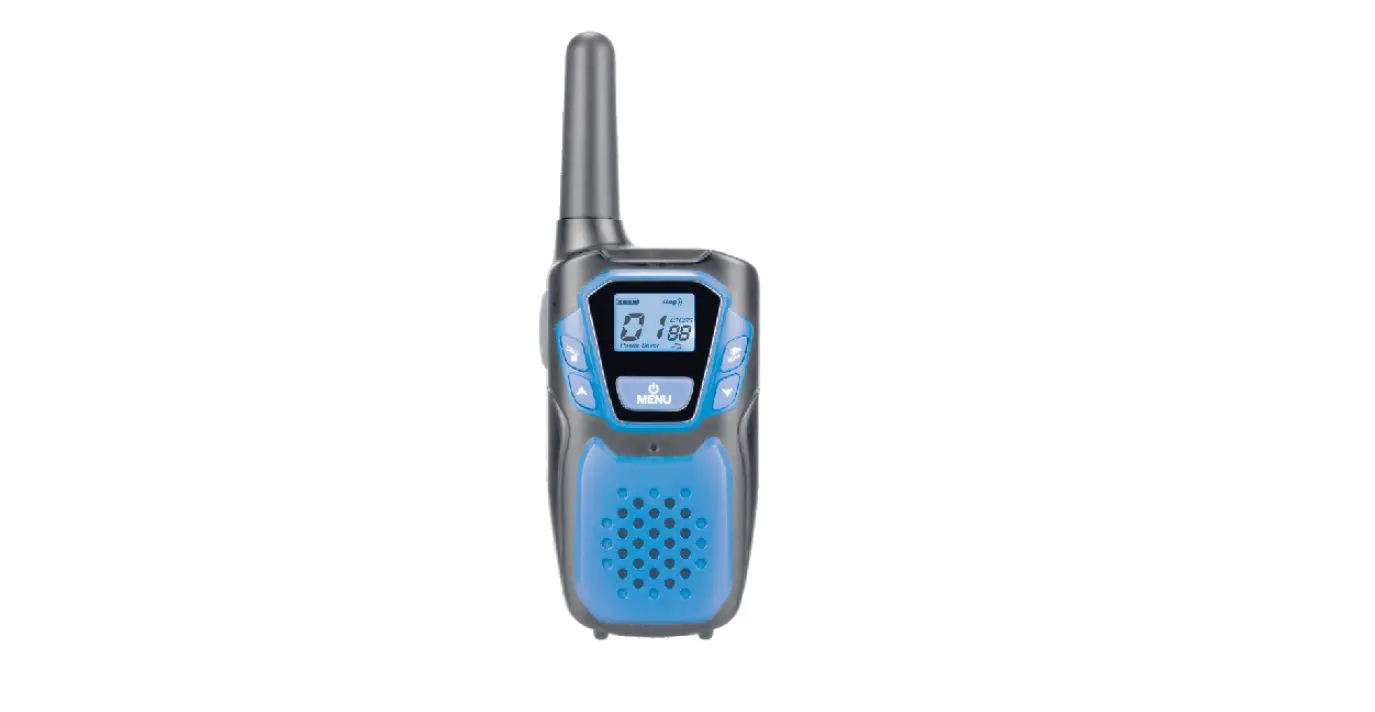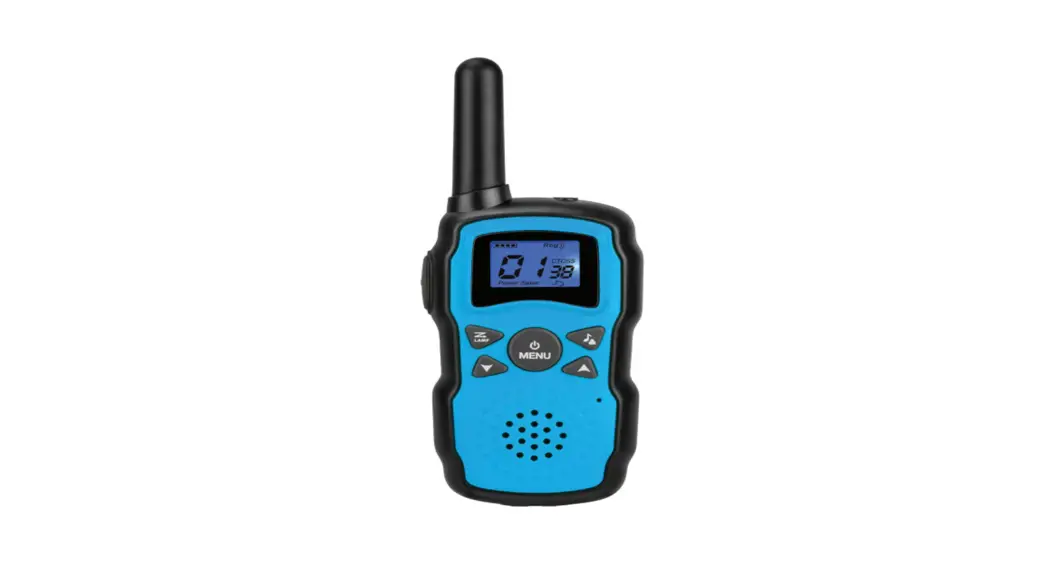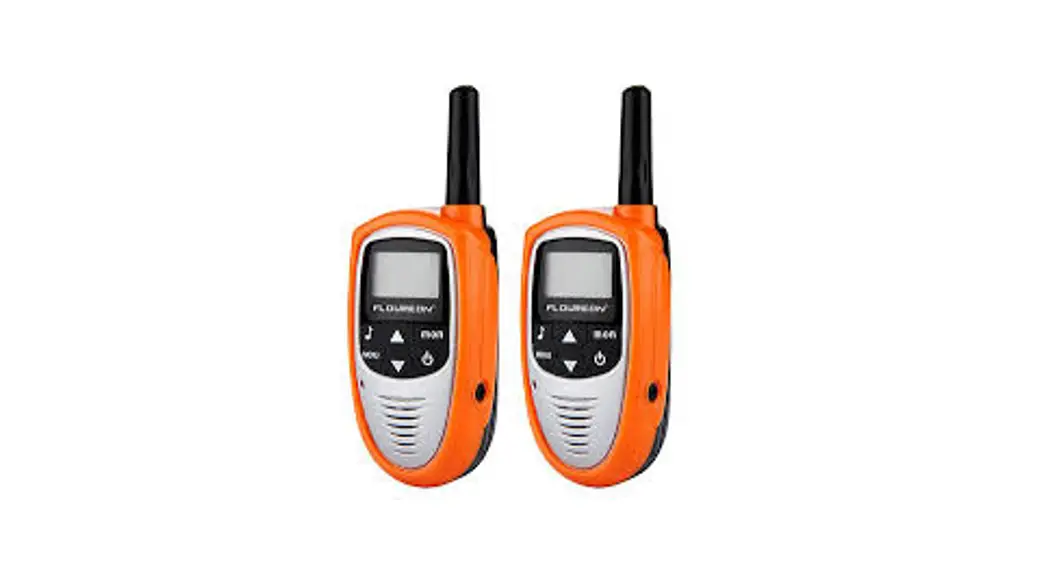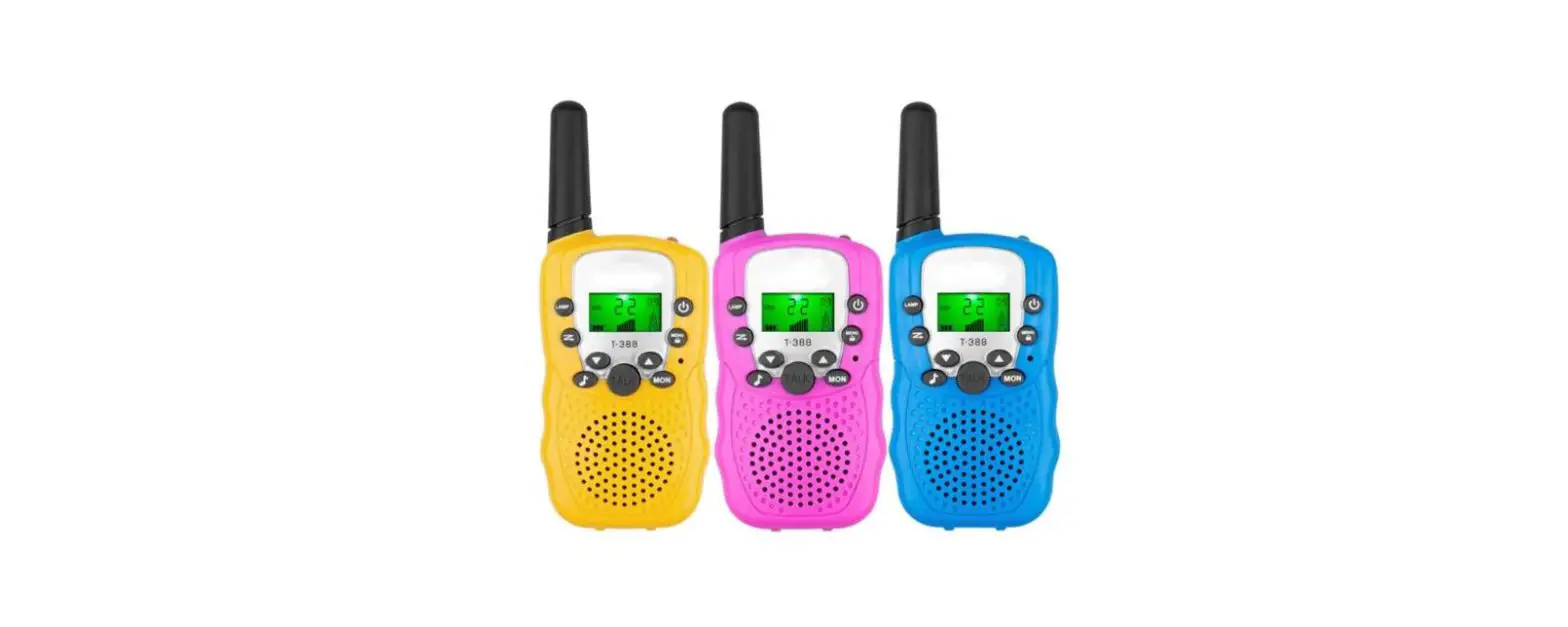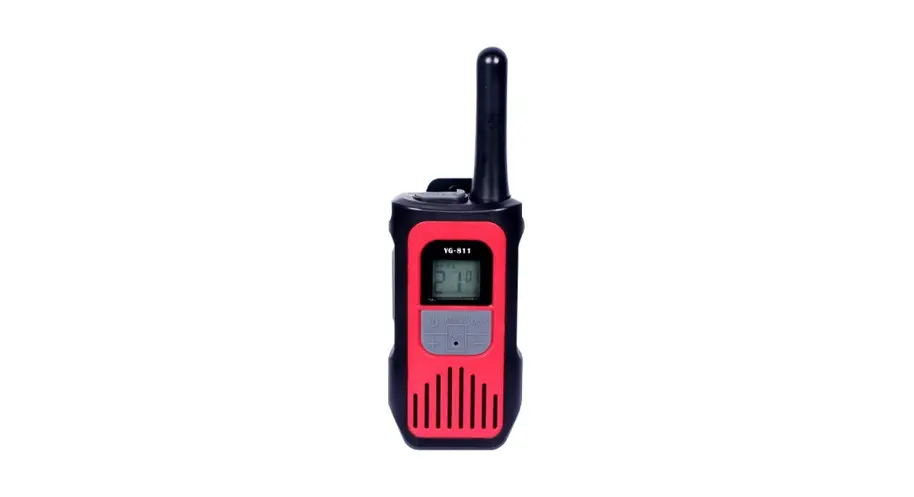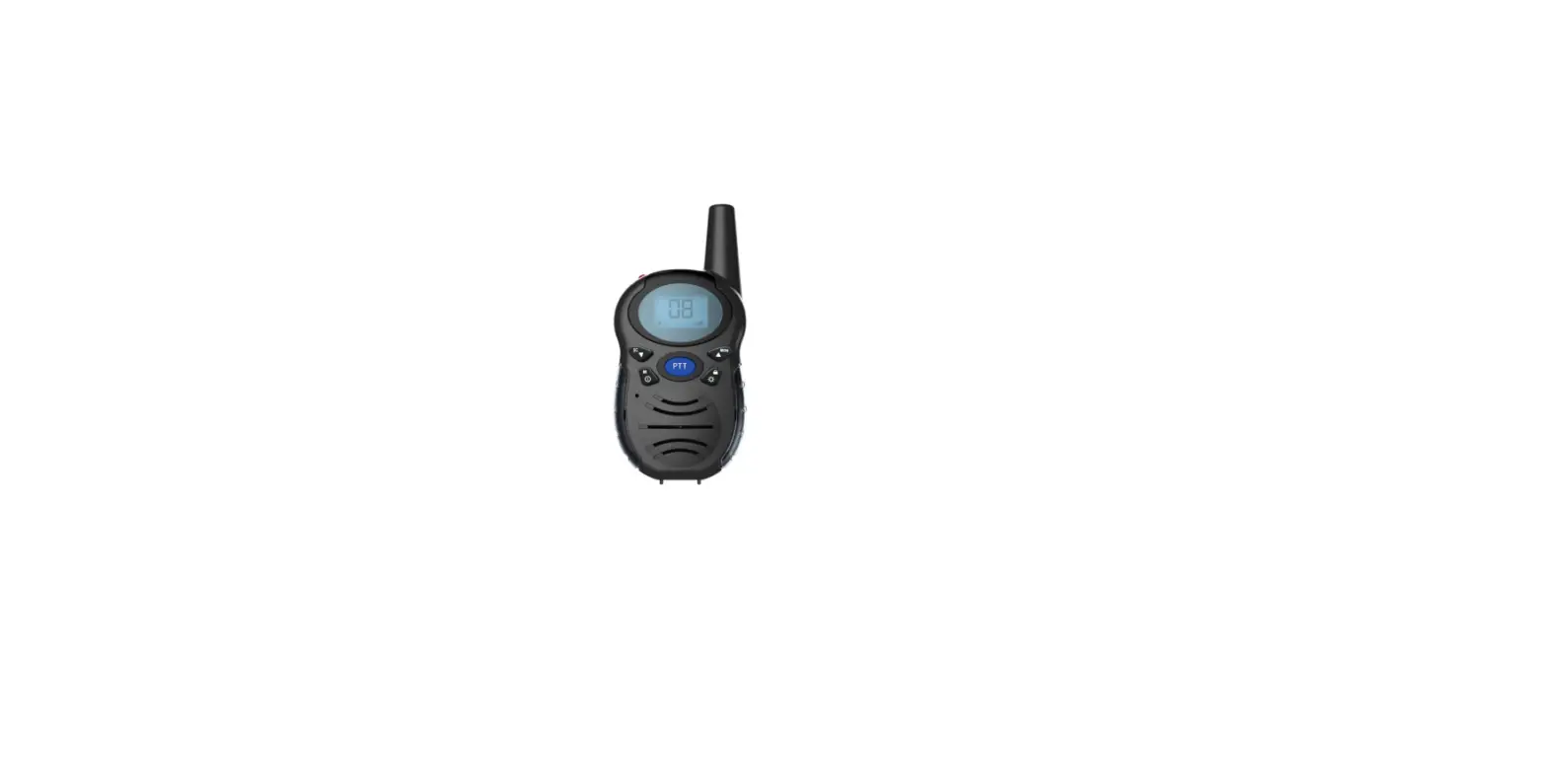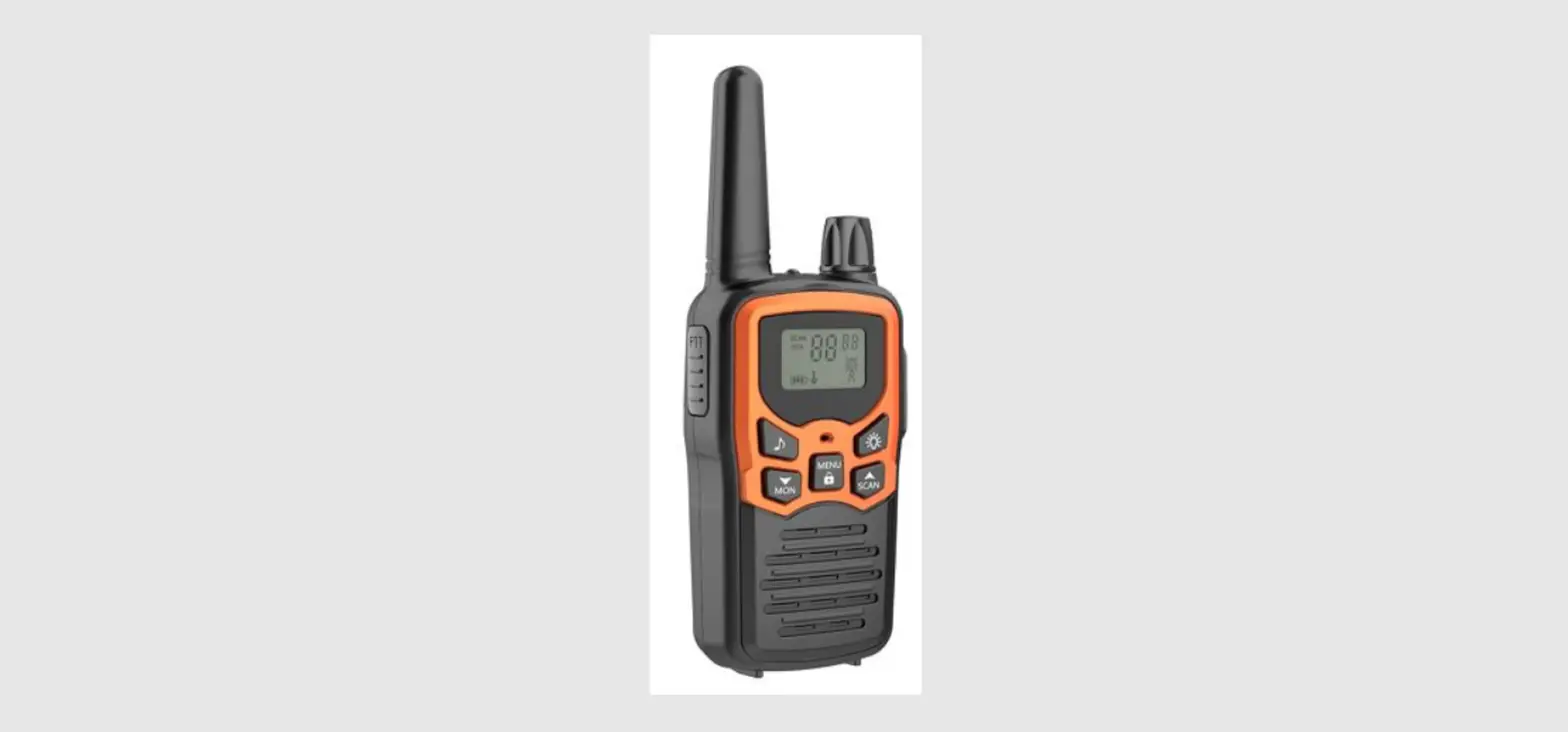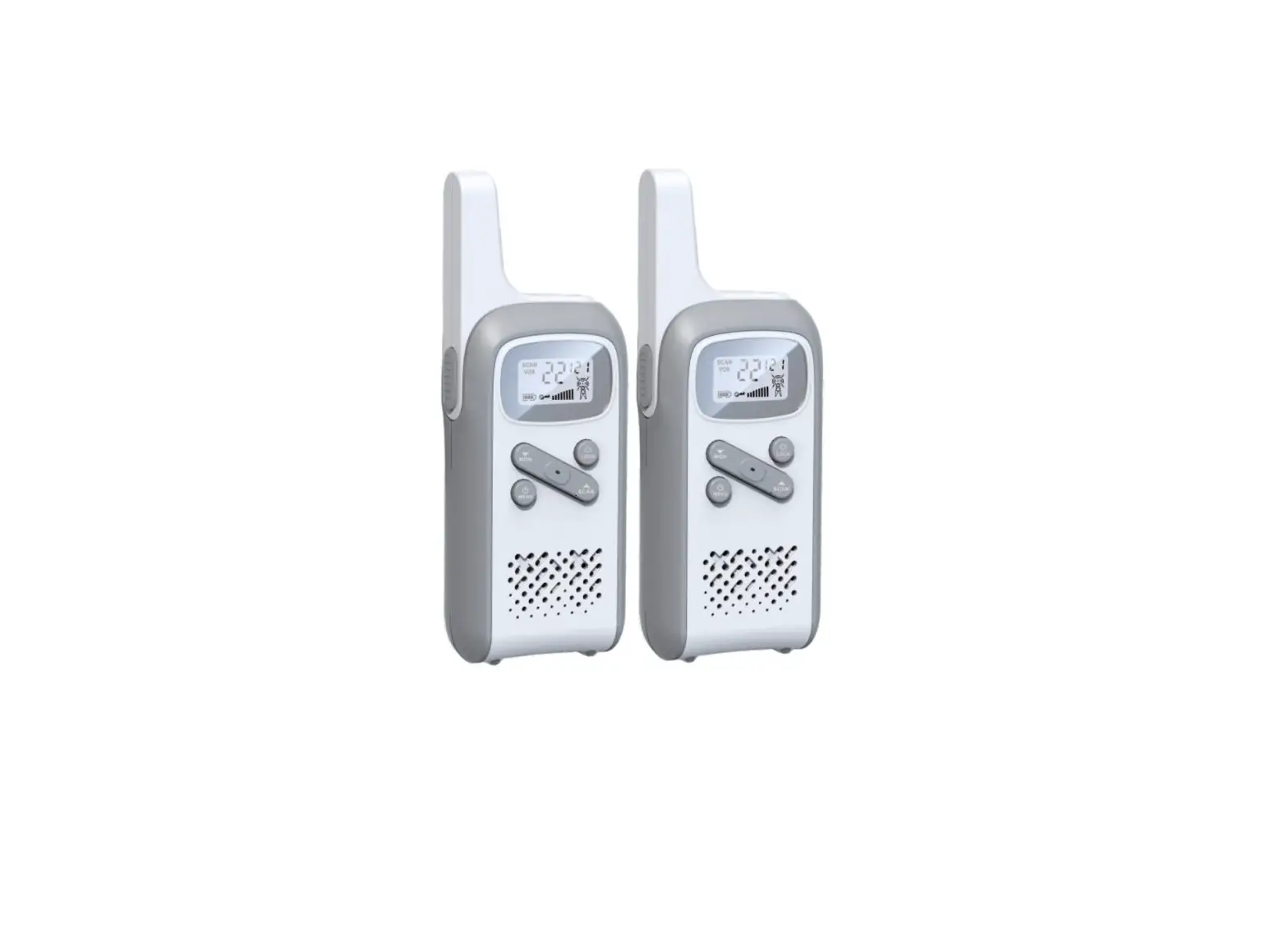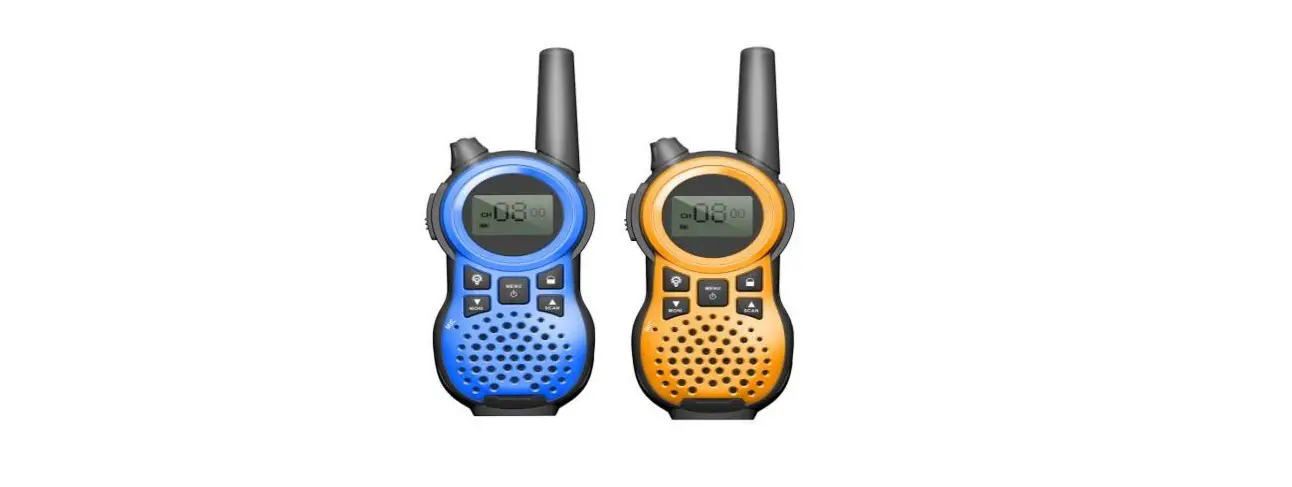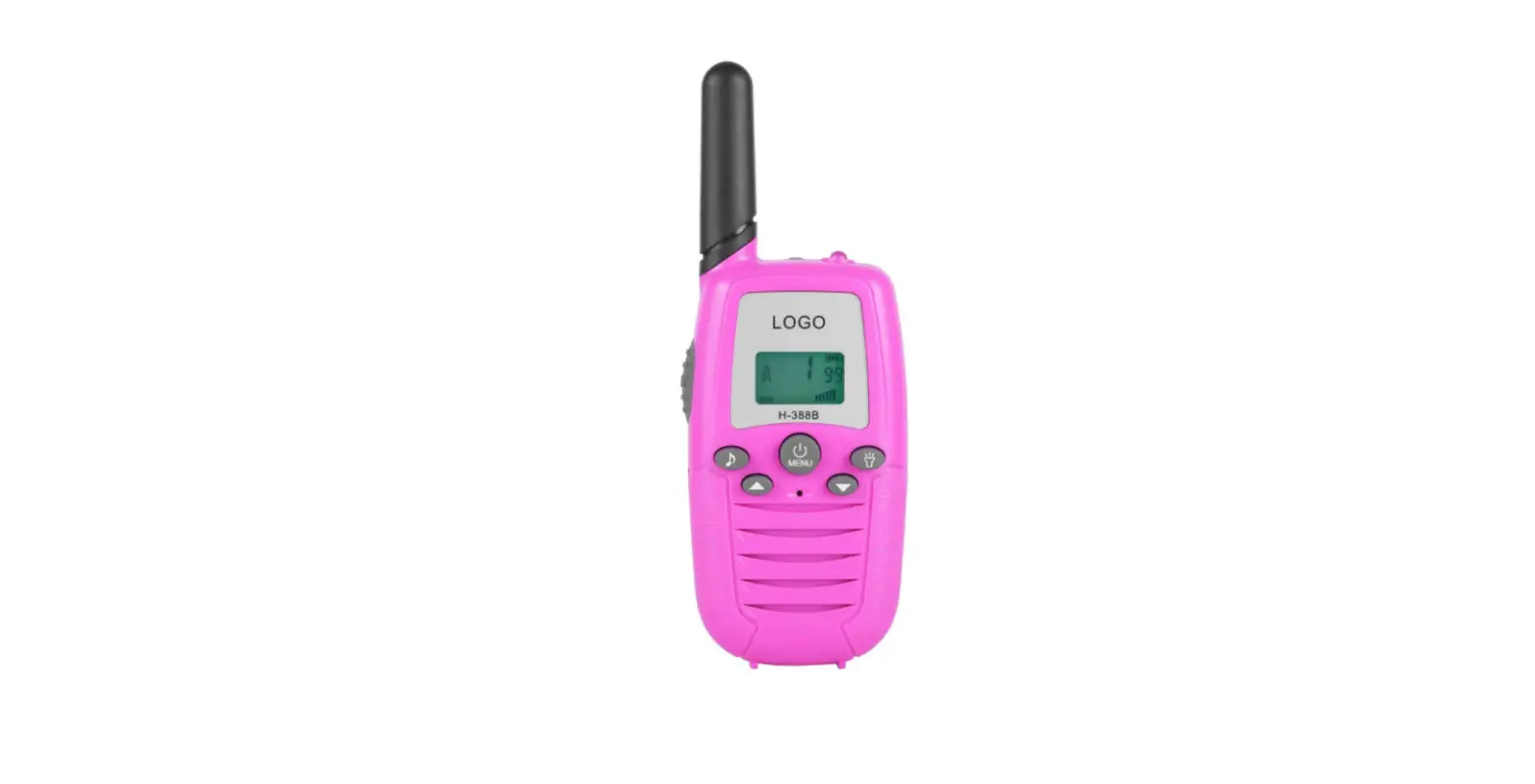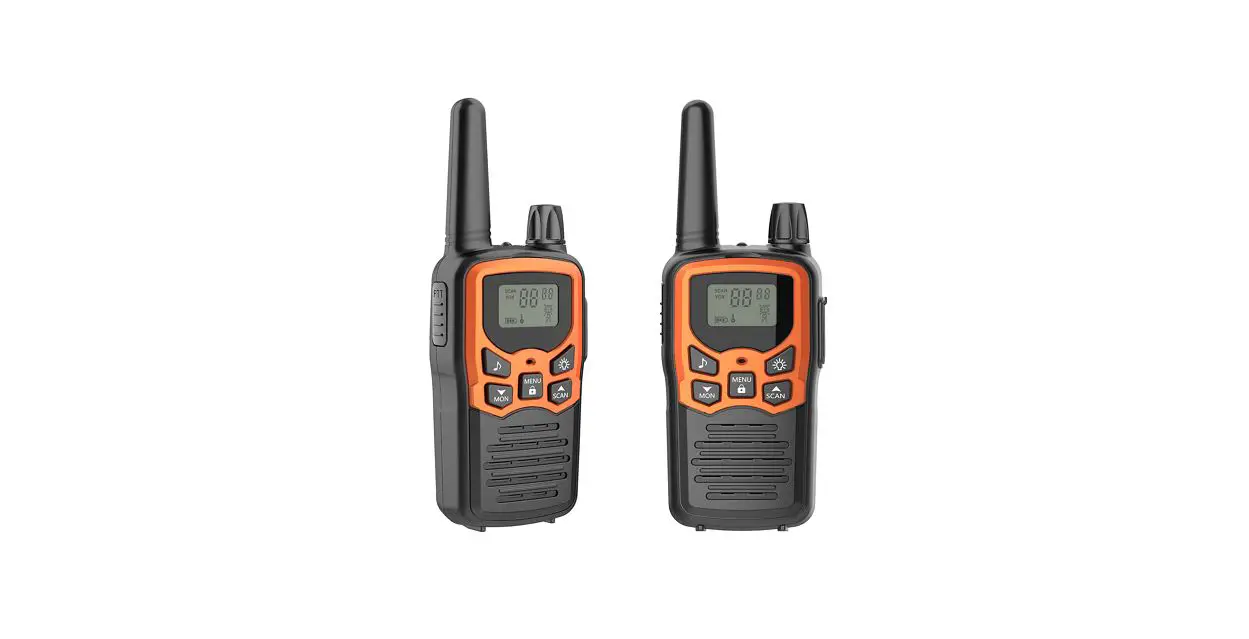
 Changtaiwei Electronic K-12 Walkie Talkie
User Guide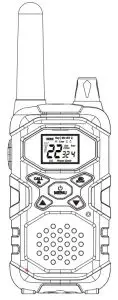
 CAUTION
Read this operating instruction carefully before using your two-way radio, including the part on Product Safety and Important Notice.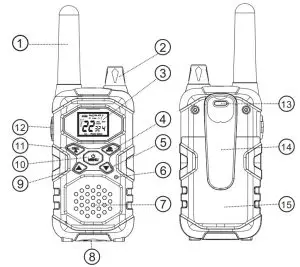
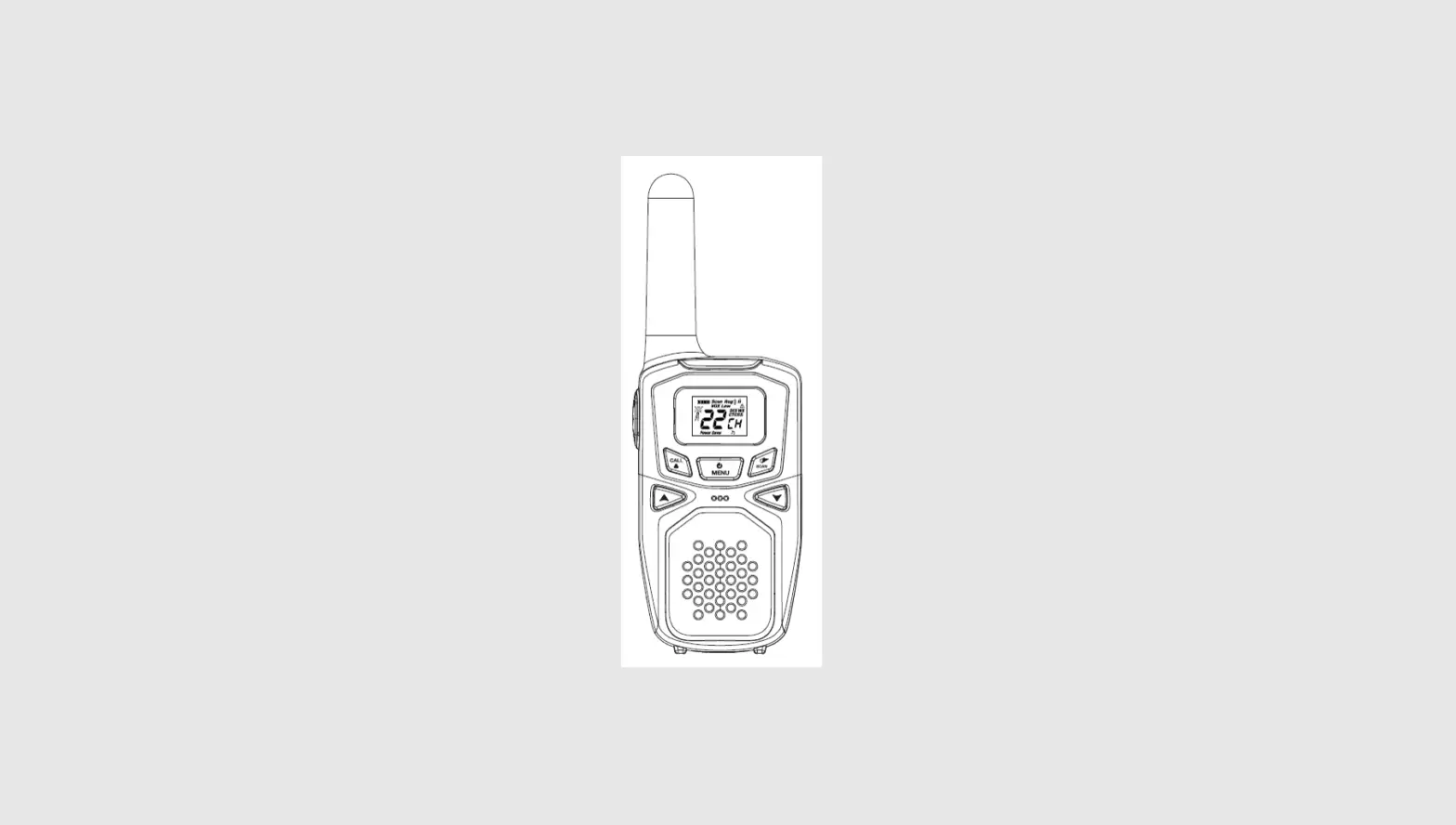
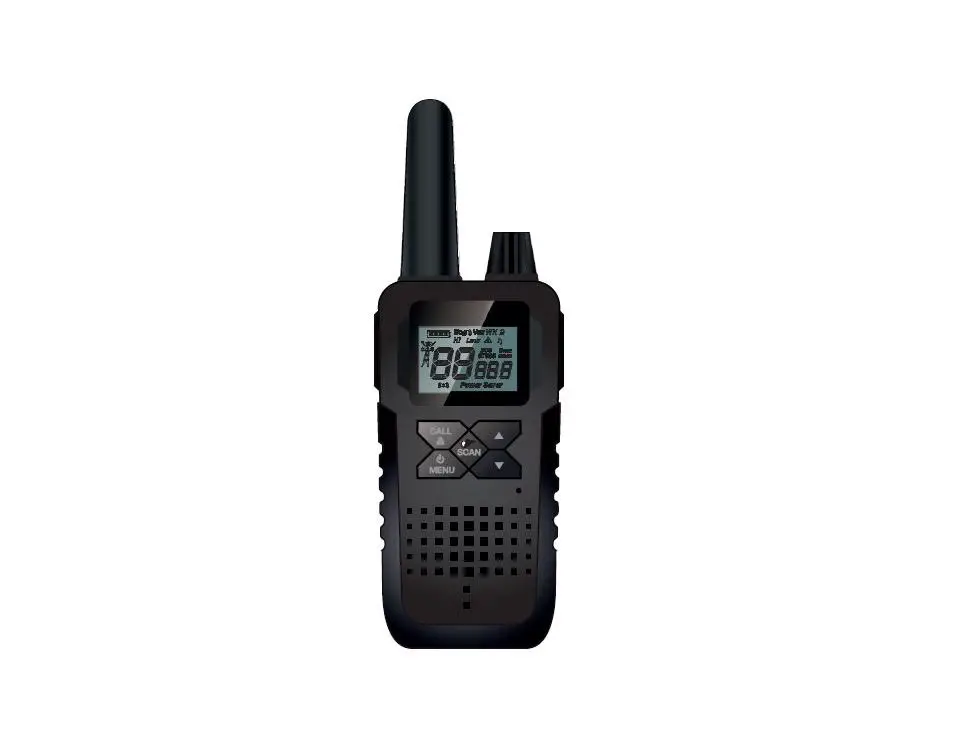
| 1. Antenna | 9. Up Button |
| 2. Volume Knob | 10. Menu/Power Button |
| 3. Backlit LCD Display | 11. Call/Lock Button |
| 4. NOAA/Scan Button | 12. PTT(Pull to talk) Button |
| 5. Down Button | 13. Wrist Strap Connection |
| 6. Microphone | 14. Belt Clip |
| 7. Speaker | 15. Battery Compartment |
| 8 External Speaker/Microphone/USB Charge Jack. | |
Product Features
| TECHNICAL PARAMETERS | |
| Product number | K-12 |
| Frequency range | FRS |
| Channel number | 22 |
| Channel spacing | 12. 5KHz |
| Working voltage | 4.5V |
| Frequency stability | 2. 5ppm |
| Operating temperature range | -10 C 40 C |
| The antenna impedance | 500 |
| Overall dimensions | 165*57–41mm |
| Weight | 120g |
| TRANSMITTER | |
| Rf power | 2.0W |
| Modulation method | F3E |
| Noise and harmonic | 40dB |
| Residual Radiation | ≤-35dB |
| Modulation distortion | ≤7% |
| Maximum deviation | ≤5KHz |
| RECEIVER | |
| The sensitivity | ≤0. 2uV |
| Modulation receiver bandwidth | 5KHz |
| Adjacent selective | ≤40dB |
| Intermodulation interference resistance | ≤35dB |
| Spurious response inhibition | ≤70dB |
| Audio output power | ≤300mW |
| Audio distortion | ≤8% |
| Channel | Frequency(MHz) | Channel | Frequency(MHz) |
| 1 | 463. | 12 | 468. |
| 2 | 463. | 13 | 468. |
| 3 | 463. | 14 | 468. |
| 4 | 463. | 15 | 462.5500 |
| 5 | 463. | 16 | 462.5750 |
| 6 | 463. | 17 | 462.6000 |
| 7 | 463. | 18 | 462.6250 |
| 8 | 468. | 19 | 462.6500 |
| 9 | 468. | 20 | 462.6750 |
| 10 | 468. | 21 | 462.7000 |
| 11 | 468. | 22 | 462.7250 |
Features
| • 22 Channels | • Button Lock Ten selectable tones |
| • 10 Channel NOAAAll | • Speaker/Microphone/Jack /USB Charge Jack |
| • Weather Alert | • Roger Beep Selectable On/Off |
| • 142 Privacy Codes Hazards Radio (38 CTCSS codes/104 DCS codes) | • Battery/Power Saver |
| • Hands-Free Operation (VOX) | • Keystroke Tones |
| • Vibration Alarm Silent Paging | • Battery Level Indicator |
| • Scan Channels, privacy codes | • Low Battery Audible Alert |
| • Backlit LCD Display | • Auto Squelch |
| • Call Alert | • Belt Clip Backlit LCD Display |
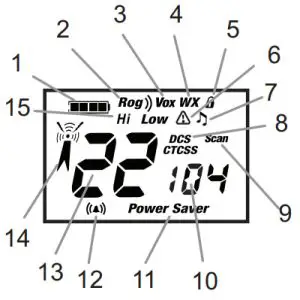
| 1. Battery Level Indicator | 9. Scan Icon |
| 2. Roger Beep Icon | 10 DCS CTCSS Privacy Code. /Numbers |
| 3. VOX Icon | 11. Power Saver Icon |
| 4 Weather Icon. | 12. Vibration Alarm/Call Alert Icon |
| 5. Lock Icon | 13. Channel Numbers |
| 6. Weather Alert Icon | 14. Receive/ Transmit Icon |
| 7. Key Tone Icon | 15. Hi/Low Power Icon |
| 8. DCS /CTCSS Icons |
Installing Batteries
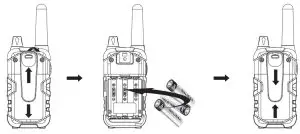
To install or replace batteries:
- Remove the belt clip by pulling the tab and sliding it up.
- Pull the battery door down to release the battery cover. Insert 3 “AA” batteries.
- Put the battery cover back into place. Snap the lock tab and belt clip back into place.
 1. Do not mix old and new batteries
2. Do not mix alkaline, standard (carbon-zinc) or rechargeable (nickel-cadmium) batteries.
 For charging radios (Adapter/Batteries: Just for)
batteries and adapter packaging option
- To charge a single radio simply insert the connector directly into the charge jack located on the bottom of the radio.
The radio will display a flashing battery icon while charging.
Recommends your radio be turned off while being charged.
Quick Start
- Press and hold the Menu/Power button to turn on your radio.
- Press the Menu, Press the Up or Down button to select a channel.Both radios must be tuned to the same channel/privacy code to communicate.
- Press and hold the PTT button while speaking into the microphone.
Turning on Your Radio 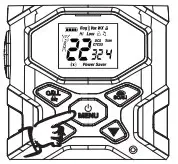 Press and hold the Menu/Power button until you hear a series of audible tones indicating the radio is on. Your radio is now in Standby mode, ready to receive transmissions. The radio is always in Standby mode except when the Talk, Call or Mode/Power buttons are pressed.
Battery Low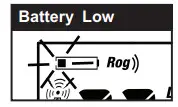 When battery power is low, the final bar in the Battery Low icon will blink and an audible tone will sound twice before the radio shuts off. Your batteries should be replaced or recharged if using rechargeable batteries.
 The radio will display a flashing battery icon while charging.
Auto Battery Save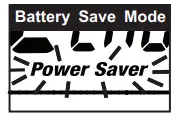 If there are no transmissions within 6 seconds, the radio will automatically switch to Battery Saver mode and the Power Saver icon will flash in the display. This will not affect the radio’s ability to receive incoming transmissions.
Communicating with Another Person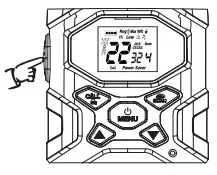
- Press and hold the PTT button.
- With the microphone about two inches (2.5-5 cm) from your mouth, speak in a normal voice.
- Release the PTT button when you are finished talking and listen for a response.
You cannot receive incoming calls while pressing the PTT button.
Both radios must be tuned to the same channel/privacy code to communicate.
To Select a Channel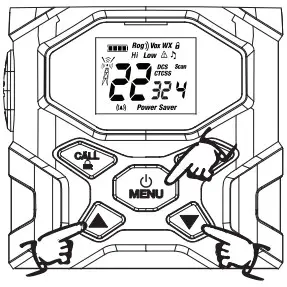 With the radio on, select any of the 22 channels by pressing the menu and the Up or Down button.
Both radios must be tuned to the same channel/privacy code to communicate.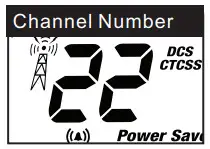 Listening for a Response
Release the PTT button to receive incoming transmissions. Your radio is always in Standby mode while the PTT or Call buttons are not pressed.
To Adjust Volume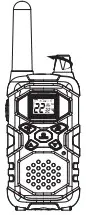 Rotate Volume Knob until you reach a comfortable listening level. Rotate Volume Knob clockwise to increase the volume or counterclockwise to decrease the volume.
Call Button
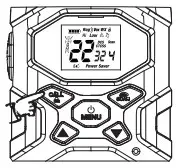
Call Button Press and release the Call button.
The other person will hear a two-second call tone. This tone is used only to establish voice communications.
See page 10 on how to select between ten call tone settings.
Lock Function
The Lock function locks the Up, Down, Scan and Menu/Power buttons to prevent accidental operation.
To turn the lock on or off: Press and hold the Call/Lock button for two seconds
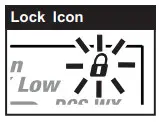 A double beep sound is used to confirm your lock on or off request. When in Lock mode, the Lock icon will be displayed.
By scrolling through the MENU function, you will be able to select or turn on preferred features of your radio. When scrolling through the Menu function, your radio features will be displayed in the same predetermined order:
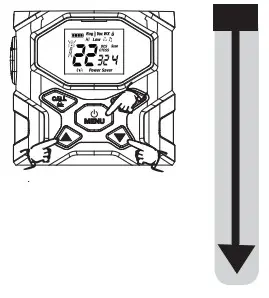
| Set Channels | Set Call Tones 1-10 |
| Set CTCSS Privacy Codes | Set Roger Beep On/Off |
| Set DCS Privacy Codes | Set Key Tones On/Off |
| Set Vox Sensitivity/Off | Set Vibration Alarm On/Off |
Privacy Codes
Your radio incorporates two advanced coded squelch systems that can help to reduce interference from other users on any given channel. CTCSS (Continuous Tone Coded Squelch System) provides 38 privacy codes and DCS (Digitally Coded Squelch)provides 104privacy codes. This provides a total of 142 Privacy Codes. Either system can be used on all channels, but both systems cannot be used on the same channel at the same time.To successfully communicate using a privacy code, both the sending and receiving radios must be tuned to the same channel and to the same privacy code system (CTCSS or DCS) and privacy code number. Each channel will remember the last privacy code system and number you select.The privacy code 0F is not a privacy code but allows all signals to be heard on a channel that is set to 0F on both the CTCSS and DCS systems.
Set CTCSS Privacy Codes
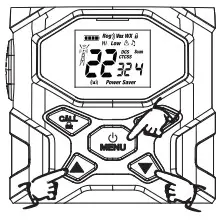
To select a CTCSS privacy code:
- After selecting a channel, press the Menu/Power button until the CTCSS icon appears and the small numbers next to the channel number flash on the display.If DCS is turned on at the channel selected,the display will flash the CTCSS icon and “OFF.”To switch from DCS to CTCSS, press the Up or Down button while the display is flashing “OFF.” The display will then show the small numbers flashing and you will then be able to proceed to step 2.

- Press using the Up or Down button to select a privacy code. You can hold the Up or Down button for fast advance.
- When your desired CTCSS privacy code is displayed, press the Menu/Power button to enter the new setting and proceed to other functions, or press PTT button to enter the new setting and return to Standby mode.
Set DCS Privacy Codes
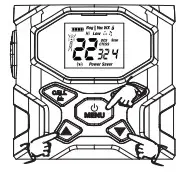
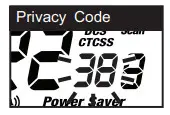
To select a DCS privacy code:
- After selecting a channel, press the Menu/Power button until the DCS icon appears and the small numbers flash on the display (01 through 104).If CTCSS is turned on at the channel selected, the display will flash the DCS icon and “OFF.” To switch from CTCSS to DCS, press the Channel Up or Channel Down button while the display is flashing “OFF.” The display will then show the small numbers flashing and you will then be able to proceed to step 2.

- Press using the Up or Down button to select a DCS privacy code. You can hold the Up or Down button for fast advance.
- When DCS privacy code is displayed, press the Mode/Power button to enter the new setting and proceed to other functions, or press the PTT button to enter the new setting and return to Standby mode.
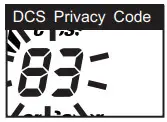
Voice Activated Transmit (VOX)
In VOX mode, your radio can be used “hands-free,” automatically transmitting when you speak. You can set the VOX sensitivity level to fit the volume of your voice and avoid transmissions triggered by background noise.
To set VOX sensitivity: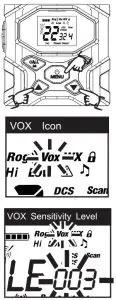
- Press the Menu/Power button until the VOX icon flashes and the current sensitivity level is displayed. The current VOX sensitivity level is displayed with letters “LE” and a Number 001 through 003, with Number 003 being the most sensitive level and Number 001 being the least sensitive level.
- Press the Up or Down button to change the setting.
- Press the Menu/Power button to enter the new setting and proceed to other functions, or press PTT button to enter the new setting and return to Standby mode.
Do not press any buttons for 15 seconds to enter the new setting and return to Standby mode.
The current VOX sensitivity level is displayed with letters “LE” and a Number 001 through 003, with Number 003 being the most sensitive level and Number 001 being the least sensitive level.
To turn VOX mode off: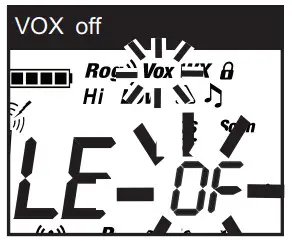
- Press the Menu/Power button until the VOX icon flashes on the display. The current OF setting is displayed.
- Press the Up or Down button to turn VOX Off.
- Press the Mode/Power button to enter the new setting and proceed to other functions, or press the PTT button to enter the new setting and return to Standby mode.
Do not press any buttons for 15 seconds to enter the new setting and return to Standby mode.
Ten Call Tone Settings
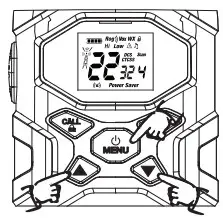
You can choose between ten different Call Tone Settings to transmit a call alert.
To change a call tone setting:
- Press the Menu/Power button until the letter “C” and the current call tone number (001 through 010) is displayed. The current call tone will sound for three seconds.
- Press the Up or Down button to hear the other call tone settings.
- Choose one of the following:
 a. Press the Menu/Power button to enter the new setting and proceed to other functions.
b. Press the PTT button to return to Standby mode.
c. Do not press any buttons for 15 seconds to enter the new setting and return to Standby mode.
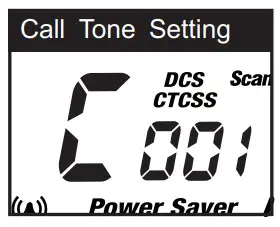 a. Press the Menu/Power button to enter the new setting and proceed to other functions.
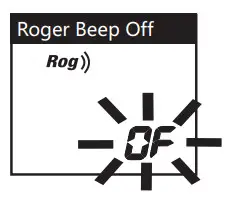
Roger Beep Confirmation Tone
Your listener will hear an audible tone when you release the PTT button. This alerts the other party that you are finished talking and it is OK for them to speak.
To turn roger beep on or off:
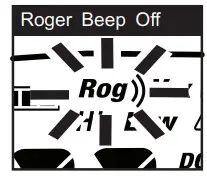
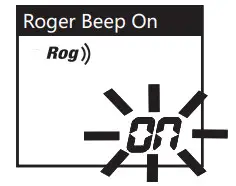
- Press the Menu/Power button until the Roger Beep icon flashes. The current on or off setting is displayed.
- Press the Up or Down button to select roger beep on or off.
- Choose one of the following:


a. Press the Menu/Power button to enter the new setting and proceed to other functions.
b. Press the PTT button to return to Standby mode.
c. Do not press any buttons for 15 seconds to enter the new setting and return to Standby mode.
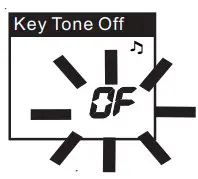
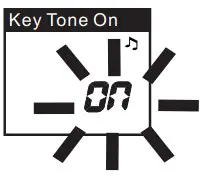
Key Tone On/Off
When Key Tone is On, the Key Tone icon will be displayed, an audible tone will sound each time a button is pressed.
To turn key tone on or off:
- Press the Menu/Power button until the Roger Beep icon is displayed. The current on or off setting flashes.
2. Press the Up or Down button to select key tone on or off.
3. Choose one of the following:

a. Press the Menu/Power button to enter the new setting and proceed to other functions.
b. Press the PTT button to return to Standby mode.
C. Do not press any buttons for 15 seconds to enter the new setting and return to Standby mode.
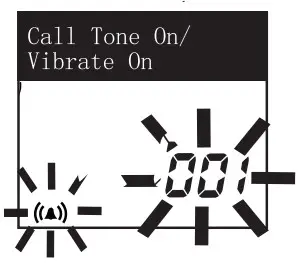
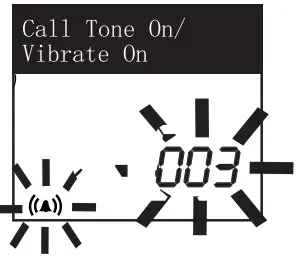
Vibration Alarm and Call Alert
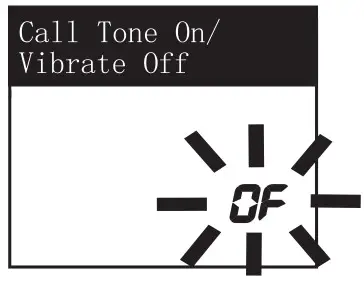
Your radio can alert you to incoming signals by sounding an audible call tone, by vibrating silently or both.
To change call settings:
- Press the Menu button until the icon flashes on the display. The current setting (“001” vibrate, “002” ring only, “003” vibrate + ring Vibration Setting) is displayed.
- Press the Up or Down button to change the call and Vibration setting.
- Choose one of the following:


a. Press the Menu button to enter the new setting and proceed to other functions.
b. Press the PTT button to return to Standby mode.
c. Do not press any buttons for 15 seconds to enter the new setting and return to Standby mode.
Channel Scan
Your radio can automatically scan channels.
To scan channels:
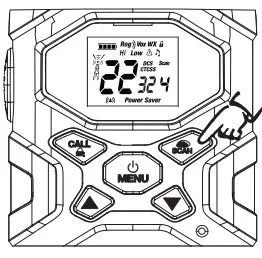
- Press and release the Scan button until the Scan icon and the channel numbers appear on the display.
- Press and hold the Scan button to begin scanning channels.
The radio ignores specific privacy codes while scanning channels.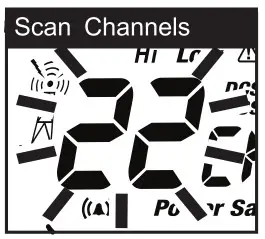 The Scan icon will continue to be displayed when the scan is on. Your radio will continue to scan all channels and stop if an incoming transmission is detected. Your radio will remain on that channel for 10 seconds.
During scanning (while receiving an incoming transmission), you can choose from the following:
a. Press and hold the PTT button to communicate on that channel.
Your radio will remain on that channel and return to Standby mode.
b. Press the Up or Down button to resume scanning channels.
c. Press and hold the Scan button to return to Standby.
Privacy Code Scan
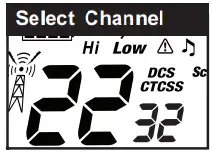
Your radio can automatically scan the Privacy Codes (either CTCSS 01 through 38 or DCS 01 through 104) within one channel. Only one set of privacy codes (CTCSS or DCS) can be scanned at a time.
|  | 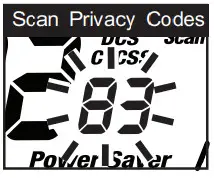 |
During scanning (while receiving an incoming transmission), you can choose from the following:
a. Press and hold SCAN button return to Standby mode.
b Press and hold the PTT button to communicate on that channel/privacy code. Your radio will remain on that channel/privacy code and return to Standby mode.
c Press the Up or Down button to resume scanning privacy codes.
If you do not press any button within 10 seconds, your radio will automatically resume scanning privacy codes.
NOAA* All Hazards Radio Channels
You can use your radio to listen to NOAA All Hazards Radio channels transmitting in your area.
 |  |
To listen to All Hazards Radio channels:
- Press and hold the Weather(
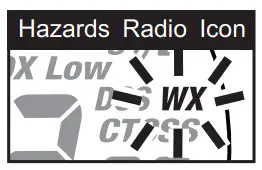
 ) button until the All Hazards Radio icon and the currently selected All Hazards Radio channel are displayed.
 - Use the Up or Down button to change All Hazards Radio channels.
- The All Hazards Radio icon will continue to be displayed when All Hazards Radio is on.
- To exit All Hazards Radio, press and hold the Weather button until On or Off is displayed.
 ) button until the All Hazards Radio icon and the currently selected All Hazards Radio channel are displayed.
*National Oceanographic and Atmospheric Administration Hazards Radio Icon
Weather (WX) Alert Mode
Turning On the Weather Alert function will allow your radio to automatically receive NOAA Hazard Alert radio signals and warnings from designated NOAA broadcast stations. If the radio is turned ON, it will alert to Weather and other emergency alerts broadcast by NOAA.This feature is set to OFF by default.Make sure the strongest Weather channel is selected for your area using the channel selection in the previous menu.
To turn Weather Alert On or Off:
- Press and hold the Weather( ) button until the All Hazards Radio icon and the currently selected All Hazards Radio channel are displayed.
- Press the MENU/Power button until the Weather Alert icon flashes on the display. The current On or Off setting is displayed.
- Press the Up and Down button to turn Weather Aler On or Off.
- Press and hold the Weather/Scan button again to save the new setting exit the Weather Alert Mode and return to Standby mode.
This radio is rain resistant to JIS4 standards.
FCC Statement
This equipment has been tested and found to comply with the limits for Part 15 of the FCC rules. These limits are designed to provide reasonable protection against harmful interference in a residential installation. This equipment generates, uses, and can radiate radio frequency energy and, if not installed and used in accordance with the instructions, may cause harmful interference to radio communications. However, there is no guarantee that interference will not occur in a particular installation. If this equipment does cause harmful interference to radio or television reception, which can be determined by turning the equipment off and on, the user is encouraged to try to correct the interference by one or more of the following measures:
- Reorient or relocate the receiving antenna.
- Increase the separation between the equipment and receiver.
- Connect the equipment to an outlet on a circuit different from that to which the receiver is connected.
- Consult the dealer or an experienced radio/TV technician for help.
Any changes or modifications not expressly approved by the party responsible for compliance could void the user’s authority to operate the equipment.
This device complies with part 15 of the FCC Rules. Operation is subject to the condition that this device does not cause harmful interference.
RF Exposure Warning
This equipment must be installed and operated in accordance with provided instructions and must not be co-located or operating in conjunction with any other antenna or transmitter. End-users and installers must be provided with antenna installation instructions and transmitter operating conditions for satisfying RF exposure compliance. The SAR limit adopted by the US is 1.6 W/kg averaged over 1 gram of tissue. The highest SAR value for this device type when properly worn on the body is 0.68 W/kg.