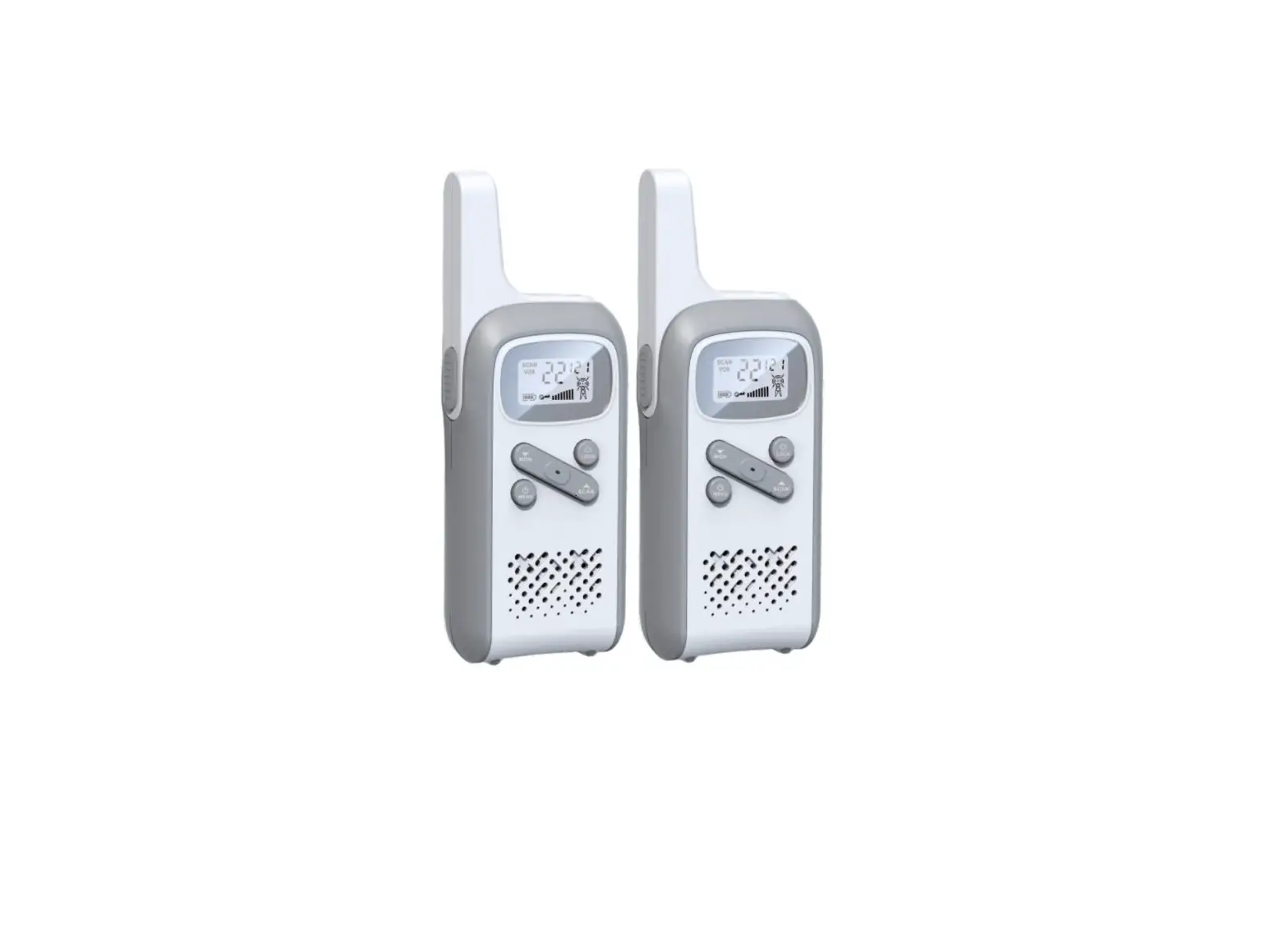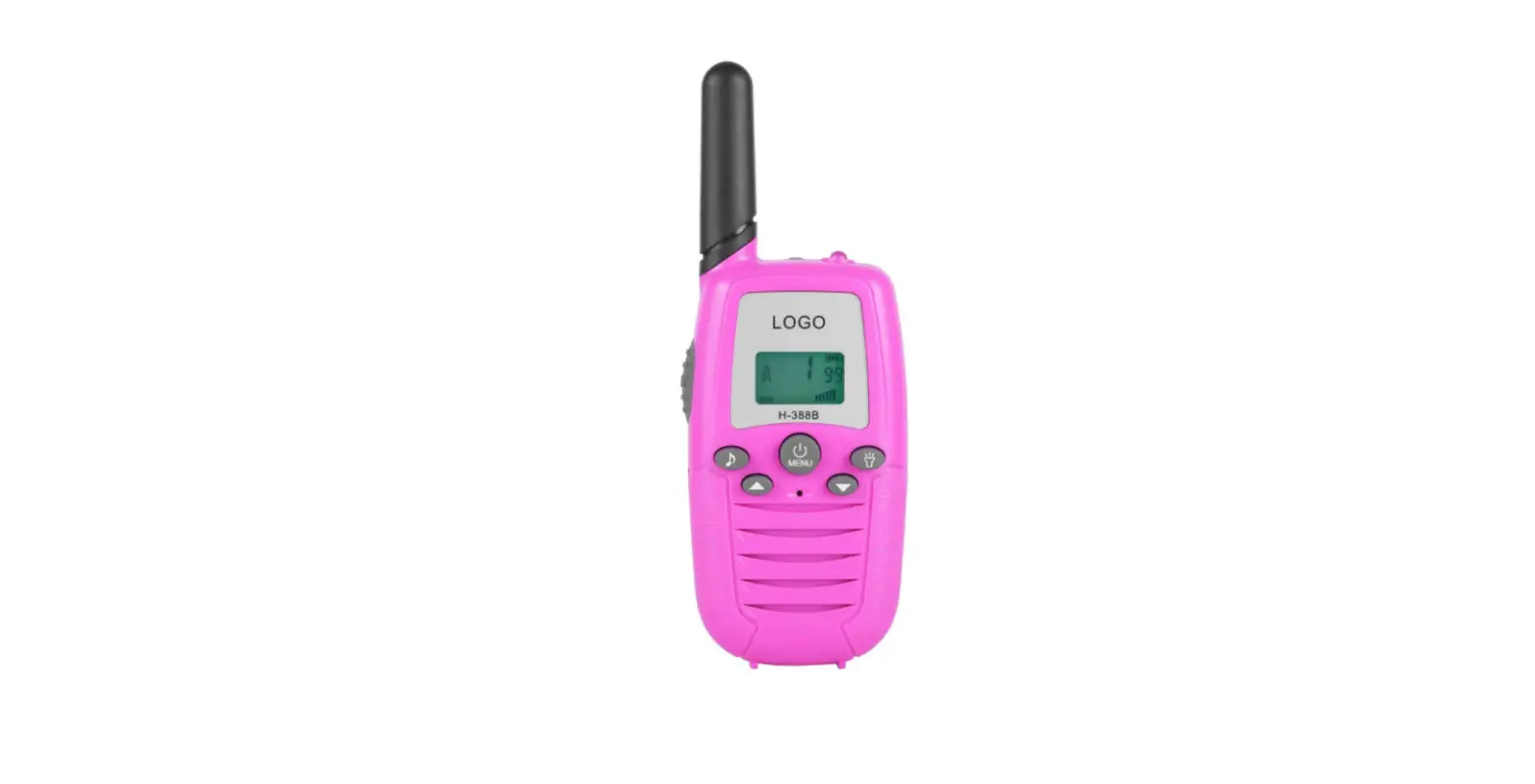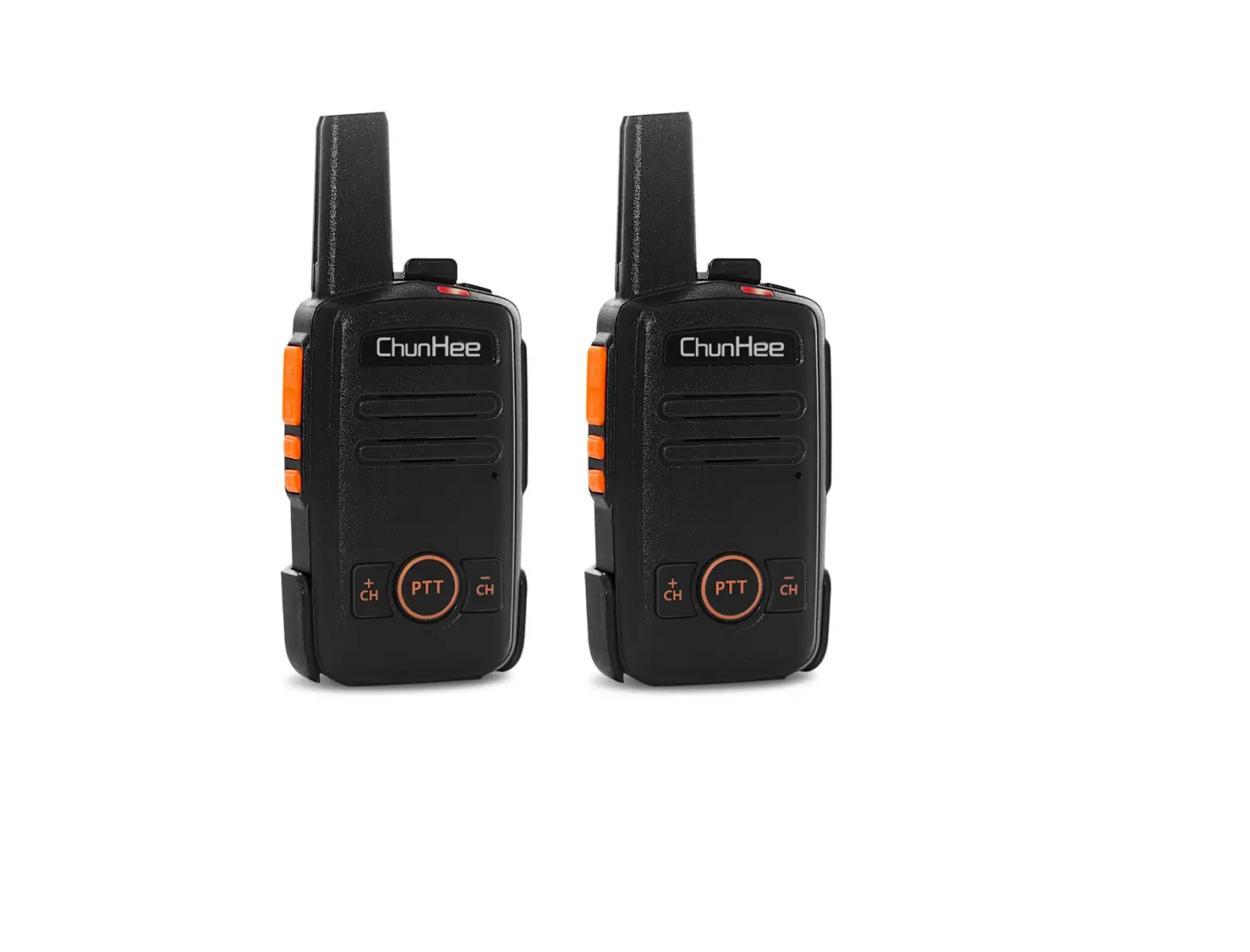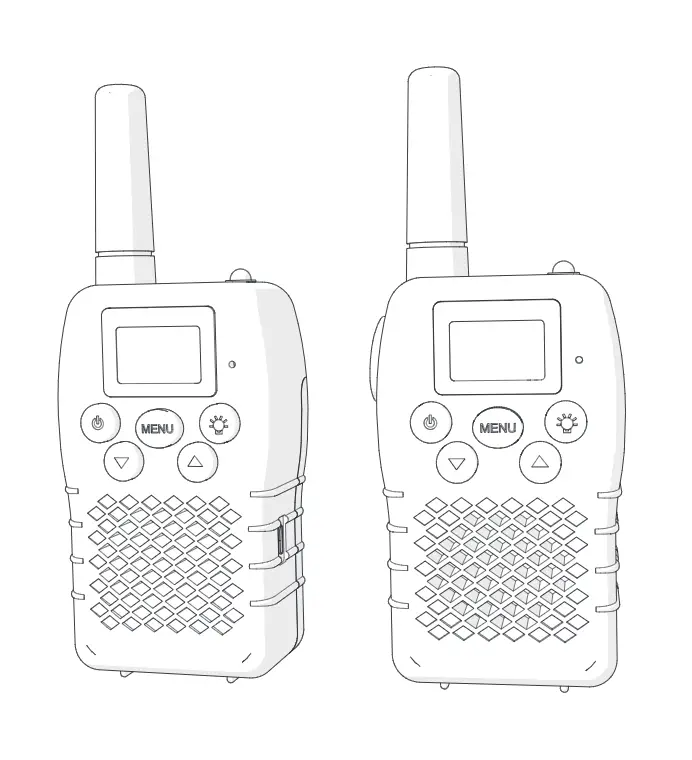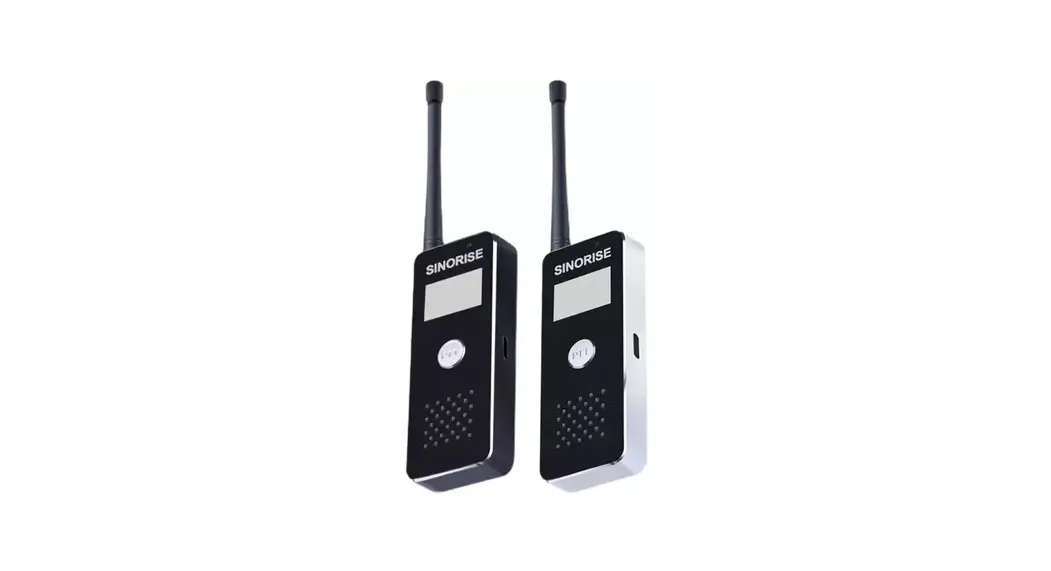
 SR-619 Mini Walkie-Talkie
User Manual
SR-619 Mini Walkie-Talkie
CAUTION:
This Walkie-Talkie is the product with excellent design and advanced technology. The following suggestions will help you fulfill your obligations under warranty terms and understand the safety knowledge of using walkie-talkie.
- Don’t try to disassemble the walkie-talkie. Unauthorized disassemble may cause damage to the walkie-talkie.
- This machine can use universal qualified mobile phone charger(5V).
- Don’t expose the machine to sun for a long time or put it on a overheated place.
- Don’t place it in a dusty or damp place.
- Don’t use strong chemicals, cleaning agents or strong lotions to clean walkie-talkie.
- If it is found to emit peculiar smell or smoke, place it on the open ground to avoid injury, and contact the distributer in time.
- Don’t use the machine inflammable, explosive or other place where walkie-talkie is prohibited.
- In order to obtain the best communication performance, it is recommended that least distance between walkie-talkies is 2 meters.
- Please abide the local wireless management regulations, Contact with the distributor if you have any questions.
- This radio is designed for and classified as “General population/uncontrolled Use” and Personal Radio Service.
- The separation distance between user and the device or its antenna shall be at least 2.5 cm.
- The highest reported SAR values for Face-held, body-worn are 0.14W/Kg, 0.58 W/Kg.
Checklist:
Open the package carefully, check the product and accessories according to the following list:
Please conduct your distributor immediately if any damaged or missing happened!
| NO. | Item | QTY |
| 1 | Walkie-talkie | 1 |
| 2 | Charger | 1 |
| 3 | Charging line | 1 |
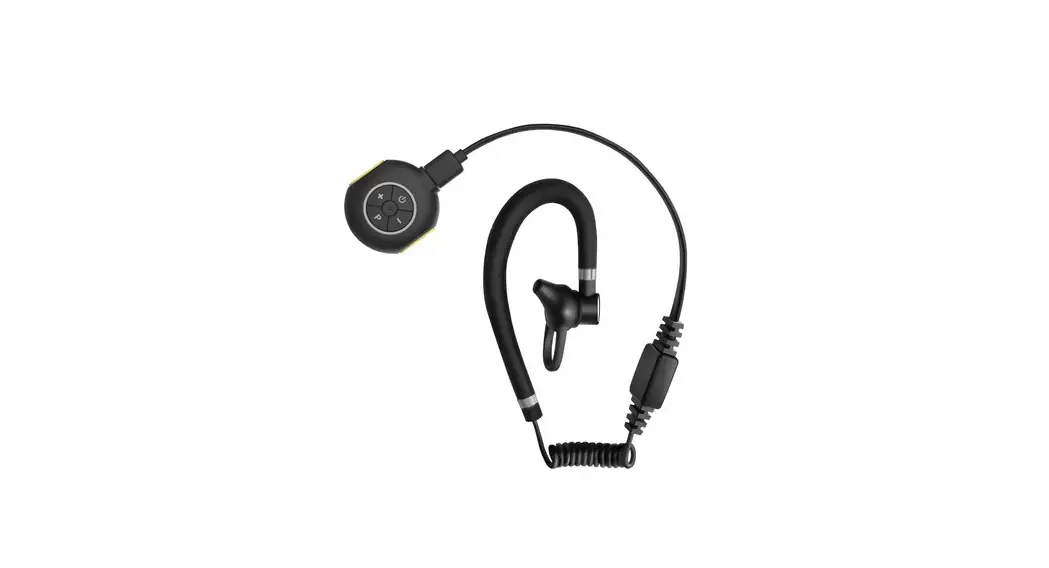
| 4 | Earphone | 1 |
| 5 | User manual | 1 |
| 6 | Sling | 1 |
Function & Description:
| Function | Description | Remark |
| Channel | Up to 22 channels | Default:22 channel |
| CTCSS/DCS | Normal: 38 CTCSS+61CDCSS Professional: 50CTCSS+105CDCSS | Can be adjusted in normal mode only. Professional is default mode. |
| Volume | Receiving vlume | 1-8 |
| Battery saving | Extending standby time |
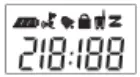
Description for LCD Icon:
| Indicative Sign | Name | Contents |
 | Channel/Hour /Volume level | Current Channel: Intercom mode Displaying time: Hours at Clock mode Volume Level: Current level when adjusting volume level |
 | CTCSS/DCS/Mi nute | CTCSS/CDCSS: Intercom mode Displaying time: Minutes at Clock mode |
 | Battery Meter | Higher number of grid, the more quantity of electricity |
 | Scan Indicator | Icon is lighted when scanning. |
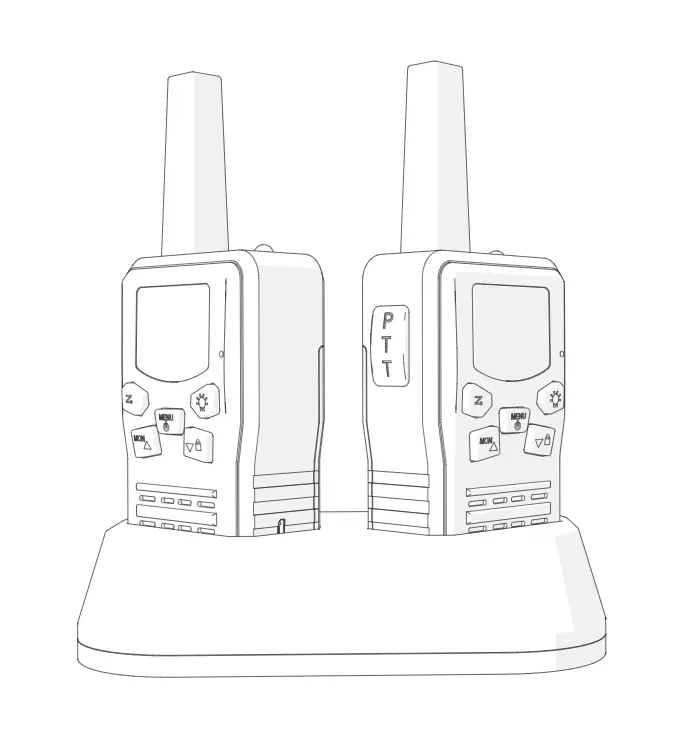
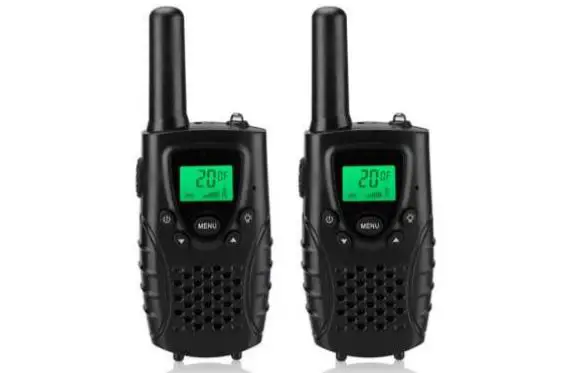
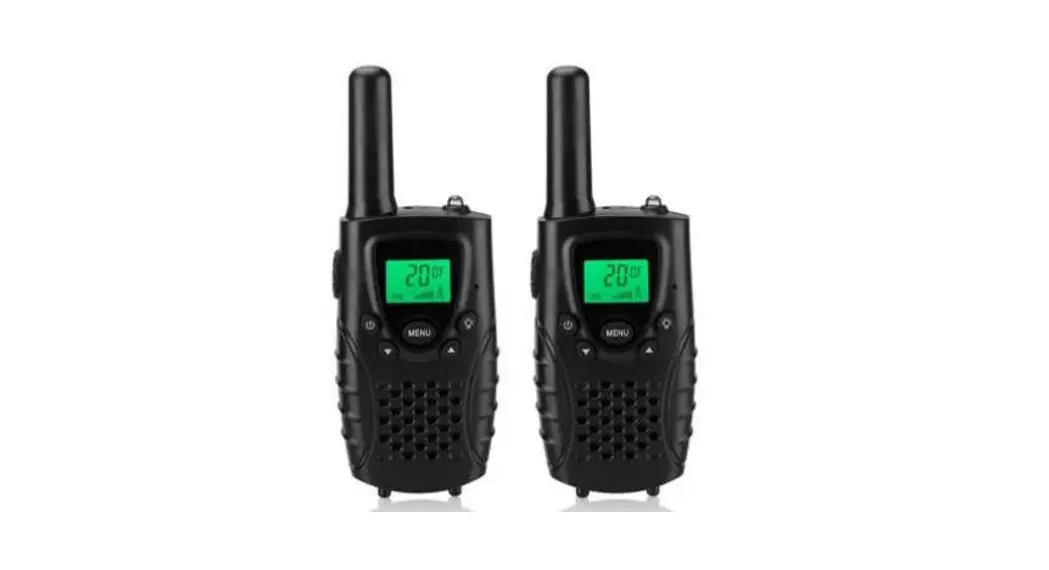
Unit Description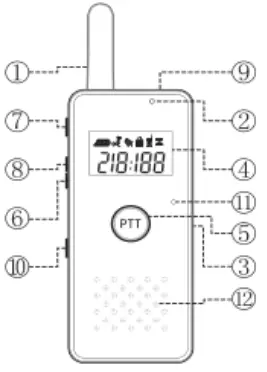 SR612
SR612
SR619
| Serial number | Name | Description |
| 1 | Antenna | |
| 2 | Indicator | Red light is on: Transmitting signal Green light is on: Receiving Signal |
| 3 | USB Socket | Charging Interface |
| 4 | Display panel | Operation status indicator, clock, channel etc. |
| 5 | PTT key | Push to Talk |
| 6 | Down key | decrease channel/volume |
| 7 | Power / Menu key | Power on/off, Menu entrance |
| 8 | Up key | Increase channel/volume |
| 9 | Sling hole | Install the Sling |
| 10 | Ear Jack | Earphone Interface |
| 11 | MIC | Microphone |
| 12 | Speaker | Main Speaker |
Fast Function guideline:
| Function Introduction | Brief Description |
| Mode Switch (Power ON/OFF ) | While power off mode, pressing the “M” key for 2 seconds, “Di” sound will be heard 9 LCD will be lighted, the radio turns on, While power on mode, pressing the “M” key for 2 seconds, “Di” sound will be heard , LCD will be shut off, the radio turns off, |
| Intercom | Pressing the “PTT” key on the radio or “PTT” key on the earphone , and talking into the microphone. The radio will enter receiving mode after releasing the “PTT” key, |
Setup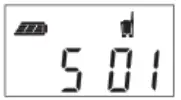 | The transceivers must be set as same channel and CTCSS in order to intercom. 1,Press the “M” key shortly while standby mode, Channel number “5” blinking, adjusting channel by using the “UP/DOWN” key; 2,Press the”M”key shortly again, CTCSS/DCS number “01” is blinking, adjusting CTCSS/DCS by using the “UP/DOWN” key; 3,Press the “M” key shortly to next or press ‘PIT’ key to save the setting and exit. |
Volume setup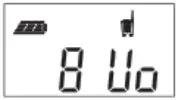 | 1.Press “UP” or “DOWN” key shortly while standby mode, the LCD will be lighted as the left, ‘8’ is blinking: 2.Press “UP” / “DOWN” key to adjust the volume (Min: 1, Max: 8 ) 3.Press the “M” key shortly save the setting and exit. |
Vox Setup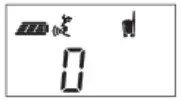 | After setting up CTCSS, pressing ‘M’ key shortly and the LCD will be lighted as the left, and the number ‘0’ is blinking: Press `UP’ or ‘DOWN ‘ to adjust,0 for VOX is off,1-3,for VOX is on(3 for high sensitivity). Press the “M” key shortly save the setting and exit. |
Lock the key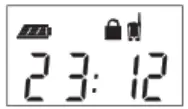 | While standby mode, Press the “up” and “down” key at the same time for 2 seconds, the key is locked on/off as the icon is on/off. while the key is locked, Only the `PTT’ and ‘M’ key(Power on/off) can be used. |
Battery Information:
■ Charge note
Please charge the transceiver when battery low.
Battery meter will be rolling while charging. The rolling will be stopped when the battery is full.
FCC WARING:
This device complies with part 15 of the FCC Rules. Operation is subject to the following two conditions:
(1) This device may not cause harmful interference, and (2) this device must accept any interference received, including interference that may cause undesired operation.
Changes or modifications not expressly approved by the party responsible for compliance could void the user’s authority to operate the equipment.
– For a Class B digital device or peripheral, the instructions furnished to the user shall include the following or similar statement, placed in a prominent location in the text of the manual:
NOTE: This equipment has been tested and found to comply with the limits for a Class B digital device, pursuant to part 15 of the FCC Rules. These limits are designed to provide reasonable protection against harmful interference in a residential installation. This equipment generates, uses and can radiate radio frequency energy and, if not installed and used in accordance with the instructions, may cause harmful interference to radio communications. However, there is no guarantee that interference will not occur in a particular installation. If this equipment does cause harmful interference to radio or television reception, which can be determined by turning the equipment off and on, the user is encouraged to try to correct the interference by one or more of the following measures:
- Reorient or relocate the receiving antenna.
- Increase the separation between the equipment and receiver.
- Connect the equipment into an outlet on a circuit different from that to which the receiver is connected.
- Consult the dealer or an experienced radio/TV technician for help.