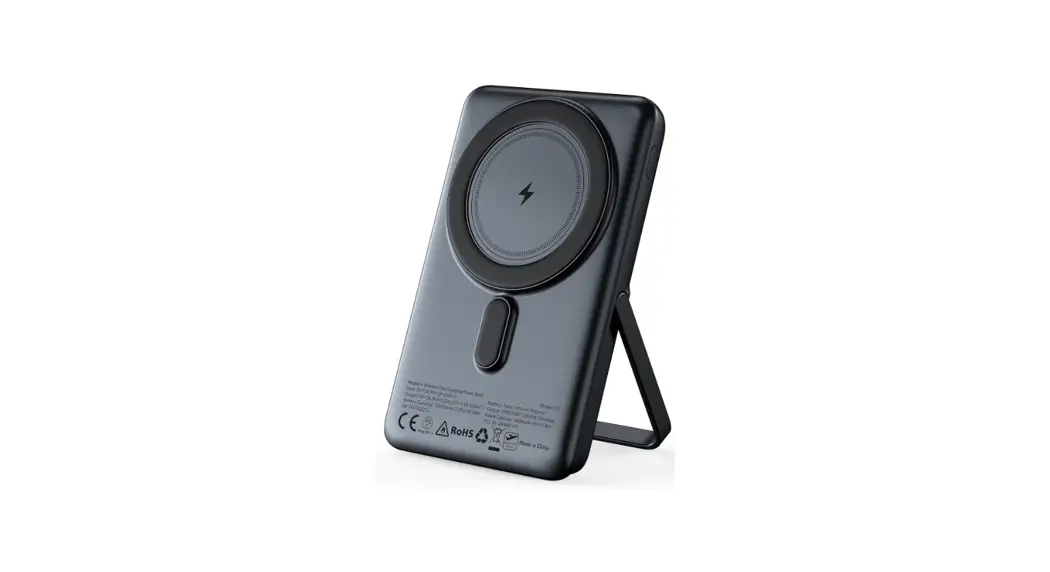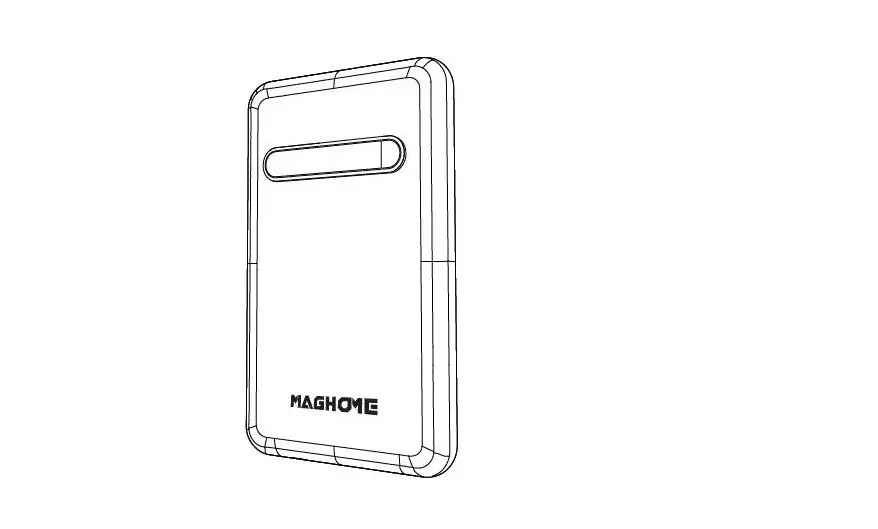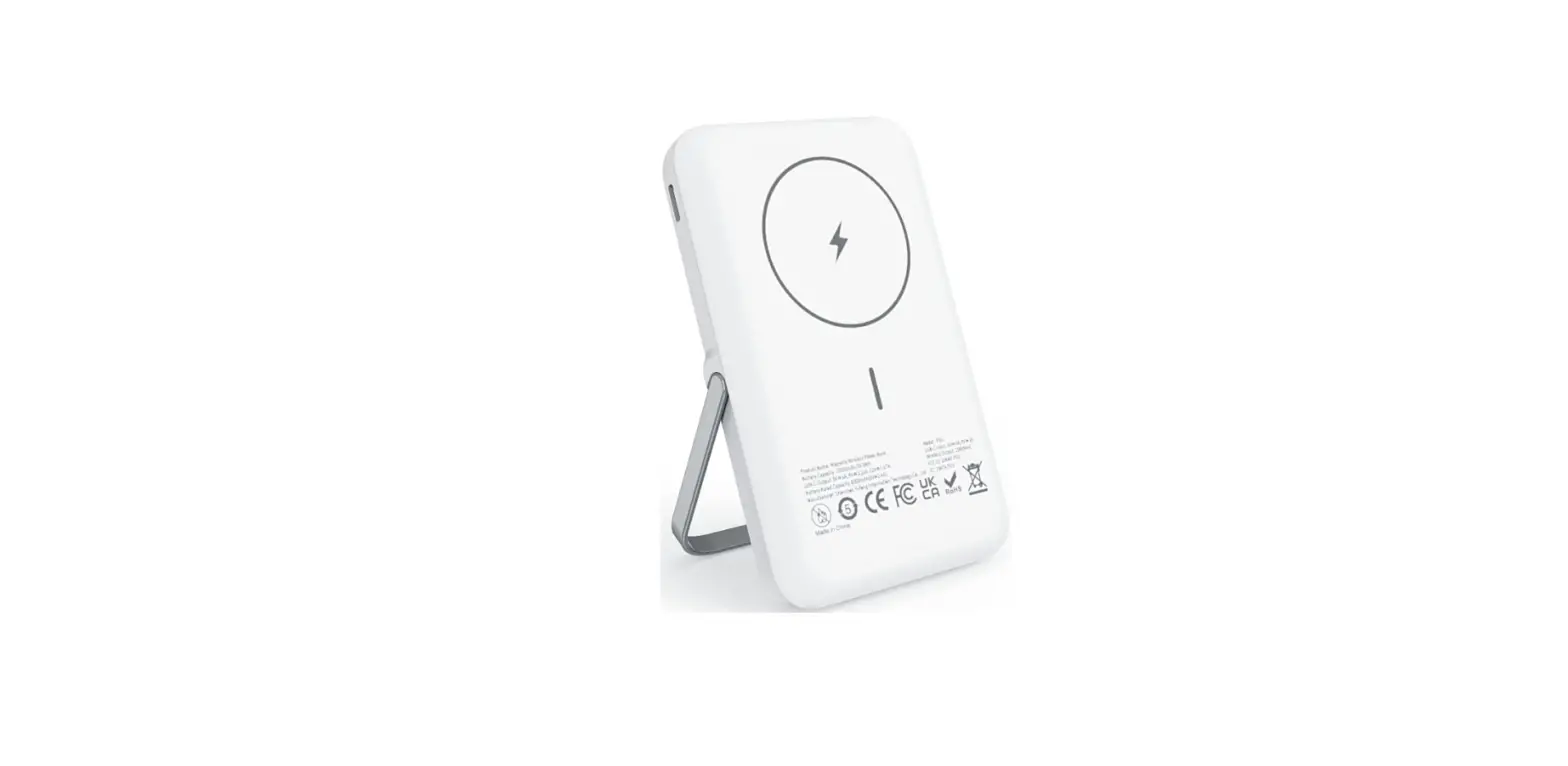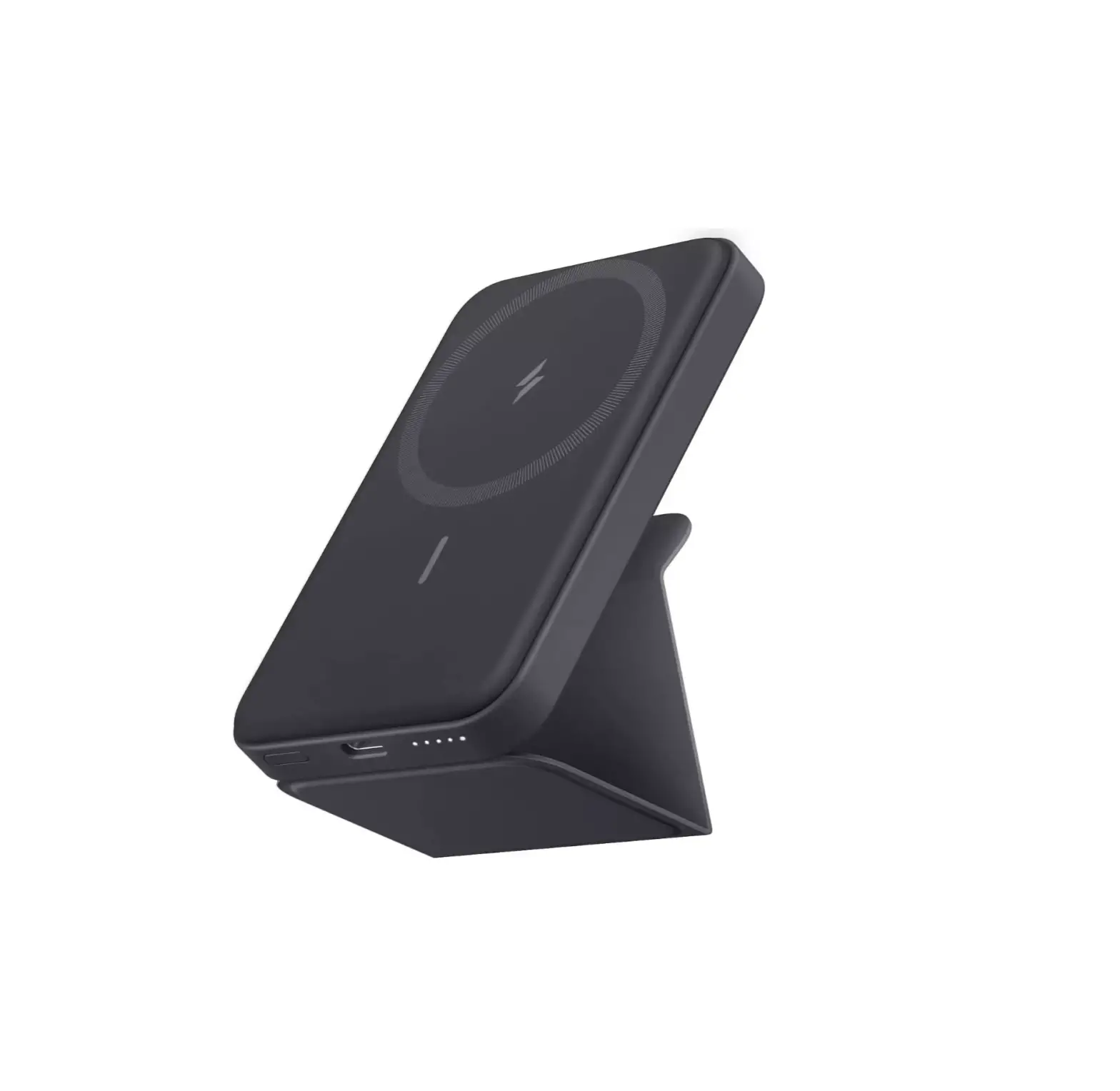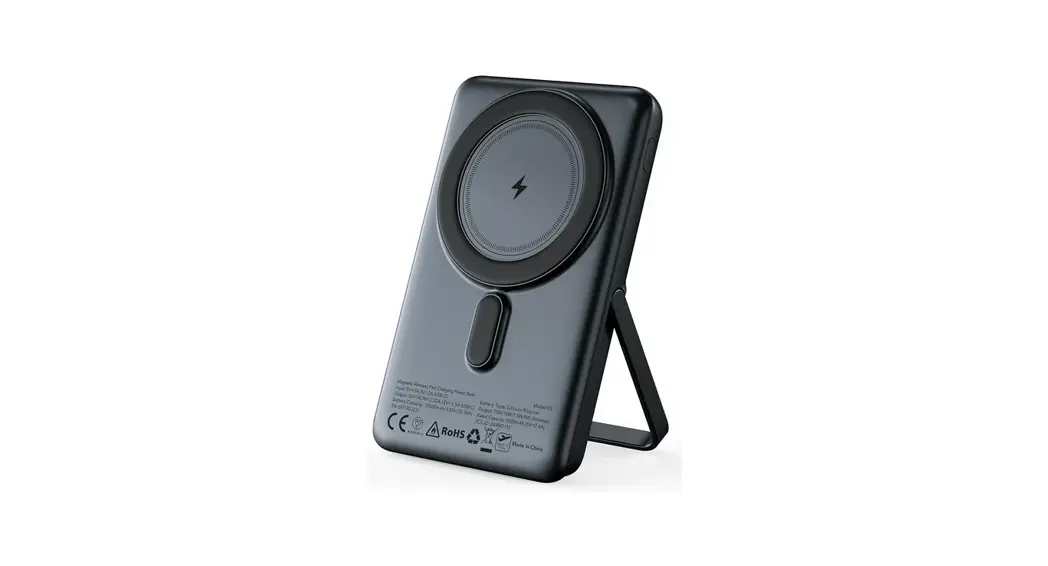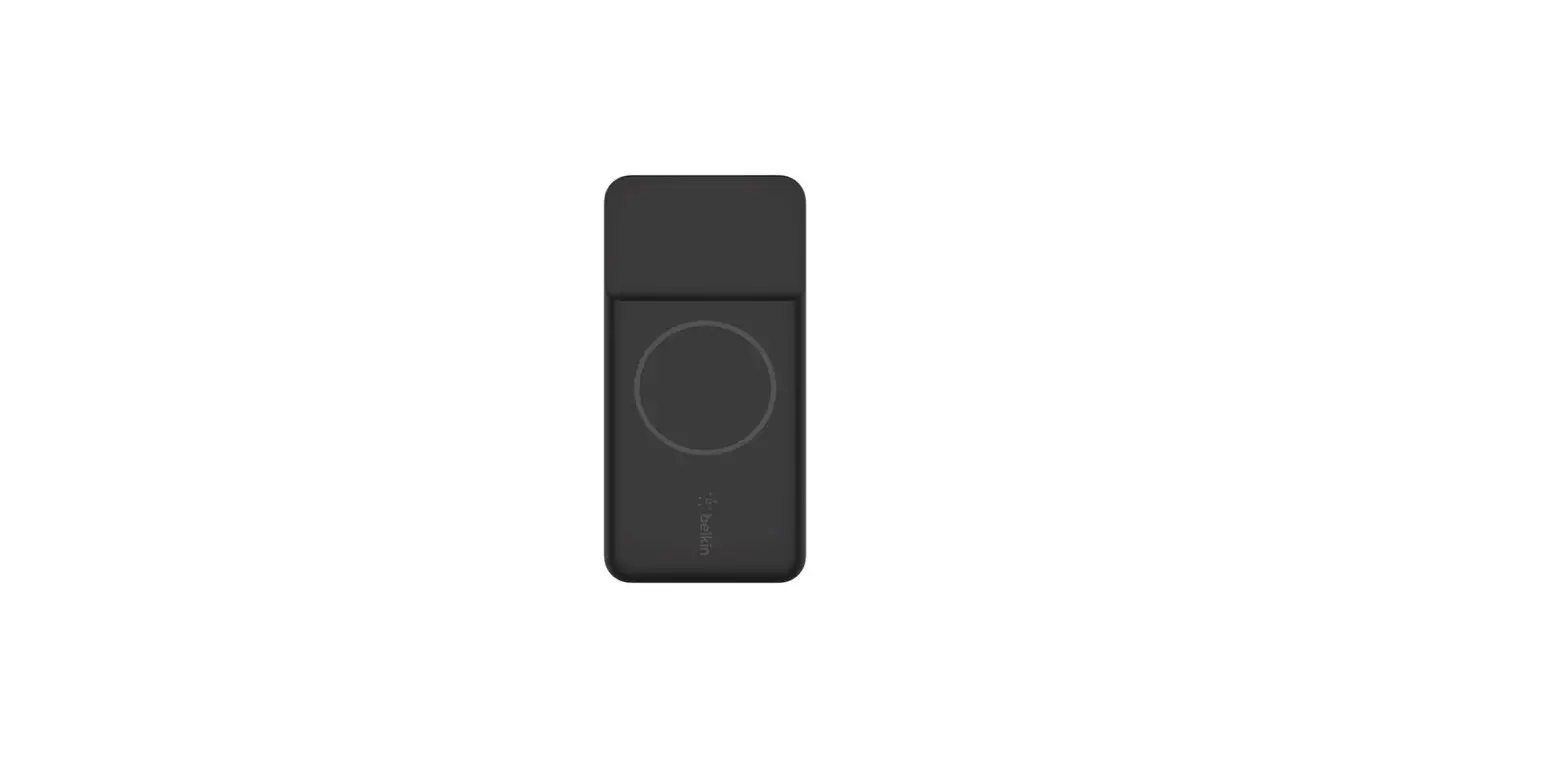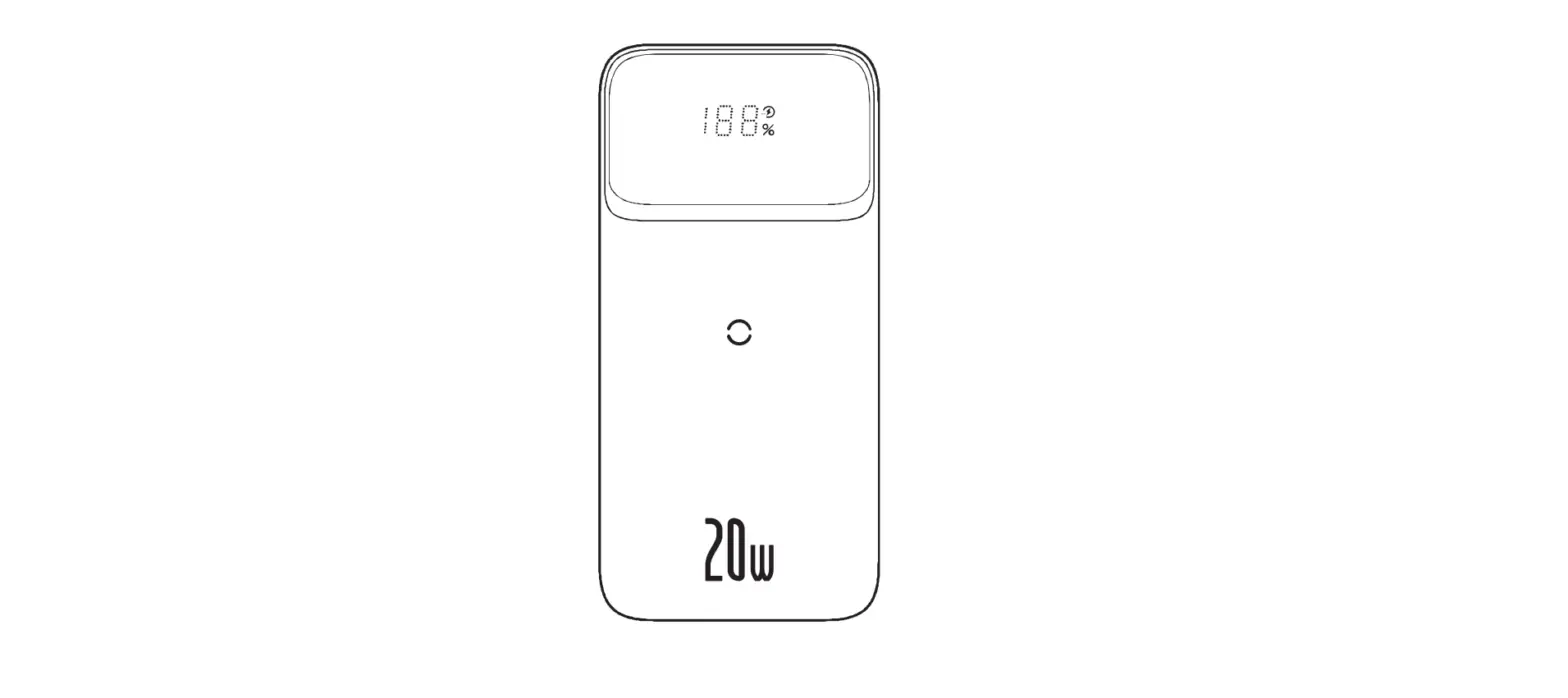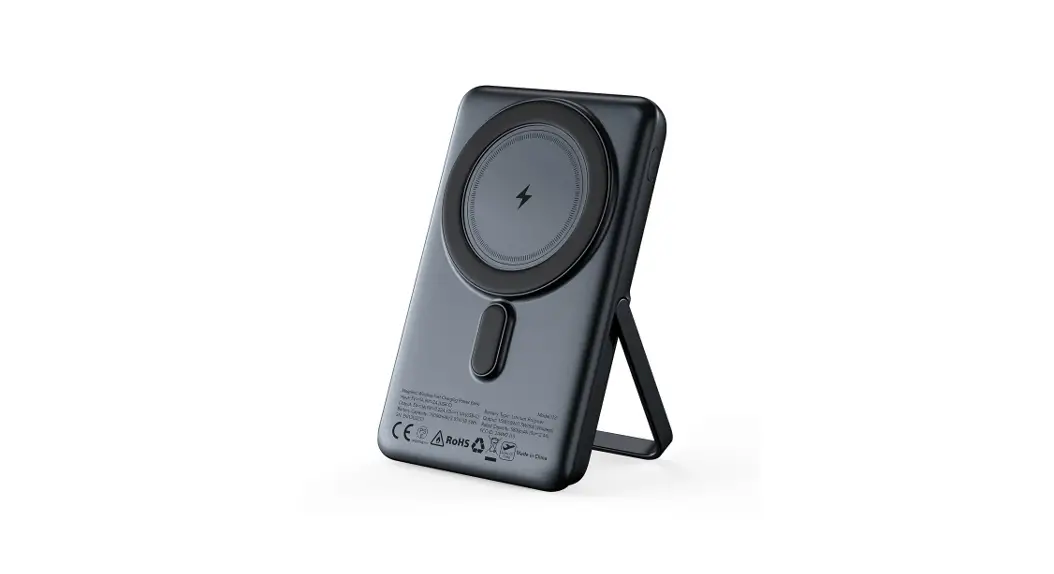

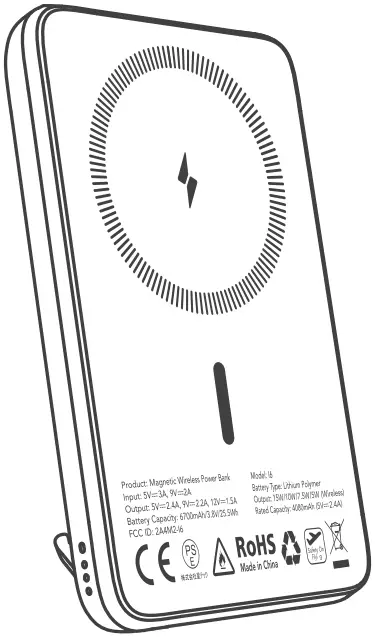
Power Bank PB2
Magnetic Wireless Power Bank
User Manual Model: 16
PB2 Magnetic Wireless Power Bank
Thank you for choosing the Euker magnetic wireless power bank!
Please read this manual before first use and keep it handy for future reference.
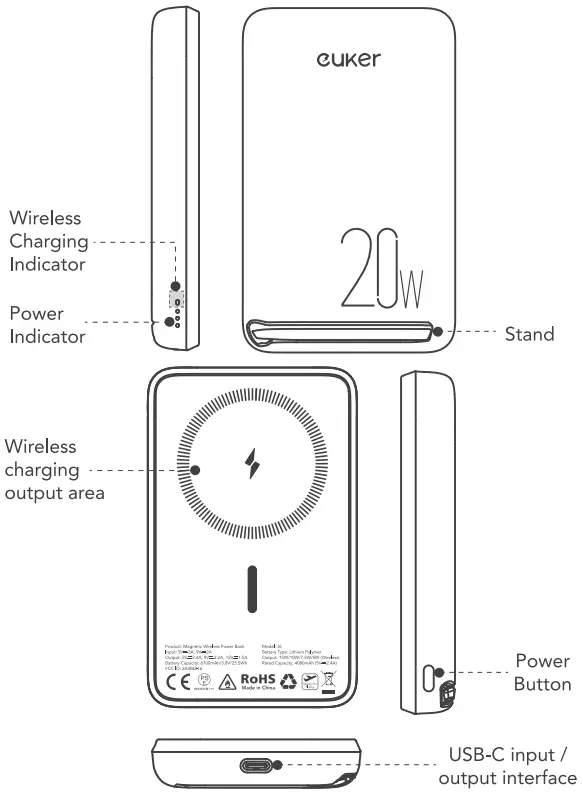
Product Description
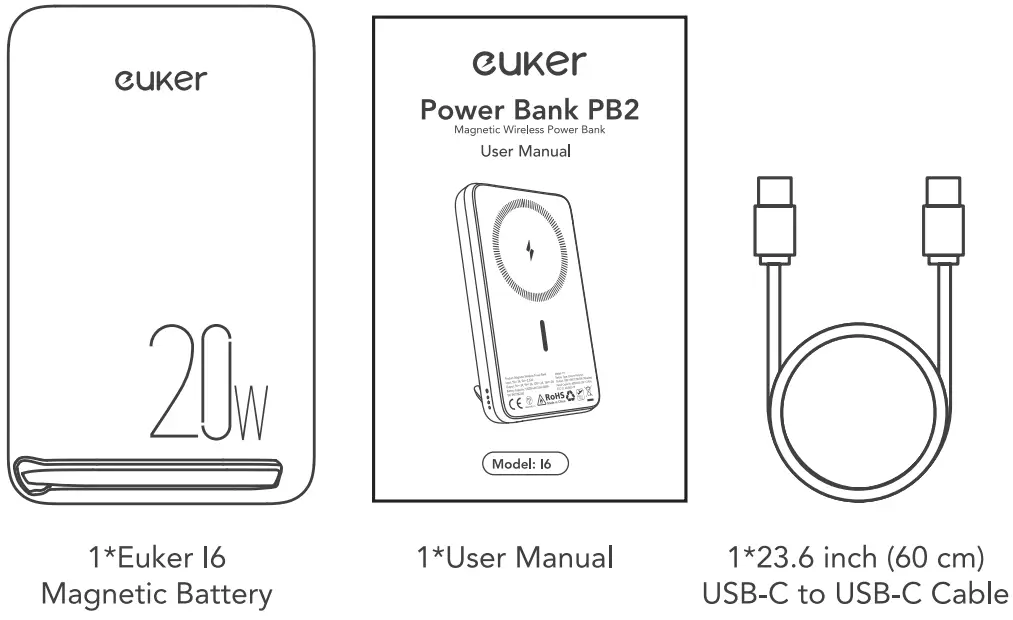
Package Contents
Specifications
USB-C Input: 5V 3A, 9V2A
USB-C Output: 5V2.4A, 9V2.2A, 12V1.5A
Wireless Output: 15W/10W/7.5W/5W
Battery Type: Lithium Polymer
Battery Capacity: 6700mAh/3.8V/25.5Wh
Rated Capacity: 4080mAh (5V=2.4A)
Size: 4.25×2.61×0.61in/108mm*66.4mm*15.4mm
Weight: 6.3402/180g
Operating Instructions
- Charge the power bank
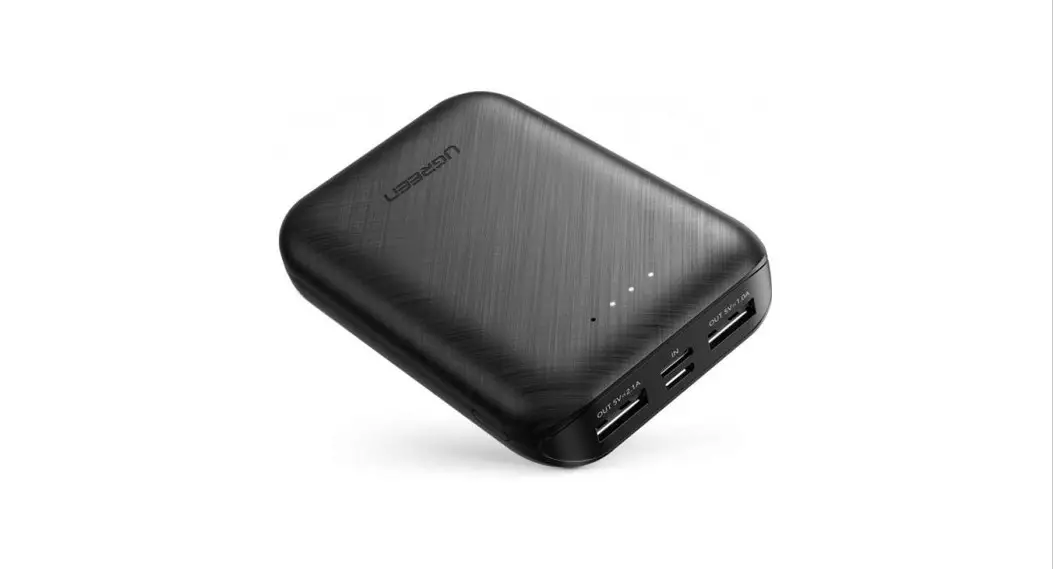
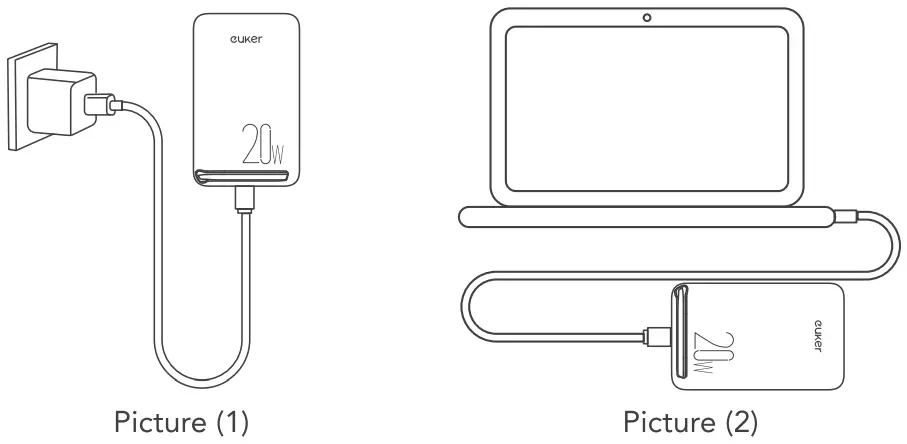
Connect the USB-C connector of the supplied cable to the power supply device.
The power supply device could be the AC charger, as shown in picture(1), or the computer USB-C interface as shown in picture(2). And then connect the other end into the USB-C port of the power bank to keep the power bank charged.
- Power on
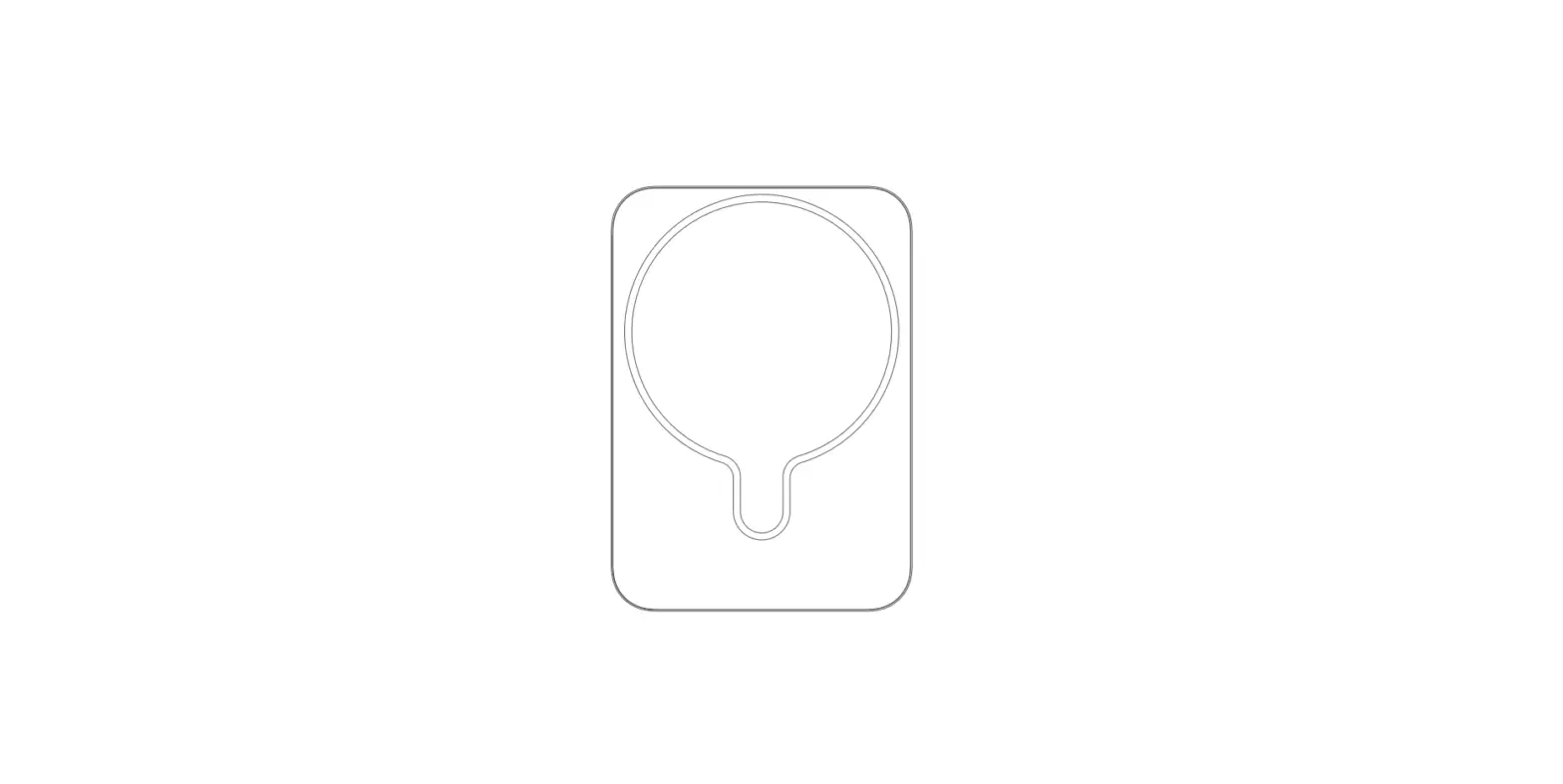
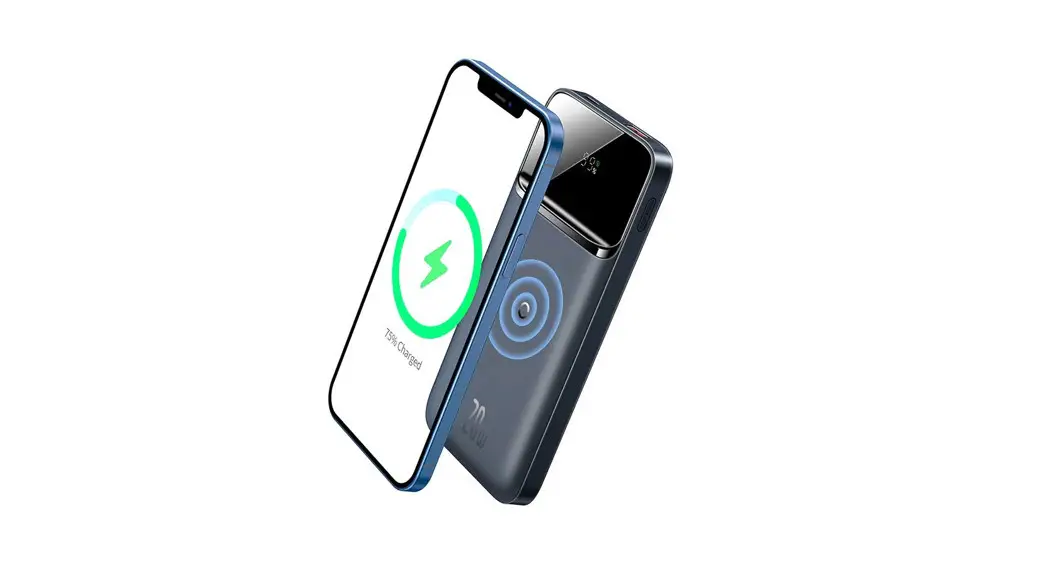
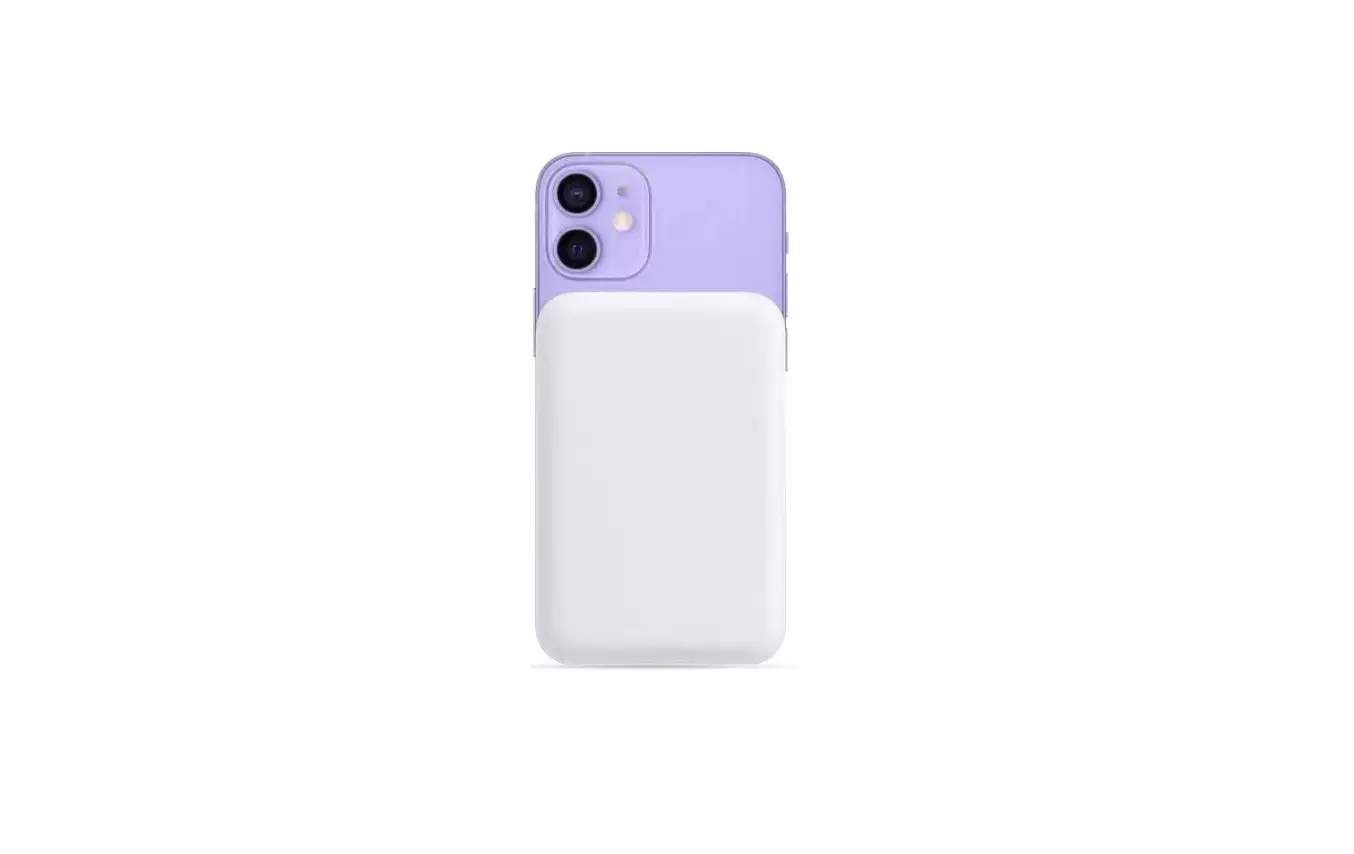
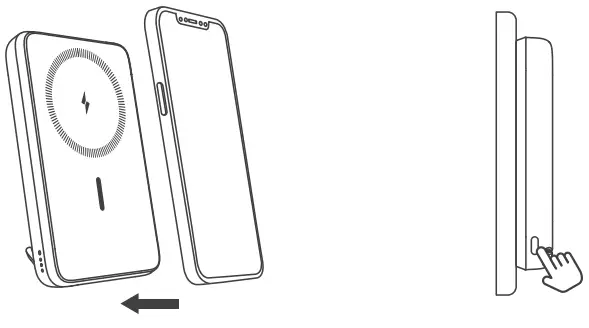
♦ Auto positioning: Put it on.The mobile phone and the power bank are magnetically adsorbed and automatically positioned, then wireless charging is starting with a snap.
♦ By a short press of the button, the device will be powered on (the battery indicator should be on), then wireless charging is starting.
- Shut down
♦ Double-click the button to shut down the power bank.
♦ Normal discharge mode: the discharge function is turned off about 40 seconds after the mobile phone has been disconnected from charger or the mobile phone has been fully charged. The power bank will then be turned off and enter a shutdown state. - Description of power display when charging
The status of the battery indicator when charging the power bank with the charging cable:Status Battery level (0%-33%) Battery level (33%-66%) Battery level (66%-100%) Battery level (100%) Charging 33% battery indicator flashes 66% battery indicator flashes 100% battery indicator flashes All three batter indicator lights
are on - Description of power display when discharging
♦ When using the power bank to charge the mobile phone, the status of the battery indicator light:Status Battery level (0%) Battery level (0%-5%) Battery level (5%-33%) Battery level (33-66%) Battery level (100%) Discharging The battery indicator
lights are all offOne battery indicator
flashesOne battery indicator
light is always onTwo battery indicator
lights are always onThree battery indicato
lights are always on♦ The status of the wireless charging indicator light when using the power bank to charge the mobile phone:
Status Wireless charging
standbyFast wireless charging Slow wireless charge Wired charging Abnormal wireless
chargingWireless charging
indicatorBlue LED light is
always onOrange LED light flashes
slowlyOrange LED light is
always onWireless charging
light is offBlue and orange LED
light flash alternately
FAQs
– A: It is only recommended to charge iPhone 14 / 13/ 12 series phones through this magnetic battery, because only iPhone 14/ 13 / 12 series phones support magnetic charging. You can only use the USB-C port to charge other USB-C devices.
– A: The maximum output power of wireless charging for charging iPhone 14/ 13/ 12 series mobile phones is 7.5W.
– A: This magnetic wireless charging power bank can be used well with the magsafe iPhone 14 / 13/ 12 series mobile phone protective case. If you use a normal protective case, the magnet will be very weak. It is recommended that the mobile phone be matched with a magnetic mobile phone protective case. Thick protective cases are not supported, as well as nonmagnetic phone cases such as OtterBox cases which are not compatible.
– A: Compared with regular charging, the technology of wireless charging may cause slight heat. However, the temperature is within the normal operating temperature range of the mobile phone, so please use it with confidence.
Important Safety Instructions
Basic precautions should always be followed when using this product, including:
- Store the product in a cool, dry place.
- Do not store the product in a hot or humid environment.
- Do not expose the product to heat or fire.
- Do not use the harmful chemicals or cleaning agents to clean the product.
- Operating temperature should be between 0°C to 45°C/32°F to 113°F.
- Do not disassemble the product. When servicing or repair is required, take it to a qualified service person. Improper reassembly may result in a risk of fire or personal injury.
- If the product is not used for a long time, it should be charged and discharged every three months.
- When charging the device, the product may become hot. This is a normal operating condition and should not be a cause for concern.
- Under normal conditions, battery performance will decrease within a few years.
- Misuse, dropping or excessive force may cause product damage.
- When handling secondary cells or batteries, store batteries or batteries of different electrochemical systems separately.
- Please note that a discharged battery may cause fire or smoke. Insulate the terminals with tape.
FCC Statement
This device complies with Part 15 of the FCC rules. Operation is subject to the following two conditions:
(1) this device may not cause harmful interference, and (2) this device must accept any interference received, including interference that may cause undesired operation.
Changes or modifications not expressly approved by the party responsible for compliance could void your authority to operate the equipment.
NOTE: This equipment has been tested and found to comply with the limits for a Class B digital device, pursuant to Part 15 of the FCC Rules.
These limits are designed to provide reasonable protection against harmful interference in a residential installation.
This equipment generates uses and can radiate radio frequency energy and, if not installed and used in accordance with the instructions, may cause harmful interference to radio communications. However, there is no guarantee that interference will not occur in a particular installation. If this equipment does cause harmful interference to radio or television reception, which can be determined by turning the equipment off and on, the user is encouraged to try to correct the interference by one or more of the following measures:
- Reorient or relocate the receiving antenna.
- Increase the separation between the equipment and receiver.
- Connect the equipment into an outlet on a circuit different from that to which the receiver is connected.
- Consult the dealer or an experienced radio / TV technician for help.
EU Representative: Ma Wei Aasheng International
Investment Consulting GmbH
Address: Rodenberger Allee 23, 31542 Bad Nenndorf. Germany
Tel: +49 15206266951
UK Representative: CET Product Service Ltd.
Address: Beacon House Stokenchurch Business Park,
Ibstone Rd, Stokenchurch High Wycombe HP14 3FE UK
Tel: +447419325266

Customer Service: [email protected]
 www.eukers.com
FCC ID: 2A4M2-16Made in China