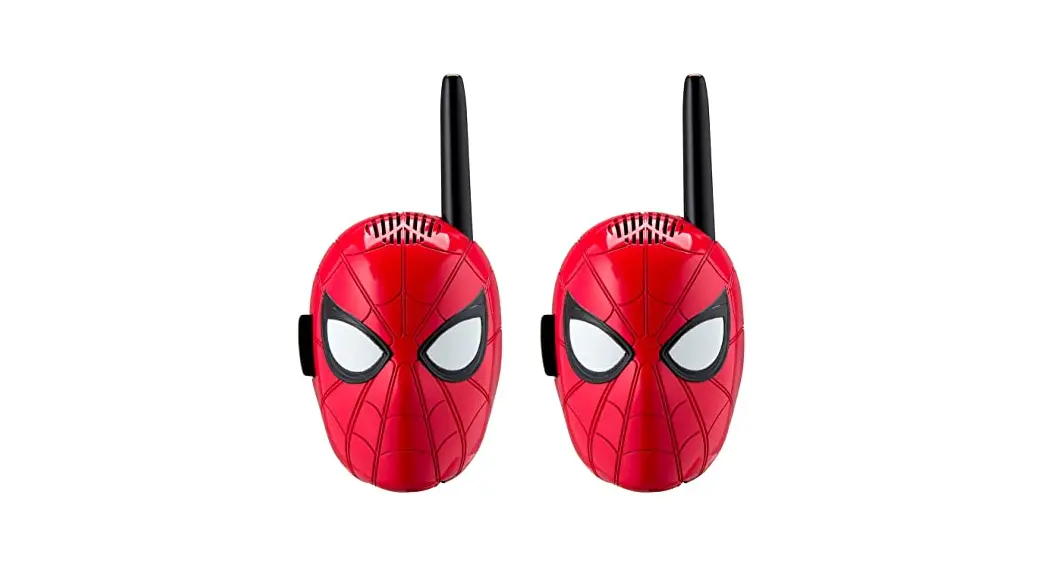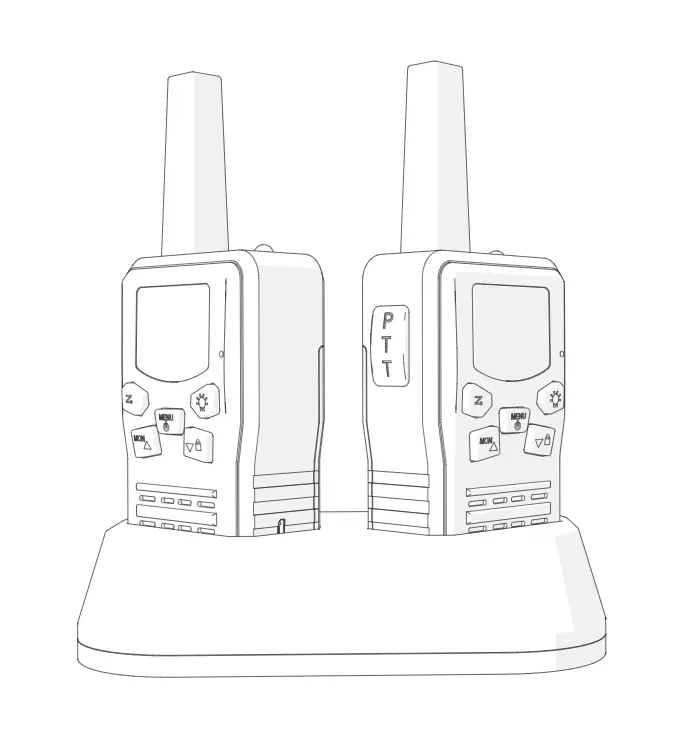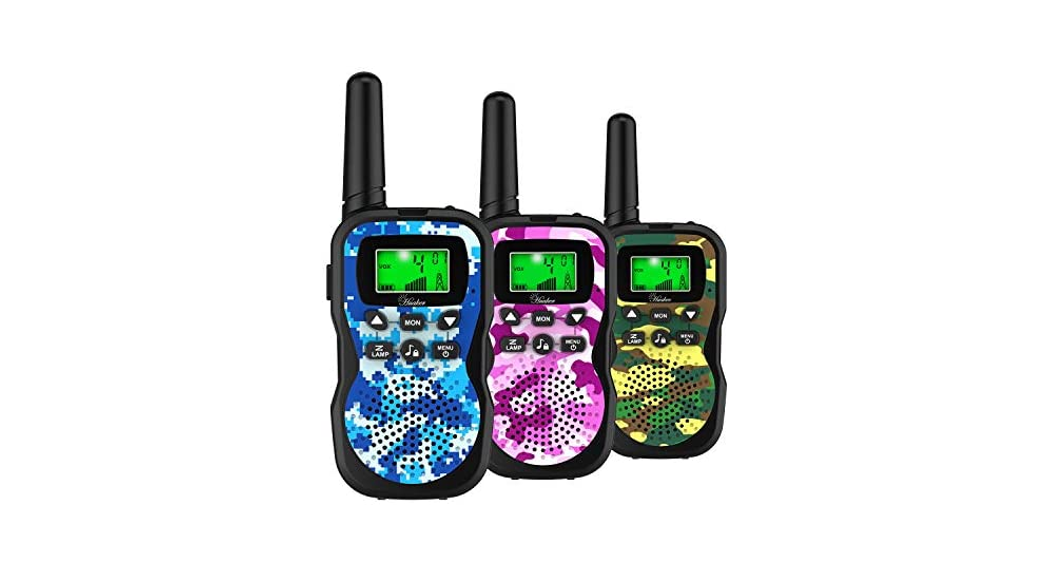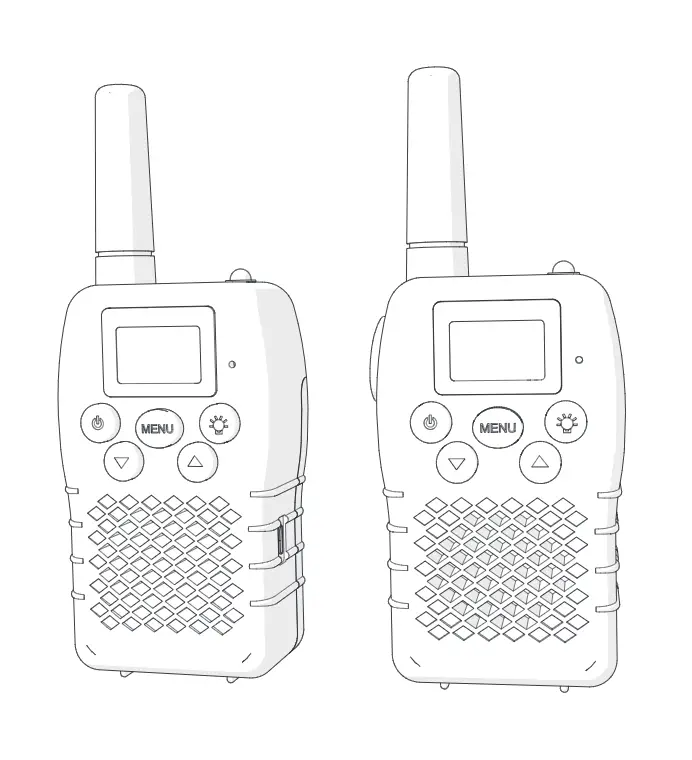

Getting Started
Installing the Batteries
Note: Batteries should always be installed by an adult.
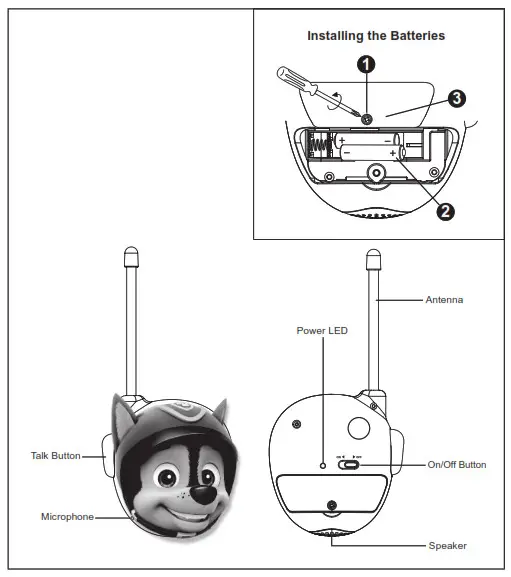
- Use a Phillips screwdriver to open the battery compartment door located on the back of the unit.
- Insert 2 new AAA batteries into each Walkie Talkie with + and – terminals as indicated on the compartment door.
- Replace the compartment door and tighten the screw with a Phillips screwdriver. Do not over-tighten the screw.
For the Best Possible Performance
- Only use the recommended/supplied batteries or equivalent.
- Use alkaline batteries for longer life.
- Do not mix old and new batteries, and do not mix alkaline, carbon-zinc, or rechargeable nickel-cadmium batteries.
- Insert batteries with proper polarity (+/–) as indicated.
- Remove exhausted batteries from the product.
- Recharge rechargeable batteries under adult supervision.
- Do not attempt to recharge non-rechargeable batteries.
- Do not open batteries or heat them beyond normal ambient temperatures.
- To prevent battery leakage or damage remove batteries from a product if it will not be used for a month or longer.
- Use extreme caution handling leaking batteries (avoid direct contact with eyes and skin). If battery leakage comes in contact with eyes, IMMEDIATELY flush the eye with lukewarm and gently flowing water for at least 30 minutes. If skin contact occurs, wash skin with clear water for at least 15 minutes. Seek medical attention if any symptoms occur.
- Store in cool, dry, ventilated areas away from hazardous or combustible material.
- Do not dispose of batteries in the household trash or fire.
- Follow applicable laws and local regulations for the disposal and transportation of batteries.
- Rechargeable batteries are to be removed from the toy before being charged.
- The supply terminals are not to be short-circuited.
Playing Walkie Talkie Games
Walkie Talkies can be used for all kinds of fun games and activities. Here are two suggestions:
Hide and Seek
Just like regular Hide and Seek, but with a twist: the “Hider” can send clues to the “Seeker” using the Walkie Talkies.
Mystery Sounds
Can you recognize the mystery sound? One kid sends a sound over the Walkie Talkies, while another tries to guess what the sound is. Examples can include an animal, song, TV show, or anything else!
Turning Power On/Off
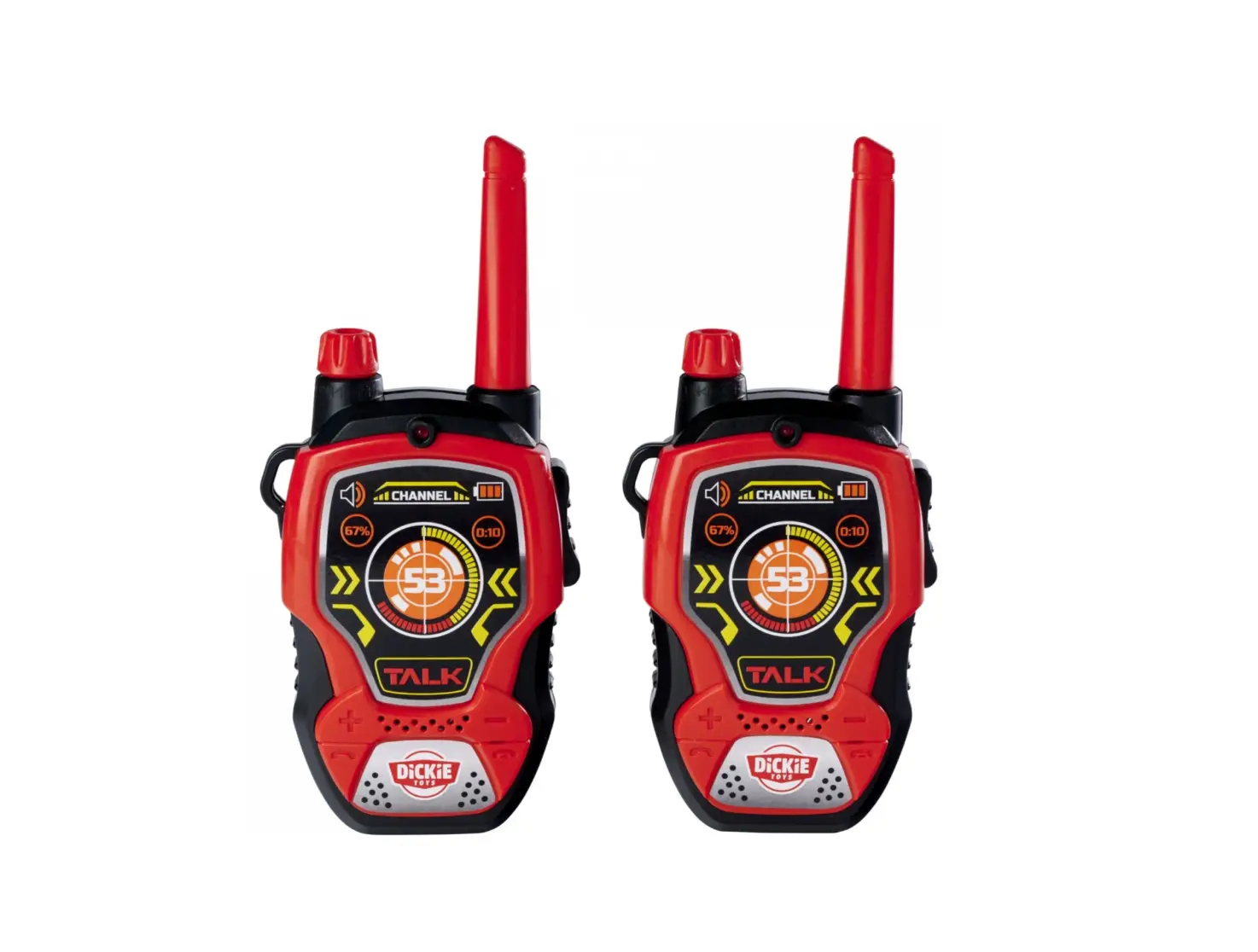
- Slide the ON/OFF Button to the ON to activate the Walkie Talkies. The Power LED will glow solid.
- Slide the ON/OFF Button to the OFF to shut off the Walkie Talkies. The Power LED will turn off.
- Both Walkie Talkies must be turned on in order to send and receive messages.
Sending Voice Messages
Press and hold the Talk Button while speaking into the Microphone.
You Should Know
For clear transmission, keep the Microphone approximately two inches from your mouth.
Receiving Messages
- Both Walkie Talkies must be turned on in order to send and receive messages.
- Messages cannot be received while your Talk Button is being pressed.
- Messages can be heard through the Speaker.
Maintenance
It is important to keep the Walkie Talkies as dry and clean as possible. You may clean the cabinet with a cloth or sponge moistened with mild soap and water. Do not attempt to use strong cleansers or solvents, as they may cause damage.
Troubleshooting
If one or both of the Walkie Talkies do not work, this may indicate that the batteries are weak. Insert 2 new AAA batteries into each unit.
If the signal range of the Walkie Talkies decreases notably, this may again be an indication that the batteries are weak. Insert 2 new AAA batteries into each unit.
Please keep in mind that this product does not transmit well through obstacles such as trees, buildings, and metal structures.
If there is a sizable increase in static, it may be due to the proximity of electric motors, fluorescent lights, power lines, other signal-disrupting objects. You may have to change your location.
If problems persist, DO NOT ATTEMPT TO REPAIR THE UNIT. See the Warranty for factory services.
Important Message to Customers
Thank you for purchasing one of our top-quality electronic products. Please take a moment to read through these instructions to help you understand the safe and proper way to use this toy to extend its usability. Keep these instructions for future reference as they contain important information.
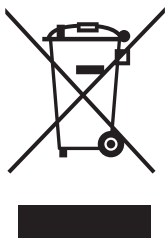 This product bears the selective sorting symbol for waste electrical and electronic equipment (WEEE).
This means that this product must be handled pursuant to European Directive 2012/19/EU in order to be recycled or dismantled to minimize its impact on the environment. For further information, please contact your local or regional authorities. Electronic products not included in the selective sorting process are potentially dangerous for the environment and human health due to the presence of hazardous substances.
This device complies with the essential requirements of the R&TTE Directive 1999/5/EC.
The following test methods have been applied in order to prove presumption of conformity with the essential requirements of the R&TTE Directive 1999/5/EC