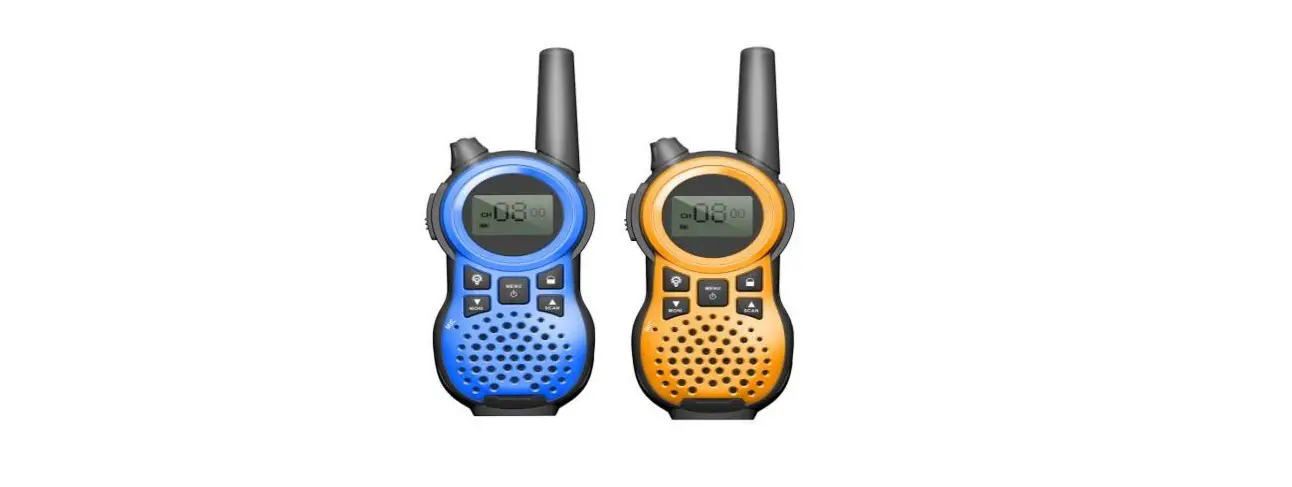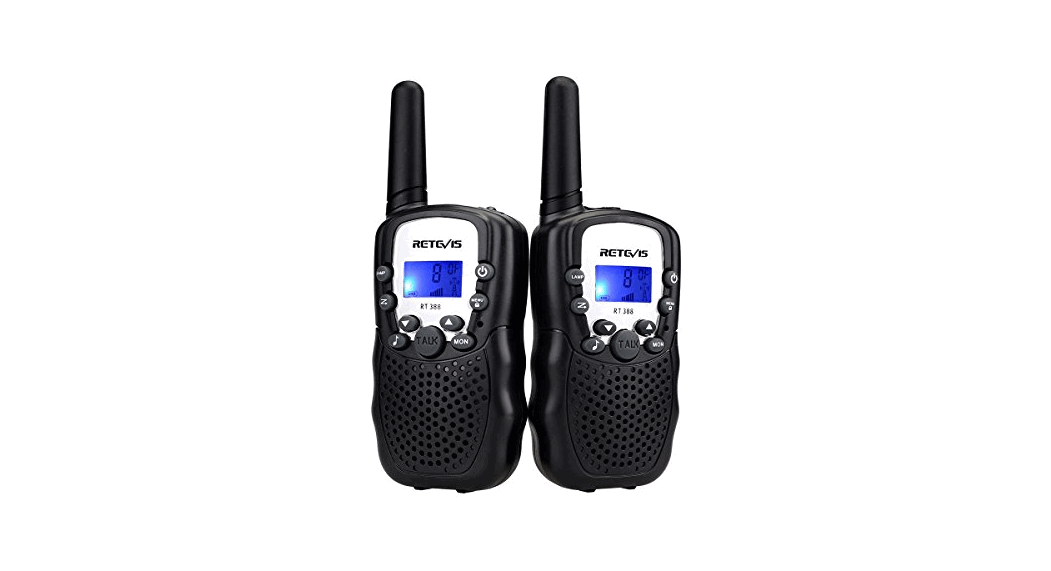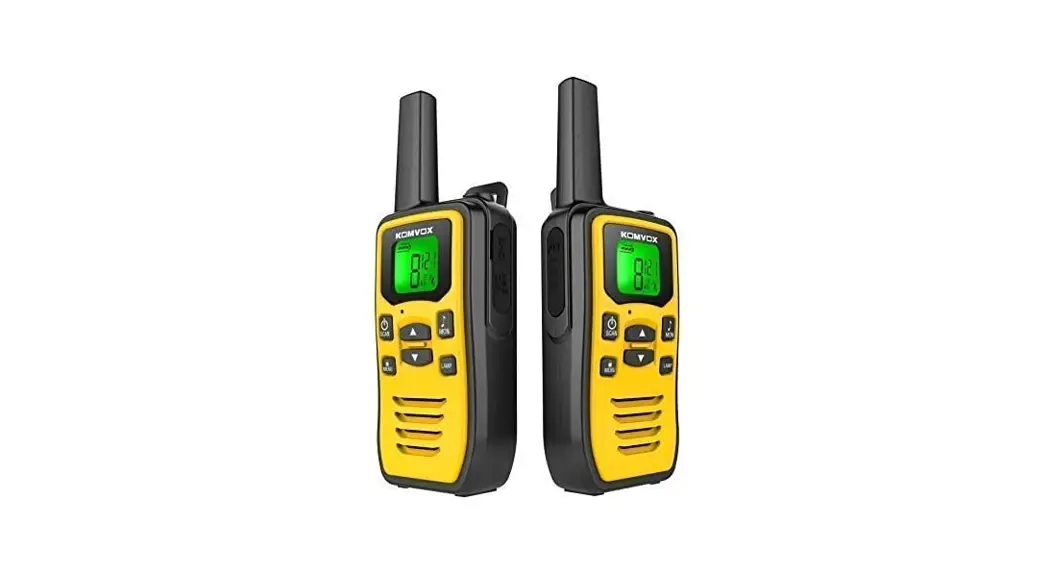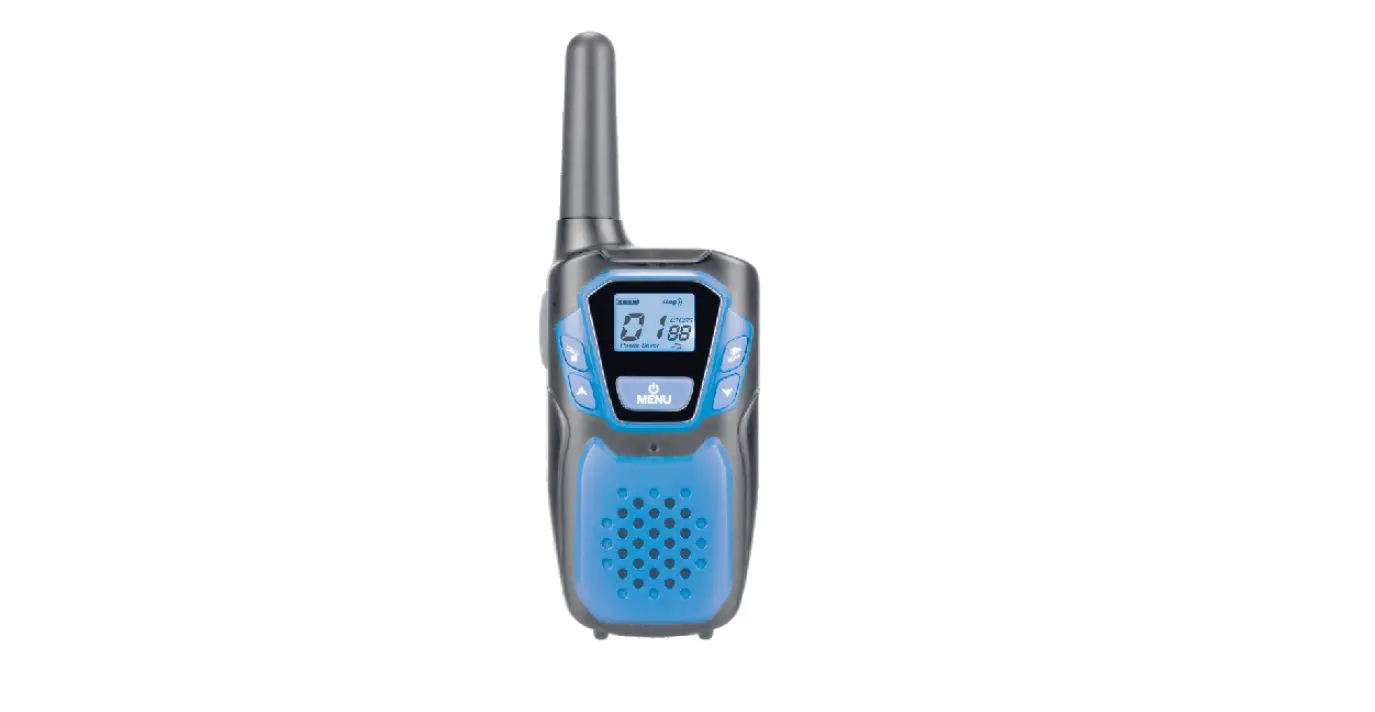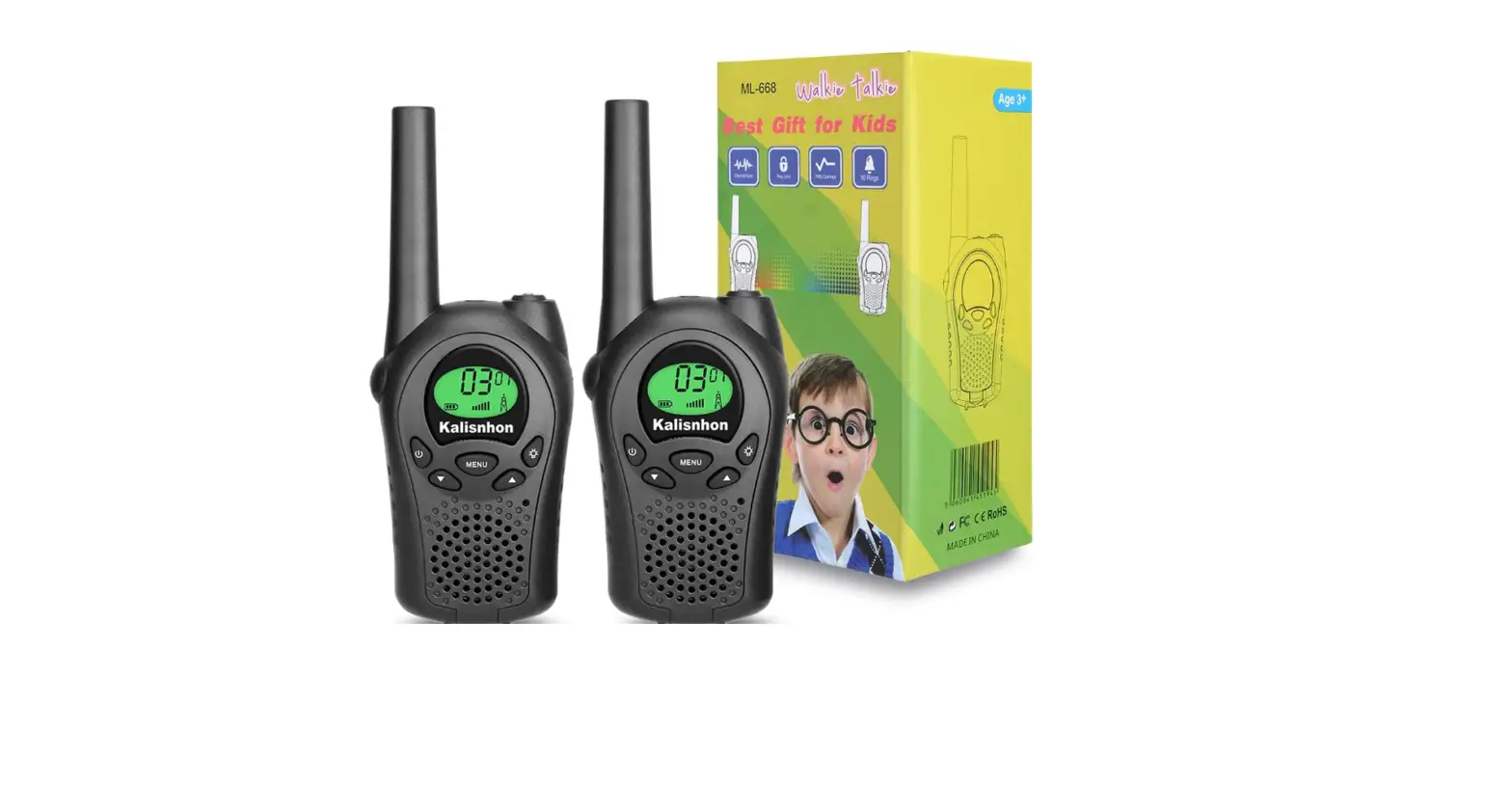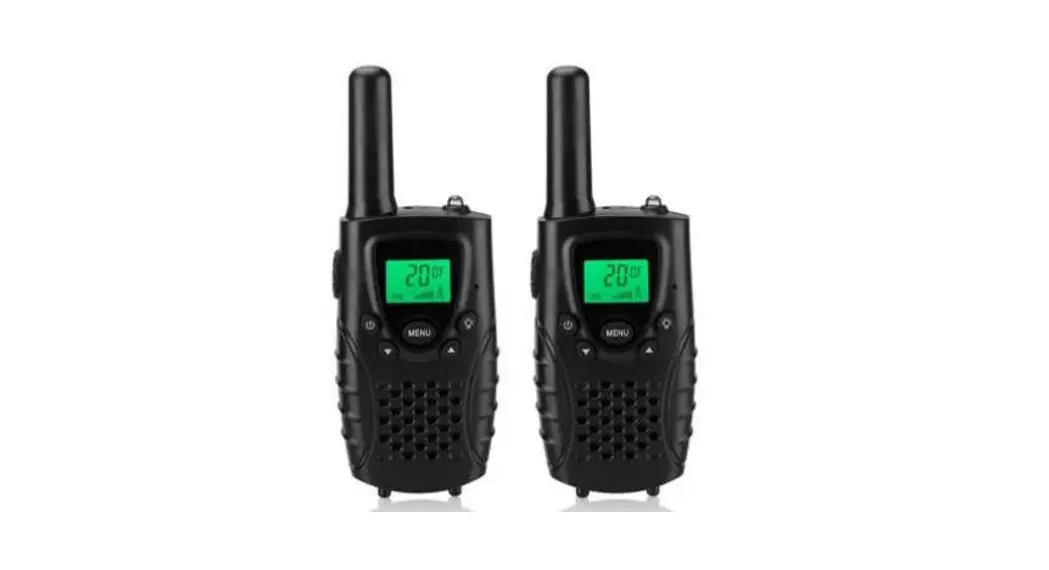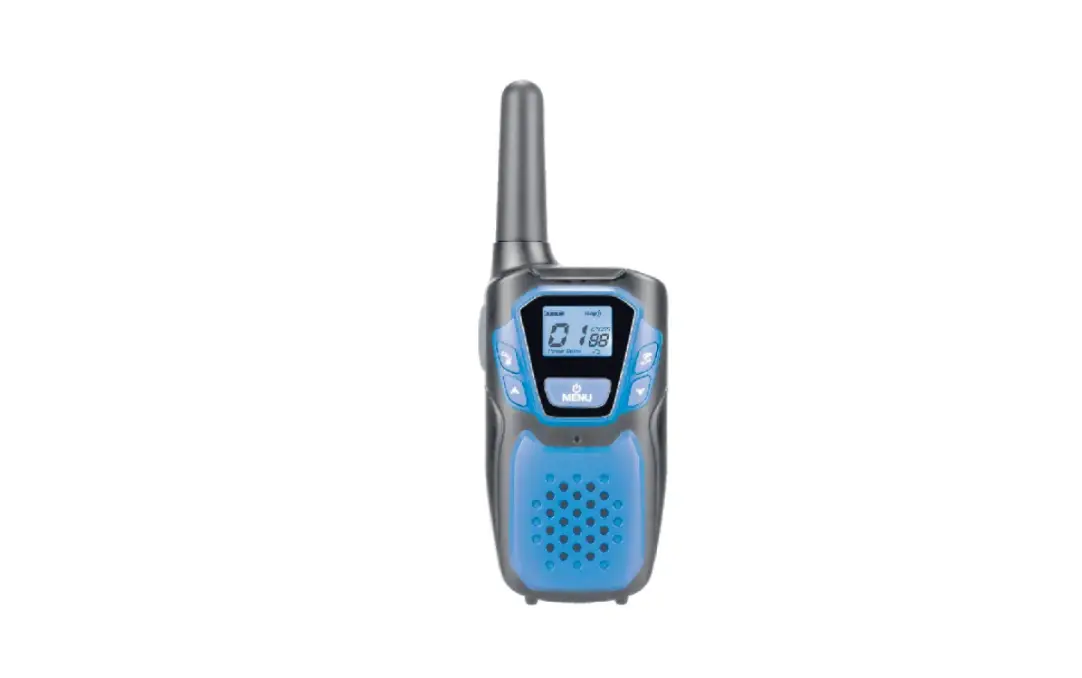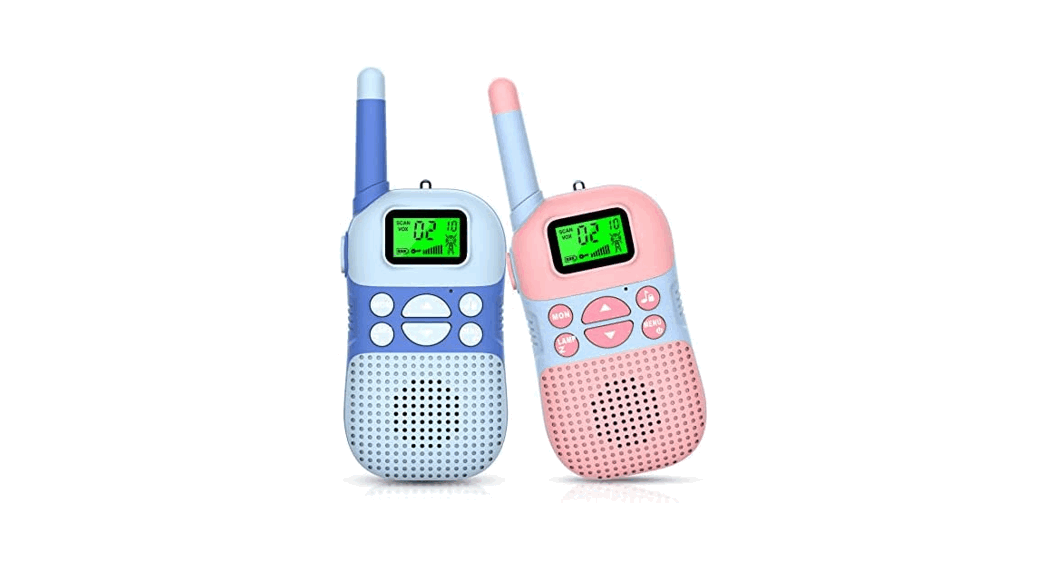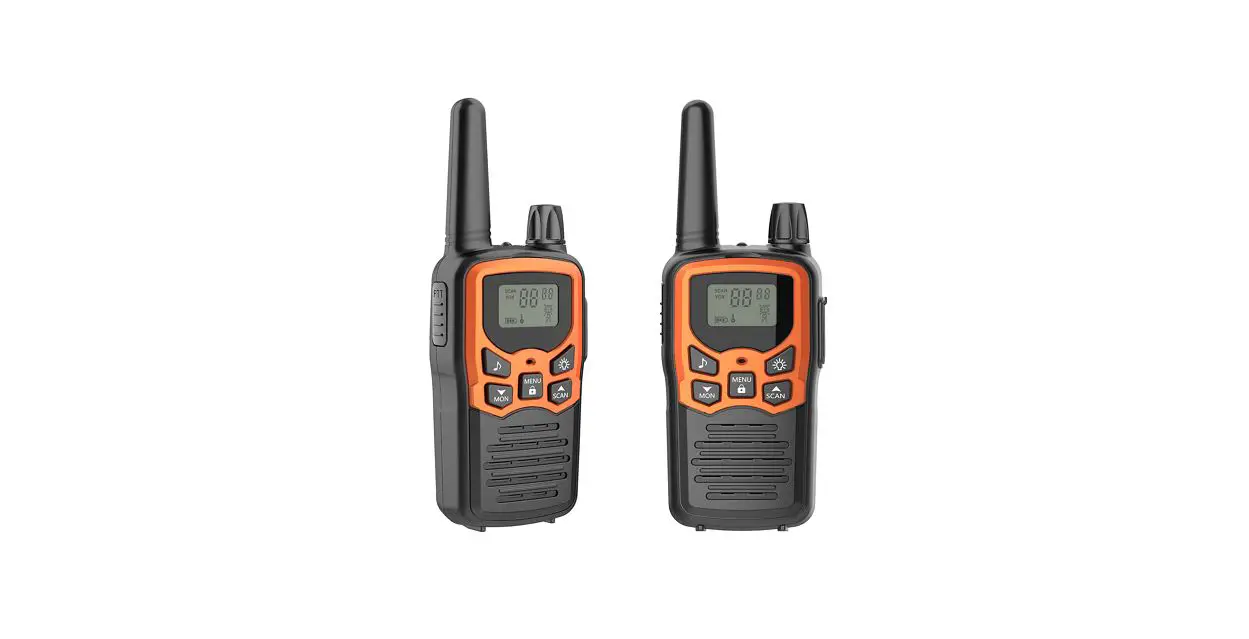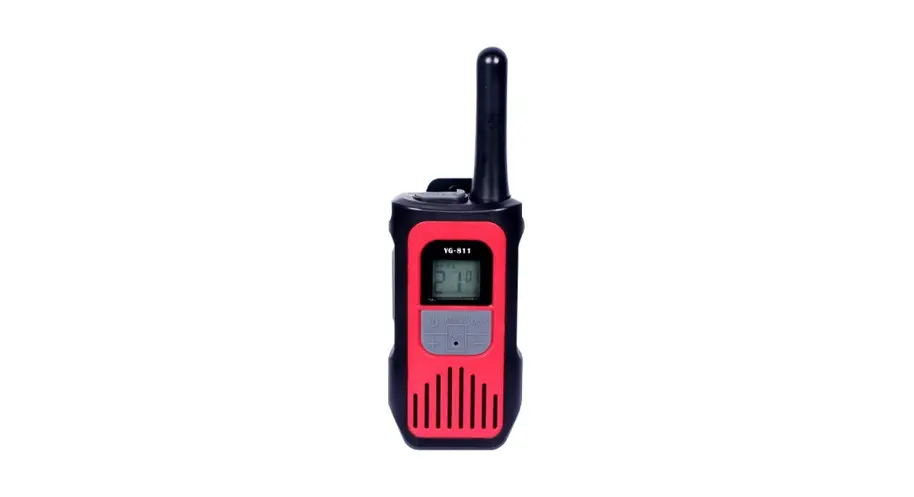
WALKIE TALKIE
User Manual
Getting Started
Installing the AA Batteries
Your radio uses 3 AA Alkaline batteries.
- With the back of the radio facing you, lift the battery latch up to release the battery cover and remove it.
- Insert 3 M Alkaline batteries as shown on the inside of the battery compartment.
- Reposition the battery cover and press it down to secure.
The Walkie-Talkie can use a NiMH rechargeable battery instead of 3 AA Alkaline batteries.
Battery Meter The battery icon shows the battery charge level,  from full to empty
  When the battery is empty, the radio chirps periodically after releasing.
  The radio powers off when the voltage drops below a predetermined level to protect the rechargeable battery.
Note: Remove the batteries before storing your radio for extended periods of time. Batteries corrode over time and may cause permanent damage to your radio.
Turning Your Radio On and Off
After you insert batteries turn the radio on. the radio chirps and the display briefly show all feature icons available on your radio. The display then scrolls through the available channels and Interference Eliminator Codes. Press and hold  button turns the radio oft
Setting the Volume
– Press the up button to increase the speaker volume.
– Press the down button to decrease the speaker volume.
– The speaker volume level is indicated by the numbers 1-16 displayed.
Setting a Channel
- With the radio on, press
 The current channel flashes.
 - Press up or down to set the channel.
- Press PTT to save the channel setting.
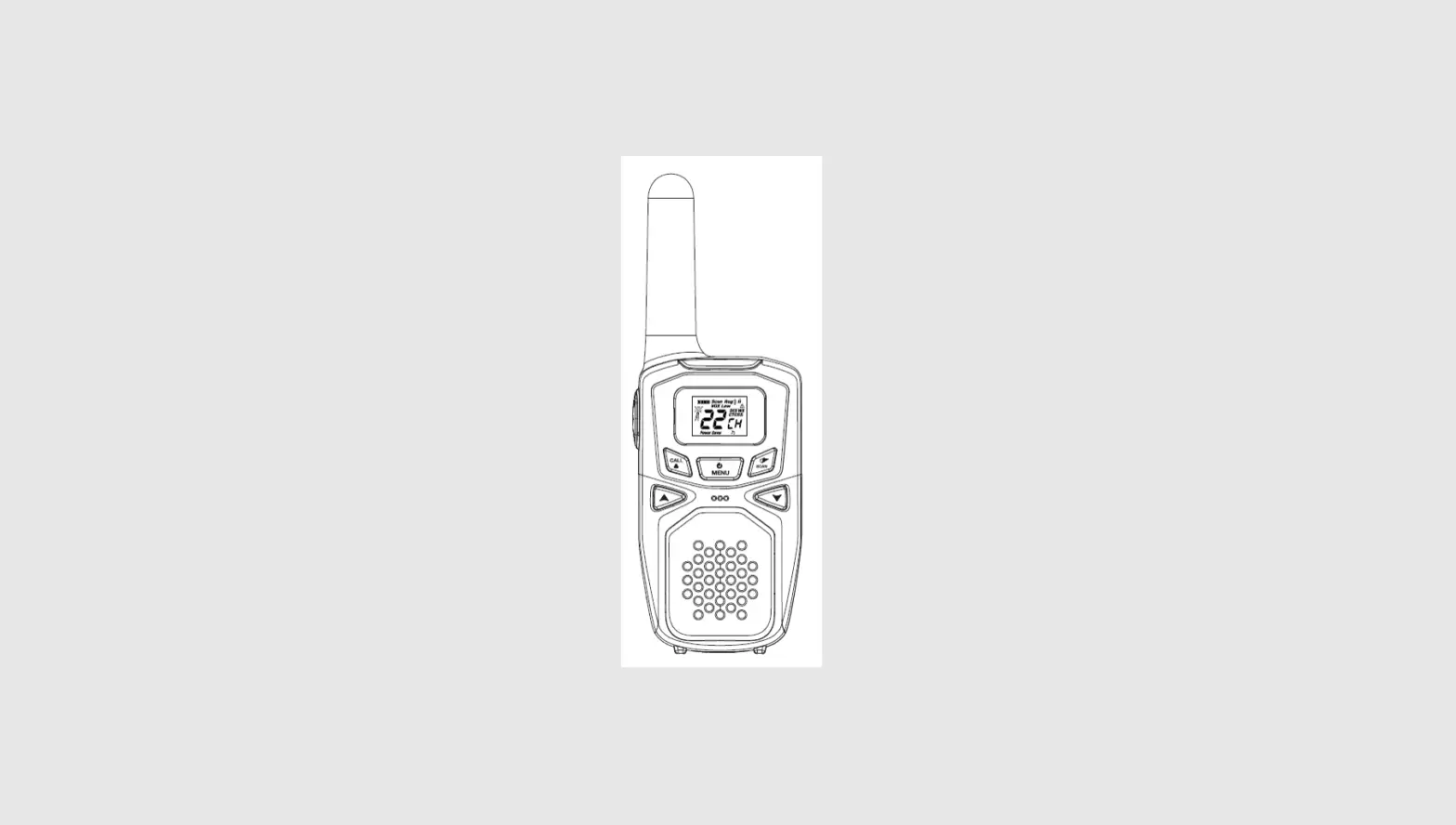
Control Buttons
Use to:
to:
- Scan
- Turn the radio on
Use UP/DOWN to:
- Adjust volume
- Scroll through menus
Use I/MON to:
- Transmit call tone
Use to:
to:
- Select menu options
- Exit the menu (when pressed while in a menu)
- Lock and unlock the keypad (when held down and not in a menu)
Use to:
- Talk
- Save a setting
Talking and Listening
To communicate. all radios in your group must be set to the same channel and Interference Eliminator Code. To talk, press, and hold PTT. Hold the radio 2 to 3 inches away from your mouth when speaking. When you finish speaking, release PTT (press to talk, release to listen).
Checking the Channel Before Transmitting
Your radio has multiple channels shared on a lake ken” basis. For uninterrupted commune.in, do not talk on a channel if someone else is currently talking about it. Check for activity on a channel before you talk. press and hold  /NON. If you hear static, the channel is clear to use.
Special Features
Interference Eliminator Code
Interference Eliminator Codes help minimize interference by providing you with a choice of code combinations. To set the code for a channel:
- Press until the code starts to flash.
- Press UP or DOWN to select the code 0-121 OR 121-0.
- Press PTT to save the code set.
You can set a different code for each channel using this procedure.
Note: You must set the Interference Eliminator Code to 0 cos radios that use Interference Elirnnatc. Codes to communicate with radars that do not have Interference Eliminator Codes.
Push to Talk Timeout Timer
To prevent accidental transmissions and save battery life. the radio emits a continuous warning tone and slops transmitting it you press PTT for 60 continuous seconds.
Locking the Keypad
To avoid accidentally changing your radio settings. press and hold for 3 seconds or until display. You can turn the radio on and off, receive, transmit, send a call tone, and monitor channels. All other functions are locked. To unlock the radio, press and hold for 3 seconds or until a is no longer displayed.
Scanning Channels
Use scanning to monitor channels for transmissions or to find someone in your group who has accidentally changed channels. To stan scanning. briefly press and release  The scan indicator. displays. When the radio detects channel activity. it stops scanning and you can hear the transmission. To respond to the transmission. press PIT within 5 seconds.
Scan Advance
If the radio stops scanning on a channel you do not want to listen to, briefly press and release ) or I to resume scanning for the next active channel,
Removing Channels from the Scan List (Nuisance Delete Feature)
To remove a channel so the radon does not stop on it while scanning, press and hold UP or DOWN for at least 3 seconds, then release. This temporarily removes the channel from the scan list. To restore the charnel, kin the radio off and then back on.
Note: You cannot remove the charnel your radio was set to when you stalled the scan (called your home channel).
Setting and Transmitting Call Tones
Your radio can transmit different call tones to other radios in your group so you can alert them that you want to talk.
To set a call tone:
- with the radio on, press times. The current call tone-setting flashes and
 *Welt
*Welt - Press UP or DOWN to change and hear the call tone.
- Pressor
 to set the new cal tone. To transmit your call tone to other radios set to the same channel and Interference Eliminator Code as your radio, press
 *Welt
*Welt to set the new cal tone. To transmit your call tone to other radios set to the same channel and Interference Eliminator Code as your radio, press
Notes
- Setting the call tone to 0 disables the call tone feature.
Voice Activation (VOX)
Voice activation (VOX) allows you to talk hands-free.
- Press PTT and
 Turn the radio on.
 - Turn the radio on.
 displays.
 - To transmit speak into the microphone. There is a short delay between the time you start talking and when the radio transmits.
- To receive, stop talking. To turn VOX off, press PTT.
 displays.
Setting the Sensitivity Level
Adjusting your radio’s sensitivity level helps minimize the possibility of unintended noises triggering a transmission and helps the radio pick up soft voices.
- Pressuntildisplays.
- Press UP or DOWN to select the sensitivity level:
- — High Sensitivity for quiet environments
- = Medium Sensitivity for most environments 1 = Low Sensitivity for noisy environments
Setting the double channel monitor
- Press until CH displays, The current channel flashes.
- Press up or down to set the monitor channel.
- Press PTT to save the double channel monitor setting.
Setting the SQUELCH Level 1.6
I. Press 0 until SL displays.
2. Press UP or DOWN to select the receive sensitivity level:
01 = High receive Sensitivity
02-05 = Medium receive Sensitivity
06= Low receive Sensitivity
Setting the TX POWER LO/HI
I. Press wed pr splays.
• Press UP or DOWN to select the LO OR HI level.
• Press PTT to save the TX POWER LOIN! setting.
Safety and General Information
Important Information on Safe and Efficient Operation Read This Information Before Using Your Radio The information provided M this document supersedes the general safety information contained in user guides published prior to July 2C00.
Transmit and Receive Procedure
Your two-way radio contains a transmitter and a receiver. To control your exposure and ensure compliance with the general population/uncontrolled environment exposure limits, always adhere to the following procedure:
- Transmit no more than 50% of the time.
- To transmit (talk), press the Push to Talk (PIT) button.
- To receive calls, release the PTT button.
Transmitting 50% of the time, or less, is important because the ratio generates measurable RF energy exposure only when transmitting (in terms of measuring standards compliance).
Exposure to Radio Frequency Energy Your radio is desired to comply with the following national and international standards and guidelines regarding exposure of human beings to radiofrequency electromagnetic energy
Two-Way Radio Operation
When using your radio as traditional two-way radio, hold a ho rad vertical position with the microphone one to two inches (2.5 to 5 cm) away from the lips.
Facilities To avoid electromagnetic interference and/or complexity conflicts, turn off your radio in any facility inhere posted notices instruct you to do so. Hospitals or health care facilities may be using equipment that is sensitive to external RF energy.
Aircraft
When instructed to do so. tun of your radio when onboard an aircraft. My use of a radio must be in accordance with applicable regulations per airline crew instructions.
Potentially Explosive Atmospheres
Turn off your radio prior to entering any area with a potentially explosive atmosphere. Do not remove, install, or charge batteries in such areas. Sparks In a potentially explosive atmosphere can cause an explosion or fire resulting in bodily injury or even death.
Note: The areas with potentially explosive atmospheres referred to above include fueling areas such as below decks on boats. fuel a chemical transfer or storage facilities. areas where the at contains chemicals or panicles, such as grain, dust on metal powders. and any other area where you would normally be advised to turn off your vehicle engine. Areas with potentially explosive atmospheres are often but not always posted.
Blasting Caps and Areas
To avoid possible interference with blasting operations. urn off your radio when you are near electrical blasting caps. in a blasting area. or in areas posted: ‘rum off Mornay radio.’ Obey all signs and instructions.
Operational Cautions
Antennas
Do not use any portable radio that has a damaged antenna. If a damaged antenna comes into contact with your skin, a minor burn can result.
Batteries
Al batteries can cause property damage and/or bodily injury such as burns if a conductive material such as jewelry. keys. or beaded chains touch exposed terminals. The conductive material may complete an electrical circuit (short circuit and become quite hot. Exercise care in handling any charged battery, particularly when placing it inside a pocket. pulse, or another concealer with metal objects.
Battery Charger Safety Instructions
- Do not expose the charger to rain or snow.
- Do not operate or disassemble the charger if it has received a sharp blow, or has been dropped or damaged in any way.
- Never alter the AC cord or plug provided with the unit. If the plug will not lit the outlet, have the proper outlet interned by a qualified electrician. An improper condition can result in a risk of electric shock.
- To reduce the risk of damage to the cord or plug, pull the plug rather than the cord when disconnecting the charger from the AC receptacle.
- To reduce the risk of electric shock, unplug the charger from the outlet before attempting any maintenance or cleaning.
- Use of an attachment, not recommended, may result in a risk of fire. electric shock, or personal injury.
- Make sure the cord is located where it will not be stepped on. tripped over, or subjected to damage or stress.
- An extension cord should not be used unless absolutely necessary. Use of an improper extension cold could result in a risk of fire and/or electric shock. hi an extension cord must be used, make sure that:
- The pins on the plug of the extension cord are the same number, size, and shape as those on the plug of the charger.
- The extension cord is properly wired and in good electrical condition. The cord size is 18 AWG for lengths up to 100 feet, and 16 AWG for lengths up to 150 feet.
FCC compliance statement This device complies with Part 15 of the FCC Rules. Operation is subject to the following two conditions: (1) this device may not cause harmful interference, and (2) this device must accept any interference received, including interference that may cause undesired operation. changes or modifications not expressly approved by the party responsible for compliance could void the user s authority to operate the equipment. This equipment has been tested and found to comply with the limits for a Class B digital device, pursuant to Part 15 of the FCC Rules. These limits are designed to provide reasonable protection against harmful interference in a residential installation. This equipment generates, uses, and can radiate radio frequency energy and, if not installed and used in accordance with the instructions, may cause harmful interference to radio communications. However, there is no guarantee that interference will not occur in a particular installation. If this equipment does cause harmful interference to radio or television reception, which can be determined by turning the equipment off and on, the user is encouraged to try to correct the interference by one or more of the following measures:– Reorient or relocate the receiving antenna.– Increase the separation between the equipment and receiver. — Connect the equipment into an outlet on a circuit different from that to which the receiver is connected.– Consult the dealer or an experienced radio/TV technician for help.