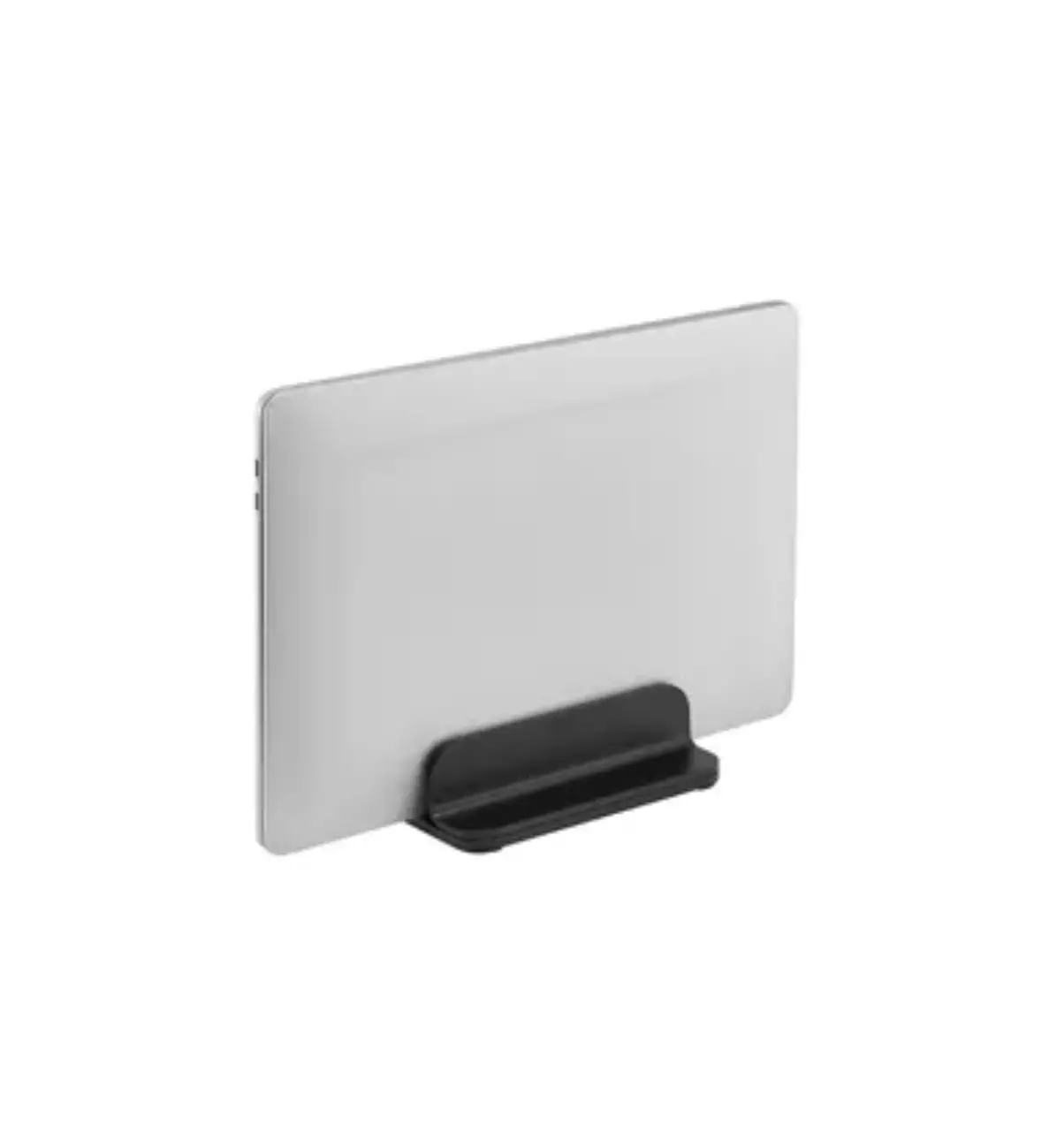
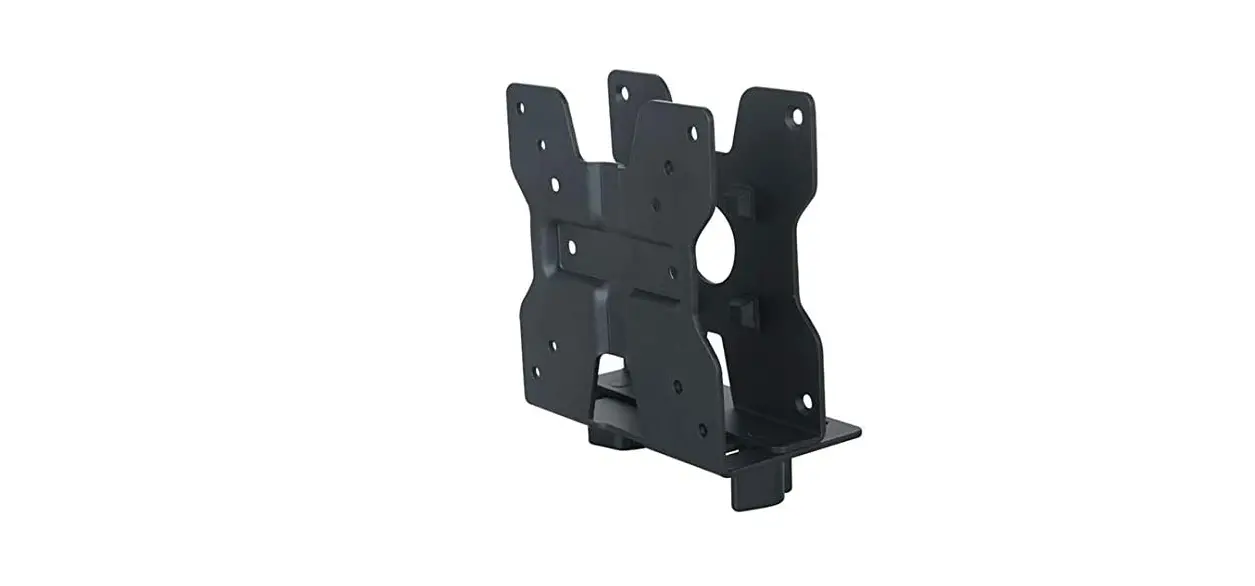
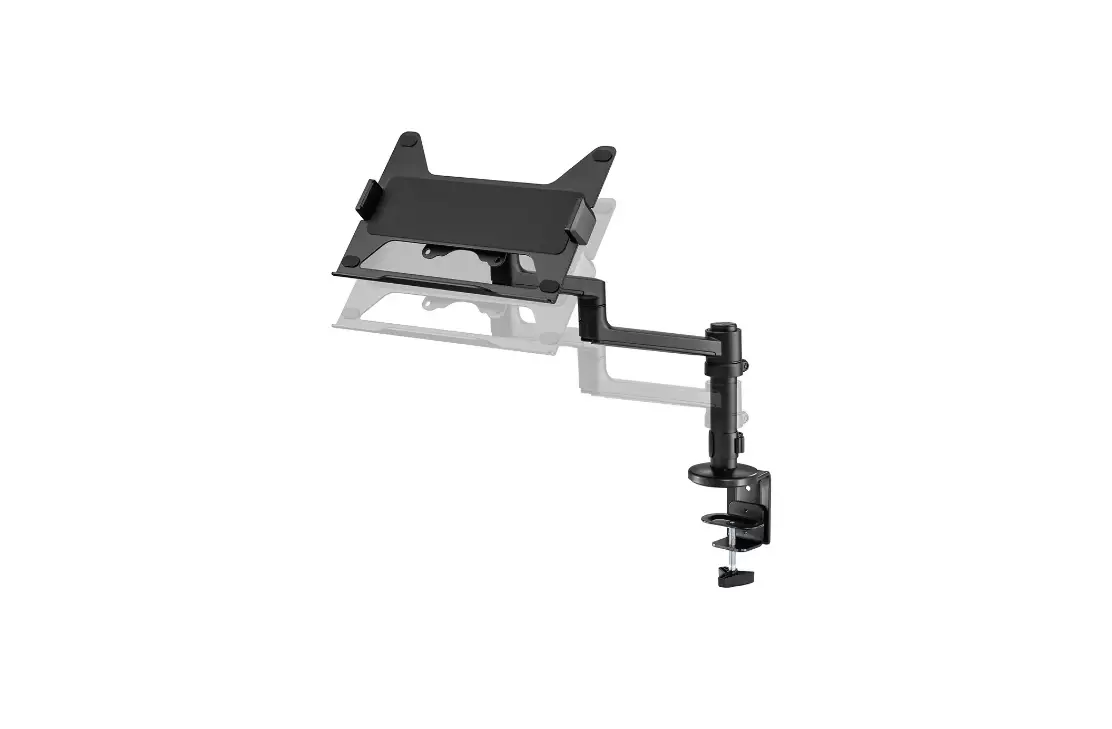
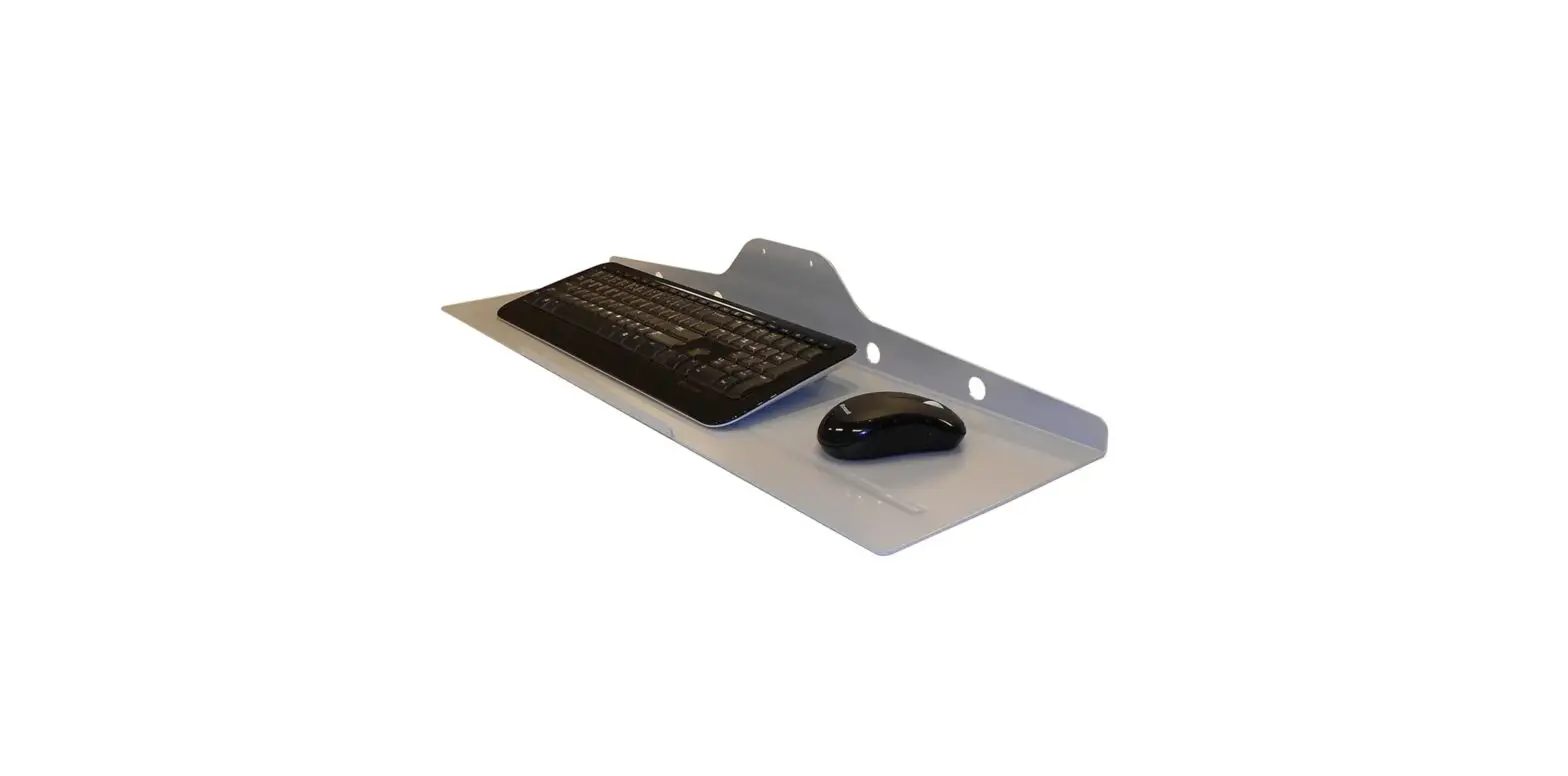
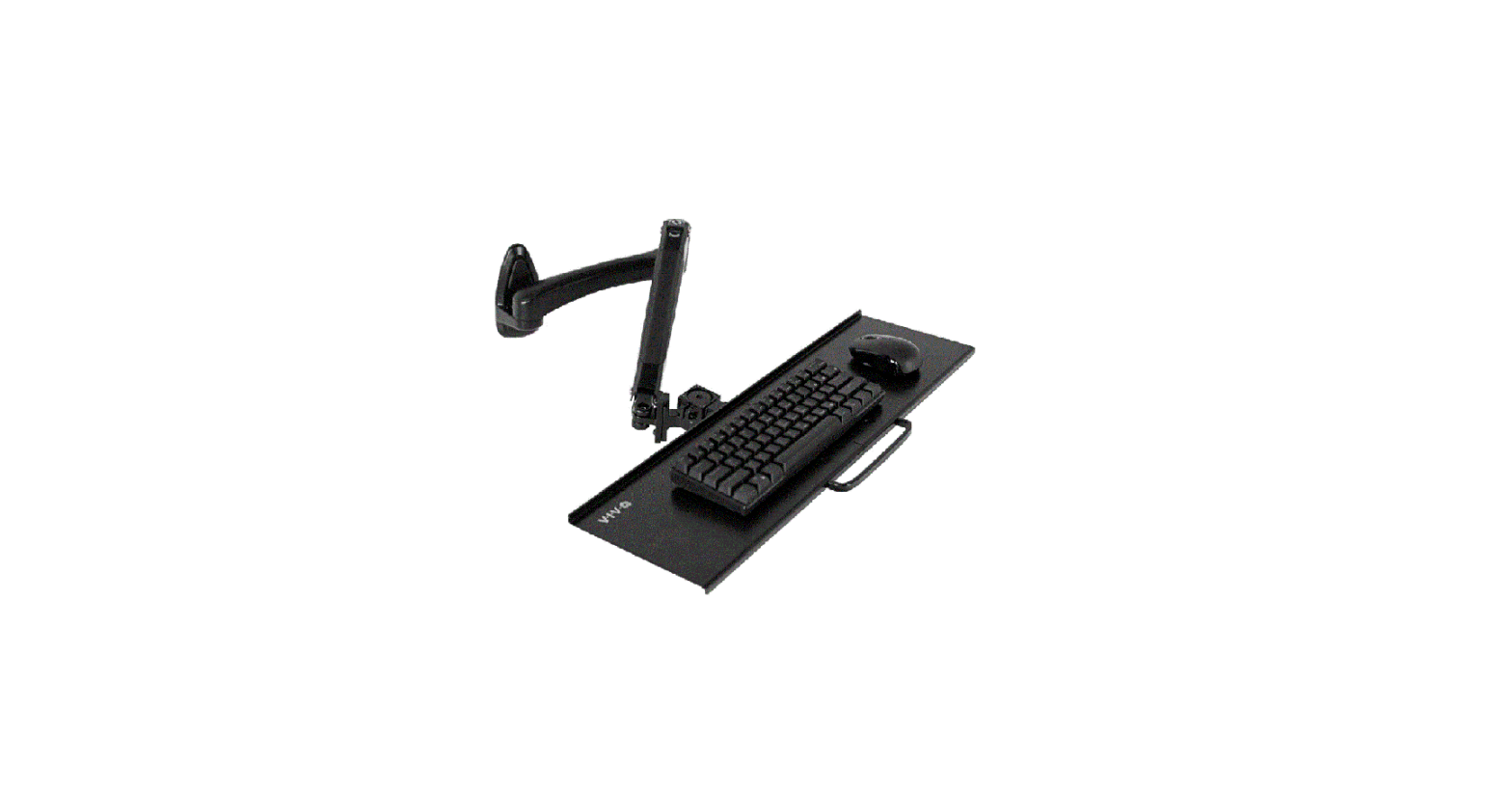
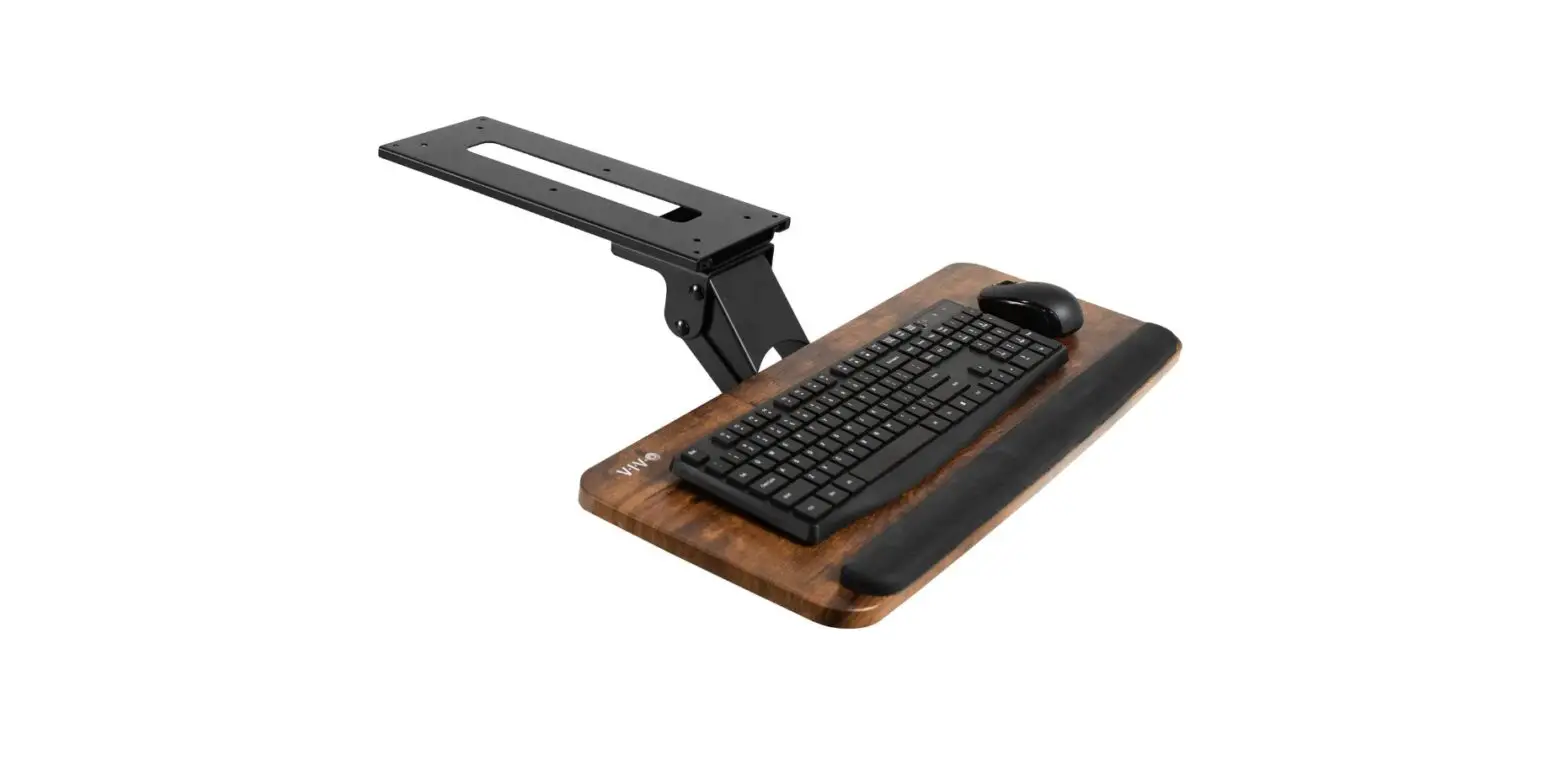
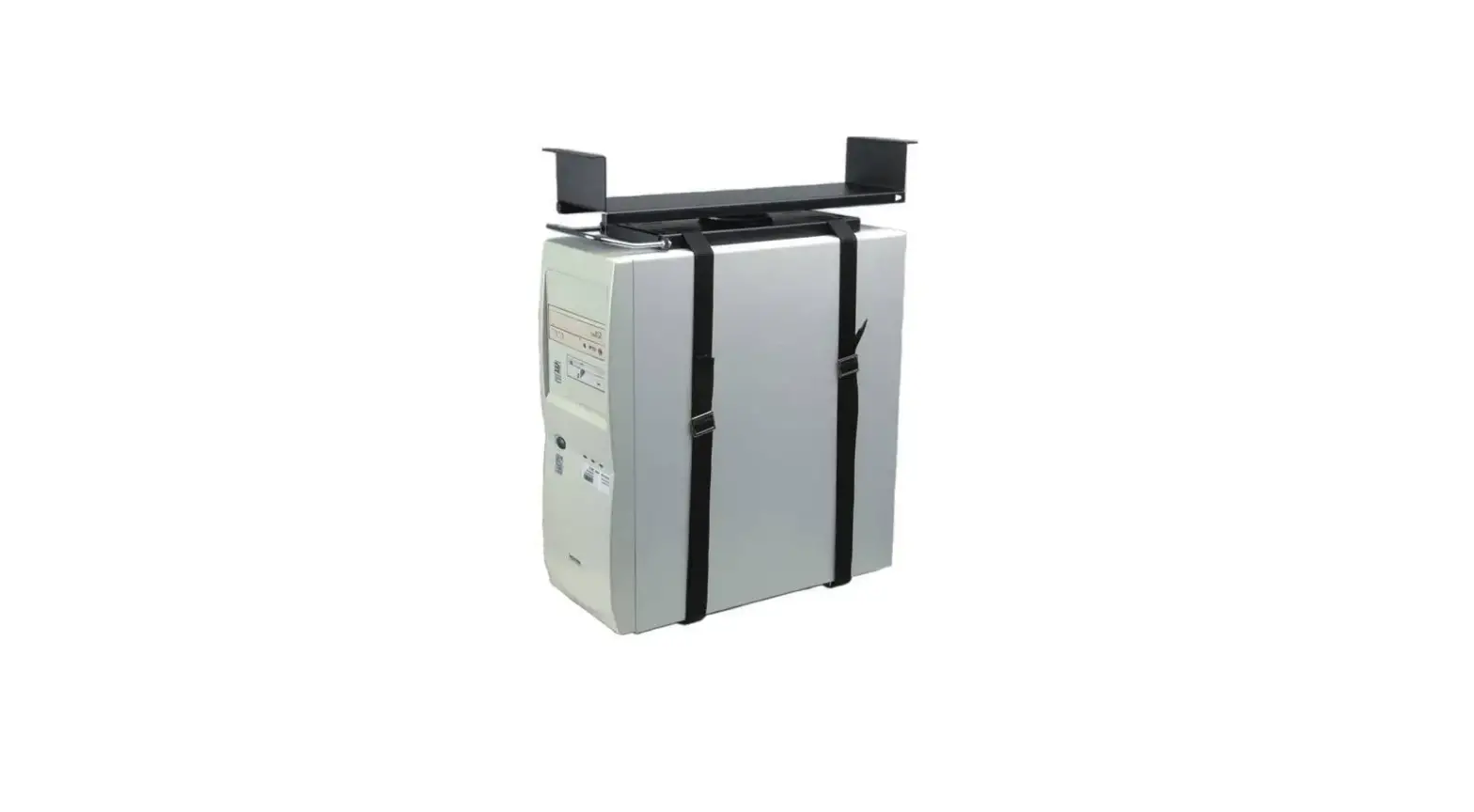
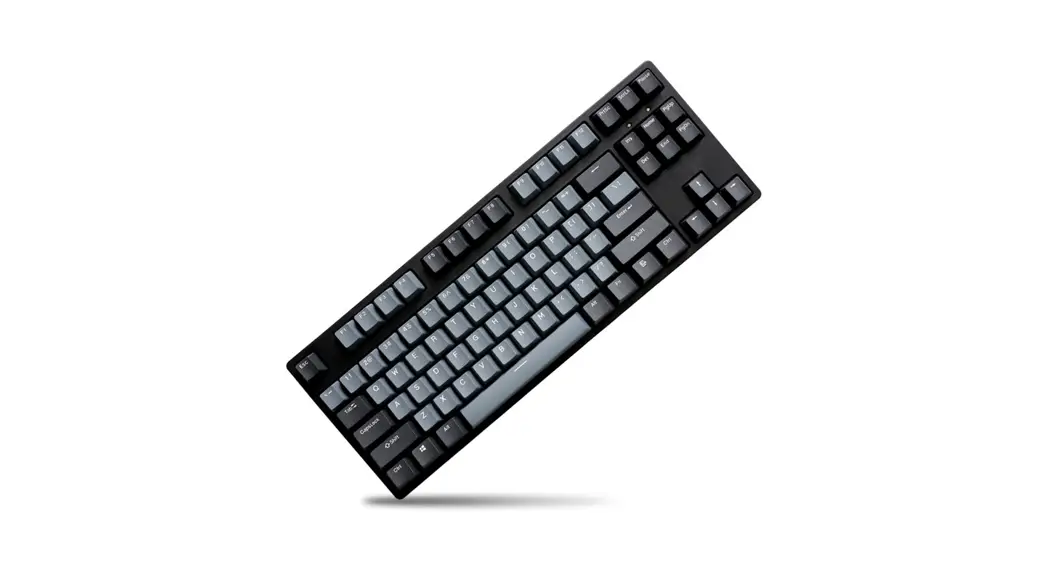
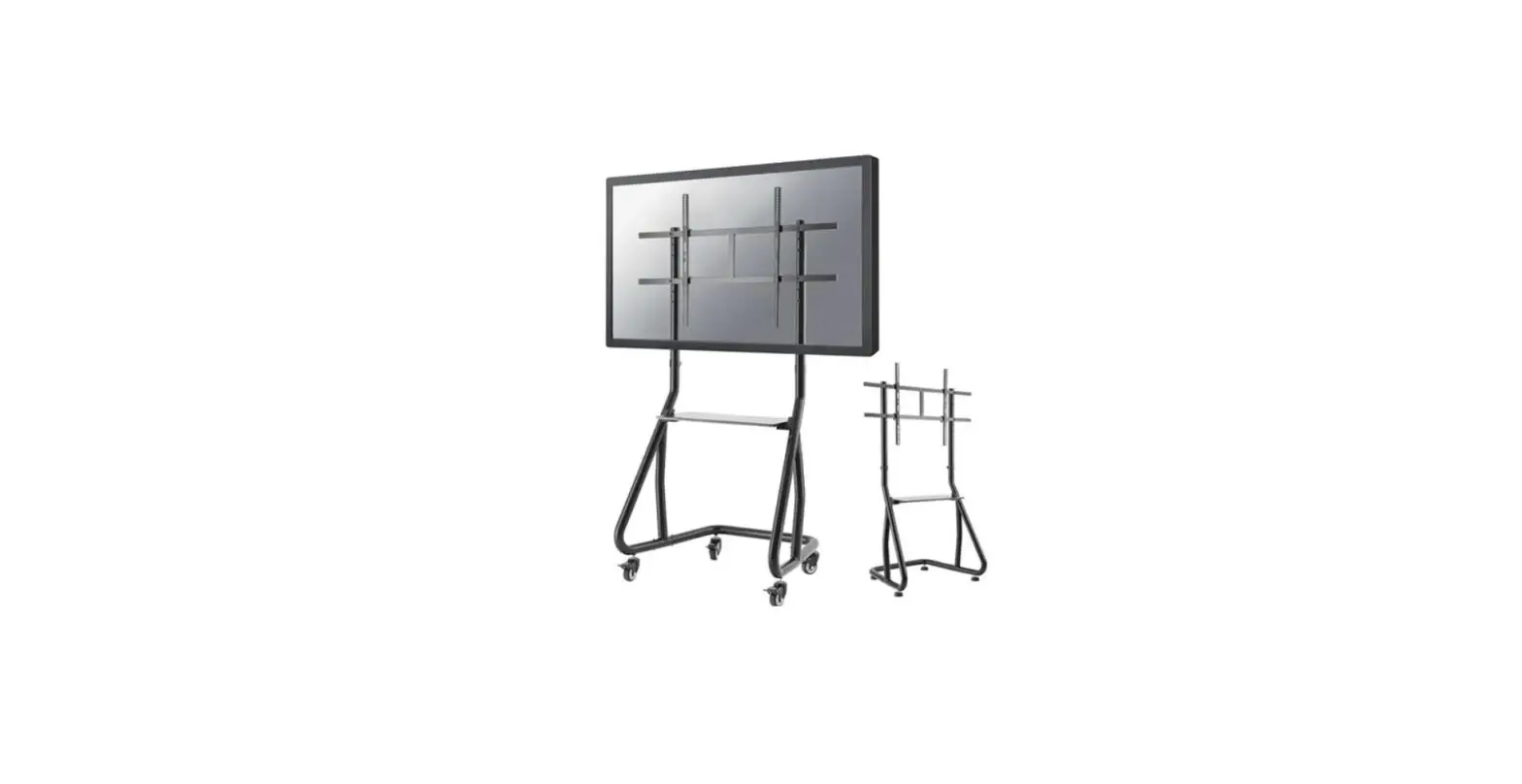
KEYB-V200BLACK Keyboard Holder
Product Information
| Product Name | Keyboard Holder (KEYB-V200BLACK) |
|---|---|
| Supported Languages | EN, NL, DE, FR, IT, ES, PT, DK |
| Website | www.neomounts.com |
| Supported VESA Sizes | 75×75 mm and 100×100 mm |
| Weight Capacity | 0-2 kg |
Product Usage Instructions
- STEP 1: Attach part A between the VESA plate and the screen.
(Refer to the respective language instructions for detailed
steps) - STEP 2: Attach part B to the keyboard holder.
- STEP 3: Attach part C to the keyboard holder.
- STEP 4: Attach part D to the keyboard holder. Repeat this step
for a total of 8 parts. - STEP 5: Attach part E to the keyboard holder.
INSTRUCTION MANUAL
135mm 100mm
75mm
330mm 75mm 100mm
650mm
211mm 268mm
KEYB-V200BLACK
EN Keyboard holder NL Toetstenbordhouder DE Tastatur Halterung FR Support de clavier IT Supporto per tastiera ES Soporte de teclado PT Suporte de teclado DK Tastaturholder
NO Tastatur holder SE Tangentbordshållare FI Näppäimistöteline PL Uchwyt na klawiatur CS Drzák na klávesnici SK Drziak klávesnice RO Suport tastatur
WWW.NEOMOUNTS.COM
KEYB-V200BLACK PARTS
Tool
75×75 100×100 mm
0-2 kg
STEP 3
EN Attach part B to part A NL Bevestig onderdeel B aan onderdeel A DE Verbinden Sie Teil B mit A FR Fixer la partie B à la partie A IT Applicare la parte B alla parte A ES Fije la parte B a la parte A PT Fixe a peça B na peça A PL Zamocuj cz B do czci A
A. (x1)
B. (x1)
STEP 1
EN Attach part A between VESA plate and screen NL Bevestig onderdeel A tussen VESA plaat en scherm DE Befestigen Sie Teil A zwischen VESA Platte und
Bildschirm FR Visser la partie A entre le support VESA et l’écran IT Applicare la parte A tra il supporto VESA e lo schermo ES Fije la parte A entre el soporte VESA y la pantalla PT Fixe a peça A entre a placa VESA e a tela PL Zamocuj cz A pomidzy plyt VESA a ekranem
C. (x1)
A
D. (x8)
E. (x1)
STEP 4
EN Attach the keyboard holder to part B NL Bevestig de toetsenbordhouder aan onderdeel B DE Befestigen Sie den Tastaturhalter an Teil B FR Fixer le support de clavier à la partie B IT Fissare il supporto della tastiera alla parte B ES Fije el soporte del teclado a la parte B PT Fixar o suporte do teclado à parte B PL Zamocowa uchwyt klawiatury do czci B
STEP 2
EN Fix the combined mounts on the bracket NL Bevestig de combinatie aan de beugel DE Montage die Halterungskombination an die Halterung FR Fixez les supports combinés sur le support IT Fissare i supporti combinati sulla staffa ES Fijar los soportes combinados en el soporte PT Fixar os suportes combinados no suporte PL Zamocuj zestaw uchwytów do wieszaka
STEP 5
EN Route the cables NL Geleid de kabels DE Verlegen Sie die Kabel FR Guidez les câbles IT Guidare i cavi ES Guíe los cables PT Guiar os cabos PL Poprowadzi kable
E D B
D C
 Neomounts