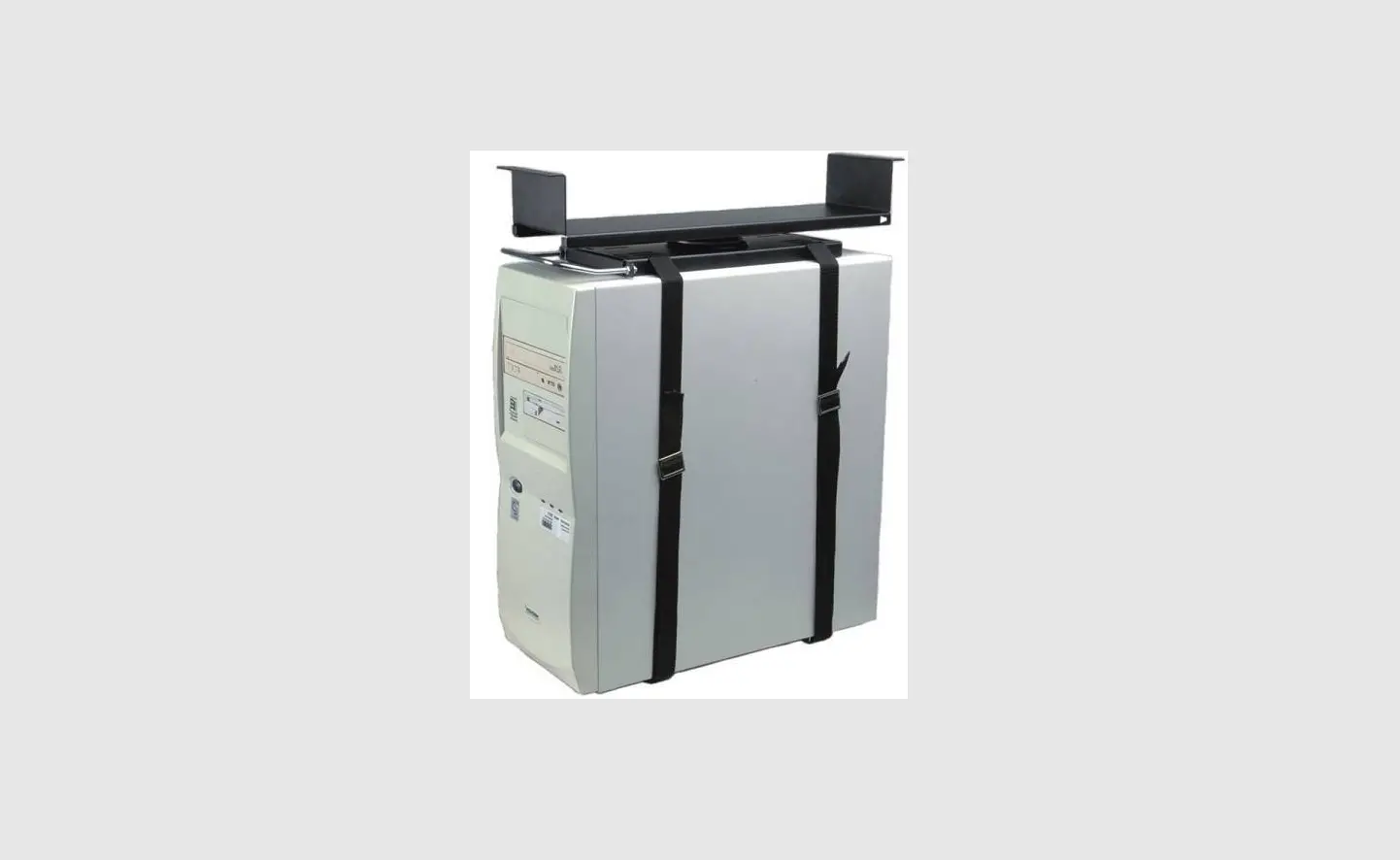
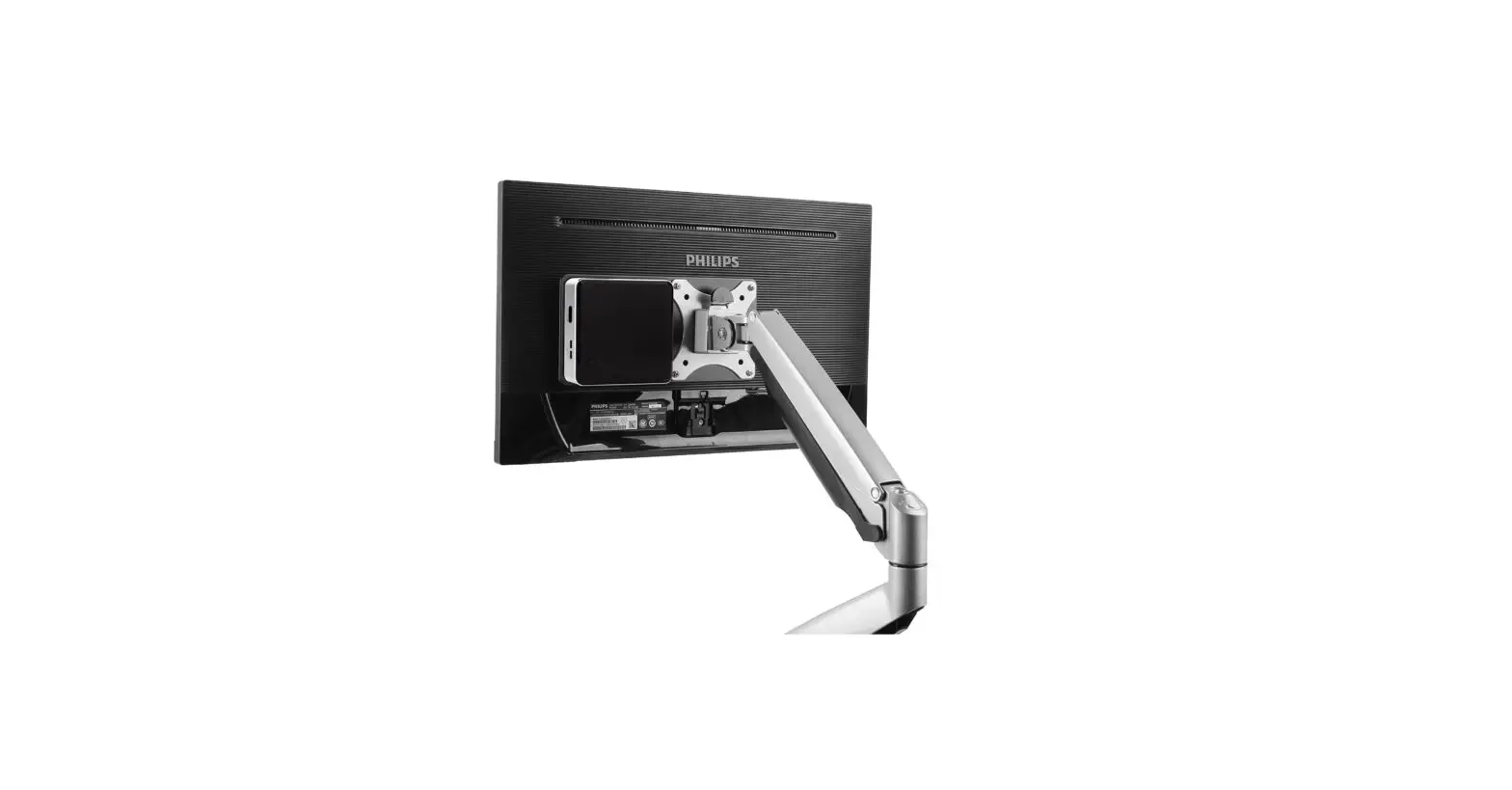
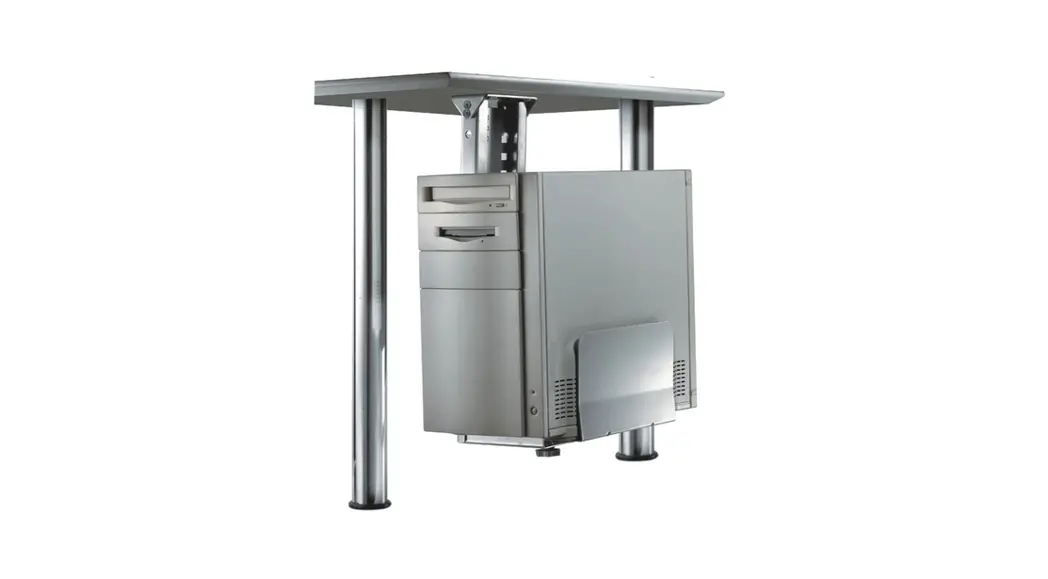
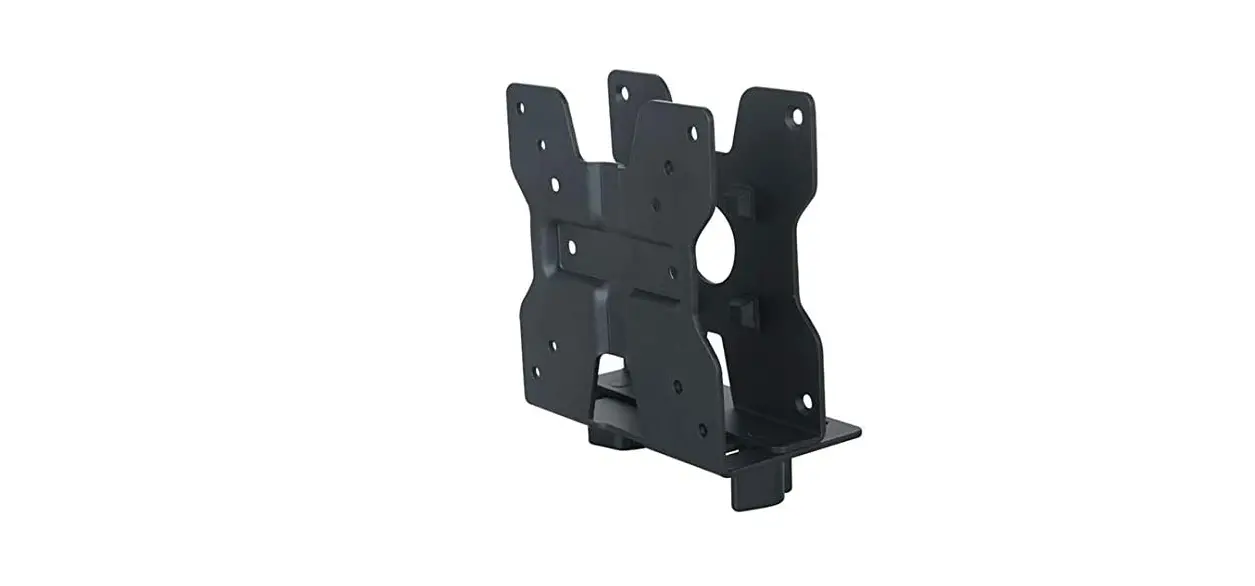
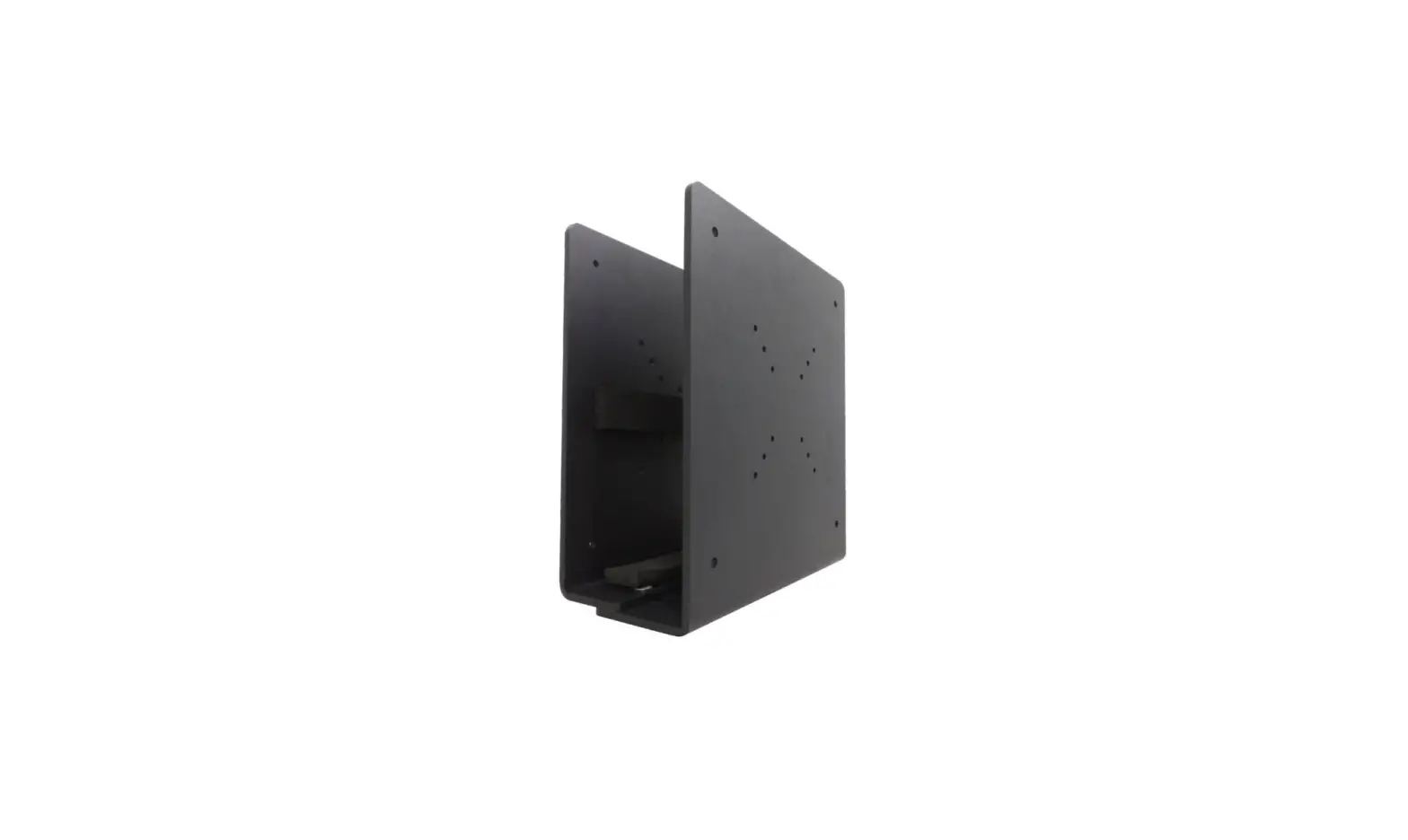
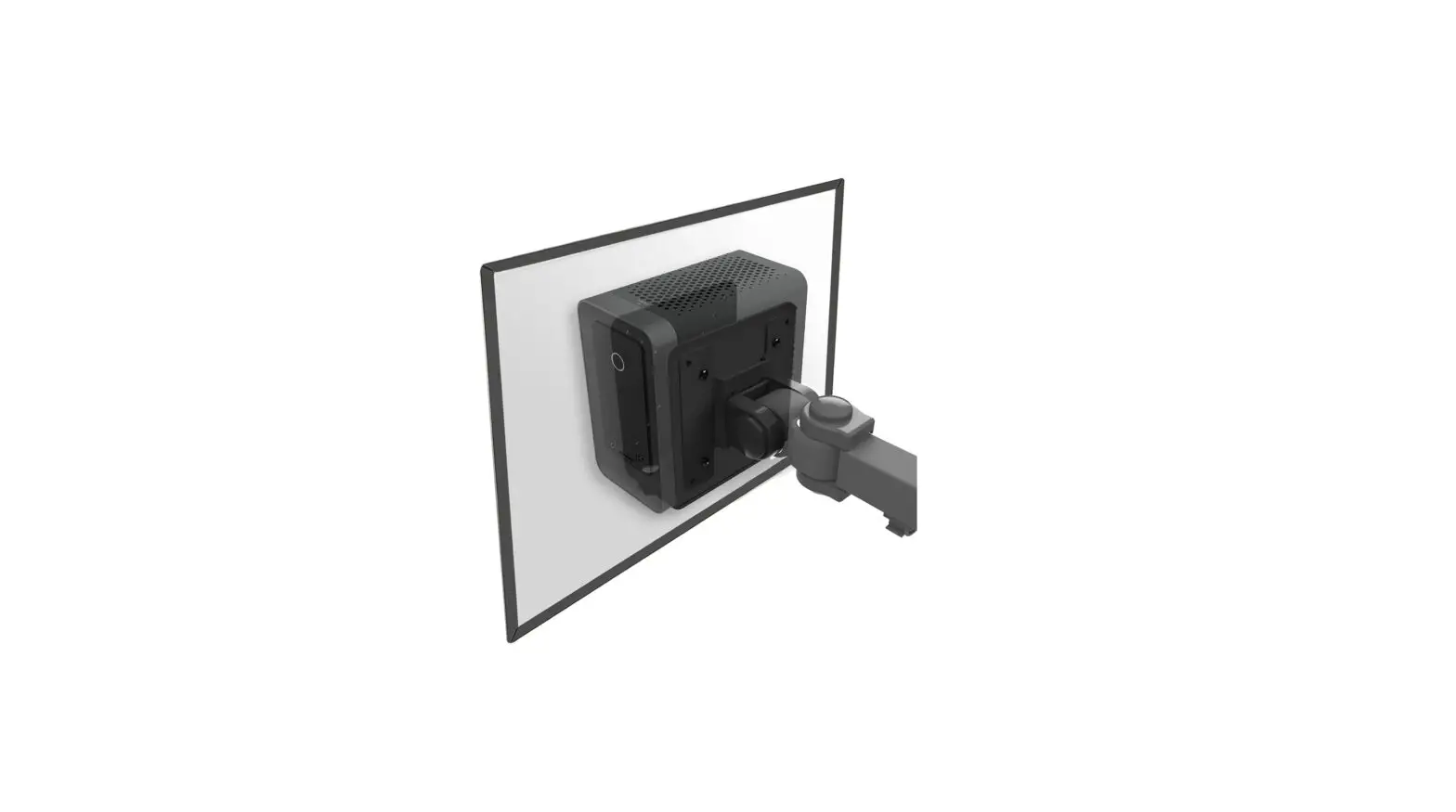
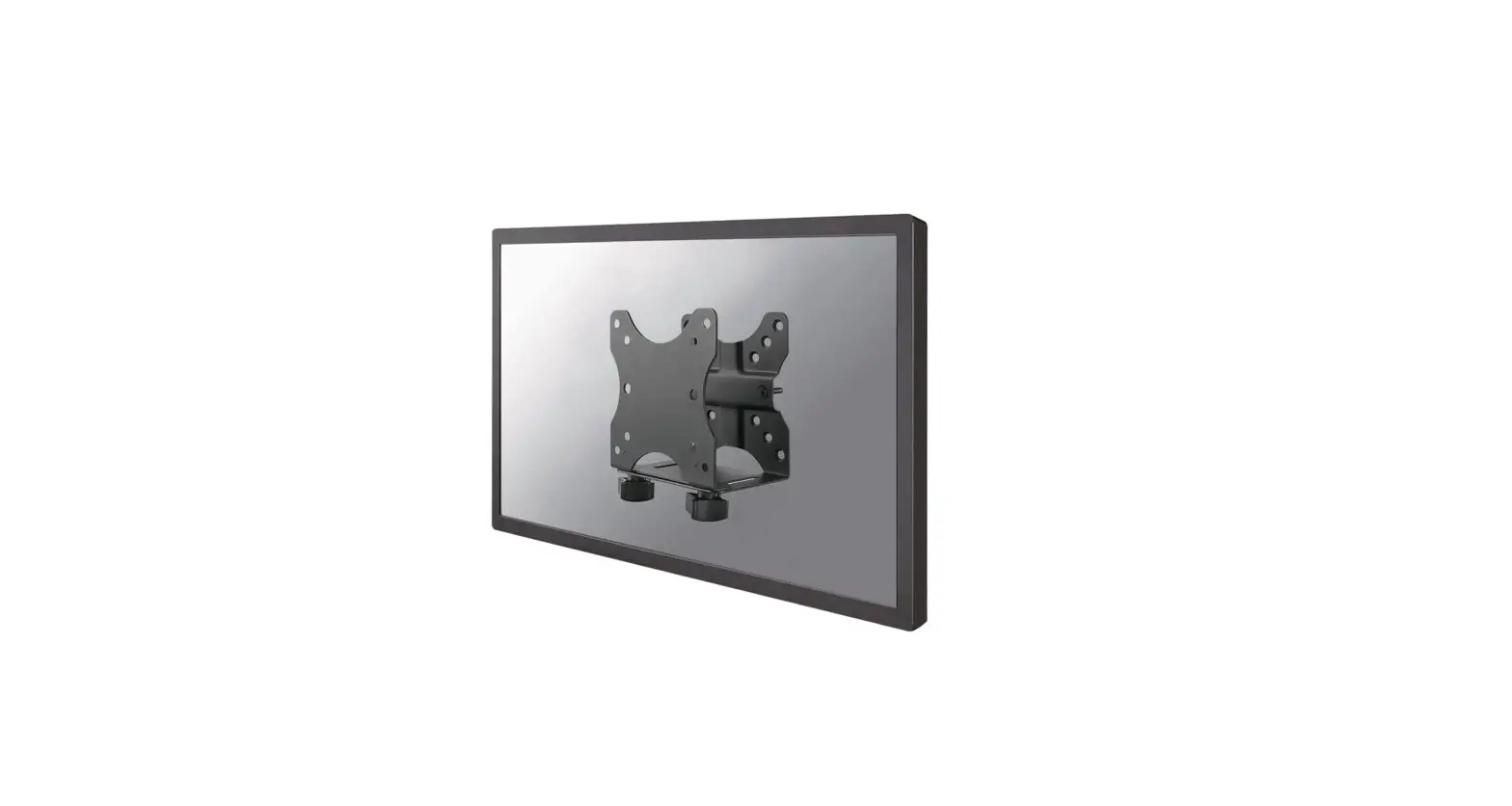
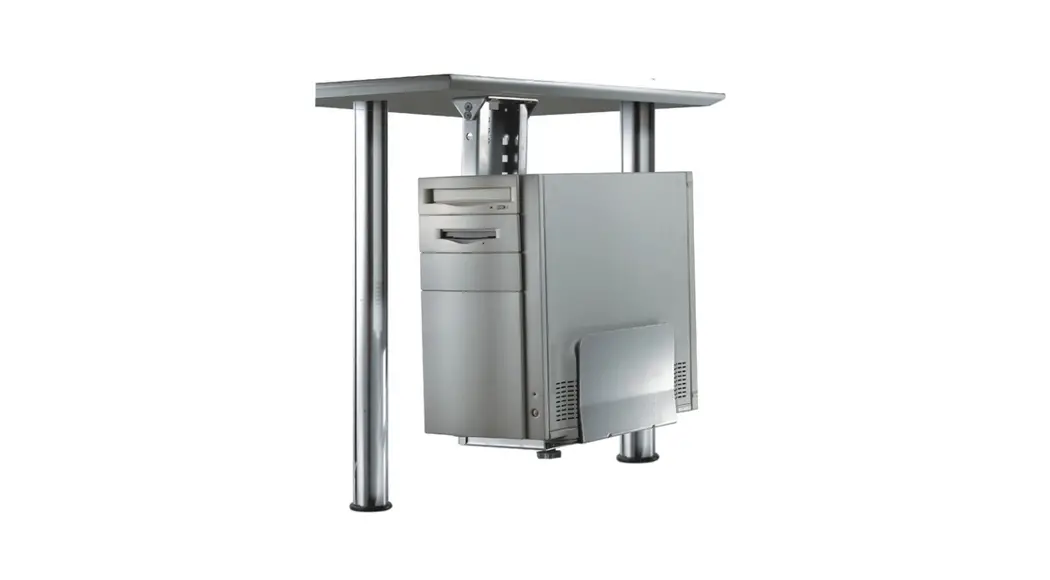
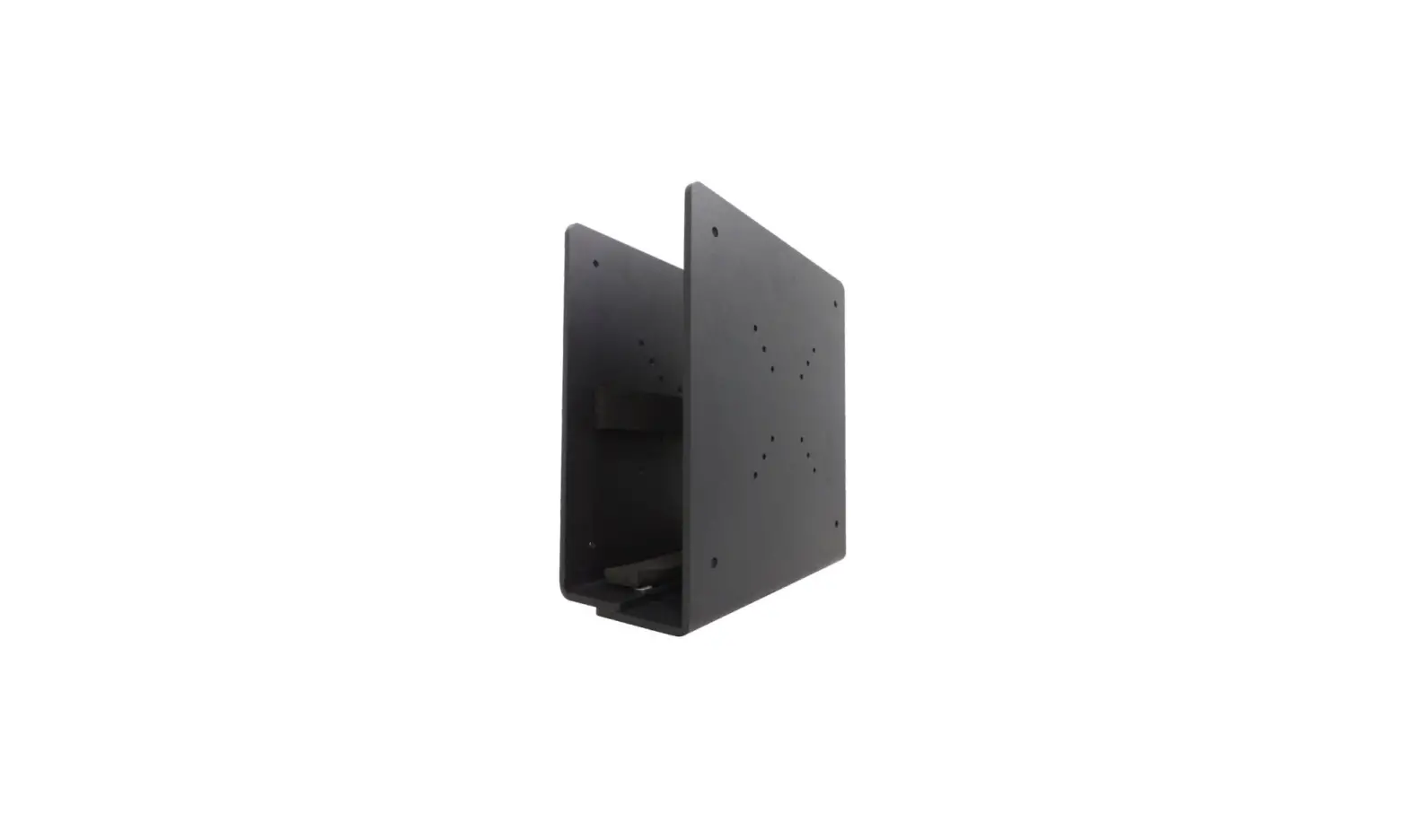
CPU-M100BLACK Portable CPU Holder
Product Information:
The product is a CPU holder designed to securely hold a PC in
place. It has a model number of CPU-M100BLACK and is available in
multiple languages. The dimensions of the CPU holder are as
follows:
- Minimum PC width: 119mm
- Maximum PC width: 209mm
- Height: 260mm
- Depth: 128mm
The CPU holder is capable of supporting PCs weighing between
0-10 kg.
Product Usage Instructions:
- Step 1: Install the casters and place the
protective strips. Follow the instructions specific to your
language. - Step 2: Put both sides of the CPU holder
together and install the adjustment knobs. - Step 3: Place the PC in the CPU holder. Follow
the instructions specific to your language. - Step 4: Use the adjustment knobs to adjust the
width of the CPU holder to securely hold the PC in place. Follow
the instructions specific to your language.
Please refer to the complete instruction manual for more
detailed information and illustrations. You can visit the official
website at www.neomounts.com for additional
support or resources.
INSTRUCTION MANUAL
min119mm-max209mm
260mm
128mm
CPU-M100BLACK
EN CPU holder NL CPU houder DE CPU Halterung FR Support pour ordinateur IT Supporto per CPU ES Soporte para CPU PT Suporte para CPU DK CPU holder
NO PC holdere SE CPU hållare FI PC teline PL Uchwyt do CPU CS Drzák na CPU SK Drziak na pocítac RO Suport CPU
WWW.NEOMOUNTS.COM
CPU-M100BLACK PARTS
Tool
0-10 kg
12-21 cm
A. (x2)
B. (x4)
C. (x2)
D. (x2)
E. (x2)
F. (x2)
G. (x1)
STEP 1
EN Install the casters and place the protective strips NL Installeer de wielen en plaats de beschermstrips DE Installieren Sie die Rollen und bringen Sie die Schutz-
streifen an FR Installez les roulettes et collez les bandes de mousse
de protection IT Installa le rotelle e posizionare le strisce protettive ES Instalar las ruedas y coloque las tiras protectoras PT Instale as rodas e coloque as tiras de proteção PL Zainstaluj kólka i umie paski ochronne
F E
A
G
B
STEP 2
EN Put both sides together and install the adjustment knobs NL Voeg beide delen samen en installeer de stelknoppen DE Setzen Sie beide Teile zusammen und montieren Sie die
Einstellknöpfe FR Installez les roulettes et collez les bandes de mousse de
protection IT Unire le due parti e installare le manopole di regolazione ES Junte ambas piezas e instale los pomos de ajuste PT Junte as duas partes e instale os botões de regulação PL Zloy obie czci razem i zamontowa pokrtla regula-
cyjne
STEP 3
EN Place the PC in the holder NL Plaats de PC in de houder DE Setzen Sie den PC in die Halterung FR Placer le PC dans le support IT Posizionare il PC nel supporto ES Coloque el PC en el soporte PT Colocar o PC no suporte PL Umie komputer w uchwycie
C
D
STEP 4
EN Use the adjustment knobs to adjust the width to secure the PC
NL Gebruik de stelknoppen om de breedte aan te passen om de PC vast te zetten
DE Verwenden Sie die Stellknöpfe zum Einstellen der Breite, um den PC zu sichern
FR Utilisez les boutons de réglage pour ajuster la largeur afin de sécuriser le PC
IT Utilizzare le manopole di regolazione per regolare la larghezza e fissare il PC
ES Utilice los botones de ajuste para ajustar la anchura para asegurar el PC
PT Utilize os botões de regulação para ajustar a largura de modo a fixar o PC
PL Uyj pokrtel do regulacji szerokoci, aby zabezpieczy komputer
 Neomounts