Slim Pro Hub Adapter
SLIM PRO HUB ADAPTER Quick Guide
- Connect the Hub into the Thunderbolt ports on your
MacBook. - Use the USB4 port to charge your device up to 100W, output
video up to 6K/60Hz, or transfer data at up to 40Gbps. - Use the two USB-A data ports to connect USB devices (up to
10Gbps). Does not support charging or CD readers, including Apple
USB SuperDrive. - Use the HDMI port to output video up to 4K/30Hz.
- Insert microSD or SD cards into the card reader slots. Support
SD/SDHC/SDXC, SD3.0 UHS-1, up to 104MB/s, capacity up to 2TB
(Synchronous use). - Use the USB-C data port for data transfer at up to 10Gbps
speed. Does not support charging, video output, or CD readers,
including Apple SuperDrive.
Product Information
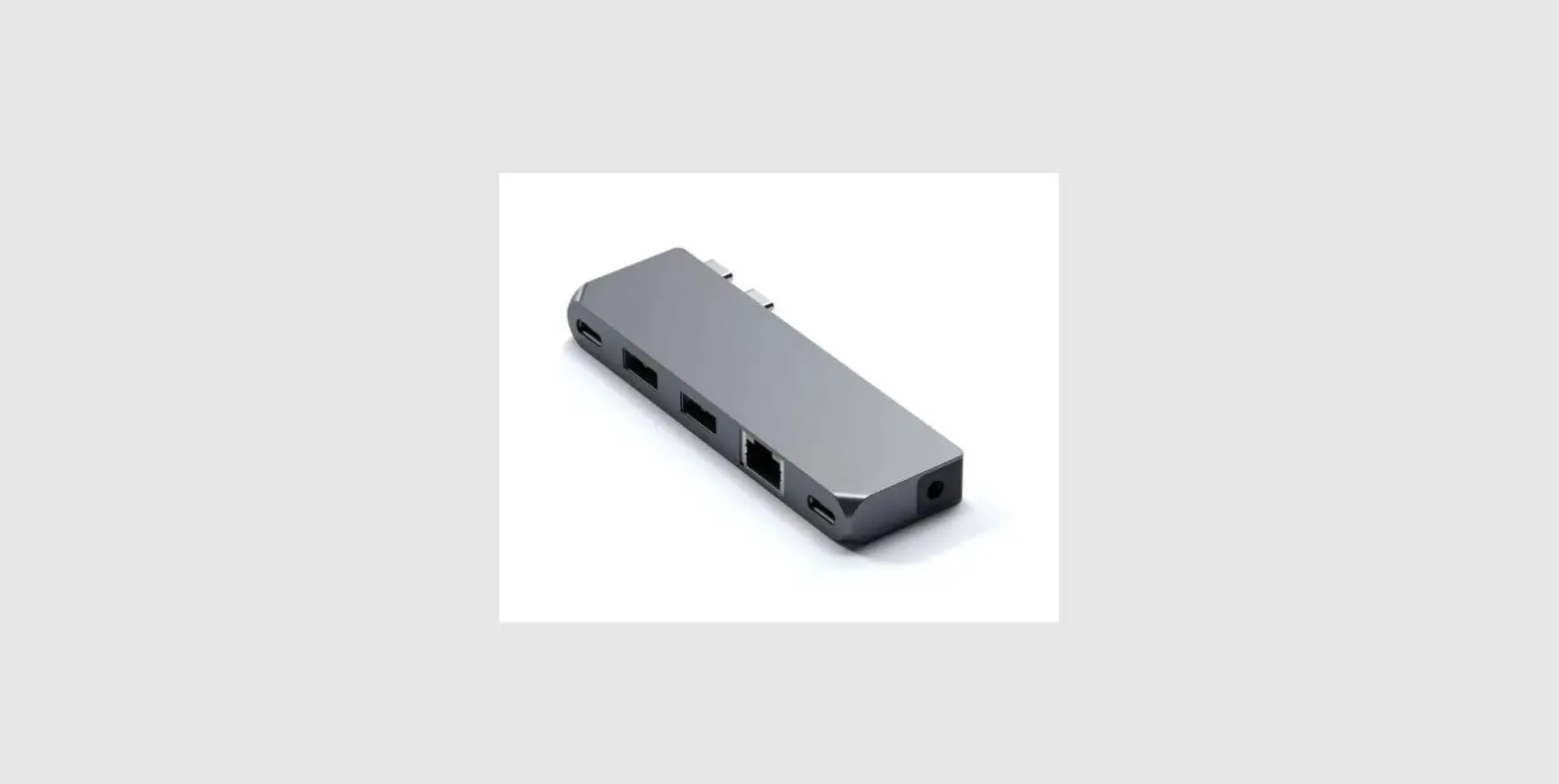
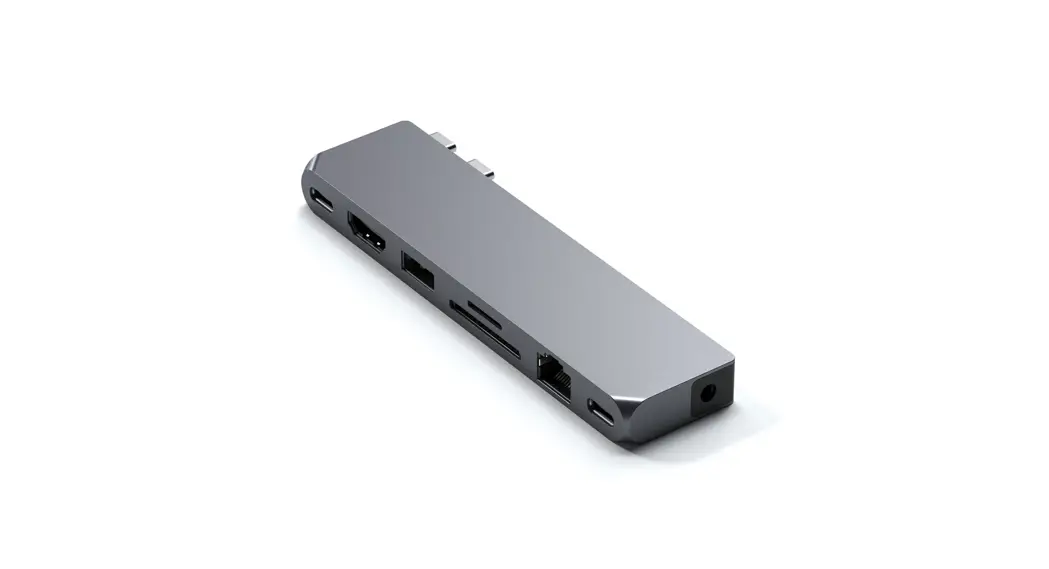
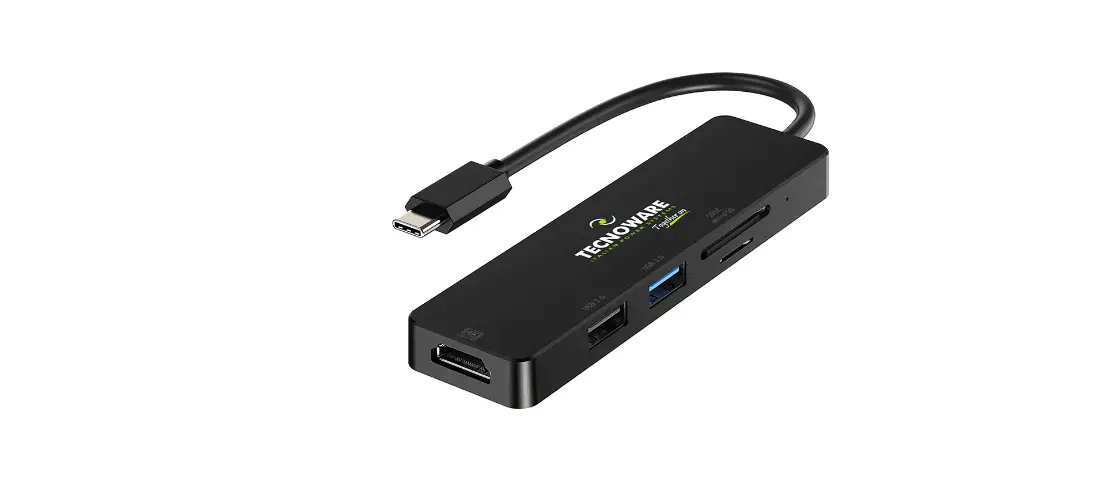
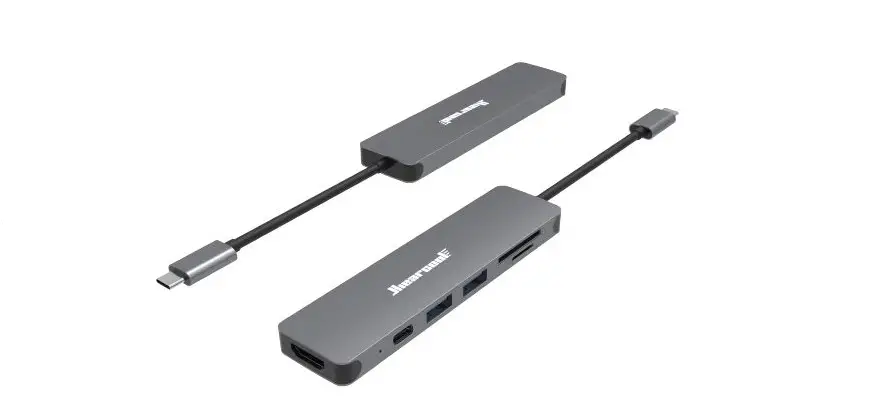
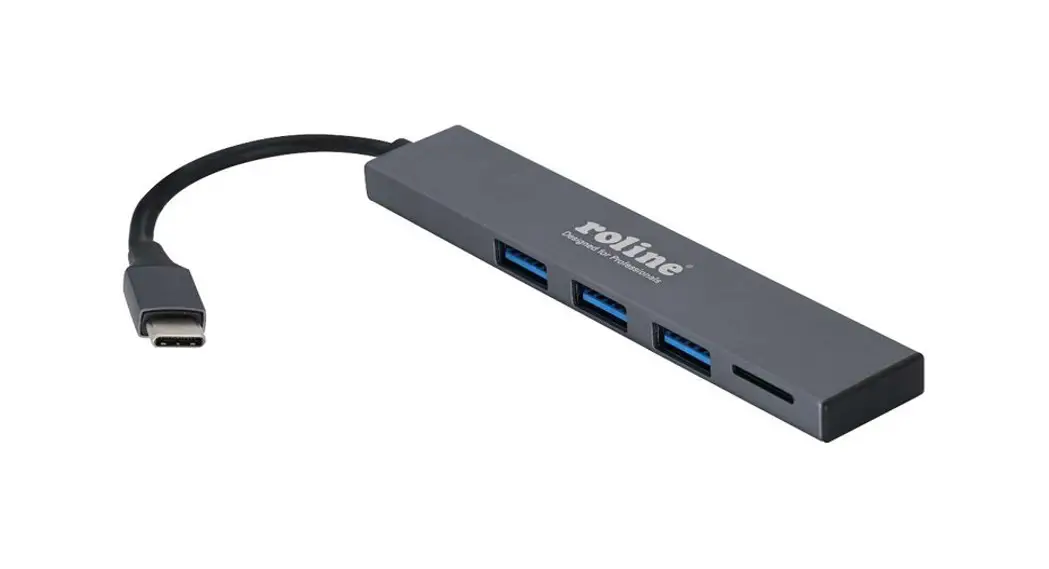
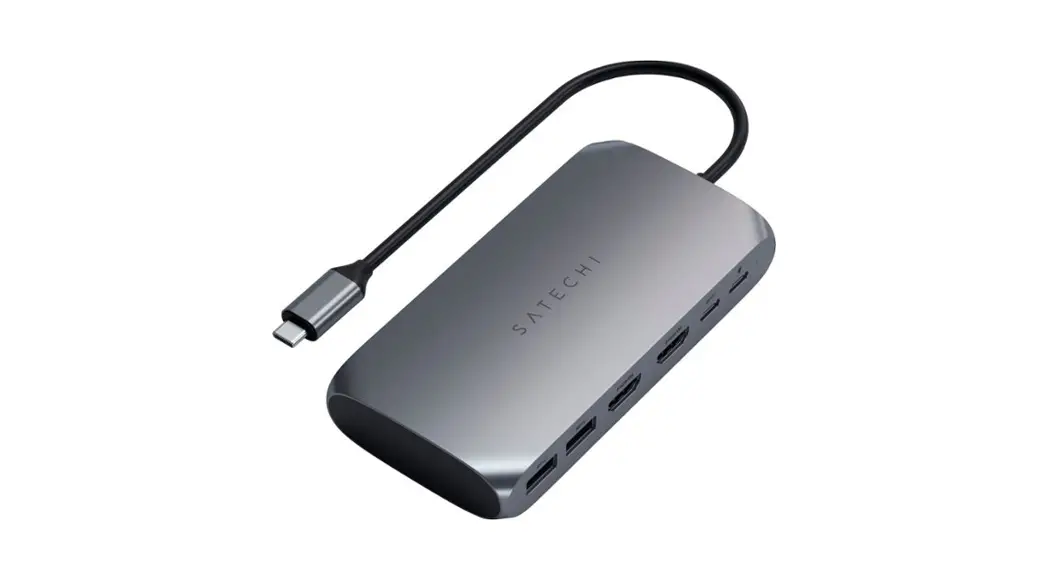
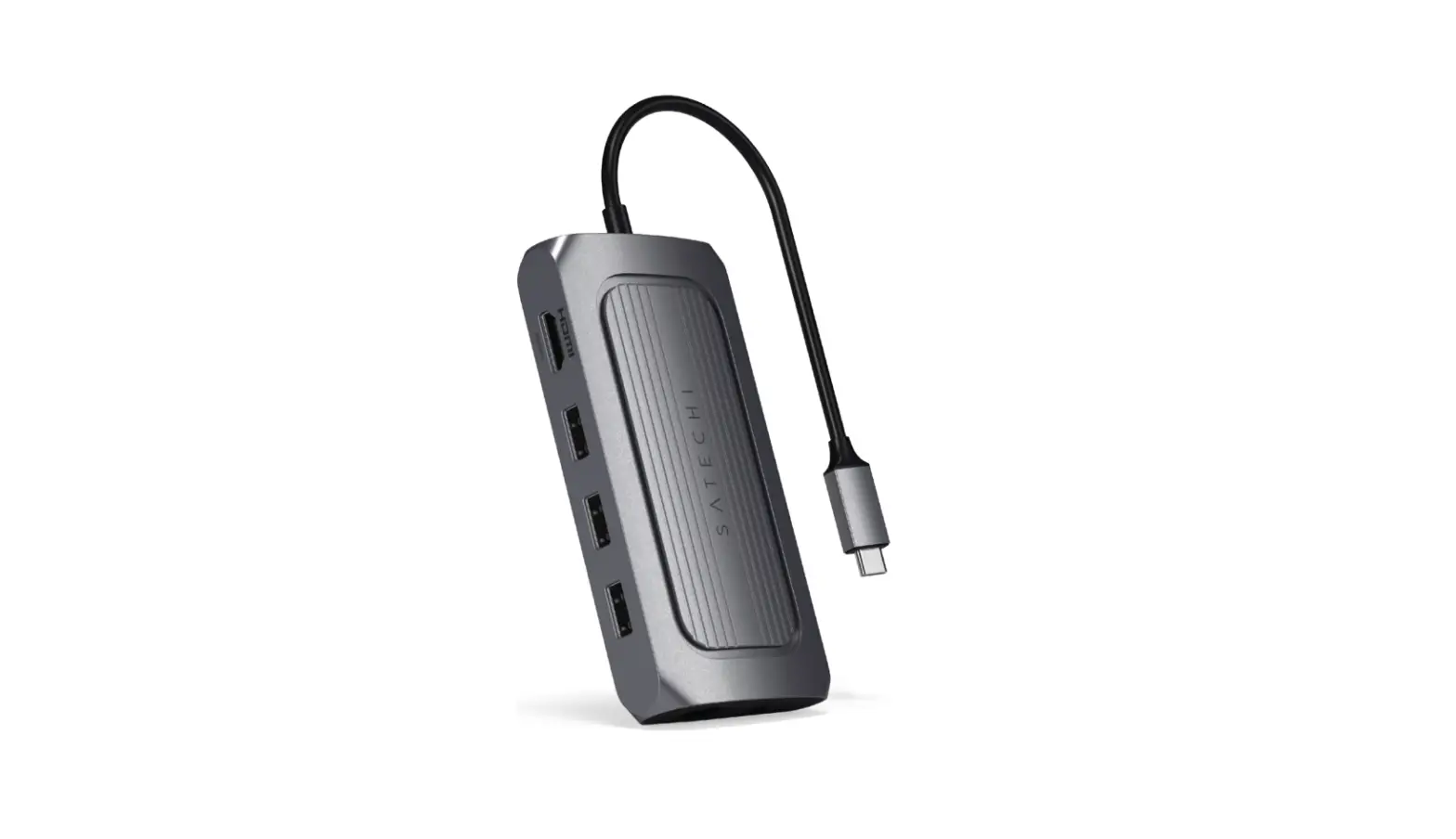
The Slim Pro Hub Adapter is a device that provides additional
ports for your MacBook. The device has a Thunderbolt connector that
plugs into your MacBook and provides various ports such as USB4,
two USB-A ports, an HDMI port, a microSD card slot, an SD card
slot, and a USB-C data port.
The USB4 port can be used to charge your device up to 100W,
output video up to 6K/60Hz, or transfer data at up to 40Gbps. The
two USB-A data ports can be used to connect USB devices with data
transfer speeds of up to 10Gbps. However, they do not support
charging or CD readers, including Apple USB SuperDrive. The HDMI
port can output videos up to 4K/30Hz. The microSD and SD card slots
support SD/SDHC/SDXC, SD3.0 UHS-1, up to 104MB/s, and a capacity of
up to 2TB (Synchronous use). Lastly, the USB-C data port can be
used for data transfer at up to 10Gbps speed. However, it does not
support charging, video output, or CD readers, including Apple
SuperDrive.
Product Usage Instructions
- Connect the Slim Pro Hub Adapter into the Thunderbolt ports on
your MacBook. - Use the USB4 port to charge your device up to 100W or transfer
data at up to 40Gbps. To output video up to 6K/60Hz, connect your
display device using the appropriate cable to the HDMI port on the
adapter. - Use the two USB-A data ports to connect USB devices with data
transfer speeds of up to 10Gbps. - To output video up to 4K/30Hz, connect your display device
using the appropriate cable to the HDMI port on the adapter. - Insert microSD or SD cards into the corresponding slots on the
adapter. The adapter supports SD/SDHC/SDXC, SD3.0 UHS-1, up to
104MB/s, and a capacity of up to 2TB (Synchronous use). - Use the USB-C data port for data transfer at up to 10Gbps
speed.
QUICK GUIDE
SLIM PRO HUB ADAPTER
1
2
Connect the Hub into the Thunderbolt ports on your MacBook.
3
USB4
UP TO
6K
UP TO
100W 60Hz 40Gbps
Use the USB4 port to charge you device up to 100W, output video up to 6K/60Hz, or transfer data at up to 40Gbps.
4
4K
60Hz Use the HDMI port to output 4K video to an external monitor up to 60Hz.
5
UP TO
10Gbps
Use the two USB-A data ports to connect USB devices (up to 10Gbps). Does not support charging or CD readers, including Apple USB SuperDrive.
6
UP TO
UP TO
104MB/s 2TB
Insert microSD or SD cards into the card reader slots. Support SD/SDHC/SDXC, SD3.0 UHS-1, up to 104MB/s, capacity up to 2TB (Synchronous use).
UP TO
10Gbps
Use the USB-C data port for data transfer at up to 10Gbps speed. Does not support charging, video output, or CD readers, including Apple SuperDrive.