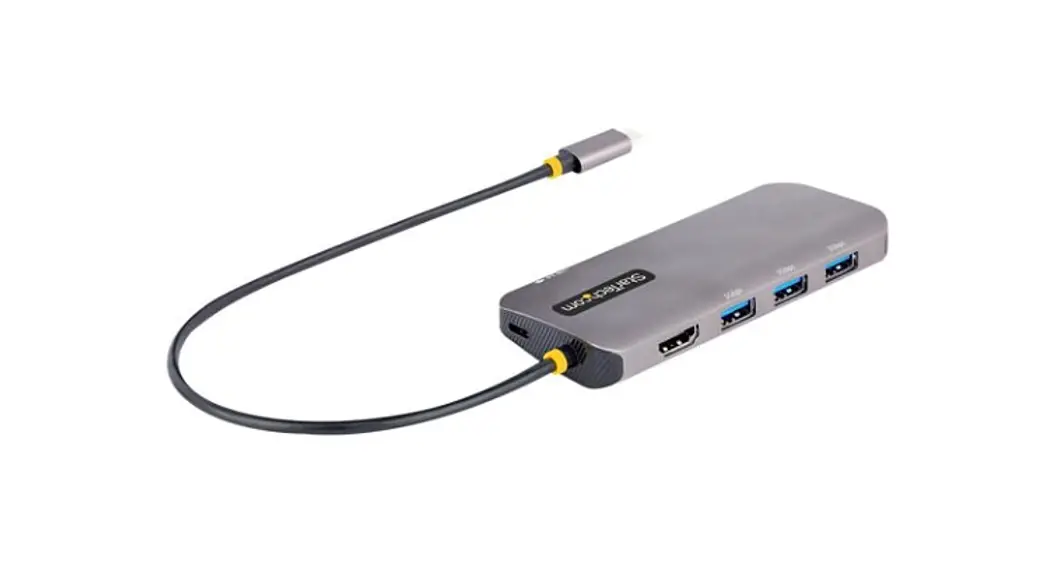
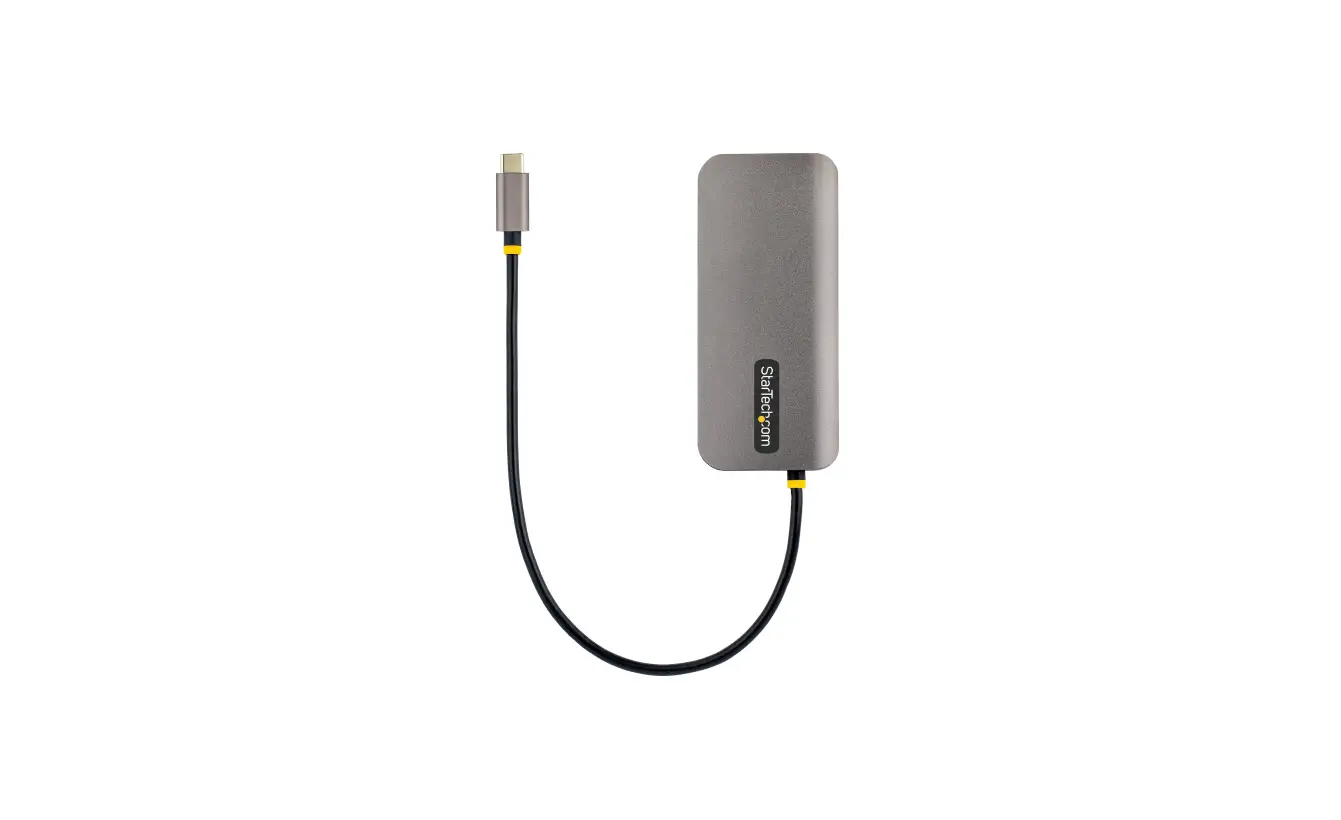
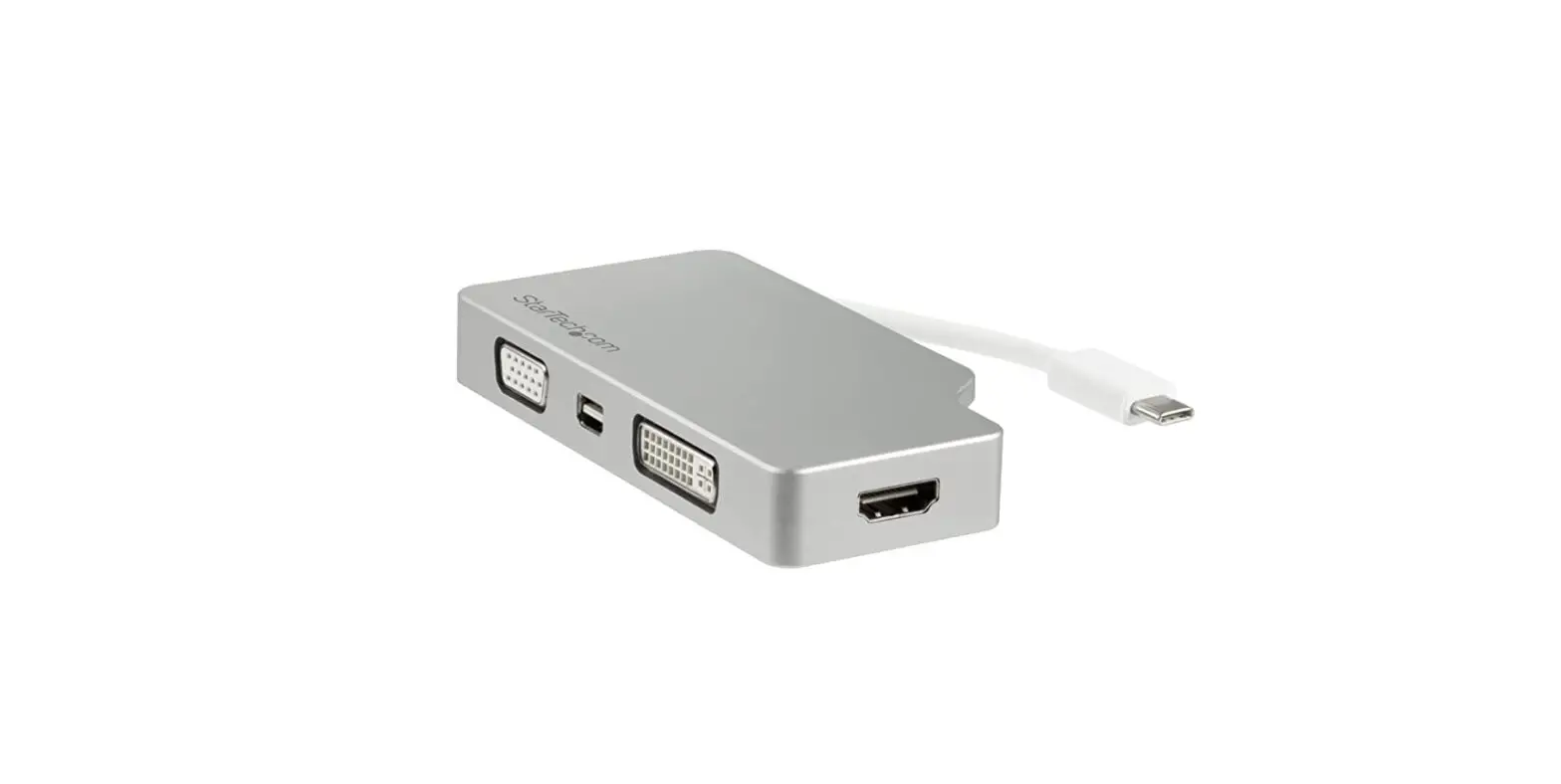
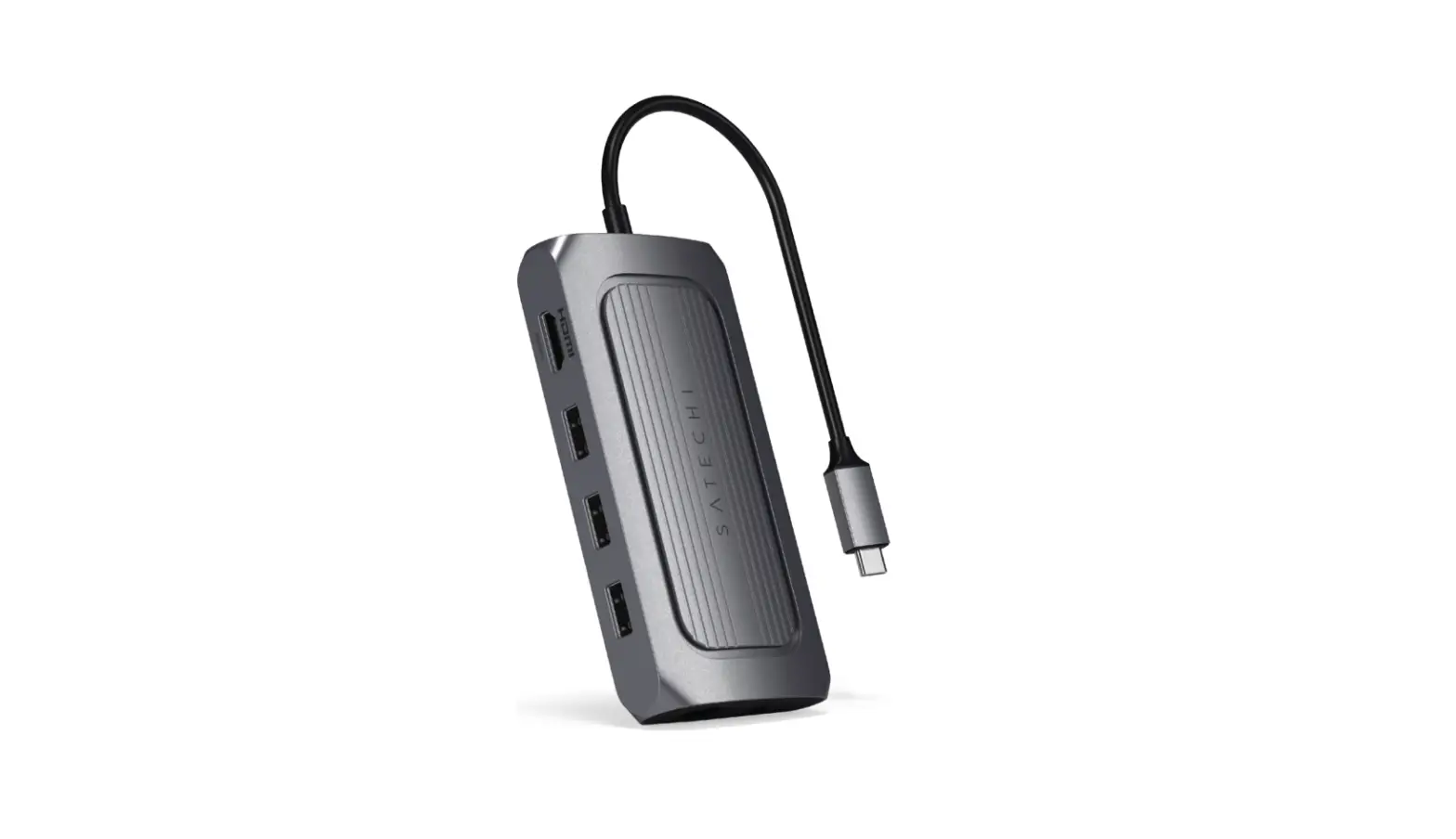
USB4 6-In-1 Multiport Adapter
Product Information:
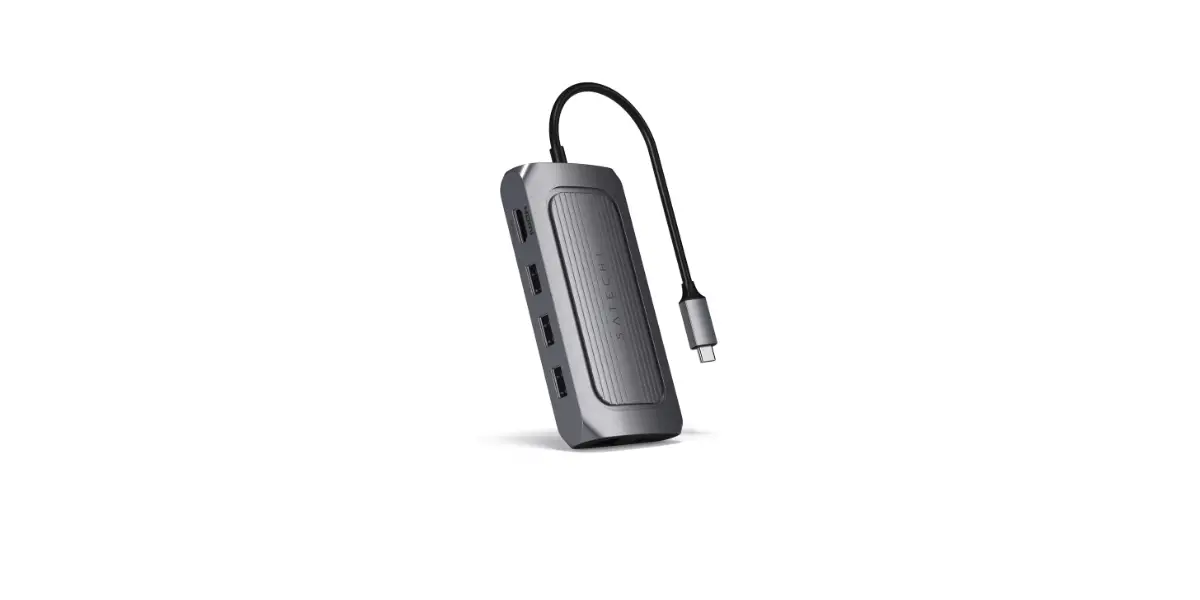
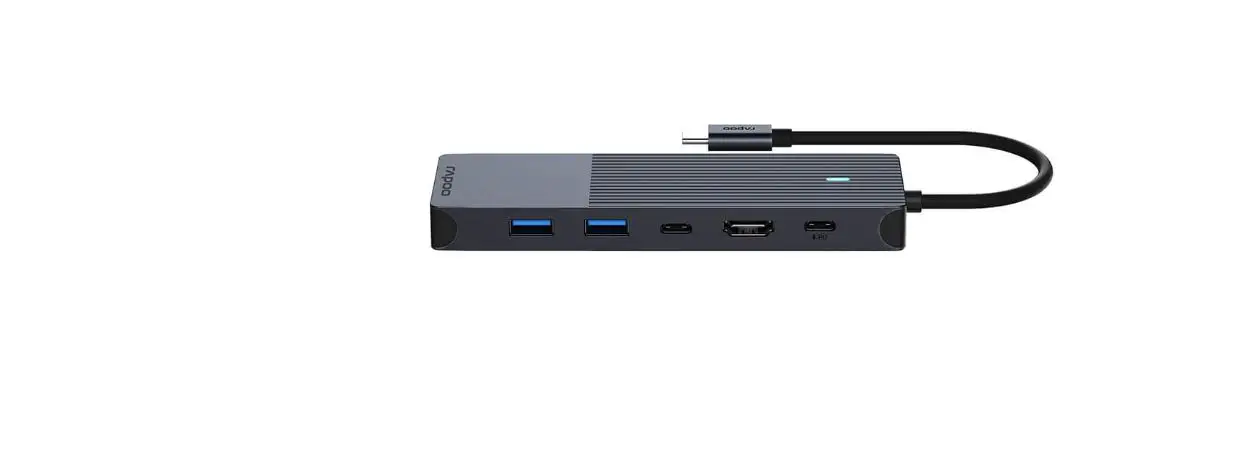
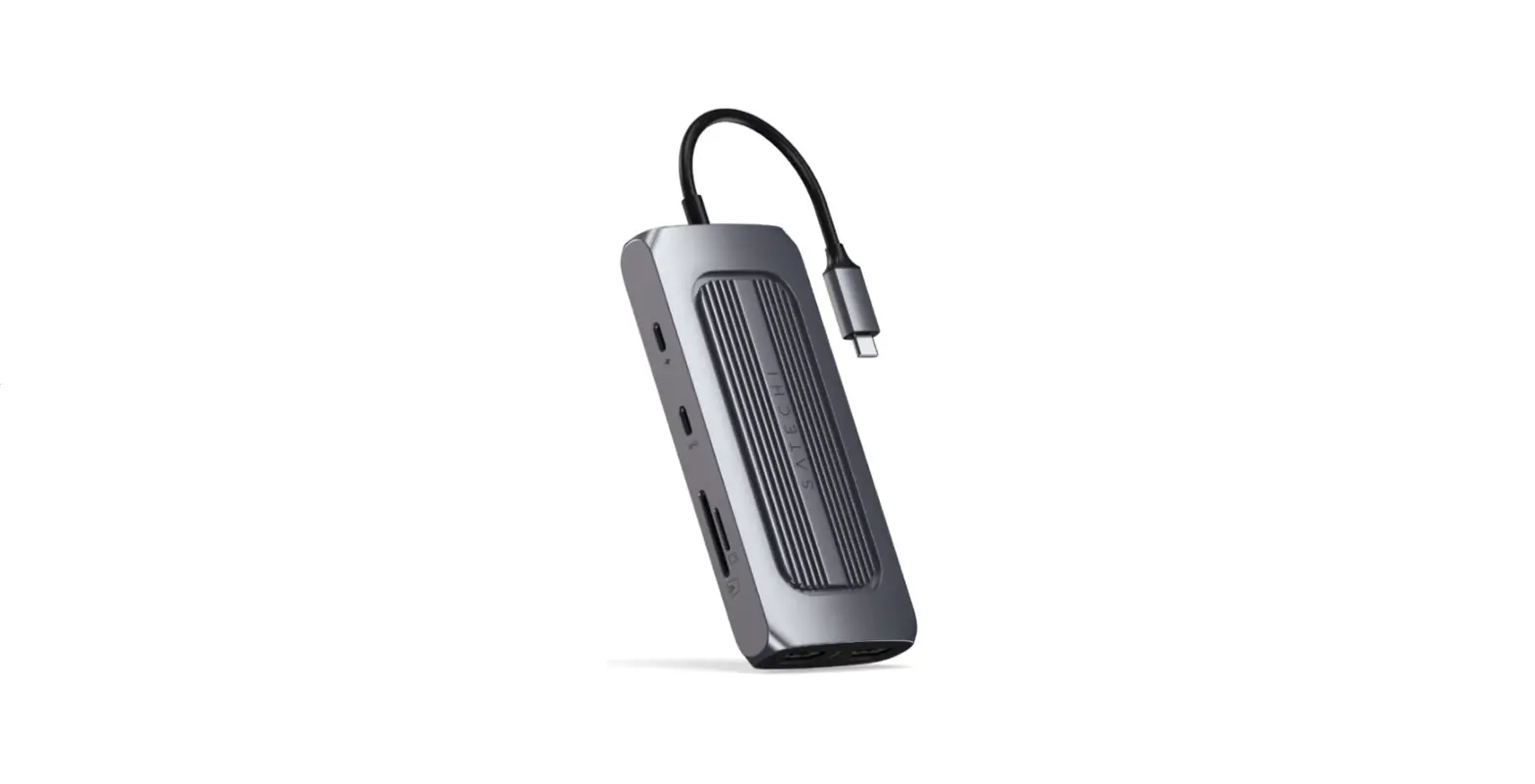
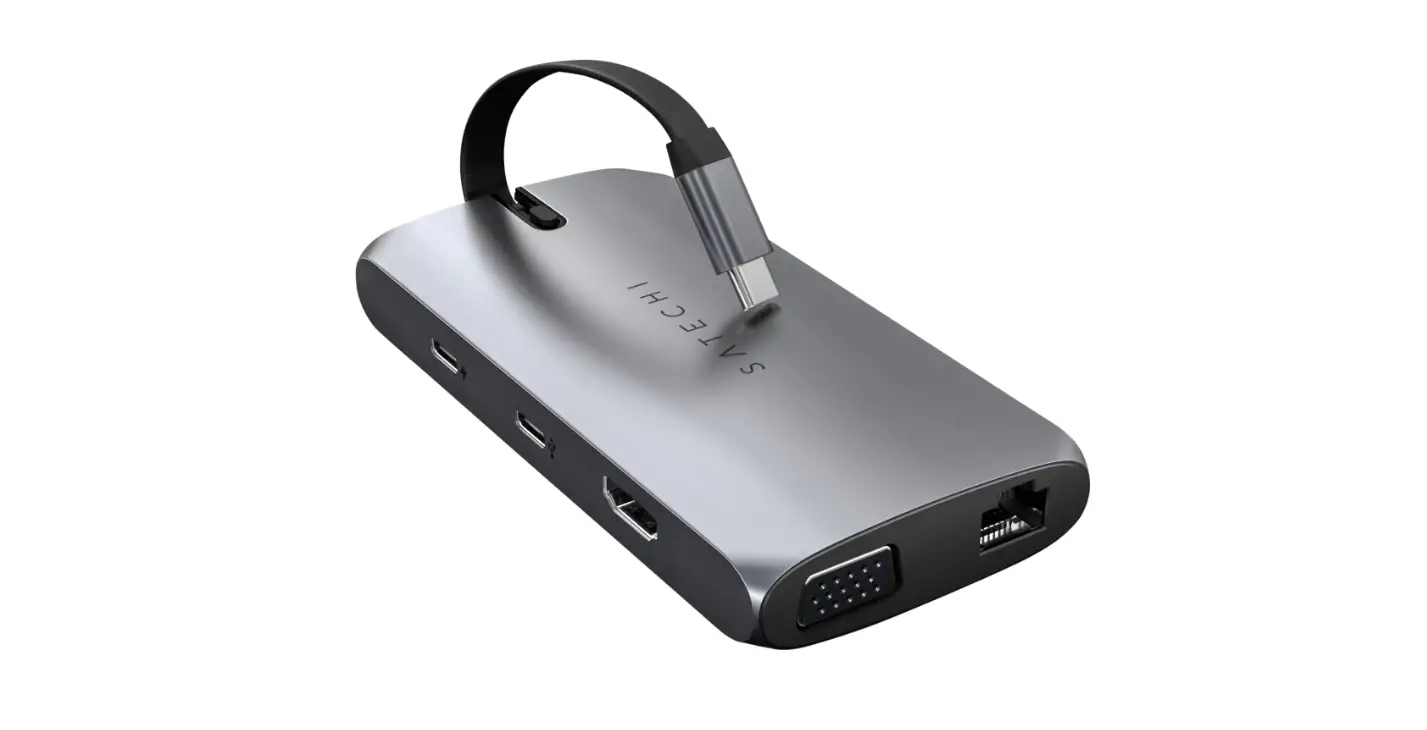
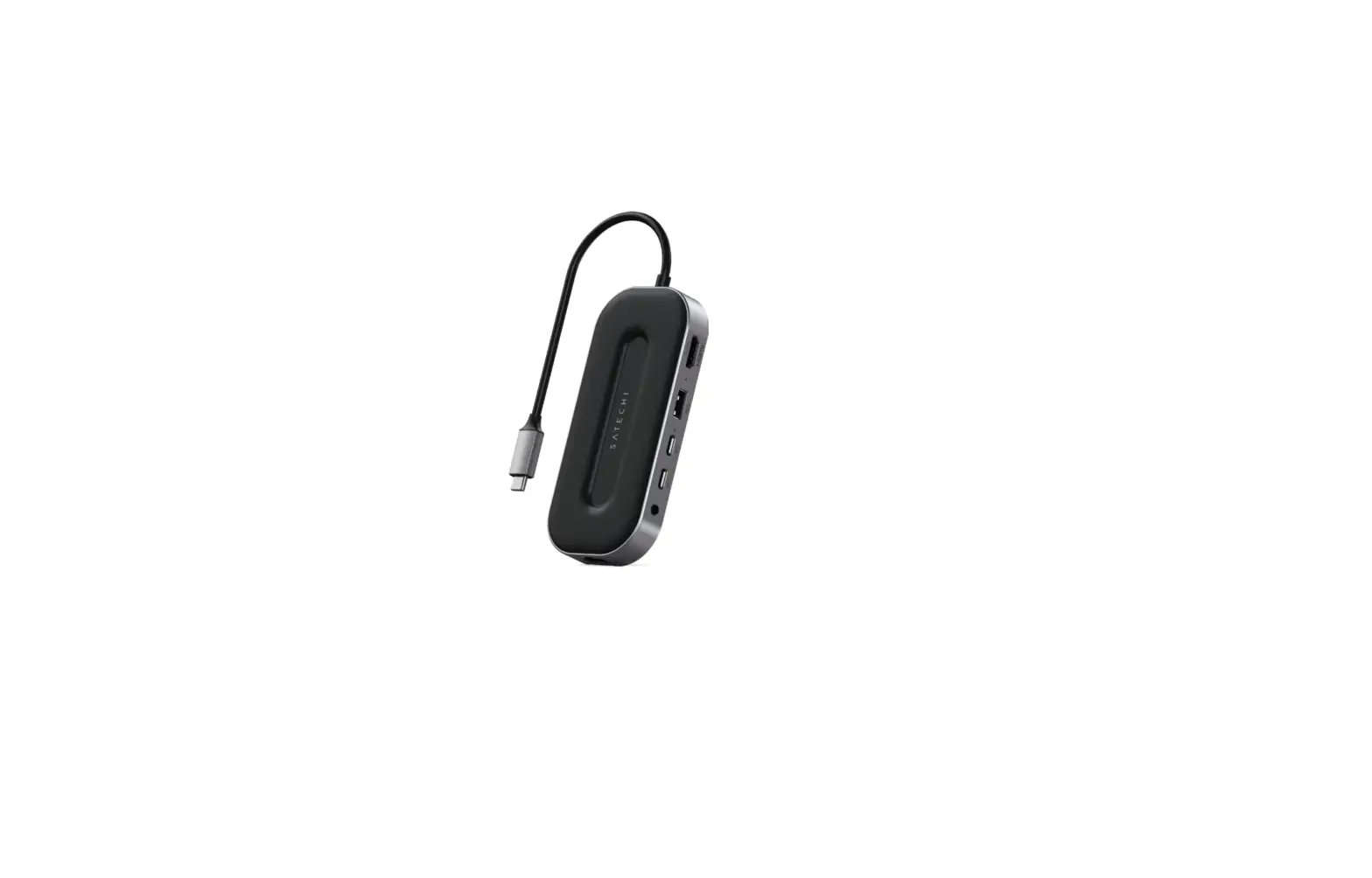
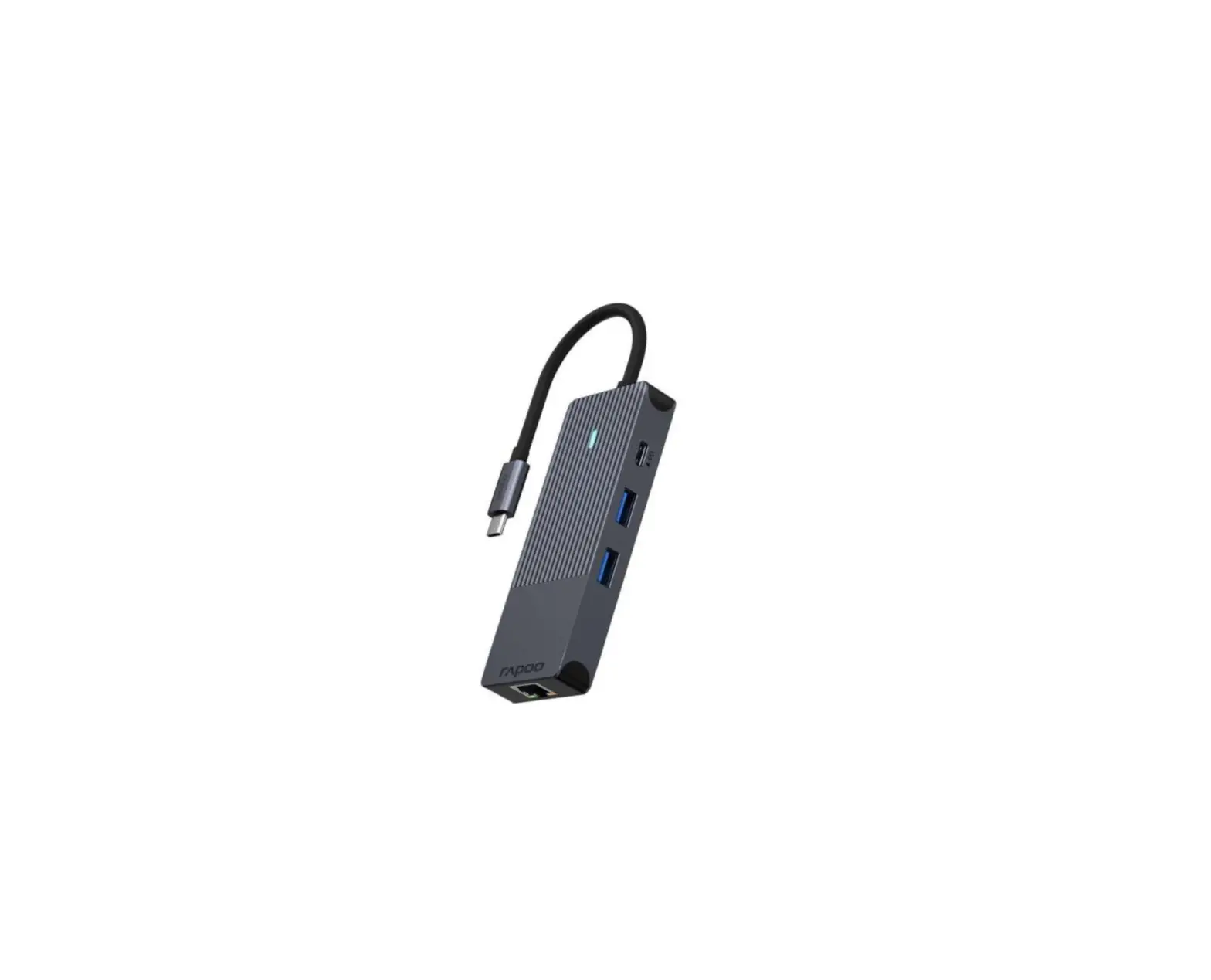
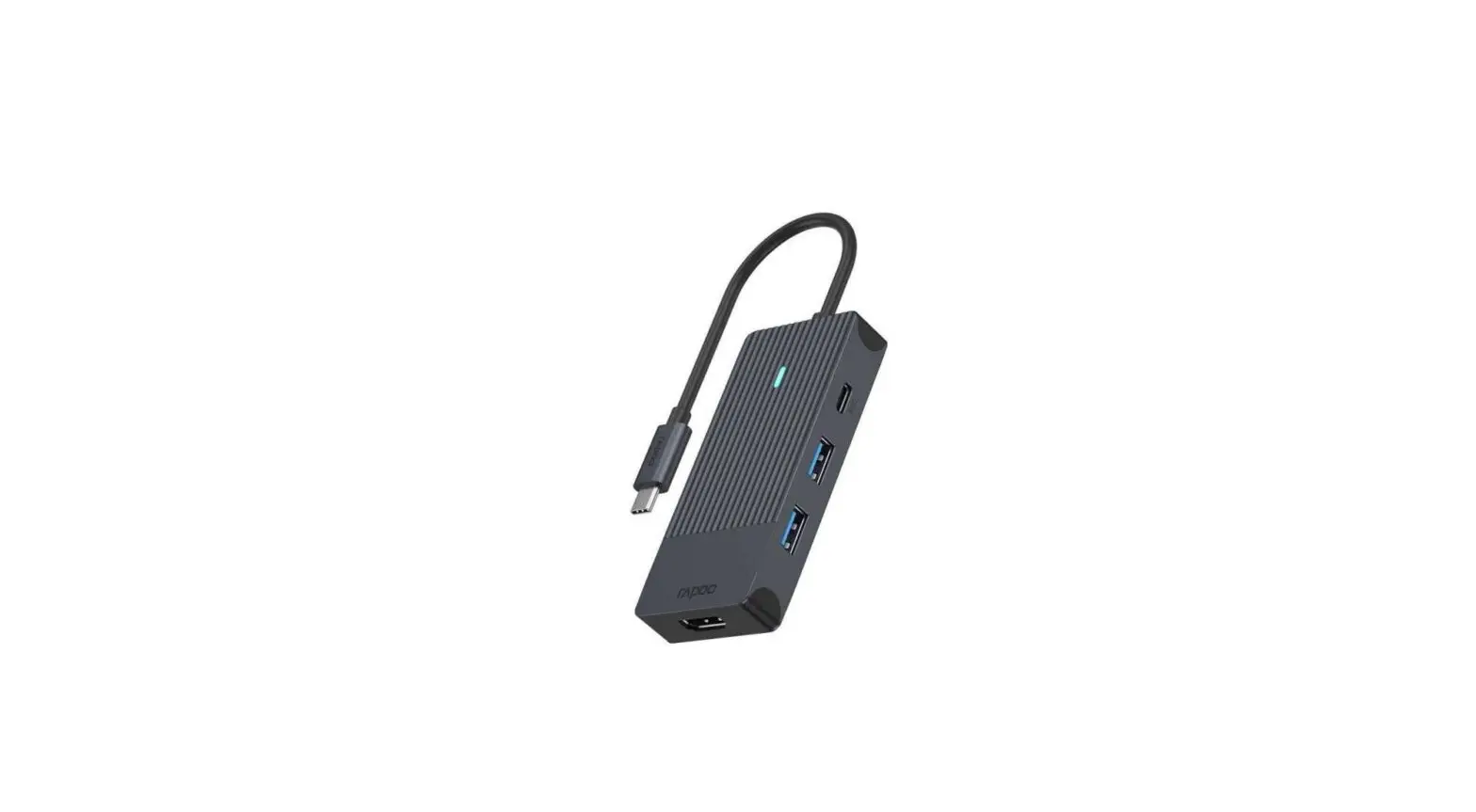
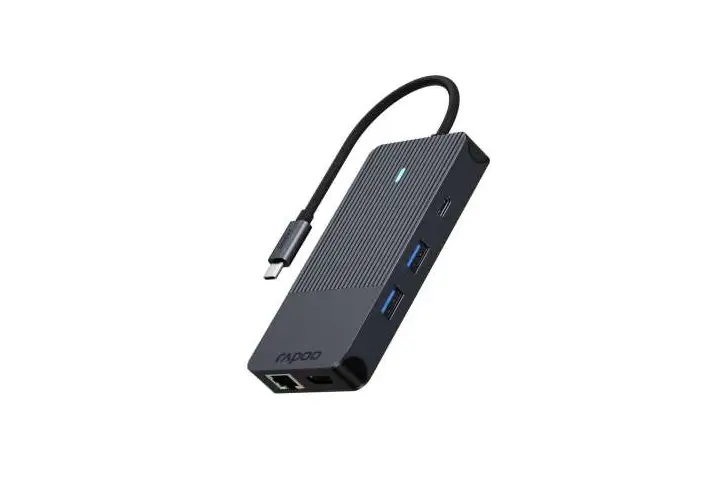
The USB4 6-IN-1 Multiport Adapter is a versatile device that
allows you to expand the connectivity options of your USB-C enabled
device. It offers multiple ports for charging, data transfer, video
output, Ethernet connection, and audio input/output.
- USB-C PD Port: This port supports charging your device with a
power output of up to 100W. It also allows for data transfer at a
speed of up to 10Gbps. Please note that approximately 15W is used
for the operation of the adapter, and video output is not supported
through this port. - USB-A and USB-C Data Ports: These ports enable high-speed data
transfer at up to 10Gbps. However, they do not support charging or
CD readers, including Apple SuperDrive. - Gigabit Ethernet Port: Connect an Ethernet cable to this port
to enjoy a fast and reliable internet connection with speeds of up
to 2.5Gbit. - 3.5mm Audio Jack: This jack supports both audio input and
output. On macOS, you may need to manually connect it during the
initial setup by going to System Preferences > Sound >
Output/Input > USB PnP Audio Device.
Product Usage Instructions:
- Connect the USB4 6-IN-1 Multiport Adapter to a USB-C port on
your device. - If you want to charge your device, use the USB-C PD port on the
adapter. It supports power delivery of up to 100W. You can also
transfer data at a speed of up to 10Gbps through this port. - If you need to transfer data, use either the USB-A or USB-C
data ports on the adapter. These ports support data transfer at a
speed of up to 10Gbps. Please note that these ports do not support
charging or CD readers. - If you want to connect to the internet using an Ethernet cable,
plug it into the Gigabit Ethernet port on the adapter. This port
offers speeds of up to 2.5Gbit for a stable and fast
connection. - If you wish to use the audio input/output feature, connect your
headphones, microphone, or speakers to the 3.5mm audio jack on the
adapter. On macOS, you may need to manually select the USB PnP
Audio Device in System Preferences for proper audio
functionality.
QUICK GUIDE
USB4 6-IN-1 MULTIPORT ADAPTER
1
2
Connect the adapter to a USB-C port on your device.
3
8K
Use the HDMI port to output 8K HDMI to an external monitor or display up to 60Hz. Computer, cable and monitor need to support 8K macOS supports up to 4K at 60Hz
4
UP TO
UP TO
100W 10Gbps
Use the USB-C PD port to charge your device up to 100W and use data transfer up to 10Gbps. ~15W is used for the adapter’s operation Video output not supported
UP TO
10Gbps
USB-A and USB-C data ports allows for transfer data at up to 10Gbps speed. Does not support charging or CD readers, including Apple SuperDrive
5
6
UP TO
2.5Gbit
Connect an Ethernet cable to the adapter’s Gigabit Ethernet port with up to 2.5Gbit.
The 3.5mm audio jack supports input/output. It may need to be connected manually during the initial connection setup on macOS by going to (System Preferences > Sound > Output/ Input > USB PnP Audio Device)