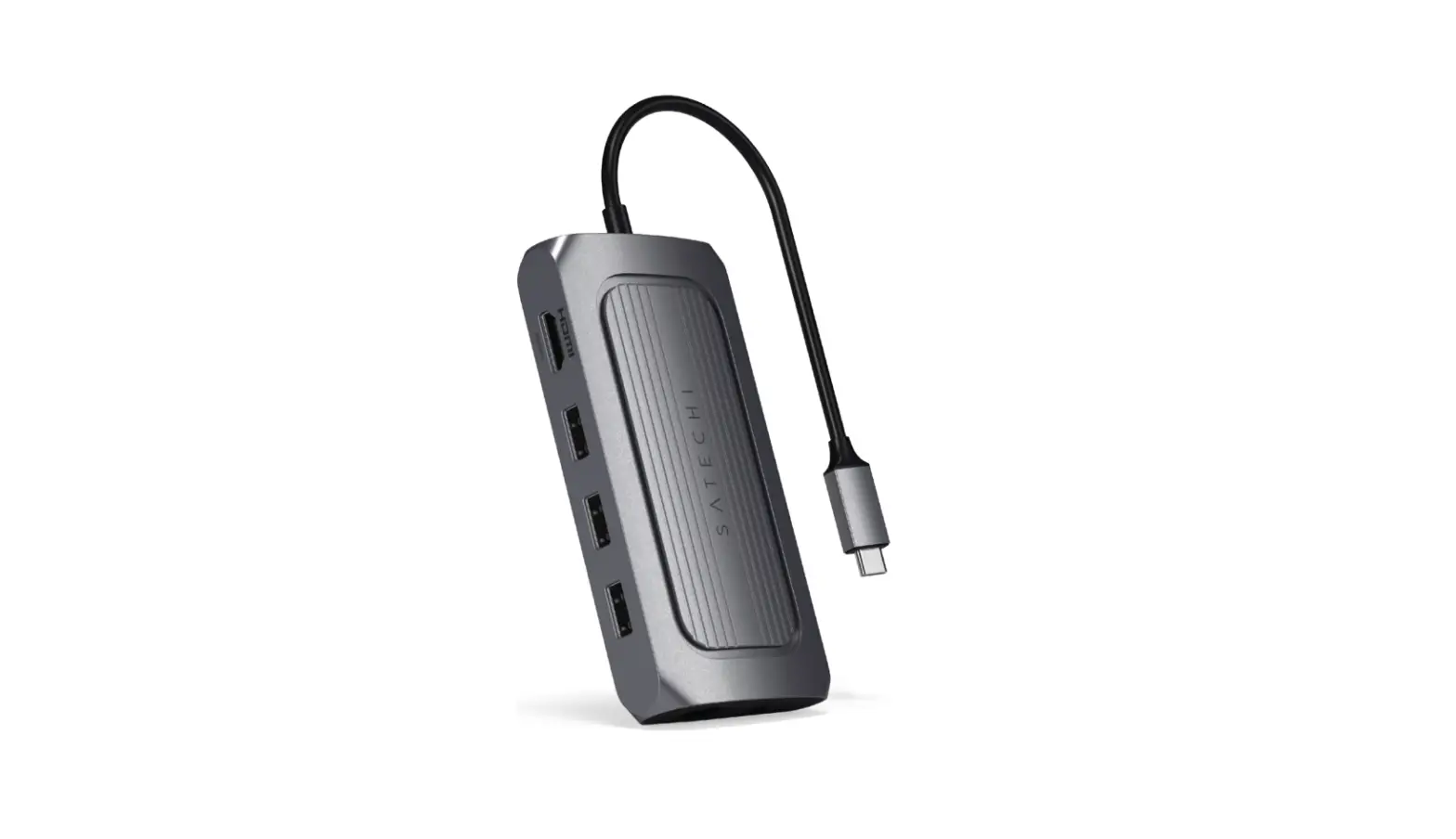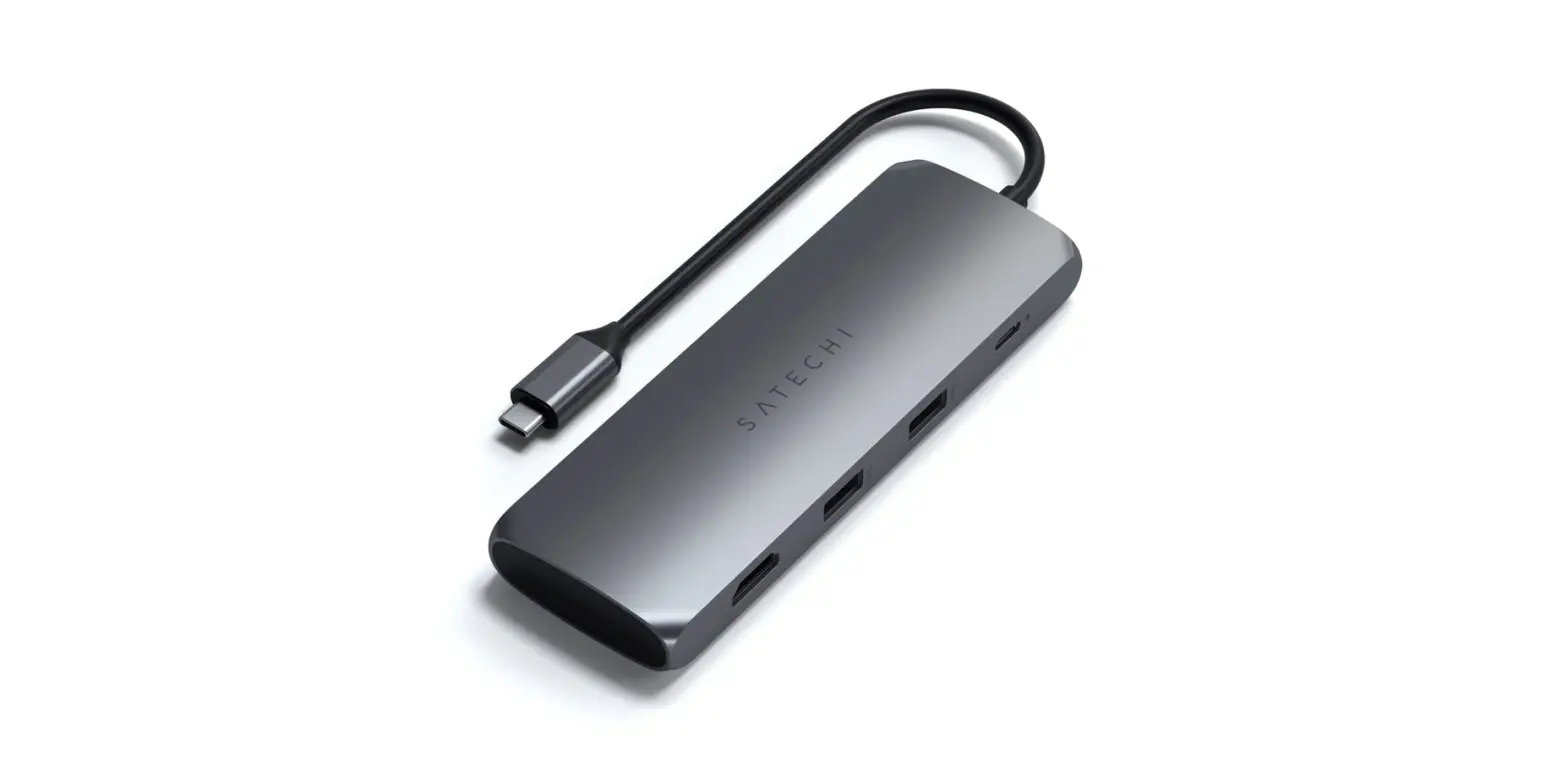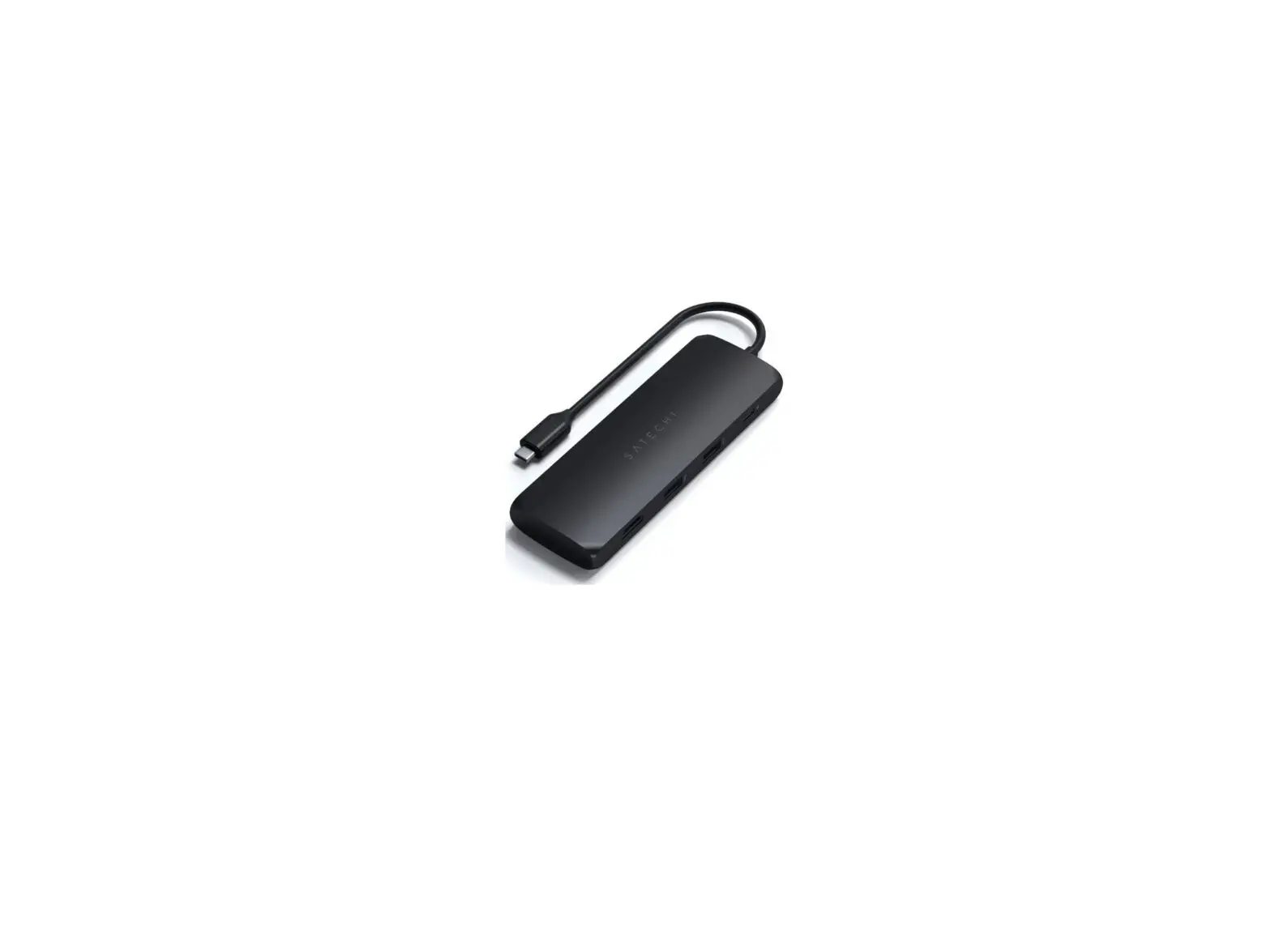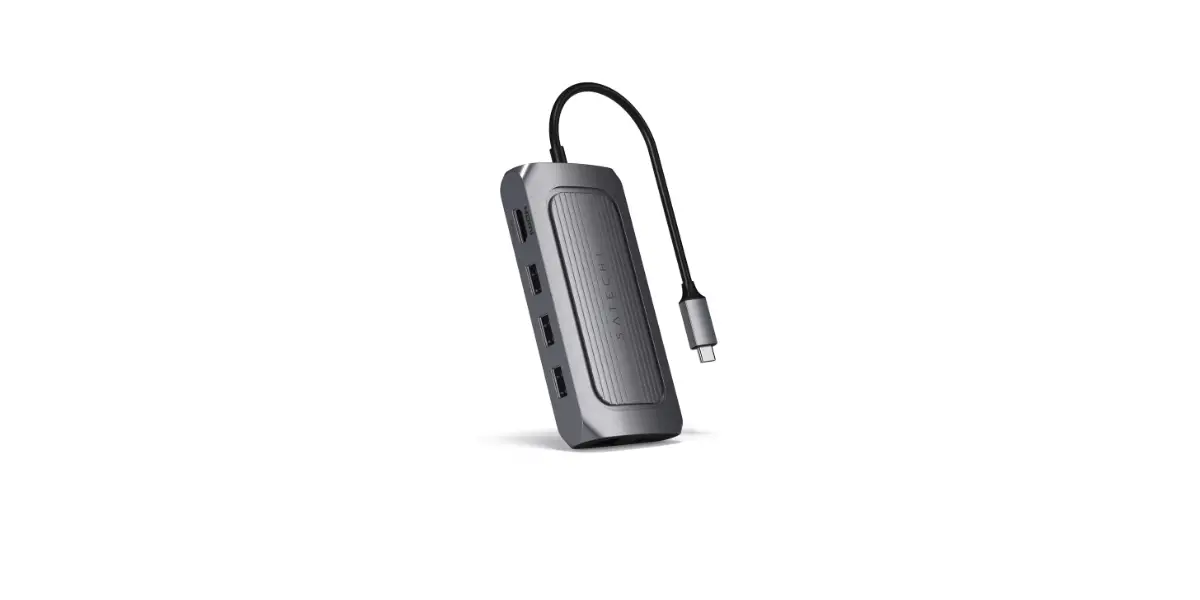
Satechi USB4 Multiport Adapter with 8K HDMI Installation Guide
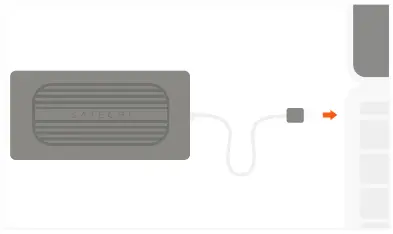
- Connect the adapter to a USB-C port on your device.

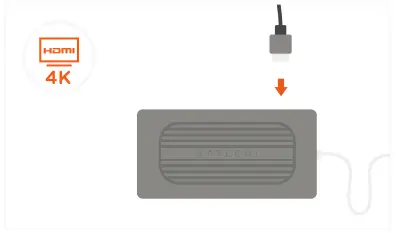
- Use the HDMI port to output 4K HDMI to an external monitor or display – up to 60Hz.
Computer, cable and monitor need to support 8K macOS supports up to 4k at 60Hz
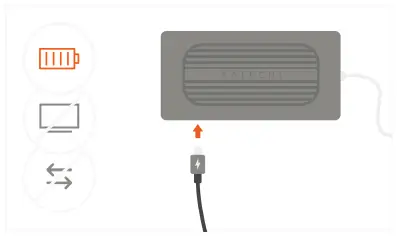
- Use the USB-C PD port to charge your device up to 100W.
~15W is used for the adapter’s operation USB-C charging port does not support video or data
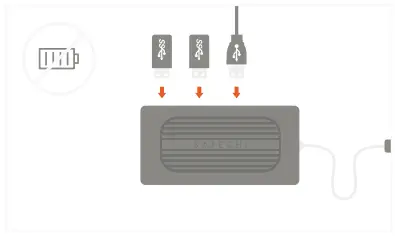
- Use USB-A data ports to connect USB devices – 2 x USB 3.2 data up to 10 Gbps each and 1 x USB 2.0.
Does not support charging or CD readers, including Apple SuperDrive
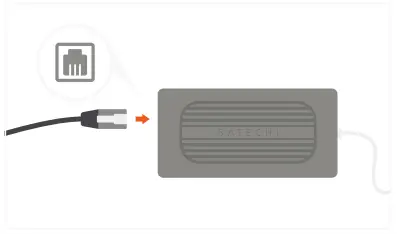
- Connect an RJ45 network cable to the adapter’s Gigabit Ethernet port.

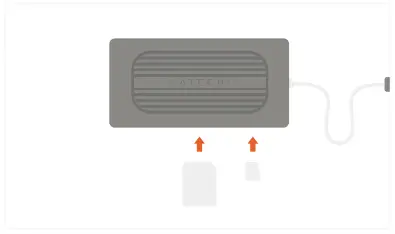
- Insert microSD or SD cards into the card reader slots.
Support SD/SDHC/SDXC, SD3.0 UHS-1, up to 104MB/S, Capacity up to 2TB (Synchronous use)