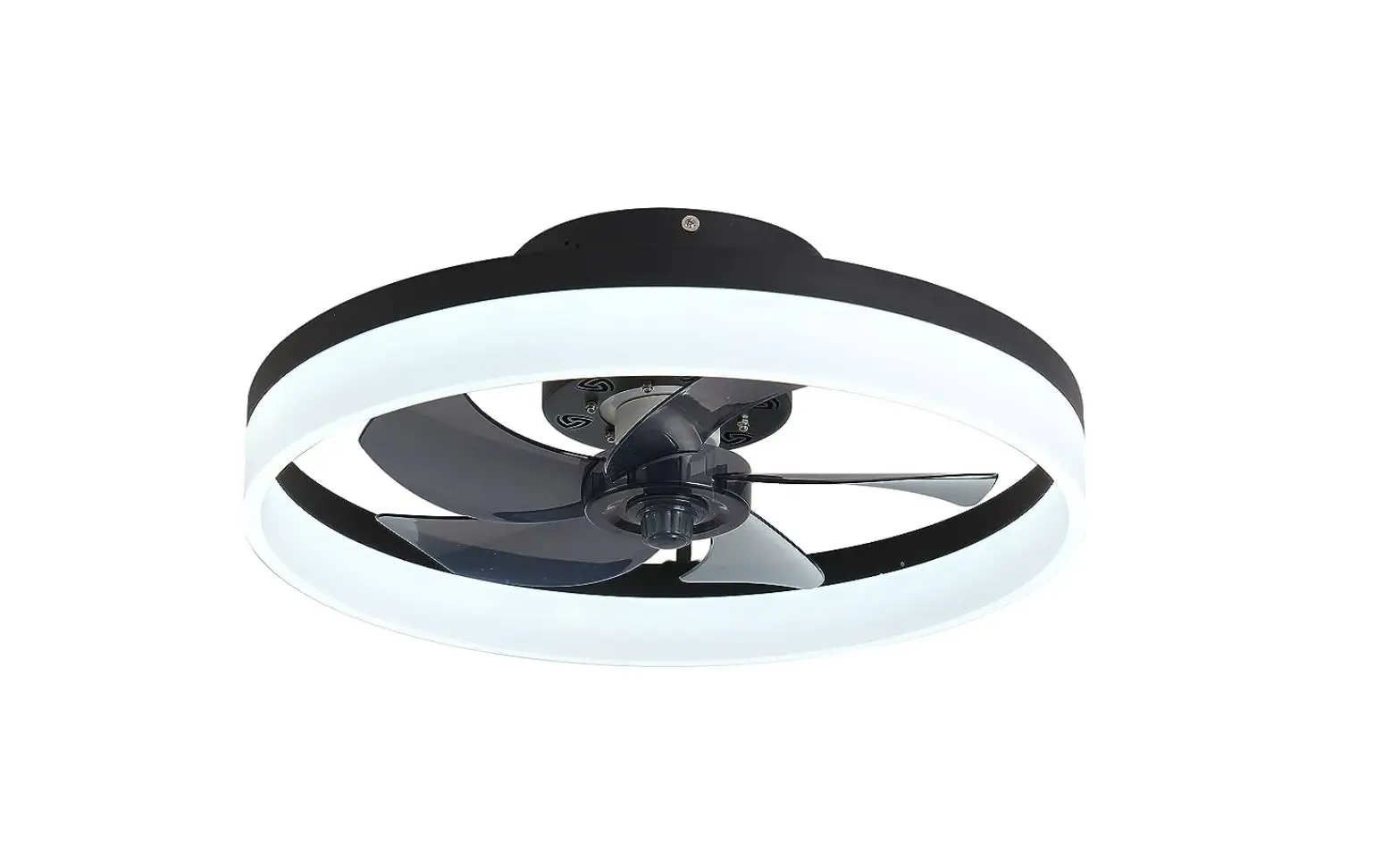
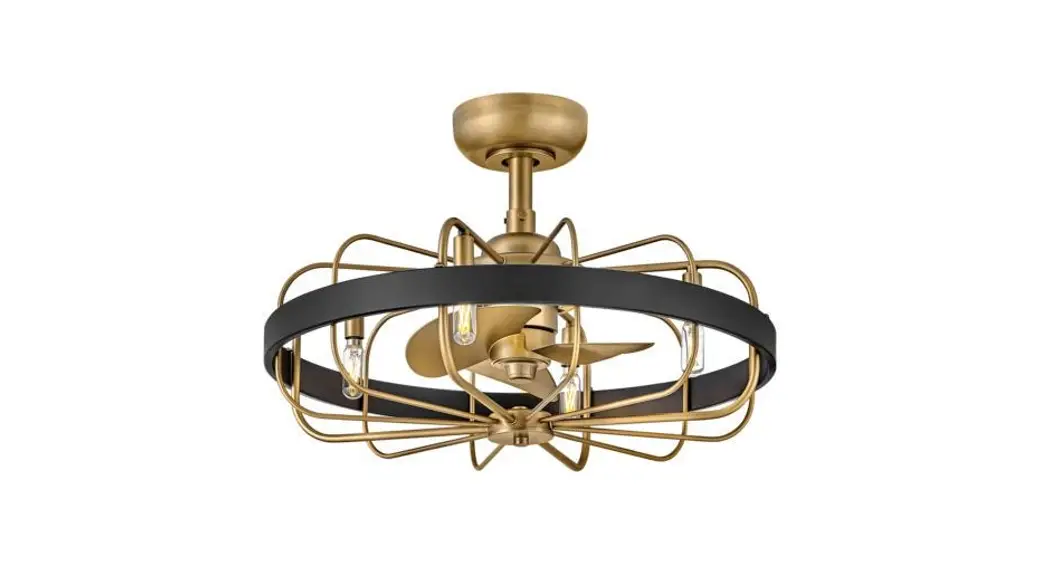
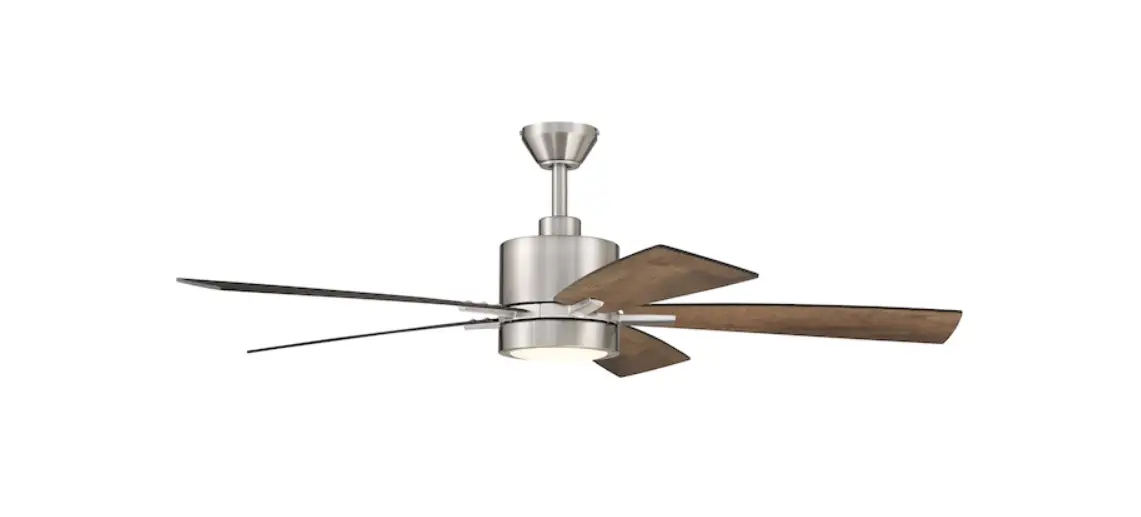
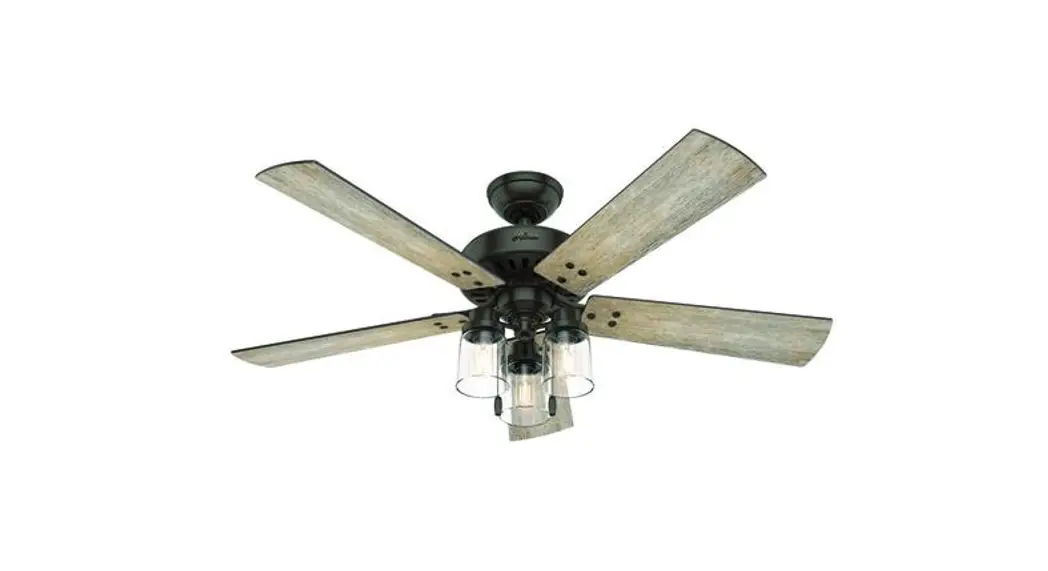
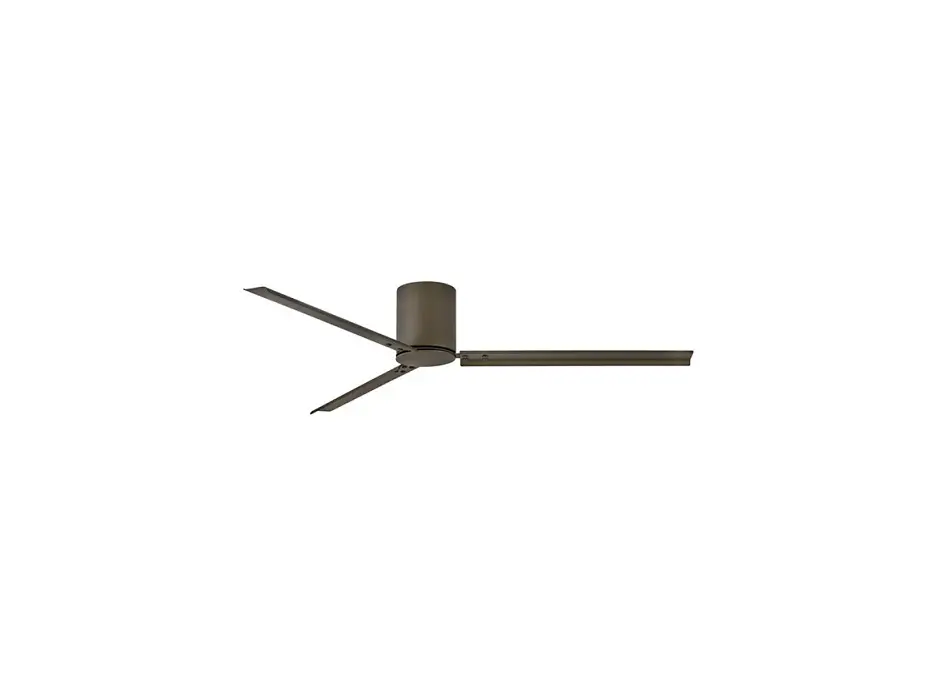
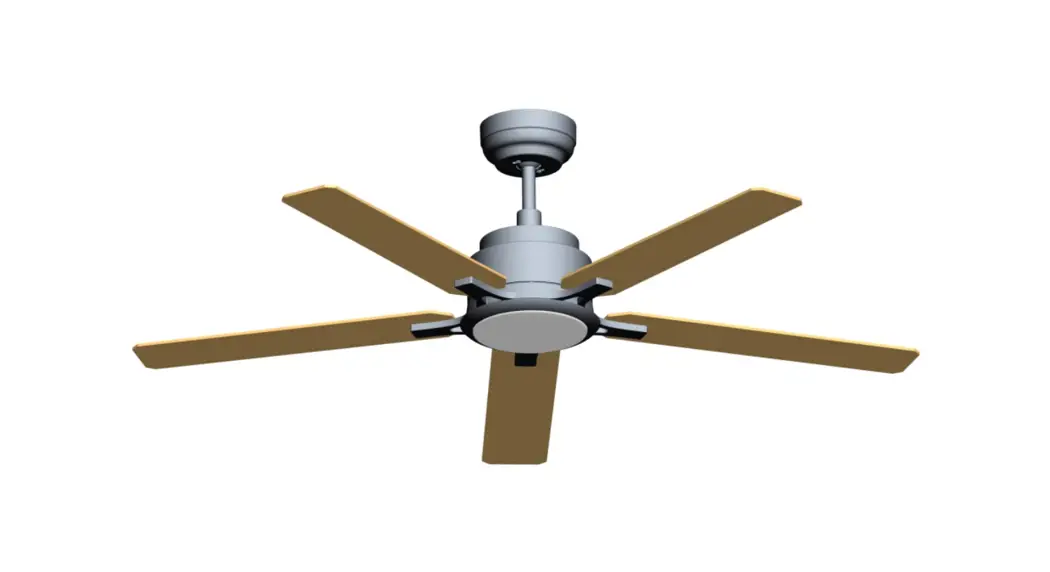
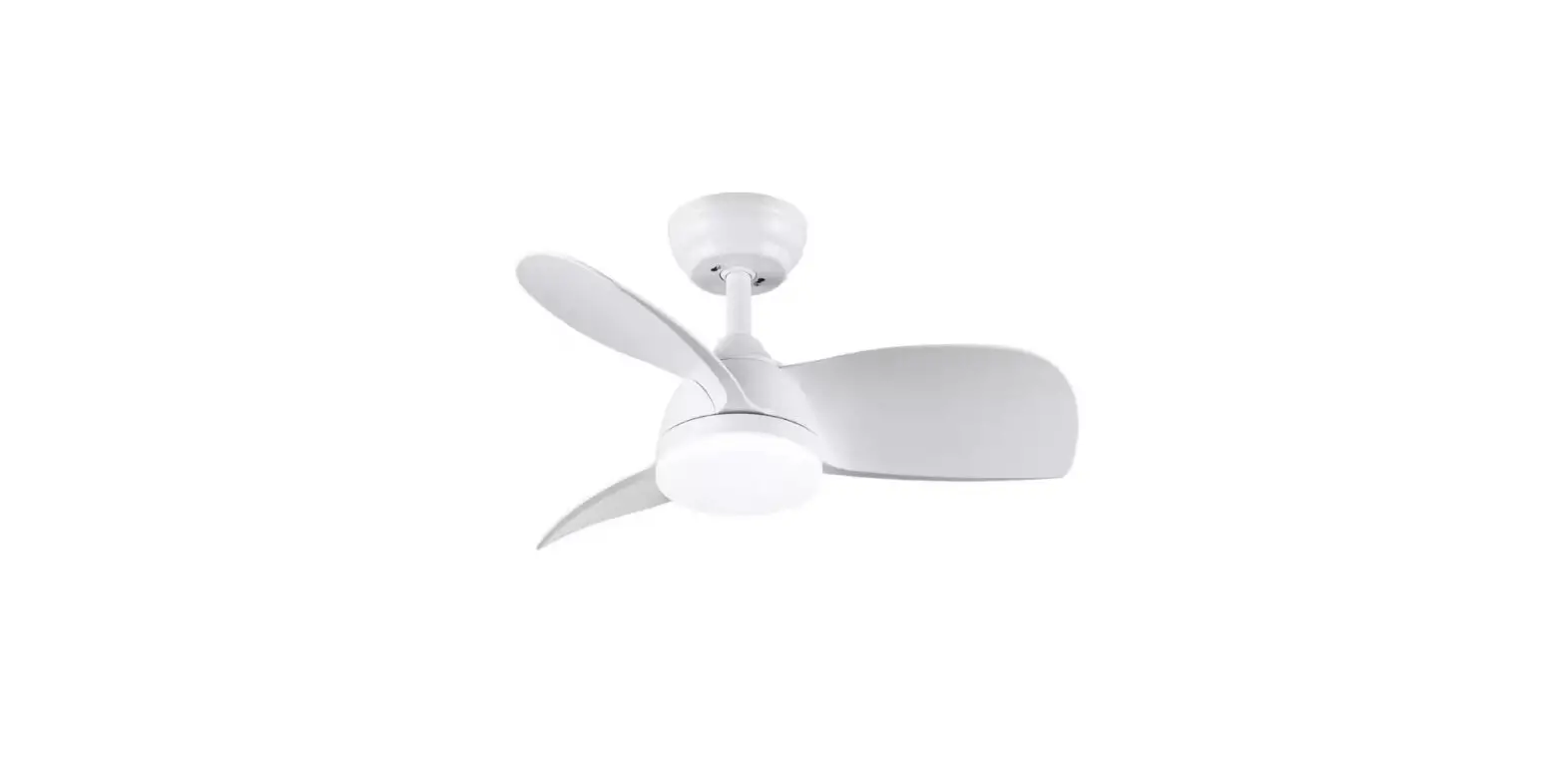
ZF002WH LED Indoor Flush Mount Smart Fandelier Ceiling Fan
Product Information
The product is a ceiling fan with various features such as light
on/off control, fan off control, color temperature control, light
brightness control, fan rotation direction control, fan speed
control, night light function, timing function, and pair code
setup.
Product Usage Instructions
To use the product, follow the steps below:
- Turn on/off the light by pressing the light on/off button.
- Turn off the fan by pressing the fan off button.
- Adjust the color temperature of the light by using the color
temperature control. - Control the brightness of the light by using the light
brightness control. - Change the direction of the fan rotation by using the fan
rotates forward/reverse button. - Adjust the fan speed using the fan speeds control.
- Turn off all functions by pressing the all off button.
- Set up a pair code for the product by following the pair code
setup instructions. - Control the color temperature of the light by using the color
temperature control. - Enable the night light function for a specific duration by
setting the timing for 1/2 hour. - Connect a 5V power source to the product using the provided
cable. - Use the setup function to configure additional settings.
- Adjust the color temperature of the light by using the color
temperature control. - Control various functions of the product by using the provided
buttons and controls.
Note: Refer to the user manual for detailed instructions and
information on each function and control.
The ceiling
The ceiling
4UFQ%JTBTTFNCMFUIFIBOHJOHQMBUFPGUIFMBNQ
UIFOUIFIPMFQPTJUJPOPGUIF IBOHJOHQMBUFJTNFBTVSFEBOEMPDBUFEPOUIFDFJMJOHCZCPSSPXJOHUIF IPMFQPTJUJPOPGUIFIBOHJOHQMBUF 4UFQ1VODIIPMFTJOUIFQPTJUJPOJOHNBSLBDDPSEJOHUPUIFTJ[FPGUIFFYQBOTJPO TDSFX
UIFOIBNNFSUIFFYQBOTJPOTDSFXJOUPUIFIPMFXJUIBIBNNFS MFBWJOHPOFDFOUJNFUFSPVUTJEF
BOEUIFODPVOUFSDMPDLXJTFVOTDSFXUIF OVUBOENFTPOUPMPDLUIFIBOHJOHQMBUF *GZPVSDFJMJOHJTOPUDPODSFUFCVUBXPPEFOTVTQFOEFEDFJMJOH
VTF TFMGUBQQJOHTDSFXTEJSFDUMZUPTFDVSFUIFDSPTTIBOHJOHQBOFMT
4UFQ*OTUBMMUIFIBOHJOHQMBUFPOUIFDFJMJOHXJUIUIFXBTIFSTSFTQFDUJWFMZ&OTVSF UIBUUIFNPVOUJOHQMBUFJTDPOOFDUFEXJUIUIFDFJMJOHGJSNMZ
BOEFOTVSFUIBU UIFIBOHJOHQMBUFBOEUIFFYQBOTJPOTDSFXBSFTVGGJDJFOUUPCFBSUIFXFJHIU PGUIFMBNQCPEZ 4UFQ5IFNBJOMJOFPGUIFMBNQCPEZTIVMECFDIFDLFEJGUIFMBNQXPSLT OPSNBMMZPSOPUCZDPOOFDU7QPXFSTVQQMZ*UJTSFDPNNFOEFEUIBU QSPGFTTJPOBMFMFDUSJDJBOJOTUBMMUIFMBNQ 4UFQ*OTUBMMUIFMBNQIVCPOUIFIBOHJOHQMBUFBDDPSEJOHUPUIFIPMFQPTJUJPO QMFBTFFOTVSFUIBUUIFMBNQCPEZBOEDFJMJOHBSFTFDVSFMZDPOOFDUFE
The ceiling
Light on/off
Fan off Color temperature Light brightness control Fan rotates forward/reverse
Fan speeds
All off
Pair code
SETUP
Color temperature control
Night light Timing for 1/2 hour
5VSOPOUIFQPXFSTXJUDIBOEQSFTTUIF4&561CVUUPO XJUIJOTFDPOETBGUFSIFBSJOHUIFESJQ5IFSFDFJWFSCFFQT PVUUXPDMJDLT
TVDDFTTGVMMZNBUDIJOHUIFDPEF
5JQT#FGPSFJOTUBMMBUJPO
UIFMBNQTIPVMECFUFTUFEGPS FMFDUSJDJUZ5IFMBNQDBOCFJOTUBMMFEUPUIFDFJMJOH POMZJOOPSNBMPQFSBUJPO
1MFBTFSFBEUIFBTTFNCMZESBXJOHDBSFGVMMZCFGPSFJOTUBMMJOHBOENBJOUBJOJOHUIF MBNQTBOEMBOUFSOT
BOELFFQJUQSPQFSMZGPSGVUVSFVTFBGUFSVTF
5IFQPXFSTVQQMZVTFETIPVMEOPUFYDFFEUIFTQFDJGJFESBOHFPGWPMUBHF SBUFE WPMUBHF”$7
GPSBMPOHUJNF
PSNBZDBVTFEBNBHFUPUIFMBNQ PWFSIFBUJOH
1MFBTFQBZBUUFOUJPOUPDIFDLXIFUIFSUIFDBCMFBOETXJUDIBSFJOHPPE DPOEJUJPOCFGPSFVTF
BOEFOTVSFUIBUUIFMPDBMWPMUBHFJTDPOTJTUFOUXJUIUIF MBNQWPMUBHF
1MFBTFUVSOPGGUIFQPXFSCFGPSFJOTUBMMJOHUIFMBNQ
%POPUJOTUBMMUIFMBNQBCPWFUIFIJHIUFNQFSBUVSFPCKFDU
TVDIBTTUPWF
HBT
FYIBVTU
DZMJOEFS
FUD
XIJDINBZEBNBHFUIFMBNQ
1MFBTFEPOPUSFGJUUIFMBNQT
XIJDINBZDBTFPGNBMGVODUJPO
1MFBTFDMFBOBOEDIFDLSFHVMBSMZ5VSOPGGUIFQPXFSCFGPSFDMFBOJOH8JQF UIFTVSGBDFXJUIBESZSVCCJOHDMPUI%POPUXJQFXJUIBDJEJDPSBMLBMJOF DIFNJDBMTPMWFOUT
XIJDIXJMMDBVTFTFSJPVTEBNBHFUPUIFTVSGBDF