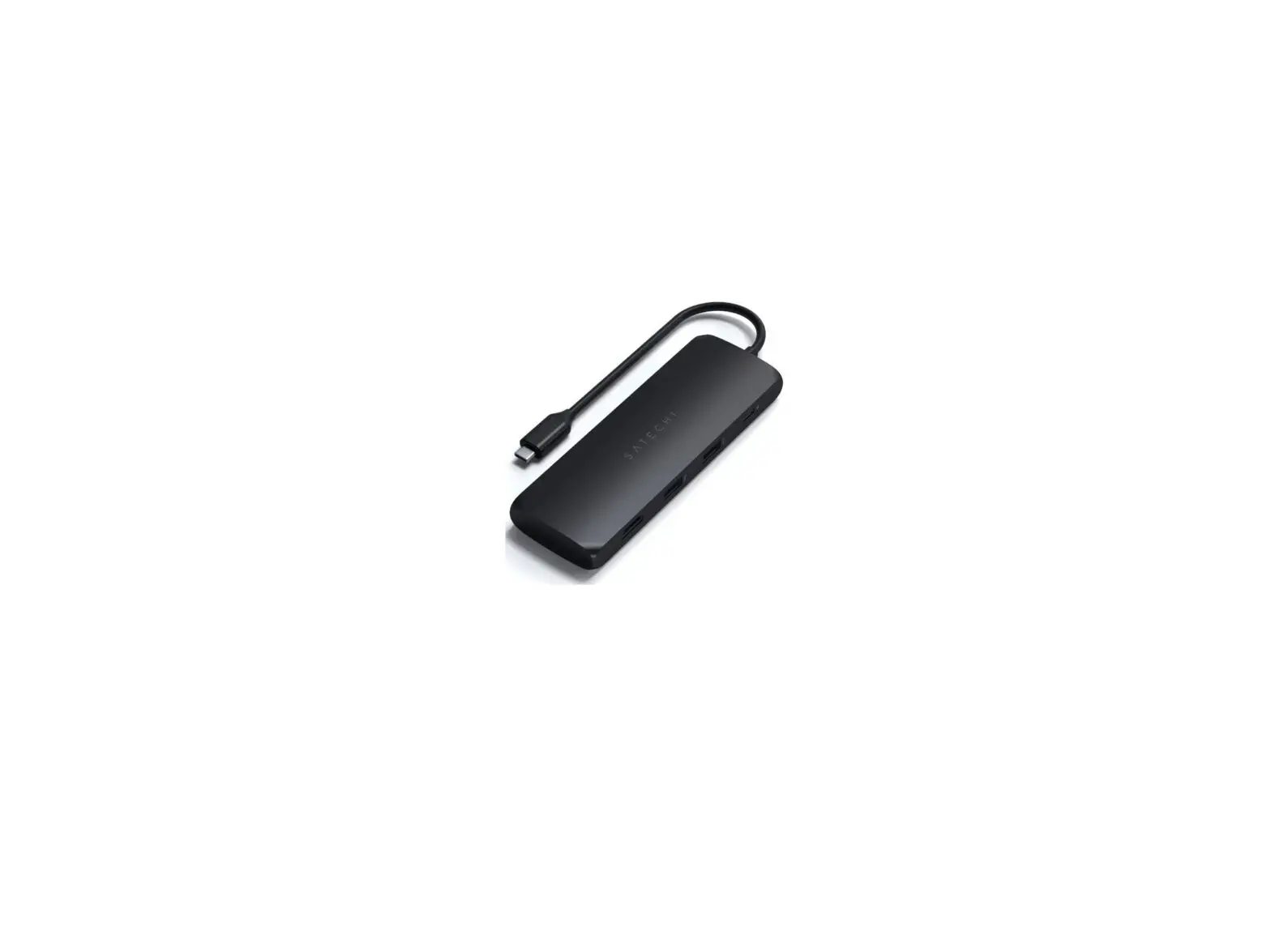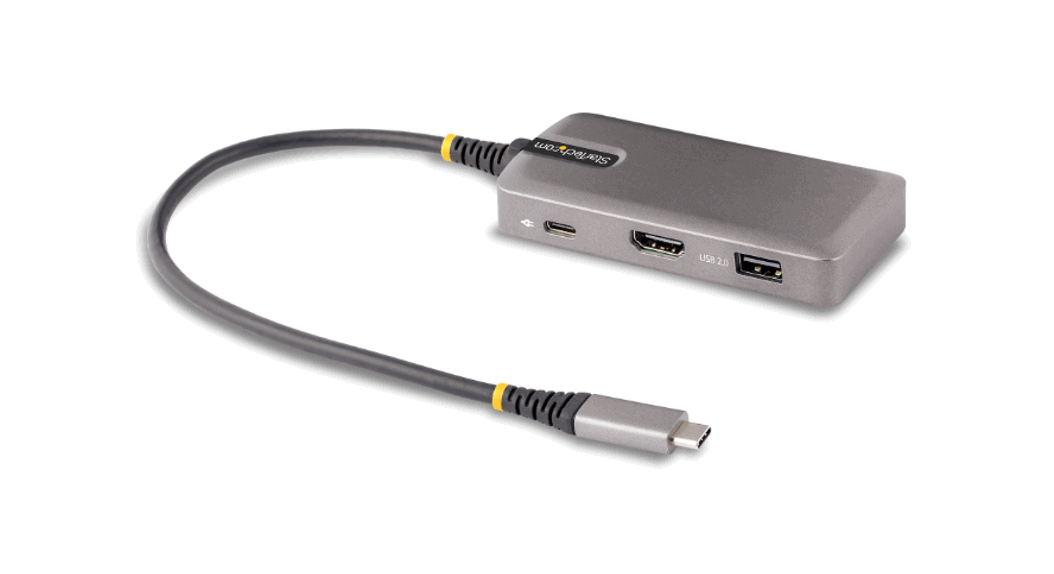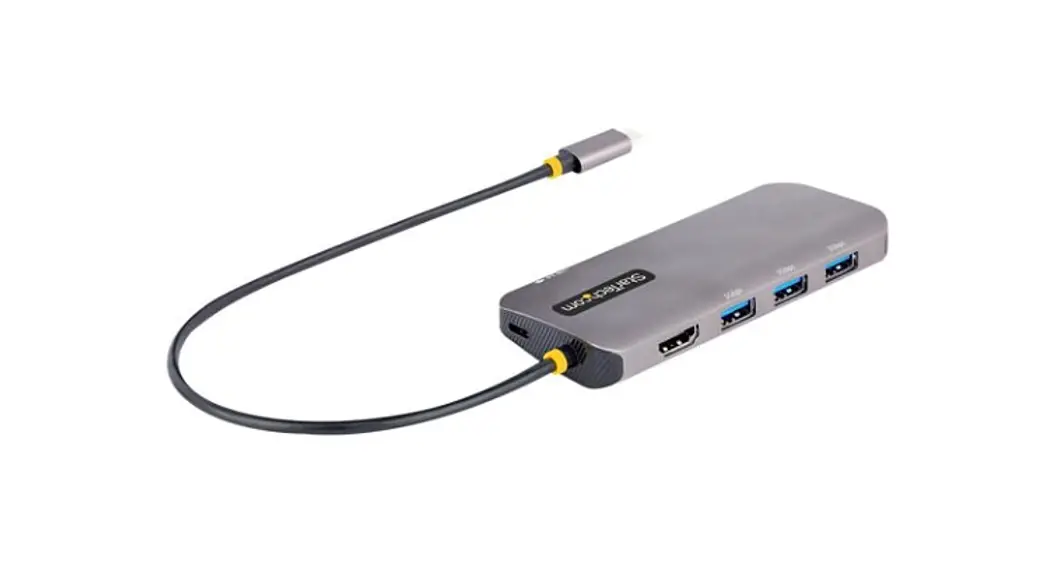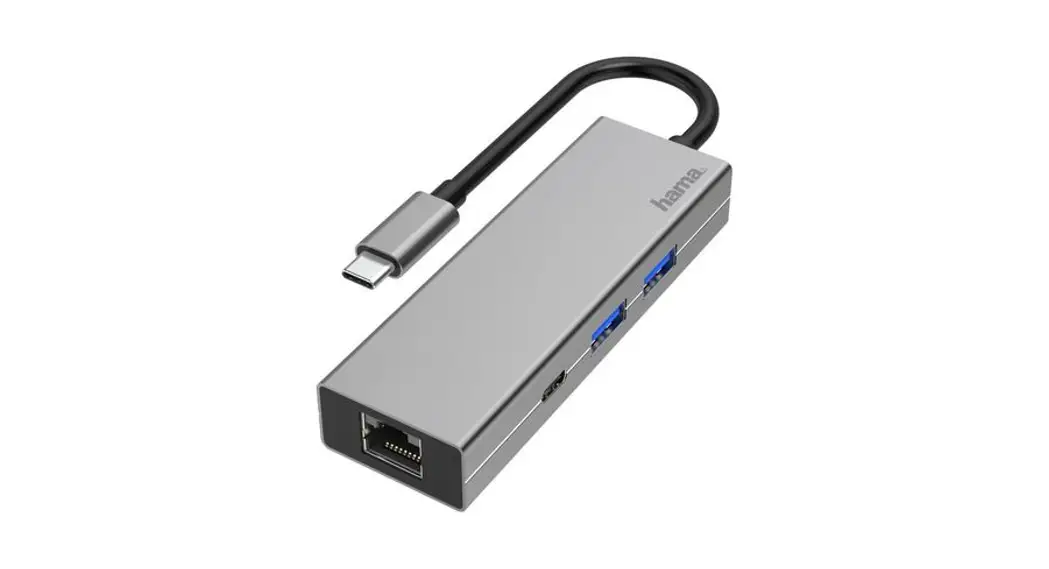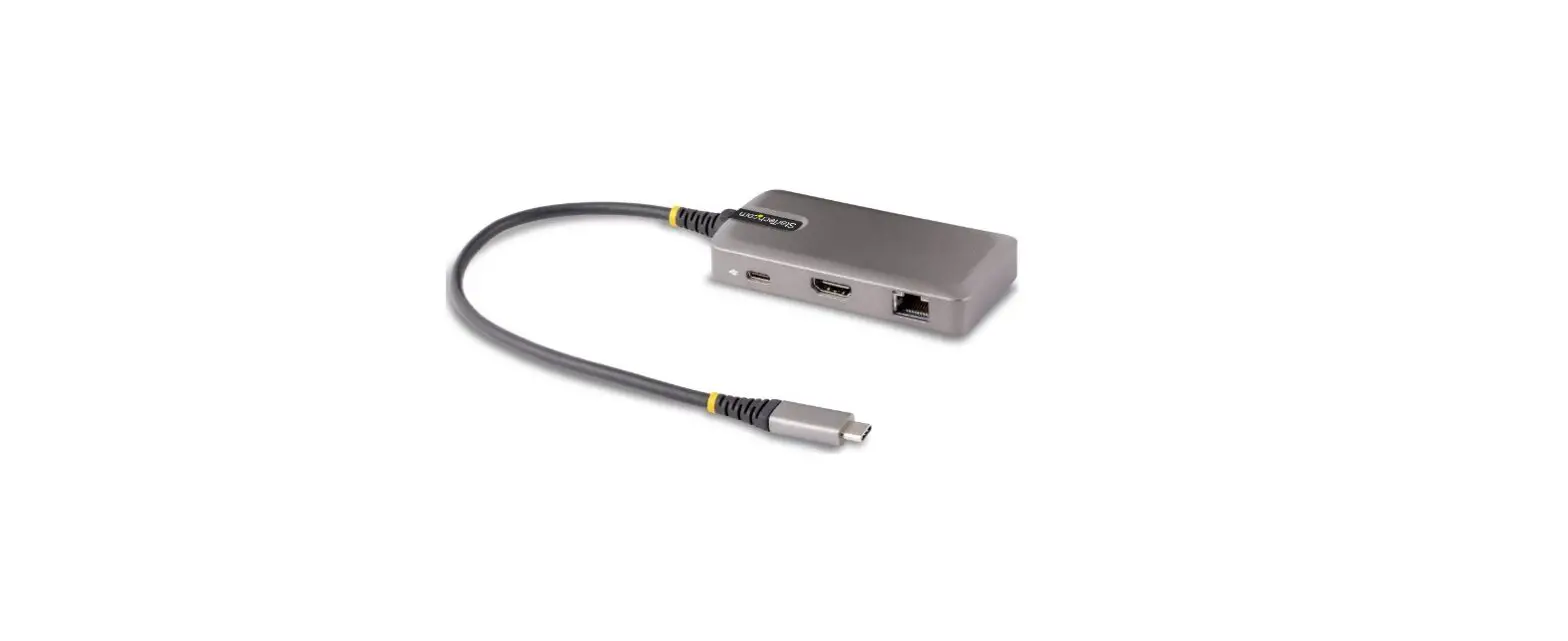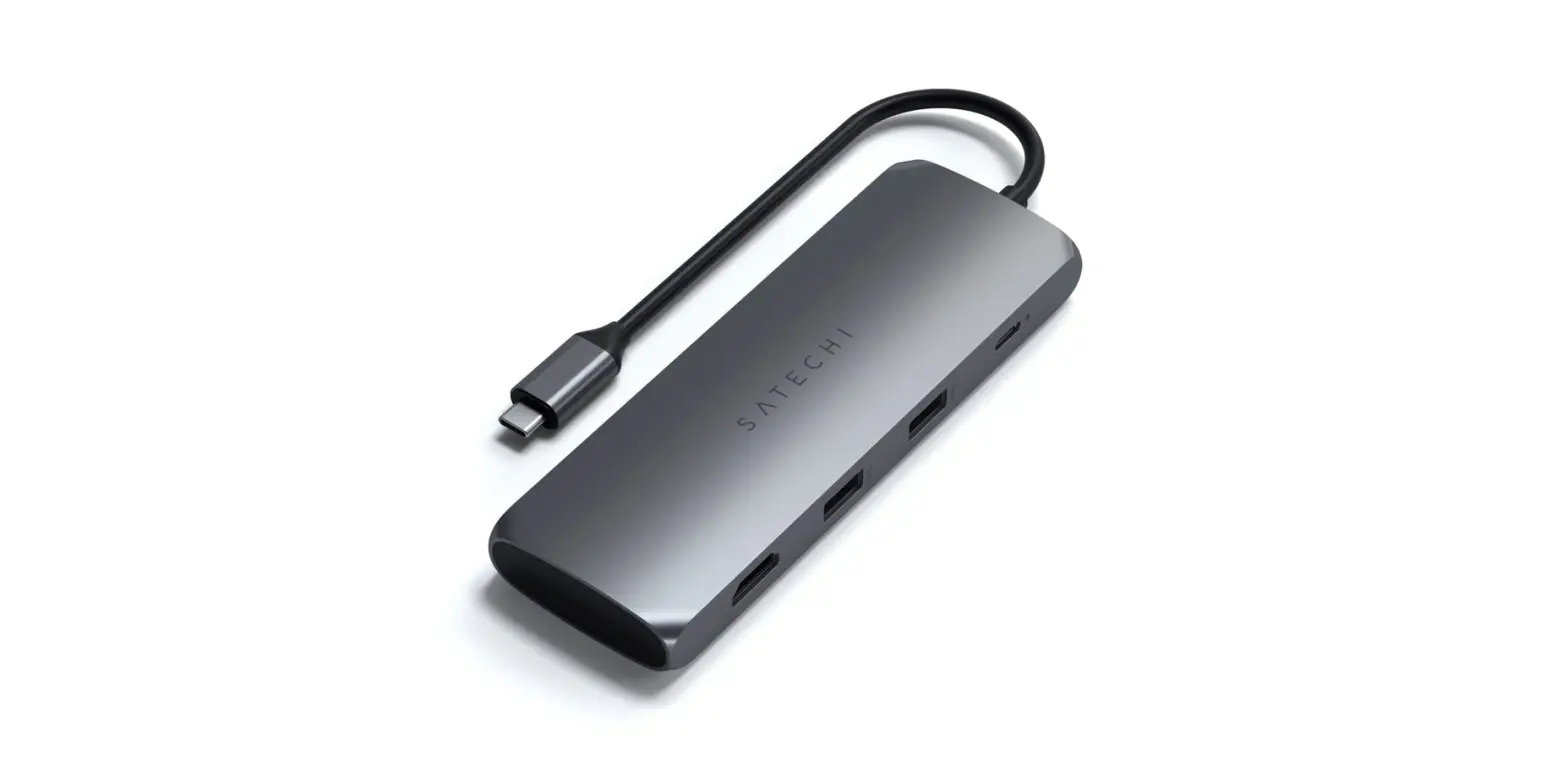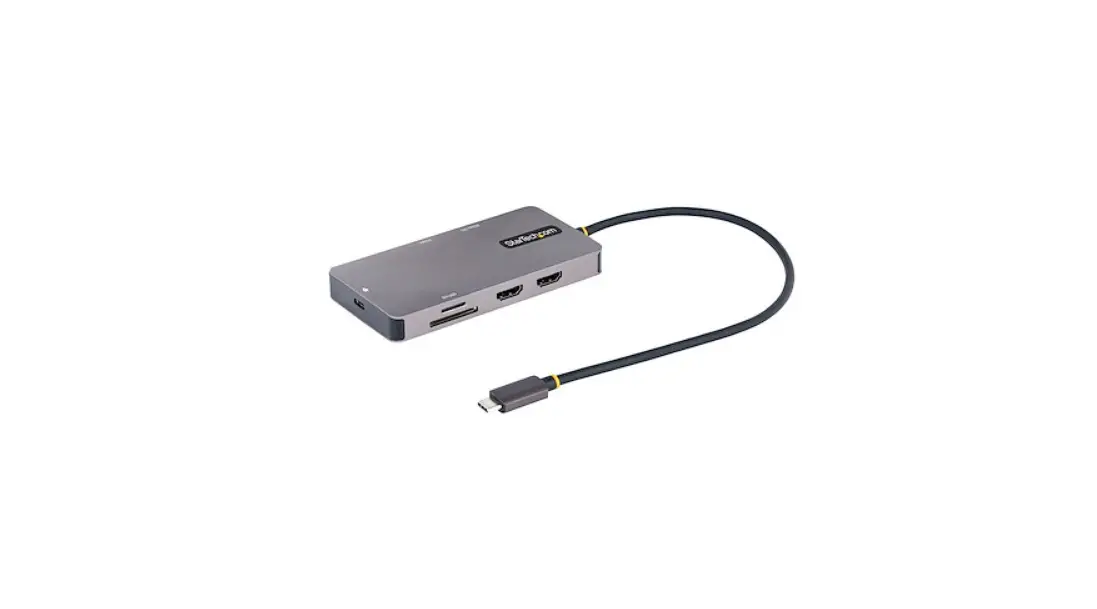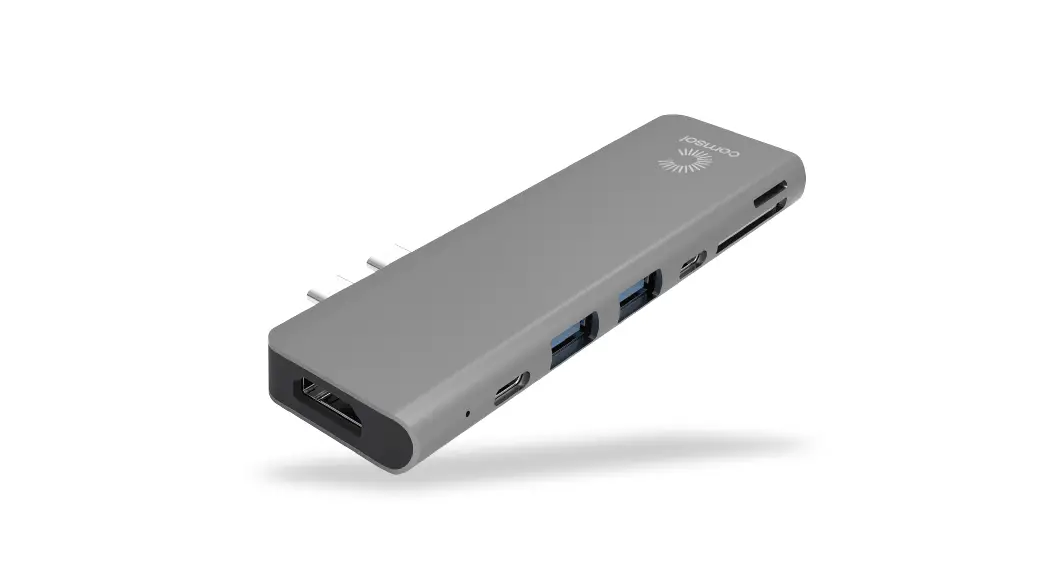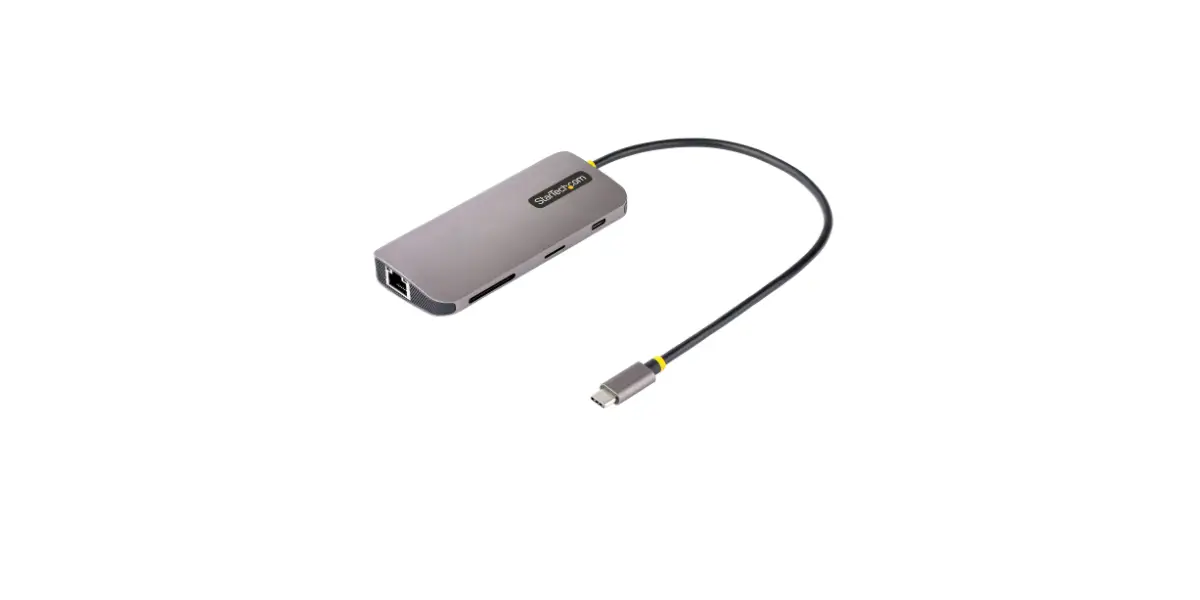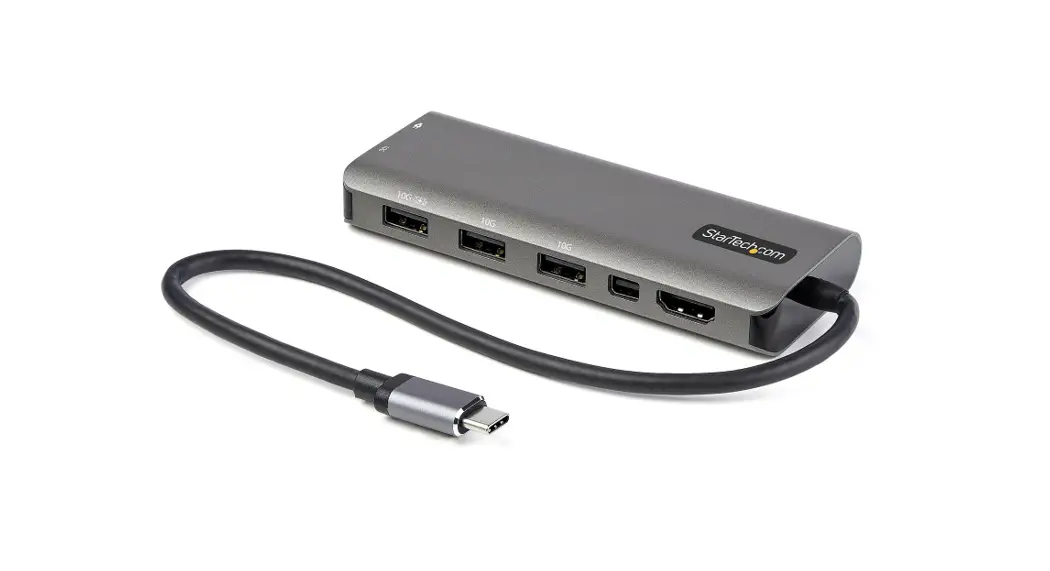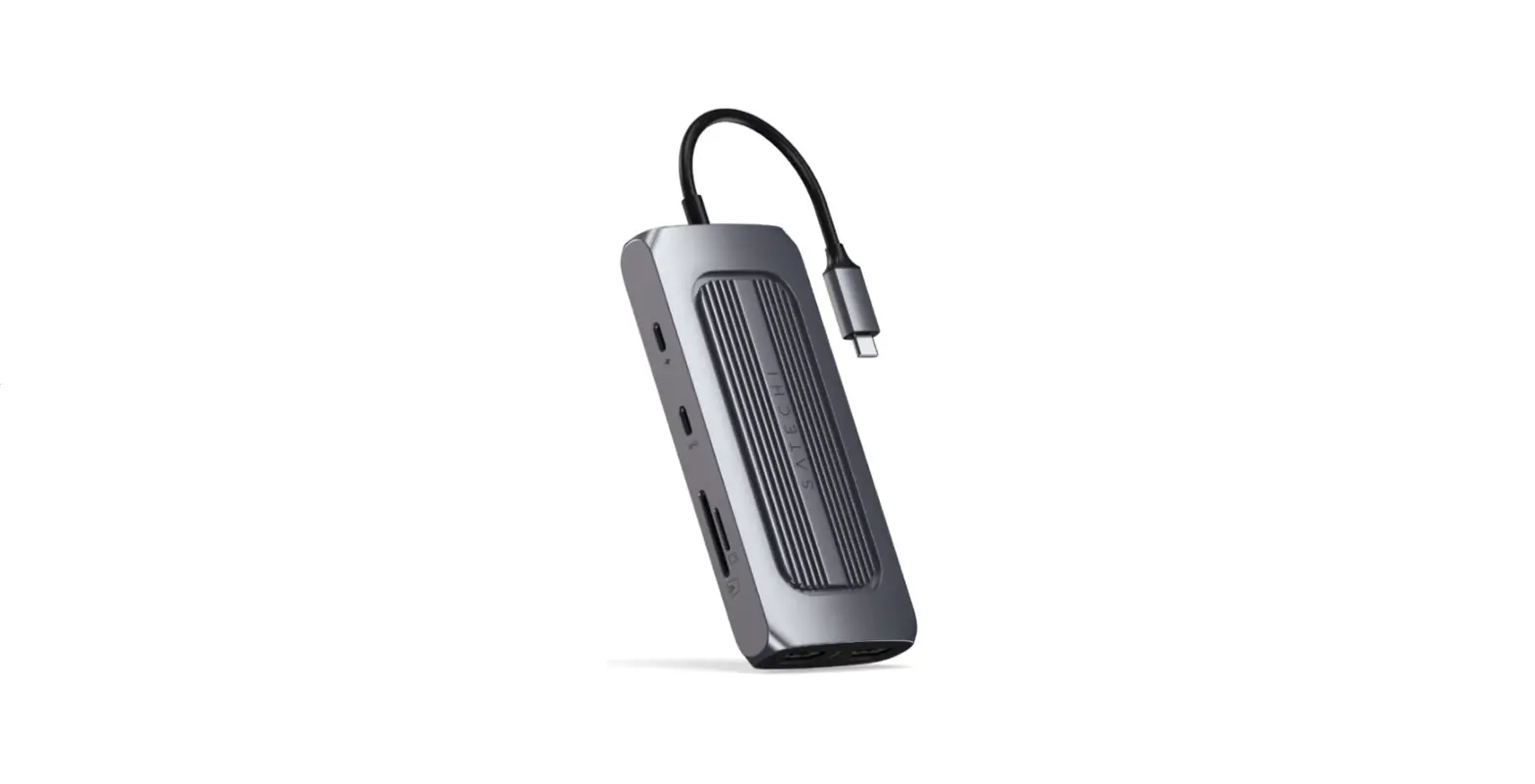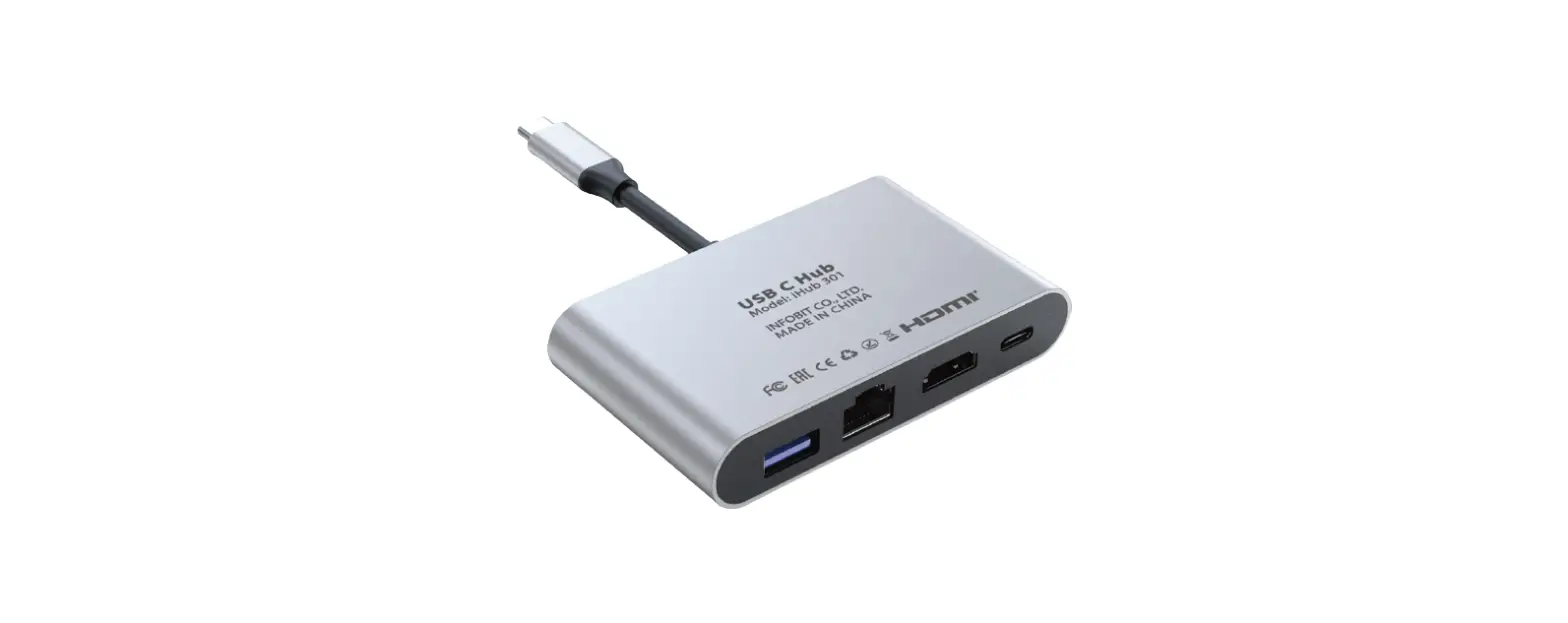
SATECHI 883275 USB-C On-The-Go Multiport Adapter Instructions
Installation Instructions
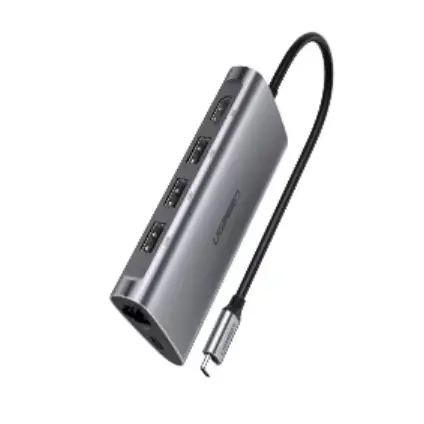
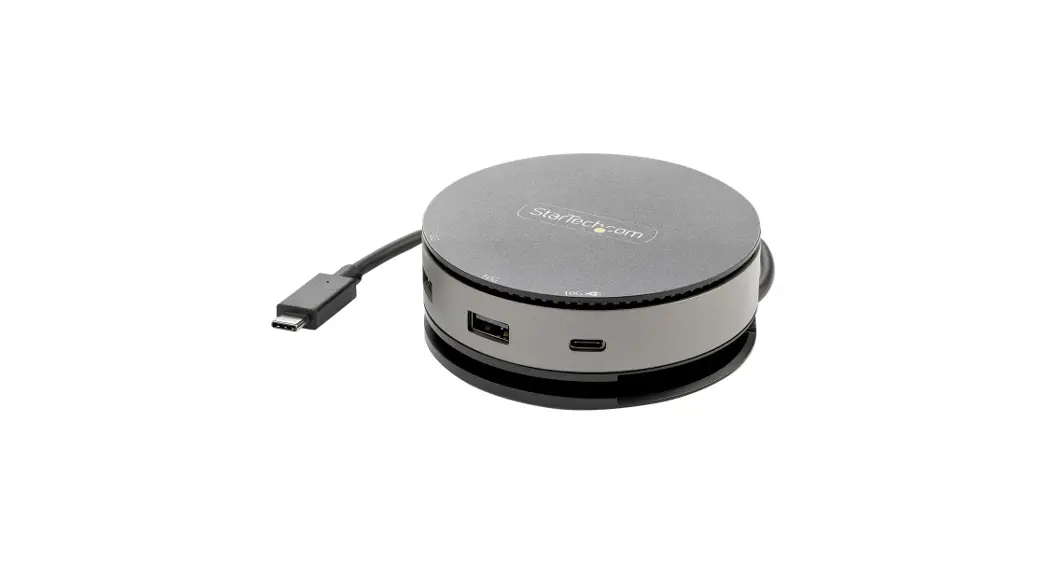
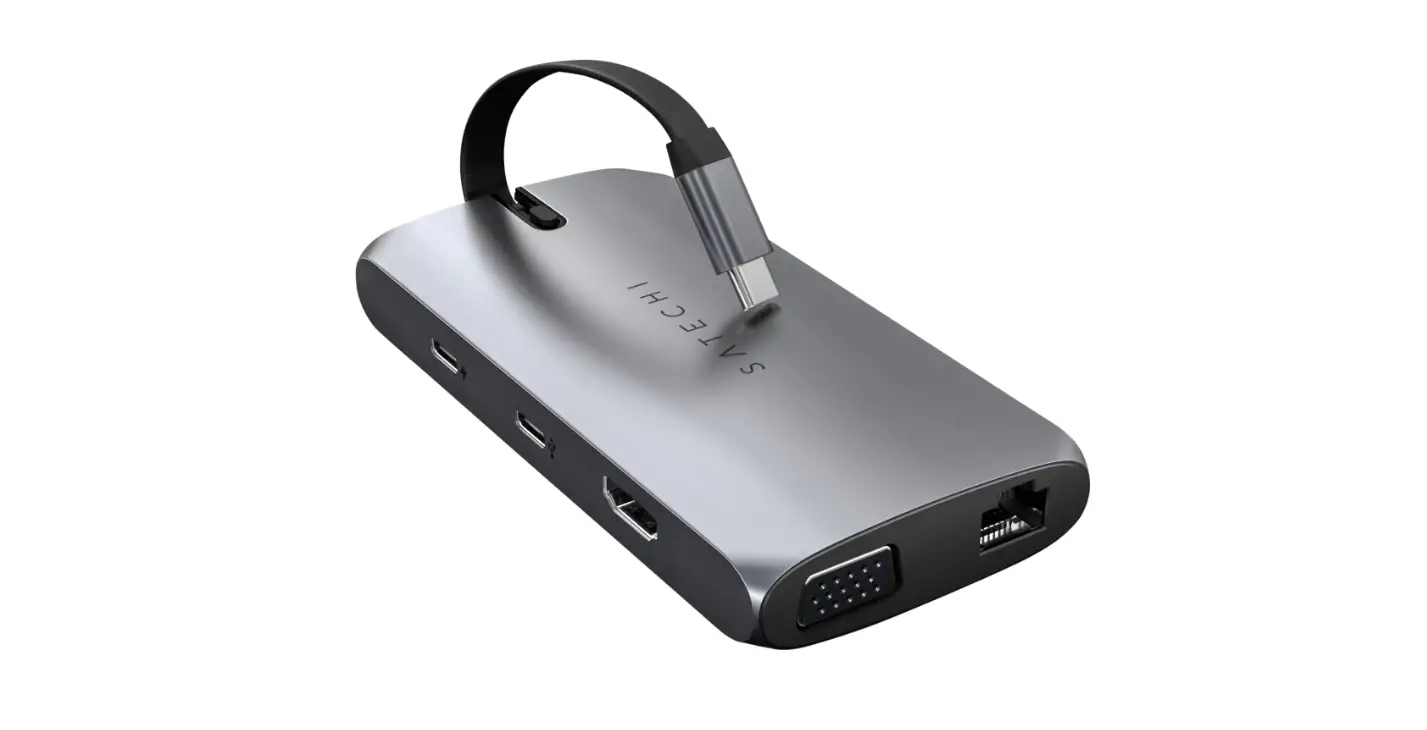
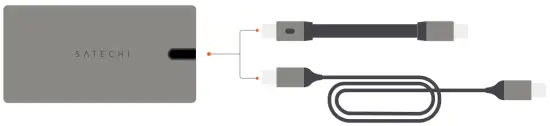
- Attach one of the included cables to the adapter’s USB-C port.
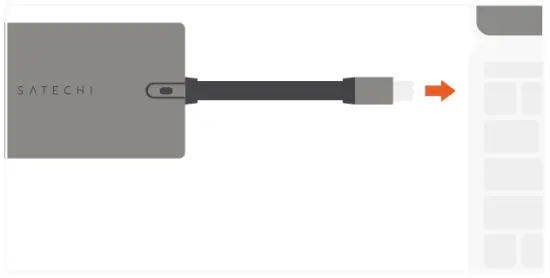
Shorter cable will slide in/out from the adapter. Longer cable is also included to use as a docking station
- Connect the adapter to a USB-C PD or Thunderbolt 3 port on your device.

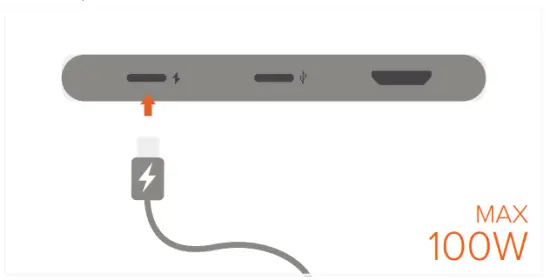
- Connect a PD charger to the adapter’s USB-C PD charging port. Max output 100W

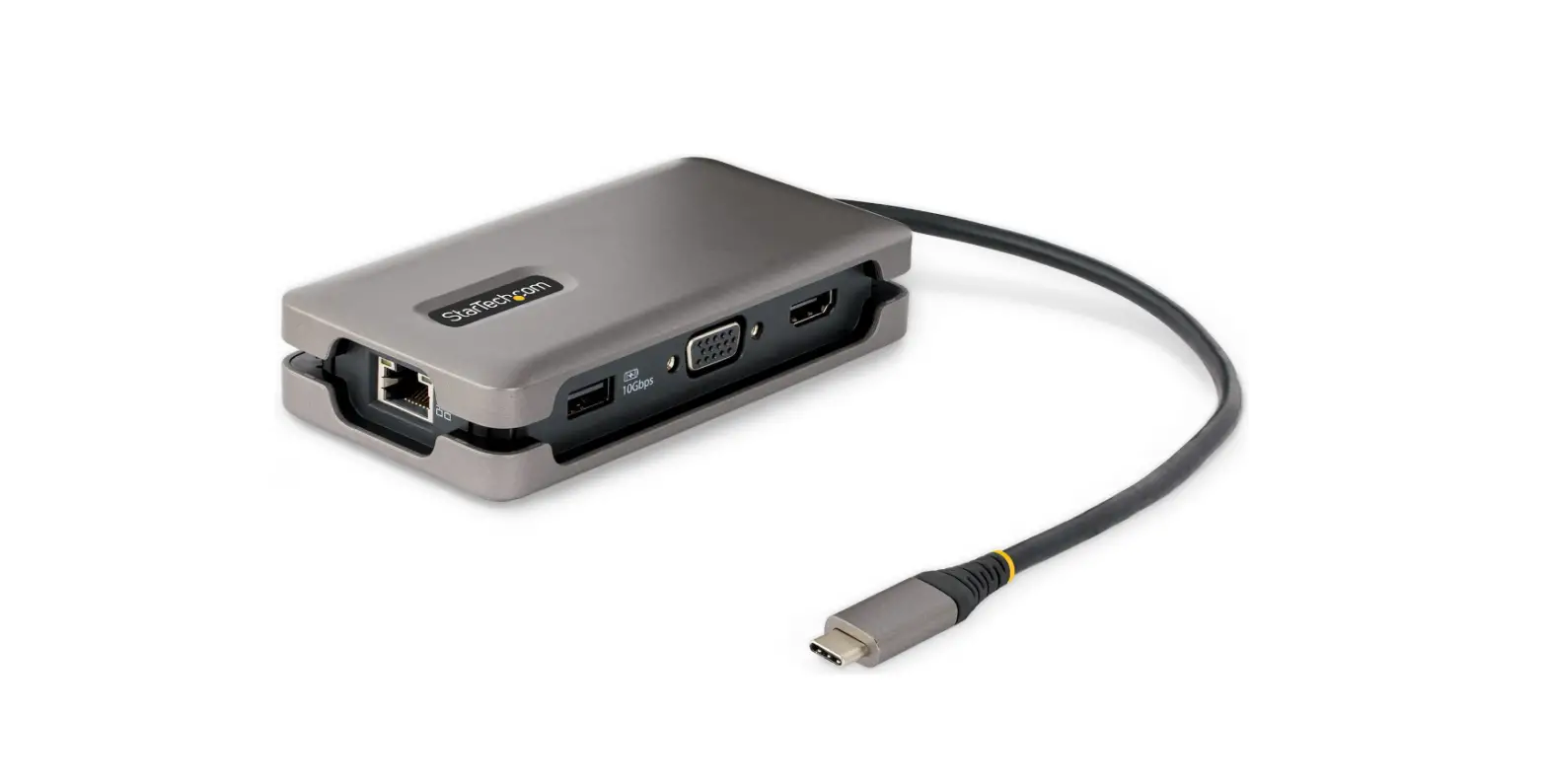
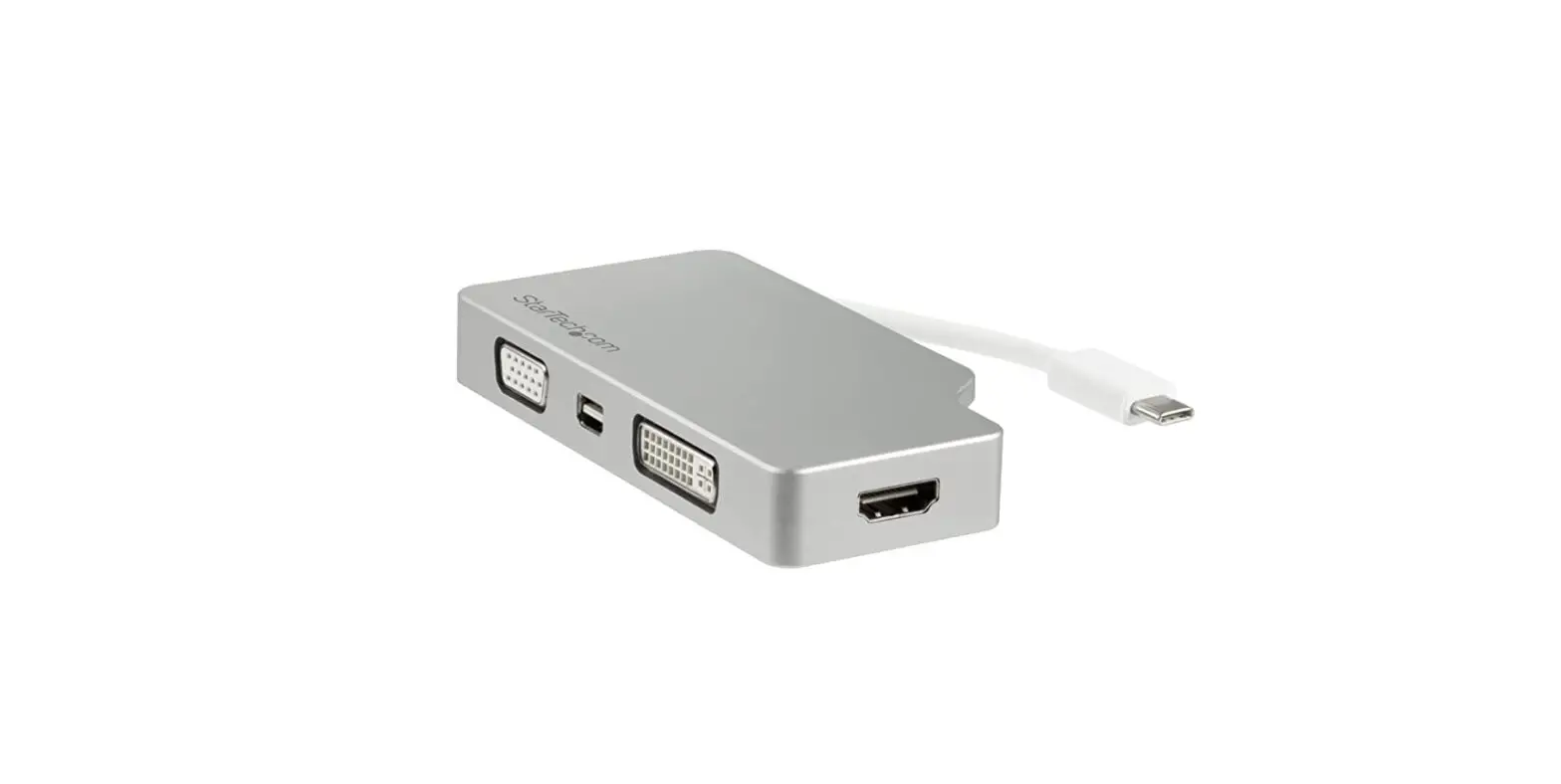
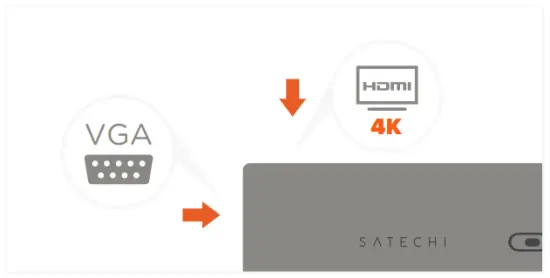
- Connect a direct HDMI or VGA cable to its respective port on the adapter to output display.
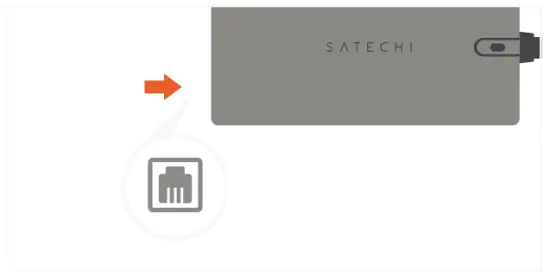
HDMI supports up to 4K 60Hz, VGA up to 1080p 60Hz Connect one display at a time or mirrored together - Connect a RJ45 cable to the adapter’s Ethernet port for wired network access.
Up to 10/100/1000 Mbps
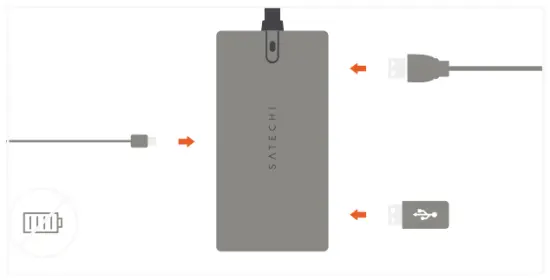
- Connect USB peripherals to the adapter’s USB-C and USB-A data ports.
Data ports do not support charging or video output
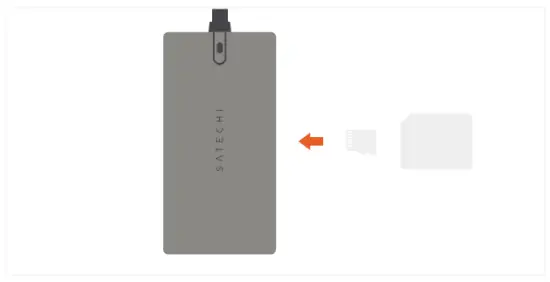
Does not support Apple SuperDrive - Insert microSD or SD cards into card reader slots.

OPERATING TEMPERATURE RANGES 86-122°F / 30-50°C