
Secomp 14.02.5049 Usb Type C 4-port Slim Hub User Manual

Secomp 14.02.5049 Usb Type C 4-port Slim Hub User Manual

SECOMP-LOGO

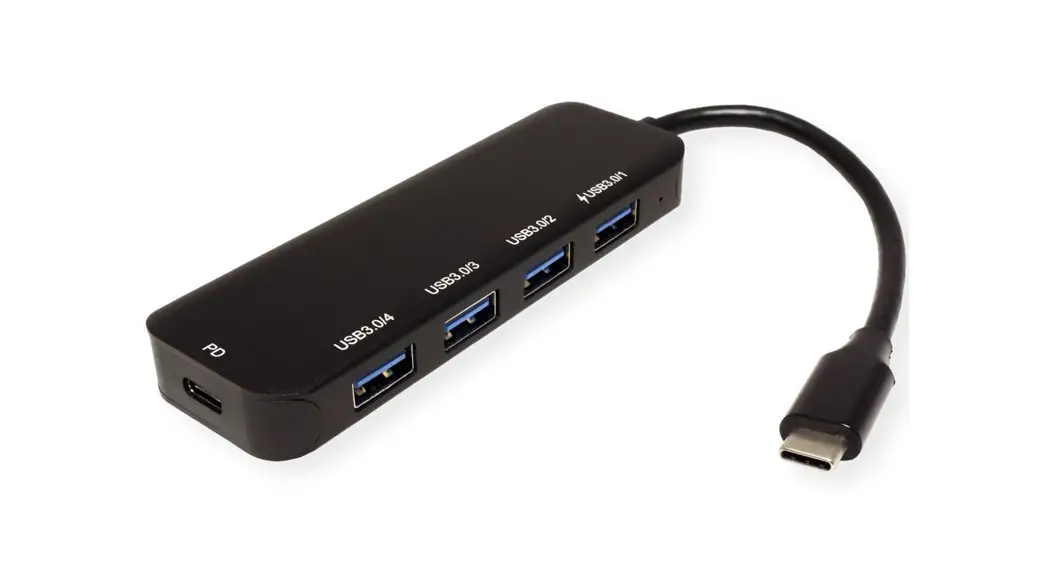
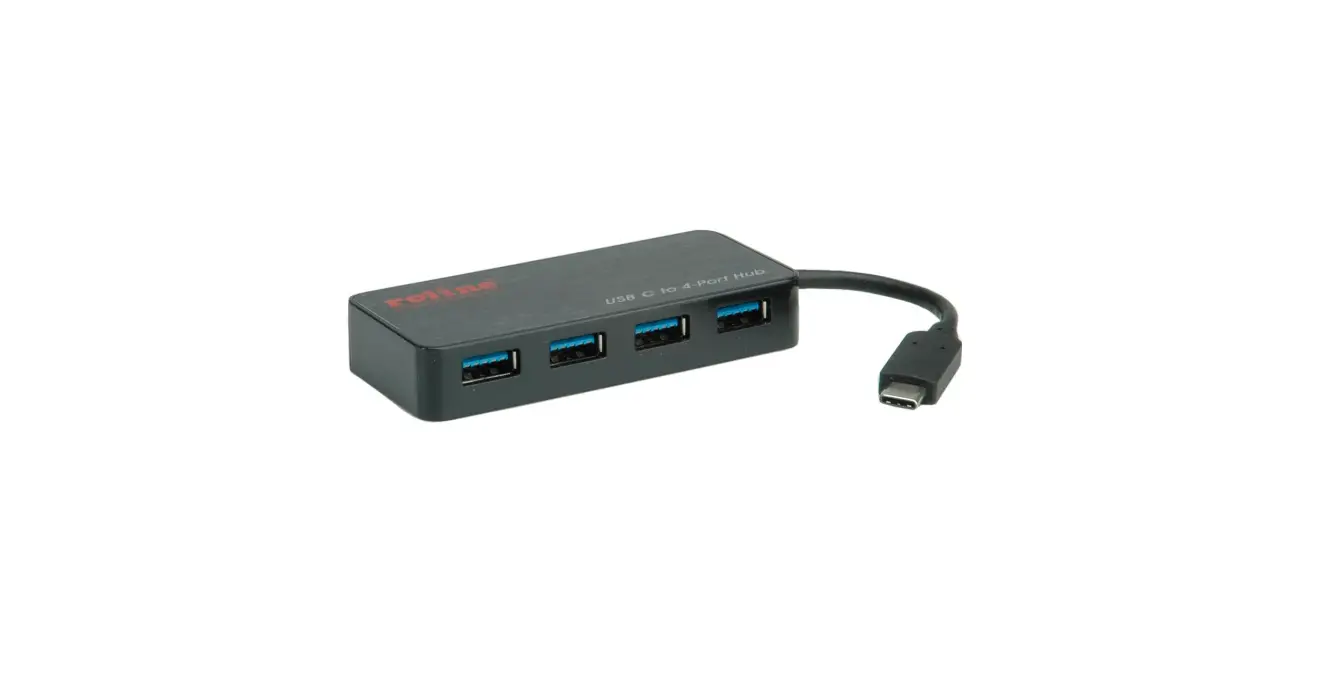
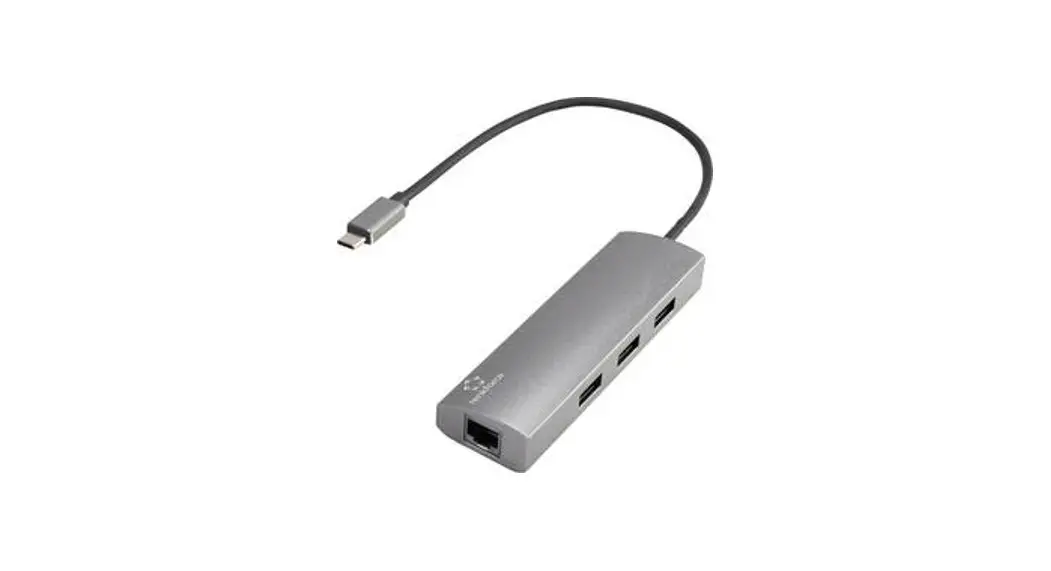
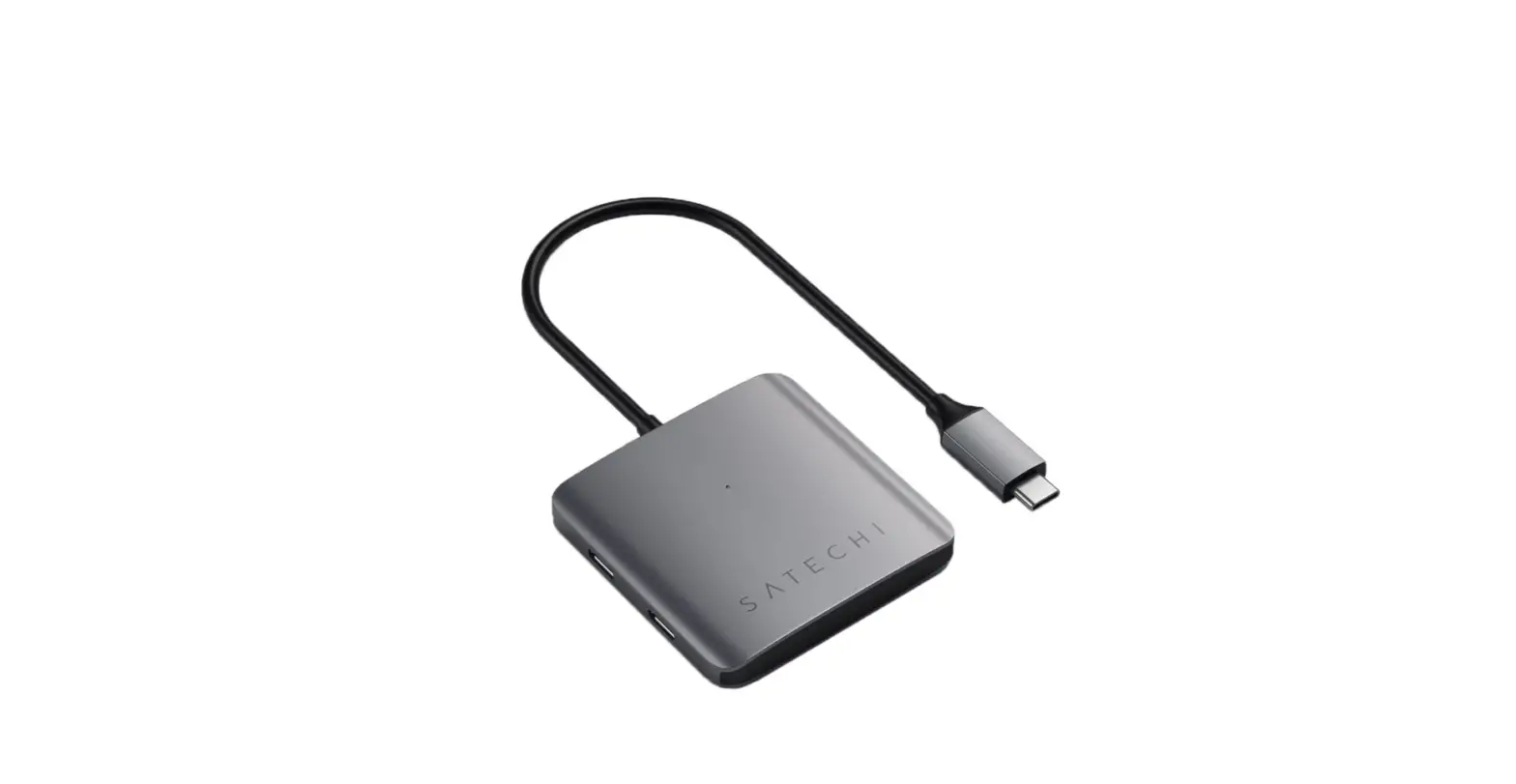
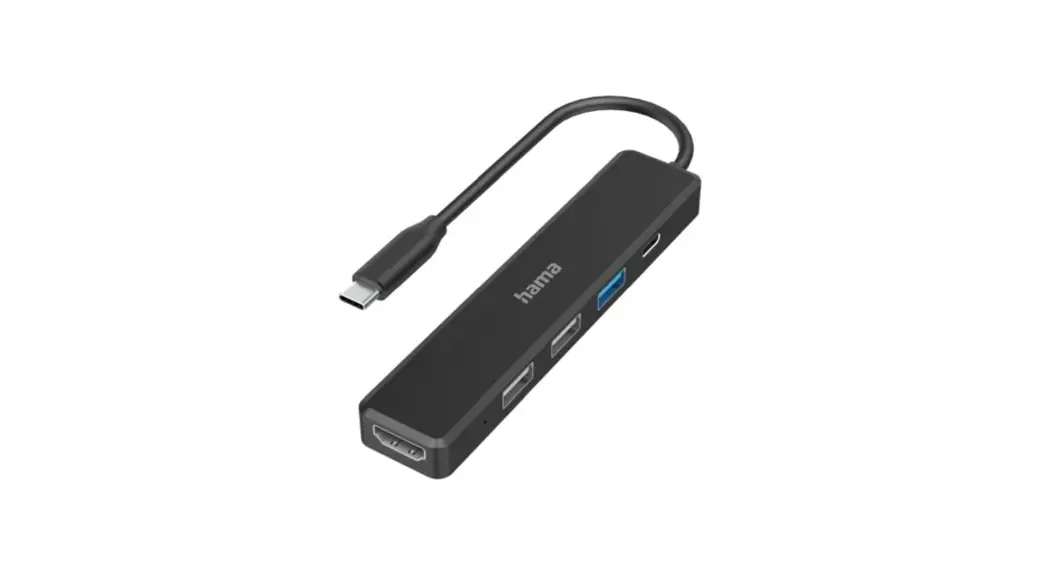
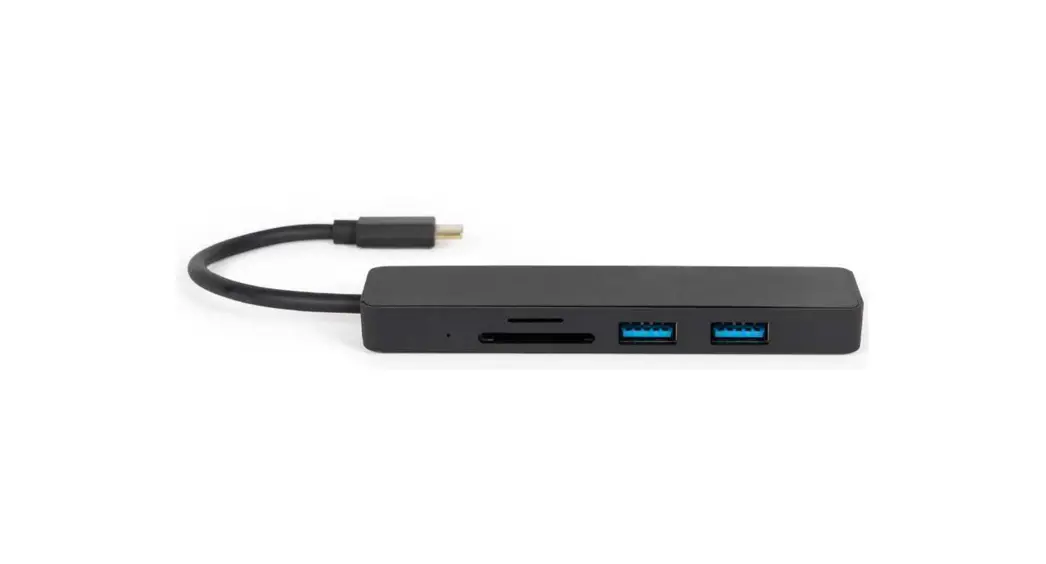
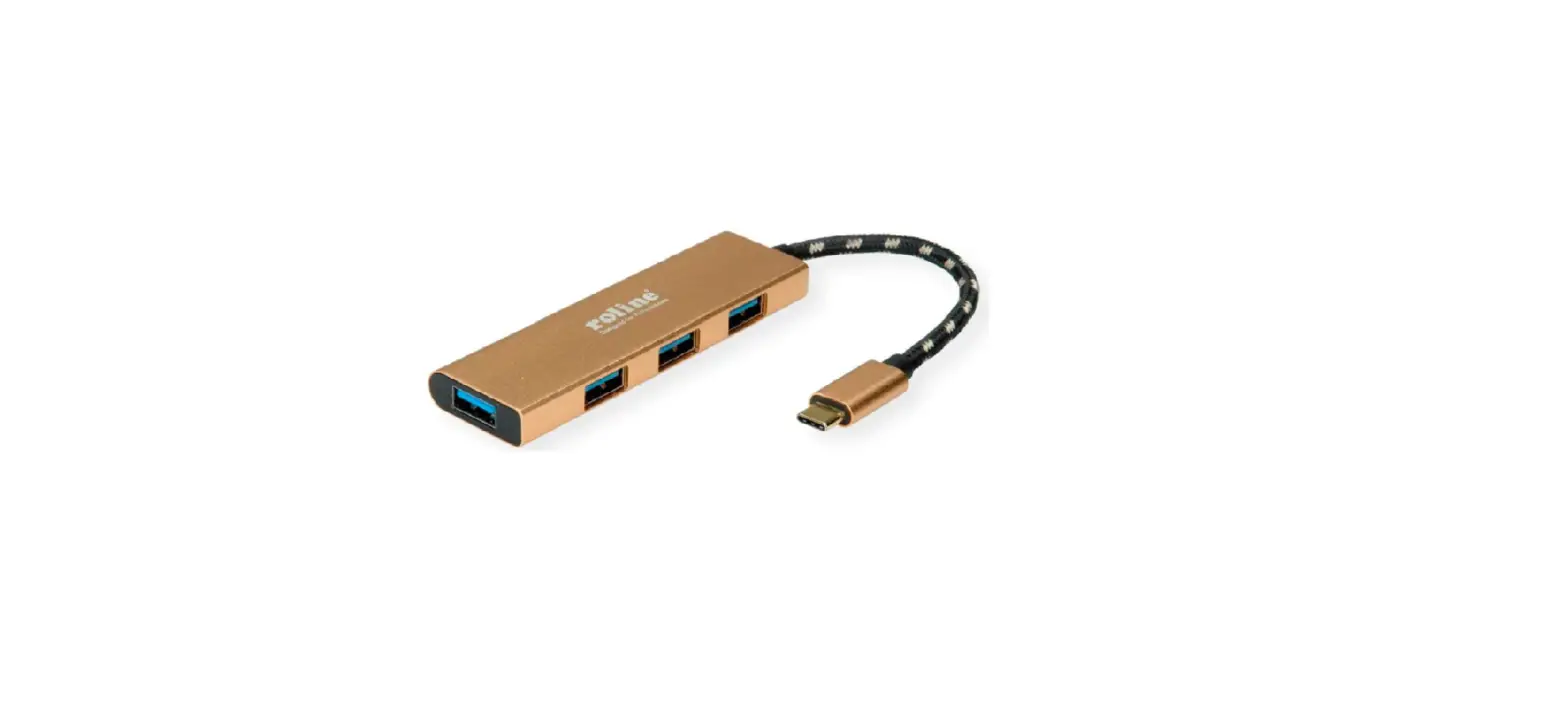
SECOMP 14.02.5049 USB Type C 4-Port Slim Hub

SECOMP-14-02-5049-USB-Type-C-4-Port-Slim-Hub-PRODUCT

How to Connect

  • Connect the hub directly to your computer, no extra driver required.
  • Connect your USB devices to any of the USB ports.

Diagram
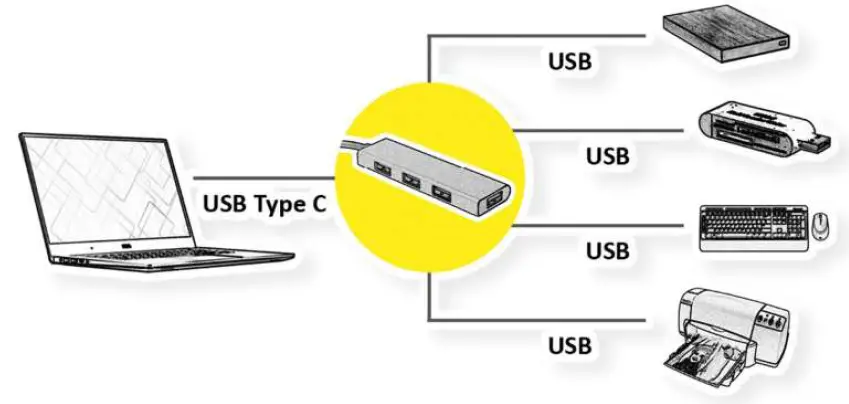
SECOMP-14-02-5049-USB-Type-C-4-Port-Slim-Hub-FIG-1

Specification

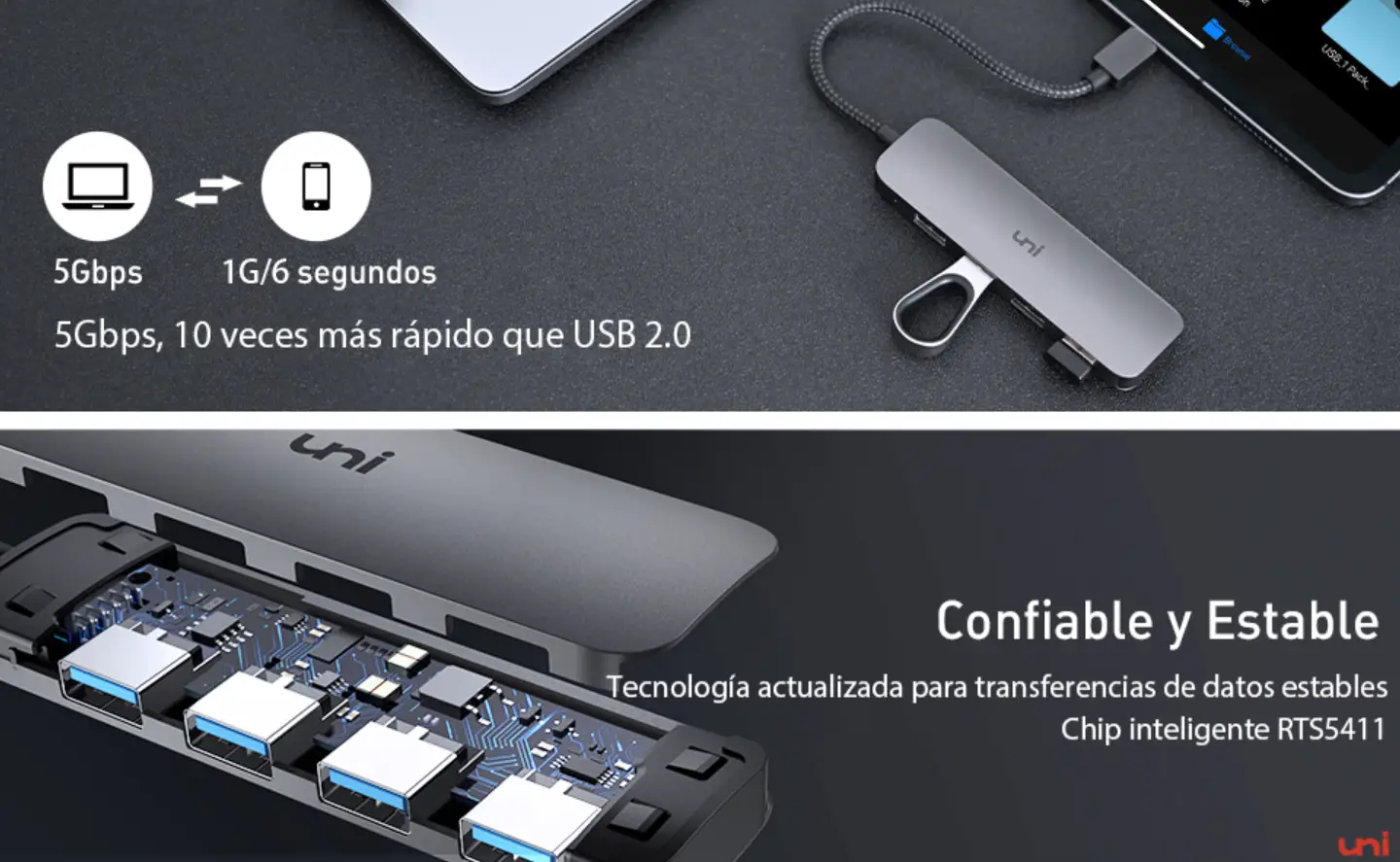
  • 4x USB 3.2 Gen1 ports (up to 5 Gbps)
  • Material: Aluminum + ABS
  • Overall Length: 23cm
  • Weight: 40±5g

Documents / Resouces

Download manual
Here you can download full pdf version of manual, it may contain additional safety instructions, warranty information, FCC rules, etc.


Related Manuals