SECOMP 14.02.5015 USB 3.0 4-Port Hub User Manual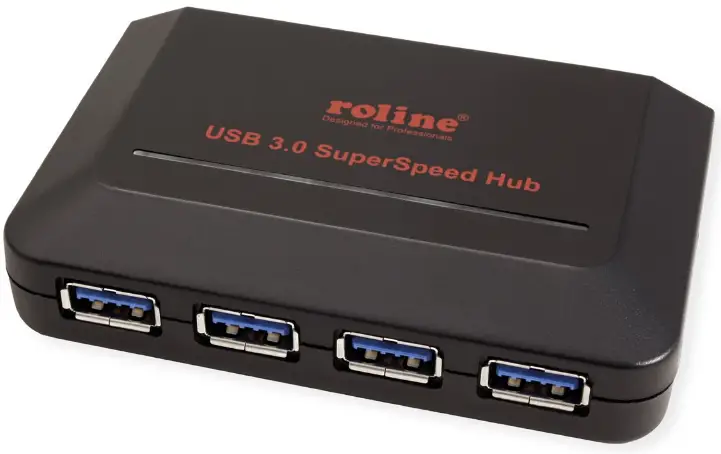
Introduction
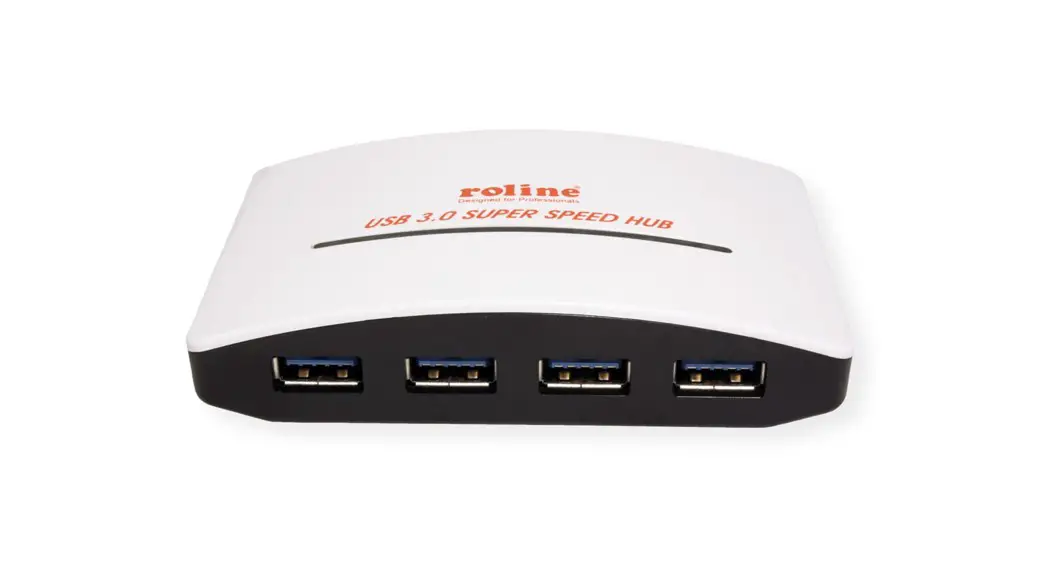
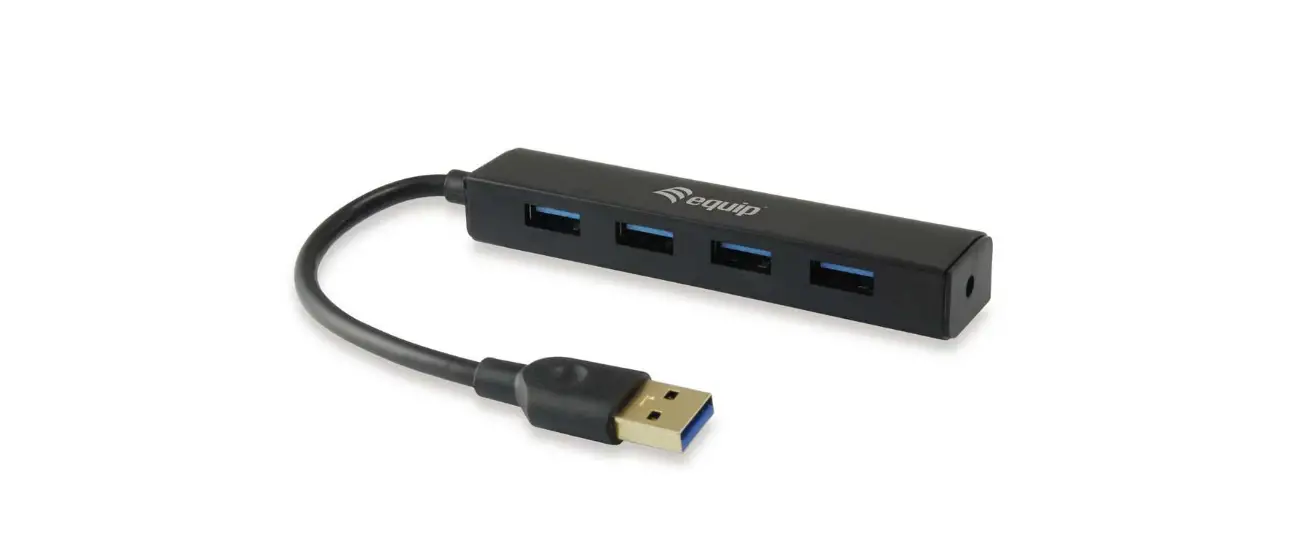
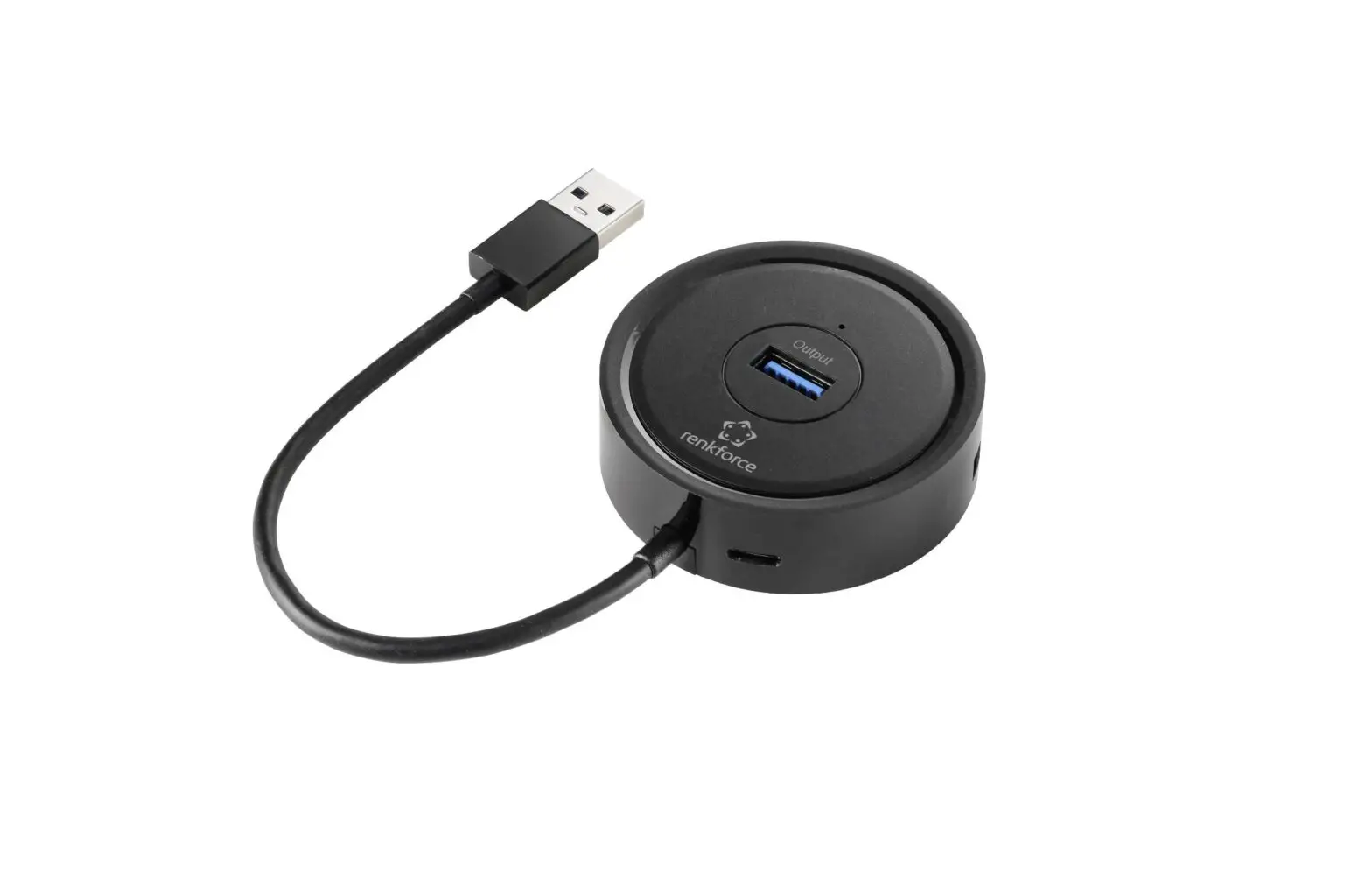
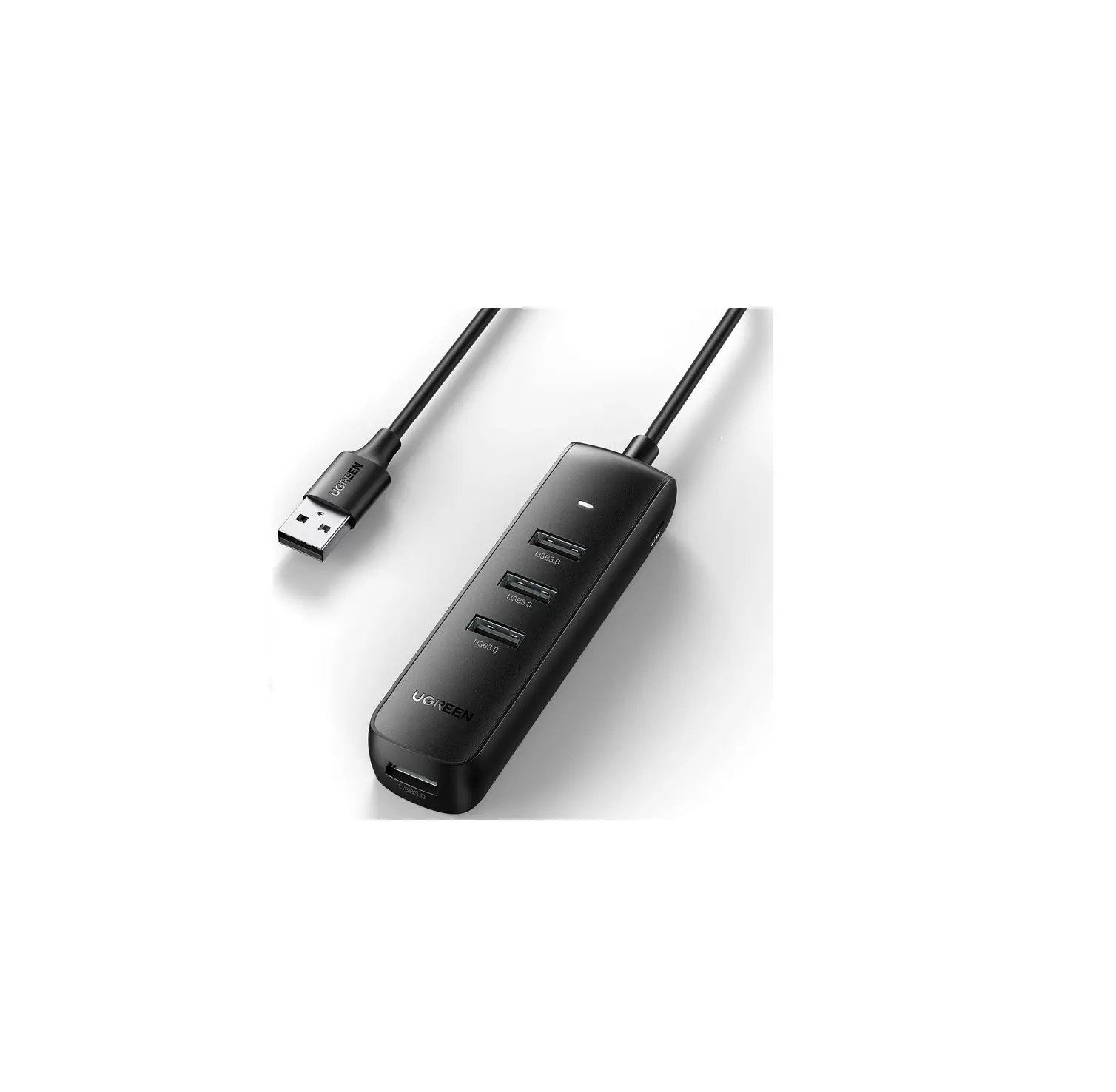
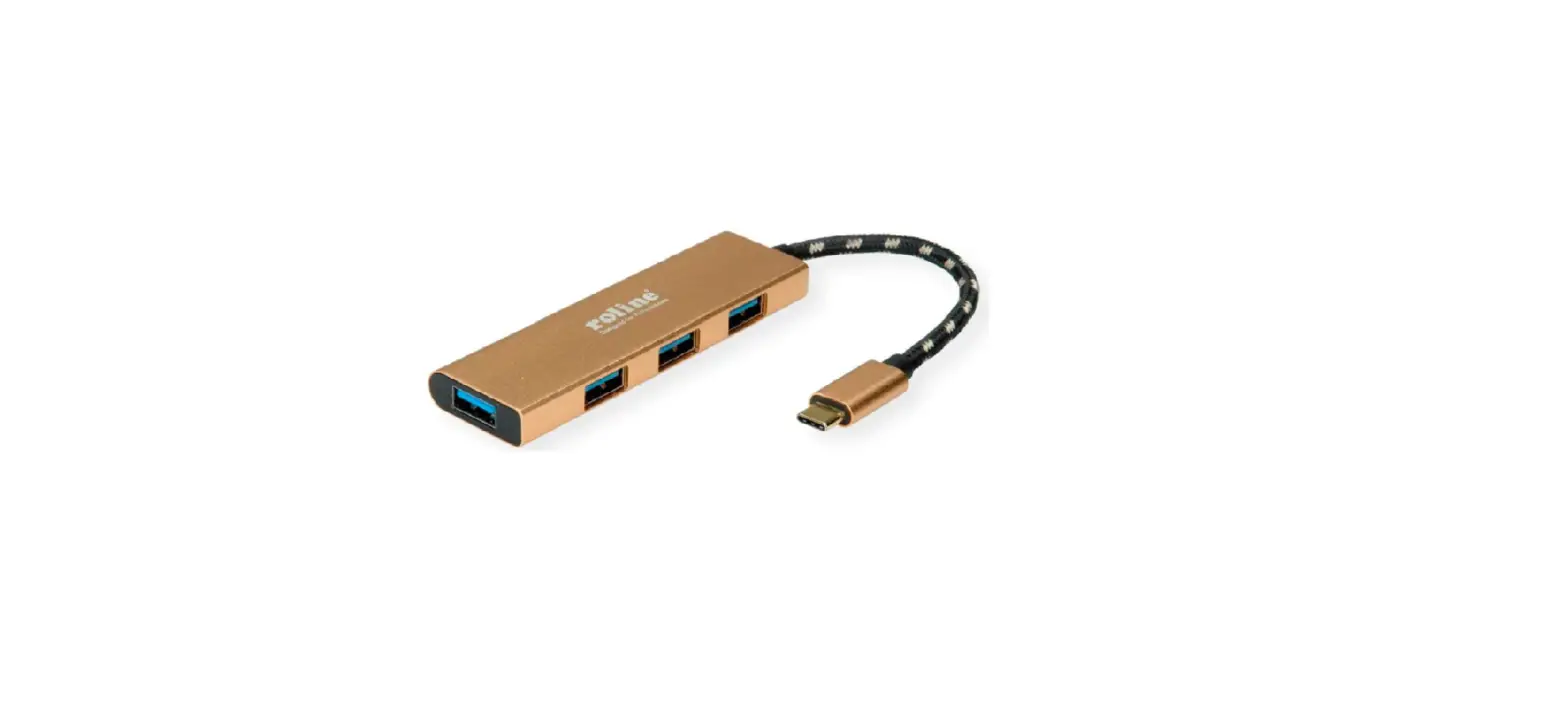
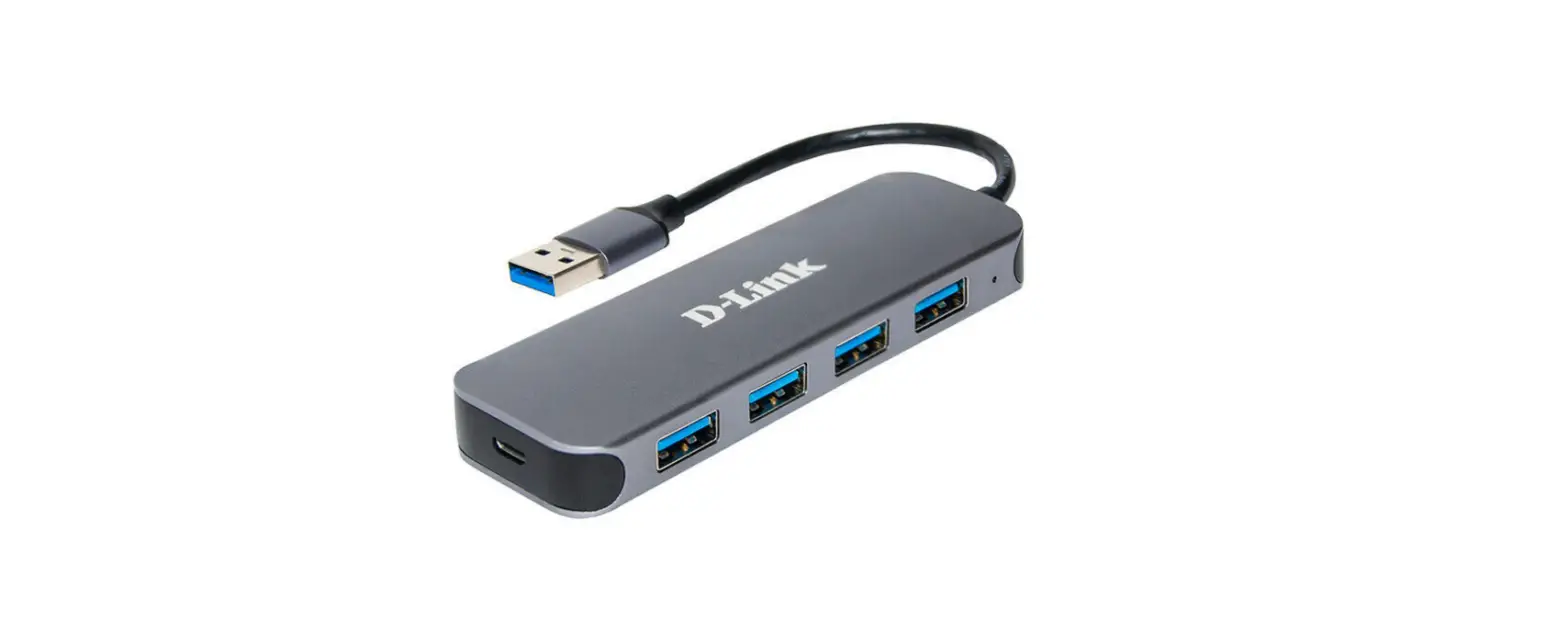
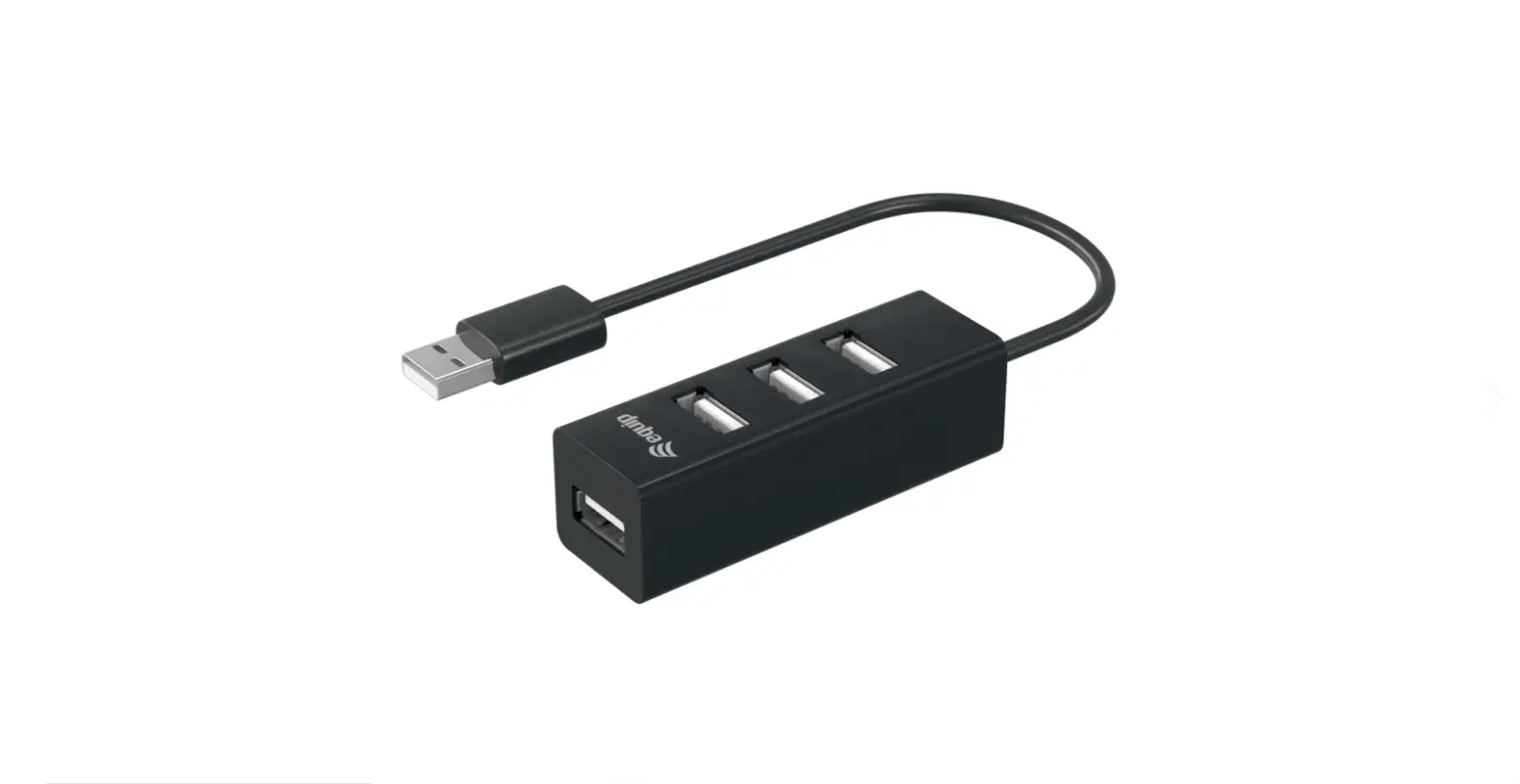
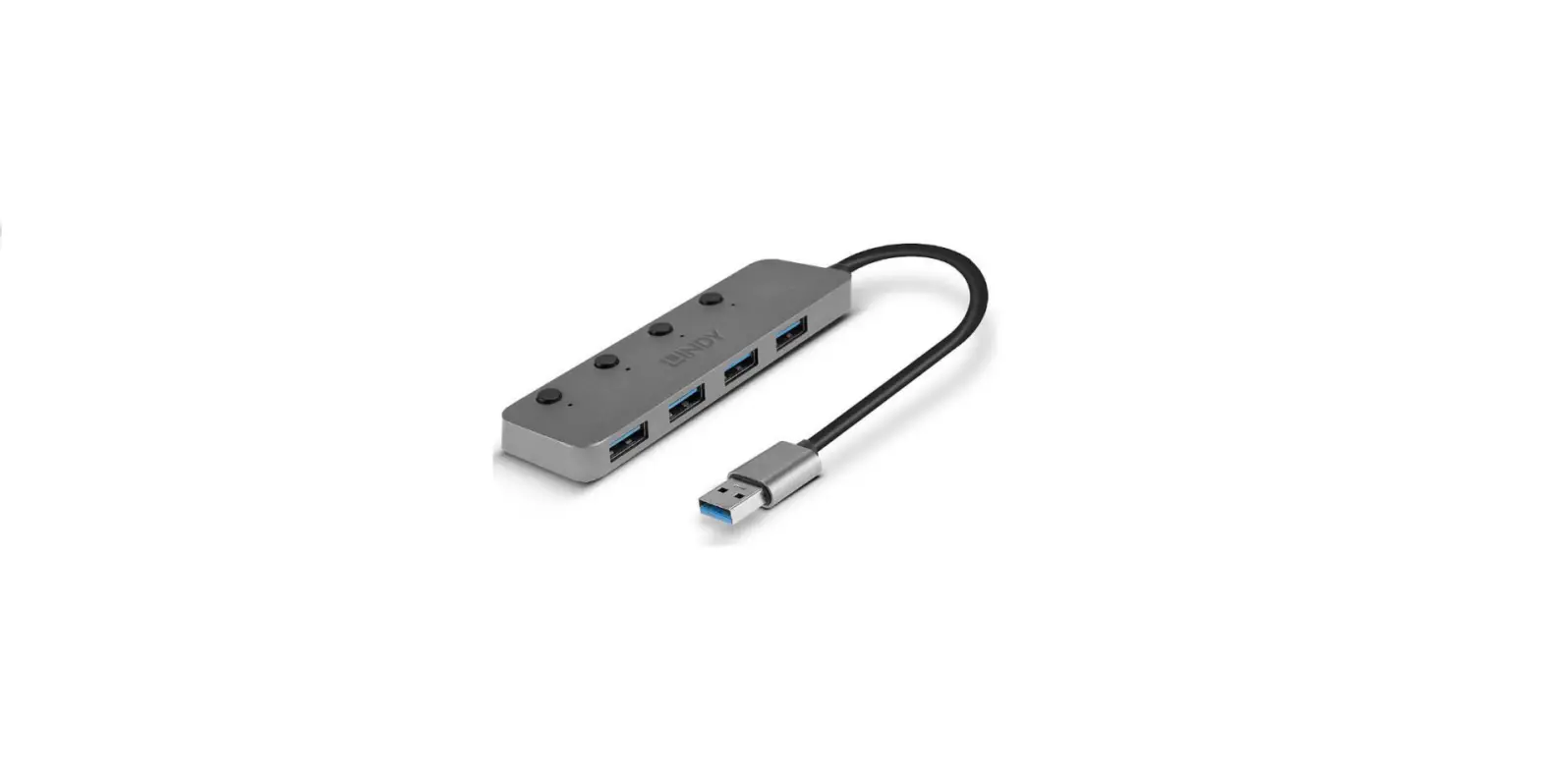
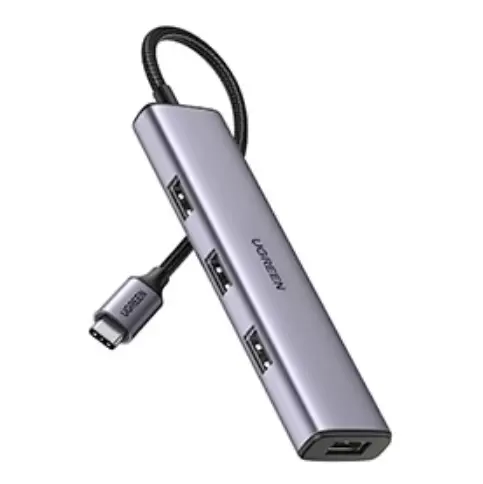
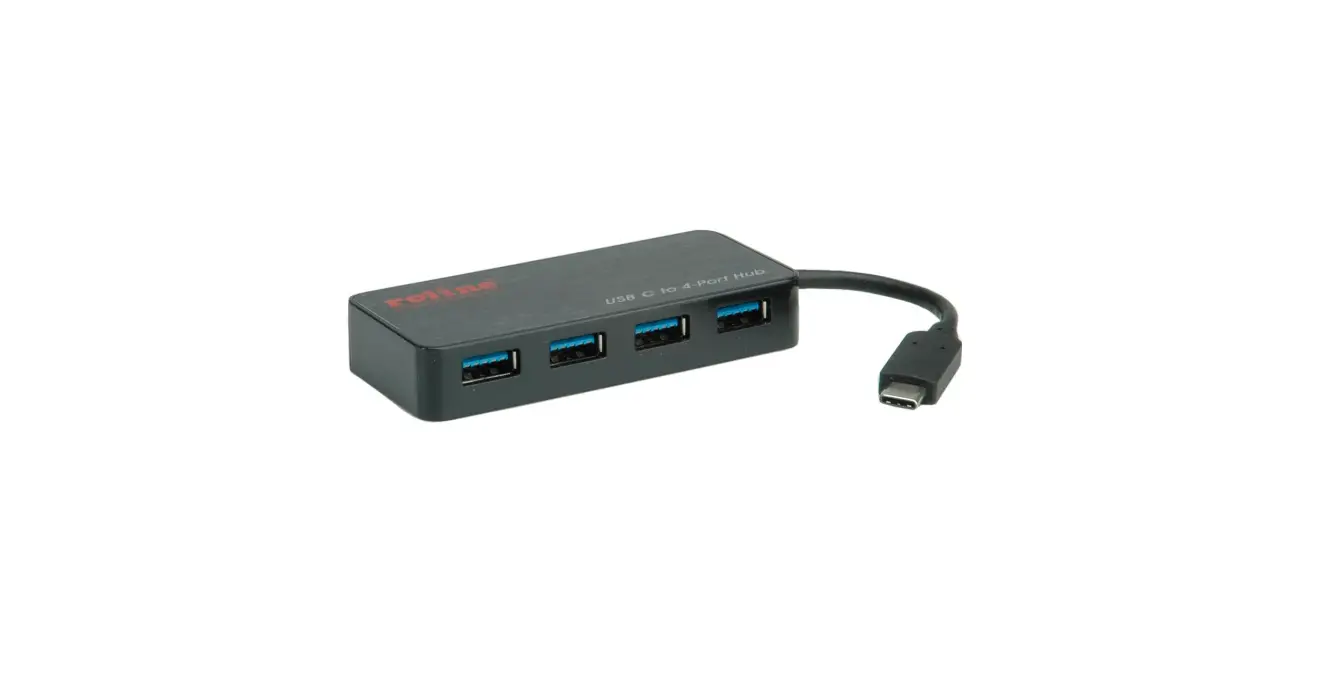
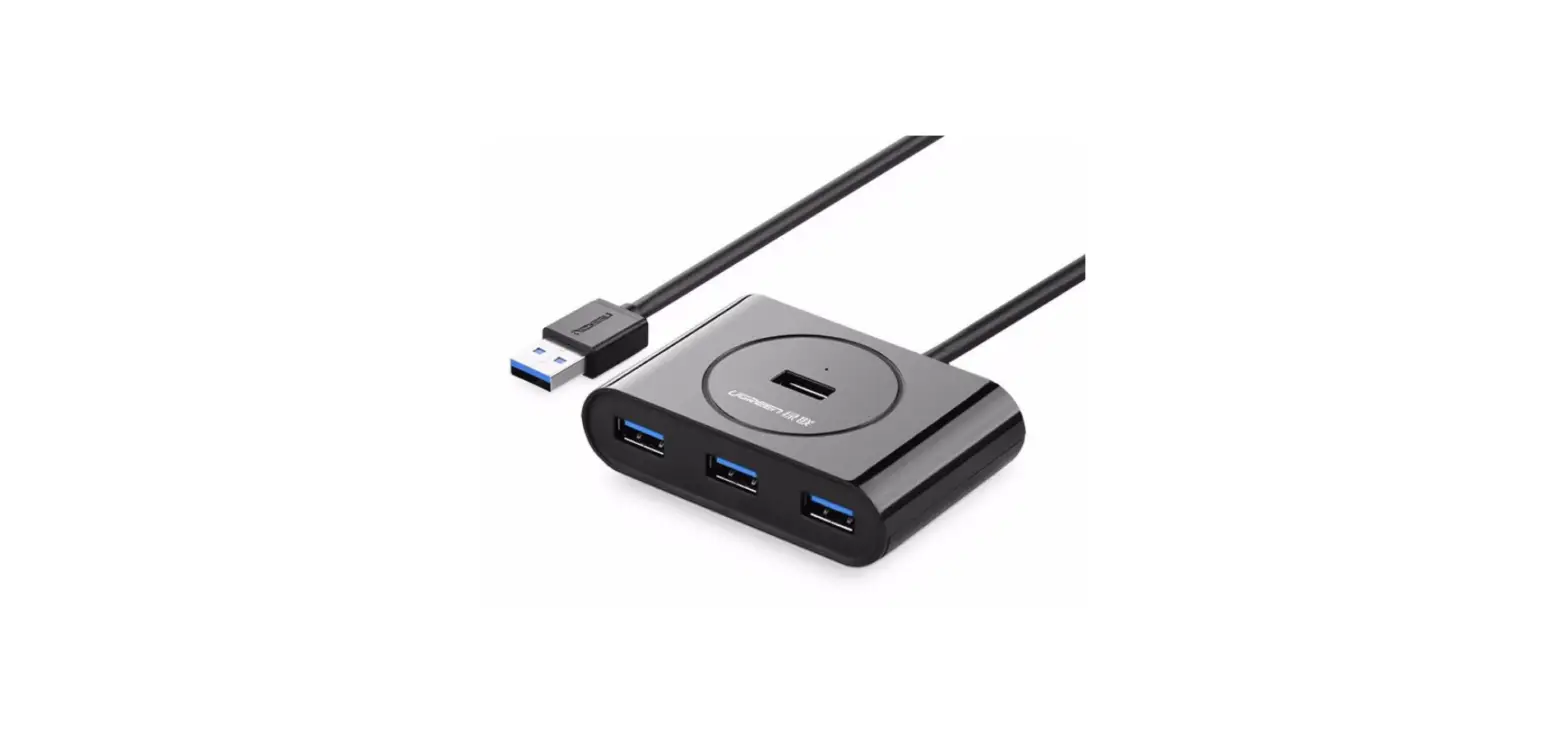
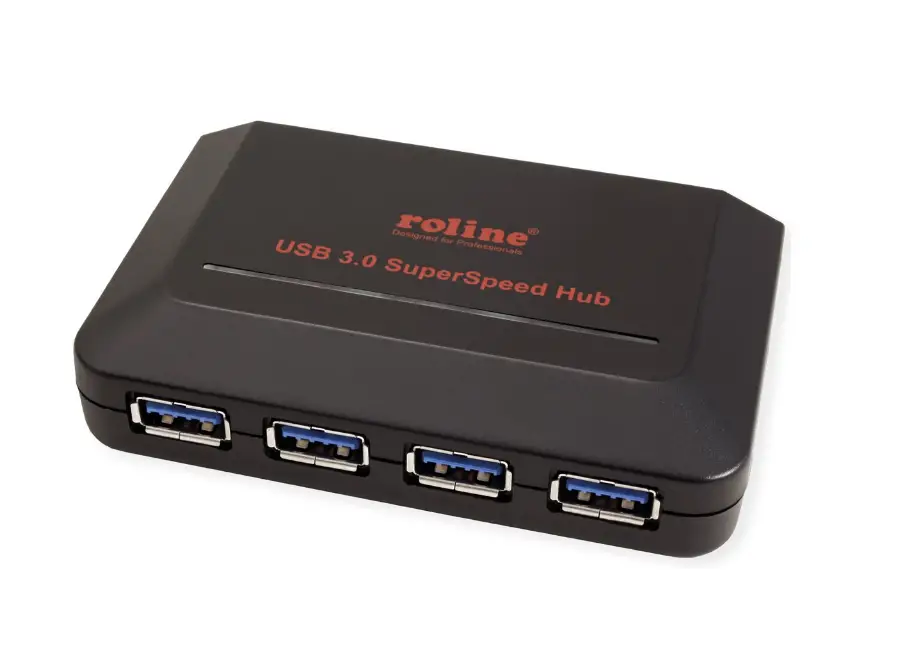
USB 3.0 4-Ports Hub, compliant with USB 3.0 specification.
With this USB Hub you can easily connect up to 4 USB 3.0 devices to your computer, such as an MP3 player, digital camera, or printers.
Its streamlined, sleek and compact design is the perfect solution for your USB port expansion.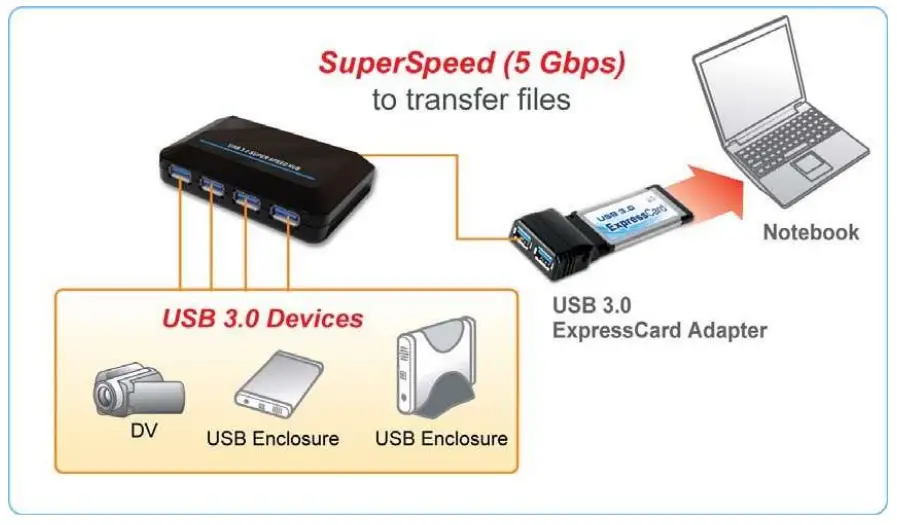
Safety Instructions
Always read the safety instructions carefully:
- Keep this User Manual for future reference.
- Keep this equipment away from humidity.
- If any of the following situations arise, get the equipment checked by a service technician :
- The equipment has been exposed to moisture.
- The equipment has been dropped and damaged.
- The equipment has obvious sign of breakage.
- The equipment has not been working well or you cannot get it work according to User’s Manual.
Copyright Statement
No part of this publication may be reproduced in any form by any means without the prior written permission.
Other trademarks or brand names mentioned herein are trademarks or registered trademarks of their respective companies
Disclaimer
Information in this document is subject to be changed without notice.
The manufacturer does not make any representations or warranties (implied or otherwise) regarding the accuracy and completeness of this document and shall in no event be liable for any loss of profit or any commercial damage, including but not limited to special, incidental, consequential, or other damage.
Features
- Compatible with USB 3.0 specification.
- Automatic self-power status monitoring.
- Self-power.
- Plug-and-Play function.
- 1 upstream and 4 downstream USB ports.
Package Content
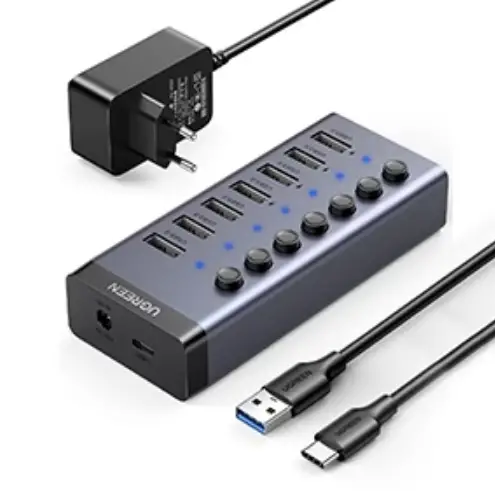
- USB 3.0 4-port Hub x1
- Power Adapter x1
- USB 3.0 Cable x1
- User Manual x1
System Requirements
- Desktop PC or notebook with USB port.
- One of the following operating systems (no driver needed): Windows: XP, Windows: Vista, and Windows:7
Installation Verification
After you have connected this hub to a PC by an USB 3.0 cable, the system will detect the device and install the required drivers automatically.
After the installation is finished, you can go to Device Manager to verify the entire installation
Windows XP: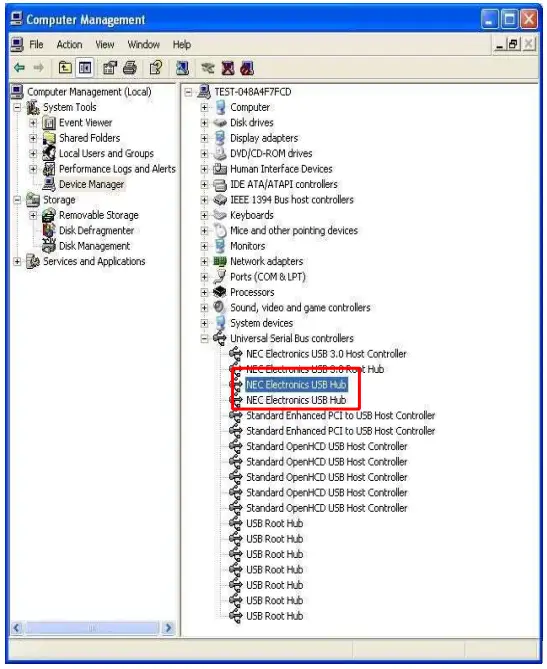
Windows Vista: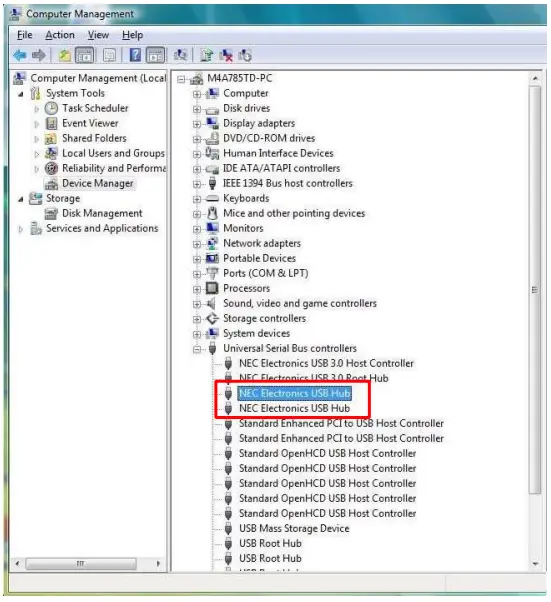
Windows 7:
Specification
| Ports | 1 upstream port and 4 downstream ports | |
| Power | Self-Power: 5V 4A | |
| Adapter | Input: 100~240V/ 50Hz~60Hz | |
| Output: 5V 4A | ||
Specification is subject to be changed without notice.