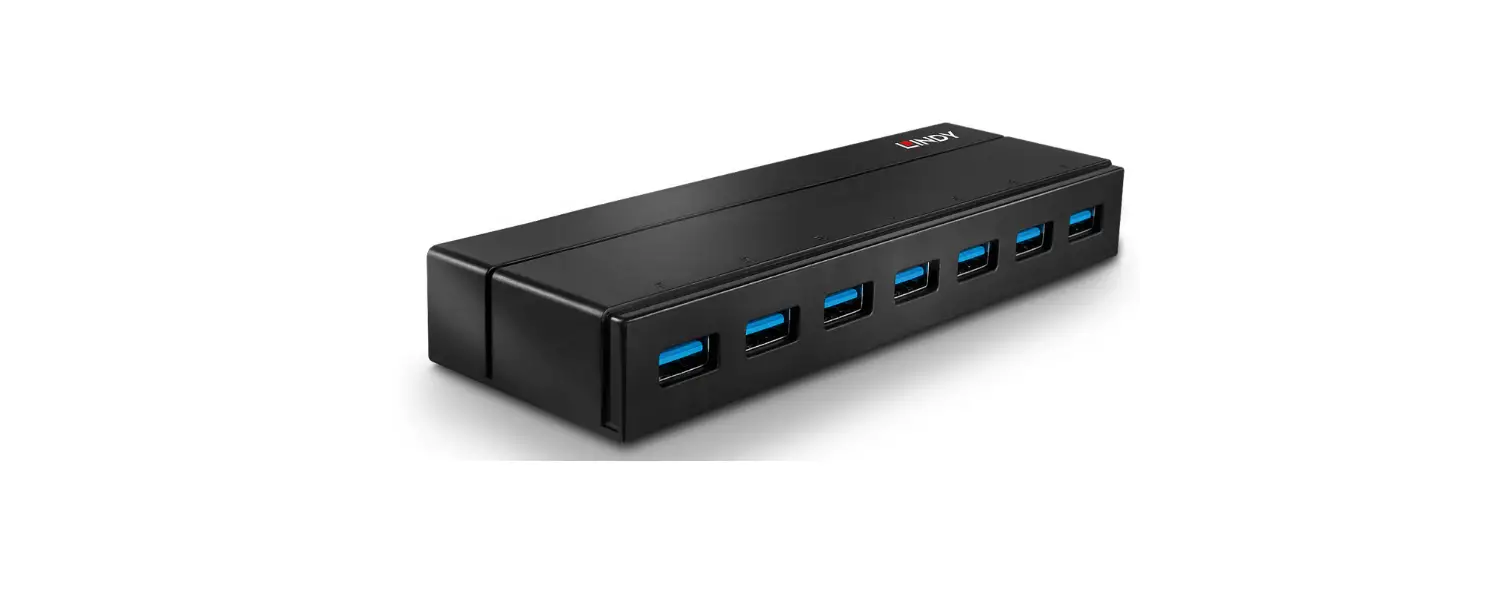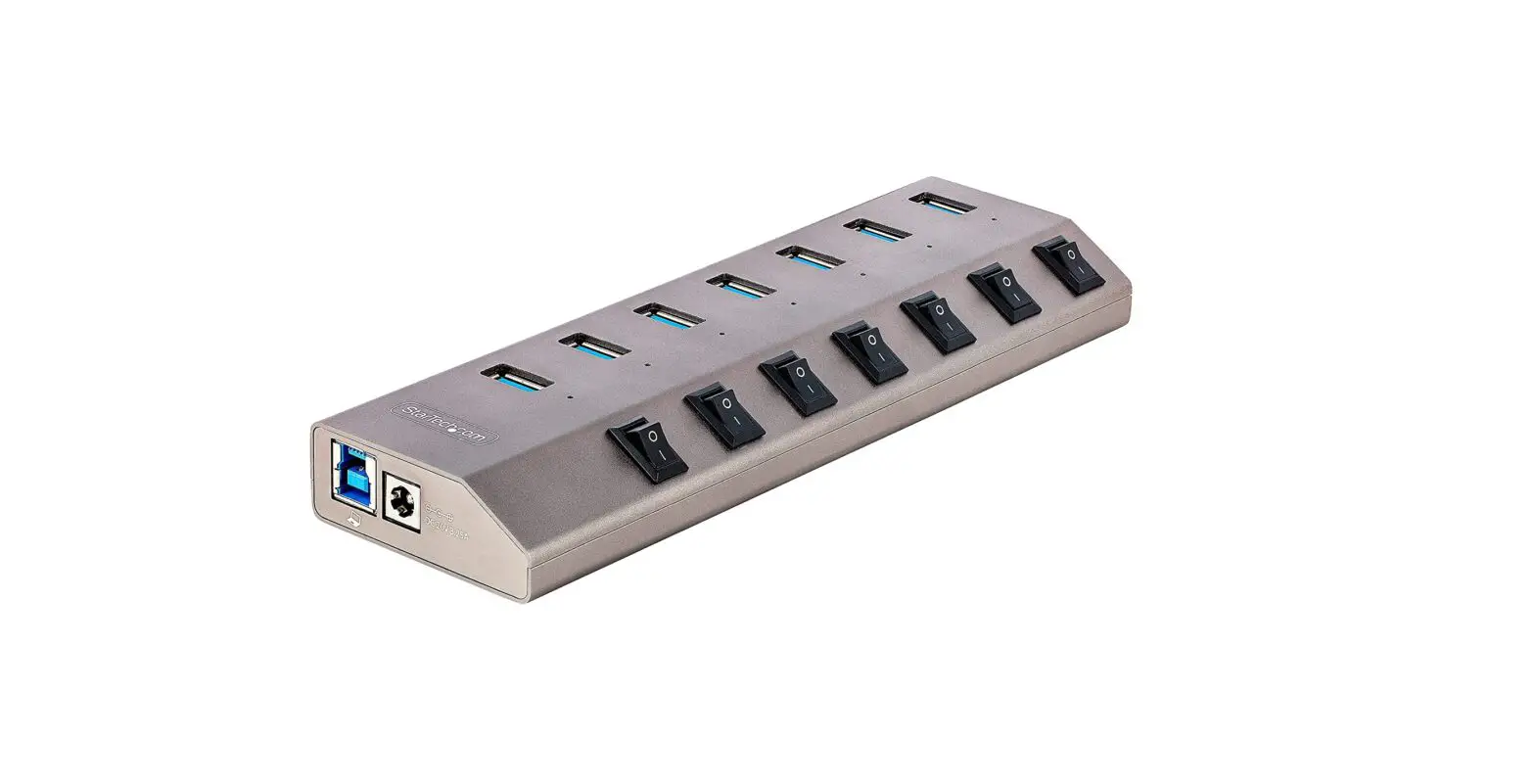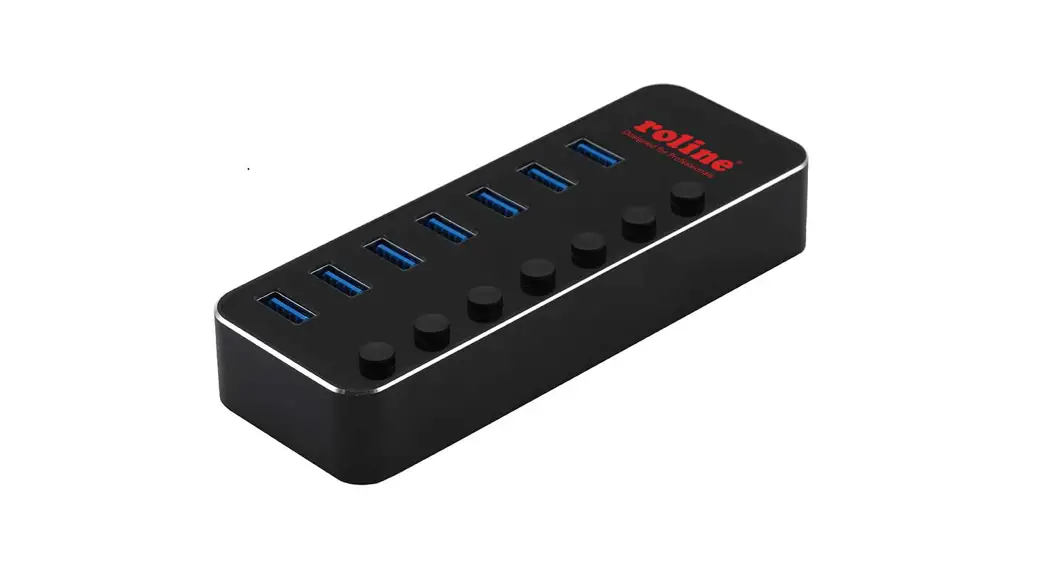

14.02.5057 USB 3.2 Gen1 Switchable Hub 7-Port
User Manual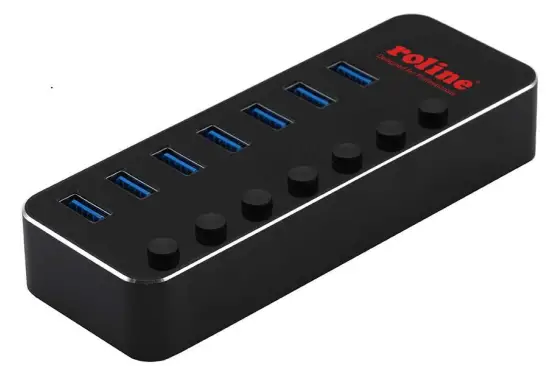
14.02.5057
USB 3.2 Gen1 Switchable Hub 7-Port
14.02.5057 USB 3.2 Gen1 Switchable Hub 7-Port
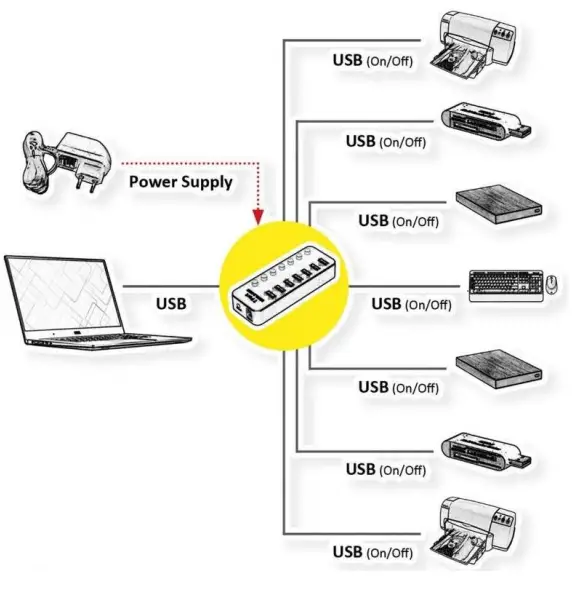
How to Connect
- Connect the docking station directly to your computer with an USB A-B cable, no extra driver required.
- Connect your USB devices to any of the USB ports for additional usage, connect the power supply if needed.
Diagram
Features
- Connect up to 7 USB 3.2 Gen 1, 2.0, or 1.1 devices to any USB 3.2 Gen 1 or 2.0 capable computer
- Supports USB 3.2 Gen1 transfer rates up to 5Gbps
- Backward compatible with all USB 2.0/1.1 devices and hosts
- Supports BC1.2 and each port can supply a maximum current
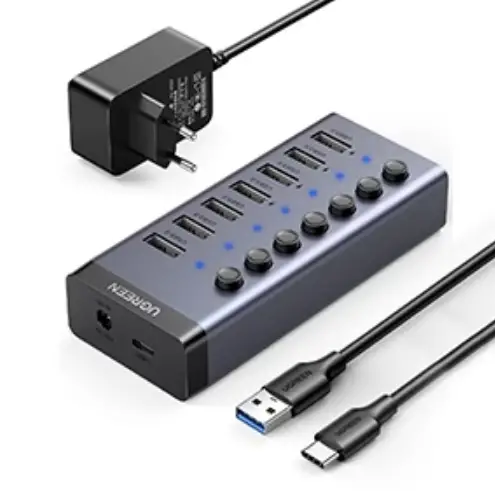
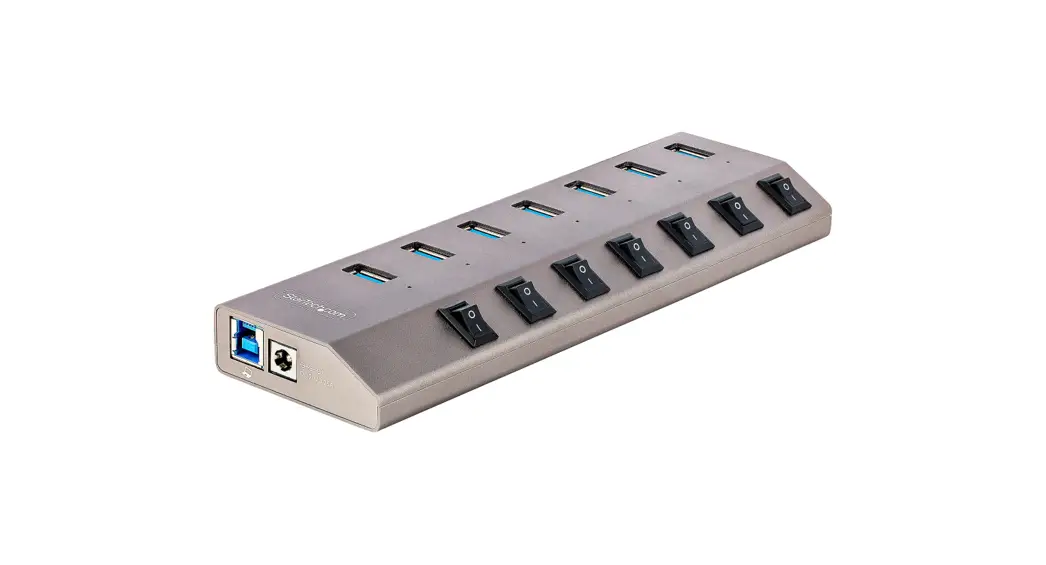
- Individual power switch
- Supports auto switching between self-power and bus-power mode
- Plug and play, hot swappable
- No extra software drivers required
- Optional 5V2A power supply included