 INSTRUCTIONAL GUIDE
USB-C COMBO HUB FOR DESKTOP
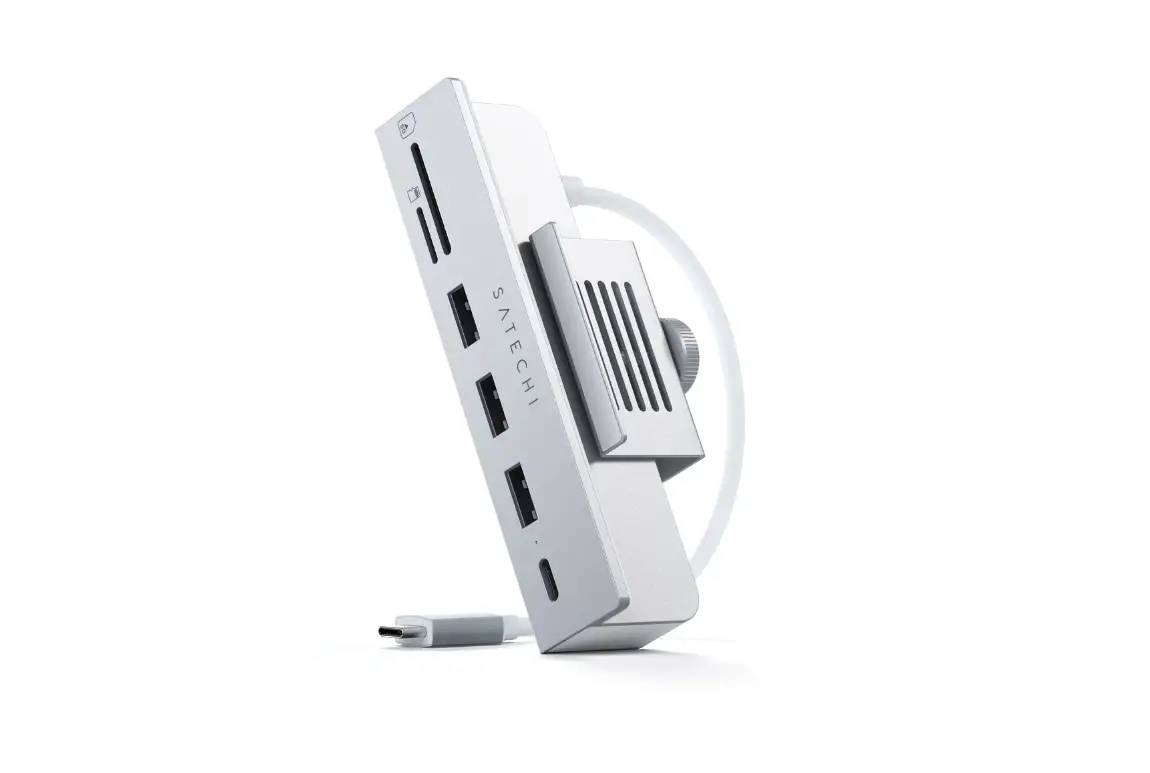
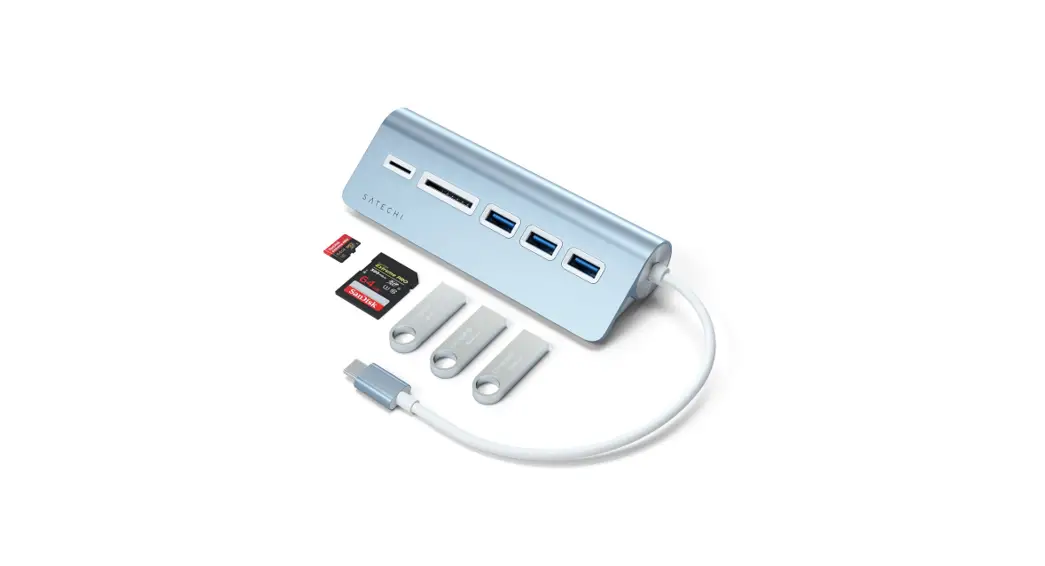
USB-C Combo Hub for Desktop
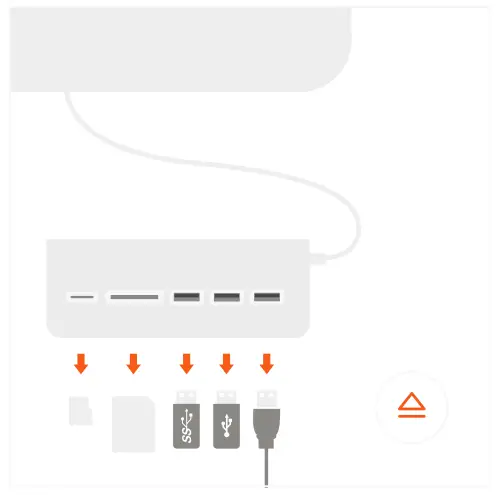
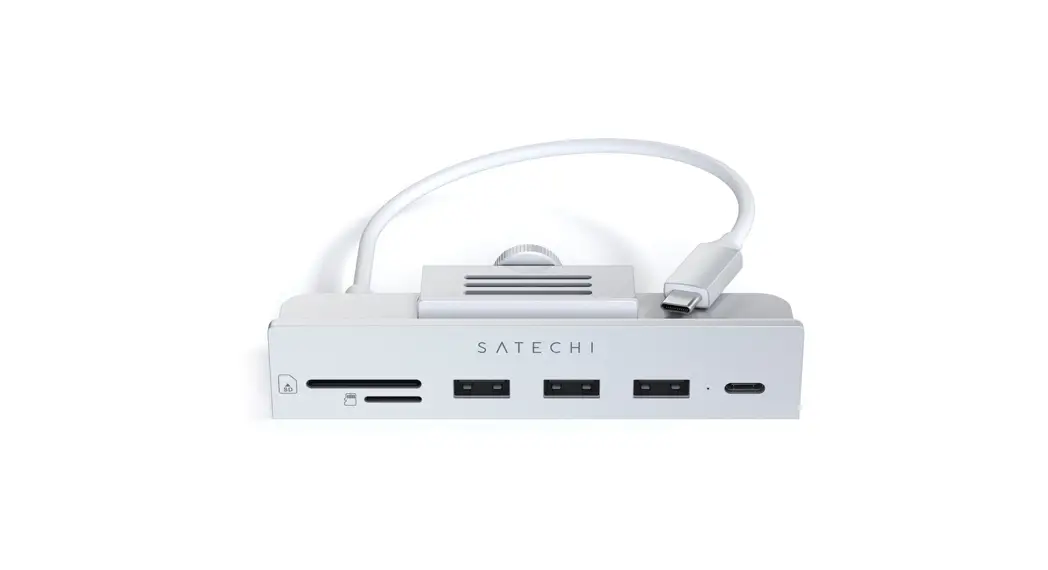
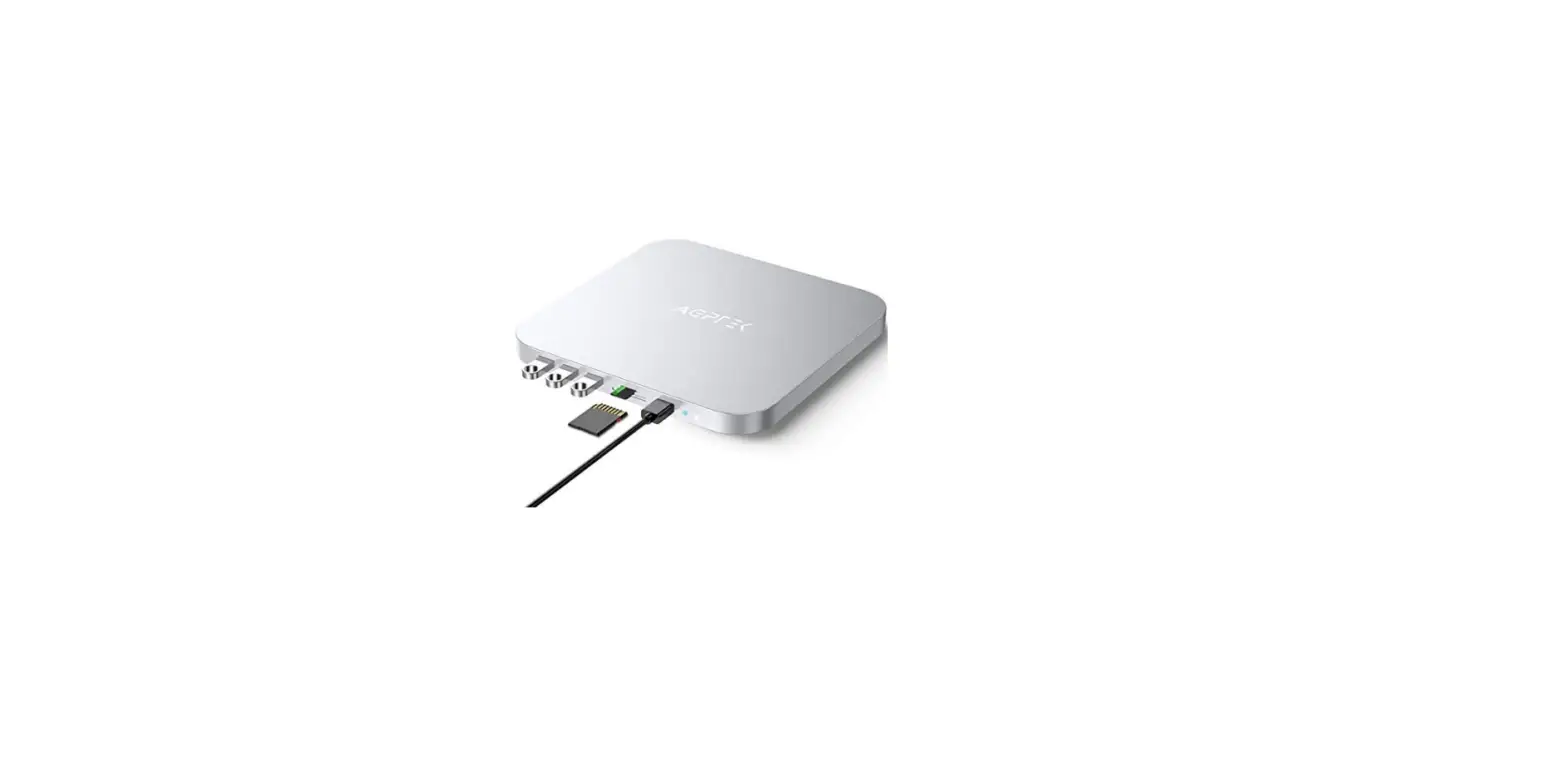
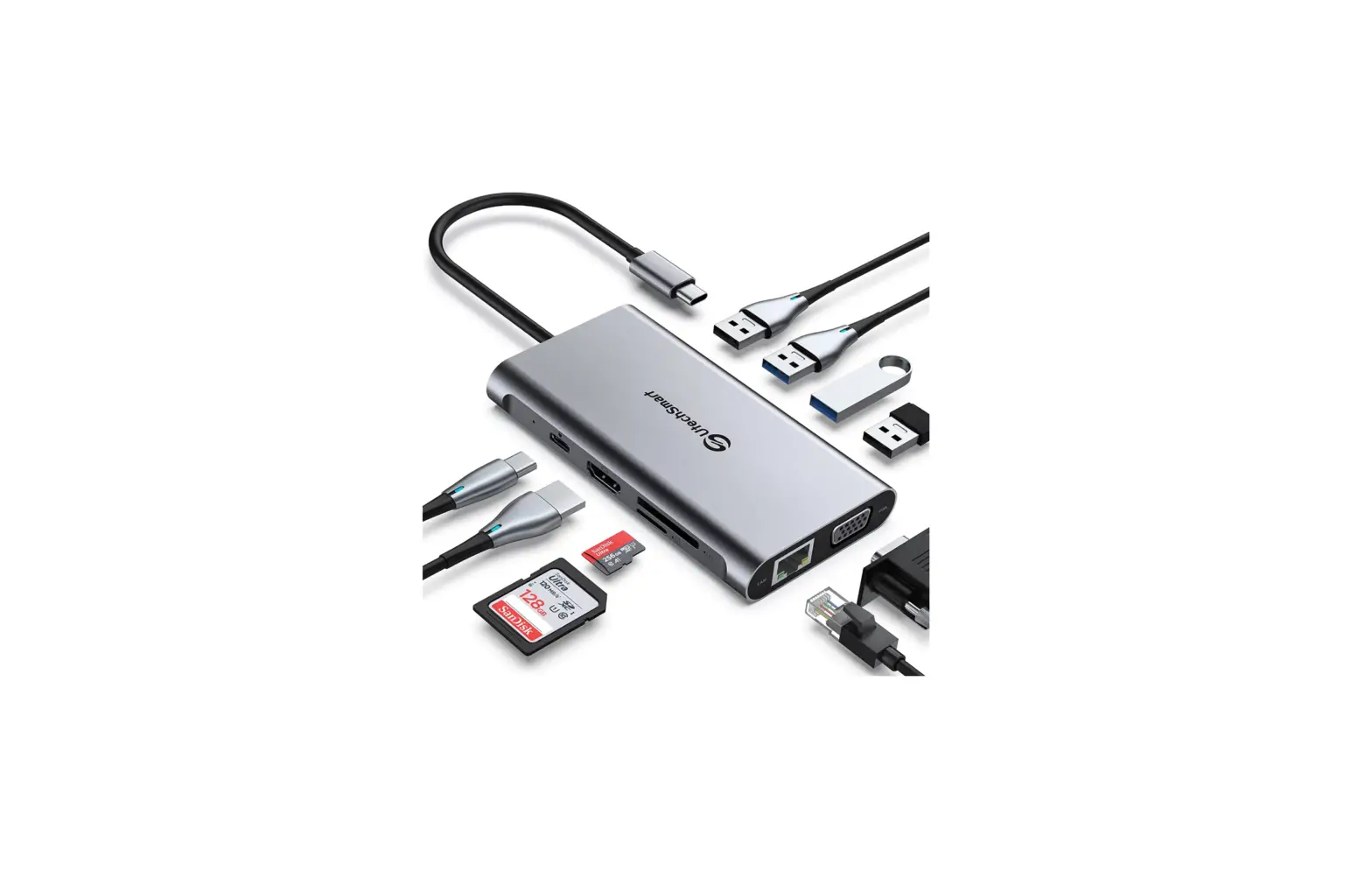
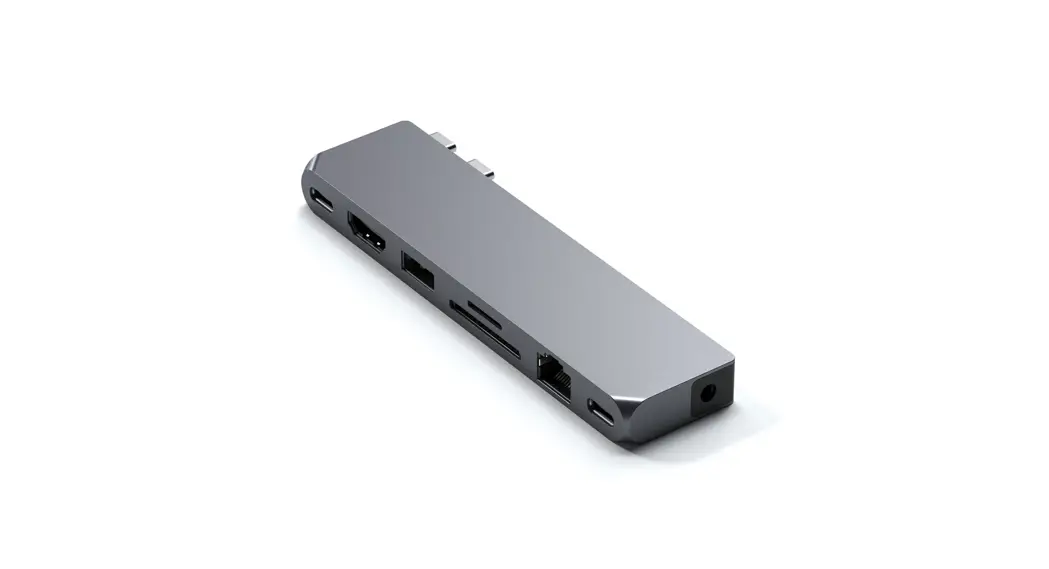
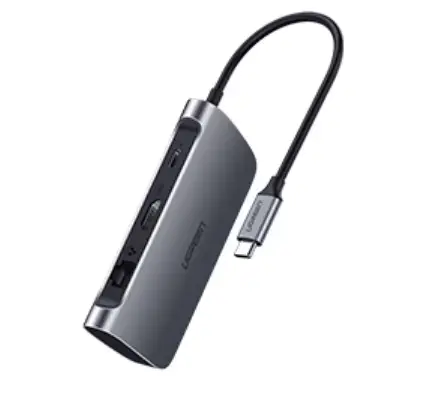
- Connect to an USB-C port on your host device.
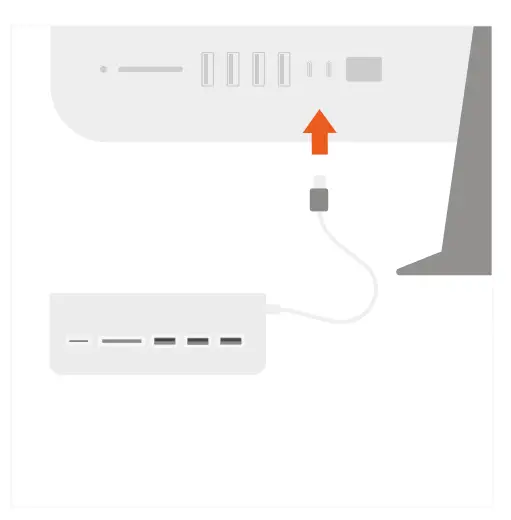
- Use the USB-A data ports to connect three USB devices or peripherals.
USB-A ports do not support charging or CD readers, including Apple SuperDrive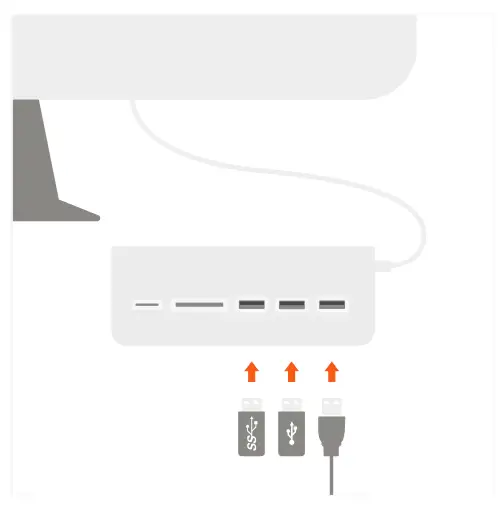
- Insert microSD or SD cards to card reader slots. Cannot be used simultaneously
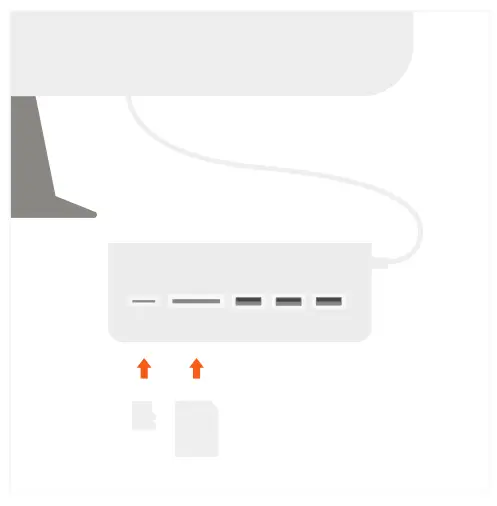
- Safely eject USB devices and SD cards from the hub after use.