
INSTRUCTIONAL GUIDE
USB-C CLAMP HUB FOR 24″ IMAC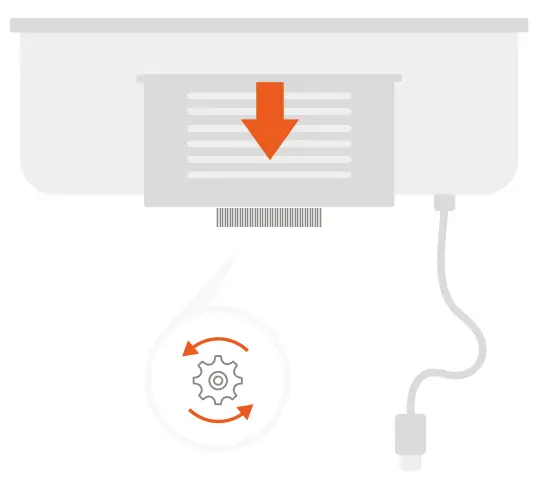
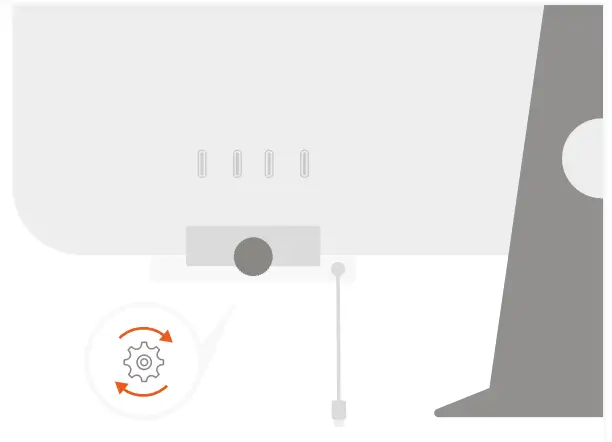
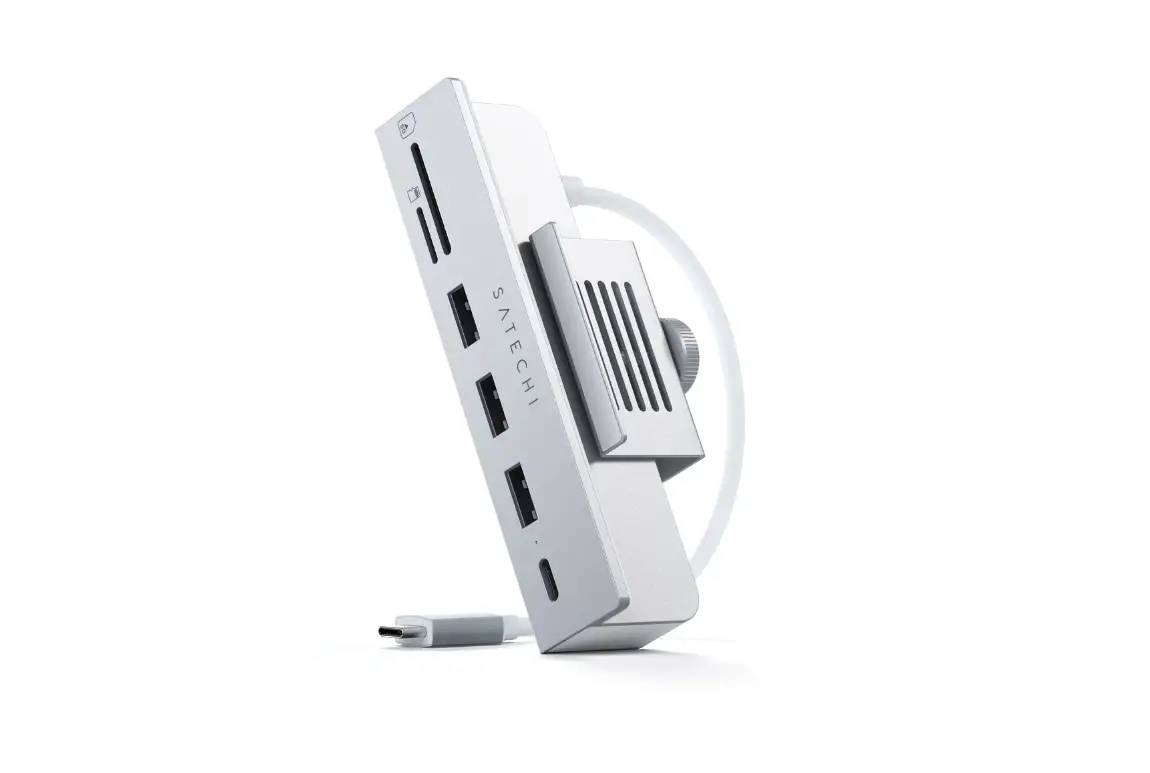
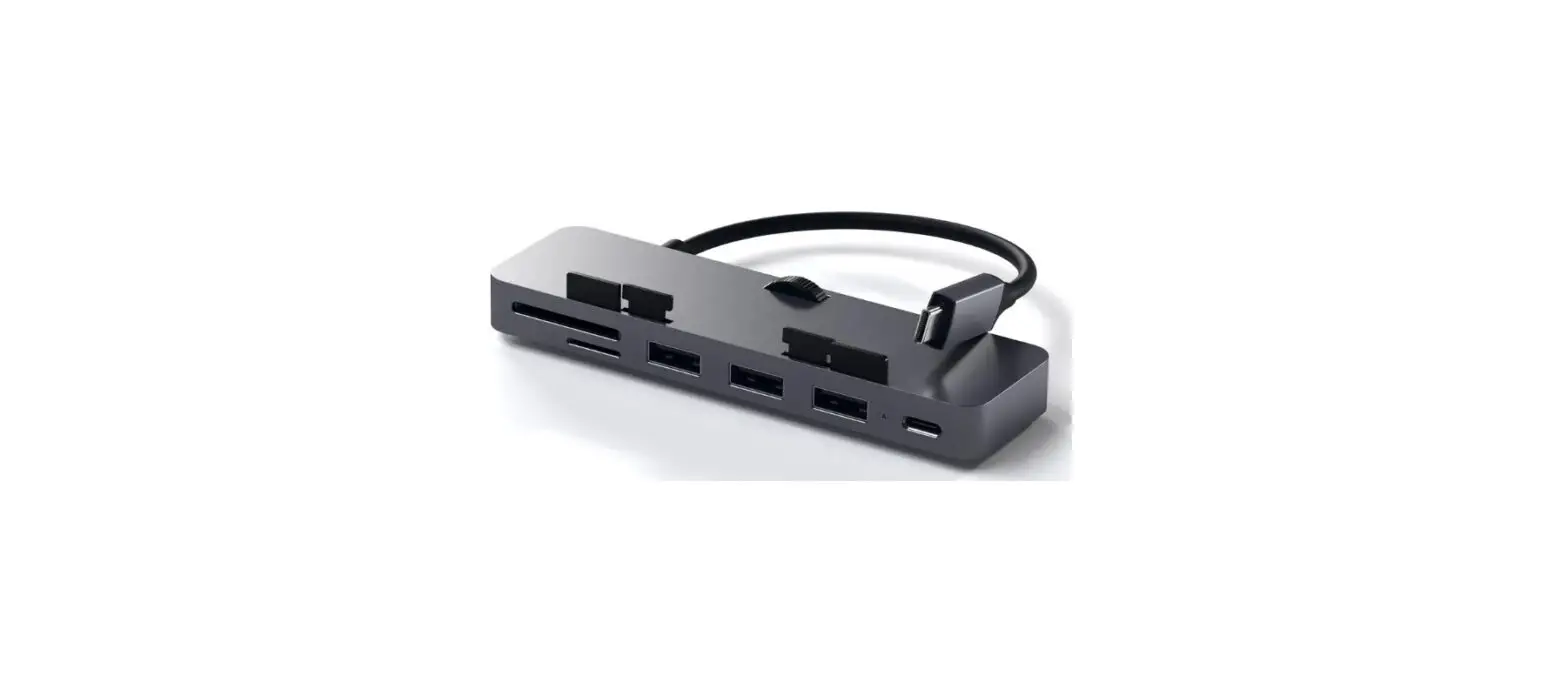
- To open the hub’s clamp, turn the adjustable knob counterclockwise.

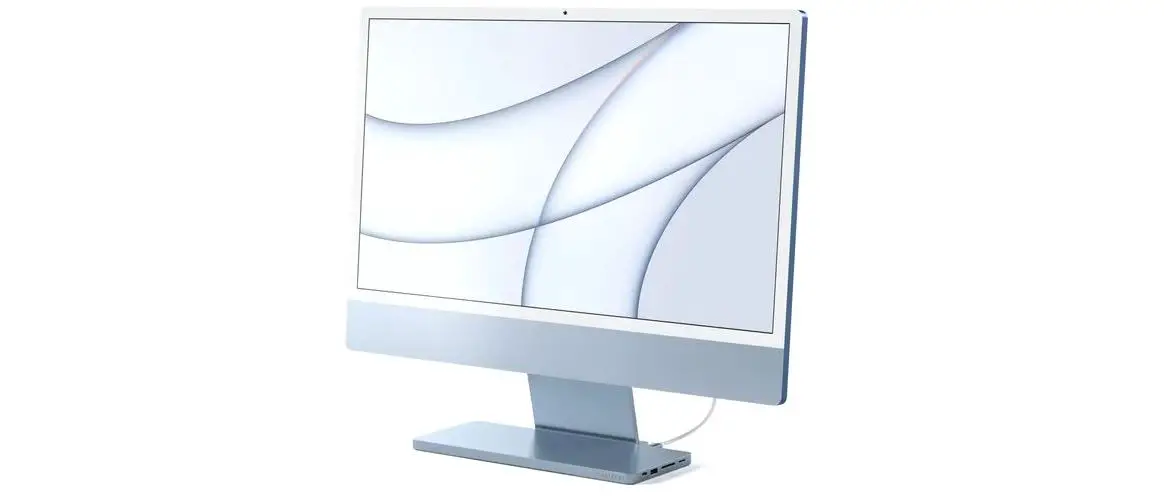
- Attach the hub to the bottom right side of your iMac (same side as ports) and turn the knob clockwise to tighten.

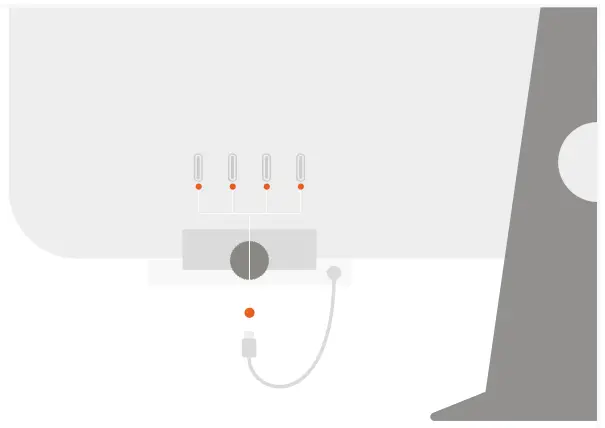
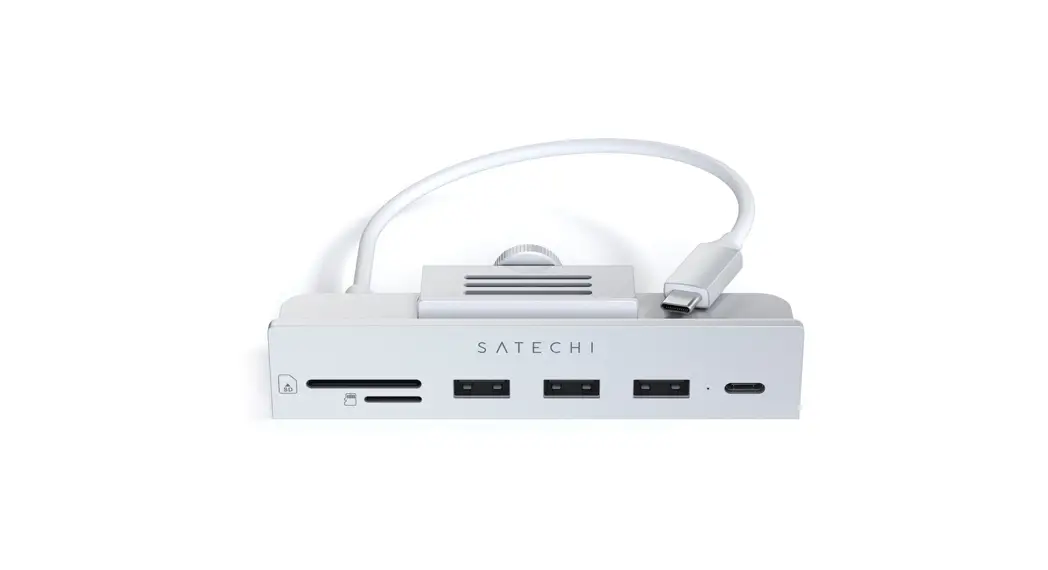
- Plug the USB-C cable into one of your iMac’s USB-C ports.

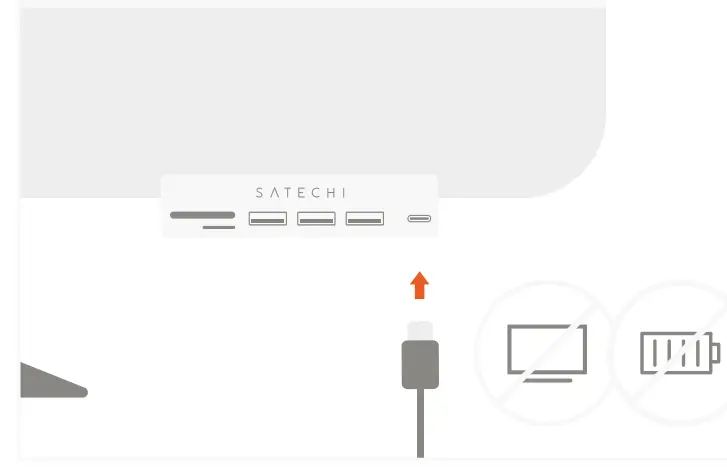
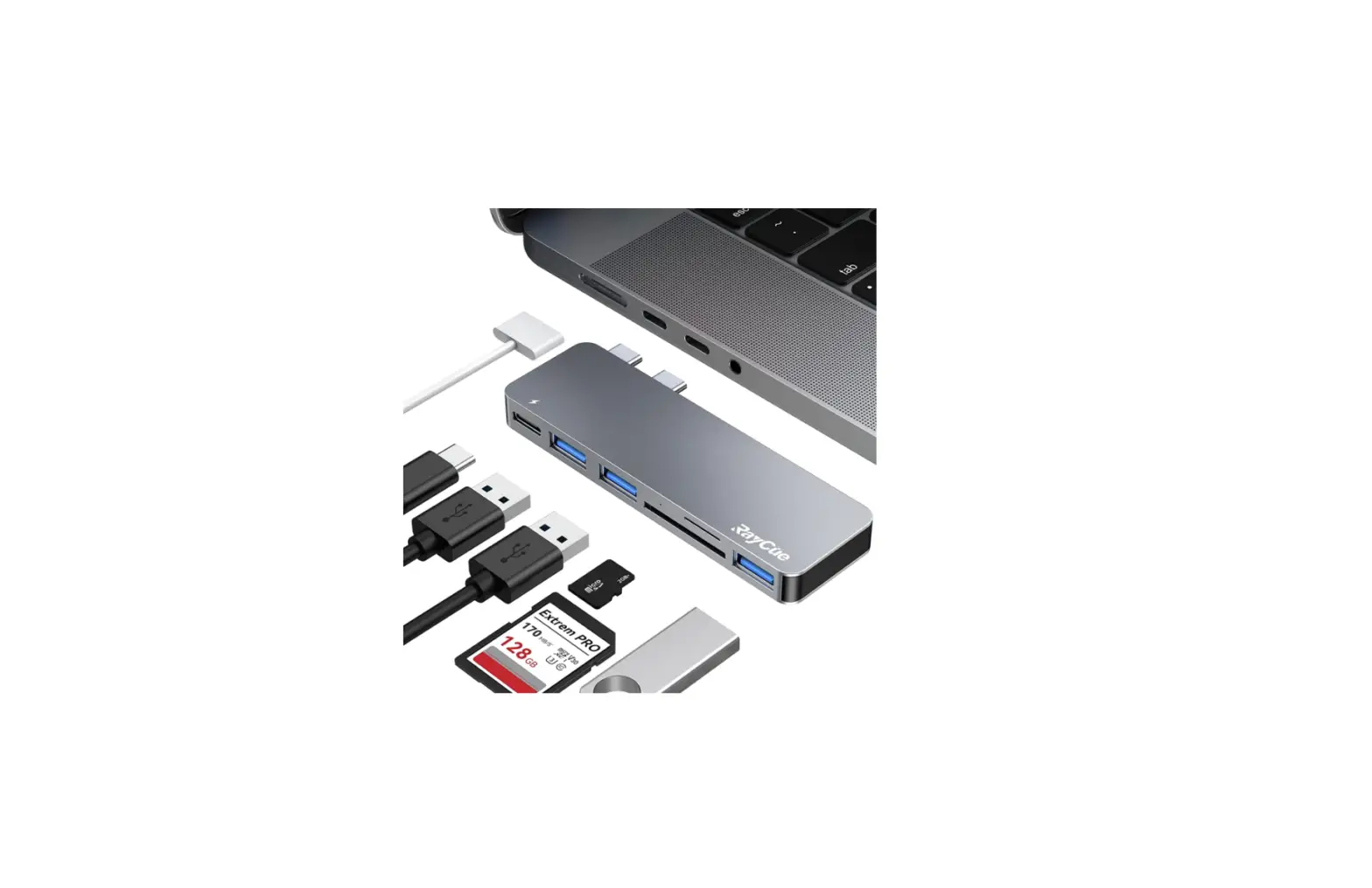
- Connect a USB-C drive or peripheral to its USB-C data port. Does not support charging or video

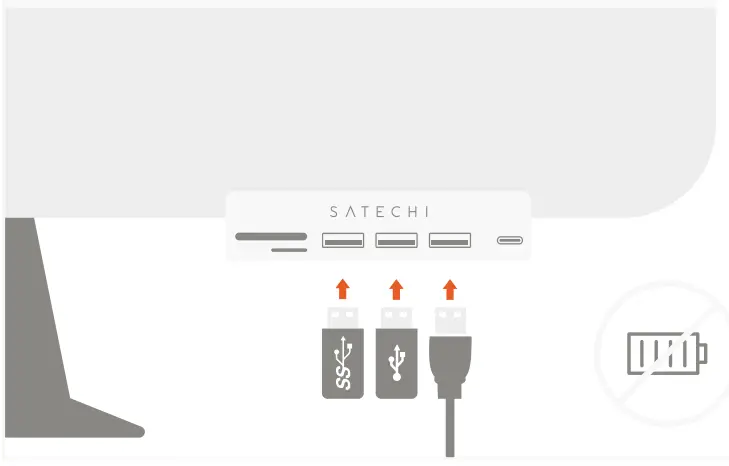
- Connect USB-A thumb drives or peripherals to its three USB-A 3.0 data ports. Does not support charging or CD readers, including Apple SuperDrive

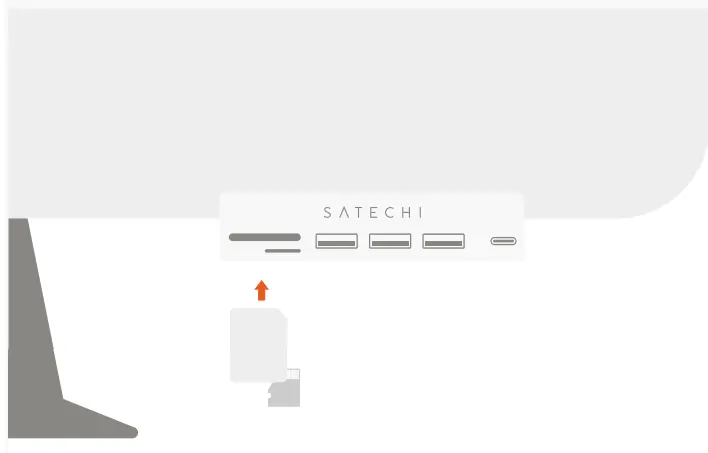
- Insert micro or SD cards into card reader slots.