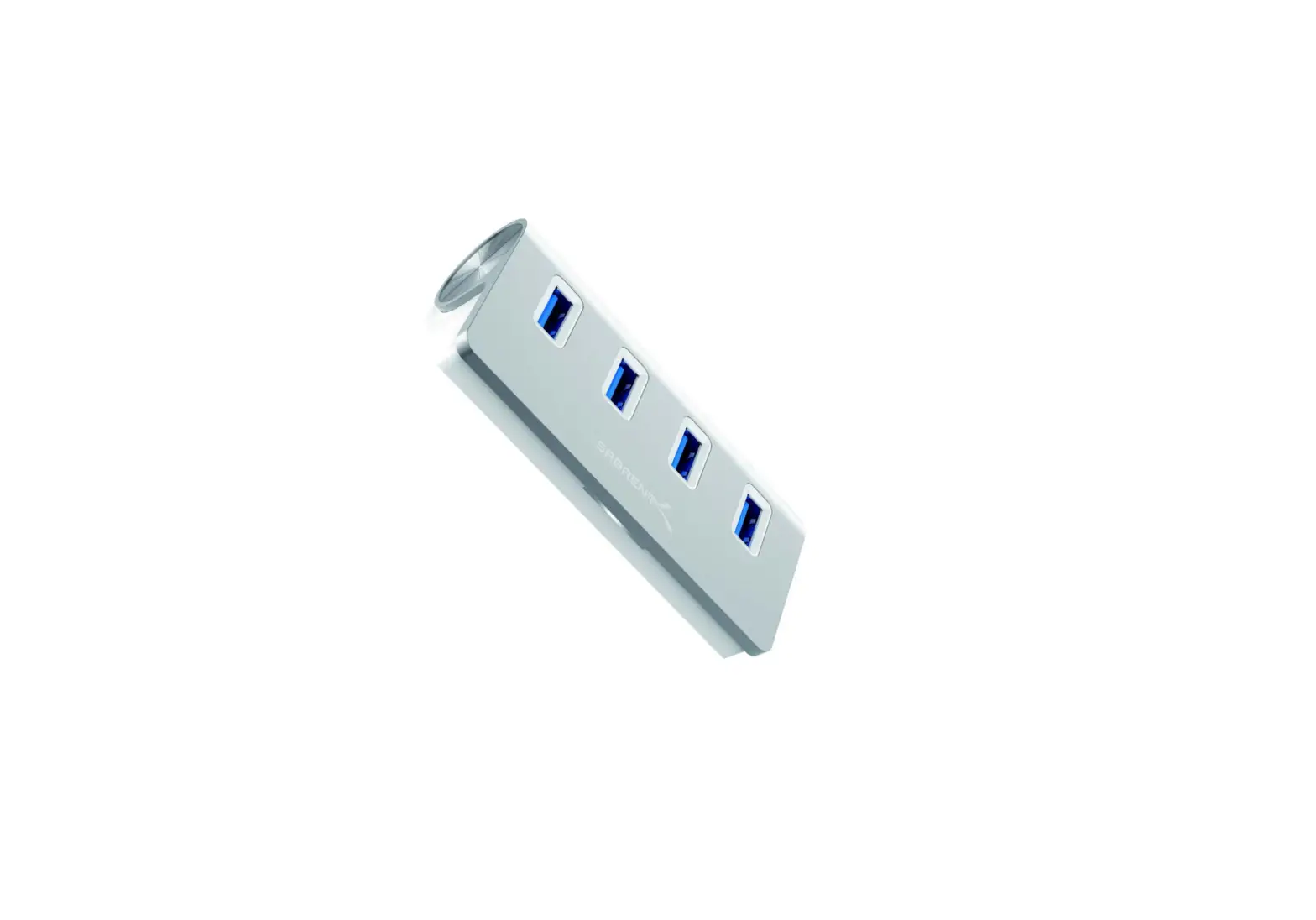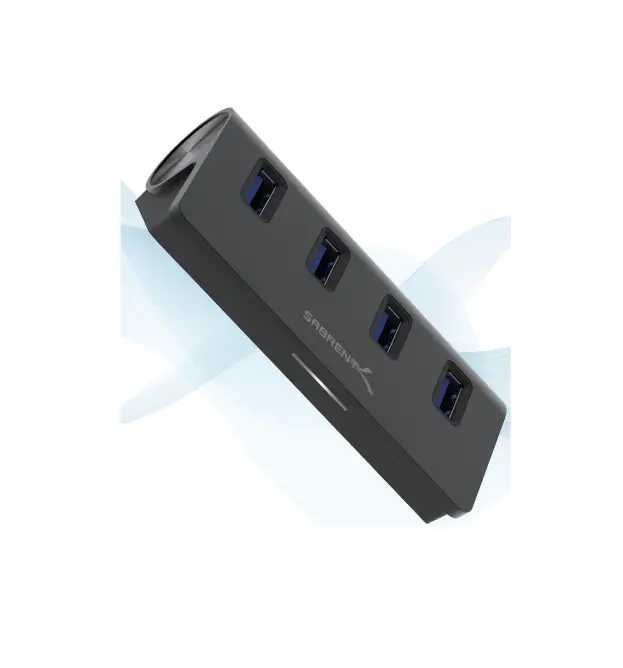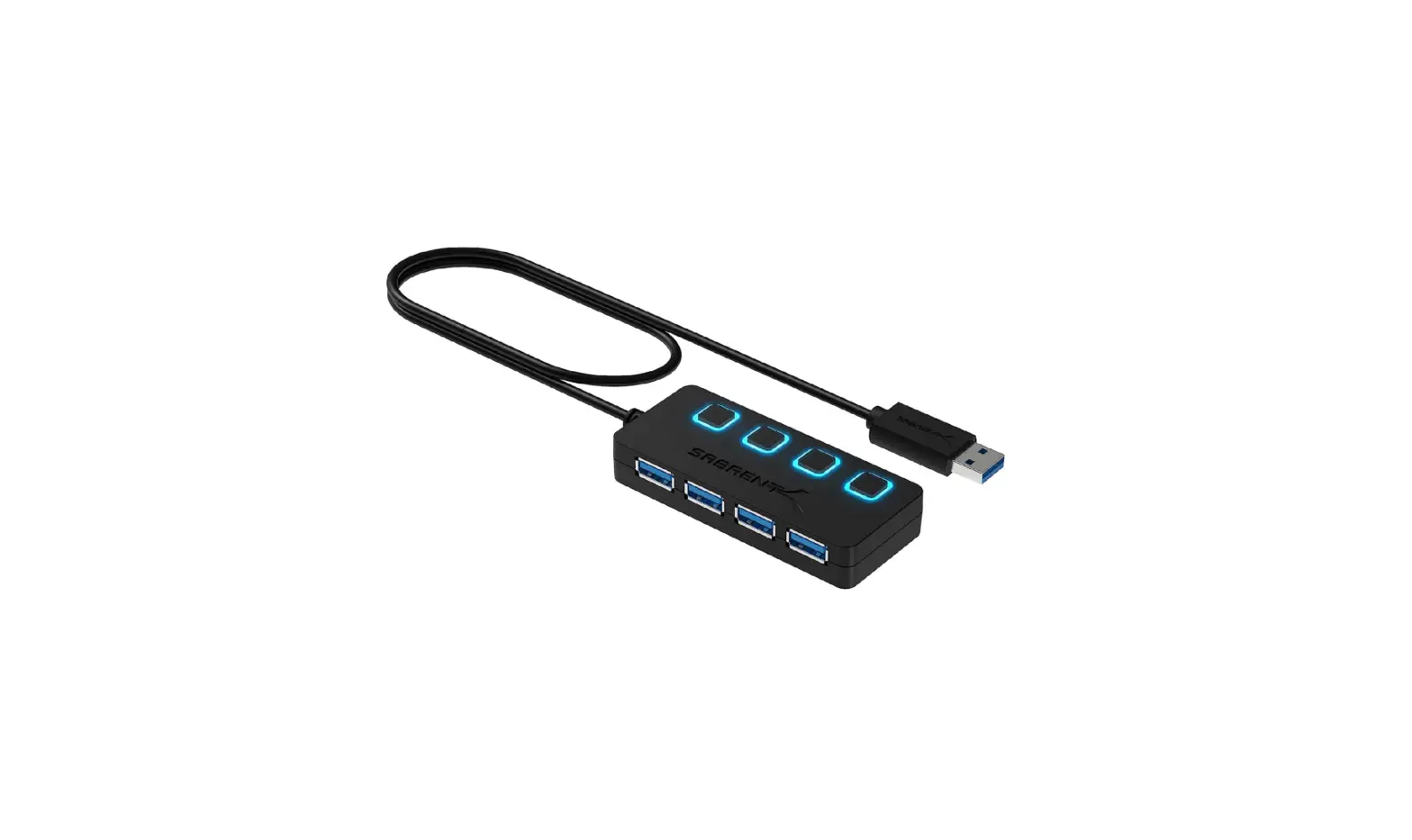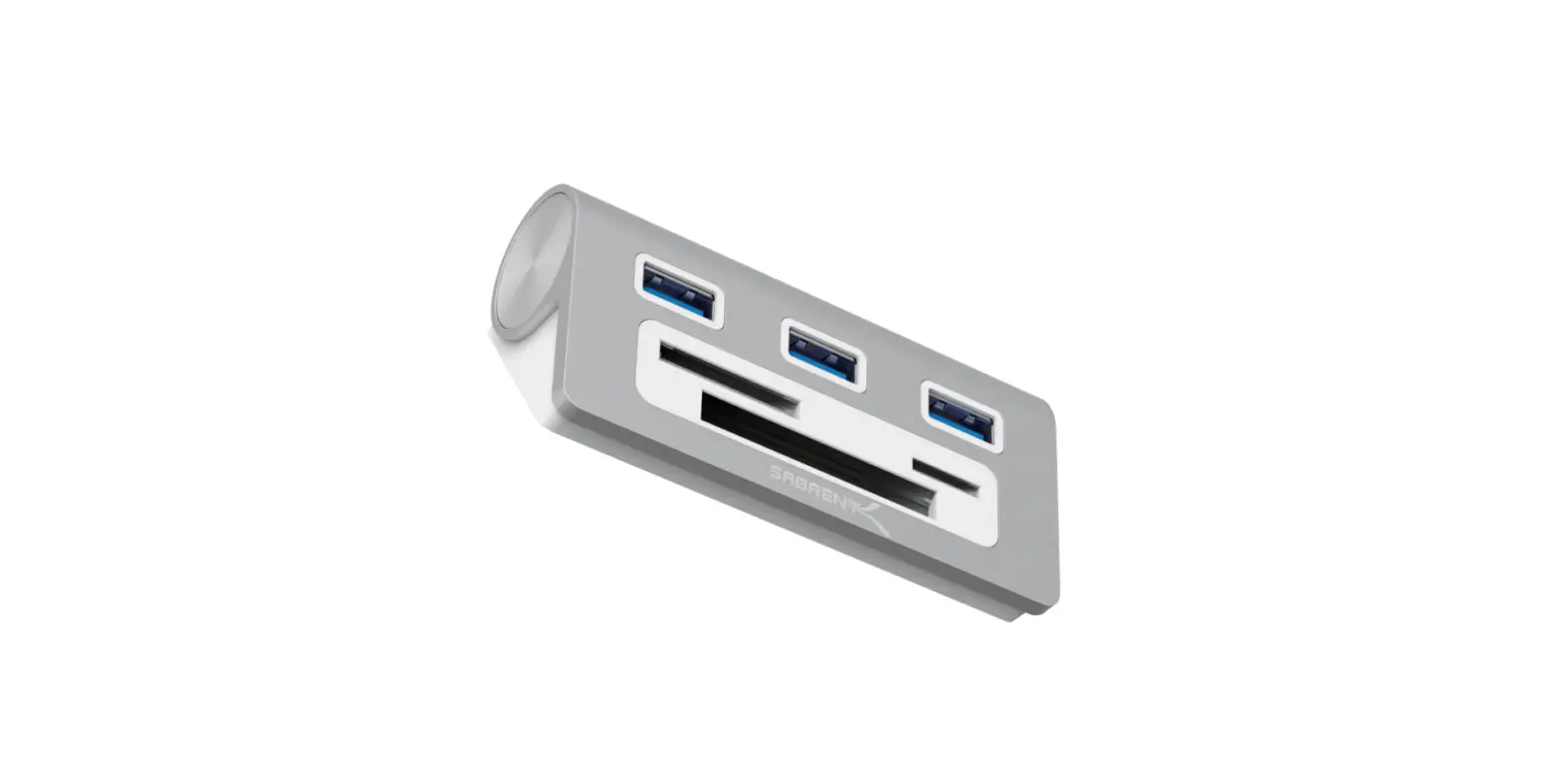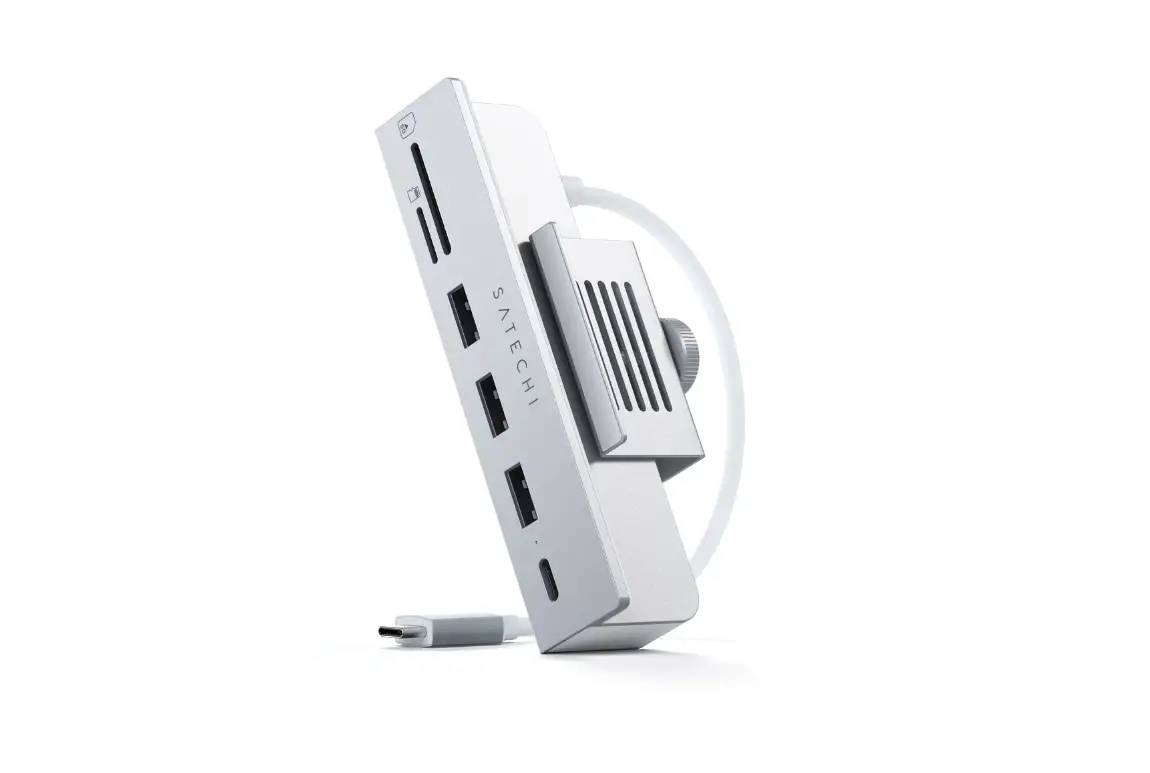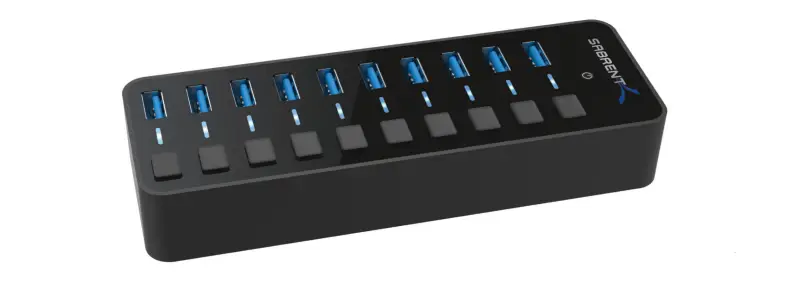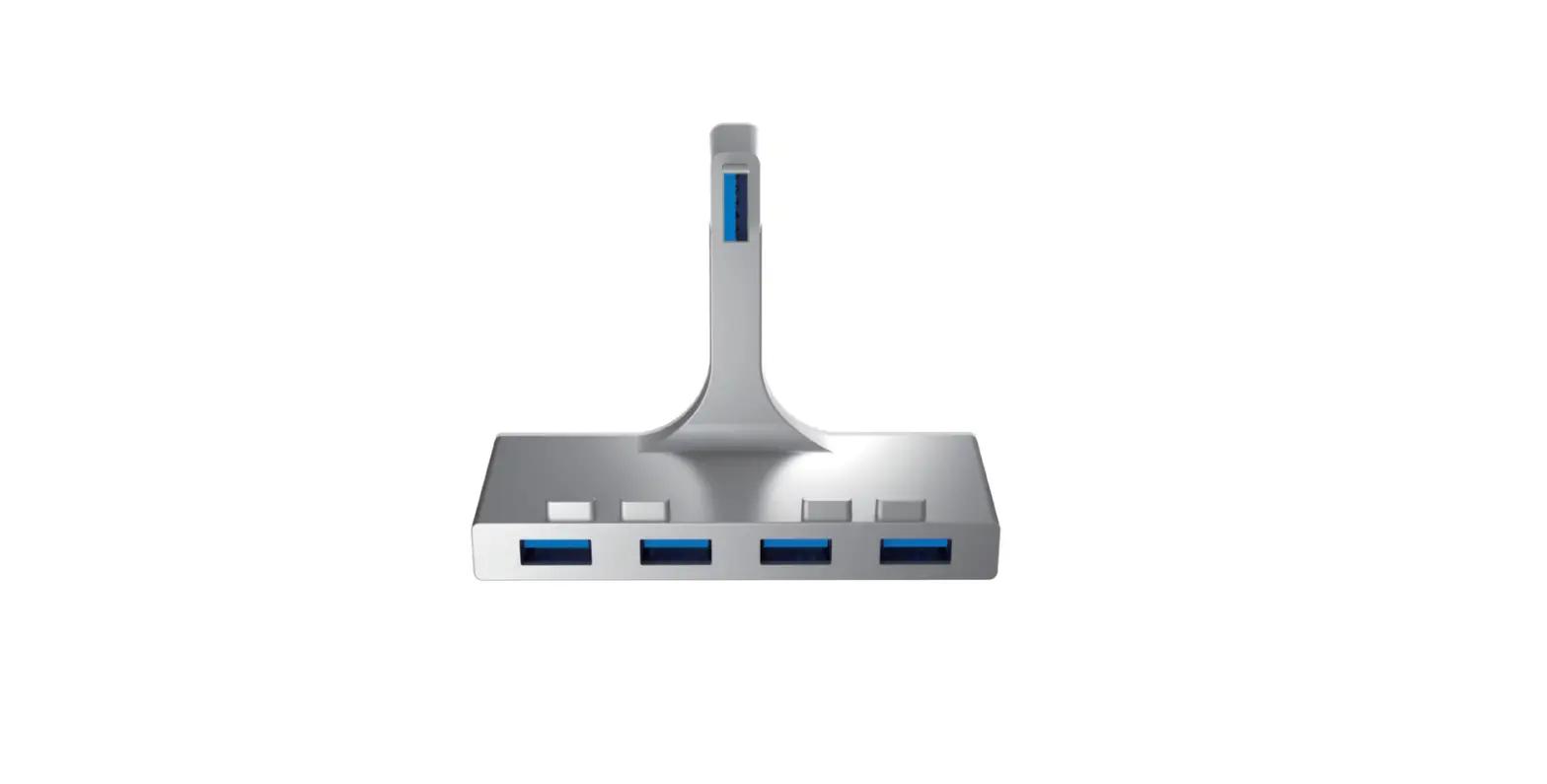

SABRENT HB-IMCU 4-Port USB 3.0 Hub For iMac
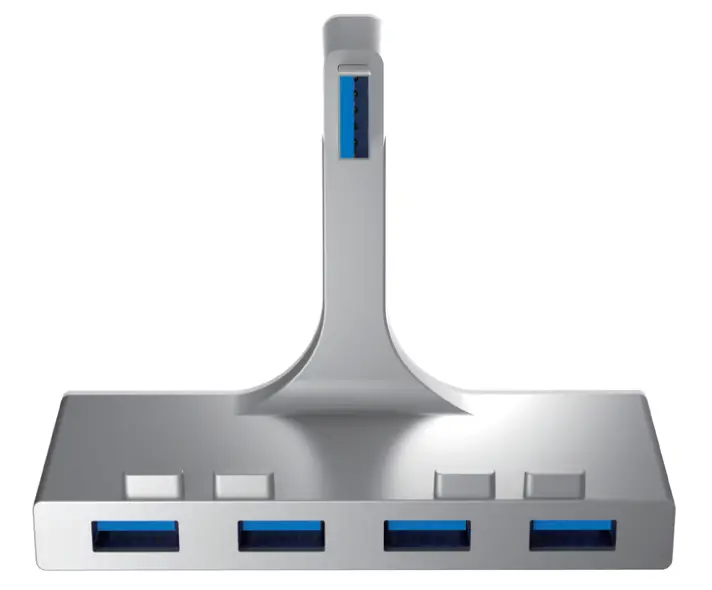
Product Overview
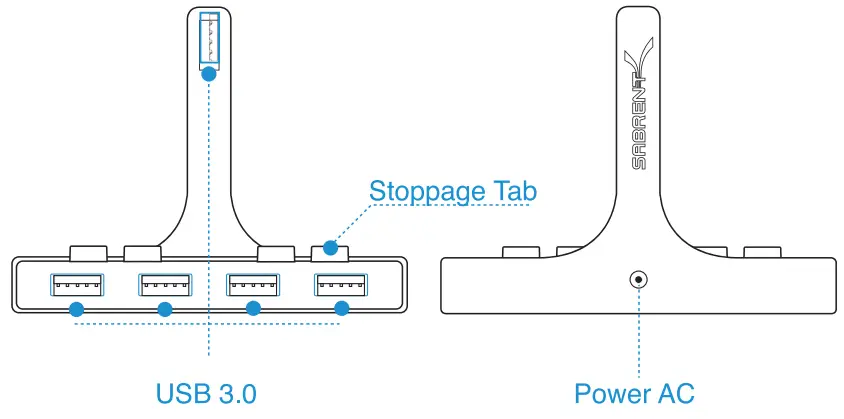
Before you get started
On iMac 21.5” you can insert the Sabrent hub into any of the 4 USB Ports on the Display. For iMac 27” you can connect the Sabrent hub to either the first or fourth USB Ports on the Display.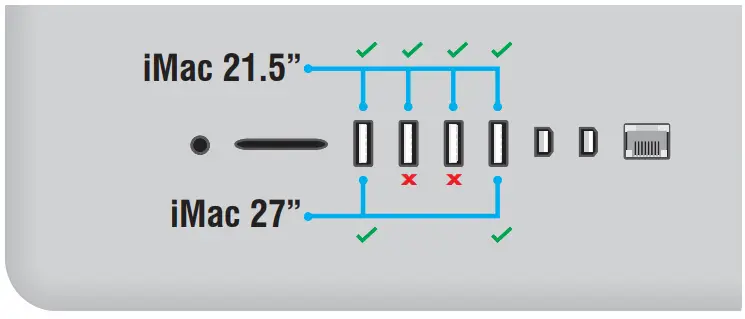
How to install
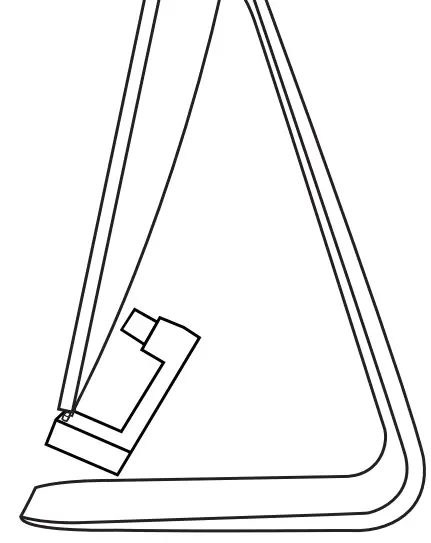
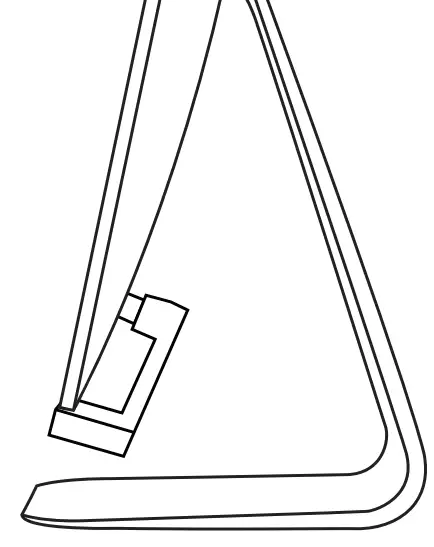
- Holding HB-IMCU against your IMAC slim unibody, make sure the stoppage tab is positioned against the vent of iMac, the USB slot on top of the hub should align with the USB port of iMac.

- Push the hub into the USB slot of your iMac

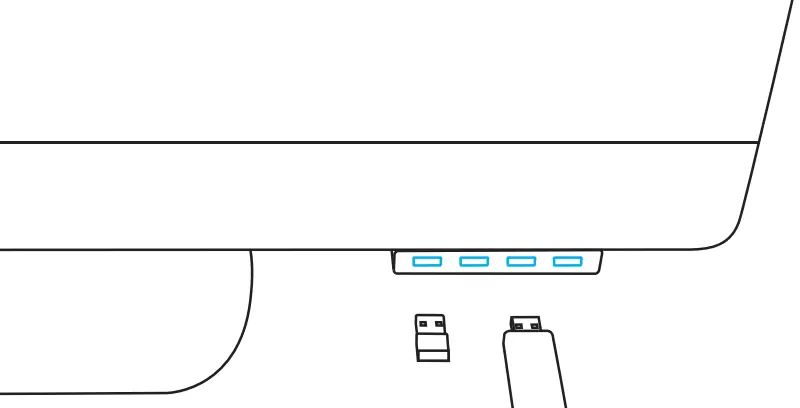
- Connect your USB device to the hub
Note: for some USB devices to work, you may need to plug the power ac cable Into the back of the Hub. (This product doesn’t come with ac power cable)