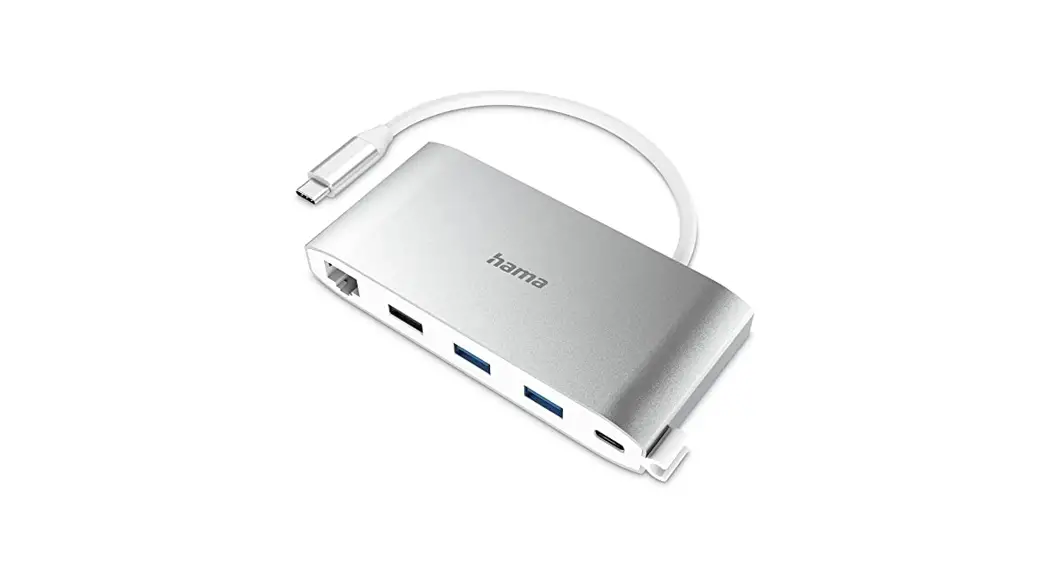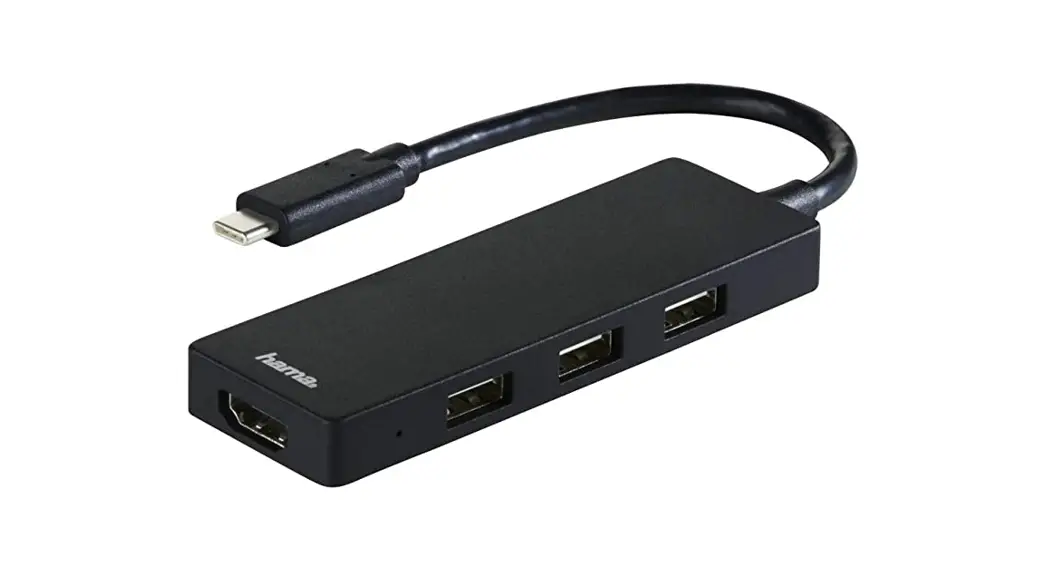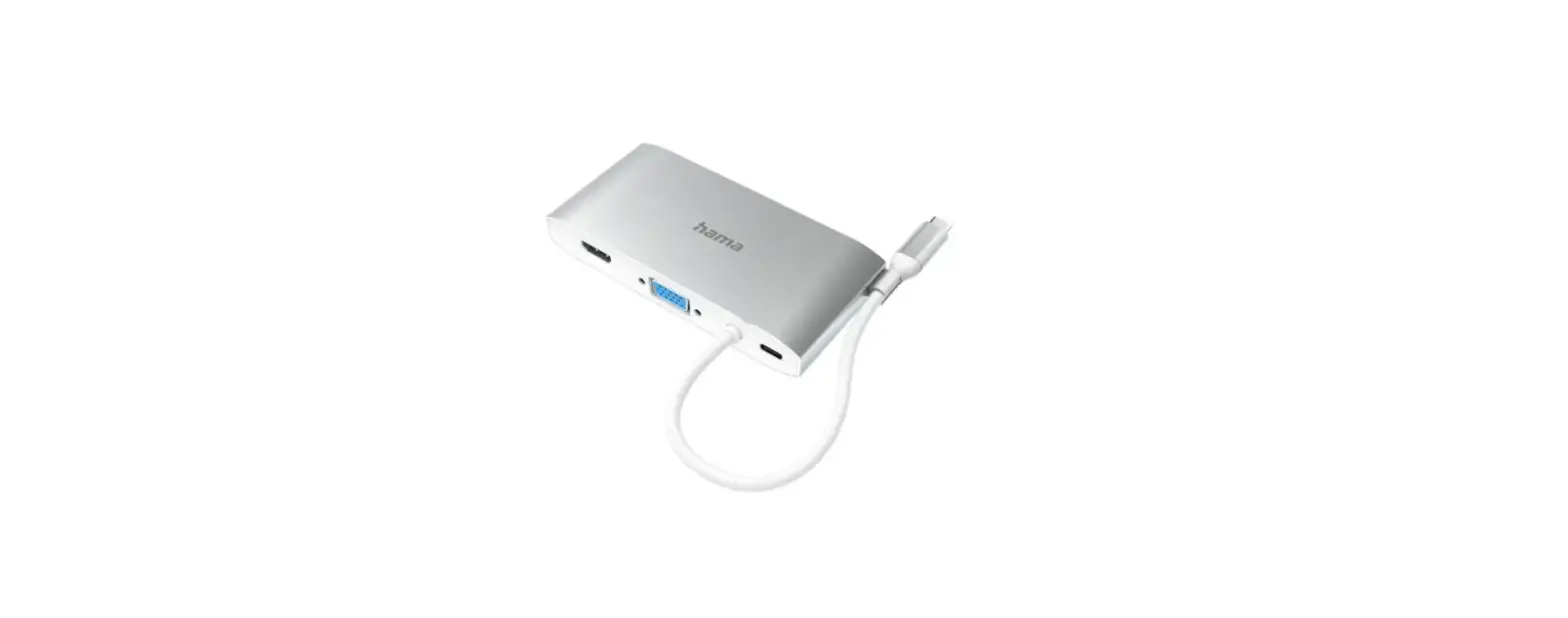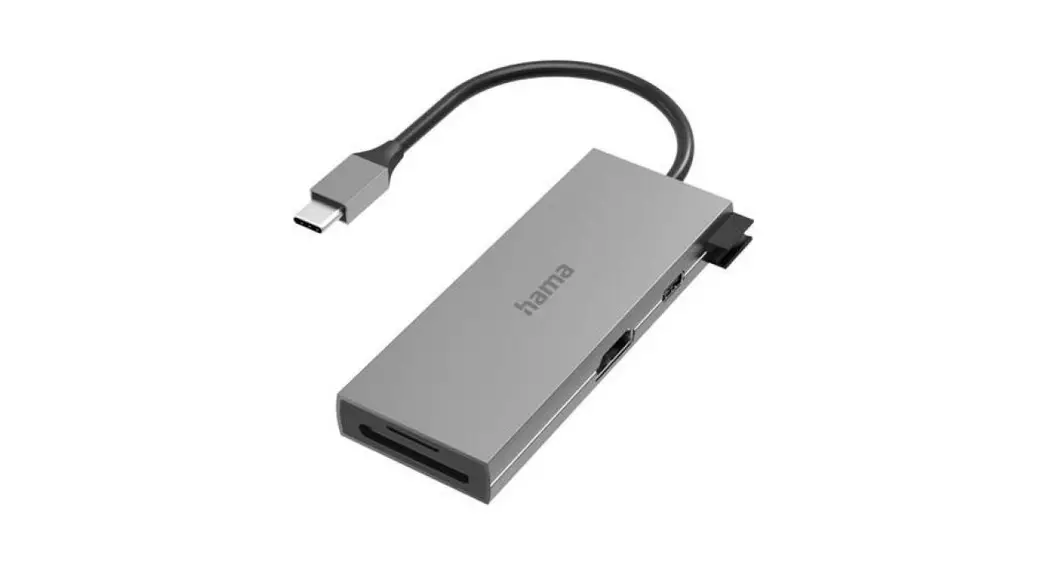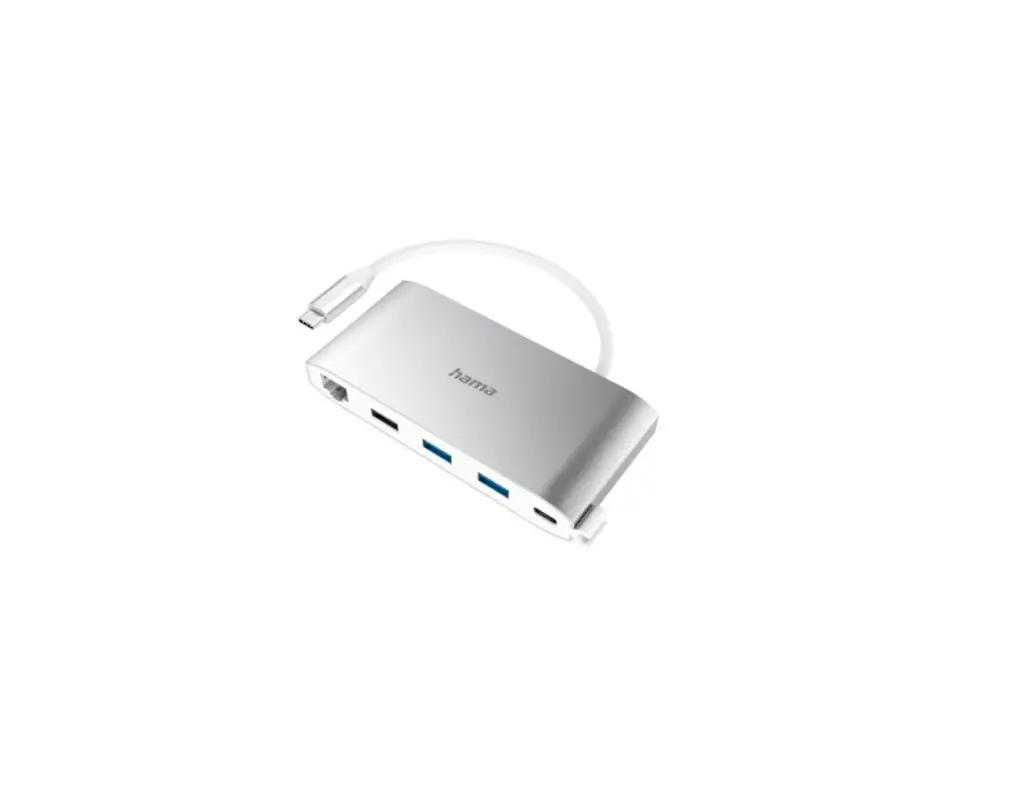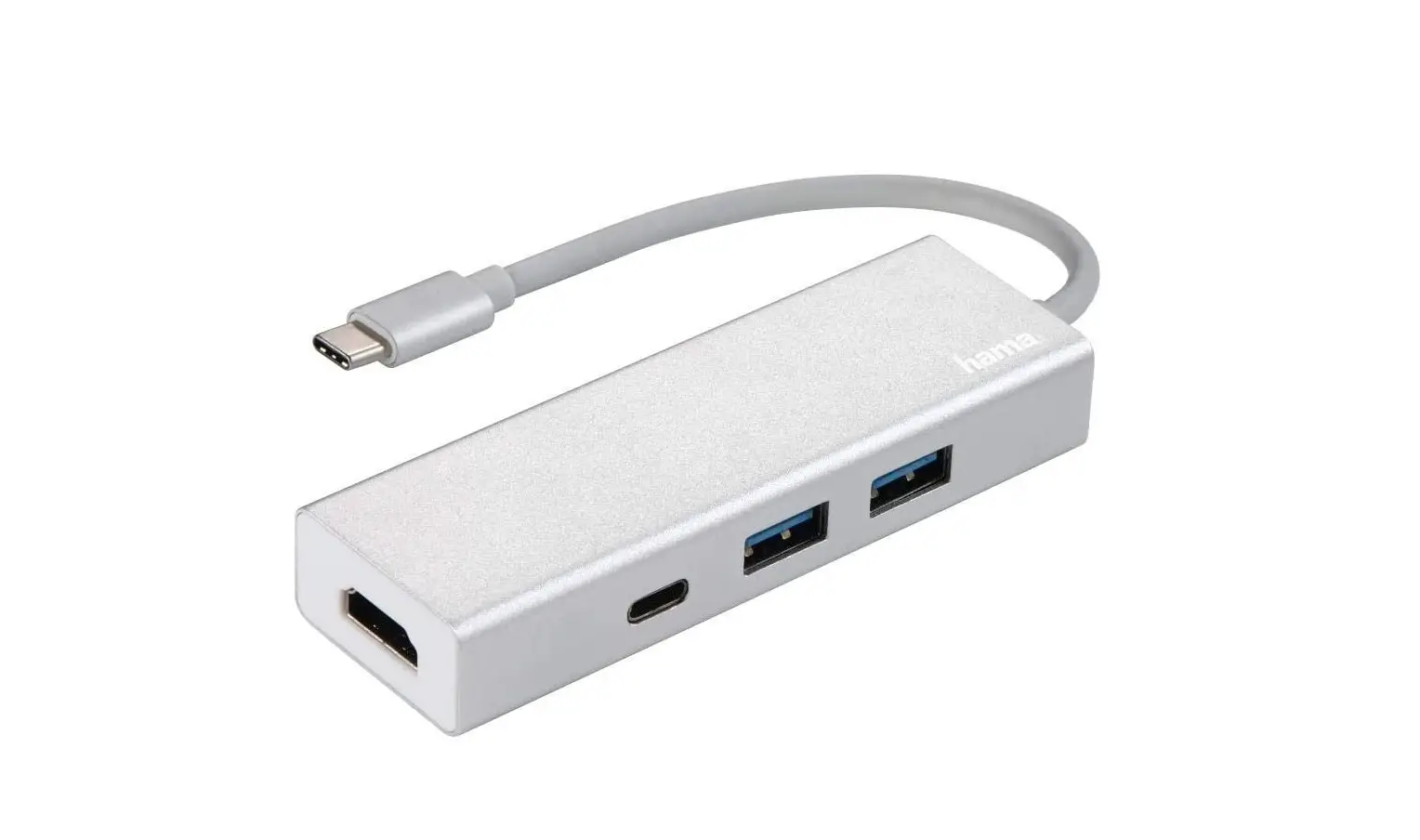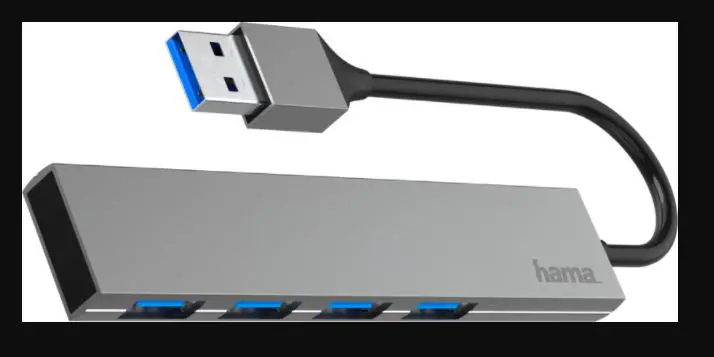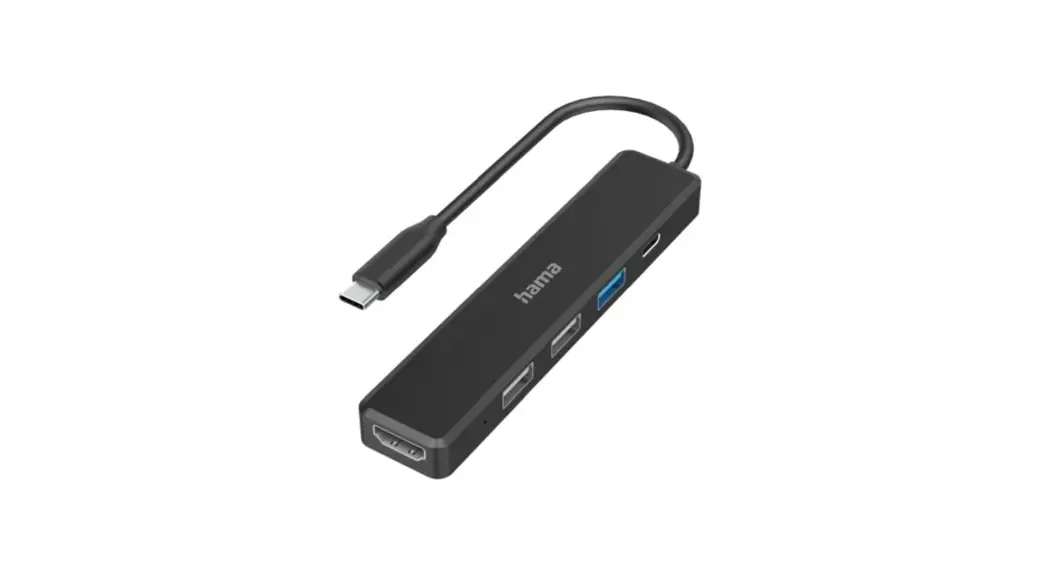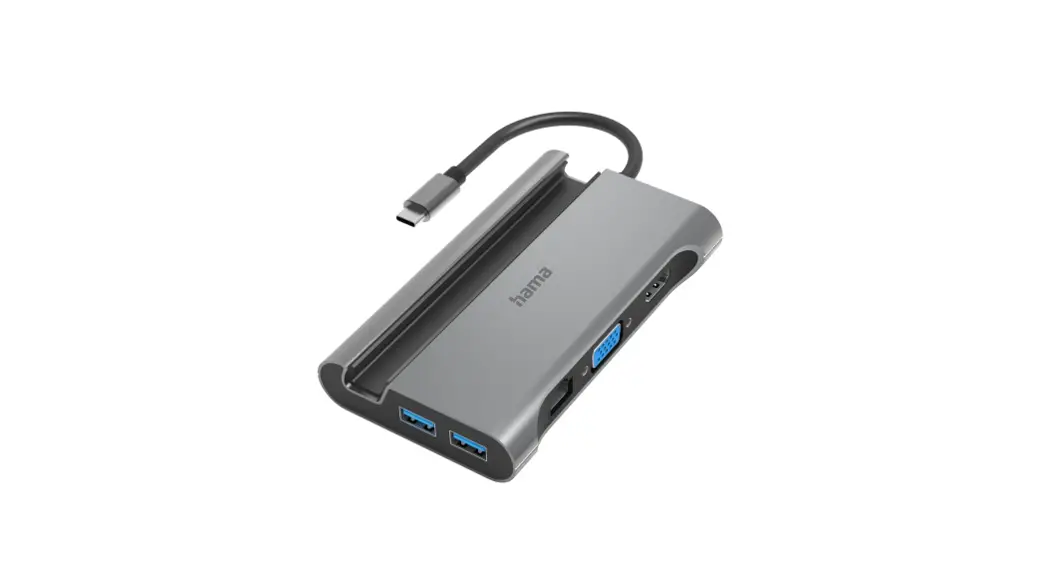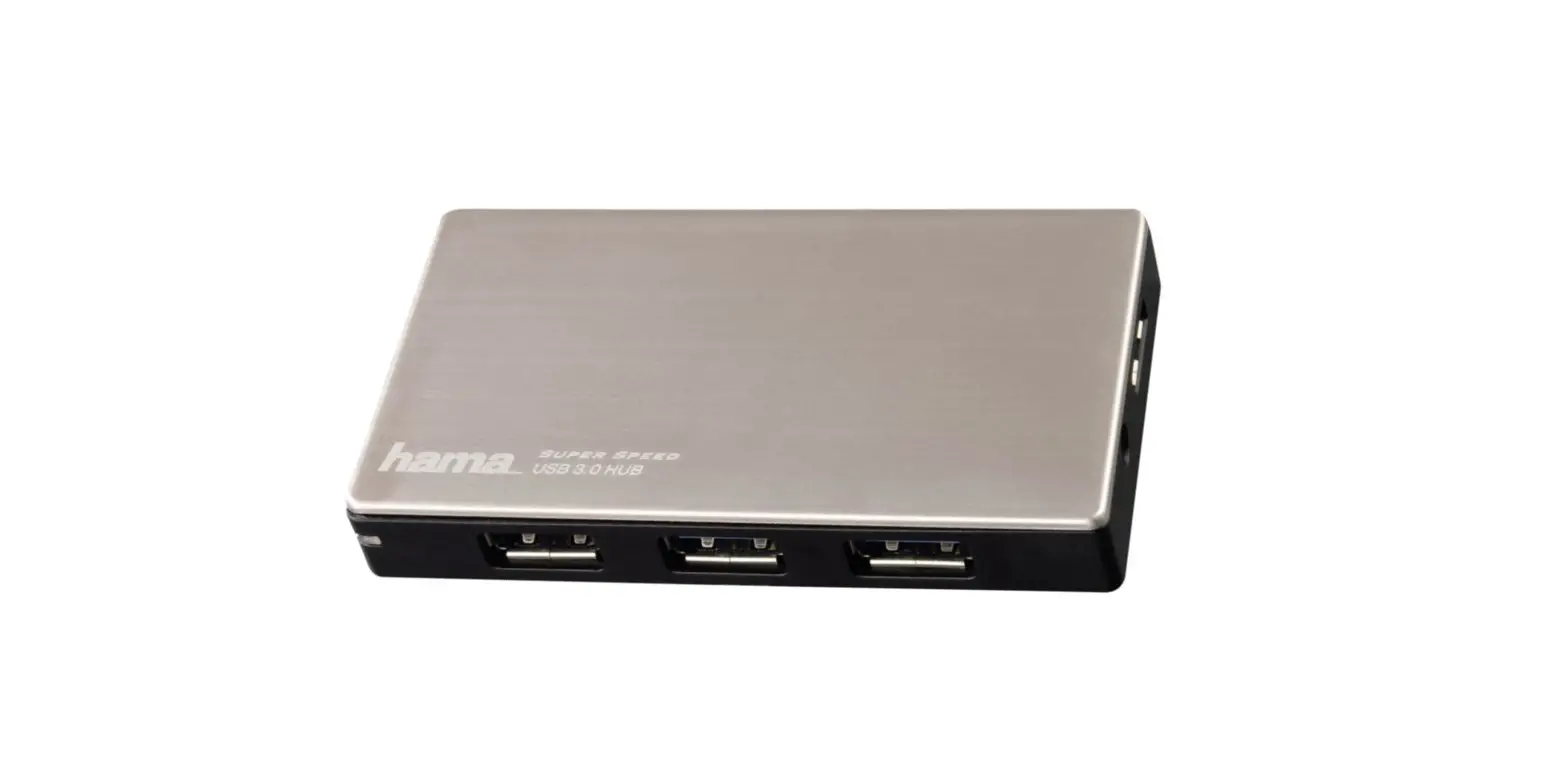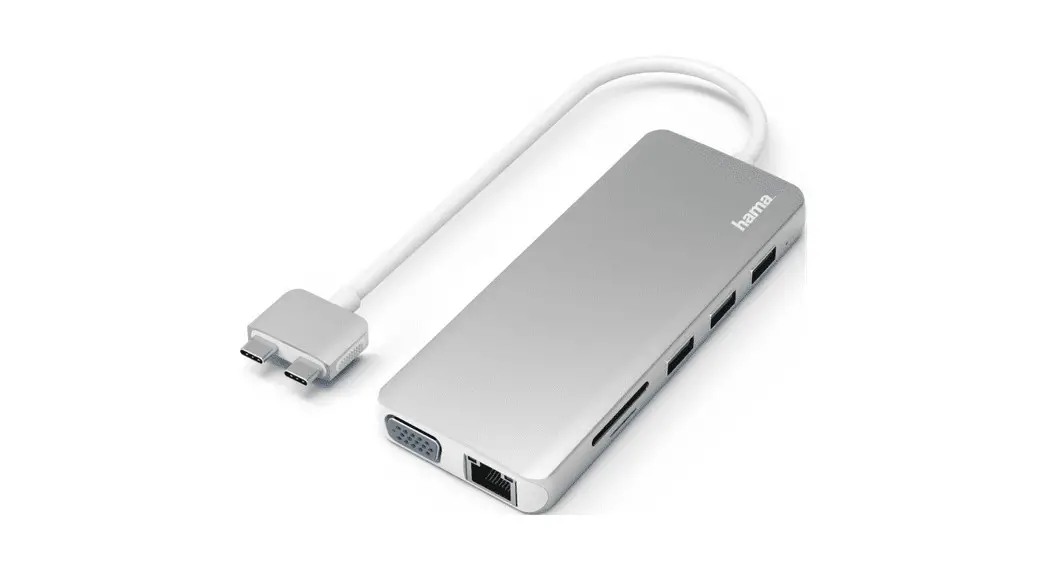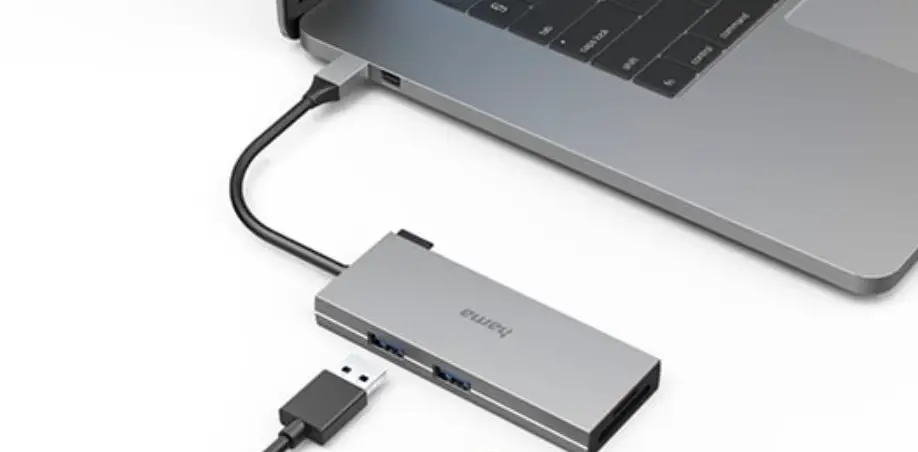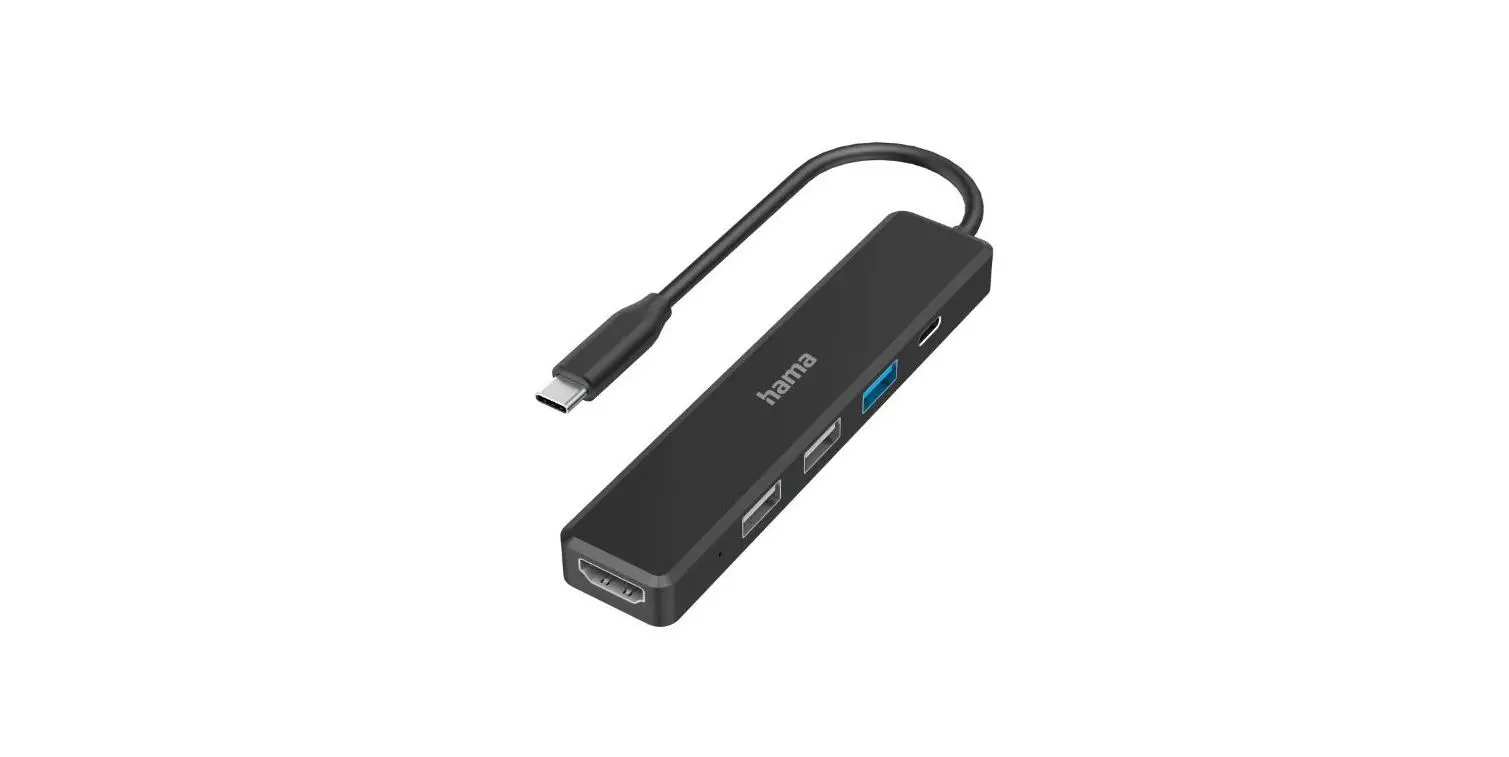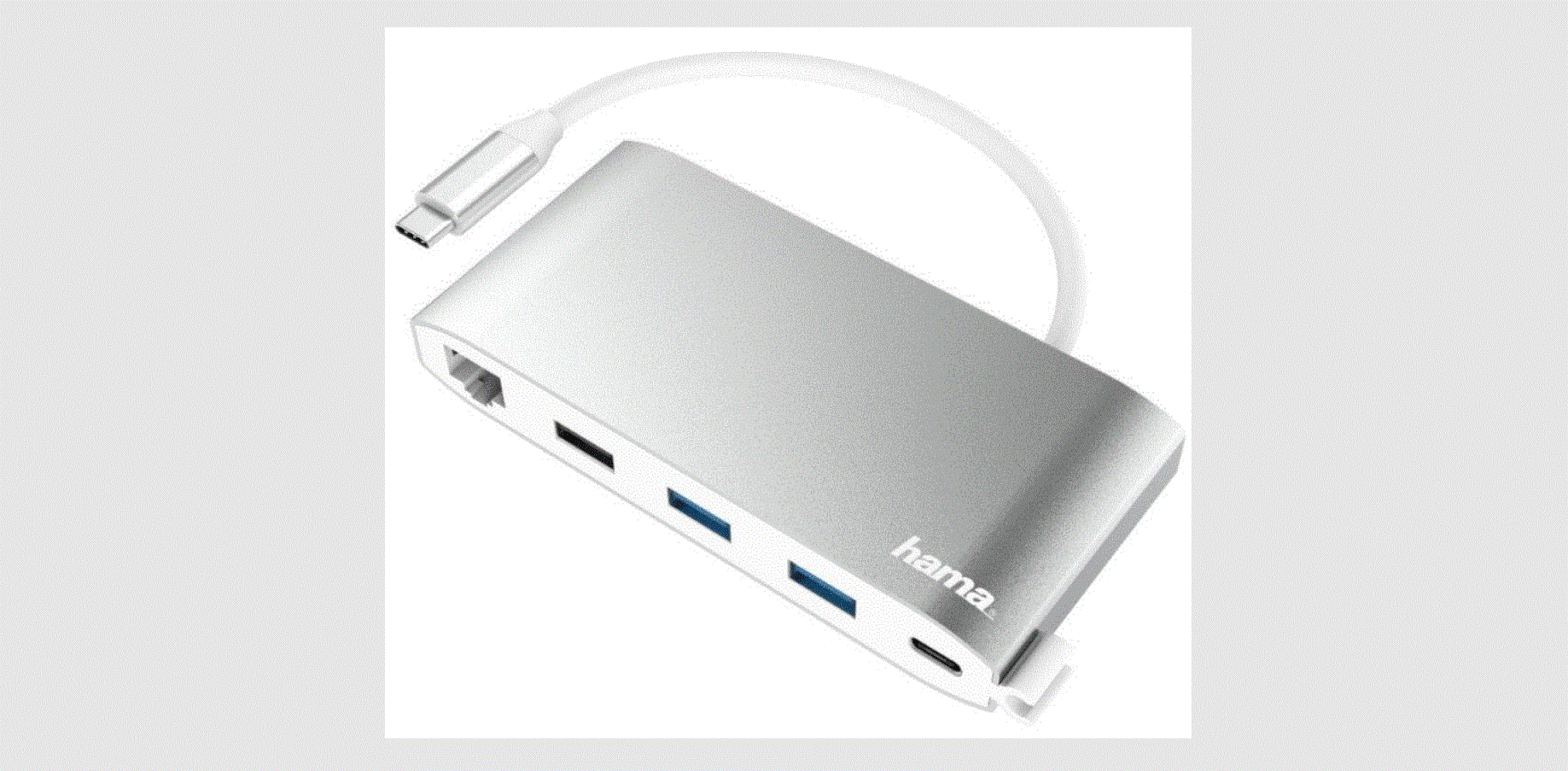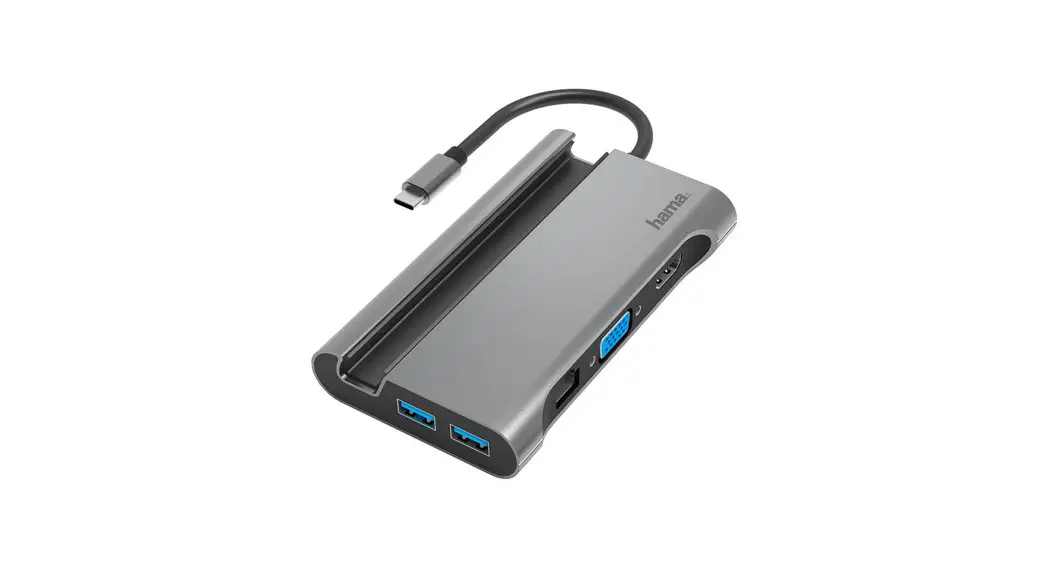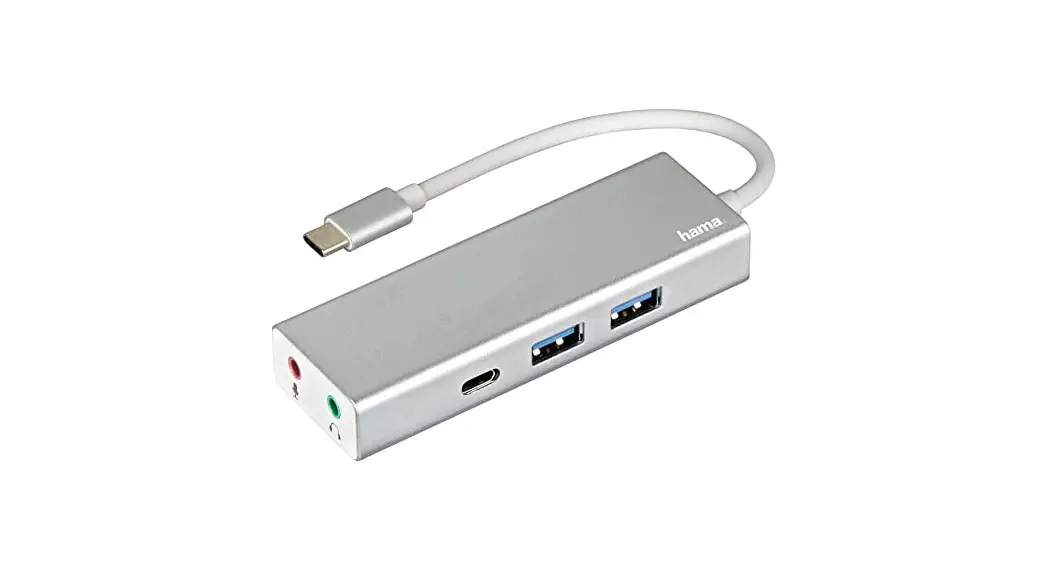
 USB Multiport 3.1 Type-C Hub 1:3″Aluminium
User Manual 
 |  |
 |  |
Package Contents
- USB-C Multiport
- These operating instructions
Safety Notes
- Do not attempt to service or repair the product yourself. Leave any and all service work to qualified experts.
- Do not open the device or continue to operate it if it becomes damaged.
- Do not operate the product outside the power limits given in the specifications.
- Do not modify the product in any way. Doing so voids the warranty.
- Keep this product, like all electrical products, out of the reach of children! Use the product for its intended purpose only.
- Protect the product from dirt, moisture, and overheating, and only use it in a dry environment.
- The product is intended for indoor use only.
- Do not use the product in the immediate vicinity of heaters or other heat sources or in direct sunlight.
- Do not use the product in moist environments and avoid splashes.
- Do not use the product in areas where the use of electronic devices is not permitted.
- Do not drop the product and do not expose it to any major shocks.
- Dispose of packaging material immediately according to locally applicable regulations.
 Warning
- Find out the maximum output current capacity of the USB port on your device. To do this, consult the operating instructions or ask the manufacturer.
- Common values are 500 mA for USB-A 2.0, 900 mA for USB-A 3.0, and up to 3000 mA for USB-C.
- Ensure that the cumulative current draw of all USB devices connected to the hub/multiport adaptor does not exceed this value.
 Note
Note
- To be able to use the charging function, the device must support Power Delivery (PD) or Thunderbolt-3/4.
- To be able to use the HDMI™ function, the device must support
DisplayPort Alternate Mode or Thunderbolt-3/4. - For optimized video function, we recommend passive monitor adapters/cables (without chipset/signal converter).
Startup and Operation
- Switch on your computer and boot the system.
- Connect the product to a free USB port on your computer.
- You do not have to install drivers; the computer will automatically recognize the product.
- If necessary, follow the instructions for your operating system.
- In order to use your devices, plug them into the product one after the other.
Warranty Disclaimer
Hama GmbH & Co KG assumes no liability and provides no warranty for damage resulting from improper installation/mounting, improper use of the product, or failure to observe the operating instructions and/or safety notes.
Technical Data
| Operating voltage/current consumption | 5 – 20 V max. 3 A |
| Compatibility | USB-C port |
| System requirements | Windows 11 / 10 / 8 / 7 Mac OS 10.8 ≥ |
| USB specification | USB 3.2 Gen1 |
Note
- If there is interference or the product no longer responds, unplug the product, wait a few seconds and then plug it in again.
HamaGmbH&CoKG
86652Monheim/Germany
Service&Support www.hama.com
 +499091502-0
 All listed brands are trademarks of the corresponding companies. Errors and omissions excepted, and subject to technical changes. Our general terms of delivery and payment are applied.
 hama.com