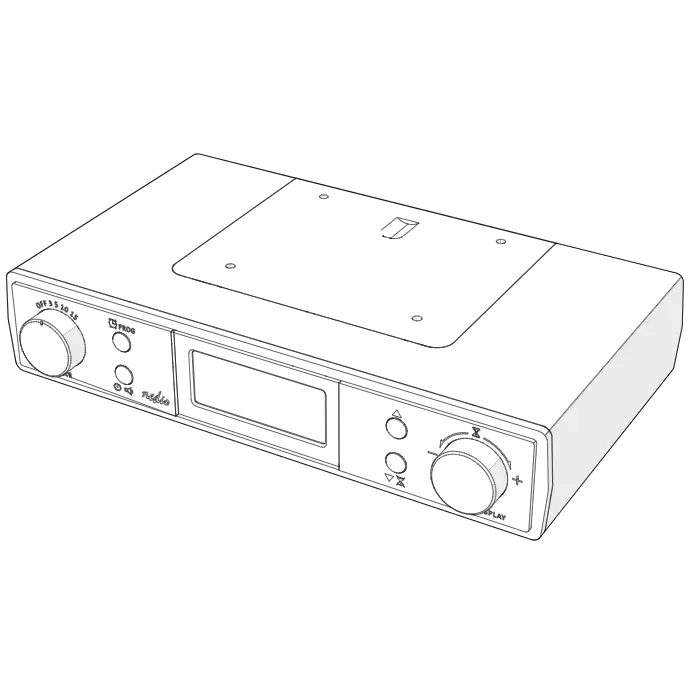
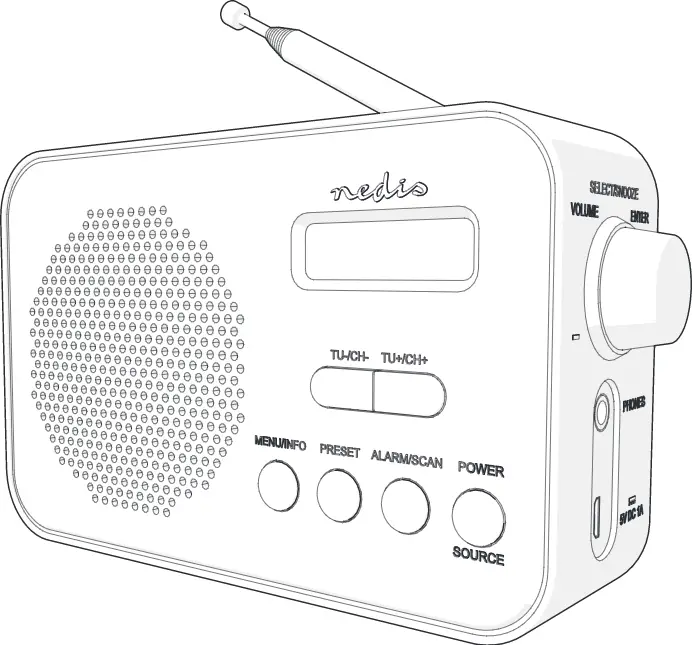
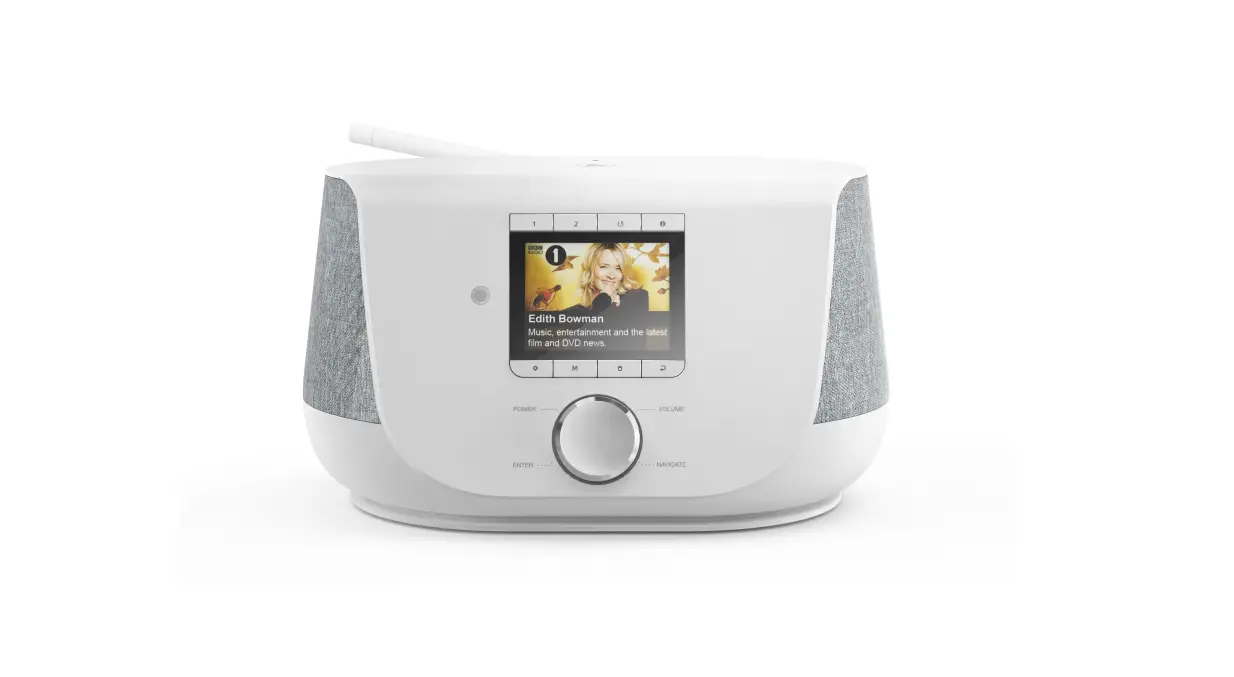
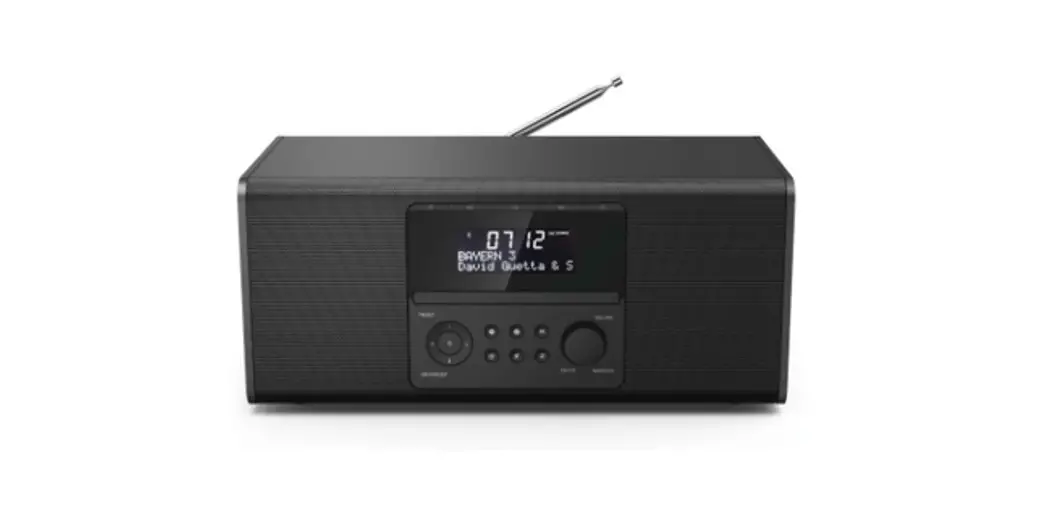
RDIN3000BK Internet Radio
User Manual
Preface
Thank you for purchasing the Nedis RDIN3000BK.
This document is the user manual and contains all the information for correct, efficient and safe use of the product.
This user manual is addressed to the end user. Read this information carefully before installing or using the product.
Always store this information with the product for use in the future.
Product description
Intended use
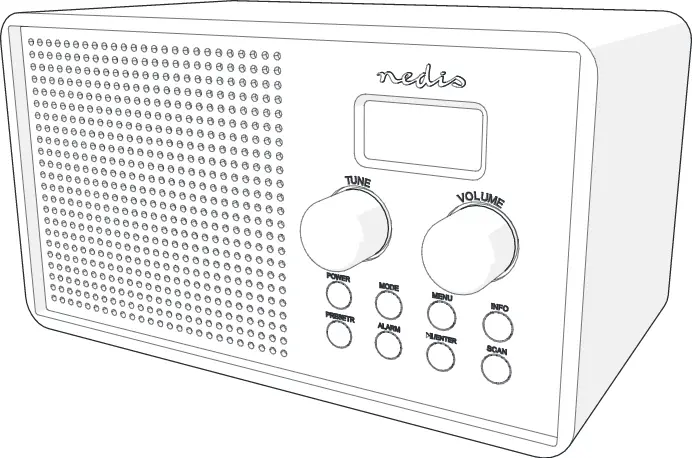
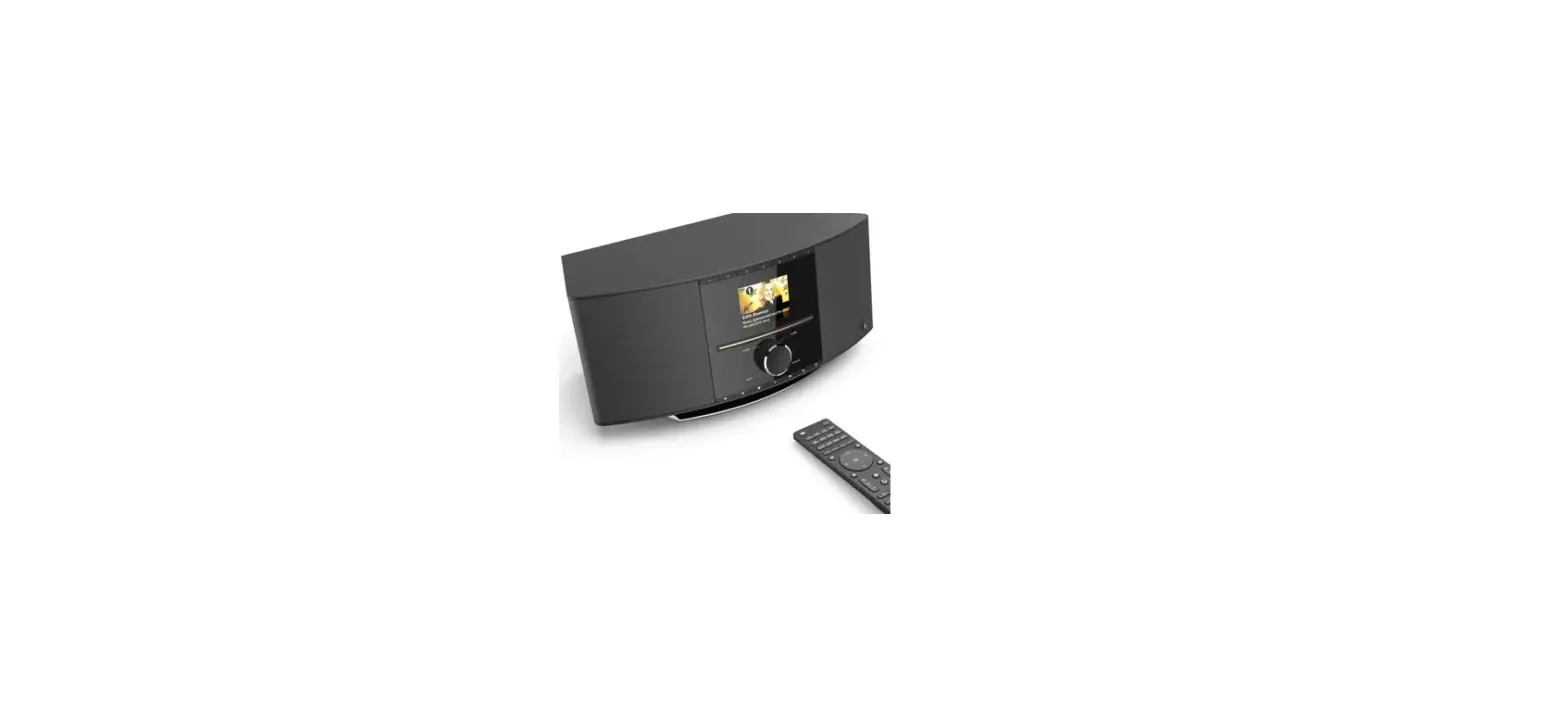
The Nedis RDIN3000BK is a multifunctional internet radio.
The product is intended for indoor use only.
The product is not intended for professional use.
This product can be used by children aged from 8 years and above and persons with reduced physical, sensory or mental capabilities or lack of experience and knowledge if they have been given supervision or instruction concerning use of the product in a safe way and understand the hazards involved. Children shall not play with the product. Cleaning and user maintenance shall not be done by children without supervision.
The product is intended for use in household environments for typical housekeeping functions that may also be used by non-expert users for typical housekeeping functions, such as: shops, offices other similar working environments, farm houses, by clients in hotels, motels and other residential type environments and/or in bed and breakfast type environments.
Any modification of the product may have consequences for safety, warranty and proper functioning.
Specifications
Product | Internet Radio |
Article number | RDIN3000BK |
Wireless connections | Wi-Fi: 802.11 b/g/n Bluetooth® 5.0 |
Wi-Fi frequency range | 2400 – 2483.5 MHz |
Wi-Fi radio transmit power | 18.5 dBm |
Wi-Fi antenna gain | 2 dBi |
Bluetooth frequency range | 2402 – 2480 MHz |
Bluetooth® radio transmit power | 4 dBm |
Bluetooth® antenna gain | 0 dBi |
Supported Bluetooth® profiles | A2DP, AVRCP, HFP, HID, SPP |
Radio bands | FM |
FM frequency range | 87.5 – 108 MHz |
Speaker (RMS) | 6 W |
Speaker peak power | 18 W |
Driver size | 2.5“ |
Display | TFT 2.4” |
Supported media playback | MP3, WMA, AAC, FLAC, WAV |
Streaming protocols | UpnP, DLNA |
Saving radio presets | > 250 stations |
Connection input | AUX |
Connection output | Headphones |
Power input | 9.0 VDC ; 1.5 A |
Power consumption in use | 13.5 W |
Power consumption standby | 0.07 W |
Dimensions (w x h x d) | 220 x 110 x 113 mm |
Weight | 1.0 kg |
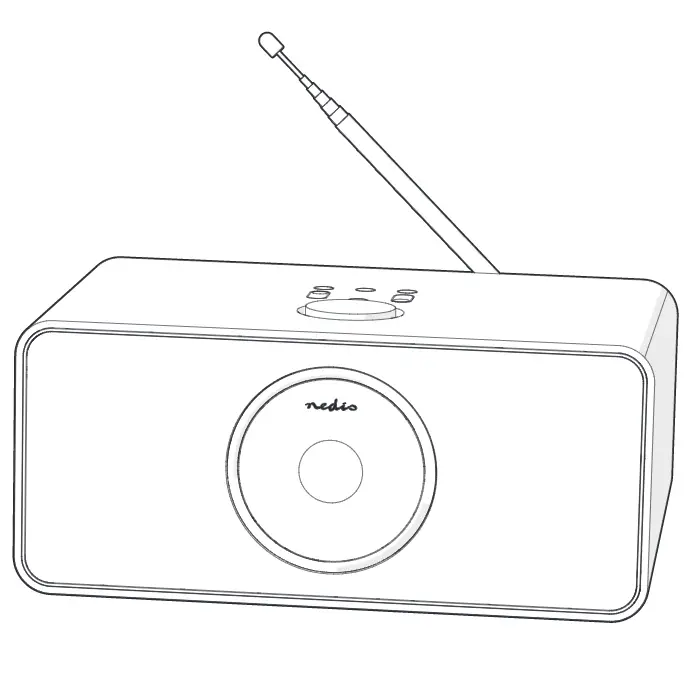
Main parts (image A)
 |
A |
1. Antenna | Extend the antenna for the best possible radio reception. |
2. Internet Radio | |
3. Power indicator LED | |
4. Power switch | |
5. USB input | |
6. AUX input | |
7. Power input | |
8. AUX cable | |
9. Remote control | |
10. Power adapter |
Safety instructions
WARNING
 | To prevent possible hearing damage, do not listen at high volume levels for long periods. |
- Ensure you have fully read and understood the instructions in this document before you install or use the product. Keep this document for future reference.
- Only use the product as described in this document.
- Do not use the product if a part is damaged or defective. Replace a damaged or defective product immediately.
- Do not drop the product and avoid bumping.
- This product may only be serviced by a qualified technician for maintenance to reduce the risk of electric shock.
- Unplug the product from the power source and other equipment if problems occur.
- Only use the provided power cable.
- Do not expose the product to water or moisture.
- Do not use the product where splashing of water might occur, e.g. bathroom, swimming pool or close to a washbowl.
- Do not use this product in a bathtub, shower, or water-filled reservoir.
- Observe the plus (+) and minus (–) marks on the cell, battery and equipment and ensure correct use.
- Do not use any cell or battery that is not designed for use with the product.
- Seek medical advice immediately if a cell or a battery has been swallowed.
- Use only the cell or battery in the application for which it was intended.
- Battery usage by children should be supervised.
- Do not mix cells of different manufacture, capacity, size or type within a product.
- Properly dispose of the empty battery.
- When possible, remove the battery from the product when not in use.
- Protect the eyes against exposure to visible and/or infrared radiation. Take adequate precautions when exposed.
- The product might cause interference with nearby devices.
- Do not use the product at locations where the use of wireless devices is prohibited due to potential interference with other electronic devices, which may cause safety hazards.
- Place the product on a stable and flat surface.
- Do not open the product.
- Do not use an extension cable.
- Do not leave the product unattended when switched on.
- Keep the product out of reach from children.
- Listening on high volume for a long time will damage your hearing.
Explanation of the symbols on the product or packaging
Icon | Description |
 | Electronic equipment needs to bear the CE mark in order to be marketed in the EU. CE marking shows that a product is assessed before being placed on the market and that it meets EU safety, health and environmental protection requirements. CE marking is also sometimes accepted as a means of compliance with type-approval requirements; for example, electronic components that require type-approval and also CE marking for electromagnetic compatibility (EMC) or low-voltage equipment. |
 | Product in which protection against electric shock does not rely on basic insulation only, but in which additional safety precautions such as double insulation or reinforced insulation are provided, there being no provision for protective earthing or reliance upon installation conditions. NOTE A Class II products may be provided with means for maintaining the continuity of protective circuits, provided that such means are within the product and are insulated from accessible surfaces according to the requirements of Class II. |
 | This symbol indicates that this product should not be thrown away with other household waste throughout the EU. To prevent possible harm to the environment or human health by uncontrolled waste disposal, you are responsible for recycling it so that it can promote the sustainable reuse of raw materials. To return your used product, you can use the regular return and collection systems or contact the store where the product was purchased. They can recycle this product for the environment. |
Installation
- Check the contents of the package
- Check that all parts are present and that no damage is visible on the parts. If parts are missing or damaged, contact the Nedis B.V. service desk via the website: www.nedis.com.
Place the battery
- Place 2 size AAA batteries (not included) into A4.
- Make sure to match the (+) and (-) polarity markings.
Connecting the product to a power outlet
1. Plug the power adapter A7 into the power input A6.
2. Plug the other end of A7 into a power outlet.
- Only use the provided power cable.
If you use the product for the first time, the system will ask you to set language and network configurations.
Use
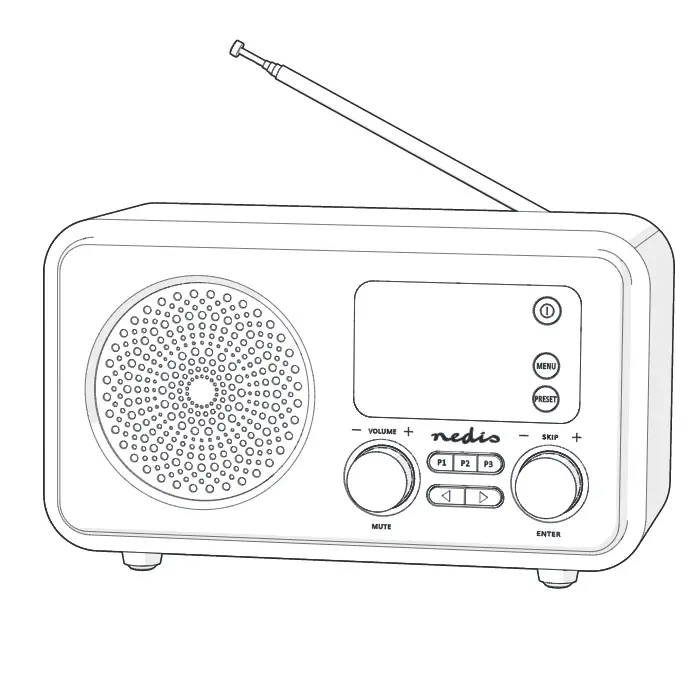
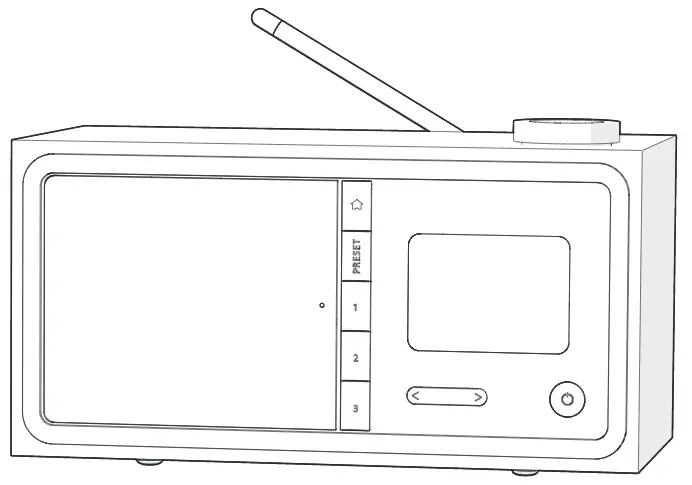
Controls on the radio (image B)
 |
B |
1 | Menu button | Press to return to the menu. |
2 | Preset button | Press and hold to preset radio stations. |
3 | Speaker | |
4 | Preset buttons | |
5 | Volume control dial / navigation dial / OK button | Playback mode: Turn the dial to increase or decrease the volume. Menu mode: Turn the dial to navigate through the menu. Press to confirm the selection. |
6 | Display | |
7 | Previous button | |
8 | Power button | |
9 | Next button |
Using the remote (image C)
 |
C |
1 | Power button | |
2 | Info button | |
3 | Menu button | Press to return to the menu. |
4 | Play / pause button | |
5 | Sleep button | Press to set sleep time. |
6 | Previous button | |
7 | Arrow buttons | Navigation. |
8 | OK button | Confirm. |
9 | Next button | |
10 | Digit buttons | Select stored stations. |
11 | Preset button | Preset radio stations. Enter digits and letters. |
12 | Mute button | |
13 | Preset button | Preset radio stations. Enter digits and letters. |
14 | Mode button | Press to switch between audio sources. |
15 | Alarm button | Alarm mode. |
16 | Timer button | Timer function. |
17 | Volume up button | |
18 | Volume down button | |
19 | Equalizer button | Select the sound scenario. |
Network configuration (LAN/WLAN)
Any walls or ceilings may reduce the strength of the Wi-Fi connectivity.
1. Press the power button B8 to switch on the product.
2. Select the language.
The display B6 shows:
“Enable ‘Check Network’ when Power On?”.
- Select “Yes” if you want the product to automatically scan for an available network when you switch it on.
The display B6 shows:
3. “Would you like to configure Network now?”
There are 3 options:
- Yes. The system starts scanning for wireless networks. The display shows a list of available wireless networks.
- Yes (WPS). Press the WPS button on your Wi-Fi router to connect the product to your network without entering a password. (WPS routers only)
- No. If you want to listen to a local station or to use the speaker with an external audio source.
4. Turn the volume control dial B5 to select the desired option.
5. Press B5 to confirm.
- The display B6 shows “No Wireless Networks Found”, if the product does not find any wireless networks.
- Change the location of the product and check your WLAN router.
1. Select your network.
2. Press B5 to confirm.
3. Enter the password with the remote control or via the radio.
Remote control:
1. Press the digit buttons C10 to select a digit or use the arrow buttons C7 to select a letter.
2. Press C8 to enter the selected character.
3. Press C8 to confirm the password.
Radio:
1. Turn B5 to select a character.
2. Press the next button B9 to enter the selected character.
3. Press B5 to confirm the password.
- Press the previous button B7 if you have entered a wrong character.
- Turn B5 to enter the correct character.
- Press the next button B5 to enter the selected character.
- B6 Shows the main menu when the Wi-Fi connection is successful.
The product automatically reconnects to the connected Wi-Fi network when switched on and within range.
Maintenance
- Clean the product regularly with a soft, clean, dry cloth. Avoid abrasives that can damage the surface.
- Do not use aggressive chemical cleaning agents such as ammonia, acid or acetone when cleaning the product.
- Do not clean the inside of the product.
- Do not attempt to repair the product. If the product does not operate correctly, replace it with a new product.
Warranty
Any changes and/or modifications to the product will void the warranty. We accept no liability for damage caused by improper use of the product.
This product is designed for private use (normal domestic use) only. Nedis is not responsible for wear, defect and/or damages caused by commercial use of the product.
Disclaimer
Designs and specifications are subject to change without notice. All logos, brands and product names are trademarks or registered trademarks of their respective owners and are hereby recognized as such.
Disposal
 | This symbol indicates that this product should not be thrown away with other household waste throughout the EU. To prevent possible harm to the environment or human health by uncontrolled waste disposal, you are responsible for recycling it so that it can promote the sustainable reuse of raw materials. To return your used product, you can use the regular return and collection systems or contact the store where the product was purchased. They can recycle this product for the environment. |
Declaration of Conformity
We, Nedis B.V. declare as manufacturer that the product RDIN3000BK from our brand Nedis®, produced in China, has been tested according to all relevant CE standards and regulations and that all tests have been passed successfully. This includes, but is not limited to the RED 2014/53/EU regulation.
The complete Declaration of Conformity (and the safety datasheet if applicable) can be found and downloaded via:
For additional information regarding the compliance, contact the customer service:
Web: www.nedis.com
E-mail: [email protected]
Phone: +31 (0)73-5991055 (during office hours)
Nedis B.V., de Tweeling 28
5215 MC ’s-Hertogenbosch, the Netherlands