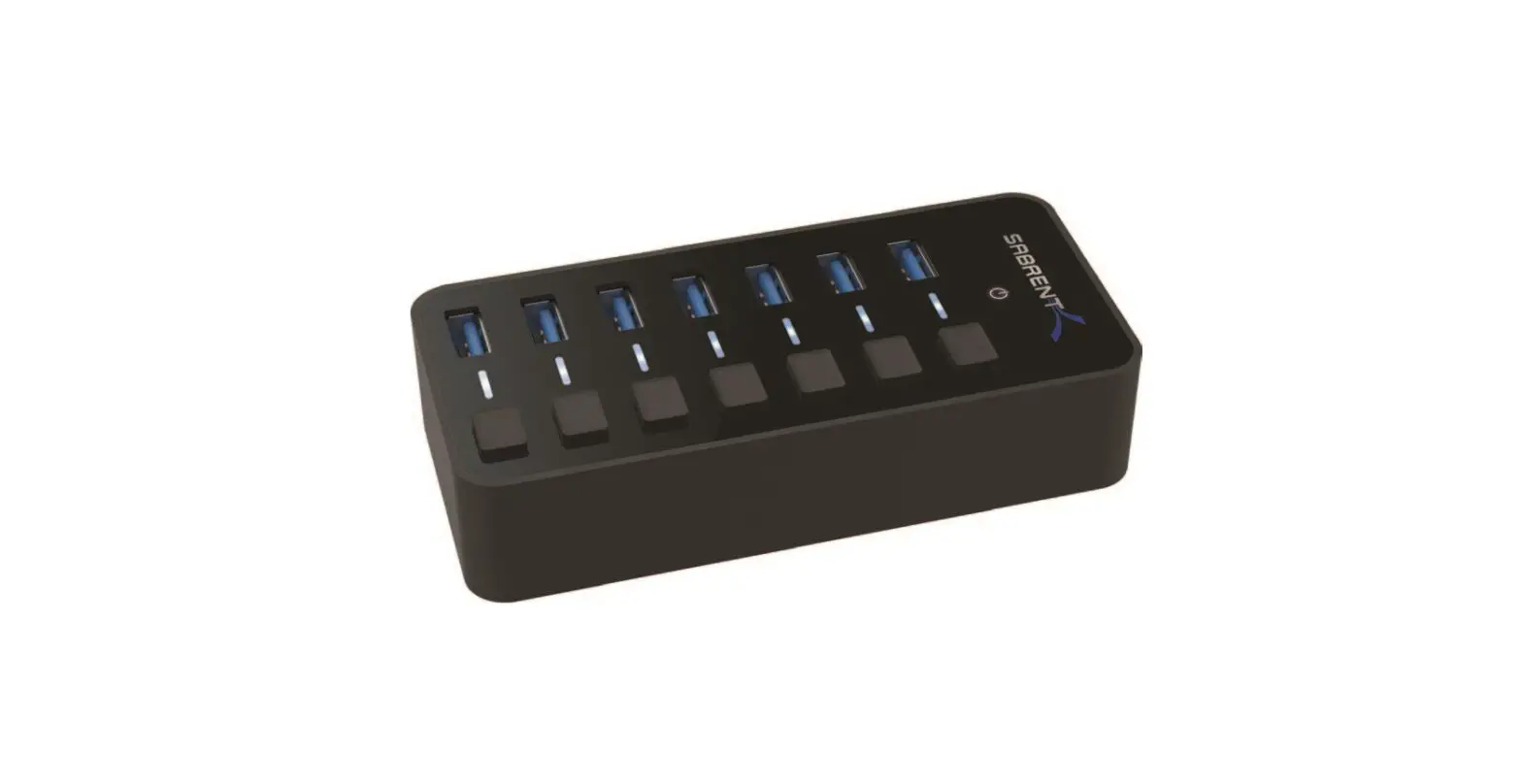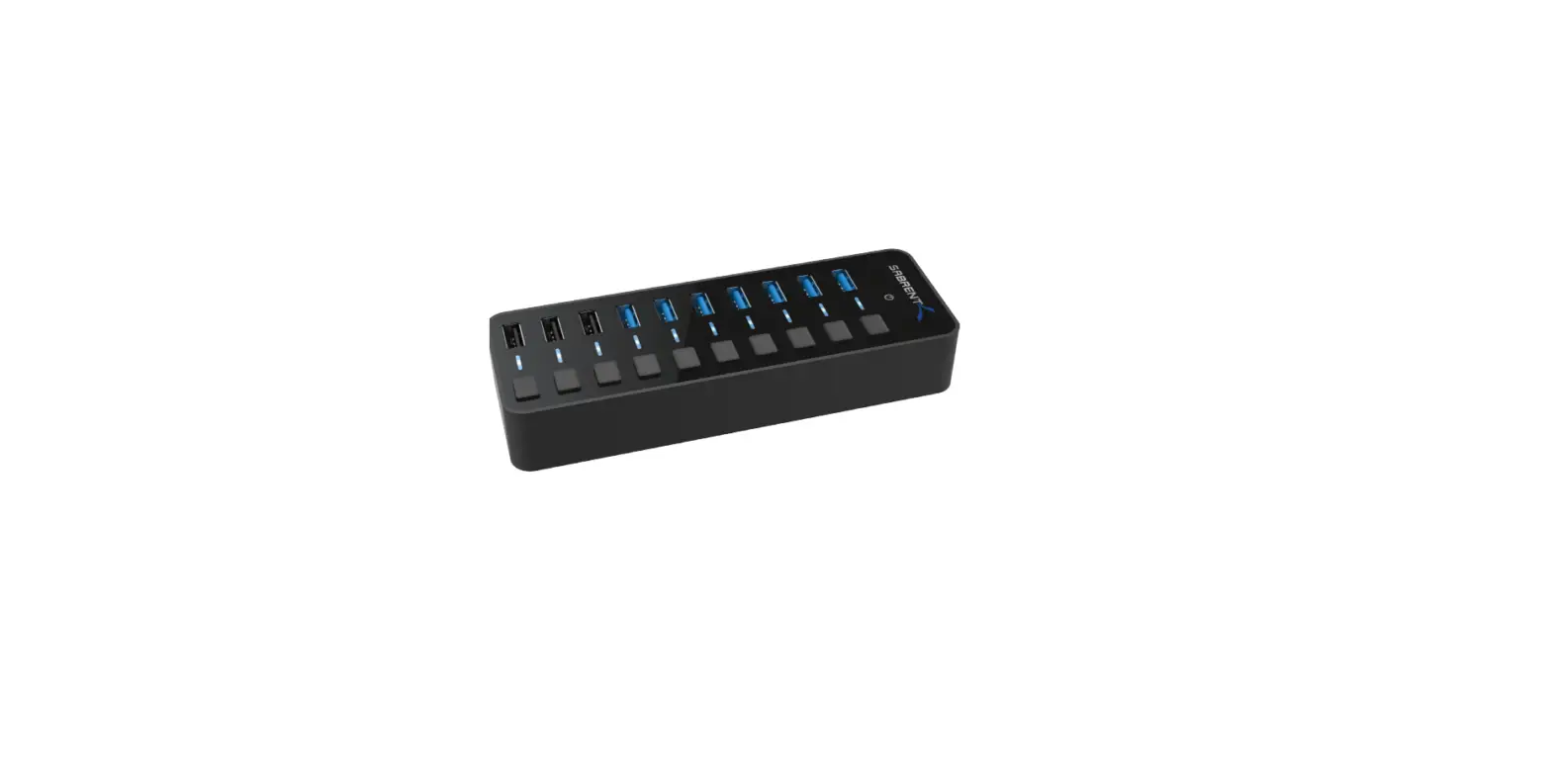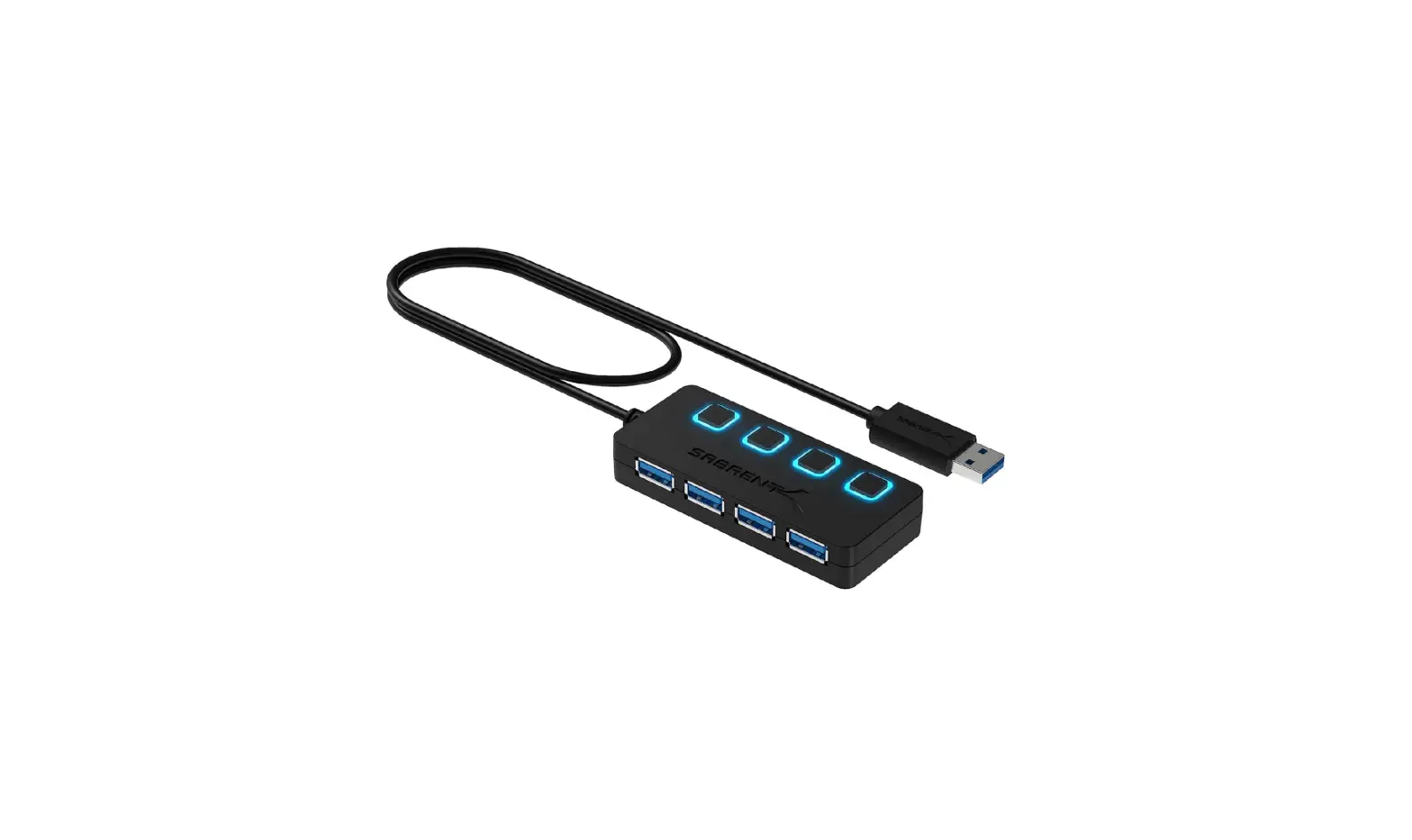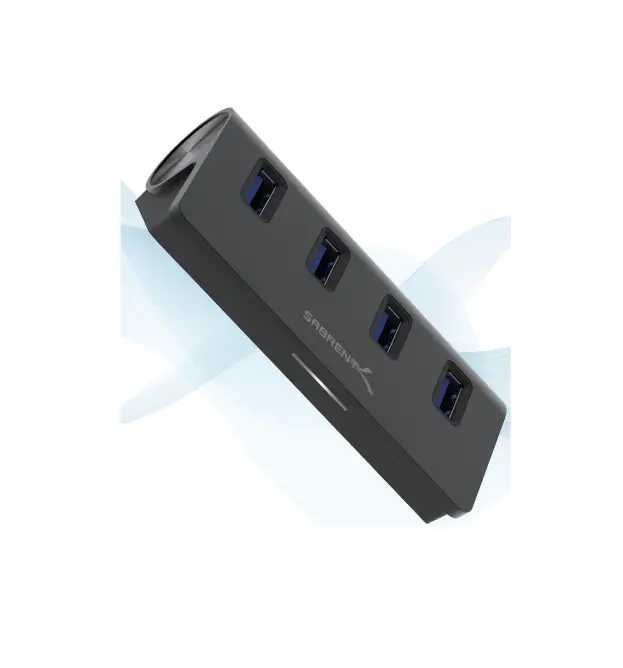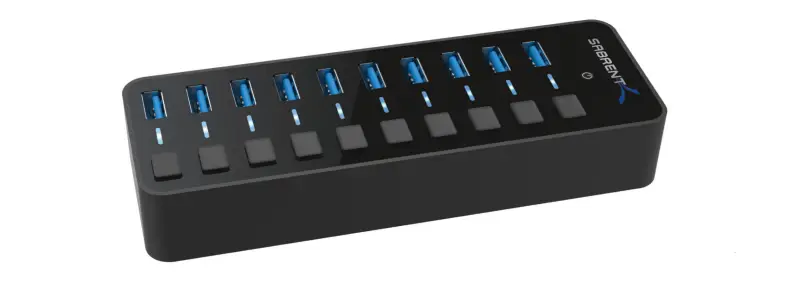

SABRENT HB-BU10 USB 3.0 Hub With Power Switches
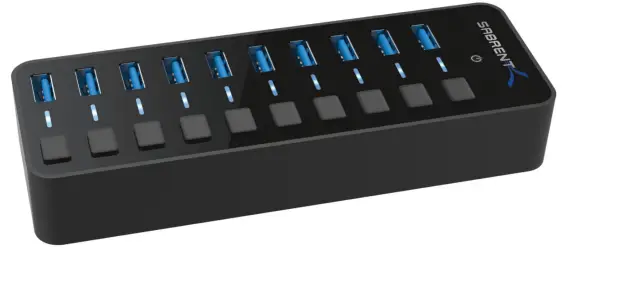
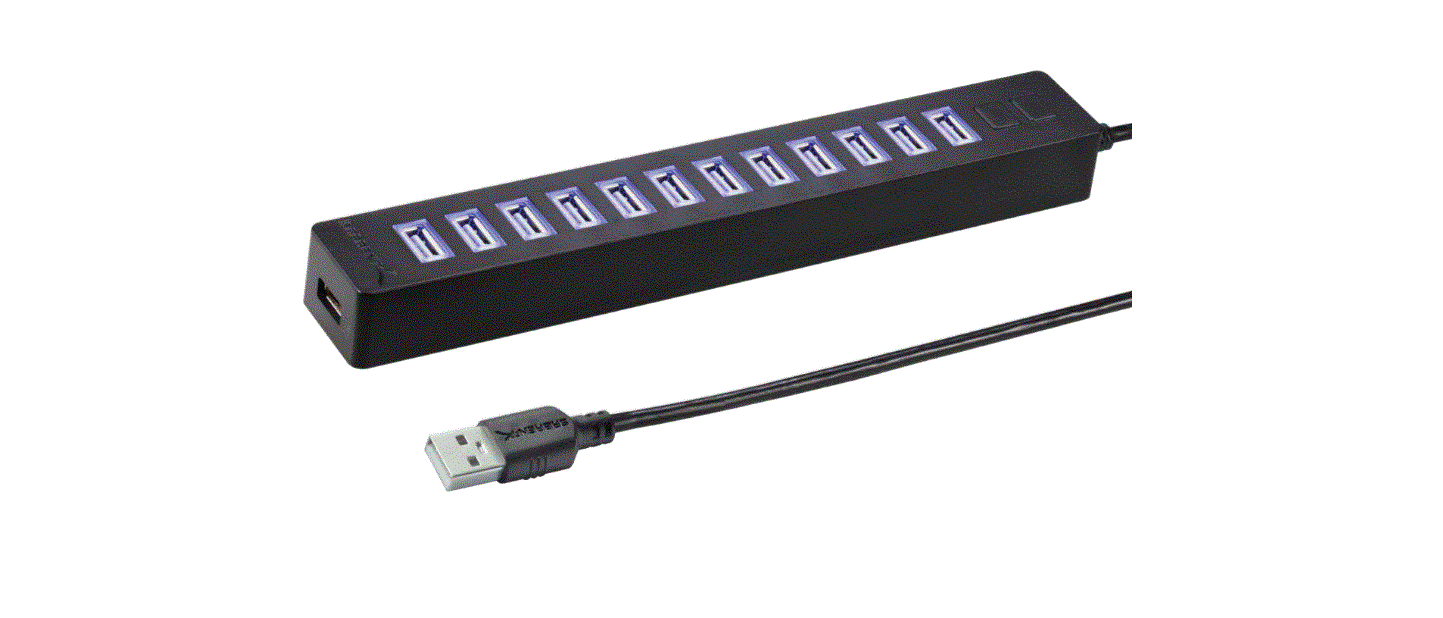
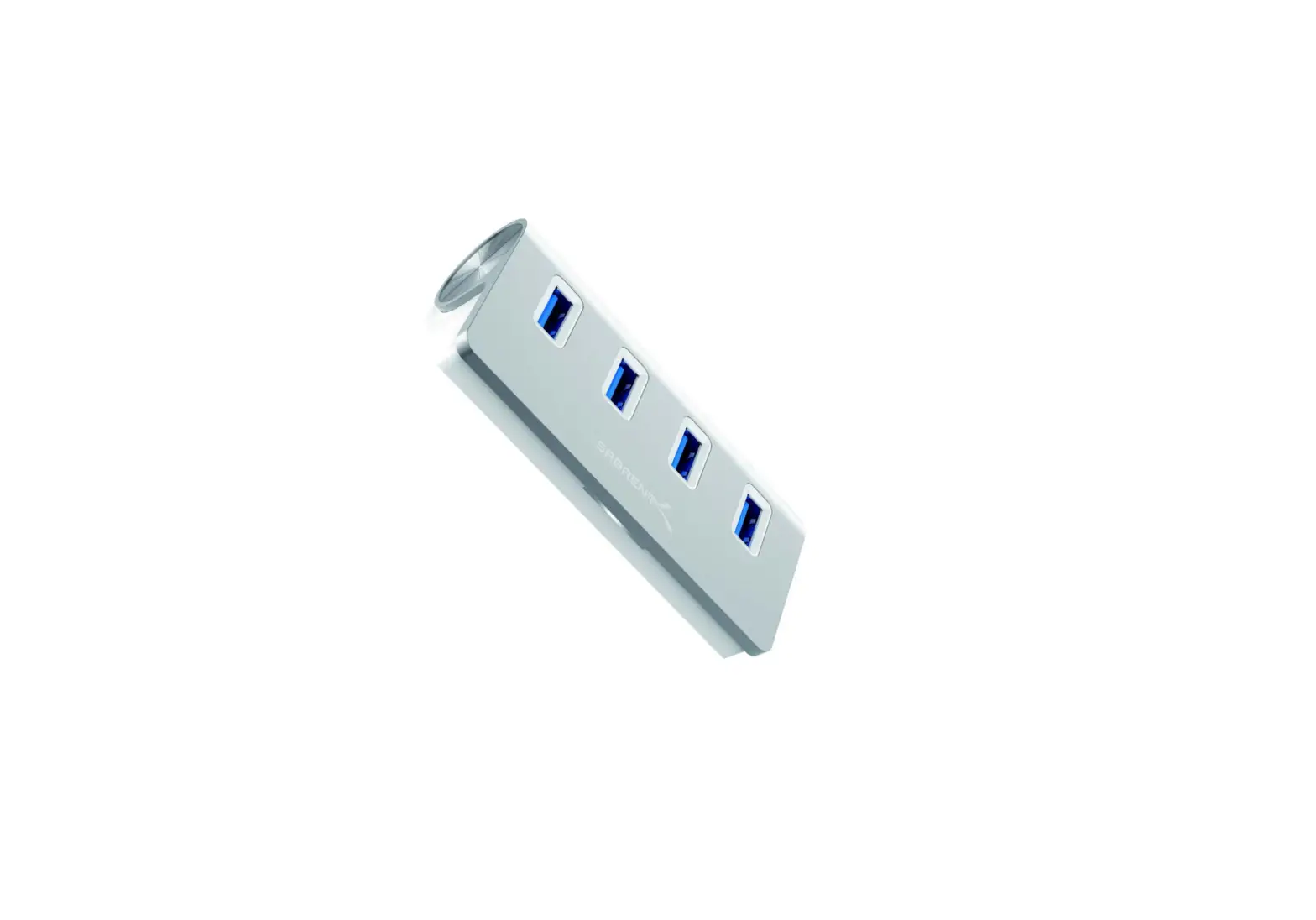
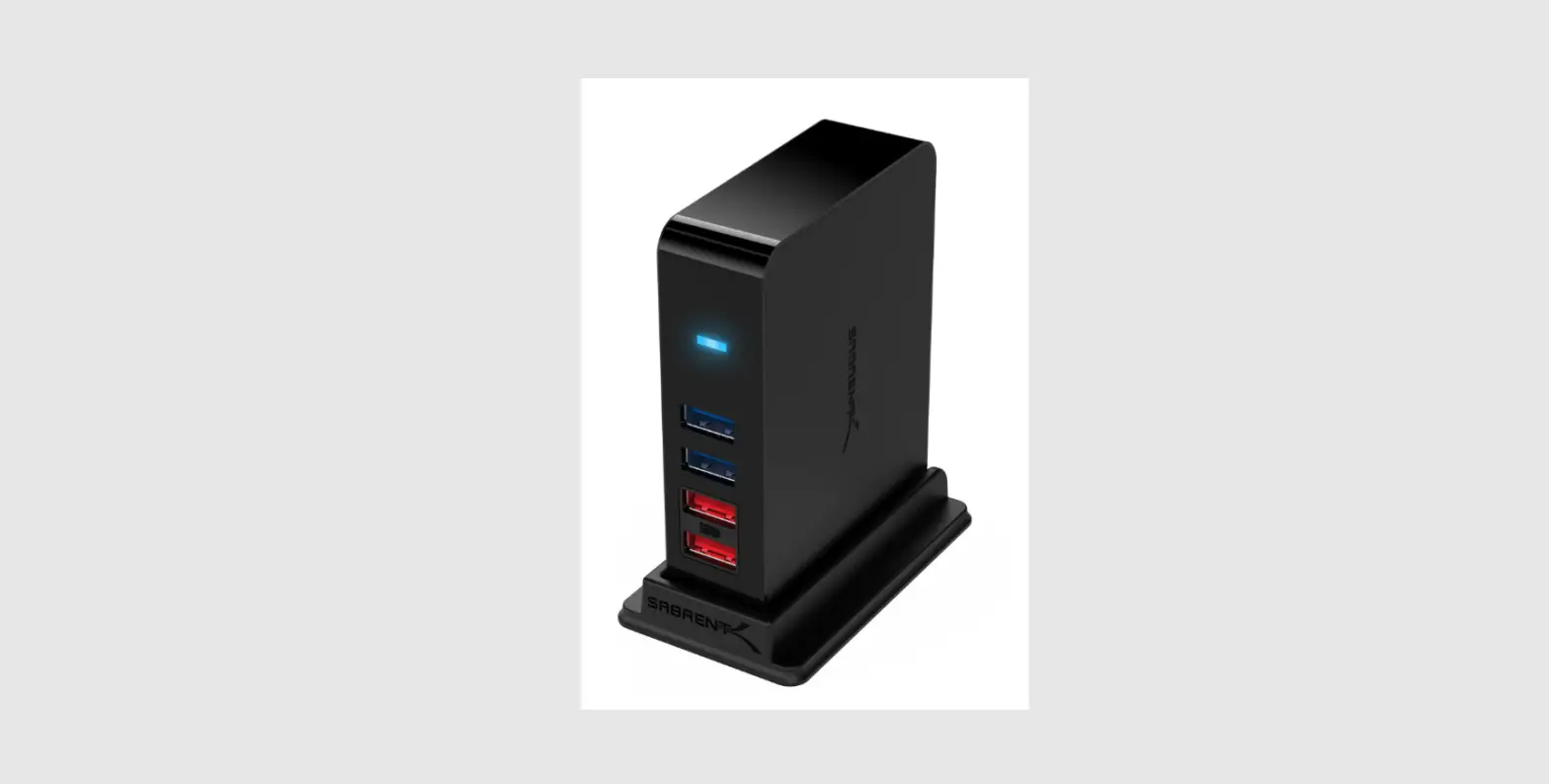
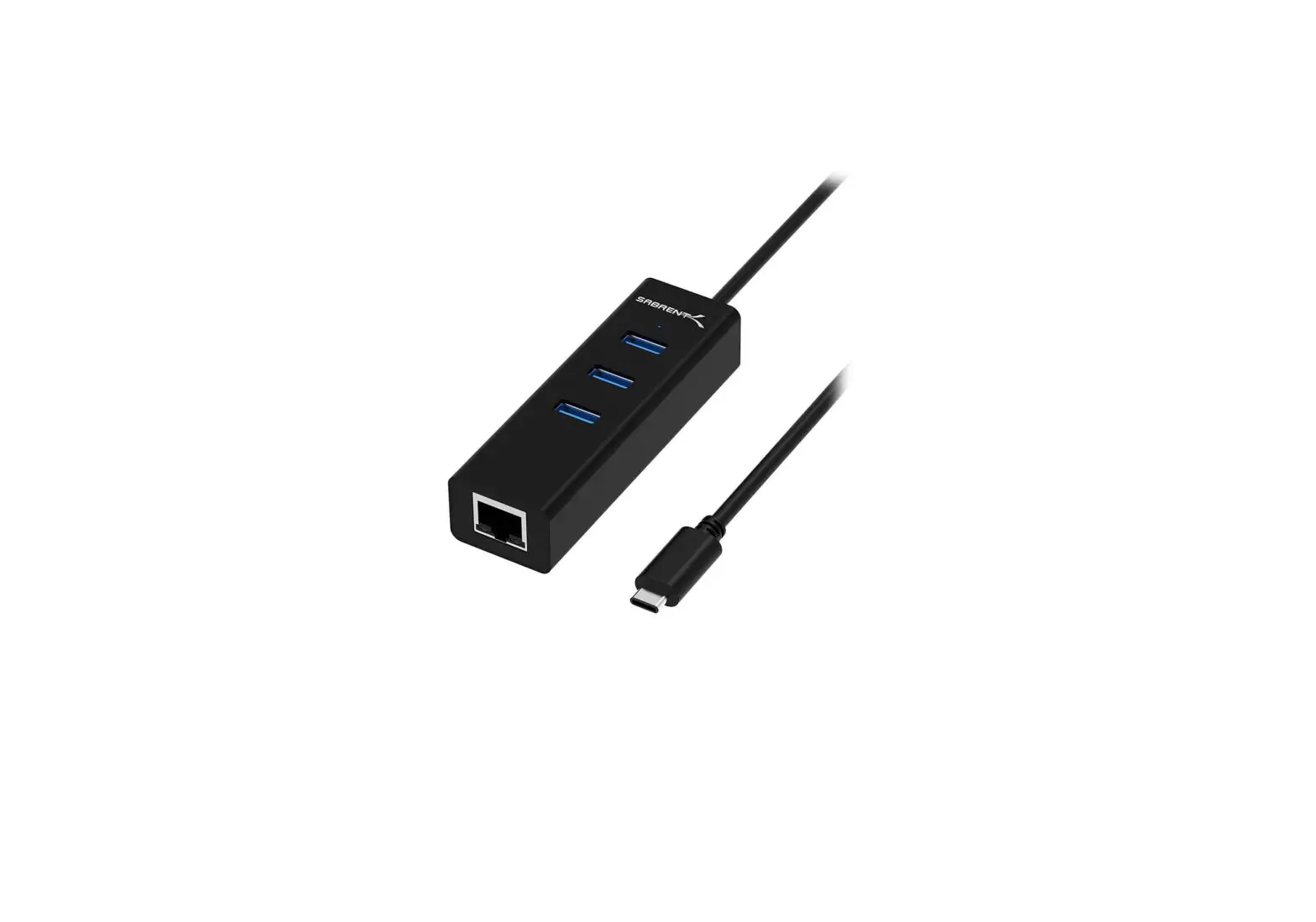
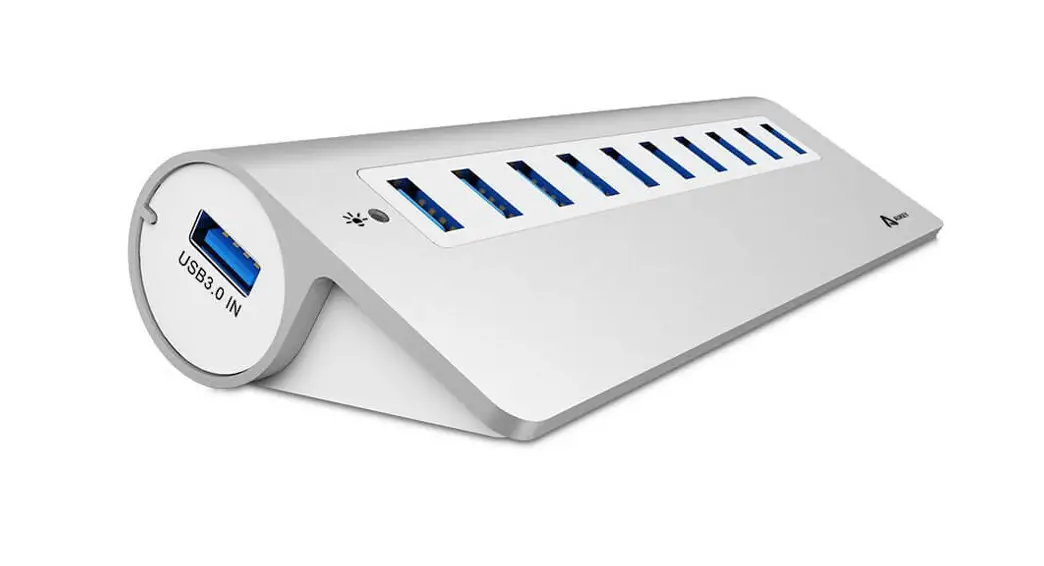
You can now attach your collection of USB devices to one SuperSpeed hub with the Sabrent USB 3.0 10-PORT HUB with power switches. Easily expand an available USB 3.0 port on your computer to 10 USB 3.0 ports with a sleek design. Plug and Play installation makes for an easy setup.
FEATURES
- Plug & Play, no driver installation required
- Windows, Mac OS & Linux Supported
- Fashionable mirrored surface with a compact design
- Blue LED to indicate power status for each port
- 1 O USB 3.0 ports allows data transfer speeds up to 5Gbps
- Backward compatible with USB 2.0 and 1.1
- Sync Card Readers, Phones, Hard Drives and other USB peripherals
PACKAGE CONTENTS
- USB 3.0 10-PORT HUB with Power Switches
- 12V3A Power adapter
- USB 3.0 Cable
OVERVIEW
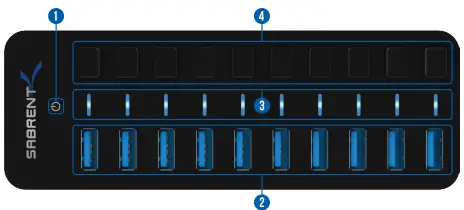
- Hub Power Indicator
- USB 3.0 Ports
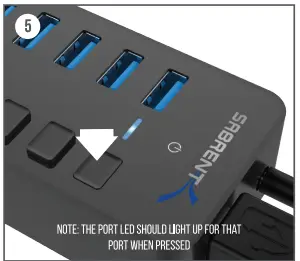
- Port Power Indicator
- Port Power Switches
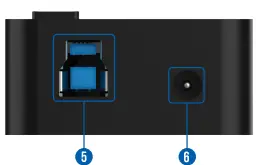
- USB 3.0 Port ( to Computer)
- Power Port (to Power Adapter)
INSTRUCTIONS
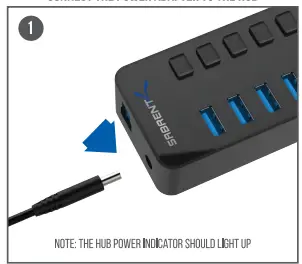
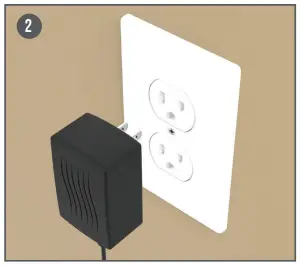
- CONNECT THE POWER ADAPTER TO THE HUB

- THEN TO A POWER OUTLET

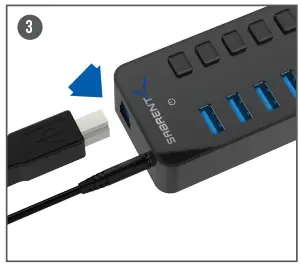
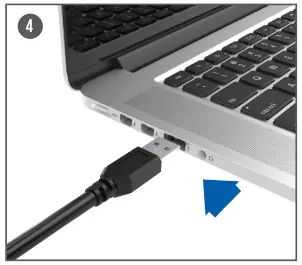
- CONNECT THE use CABLE TO THE HUB
- THEN TO YOUR COMPUTER

- ACTIVATE A PORT BY PRESSING ANY OF THE PORT POWER SWITCHES

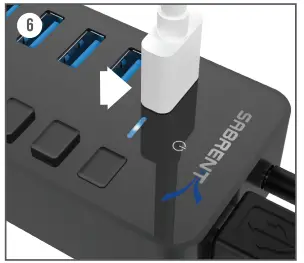
- CONNECT YOUR use DEVICES TO ANY OF THE 3.0 use PORTS

TROUBLESHOOTING/SUPPORT
- POWER LED DOES NOT COME ON?
- Make sure that you have a tight connection between the power adapter and Hub.
- Try it on a different power outlet.
- COMPUTER DOES NOT RECOGNIZE THE HUB?
- Make sure that you have a tight connection between the Hub and 3.0 cable.
- Try the USB cable on a different USB port on your computer.
Please contact our Technical Support Team for additional troubleshooting
WWW.SABRENT.COM