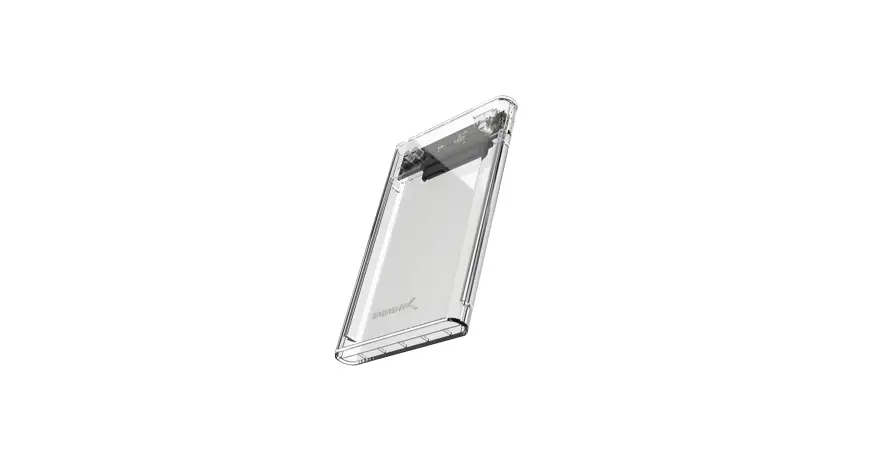

Sabrent Ec-ocub 2.5-inch Sata To Usb 3.0 Enclosure User Manual

Sabrent Ec-ocub 2.5-inch Sata To Usb 3.0 Enclosure User Manual

SABRENT-logo

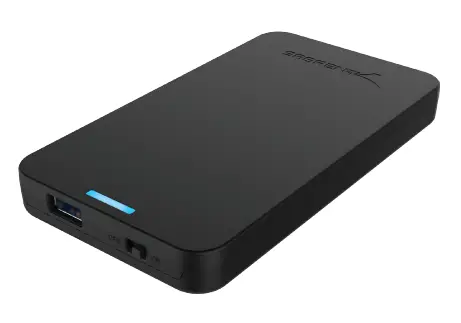
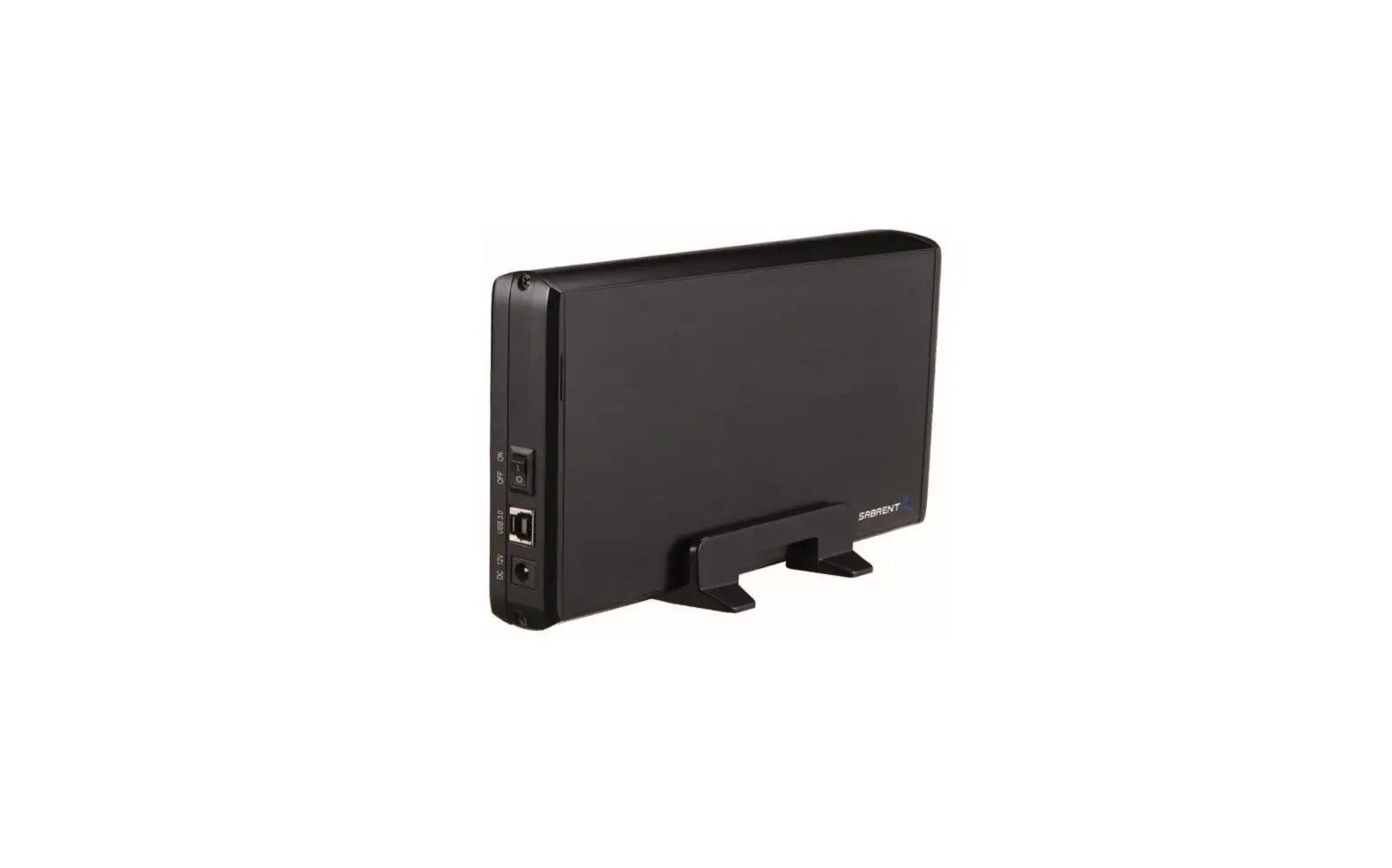
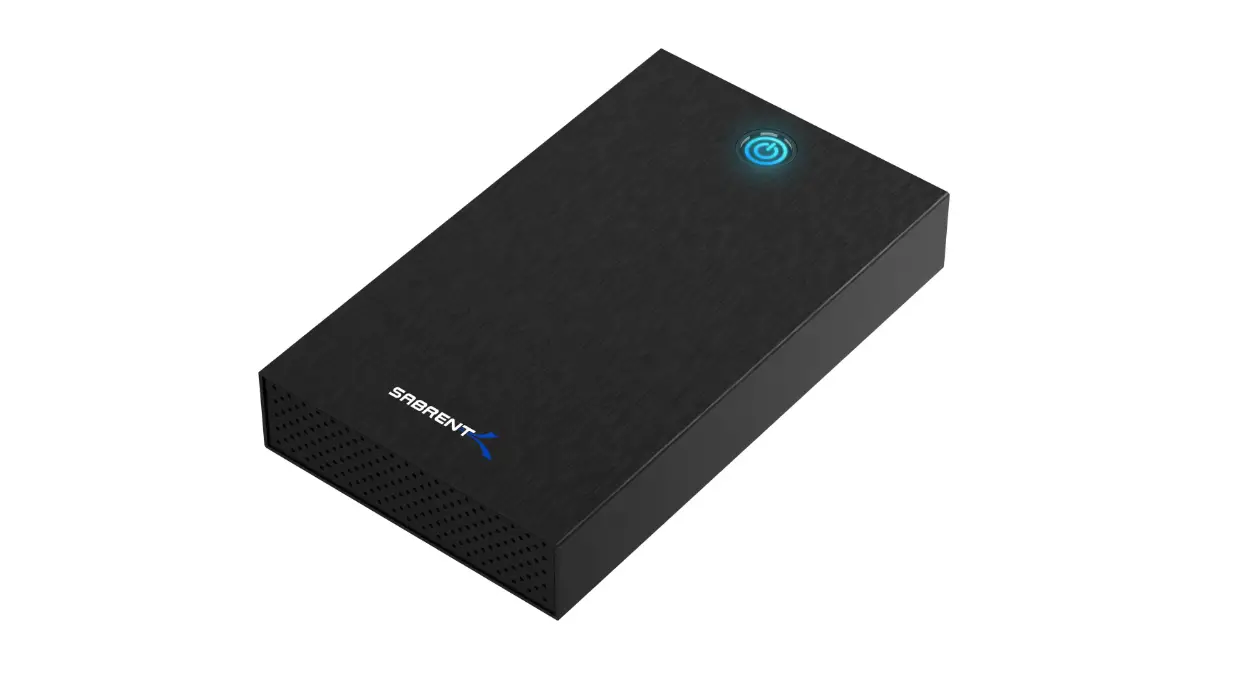
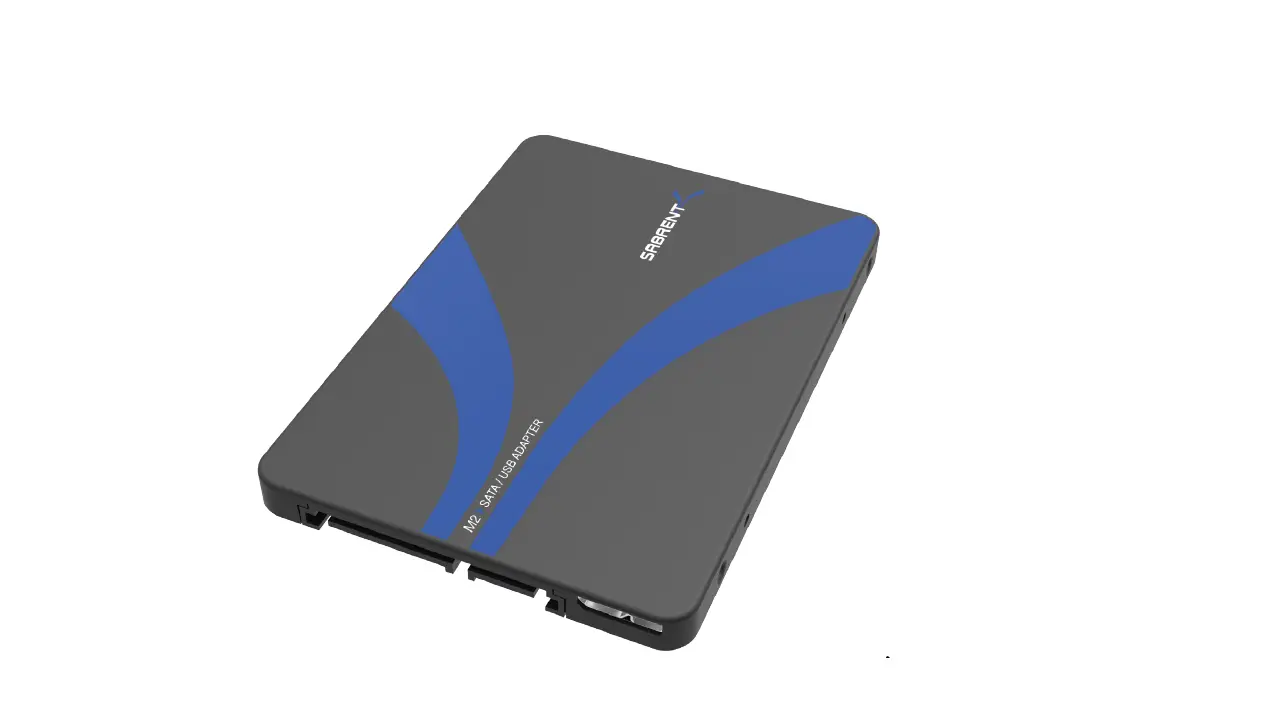
SABRENT EC-OCUB 2.5-Inch SATA to USB 3.0 Enclosure
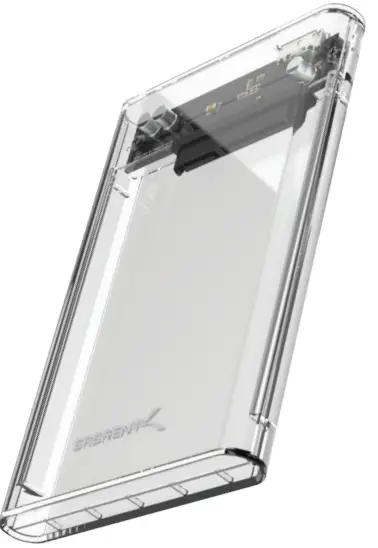
SABRENT-EC-OCUB-2-5-Inch-SATA-to-USB-3-0-Enclosure-PRO

INSTALLATION

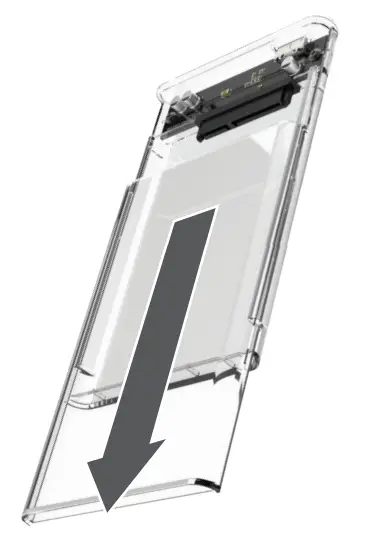
  • Remove the lid by carefully sliding it out.SABRENT-EC-OCUB-2-5-Inch-SATA-to-USB-3-0-Enclosure-3
    • The Sabrent clear enclosure does not need any screwS to be securely attached
  • Install the disk.SABRENT-EC-OCUB-2-5-Inch-SATA-to-USB-3-0-Enclosure-1
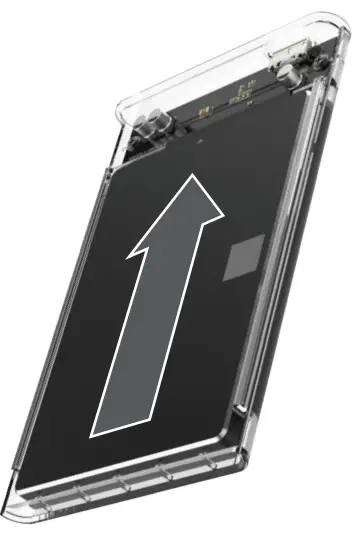
  • Slide the lid back in until it snaps Connect the cable to both the enclosure and the PC.SABRENT-EC-OCUB-2-5-Inch-SATA-to-USB-3-0-Enclosure-1

NOTE: This product is Plug & Play and it does not need additional drivers to work.
Documents / Resouces

Download manual
Here you can download full pdf version of manual, it may contain additional safety instructions, warranty information, FCC rules, etc.


Related Manuals