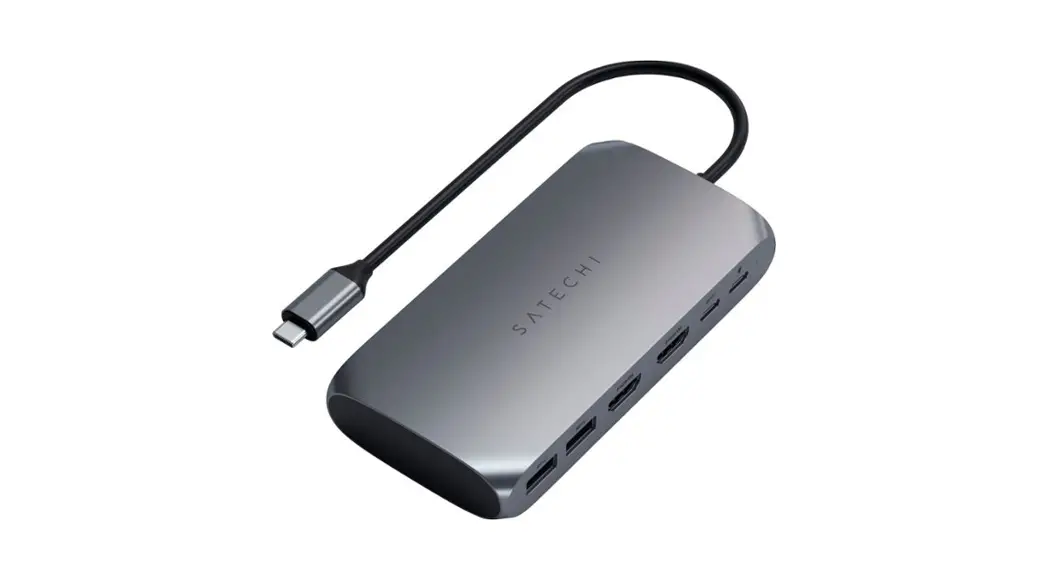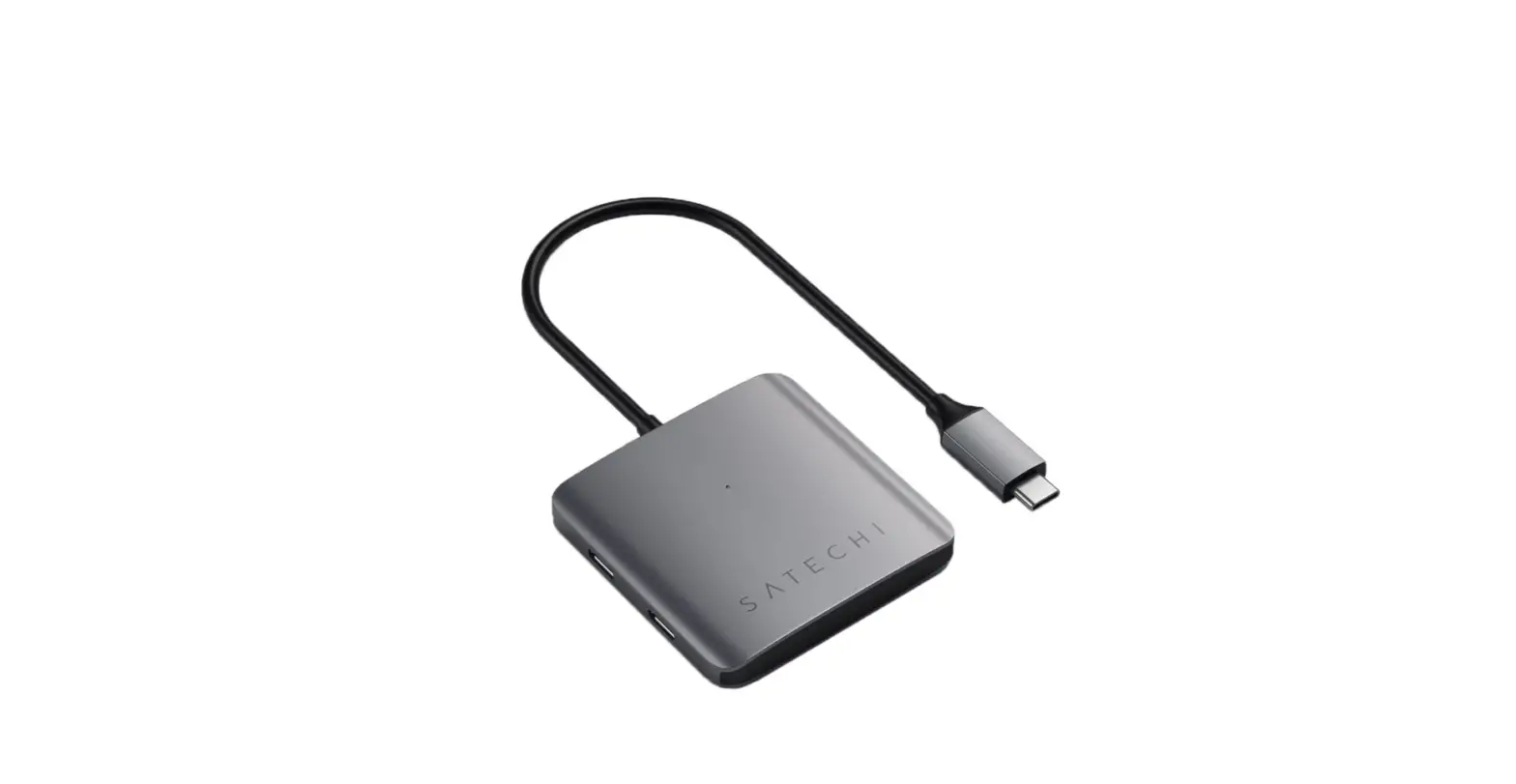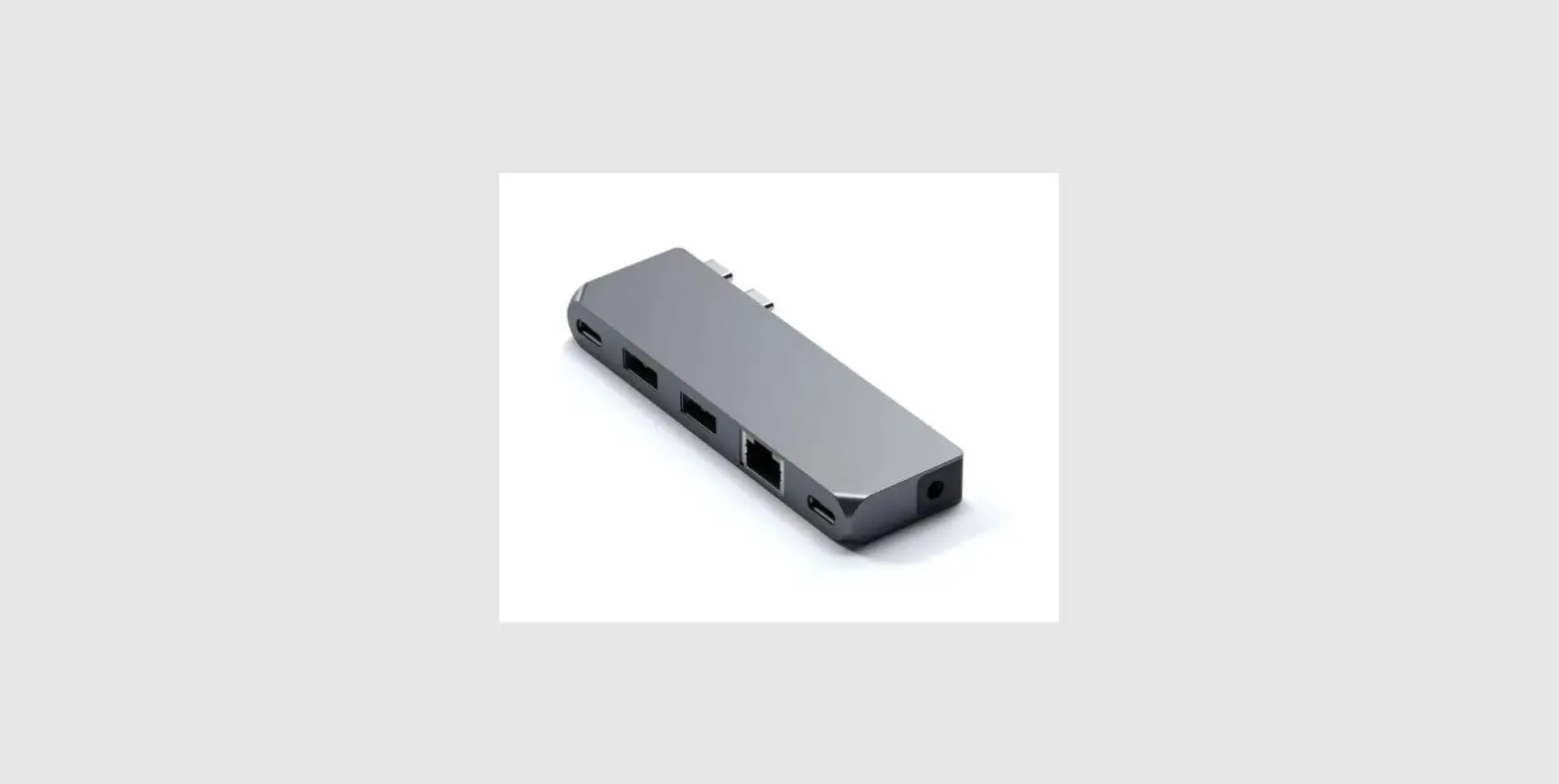

SATECHI Pro Hub Mini Adapter
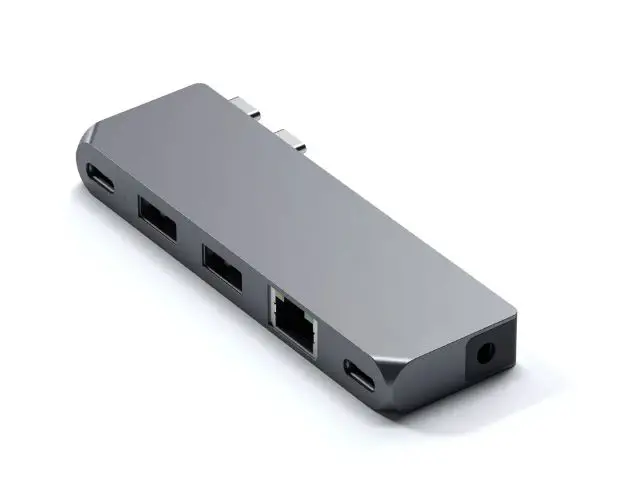
PRO HUB MINI ADAPTER
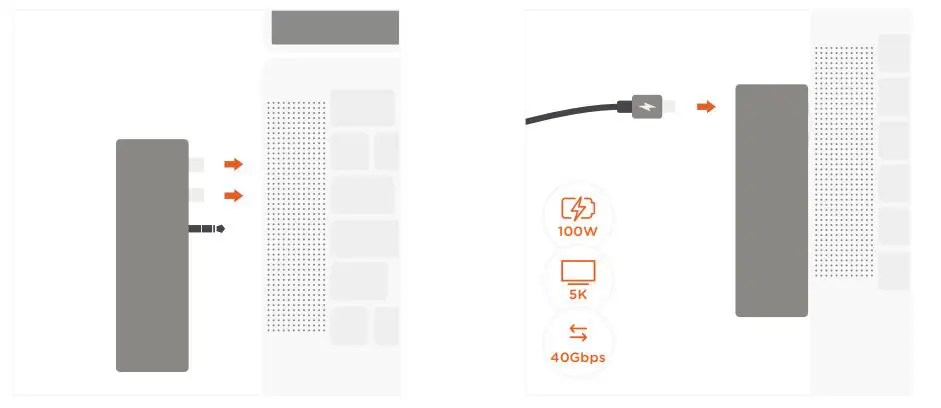
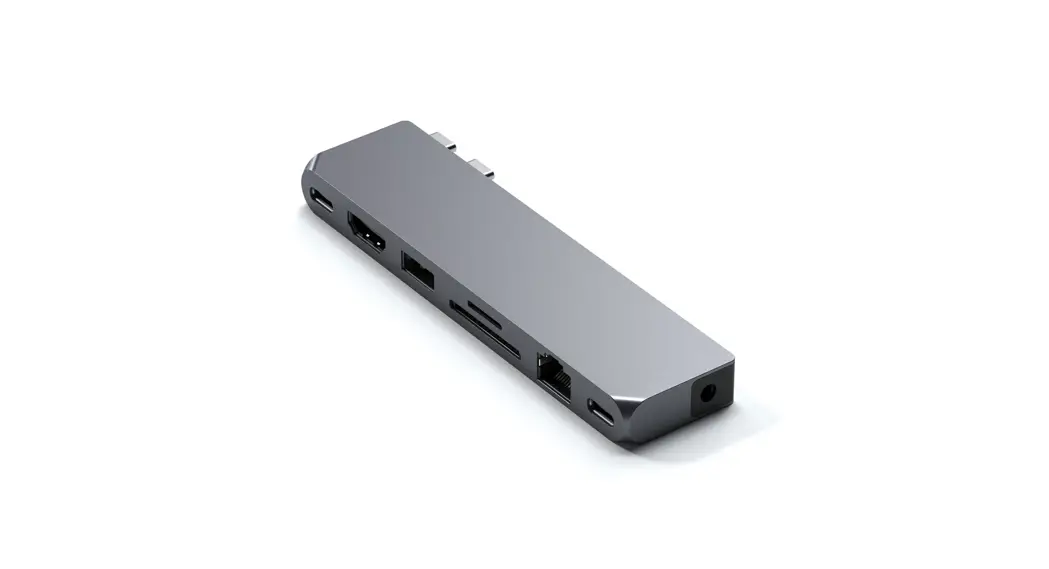
- Connect the Hub to the Thunderbolt ports of 2 your MacBook.
- Use the USB4 port to charge your device up to 100W, up to 5K 60Hz display output, and up to 40 Gbps data transfer.

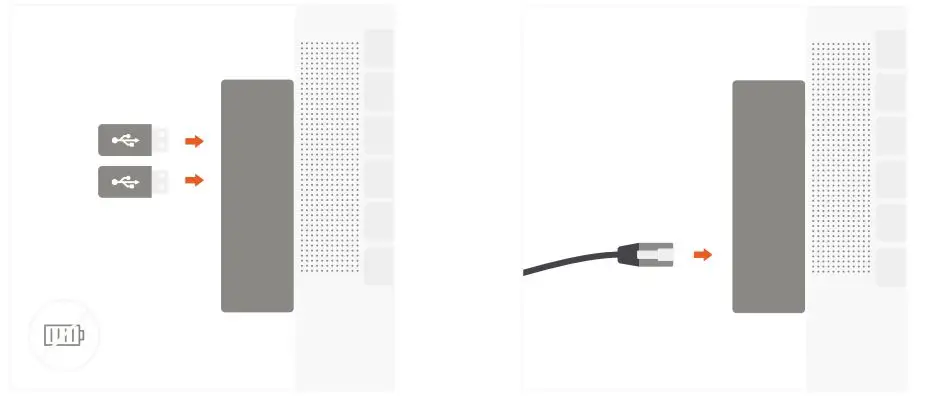
- Use two USB-A data ports to connect two USB 4 devices up to 5Gbps. Does not support charging or CD readers, including Apple SuperDrive.
- Connect an RJ45 network cable to the adapter’s Gigabit Ethernet port.
The MagSafe 3 port of MacBook Pro 16 charges will charge up to 140W while the USB4 port will support up to 100. To reach 5K video output, you will need to use a computer, thunderbolt cable, and monitor that supports 5K.