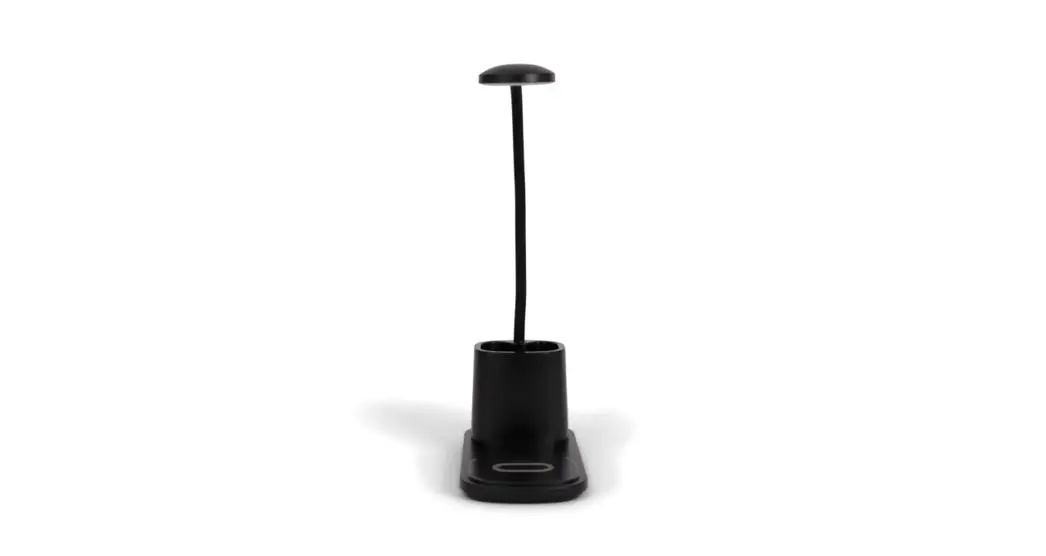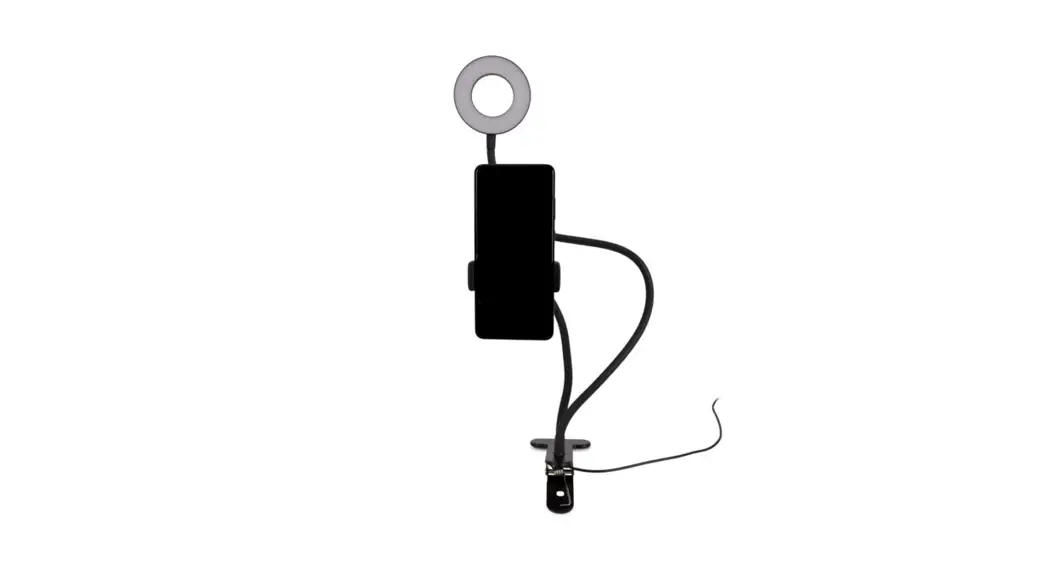

BRAINZ HOME OFFICE LED PHONE HOLDER
INSTRUCTION MANUAL
PLEASE READ ALL INSTRUCTIONS CAREFULLY AND
RETAIN FOR FUTURE USE
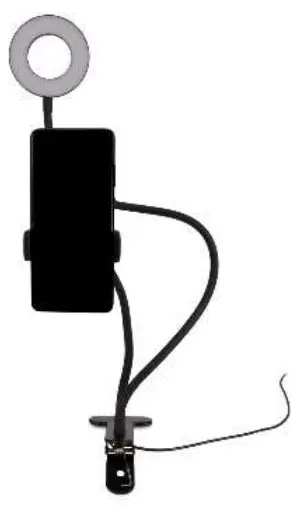
What you need
- USB Cable (included)
- USB Adaptor or Power Supply (not included)
How to set it up
Switch on the lamp by pressing the On/Off button once.
Change the light intensity
Change the intensity by pressing the + or – button.
Lamp colour
You can change the lamp colour by clicking on the icon with the rotating arrows.
Switch off
Press the On/Off button again to turn off the lamp.
This manual applies to article number 38550.
For more information about this product, please visit www.brainz-electronics.nl