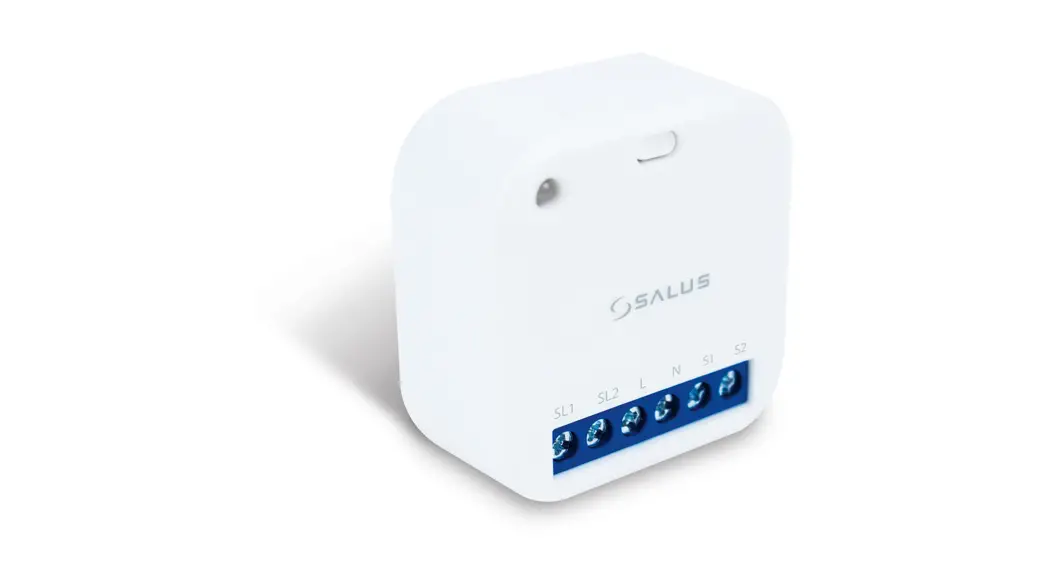

Roller Shutter
Model: RS600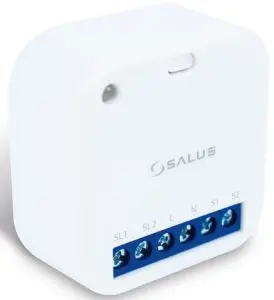
Installation Guide
 531MSAL6RS112
 Introduction
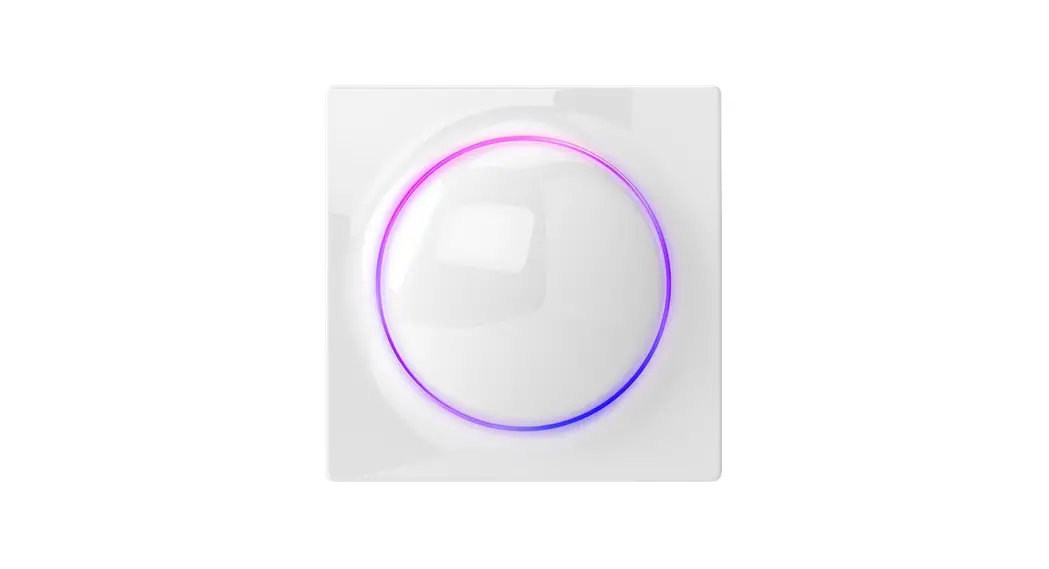
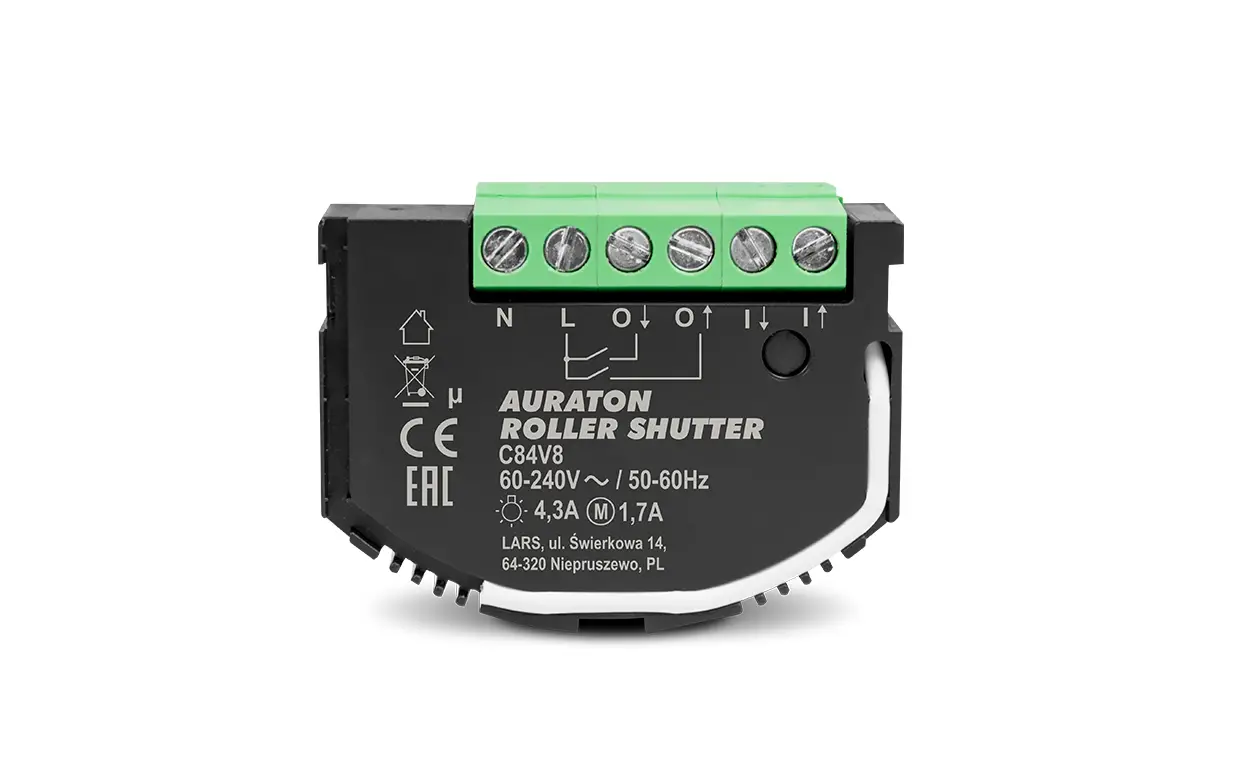
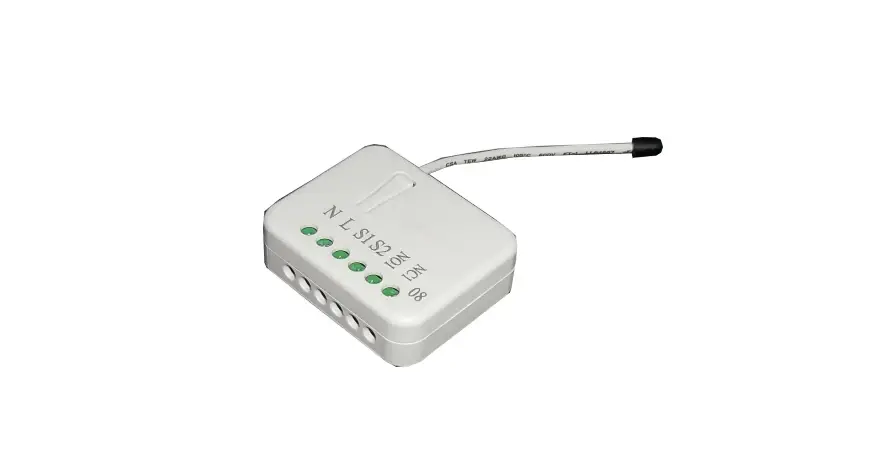
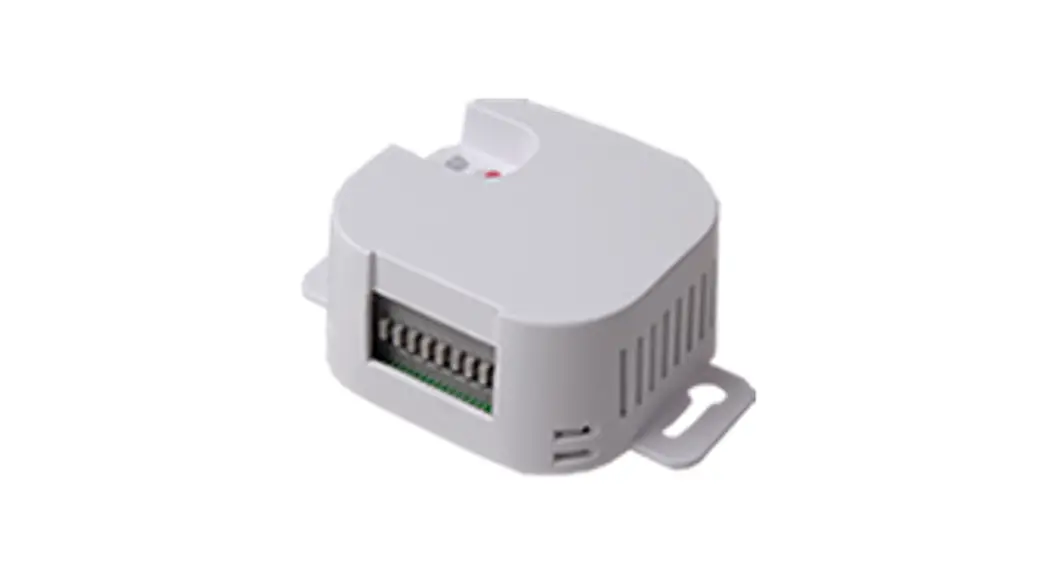
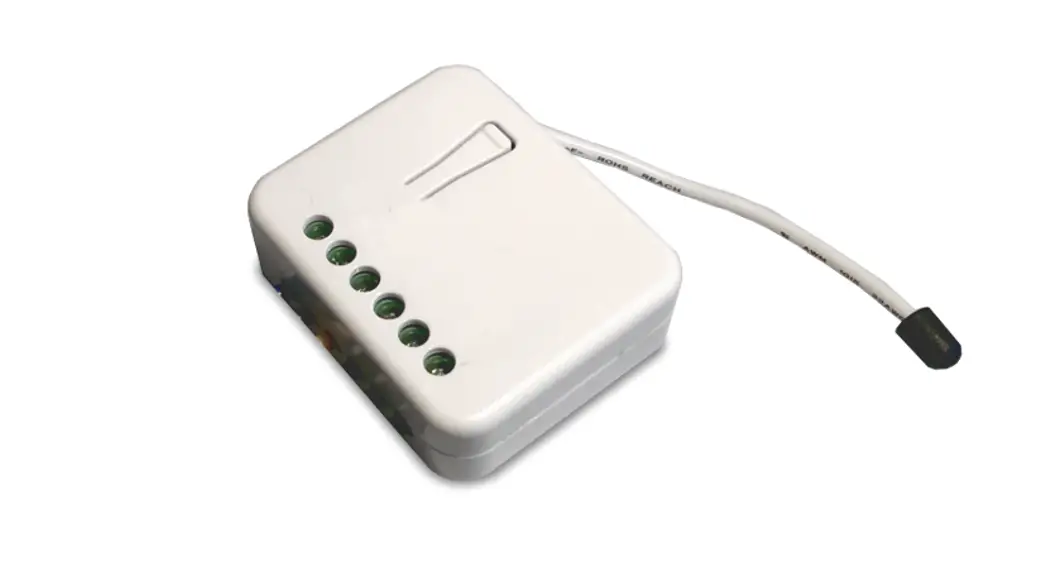
The Roller Shutter RS600 is part of the SALUS Smart Home system and gives you the possibility to control via the application devices which require 2 outputs with corresponding 5A switches on each output such as: Window Shutter, Motor Curtains, Lights.
Product Compliance
This product complies with the essential requirements and other relevant provisions of the following EU Directives: EMC 2014/30/EU, LVD 2014/35/EU, RED 2014/53/EU, and RoHS 2011/65/EU. Full text of the EU Declaration of Conformity is available on www.saluslegal.com 2405-2480MHz; <14dBm
 Safety Information
 Safety Information
Use in accordance with national and EU regulations. Use the device as intended, keeping it in dry condition. Product for indoor use only.
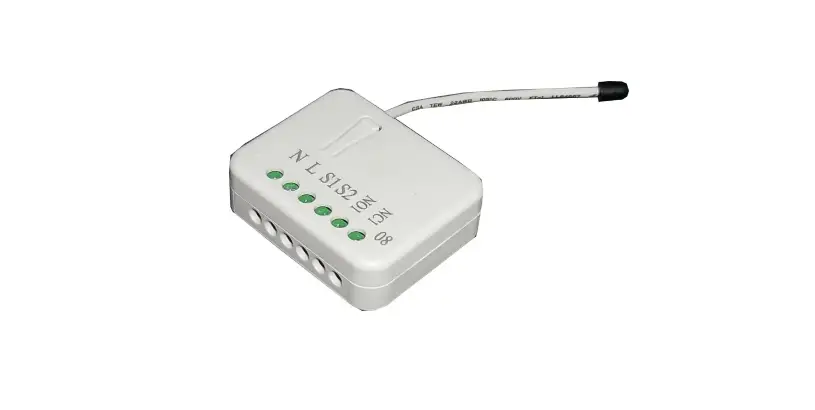
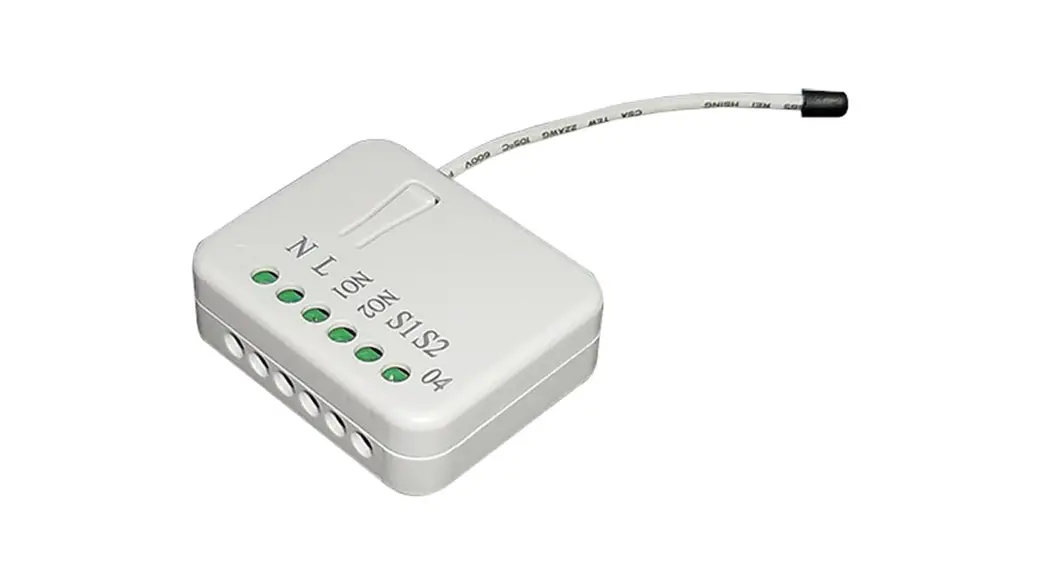
Terminal | Description |
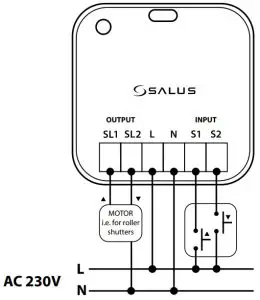
| SL1, SL2 | Relay output |
| L, N | 230V AC power supply |
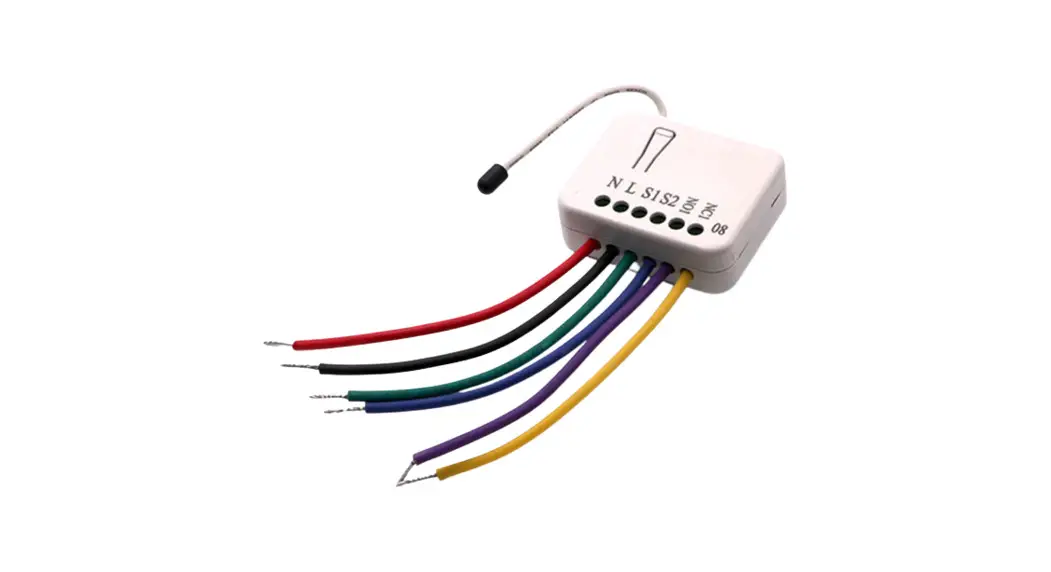
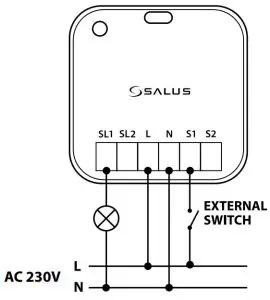
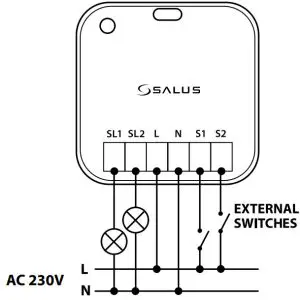
| S1, S2 | Input terminal to open/close the roller shutter, turn on/off light or trigger the OneTouch rule |
 Wiring Diagram
Roller Shutter or Entrance Gate
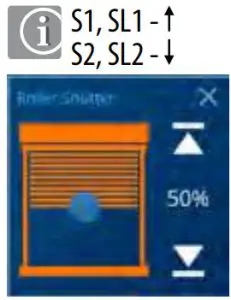
Single Light Switch
Double Light Switch
Button Operation
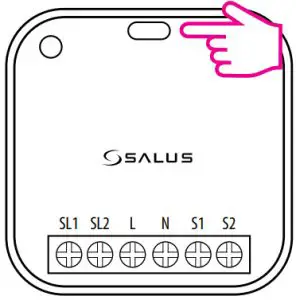
To enter Identify Mode, short press the button. To enter Pairing Mode, press and hold the button for 3 seconds. To leave the network and perform a factory reset, press and hold the button for 10 seconds.
LED Indication
| Description | LED State |
| Pairing Mode | Red LED flashing quickly |
| No Network Connection | Red LED flashing slowly |
| Network Connection | Slue LED On |
| Identify Mode | $lue LED flashing quickly |
| Network Connection but loss link | $lue LED flashing slowly |
Pairing
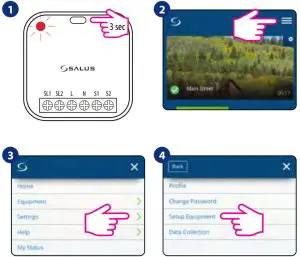
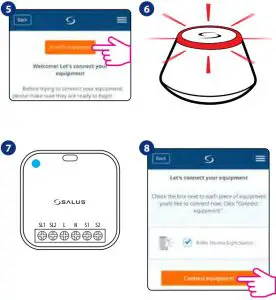
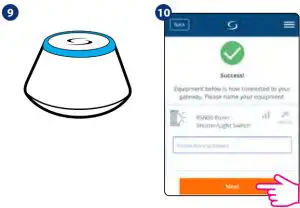
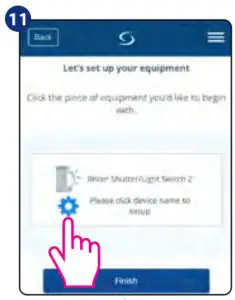
Now you can continue the setup and configure your device as a Roller Shutter, Single Light Switch, or Double Light Switch. Follow the steps below in order to complete the setup.
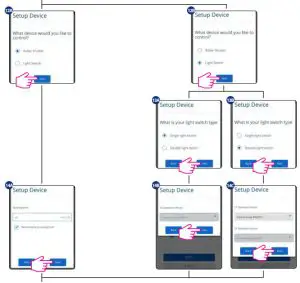
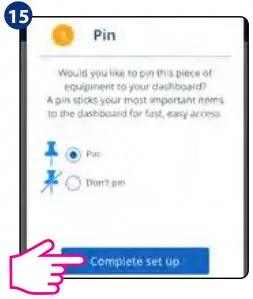
If you wire your device for Roller Shutter or Entrance Gate (see Wiring Diagram 1), do not configure it as a Double Light Switch in the app, as this will result in permanent damage to your roller motor.
UK: [email protected]
tel: +44 (0) 1226 323961
DE / NL: [email protected]
tel: +49 6108 8258515
FR: [email protected]
tel: +33 (0) 134 724 039
IMPORTER:
QL CONTROLS Sp. z o.o. Sp. k.
ul. Rolna 4, 43-262 Kobielice
PRODUCER:
Salus Limited
6/F, Building 20E, Phase 3,
Hong Kong Science
Park, 20 Science Park East Avenue,
Shatin, New Territories, Hong Kon

SALUS Controls is a member of the Computime Group.
Maintaining a policy of continuous product development SALUS Controls plc reserves the right to change specification, design, and materials of products listed in this brochure without prior notice.

 Choose your country – Salus
 Salus – Smart Technology for your comfort