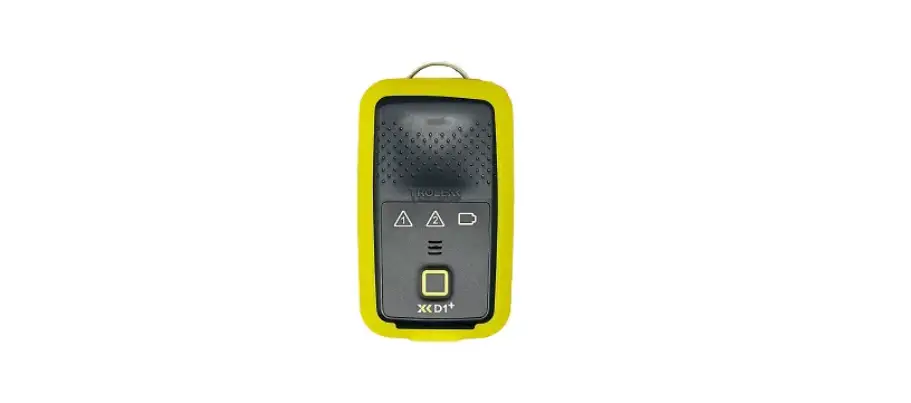

TROLEXX XD1+ Personal Dust Monitor
Product Information
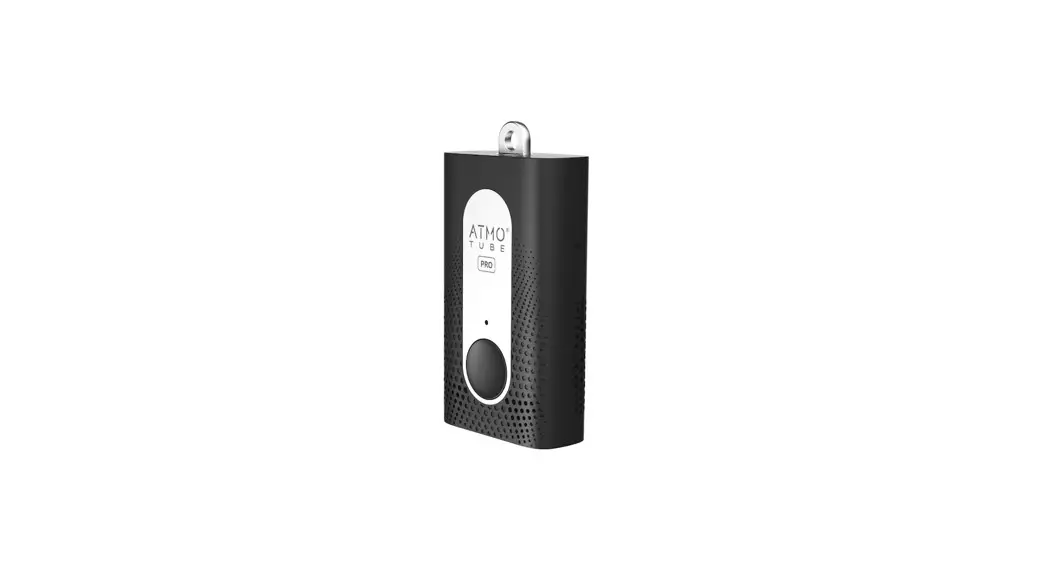
The product is called D1+ and it is a dust monitor device. It comes with BreatheLITE software that allows users to customize parameters and monitor dust concentrations in their environment. The device has audio alarms and vibration alerts to notify users when dust thresholds are breached. It also has a built-in battery that can be charged using a USB wall charger or a computer.
Product Usage Instructions
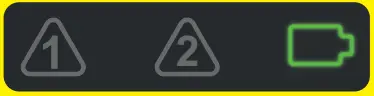
- Charge: Connect your D1+ to a USB wall charger or a Mac or PC device to charge the battery. Ensure that the device is fully charged. The battery icon will flash green when charging is complete.
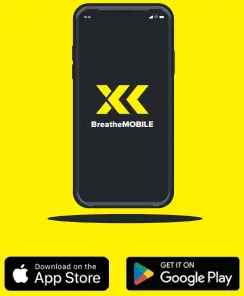
- Download: Download the BreatheLITE software onto your PC or laptop. You can download it from trolex.com/breathelite-download. Alternatively, you can download the BreatheMOBILE app for free from the Apple App Store or Google Play Store.
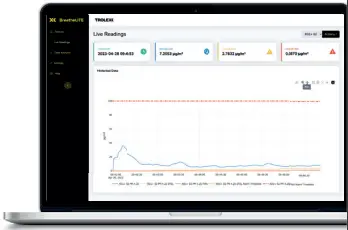
- Customize: Set your custom parameters in the BreatheLITE software. The software will automatically identify each D1+ device connected.
- Mount: Attach your D1+ device using the provided alligator clip. There are various mounting options available.
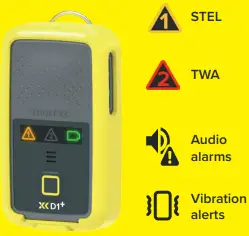
- Sample: Once the device is mounted, it will start monitoring dust concentrations in your environment. The device supports STEL (Short-Term Exposure Limit) and TWA (Time-Weighted Average) measurements. It will also provide audio alarms and vibration alerts.
- Alert: Record exposure data and receive automated real-time alerts when dust thresholds are breached.
- Review: Connect your D1+ device to the BreatheLITE software via USB to review, analyze, and download device data. Alternatively, you can view the data in real-time using the BreatheMOBILE app.
Register your warranty online at www.trolex.com/register
CHARGE
Connect your D1+ to a USB wall charger or Mac or PC device to top up the battery.
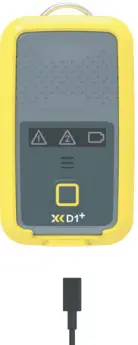
Ensure your device is fully charged. The battery icon will flash green when charging is complete.
DOWNLOAD
Download the BreatheLITE software onto your PC or laptop.
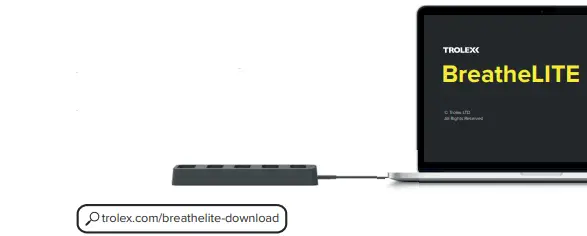
trolex.com/breathelite-download
OR…
Download BreatheMOBILE for free from the Apple or Google Play stores.
 CUSTOMISE
Set your custom parameters in BreatheLITE, which will auto-identify each D1+ connected.
MOUNT
Attach your D1+ using the alligator clip provided.
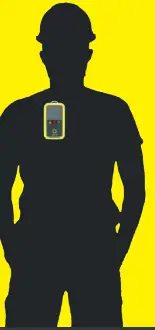
Mounting options available.
SAMPLE
You are now monitoring dust concentrations in your environment.

ALERT
Record exposure data and receive automated real-time alerts when dust thresholds are breached.
REVIEW
Connect to BreatheLITE via USB to review, analyse and download device data. Or view in real time using your BreatheMOBILE app.
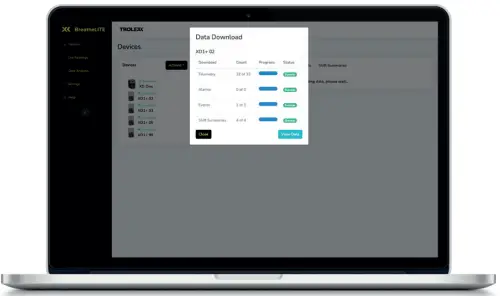
 BreatheLITE Download | Trolex
 Register | Trolex