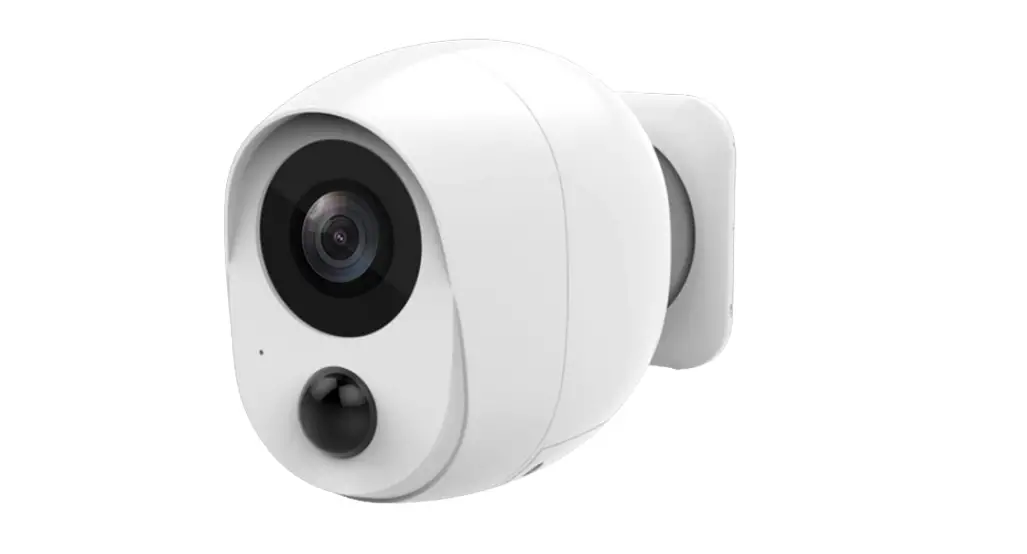
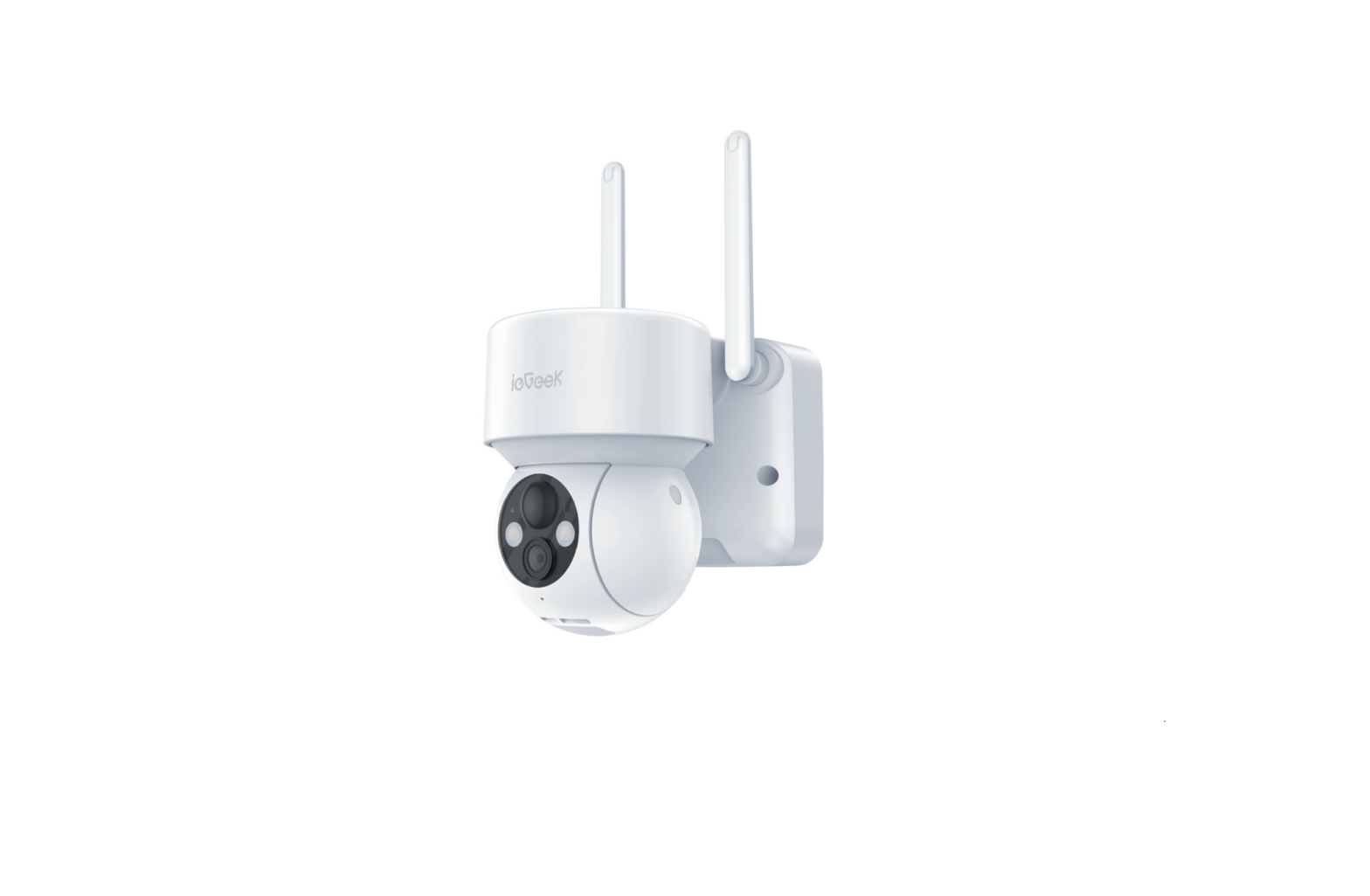
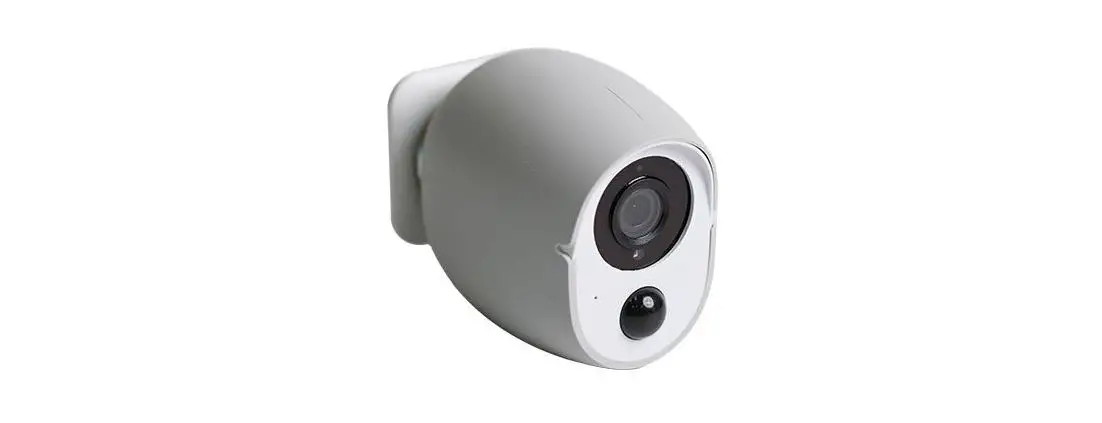
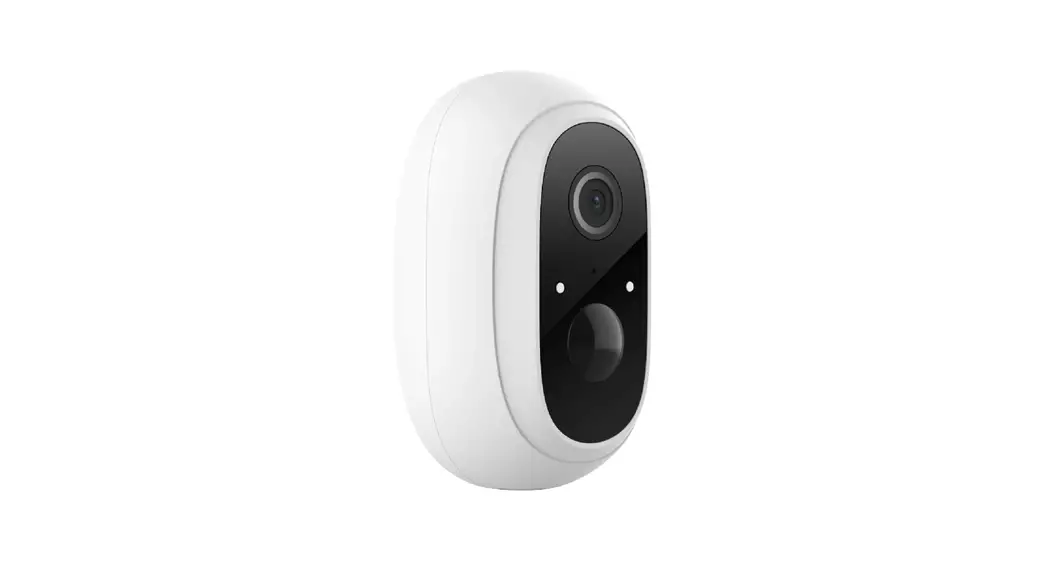
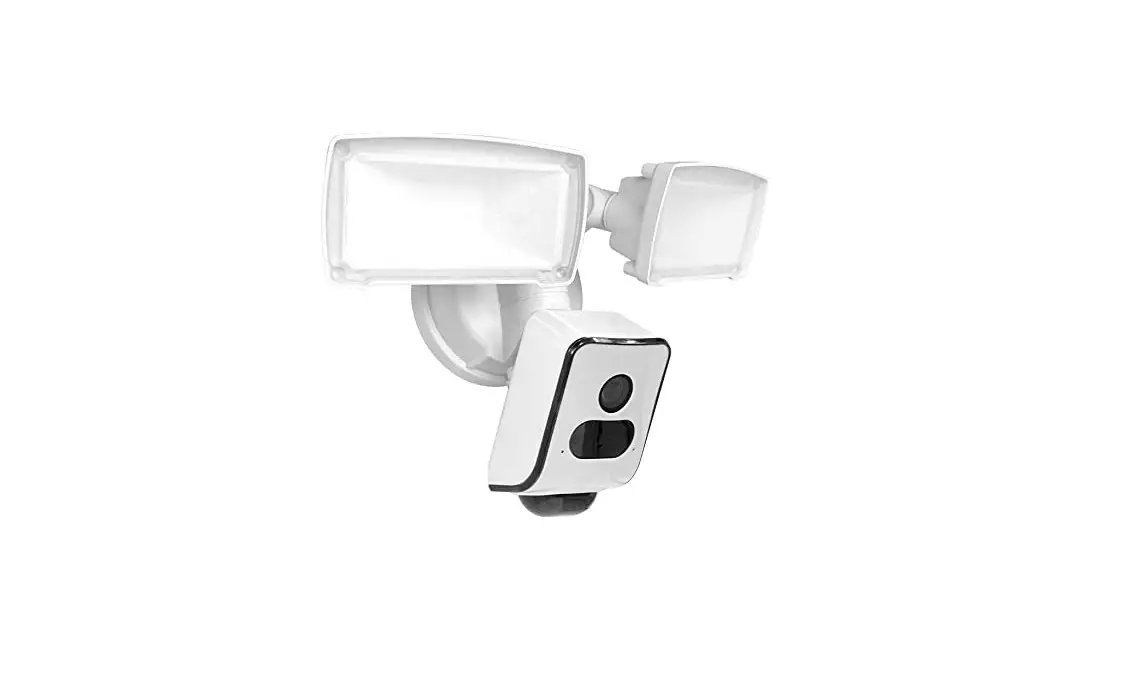
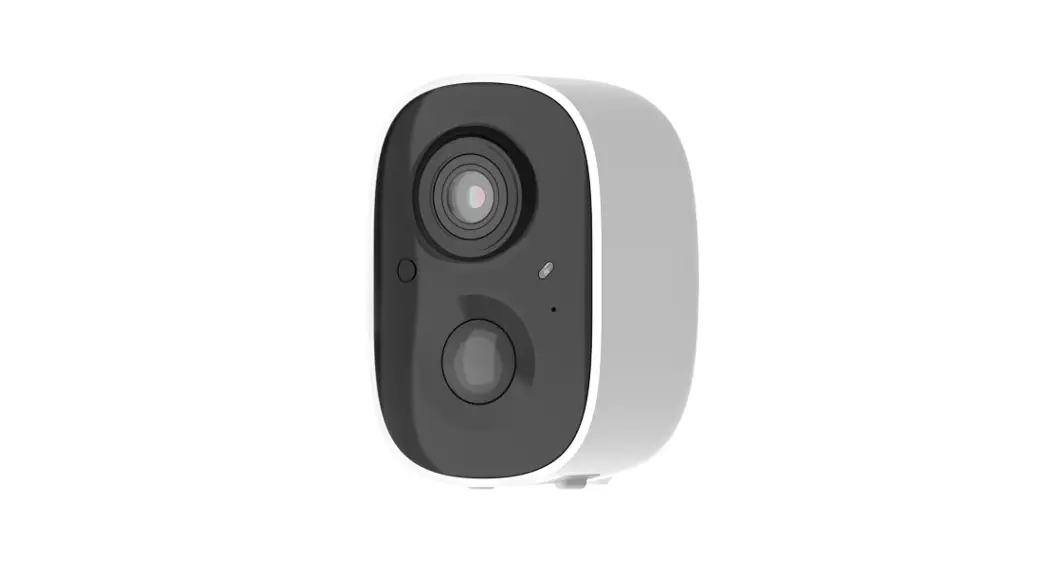
2BBLV-TB1 3-link Battery Cam TB1
Product Information:
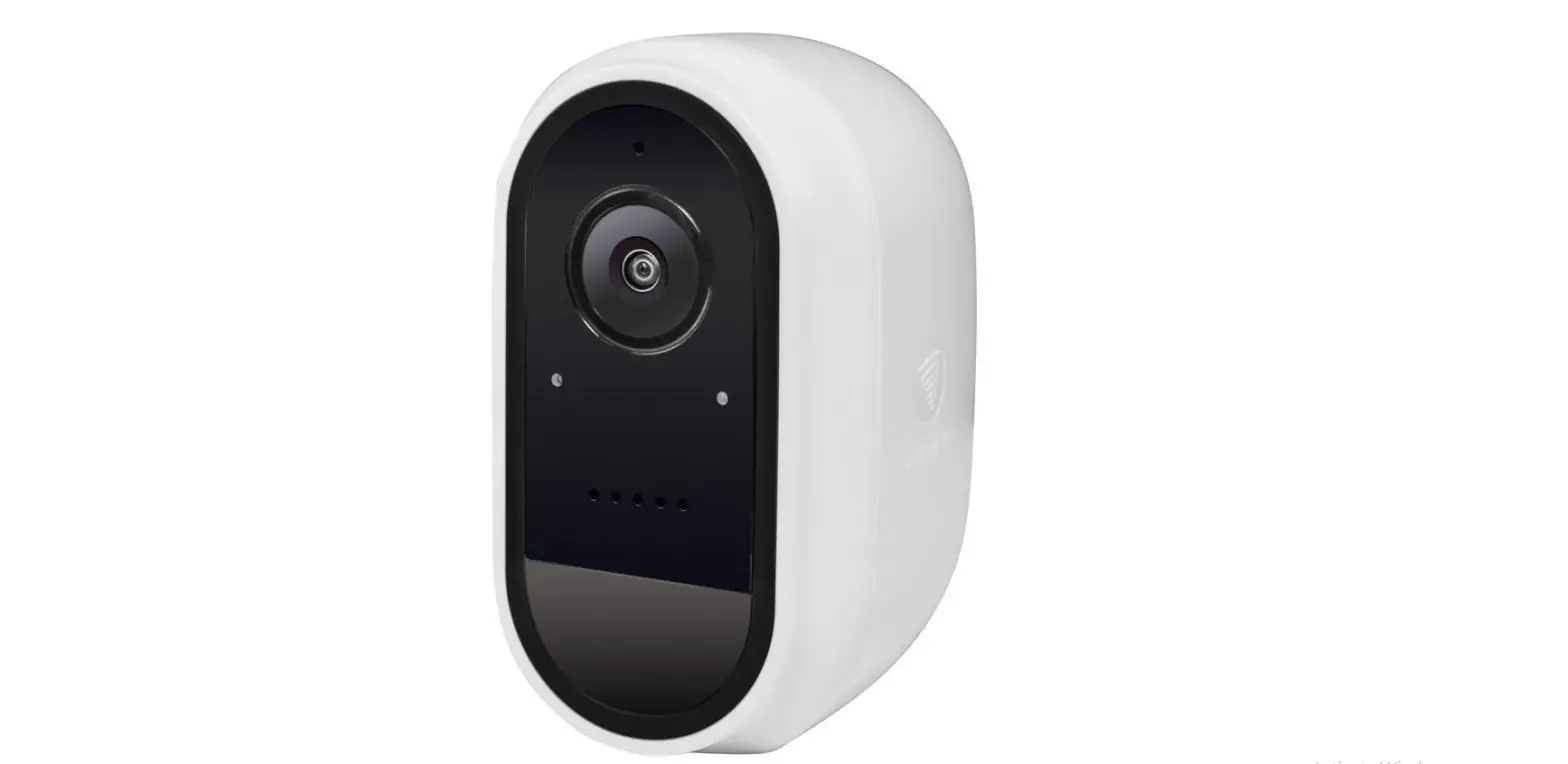
- Product Name: Battery Camera TB1
- Model: TB1
- Features: Battery-powered, Spotlight, PIR Sensor, Microphone,
Wall Mount, SD Card Slot - Additional Information: Solar panel not included in TB1 L
version - Warranty: 24 months limited warranty
- Support: Timely customer service via support 3-link.com
- App: 3-LINK
- App Download: Search “3-Link” on Google Play or App Store
- Support Videos: YouTube@3-Link product setting guide video
- Support Team: Facebook@3-Link support team for instant
after-sale support
Product Usage Instructions:
- Take out the camera and charge it for 30 minutes.
- Download the 3-Link app from Google Play or App Store and sign
up. - Connect your phone to a 2.4G Wi-Fi network.
- Sign in to the app and long press the reset button on the
camera for 3 seconds. - When the indicator light flashes, click “+” on the app to
follow the steps and finish the connection. - Check the battery power level. If it is below 80%, charge the
camera to ensure it is above 80%. - Mount the camera anywhere you want.
Tips: The following factors may cause
connection failure:
- Special characters in Wi-Fi password.
- Wi-Fi password length above 20 characters.
- 2.4G Wi-Fi network name same as 5G Wi-Fi network.
If you encounter any problems, please contact our support team
for assistance.
FCC Compliance:
This device complies with Part 15 of the FCC Rules. It must not
cause harmful interference and must accept any interference
received. Changes or modifications not approved by the responsible
party may void the user’s authority to operate the equipment.
FCC Radiation Exposure Statement:
This equipment complies with FCC radiation exposure limits. It
should be installed and operated with a minimum distance of 20cm
between the radiator and the user’s body.
Canada Licence-Exempt Compliance:
This device contains licence-exempt transmitter(s)/receiver(s)
that comply with Innovation, Science and Economic Development
Canada’s licence-exempt RSS(s). It must not cause interference and
must accept any interference that may occur.
Battery Cam TB1 us er manual
3-link
Battery Camera TB1 User Manual
Power button Charging Port
Spotlight Lens
Photoresistor Indicator
PIR Microphone
Wall Mount
SD Card Slot Reset Button
Note:Solar panel not included in TB1 L version
30 days return policy and 24 months limited warranty Timely customer service via support 3-link.com APP : 3-LINK Please search “3-Link” on Google Play or APP Store
Furthers Support
Youtube@3-Link product setting guide video
Facebook@3-Link support team instant after-sale support
1.Take out camera and charge for 30 minutes 2.Download “3-Link” app on Google Play or App Store and sign up 3.Connect phone to 2.4G Wi-Fi 4.Sign in APP and Long press reset button for 3 seconds 5.When indicator light flash, Click “+” to follow steps on the app to finish the connection 6.Check the battery power available whether above 80%. if not, please charge camera to make sure battery power available above 80% 7.Mount camera to anywhere you want
Tips: follow status may cause connection failed 1.There are special characters in Wi-Fi password 2.Length of Wi-Fi password above 20 characters 3.Name of 2.4G Wi-Fi same with 5G Wi-Fi If any problem, please contact our support team, we will provide support asap
30 Tage Rückgaberecht und 24 Monate eingeschränkte Garane Rechtzeiger Kundenservice über [email protected] APP: 3-Link Bie suchen Sie “3-Link” bei Google Play oder im APP Store
Weitere Unterstützung
Youtube@3-Link Produkt-Setup-Leiaden-Video
Facebook@3-Link Unterstützungsteam soforger Kundendienst
1.Nehmen Sie die Kamera heraus und laden Sie sie 30 Minuten lang auf 2. Laden Sie die “3-Link” App von Google Play oder dem App Store herunter und melden Sie sich an 3. Verbinden Sie das Telefon mit 2,4 G Wi-Fi 4.Melden Sie sich in der APP an und drücken Sie die Reset-Taste 3 Sekunden lang 5.Wenn der Kontrollleuchte blinken, klicken Sie auf “+”, um den Schrien in der App zu folgen und die Verbindung herzustellen 6.Überprüfen Sie die verfügbare Baerieleistung, ob sie über 80 % liegt. Wenn nicht, laden Sie bie die Kamera auf, um sicherzustellen, dass die Baerieleistung über 80 % verfügbar ist. 7.Moneren Sie die Kamera an einem beliebigen Ort
Tipps: Der Status folgen kann dazu führen, dass die Verbindung fehlgeschlagen ist 1.Das WLAN-Passwort enthält Sonderzeichen 2. Länge des WLAN-Passworts über 20 Zeichen 3.Name von 2.4G Wi-Fi gleich mit 5G Wi-FiWenden Sie sich bei Problemen bie an unser Support-Team. Wir werden Ihnen so schnell wie möglich helfen
Política de devolución de 30 días y garantía limitada de 24 meses Servicio al cliente oportuno a través de [email protected] APLICACIÓN: 3-Link Busque “3-Link” en Google Play o APP Store
Apoyo adicional
1. Saque la cámara y cárguela durante 30 minutos. 2.Descargue la aplicación “3-Link” en Google Play o App Store y regístrese 3.Conecte el teléfono a Wi-Fi 2.4G 4.Inicie sesión en la aplicación y mantenga presionado el botón de reinicio durante 3 segundos 5. Cuando el luz indicadora parpadea, haga clic en “+” para seguir los pasos en la aplicación para finalizar la conexión 6. Verifique la energía de la batería disponible si es superior al 80%. si no, cargue la cámara para asegurarse de que la energía de la batería esté disponible por encima del 80% 7. Monte la cámara en cualquier lugar que desee
Youtube@3-Link vídeo de la guía de configuración del producto
Facebook@3-Link equipo de soporte soporte postventa instantáneo
Sugerencias: seguir el estado puede hacer que falle la conexión 1. Hay caracteres especiales en la contraseña de Wi-Fi 2. Longitud de la contraseña de Wi-Fi superior a 20
caracteres
3. Nombre de Wi-Fi 2.4G igual con Wi-Fi 5G Si ene algún problema, comuníquese con nuestro equipo de soporte, le brindaremos soporte lo antes posible
Polique de retour de 30 jours et garane limitée de 24 moisService client en temps opportun via [email protected] APP: 3-Link Veuillez rechercher “3-Link” sur Google Play ou APP Store
Assistance supplémentaire
Youtube@3-Link vidéo guide de configuraon du produit
Facebook@3-Link équipe d’assistance assistance après-vente instantanée
1. Sortez l’appareil photo et chargez pendant 30 minutes 2.Téléchargez l’applicaon “3-Link” sur Google Play ou App Store et inscrivez-vous 3.Connectez le téléphone au Wi-Fi 2.4G 4. Connectez-vous à l’applicaon et appuyez longuement sur le bouton de réinialisaon pendant 3 secondes 5.Lorsque le voyant lumineux clignote, cliquez sur “+” pour suivre les étapes de l’applicaon pour terminer la connexion 6.Vérifiez la puissance de la baerie disponible, qu’elle soit supérieure à 80 %. sinon, veuillez charger l’appareil photo pour vous assurer que la baerie est disponible au-dessus de 80 %
7. Montez la caméra où vous voulez
Conseils: L’état du suivre peut entraîner un échec de la connexion 1.Il y a des caractères spéciaux dans le mot de passe Wi-Fi 2.Longueur du mot de passe Wi-Fi supérieure à 20 caractères 3.Nom du Wi-Fi 2.4G idenque avec le Wi-Fi 5G En cas de problème, veuillez contacter notre équipe d’assistance, nous vous fournirons une assistance dès que possible
Politica di restituzione di 30 giorni e garanzia limitata di 24 mesiServizio clienti tempestivo tramite [email protected] APP:3-Link Cerca “3-Link” su Google Play o APP Store
Youtube@3-Link video della guida all’installazione del prodotto
Facebook @ 3-Link team di supporto supporto post-vendita istantaneo
1. Estrarre la fotocamera e caricarla per 30 minuti 2.Scarica l’app “3-Link” su Google Play o App Store e registrati 3. Collegare il telefono al Wi-Fi 2.4G 4. Accedi all’APP e premi a lungo il pulsante di ripristino per 3 secondi 5. Quando i indicatore luminoso lampeggiano, fare clic su “+” per seguire i passaggi sull’app per completare la connessione 6.Controllare la carica della batteria disponibile se superioreall’80%. in caso contrario, caricare la fotocamera per assicurarsi che la carica della batteria sia superiore all’80% 7.Monta la fotocamera ovunque tu voglia
Suggerimenti: seguire lo stato può causare un errore di connessione
1. Nella password Wi-Fi sono presen caraeri speciali 2.Lunghezza della password Wi-Fi superiore a 20 caraeri 3. Nome del Wi-Fi 2.4G uguale a Wi-Fi 5G In caso di problemi, contaa il nostro team di supporto, forniremo supporto al più presto
This device complies with Part 15 of the FCC Rules. Operation is subject to the following two conditions: (1) This device may not cause harmful interference, (2) This device must accept any interference received, including interference that may cause undesired operation. Warning: Changes or modifications not expressly approved by the party responsible for compliance could void the user’s authority to operate the equipment.
NOTE: This equipment has been tested and found to comply with the limits for a Class B digital device, pursuant to Part 15 of the FCC Rules. These limits are designed to provide reasonable protection against harmful interference in a residential installation.
This equipment generates uses and can radiate radio frequency energy and, if not installed and used in accordance with the instructions, may cause harmful interference to radio communications. However, there is no guarantee that interference will not occur in a particular installation. If this equipment does cause harmful interference to radio or television reception, which can be determined by turning the equipment off and on, the user is encouraged to try to correct the interference by one or more of the
following measures: Reorient or relocate the receiving antenna. Increase the separation between the equipment and receiver. Connect the equipment into an outlet on a circuit different from that to which the receiver is connected. Consult the dealer or an experienced radio/TV technician for help.
FCC Radiation Exposure Statement: This equipment complies with FCC radiation exposure limits set forth for an uncontrolled environment. This equipment should be installed and operated with minimum distance 20cm between the radiator & your body
This device contains licence-exempt transmitter(s)/ receiver(s) that comply with Innovation, Science and Economic Development Canada’s licence-exempt RSS(s). Operation is subject to the following two conditions: (1) This device may not cause interference. (2) This device must accept any interference, including interference that may cause undesired operation of the device.
L’ émetteur/r é cepteur exempt de licence contenu dans le pr é sent appareil est conforme aux CNR d’Innovation, Sciences et Développement économique Canada applicables aux appareils radio exempts de licence. L’exploitation est autorisée aux deux conditions suivantes : 1) L’appareil ne doit pas produire de brouillage; 2) L’appareil doit accepter tout brouillage radioélectrique subi, même si le brouillage est susceptible d’en compromettre le fonctionnement. The device meets the exemption from the routine evaluation limits in section 2.5 of RSS 102 and compliance with RSS-102 RF exposure, users can obtain Canadian information on RF exposure and compliance. Le dispositif rencontre l’exemption des limites courantes d’évaluation dans la section 2.5 de RSS-102 etla conformité à l’exposition de RSS-102 rf, utilisateurs peut obtenir l’information canadienne surl’exposition et la conformité de rf.
This transmitter must not be co-located or operating in conjunction with any other antenna or transmitter. This equipment should be installed and operated with a minimum distance of 20 centimeters between the radiator and your body.Cet émetteur ne doit pas ê tre Co-plac é ou ne fonctionnant en même temps qu’aucune autre antenne ouémetteur. Cet équipement devrait être installé et actionné avec une distance minimum de 20 centimètres entre le radiateur et votre corps.
APP
 Link: Simple, secure one-click payments