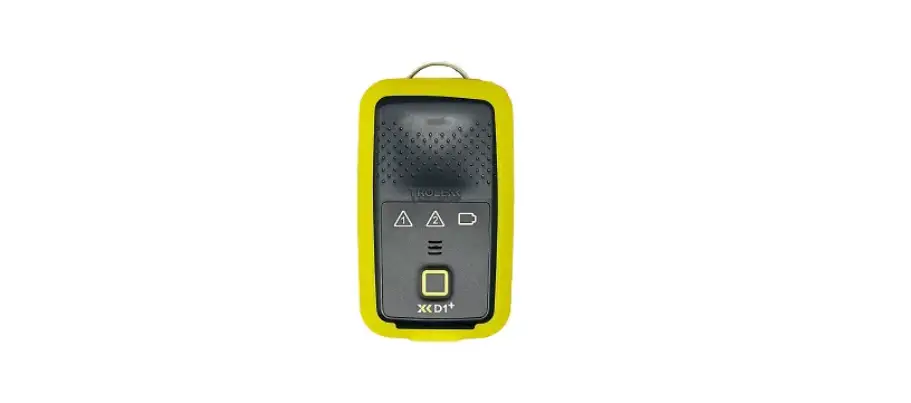
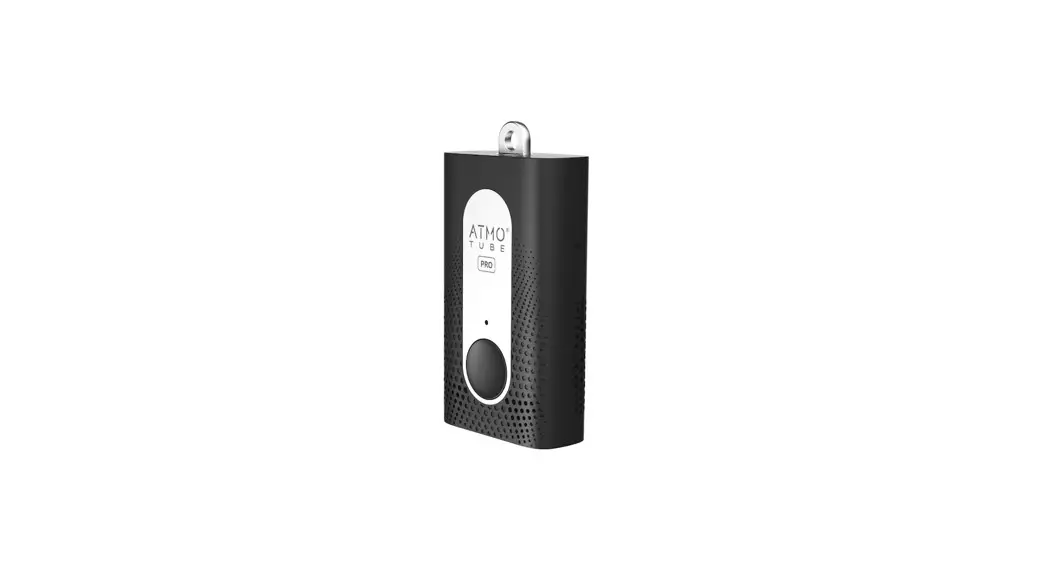
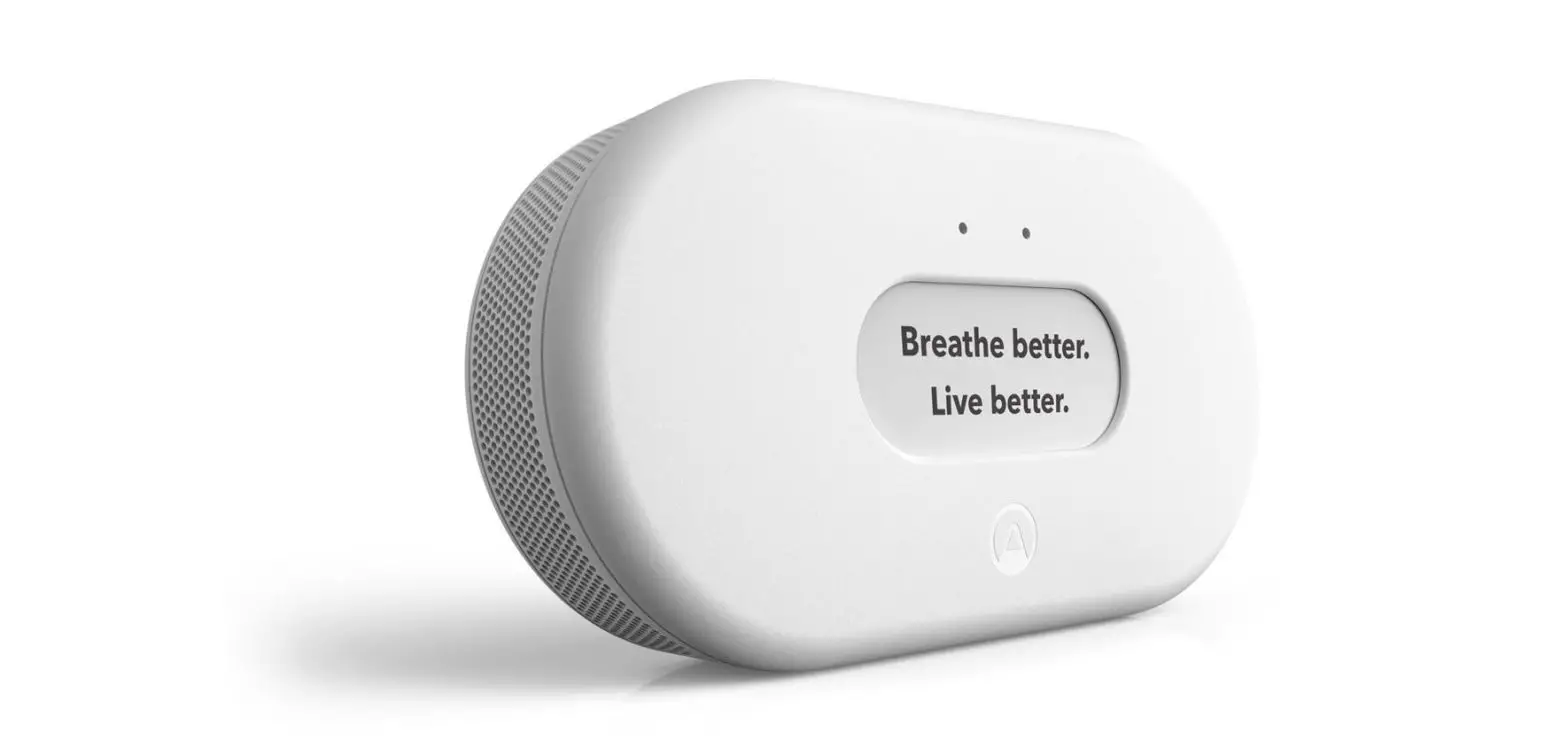
XD1 Personal Dust Monitor
Product Information
The Compliance Pack+ is a comprehensive solution for conducting
compliance checks on the D1+ device. It includes the BreatheLITE
software, a Trolex compliance base, a USB cable for connecting the
D1+ to a computer, and an application bottle for decanting the
Trolex approved sample.
The D1+ is a device that requires regular compliance checks to
ensure its proper functioning. The compliance check is indicated by
flashing lights and an intermittent audio beep.
The BreatheLITE software is available for download on both Mac
and PC devices. It is used to conduct the compliance check and
provides on-screen instructions for the process.
The Trolex compliance base is designed to hold the D1+ during
the compliance check. It features a clear hood that should be
fitted over the top of the device. The compliance base also allows
for easy connection to a computer via the provided USB cable.
Trolex provides approved samples that need to be decanted into
the application bottle before conducting the compliance check.
These samples can be ordered through local approved
distributors.
For any further information or troubleshooting, please refer to
the user manual.
Product Usage Instructions
- Register your warranty online at www.trolex.com/register.
- Ensure your D1+ is ready for a compliance check by observing
the flashing lights and intermittent audio beep. - Download the BreatheLITE software from trolex.com/breathelite-download
and install it on your Mac or PC device. - Connect your D1+ directly to your computer using the provided
USB cable. - Place your D1+ in the Trolex compliance base, ensuring the
clear hood is fitted over the top and that the unit is connected to
your computer. - Decant the Trolex approved sample into the provided application
bottle. - Launch the BreatheLITE software and select “Compliance
check”. - Introduce the sample into the D1+ as per the on-screen
instructions. - If the compliance check is passed, you’re good to go for
another 3 months. If not, consult the user manual for retesting
instructions. - To order more compliance samples, contact your local approved
distributor or visit trolex.com/product/xd1+. - Scan the QR code provided to find your local Trolex
partner.
COMPLIANCE PA C K +
QUICK START GUIDE
Register your warranty online at www.trolex.com/register
P5650.1604_Rev A
1. D1+ REQUIRES COMPLIANCE CHECK
The flashing lights shown and
an intermittent audio beep tell
you your D1+ is ready for a
2
compliance check.
BreatheLITE
© Trolex LTD All Rights Reserved
2. DOWNLOAD
Download the BreatheLITE software on to your Mac or PC device.
trolex.com/breathelite-download
3. CONNECT
Connect your D1+ directly to your computer using the USB cable.
4. COMPLIANCE BASE
Place your D1+ in a Trolex compliance base ready for the compliance check. Ensure the clear hood is fitted over the top and the unit is connected to your computer.
5. PREPARE SAMPLE
Decant the Trolex approved sample into the application bottle.
BreatheLITE
© Trolex LTD All Rights Reserved
6. START YOUR CHECK
Select “Compliance check” on BreatheLITE.
7. SAMPLE Introduce sample and follow the on-screen instructions.
8. PASSED Great, you’re good to go for another 3 months.
2
*Please consult the user manual if you need to retest your D1+.
9. DON’T FORGET
You can order more compliance samples through your local approved distributor.
trolex.com/product/xd1+
Scan the QR code to find your local
Trolex partner.
 BreatheLITE Download | Trolex
 Register | Trolex