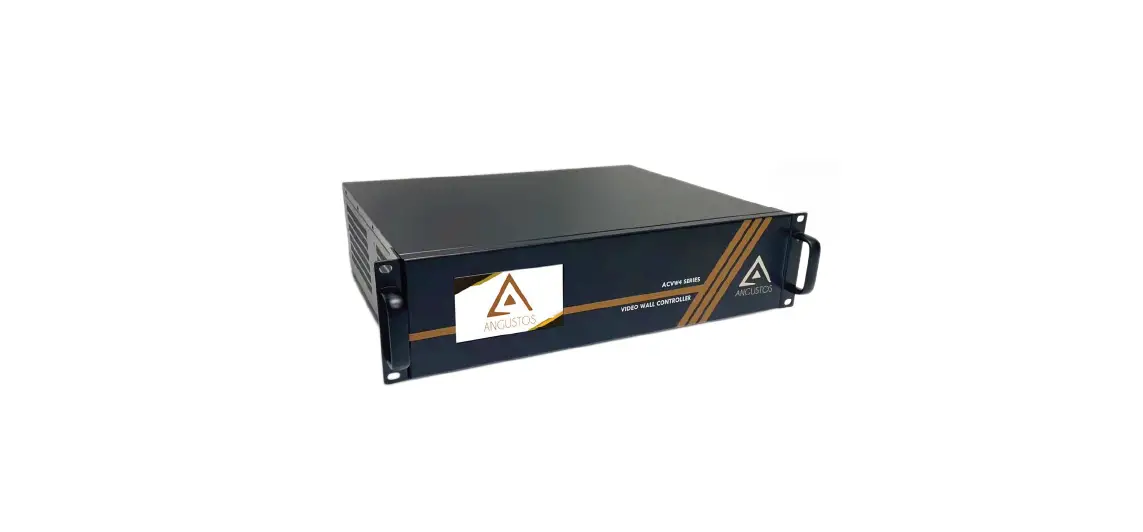
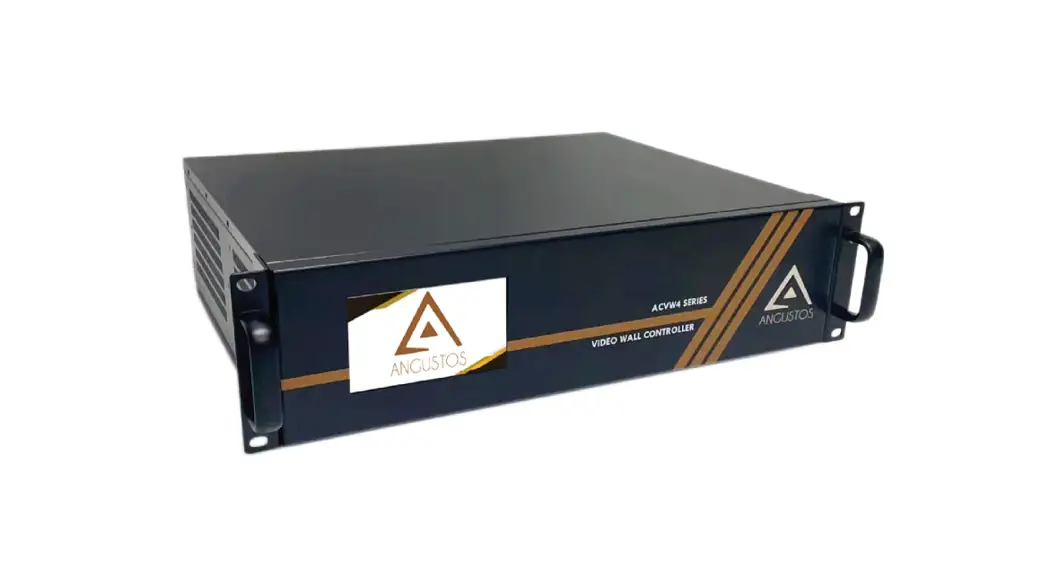
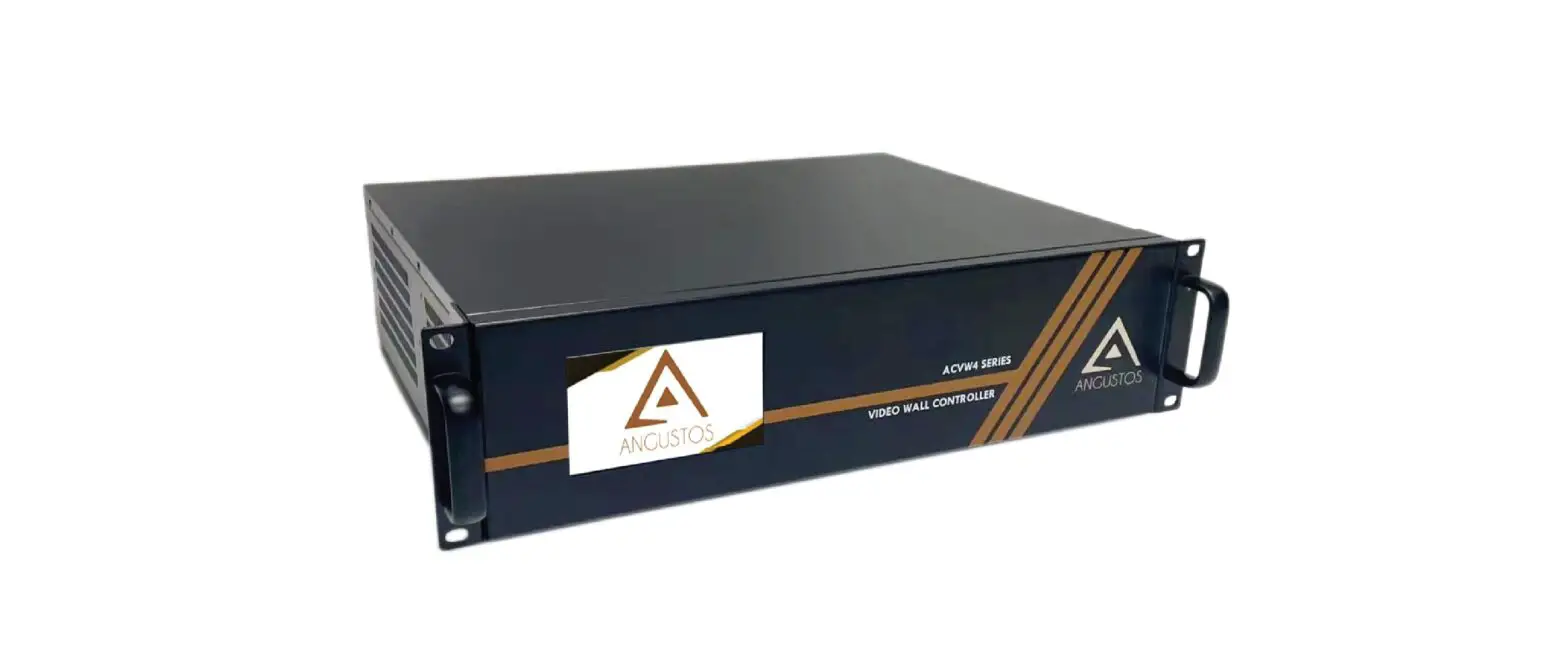
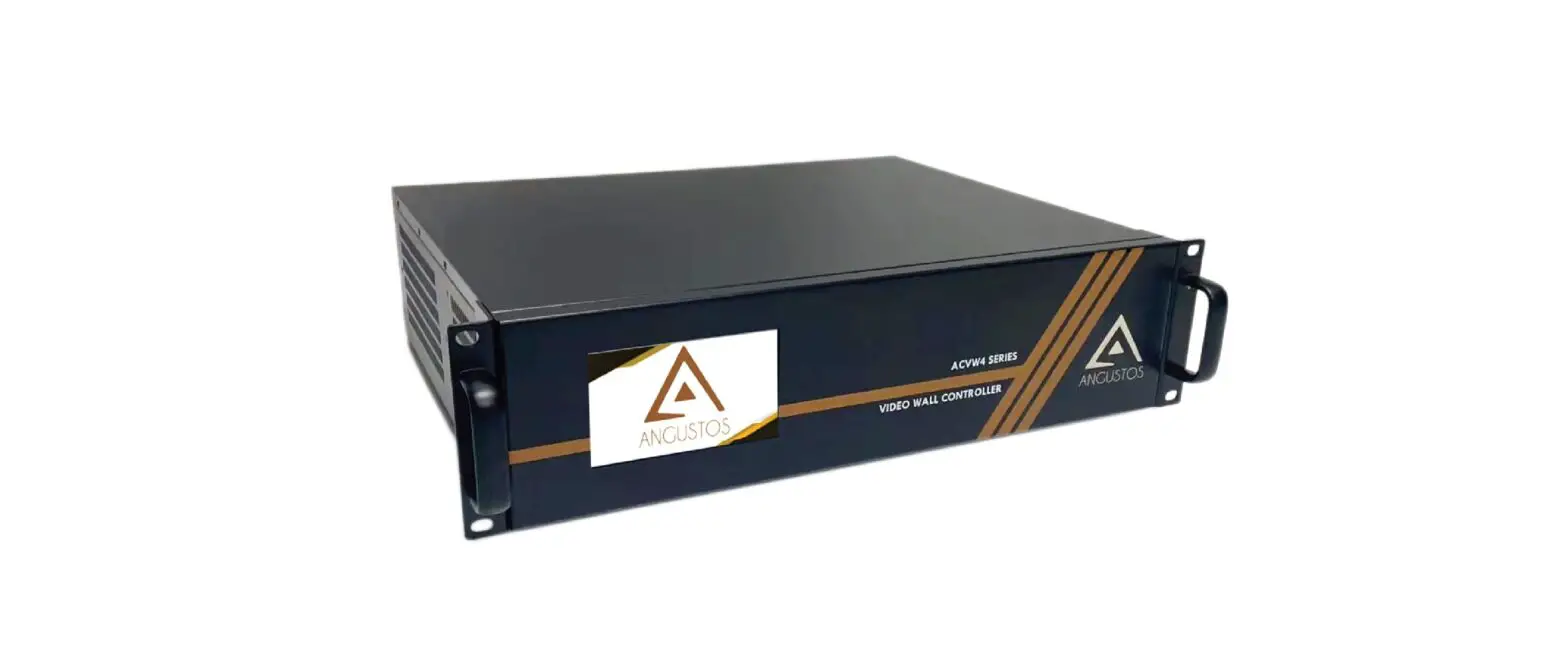
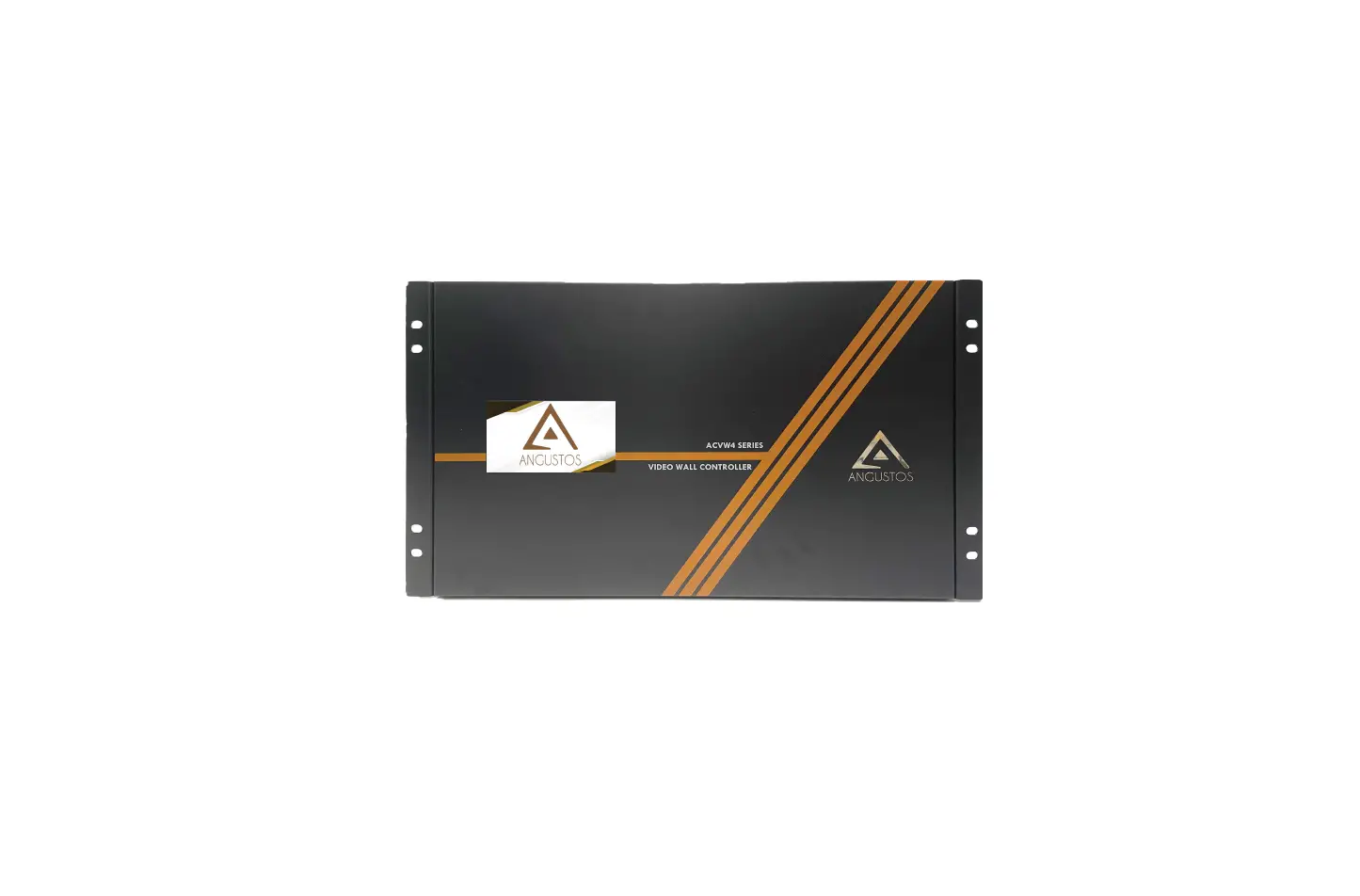
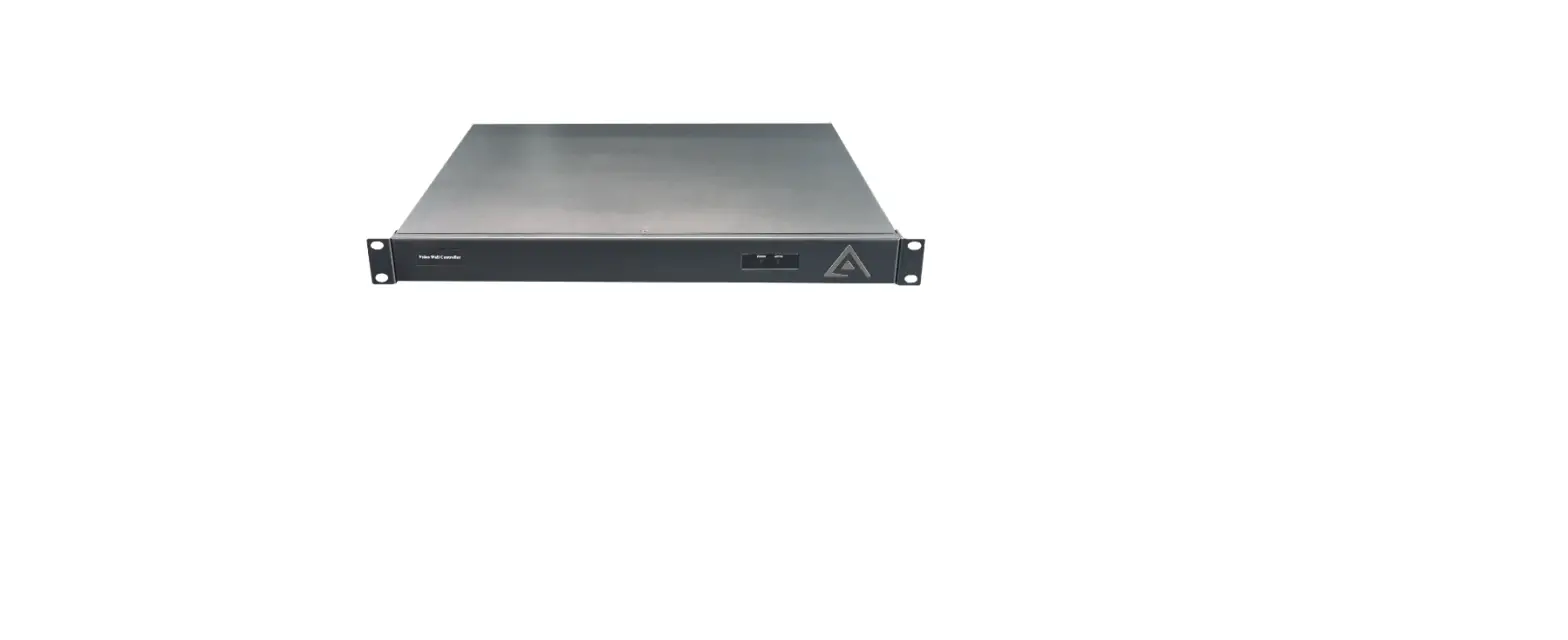
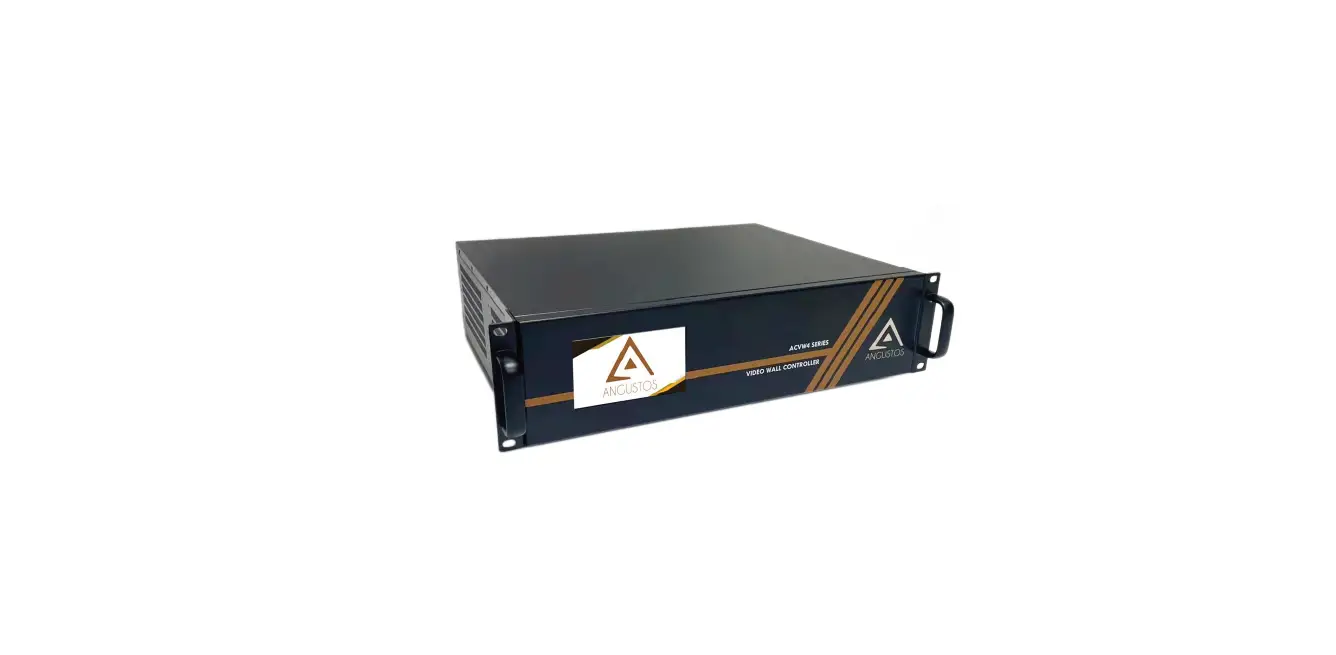
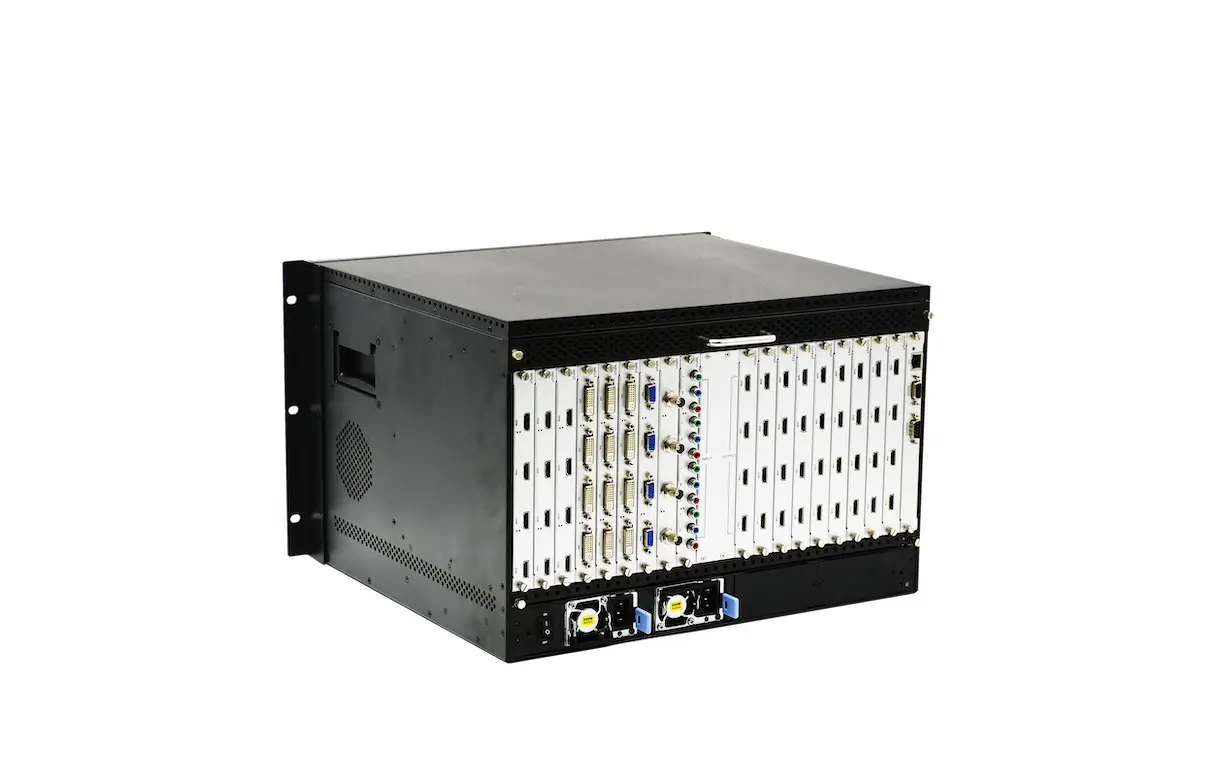
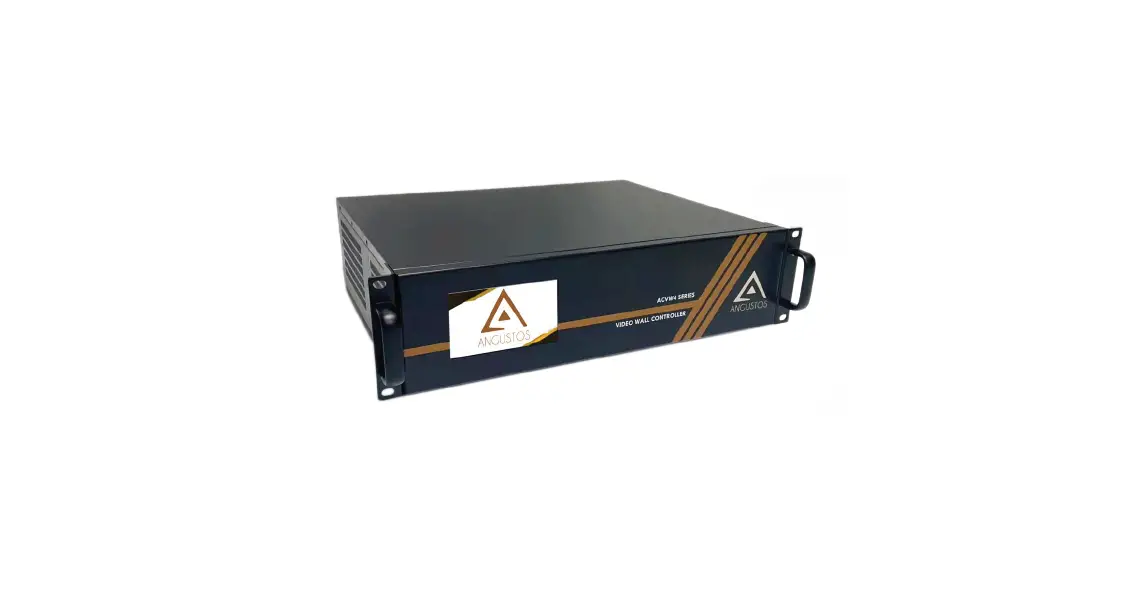
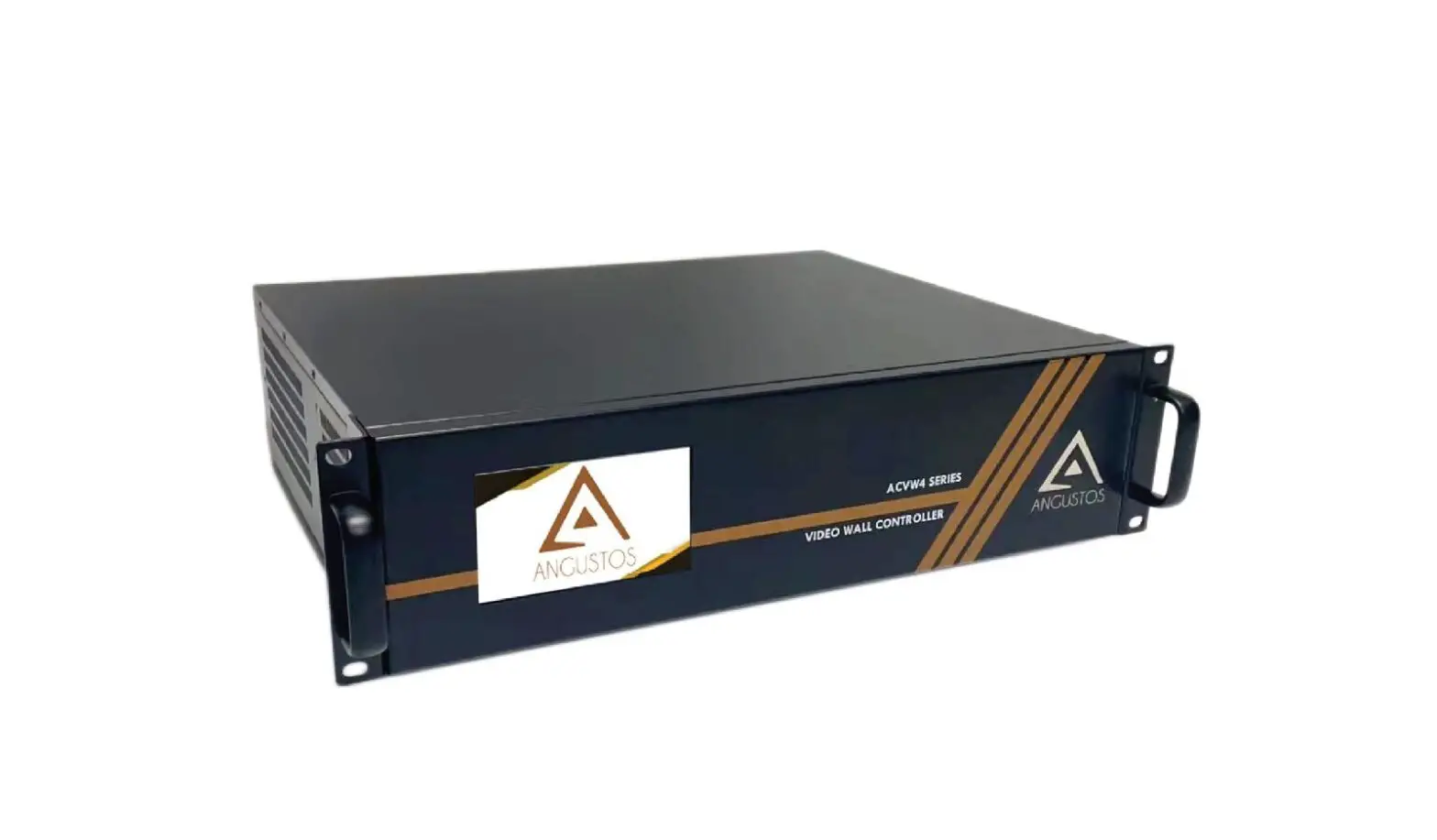
ACVW4 Series High-End Video Wall Controller
Product Information:
The High-End Video Wall Controller by ANGUSTOS is a
high-performance video processing equipment with a hardware-based
design. It eliminates the need for high-end computer
specifications, GPU cards, licenses, and the risk of OS crashes,
viruses, and black screens. The controller supports up to 152 input
x 144 output (20U Chassis) and features a dedicated Field
Programmable Gate Array (FPGA) chipset for video processing. The
module design allows for hot swapping of input/output cards, and
the unit can work flawlessly while adding or editing the total
layout of the video wall setup. The controller supports multiple
forms of connections, including HDMI, DVI, VGA, HDBaseT, and IP
Streaming, offering a customizable and integrated solution. It also
supports control of multiple video walls, simplifying connections
and management.
Product Usage Instructions:
- To set up the video wall controller, ensure that the chassis is
properly connected to the display screens. - Connect the input sources (HDMI, DVI, VGA, HDBaseT, or IP
Streaming) to the corresponding input cards on the controller. - Power on the video wall controller and the display
screens. - Use the front panel touch screen to control the scene mode,
save/recall profiles, and configure IP settings. - To customize the layout of the video wall, use the Drag &
Drop feature. Click on the desired video source and drag it to the
desired position on the screen. - The controller supports up to 4 layers of Matrix Picture in
Picture (MPiPTM) in each screen. Use the control options to adjust
overlap, roaming, stretching, and zooming in/out. - If using IP CCTV Cameras, ensure that the IP input card is
installed. It can support streaming video feed directly from the
cameras. - To add or replace input/output cards, the unit supports hot
swapping. This means you can add or remove cards without turning
off the whole chassis. - The controller also supports background images, scrolling text,
and scheduling. You can set a static background image and display
scrolling text for applications like bank and stock house video
walls. Additionally, you can schedule scene modes and cycle through
advertising or digital signage content.
For more detailed information on specific input cards like the
SDI Input card mentioned in the manual, please refer to the product
documentation provided by ANGUSTOS.
For any further assistance or troubleshooting, please contact
ANGUSTOS customer support.
High-End
Video Wall Controller
ANGUSTOS
MULTIPLE LAYERS FPGA VIDEOWALL CONTROLLER
Hardware Based Design
High performance video processing equipment with hardware architecture design.
No more computer high-end specification. No more high-end Graphic Processing Unit (GPU Card). No more licenses. No more blue-screen OS crash. No more viruses and black screen. No more ransomwares, lost data. Support up to 152 input x 144 output (20U Chassis)
FPGA Dedicated Chipset
Dedicated Field Programmable Gate Array (FPGA) chipset is a combination of processing unit that dedicated in video processing. This eliminated the limitation of a CPU or a GPU from conventional Software or PC controller.
Without the use of PCI – Express card, the unit can work flawlessly when adding or editing the total layout of the videowall set up. As each of the FPGA chip is working independently, user can replace or add new input / output card without turning off the whole chassis.
Module design with Hot Swap
Multiple form of connections for client to custom fit their system. Client can now combine HDMI – DVI – VGA – HDBaseT – IP Streaming
in one total solution, maximizing system integration.
Reduce the total cost of investment in both pre & post phase of expansion. Chassis also support control multiple videowalls, further simplify
the complexity of connections and management.
Features
High-end Multi Layers MPiPTM – Cross Screen
Support up to 4 Layers Matrix Picture in Picture (MPiPTM) in each screen
Easy control with Drag & Drop
Customize complex layout with simple Click – Drag – Drop
High-end Video Wall Control
Support Overlap, Roaming, Stretching, Zoom in / out.
Front Panel Touch Screen
Control scene mode, save / recall profile, IP setting with just a touch
IP Camera Direct Stream (iDirect StreamTM)
IP input Card can support streaming video feed direct from IP CCTV Cameras.
Background Image – Scrolling Text – Scheduling
Support Static Background Image and Scrolling Text for Bank and Stock house Video Wall Support scene mode Scheduling – Cycle for advertising – digital signage Video Wall
21
1
2
WWW.ANGUSTOS.COM
ANGUSTOS
VIDEO WALL INPUT CARD SDI Input card
Features
ASIC video chipset Modular Design – Hot swap Seamless Switching Bezel Compensation SD/HD/3G SDI 1920 x 1080 @ 60Hz Image Cropping Character Superimpose CE / FCC / RoHS Complied Auto – Program EDID
AVW4-CIN-4S
SPECIFICATION
Protocol Input Card Interface Resolution Support Pixel Clock Format Control Data Rate Clock Jitter Rise time Fall time Max Delay Signal Strenght Singal Level Impedance EDID Maximum DC bias Signal Level
BNC Female
Scaler
4 channel input and 4 channel loop out Hot-swap
1920 x 1080 @ 60Hz (Max)
Color Depth RGBA
165 / 340 MHz (Max)
Standard
SD/HD/3G SDI
Weight
Internal Bus with Chassis ASIC
Power Consumption
10.2 Gbps (3.4Gbps per lane)
<0.15 Tbit
<0.3Tbit (20%-80%)
<0.3Tbit (20%-80%)
5 nano Second (nS) ±1nS
T.M.D.S. +/- 0.4Vpp T.M.D.S. 2.9V min /3.3V max 75
Default EDID – EDID Programming
15mV
T.M.D.S 2.9V / 3.3V
Built-in Scaler Support 8 bits per channel. Total 32bit/pixel SMPTE424M,SMPTE292M and SMPTE259M About 500g About 15W
ANGUSTOS
Website: http://www.angustos.com Email: [email protected]
 ANGUSTOS - The Best Selling IT & Pro AV in USA Market!