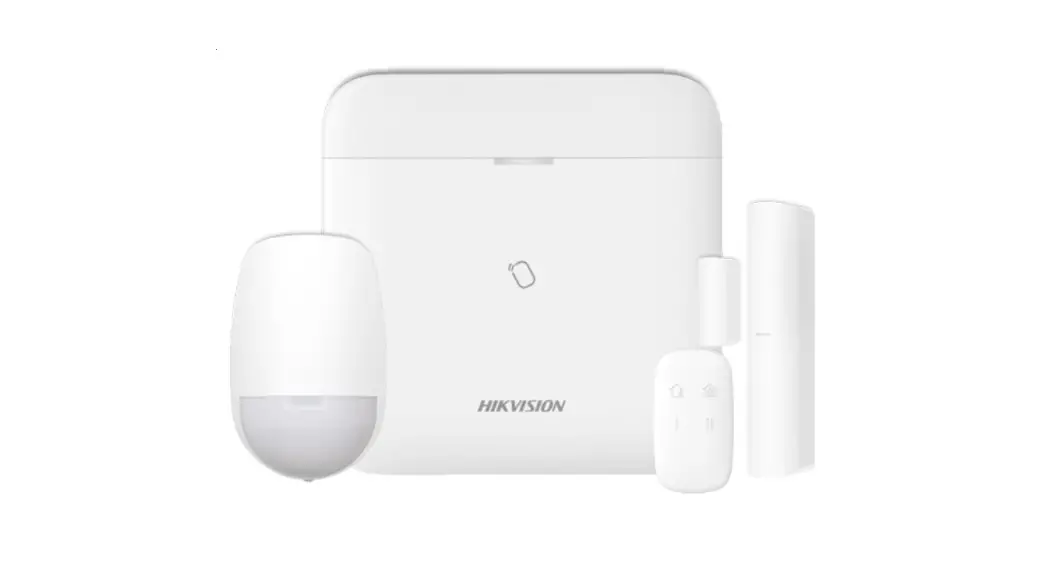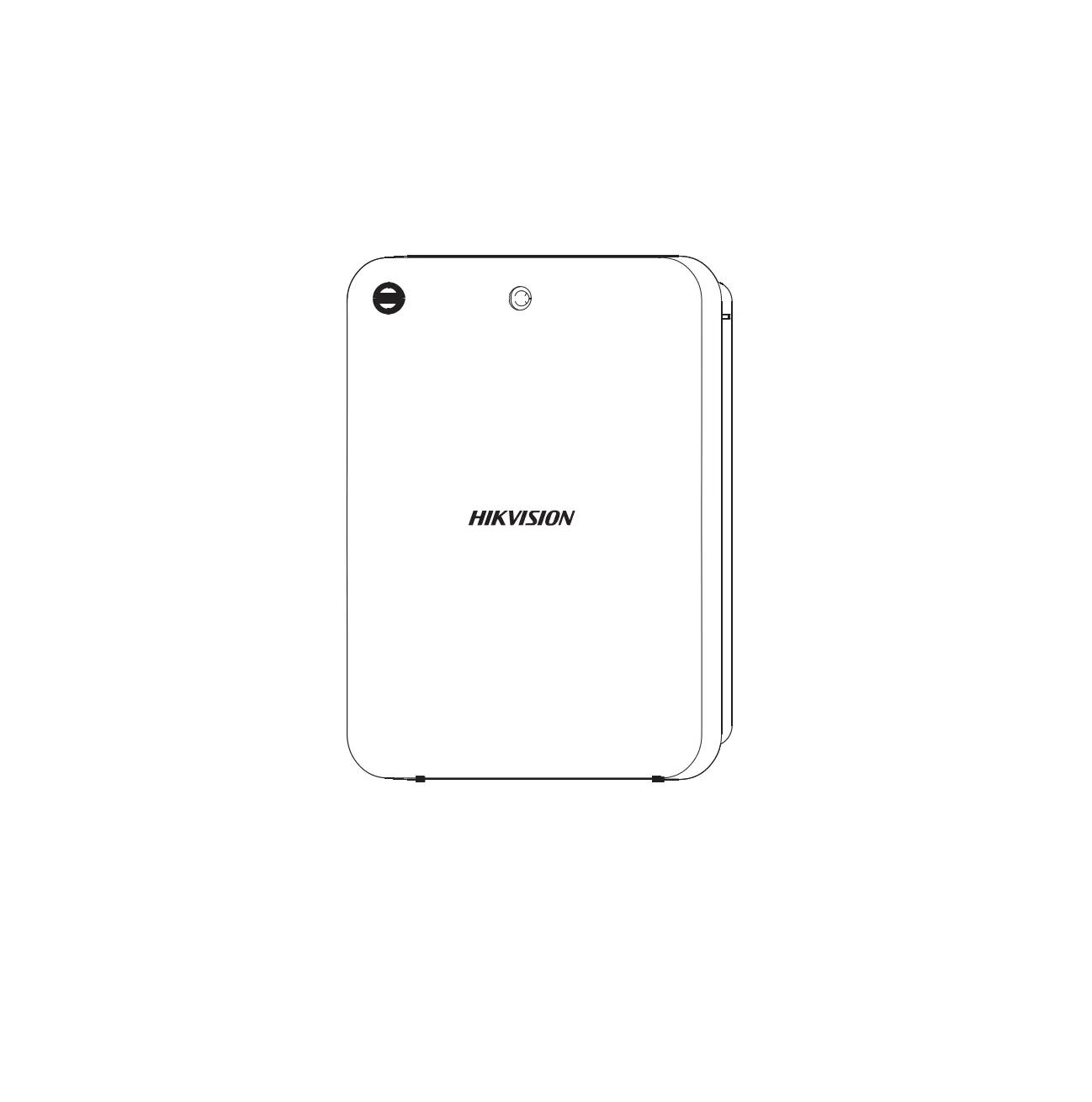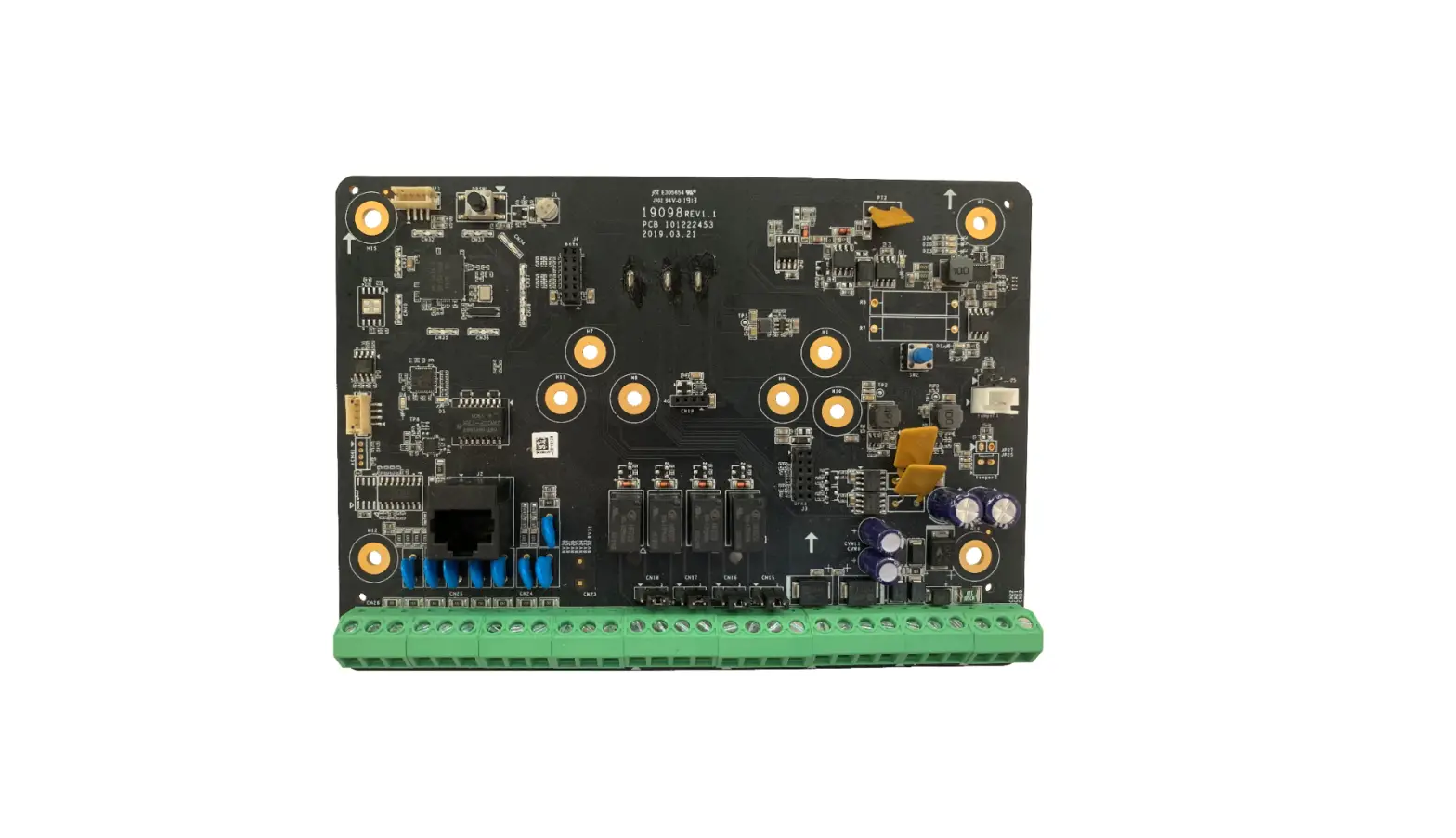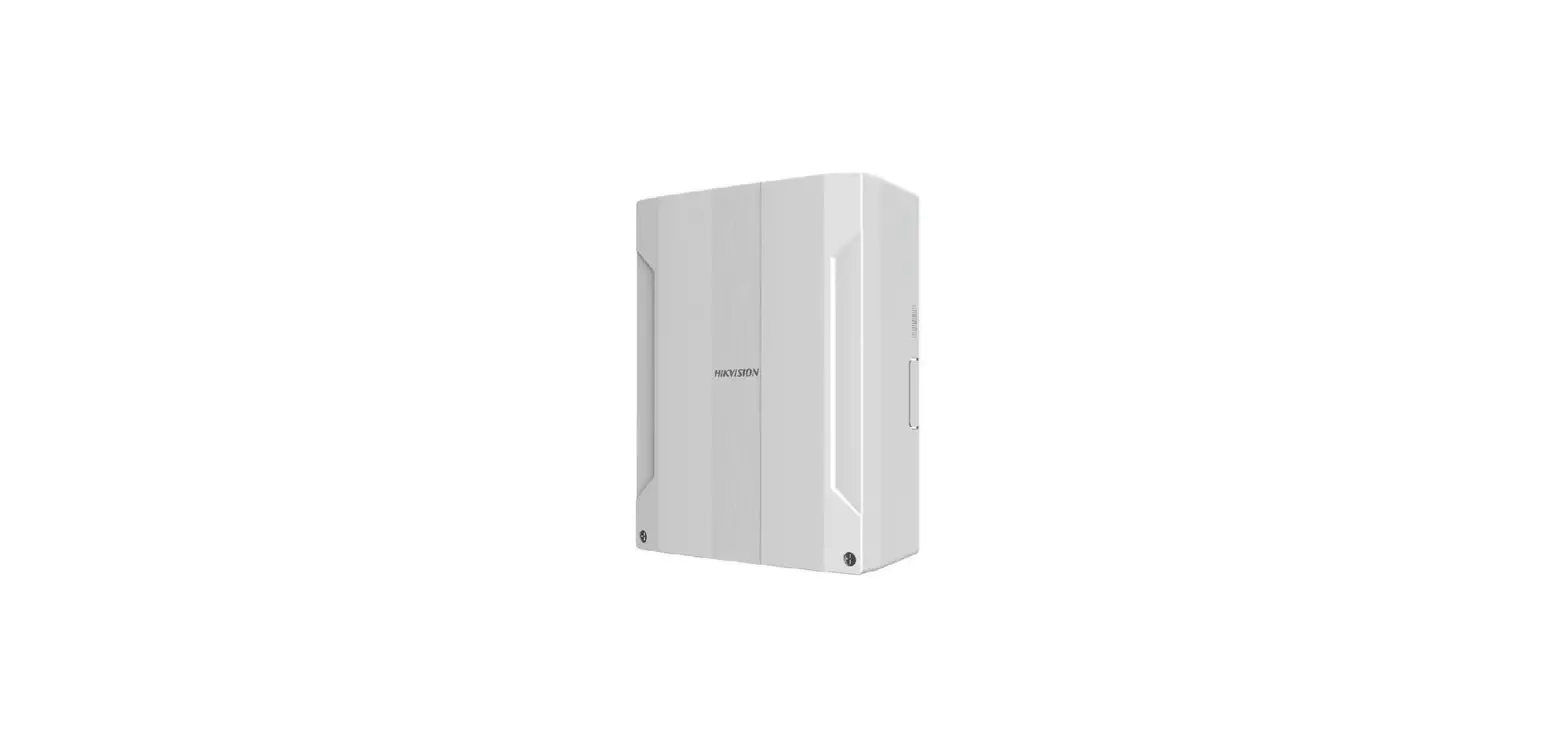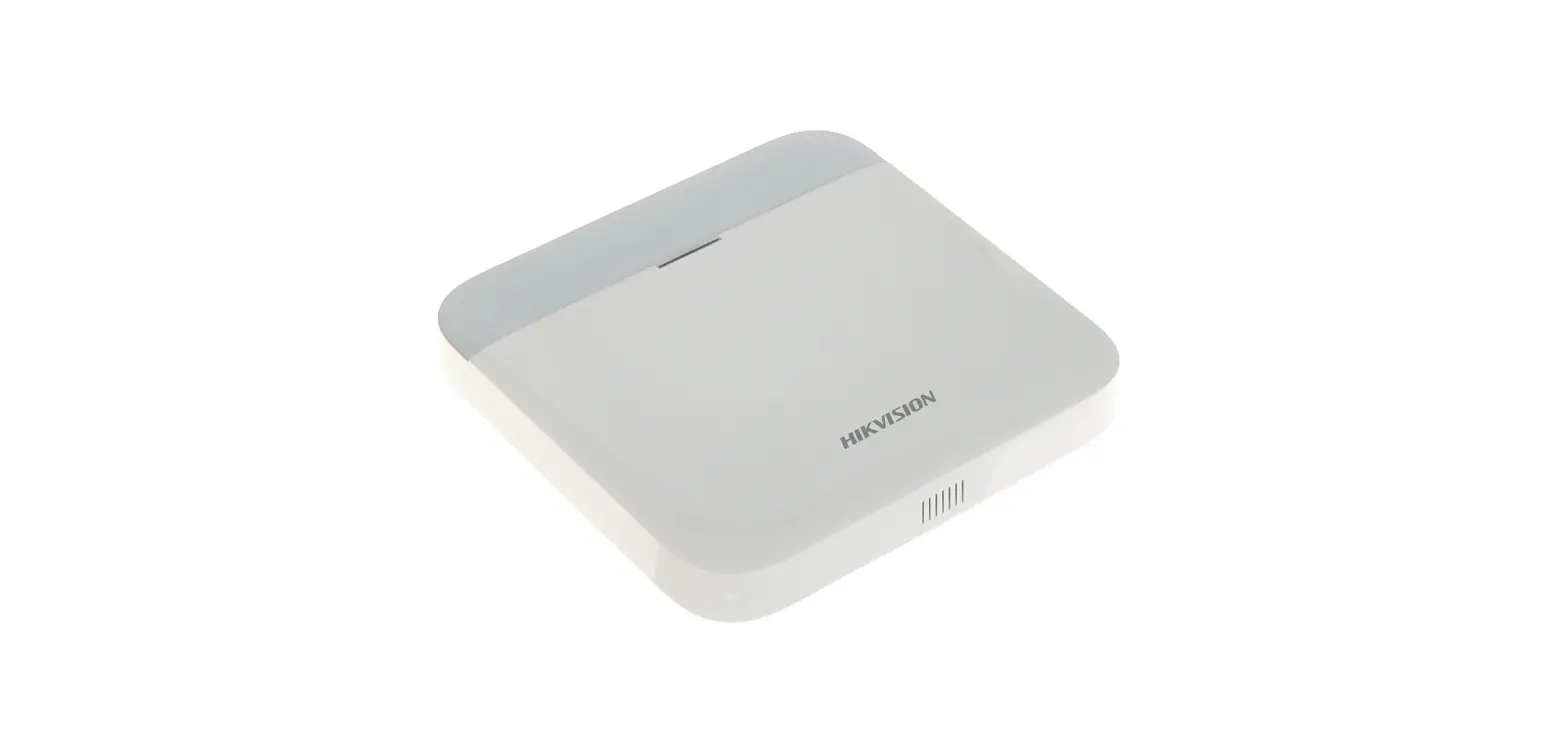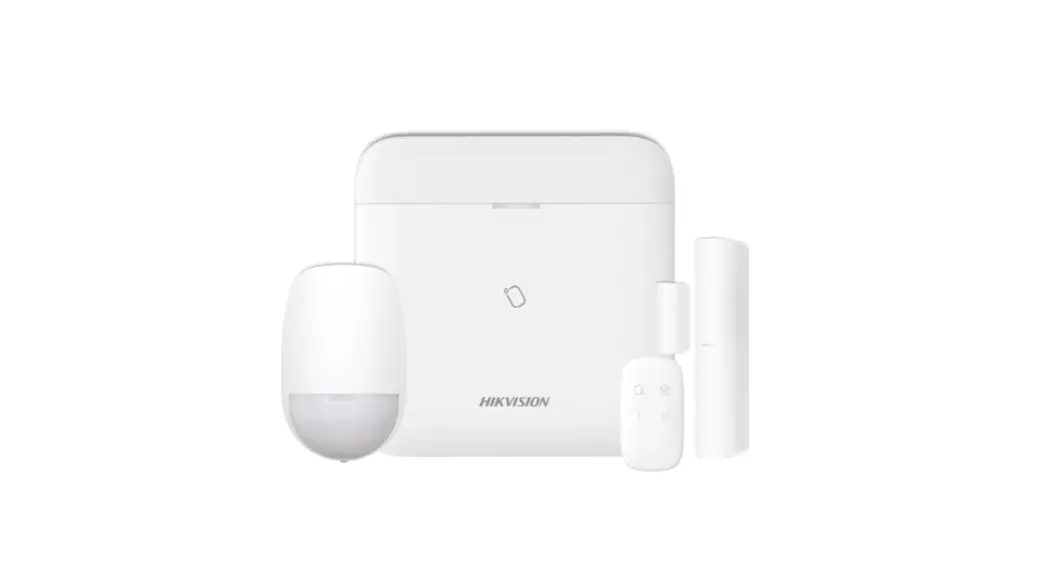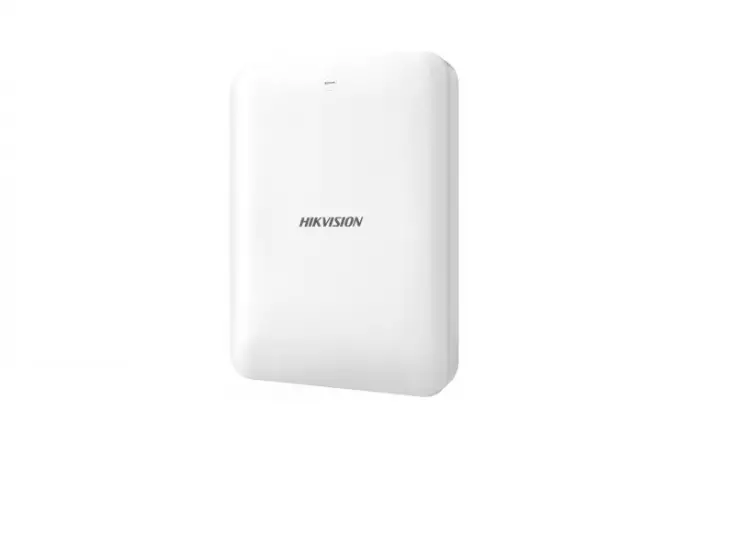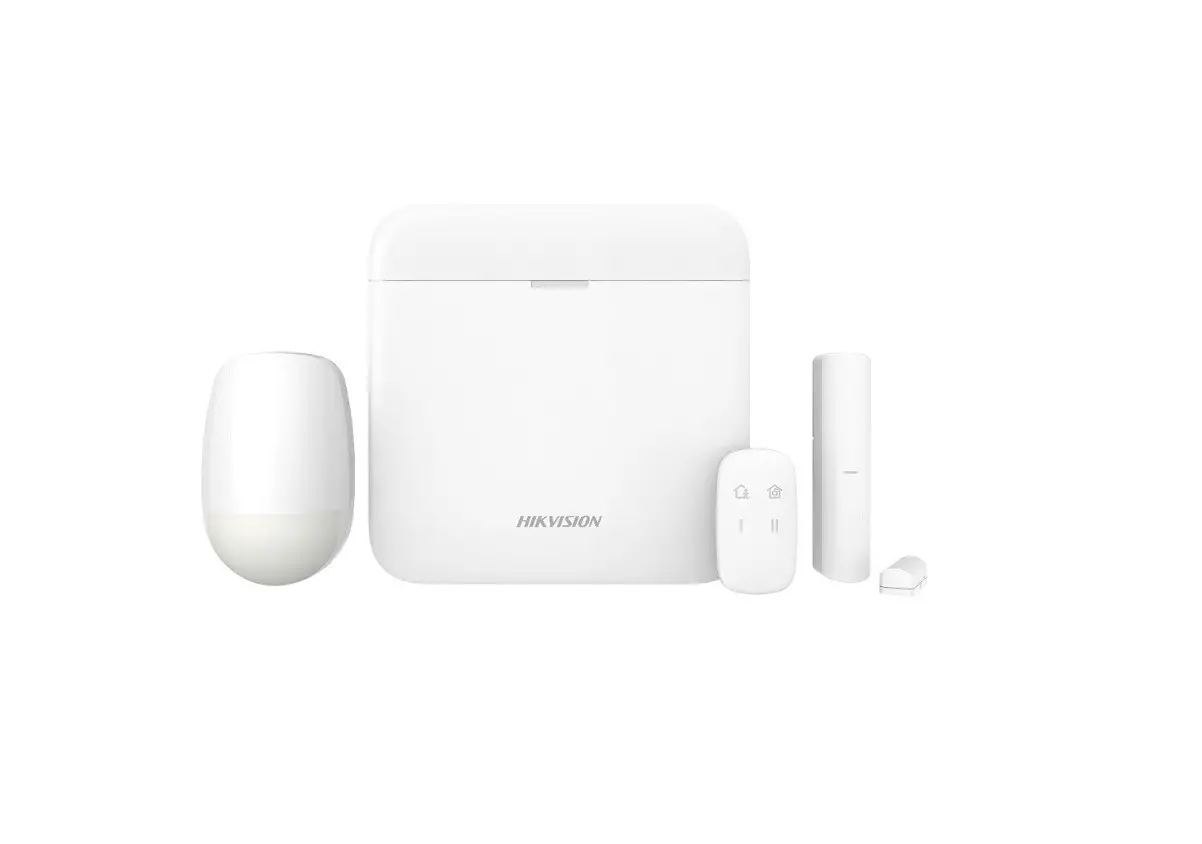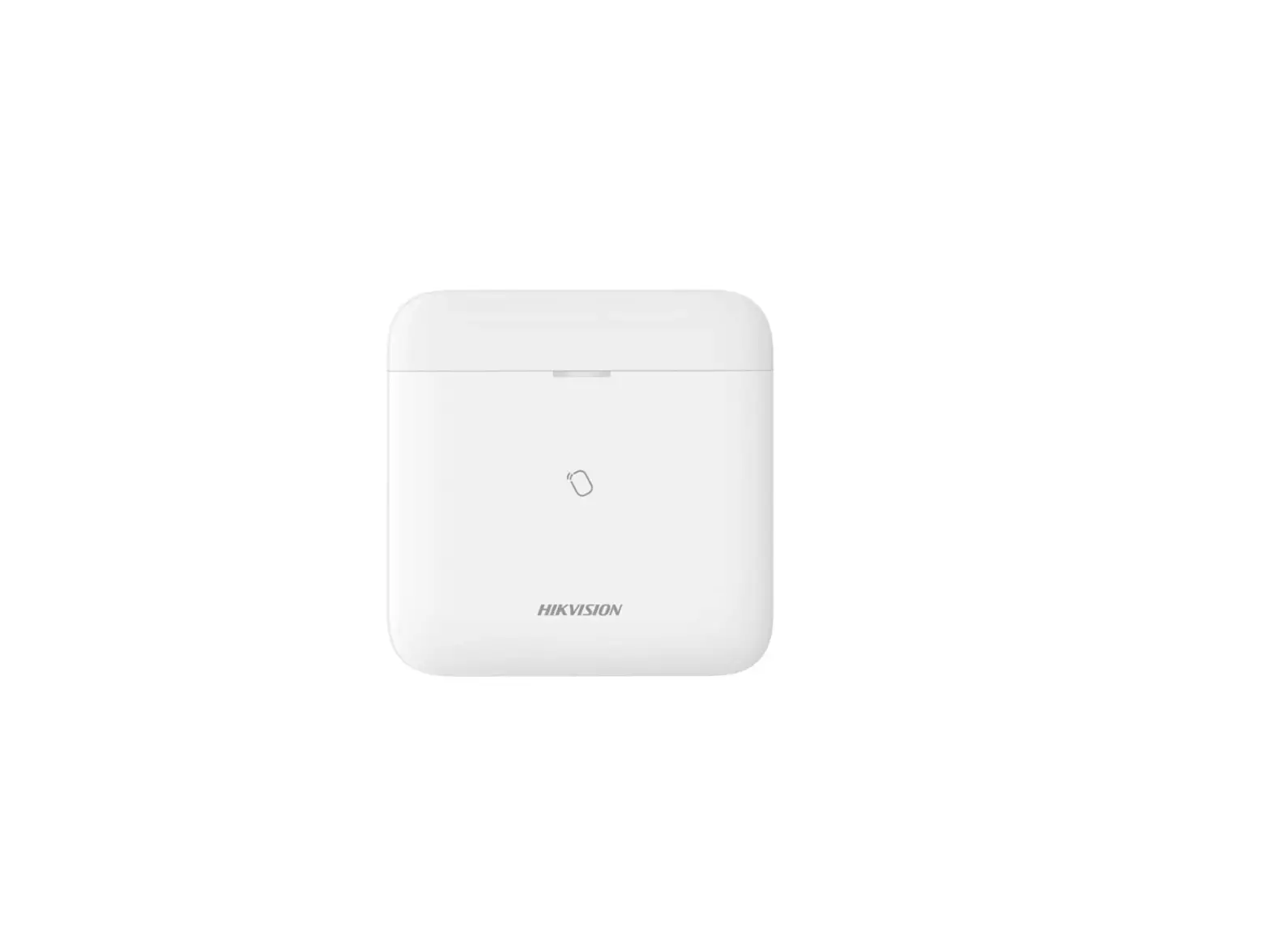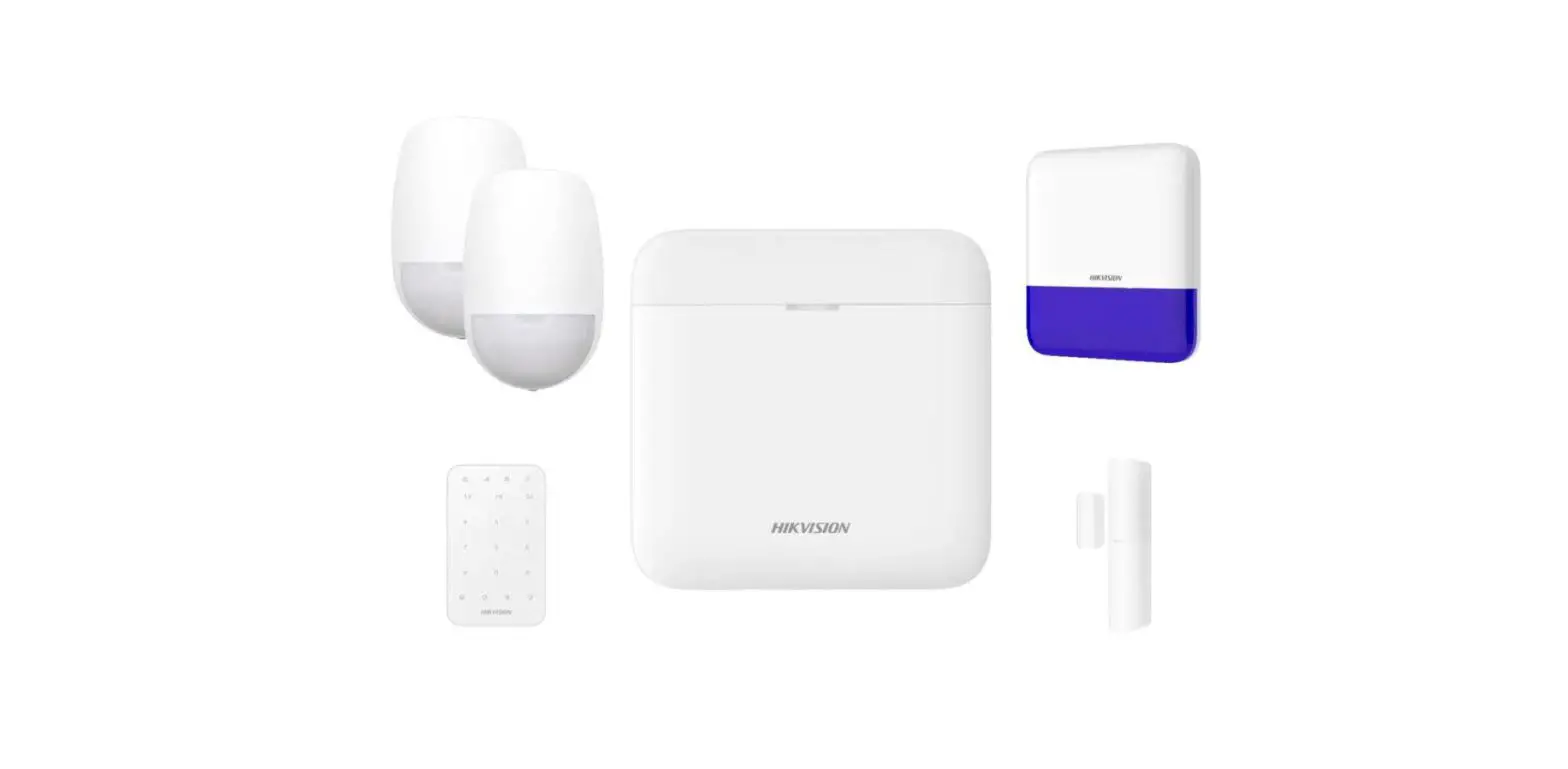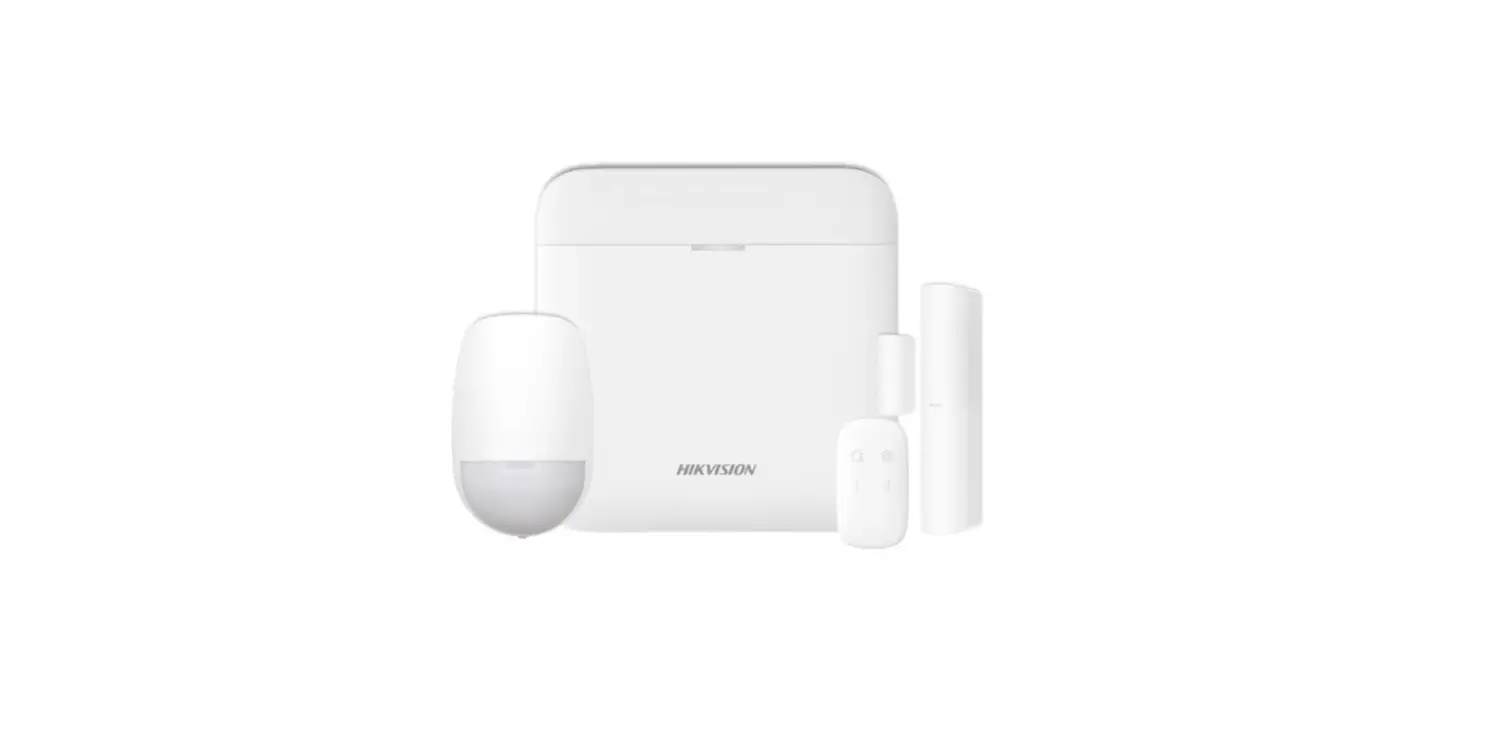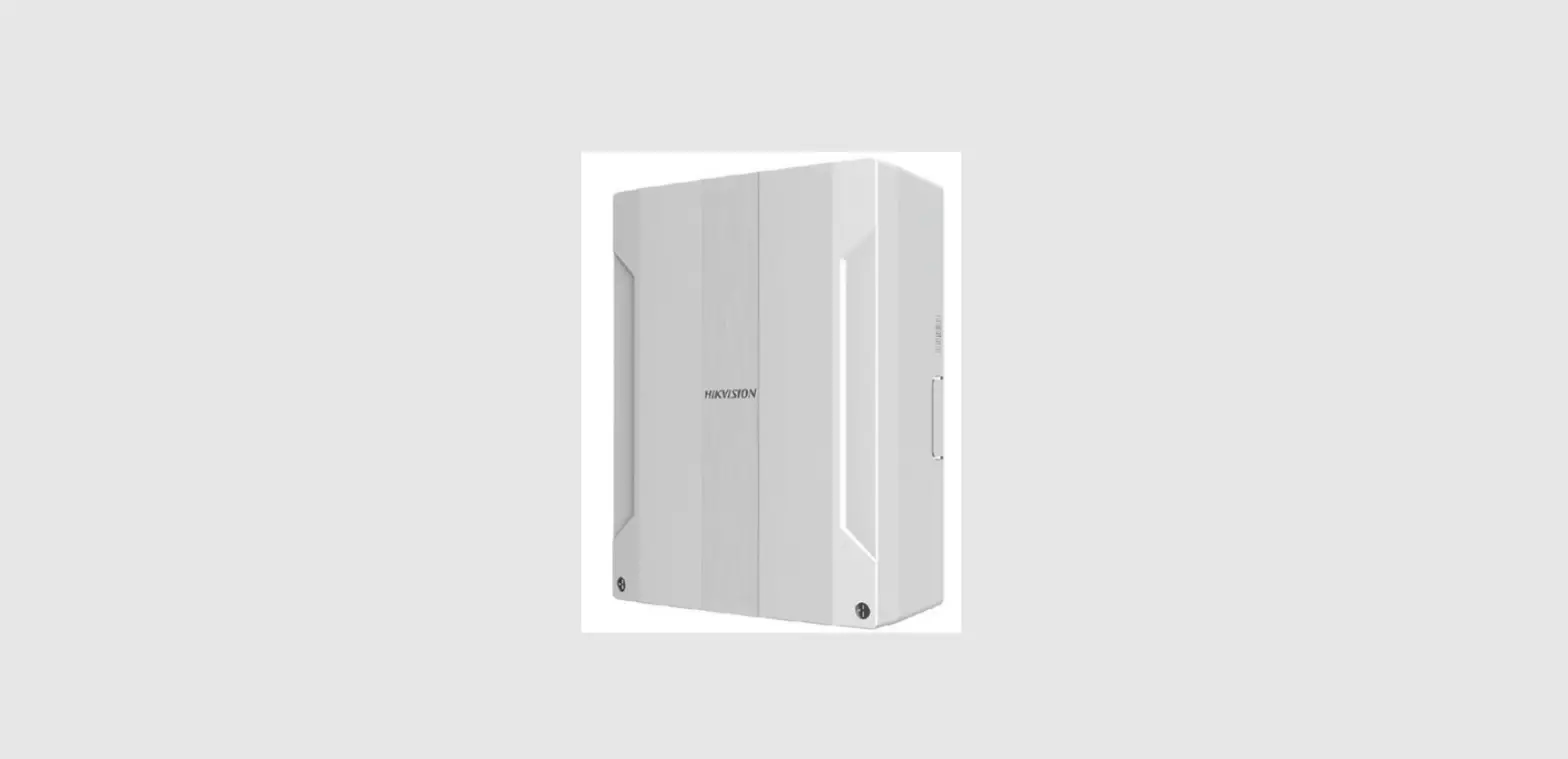

HIKVISION AX PRO M2H Hybrid Control Panel
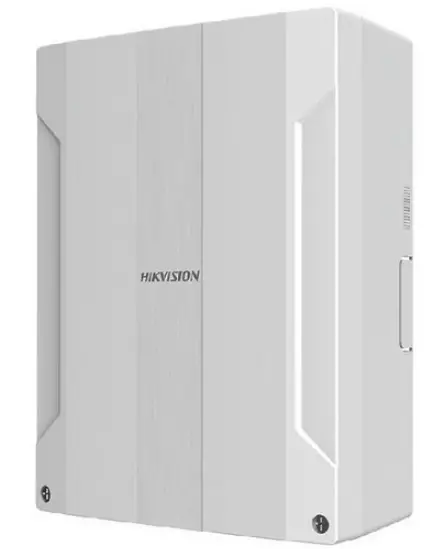
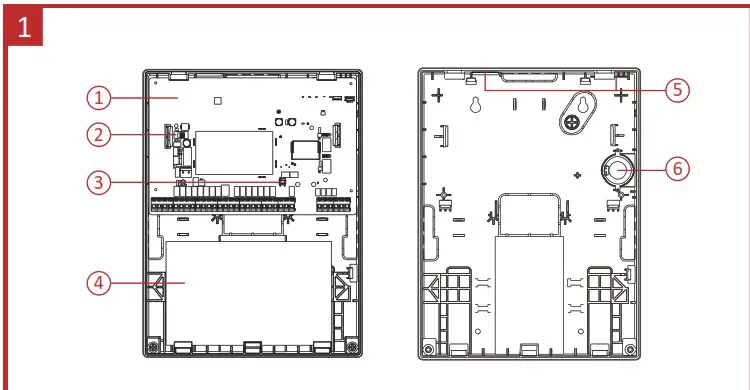
Appearance
| 1. Main Board 2. Power Switch 3. Tamper Switch | 4. Battery 5. Antenna Position 6. Loudspeaker |
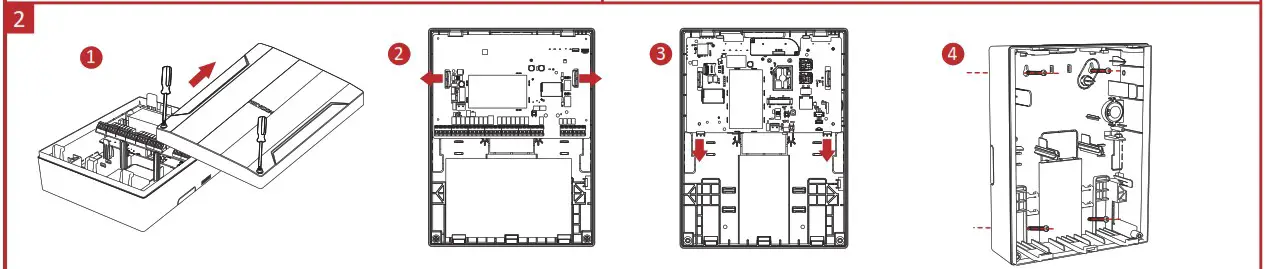
Installation and Wiring
Note: Power down the control panel before installation and wiring.
- Loosen the screws and open the case.
- Take out the upper main board.
- Take out the lower main board.
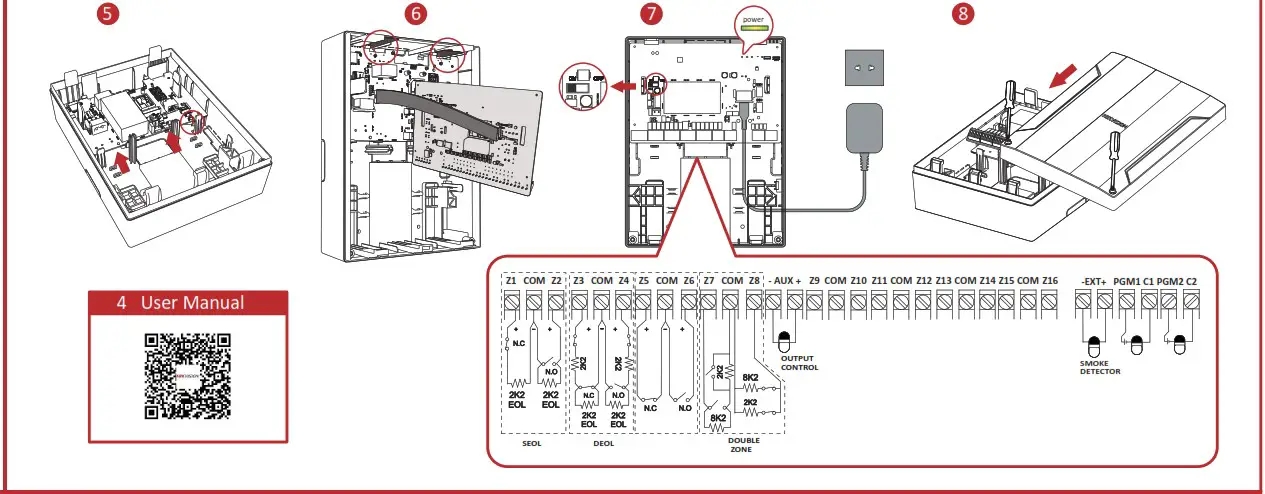
- Fix the rear case on the wall. Install the lower main board and the loudspeaker.
- (Wiring before install the upper main board.)
Install the antennas and the upper main board. - Connect the power supply and turn on the switch.
- Close the case and tighten the screws.
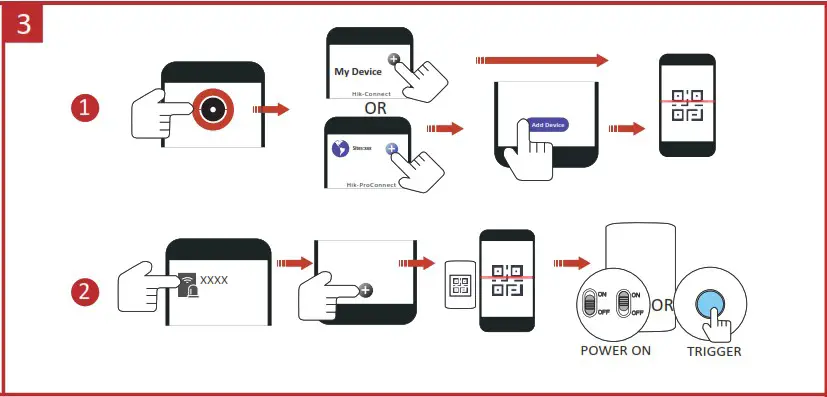
Set-Up
- Add the AX PRO to Hik-ProConnect or Hik-Connect APP.
- Enroll the peripheral to the AX PRO.


User Manual
Specification
| Basic | RF frequency | 915 Mhz |
| Keyfob | 48 | |
| Wireless sounder | 6 | |
| Keypad | 8 (Including Tag reader) | |
| Wireless repeater | 4 | |
| Tag | 48 | |
| Zone | Up to 96 (including 48 PIRCAMs & 16 onboard Wired Zones & onboard Wired Outputs) | |
| Transmitter | Up to 96 (Single), up to 5 (Multi) | |
| Onboard video clip | 4 | |
| User | Admin, installer, user | 1, 120, 46 |
| Software | Area | 32 |
| LEDs indication | Arm/Disarm, Alarm, Alert, Cloud, Power | |
| Memory Log stored | Alarm&abnormal (3000), user operation (1500), user management (200) | |
| Programming tool | Hik-Connect/I-lik-ProConnect/Web Portal/ IVMS4200/ Convergence Cloud | |
| Communication | Network | Wired network, Wi-FI, 4G on board |
| ARC protocol | SIA DC09 (SIA level 2, Contact ID), ISUP, ISAPI (SDK), CSV-IP, FSK Module | |
| Hik-IP Receiver & Hik-IP Receiver Pro (Sur-Gard & Ademco 685) | ||
| Supports video verification and remote control | ||
| SIM slot | Dual | |
| Hardware | Power supply | 100 to 240V-, 50/60 Hz, 0.66A to 0.3A |
| Battery type | 12v 7Ah storage battery (sold separately), up to 36 hours | |
| Others | Operation temperature | -10 °C to 40 °C |
| Dimension (WxHxD) | 261 mm x 199 mm x 86.4 mm | |
| Weight | 1083g (No battery) |
FCC Information
Please take attention that changes or modification not expressly approved by the party responsible for compliance could void the user’s authority to operate the equipment.
FCC compliance: This equipment has been tested and found to comply with the limits for a Class B digital device, pursuant to part 15 of the FCC Rules. These limits are designed to provide reasonable protection against harmful interference in a residential installation. This equipment generates, uses, and can radiate radio frequency energy and, if not installed and used in accordance with the instructions, may cause harmful interference to radio communications. However, there is no guarantee that interference will not occur in a particular installation. If this equipment does cause harmful interference to radio or television reception, which can be determined by turning the equipment off and on, the user is encouraged to try to correct the interference by one or more of the following measures:
- Reorient or relocate the receiving antenna.
- Increase the separation between the equipment and receiver.
- Connect the equipment into an outlet on a circuit different from that to which the receiver is connected.
- Consult the dealer or an experienced radio/TV technician for help.
This equipment should be installed and operated with a minimum distance 20cm between the radiator and your body.
FCC Conditions
This device complies with part 15 of the FCC Rules. Operation is subject to the following two conditions:
- This device may not cause harmful interference.
- This device must accept any interference received, including interference that may cause undesired operation
 HOME
HOME Hikvision - Leading the future of AIoT