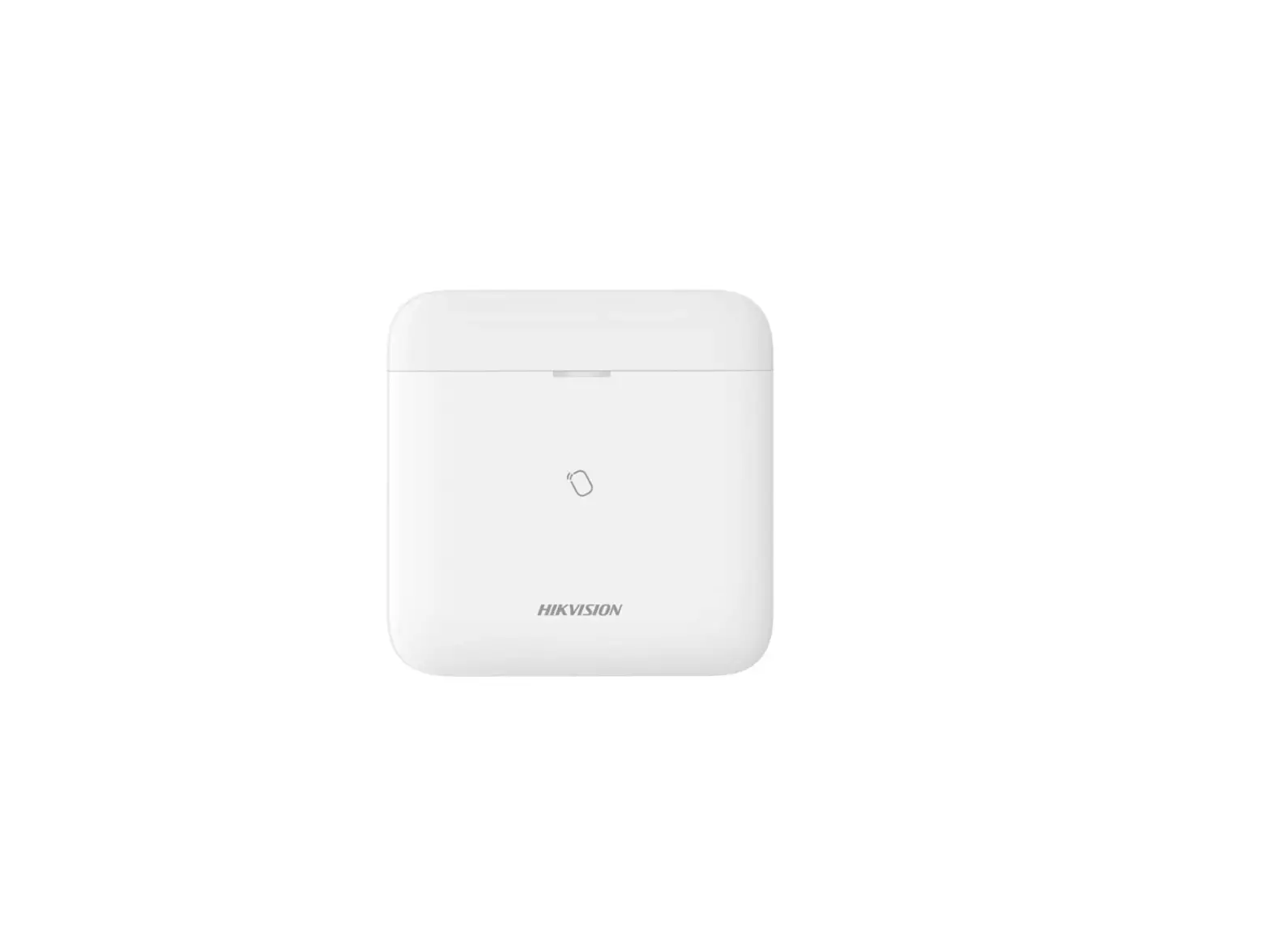
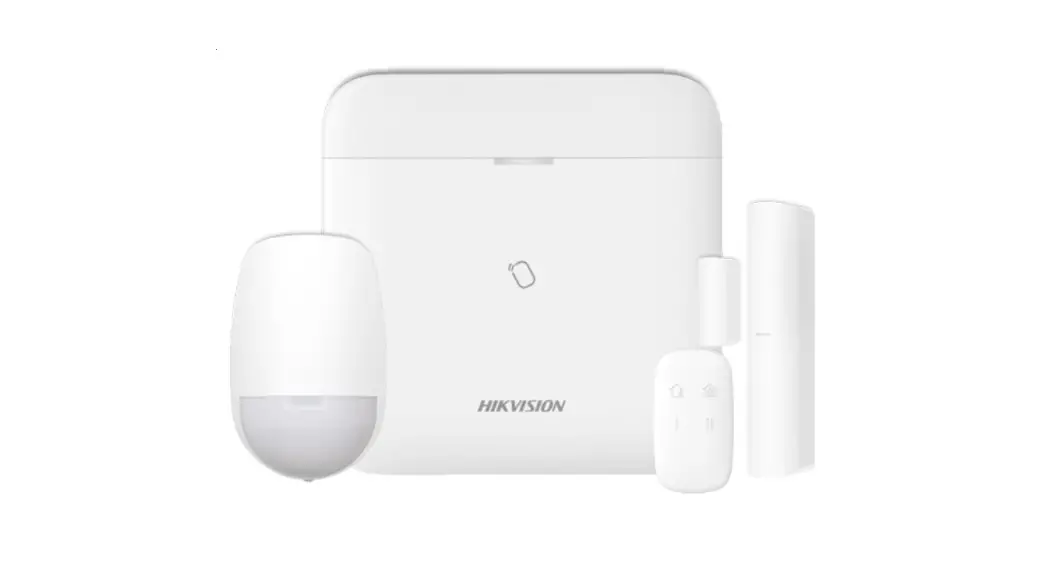
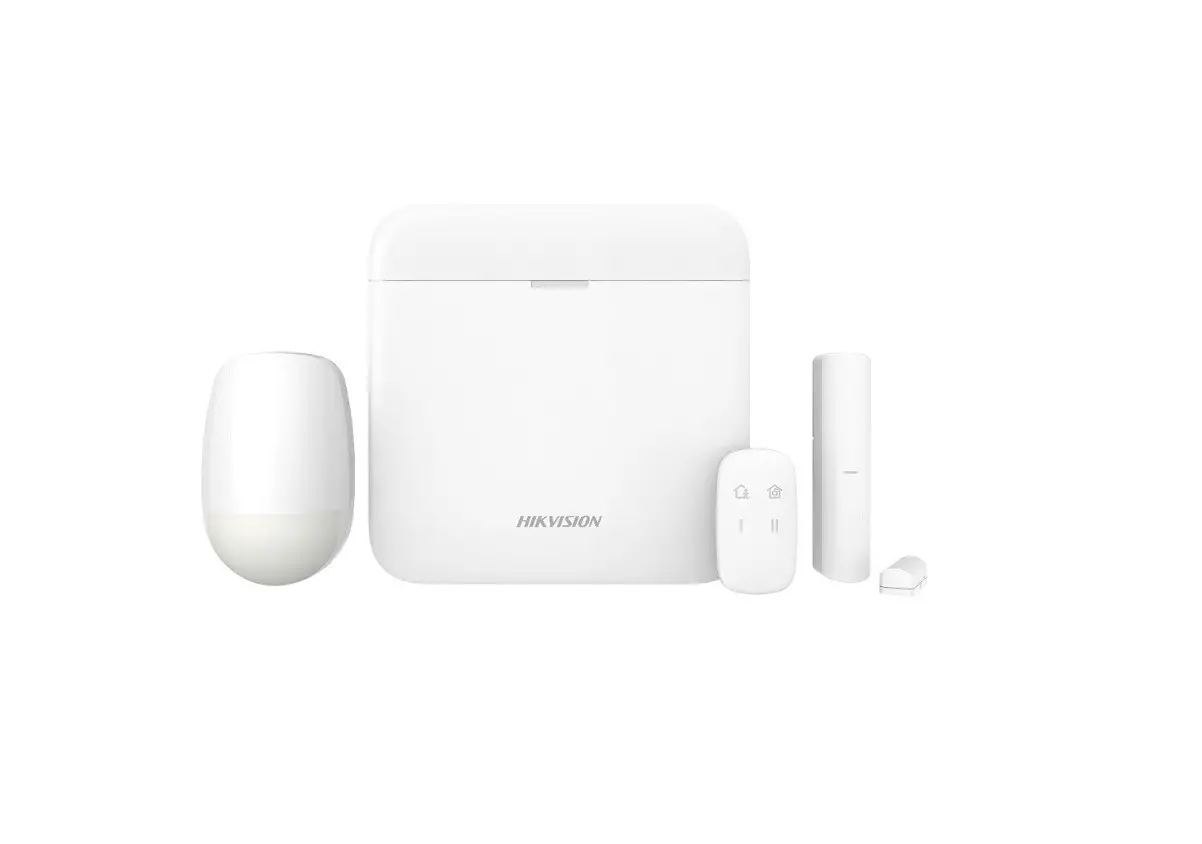
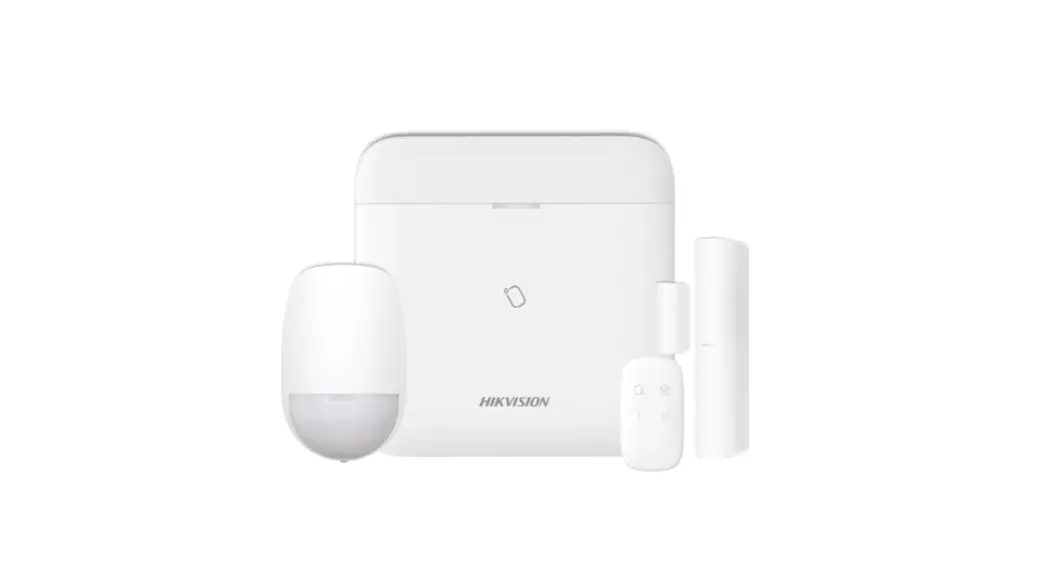
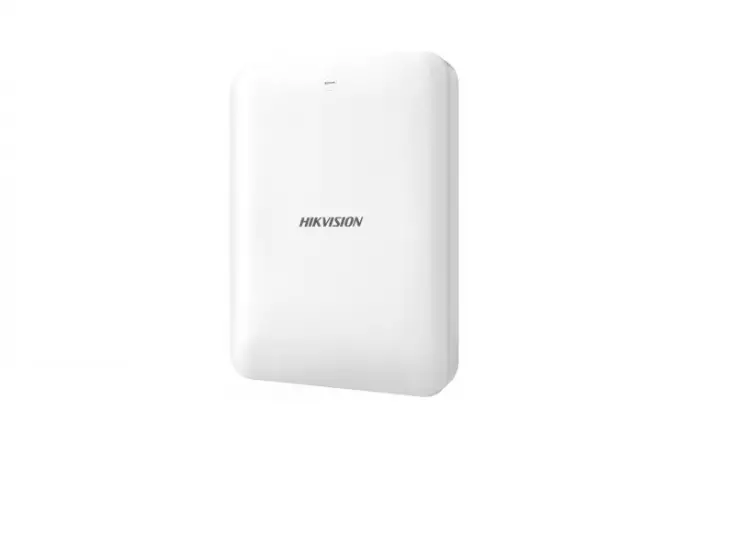
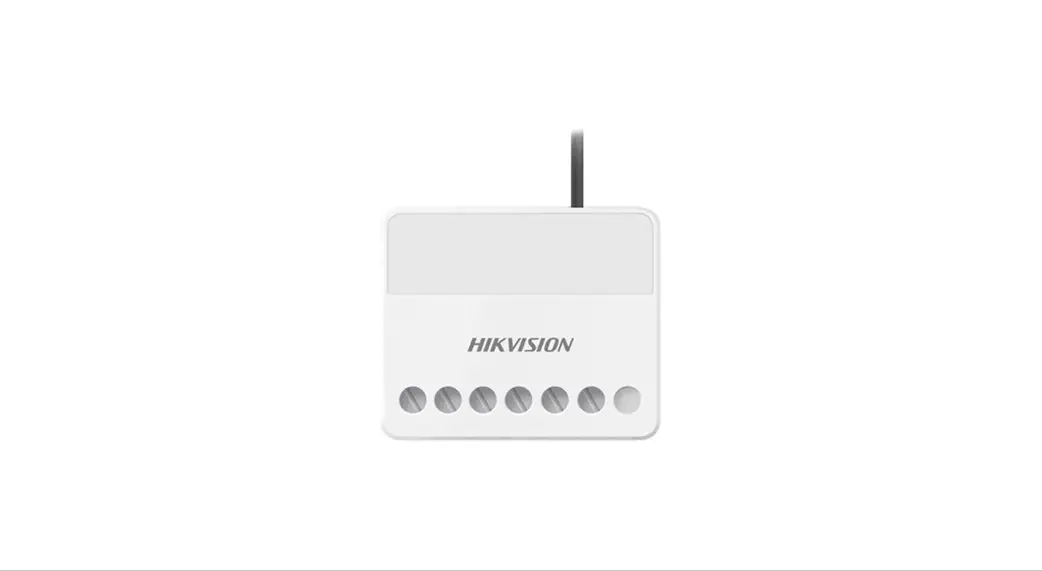
DS-PWA Series AX PRO Wireless Security Control Panel
Product Information
Product: DS-PWA Series AX PRO Wireless Security
Control Panel
Version: v1.0
Wireless Control Panel: DS-PWA Series AX PRO
Wireless Security Control Panel
Date: 12/07/2020
Page: 1 of 2
Preparation
- DS-PWA Series AX PRO Wireless Security Control Panel
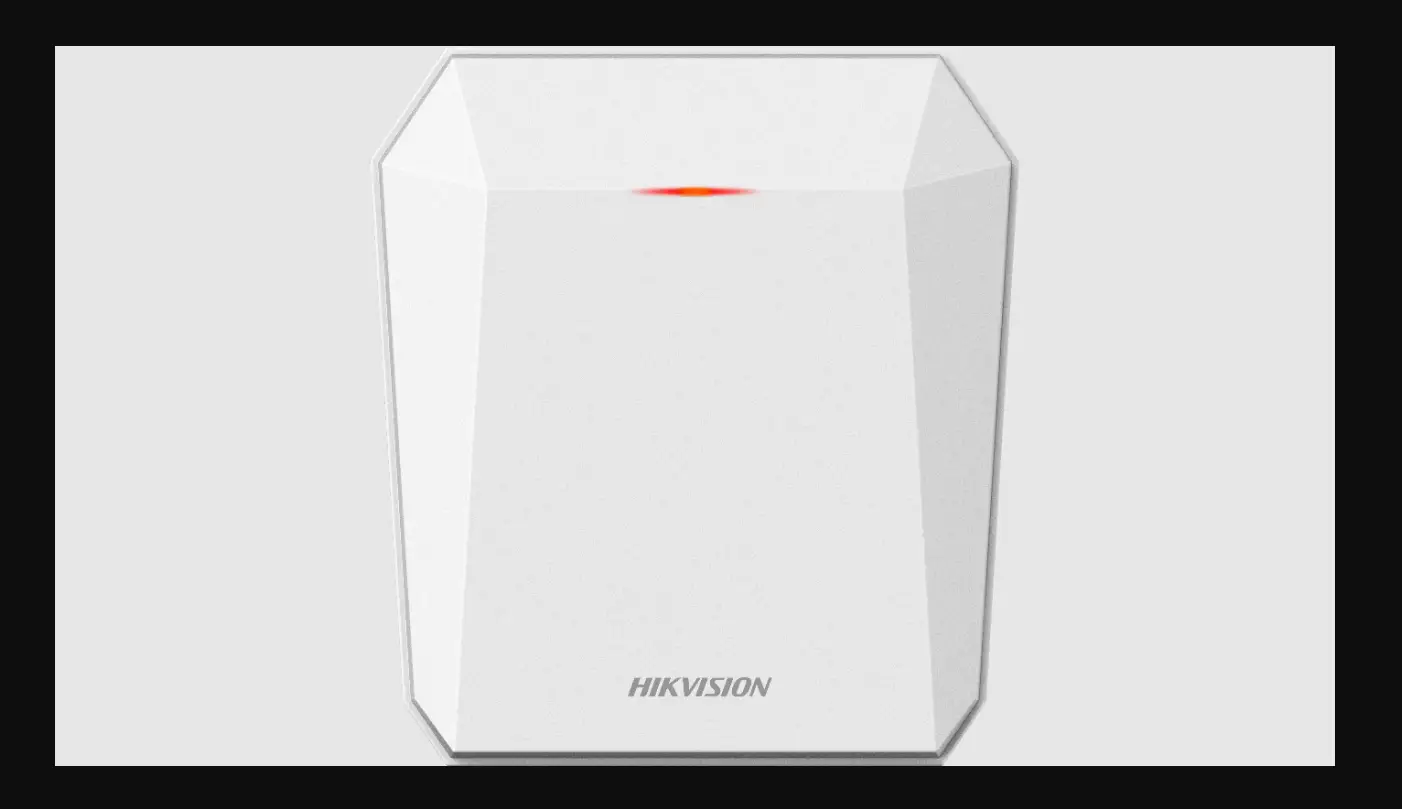
- Wireless Repeater DS-PR1-WE and Wireless Detector
- IE Browser and Hik-Connect App
Product Usage Instructions
How to Configure Wireless Repeater in AX PRO Wireless Control
Panel
The repeater can amplify signals between the control panel and
the peripherals.
- Add the Repeater to AX PRO
- You can use Panel Enrollment Mode or Repeater serial No. to add
to AX PRO - After finish adding, Click Device Repeater to enter the page.
Status will show enrolled.
- You can use Panel Enrollment Mode or Repeater serial No. to add
- Repeater usage scenarios
- If the signal from wireless PIRCAM Detector or Wireless Smoke
Detector to AX PRO is weak, we can install the repeater in the
middle of detectors and Panel then Enable Pairing Mode to search
these two types of detectors and expand the communication distance
manually. - Other Wireless Detectors will be paired automatically when
detectors have better signal to repeater.
- If the signal from wireless PIRCAM Detector or Wireless Smoke
- Hik-Connect Operation
How to Configure Wireless Repeater in AX PRO Wireless Control Panel
0
Title: Product:
How to Configure Wireless Repeater in AX PRO
Version:
v1.0
Wireless Control Panel
DS-PWA Series AX PRO Wireless Security Control Panel
Date: Page:
12/07/2020 1 of 2
Preparation
1. DS-PWA Series AX PRO Wireless Security Control Panel 2. Wireless Repeater DS-PR1-WE and Wireless Detector 3. IE Browser and Hik-Connect App
How to Configure Wireless Repeater in AX PRO Wireless Control Panel
The repeater can amplify signals between the control panel and the peripherals. 1. Add the Repeater to AX PRO
1) You can use Panel Enrollment Mode or Repeater serial No. to add to AX PRO 2) After finish adding, Click Device Repeater to enter the pagestatus will show
enrolled.
1
2. Repeater usage scenarios
1) If the signal from wireless PIRCAM Detector or Wireless Smoke Detector to AX PRO is weakwe can install the repeater in the middle of detectors and Panel then Enable Pairing Mode to search these two types of detectors and expand the communication distance manually.
2) Other Wireless Detectors will be paired automatically when detectors have better signal to repeater.
2
3. Hik-Connect Operation
3
0