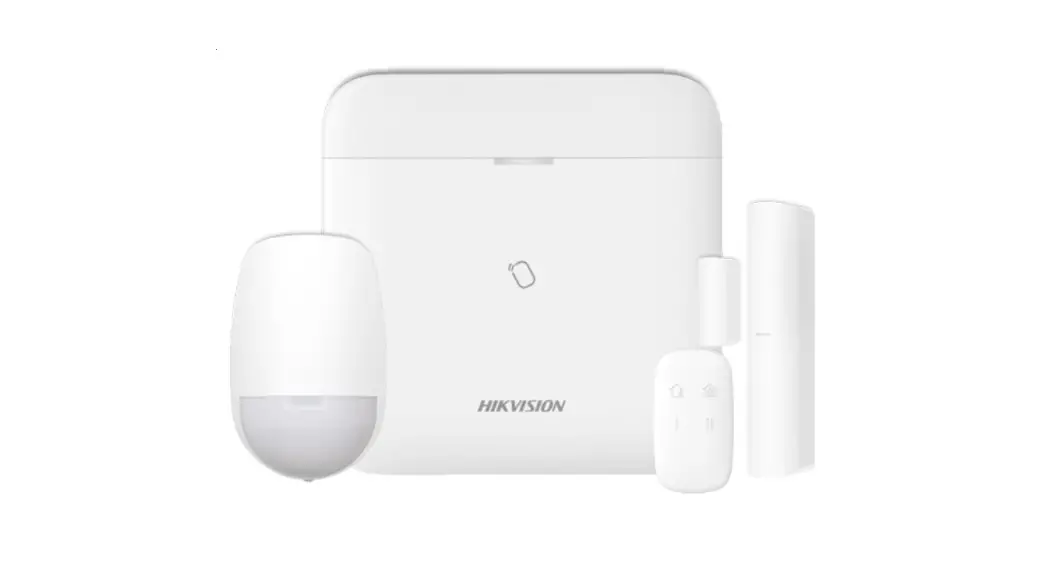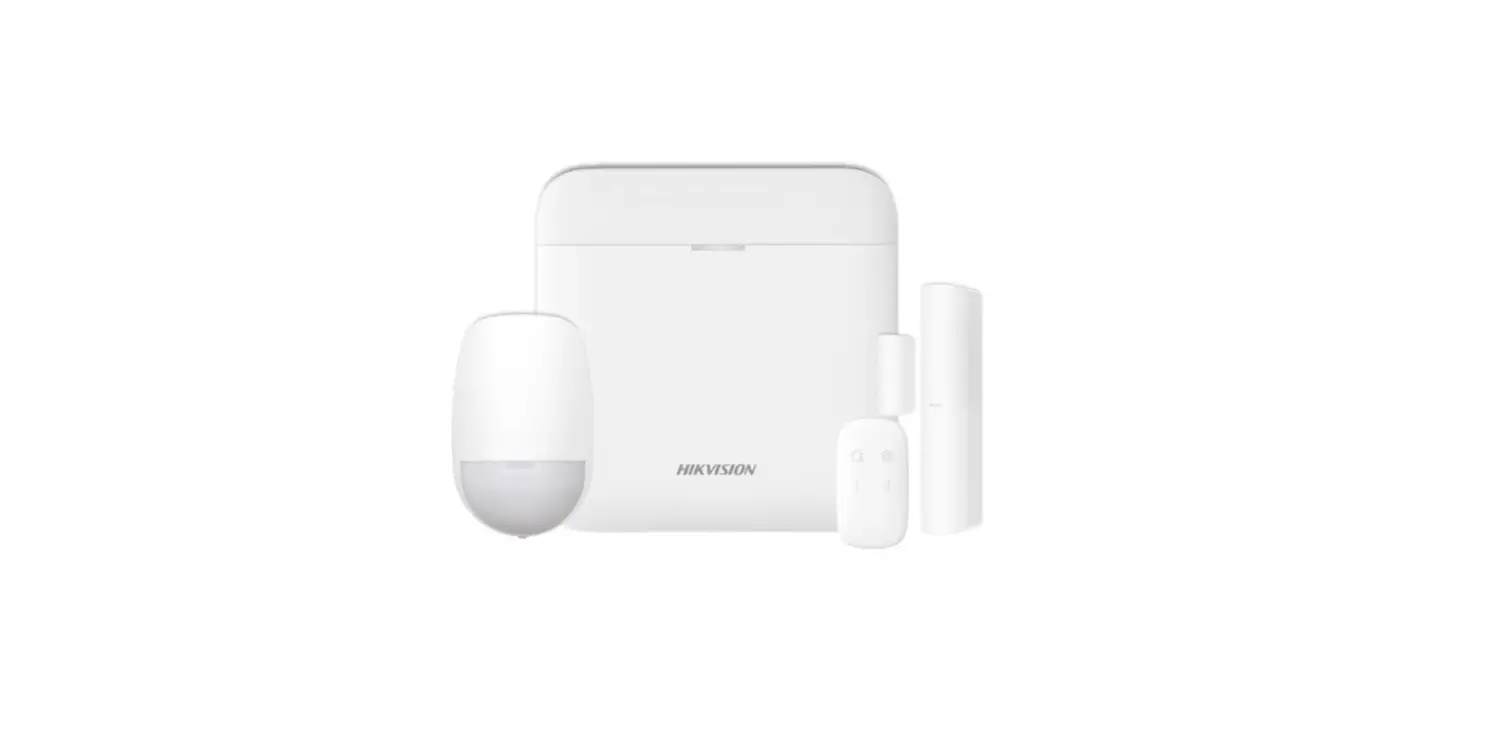

How to Add Wireless Detector to AX PRO Wireless Control Panel
Title: | How to Add Wireless Detector to AX PRO Wireless Control Panel | Version: | v1.0 | Date: | 09/07/2020 |
Product: | DS-PWA Series AX PRO Wireless Security Control Panel | Page: | 1 of 2 | ||
Preparation
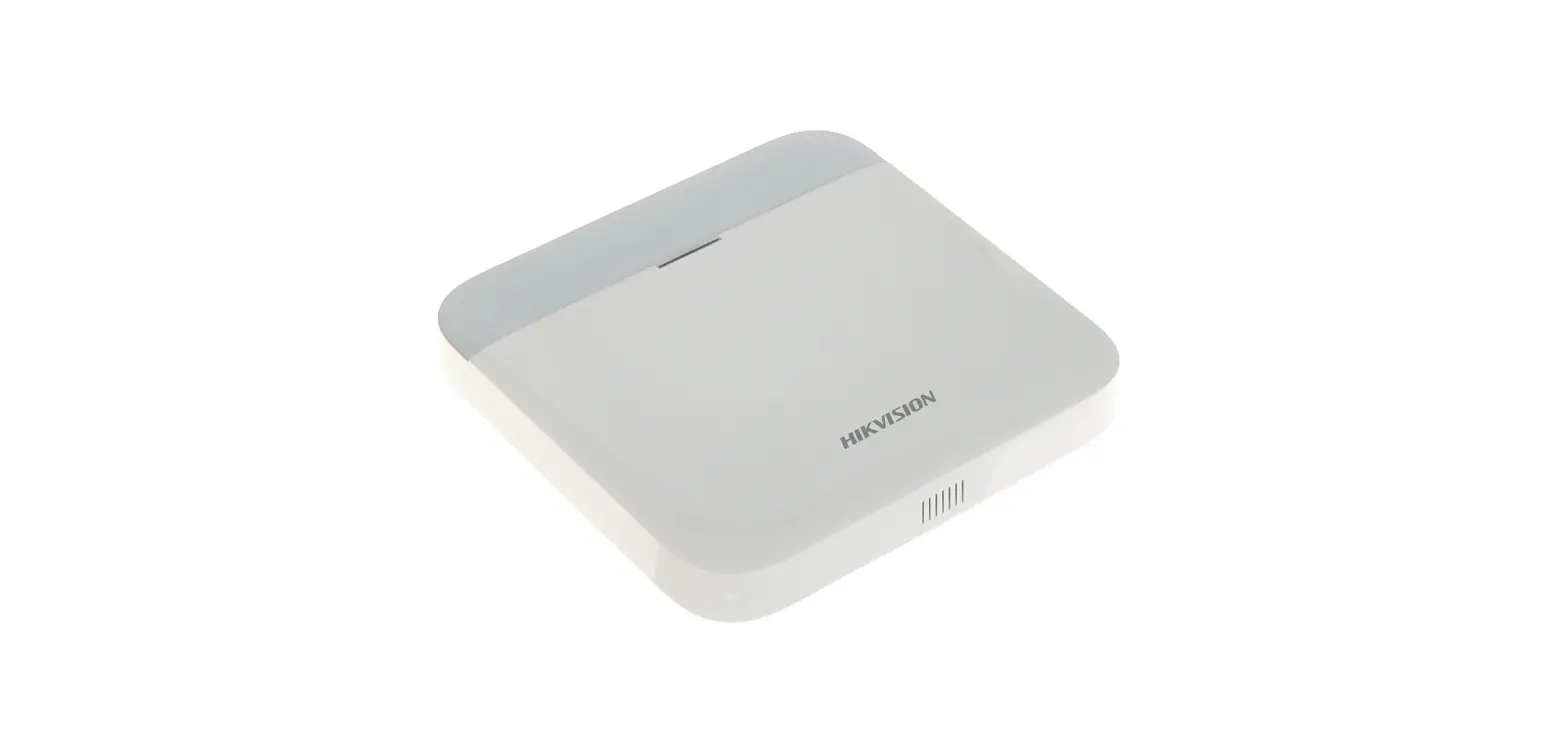
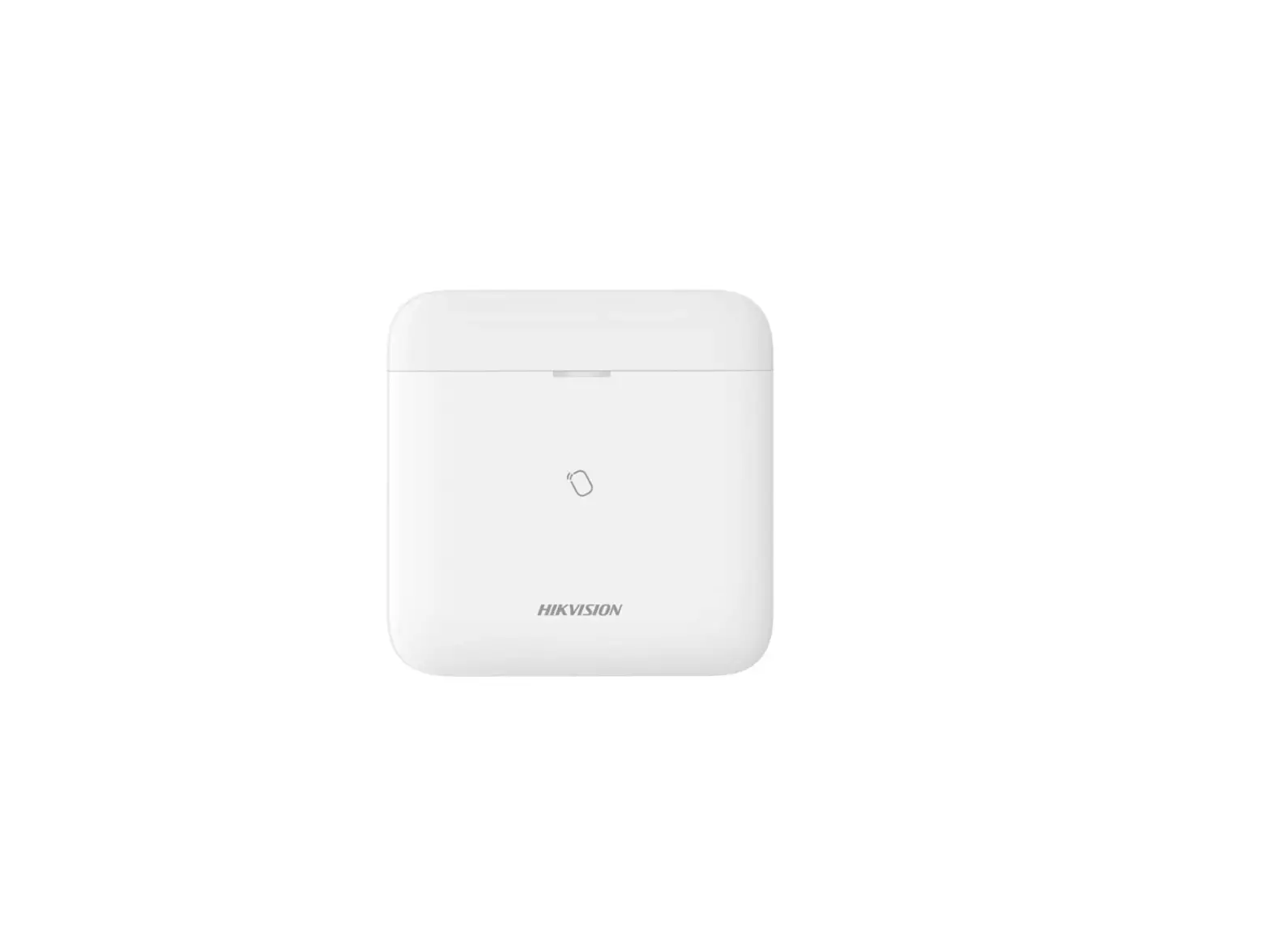
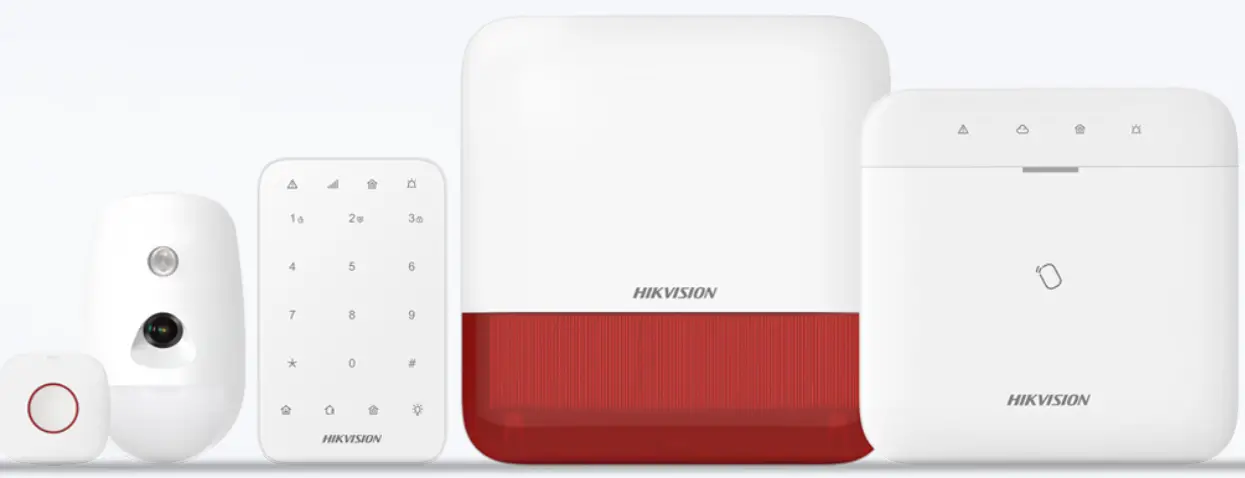
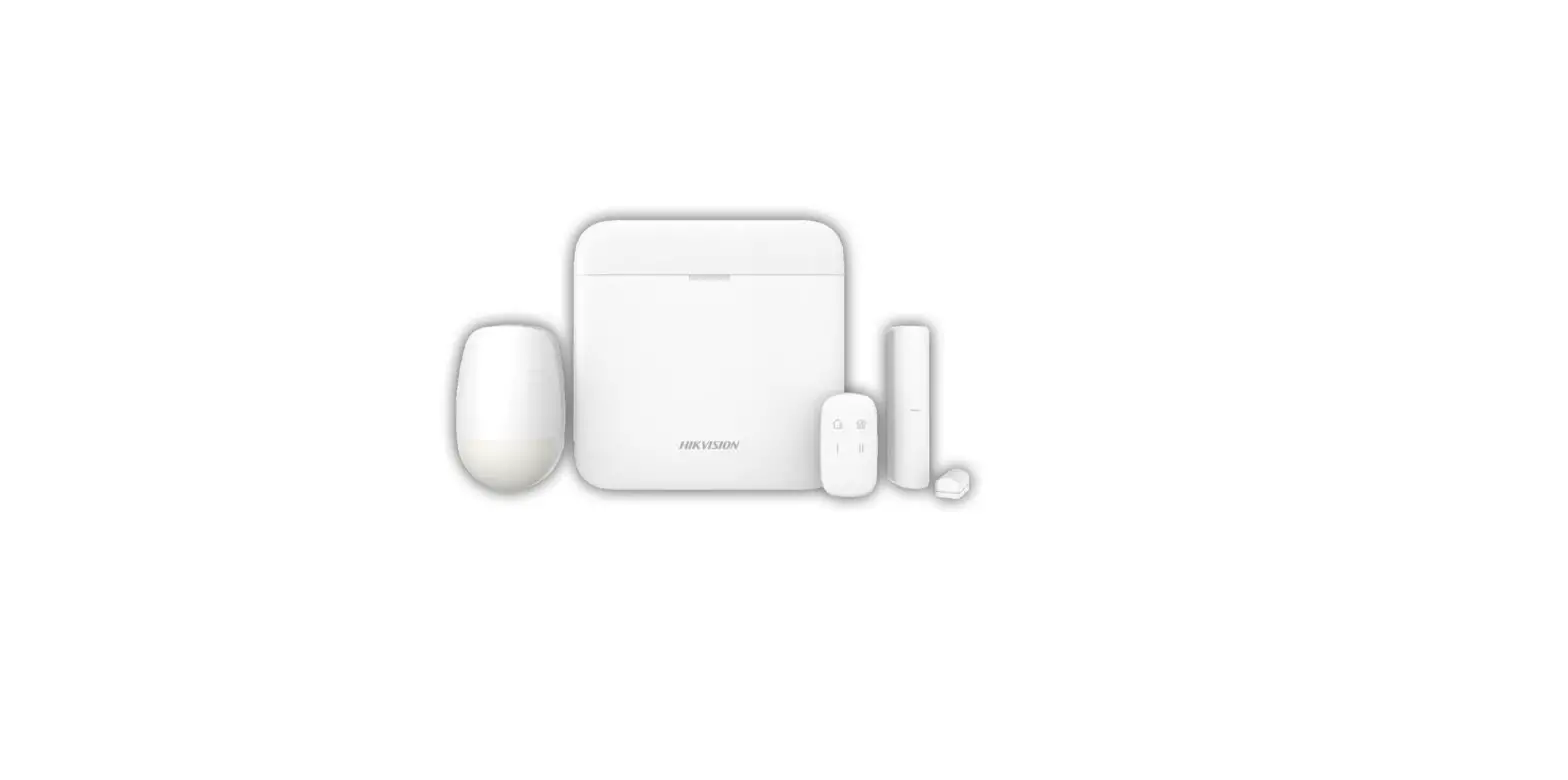
- DS-PWA Series AX PRO Wireless Security Control Panel
- Wireless Detector DS-PDPC12P-EG2-WE
- IE explorer and App Hik-Connect
How to Add Wireless Detector to AX PRO Wireless Control Panel
For AX PRO Panel, You can use the Login AX PRO Hik-Connect interface to add detector (Scan the detector QR code) or enable Enrollment Mode , or login E Browser with Hik-Connect account and password, then enable Enrollment Mode.
Use Hik Connect APP QR Add Function
- Add the AX PRO to Hik-connect at first
- Login AX PRO, select Device and click
 , scan the QR code and follow the steps.
 , scan the QR code and follow the steps.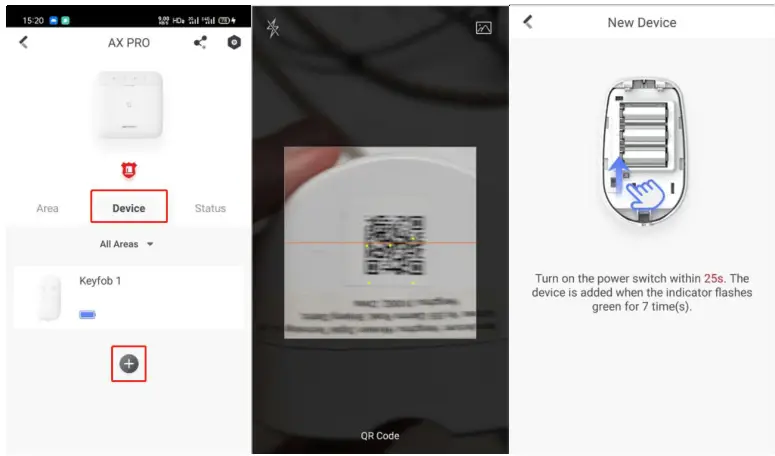
Use Hik Connect APP Enrollment Function
- Add the AX PRO to Hik-connect at first
- Login AX PRO, select Device and click
 , select System—System Options—Enrollment Mode, and Enable Enrollment Mode.
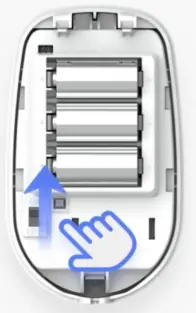
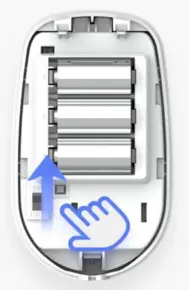
- Turn on the power switch of the Detector.

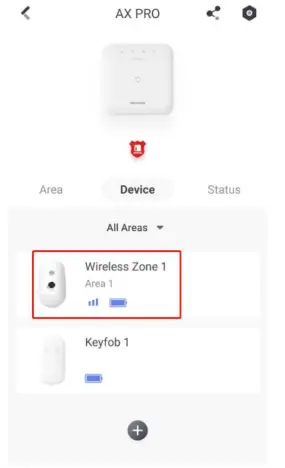
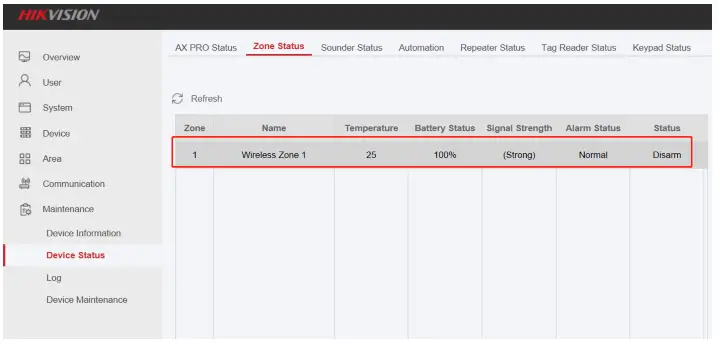
- Check the status of Detector
 , select System—System Options—Enrollment Mode, and Enable Enrollment Mode.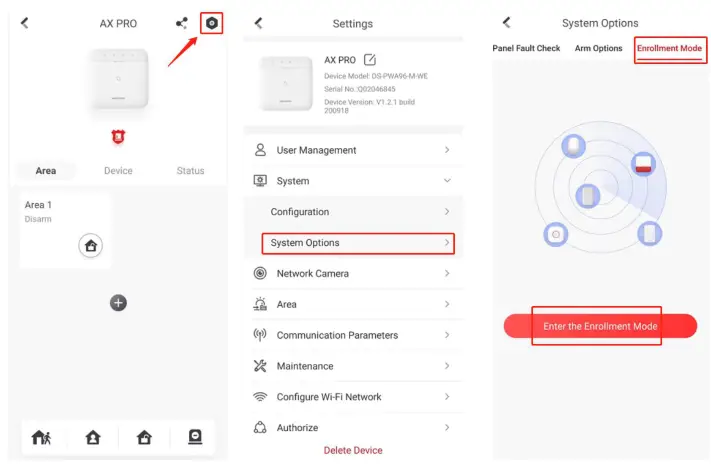
Use AX Pro Brower Enrollment Function
- Add the AX PRO to Hik-connect at first
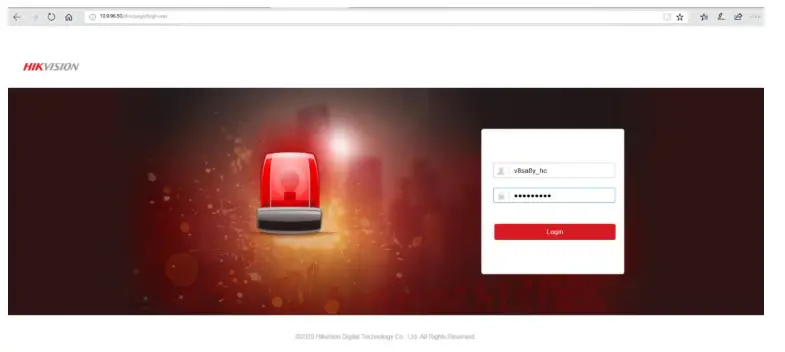
- Use Brower Login Panel IP, account and password is Hik-Connect account and password.

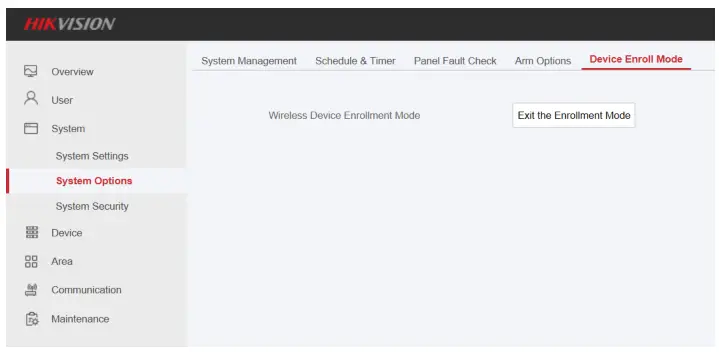
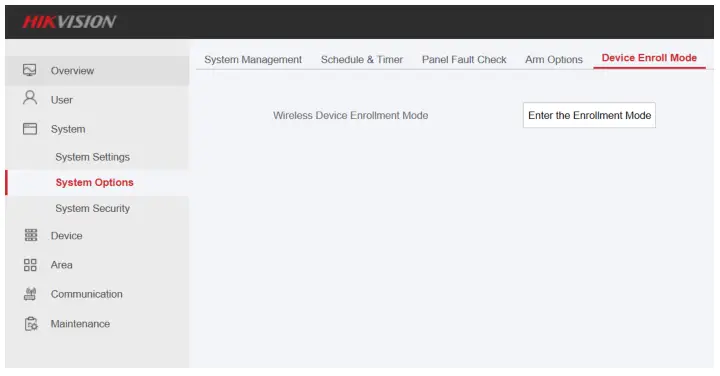
- Select System—System Options—Device Enroll Mode, enable Enter the Enrollment Mode

- Turn on the power switch of Detector.

- After finish adding,click Exit the Enrollment Mode to exit.

- Check the Detector Status: Maintenance—Device Status—Zone Status

 SEE Far, Go Further
Security WHOLESALERS