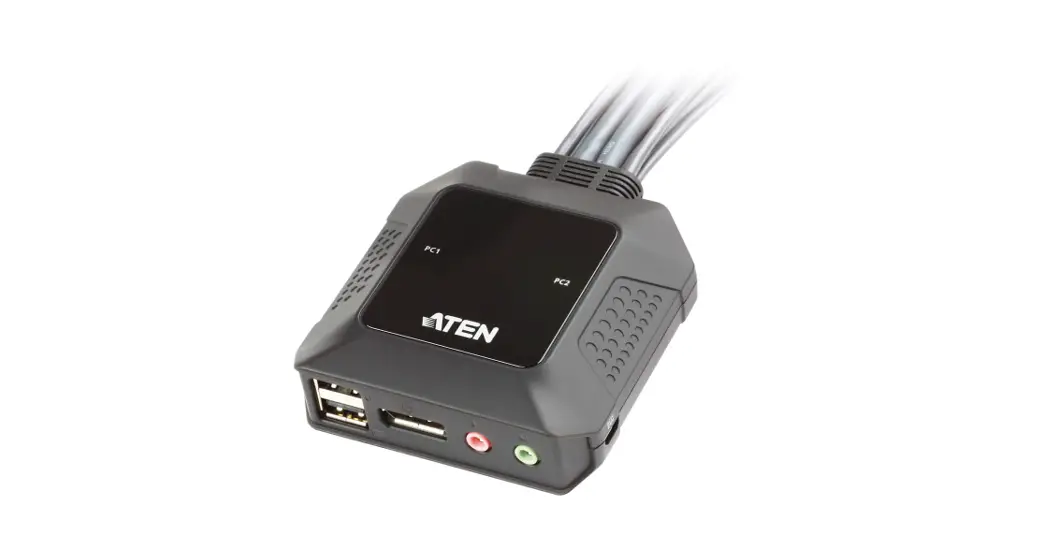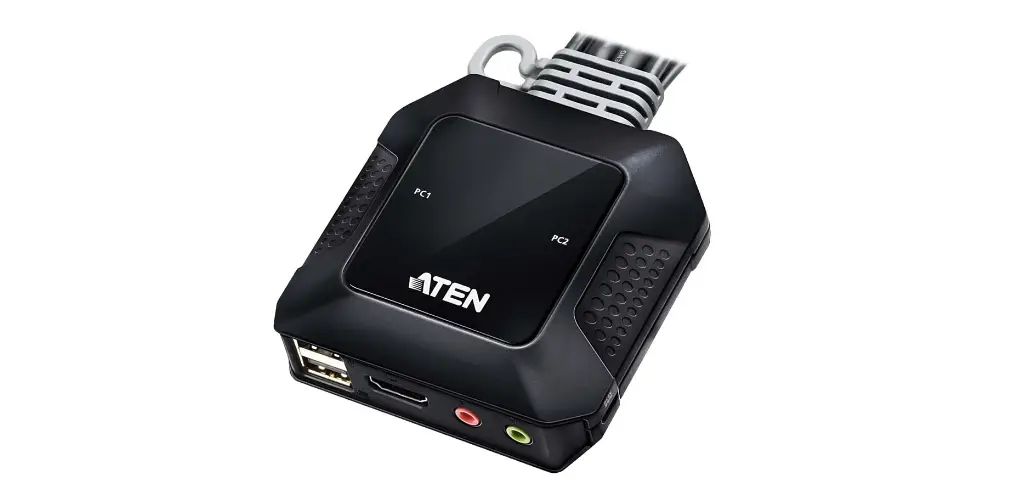

ATEN CS22HF 2-Port USB FHD HDMI Cable KVM Switch
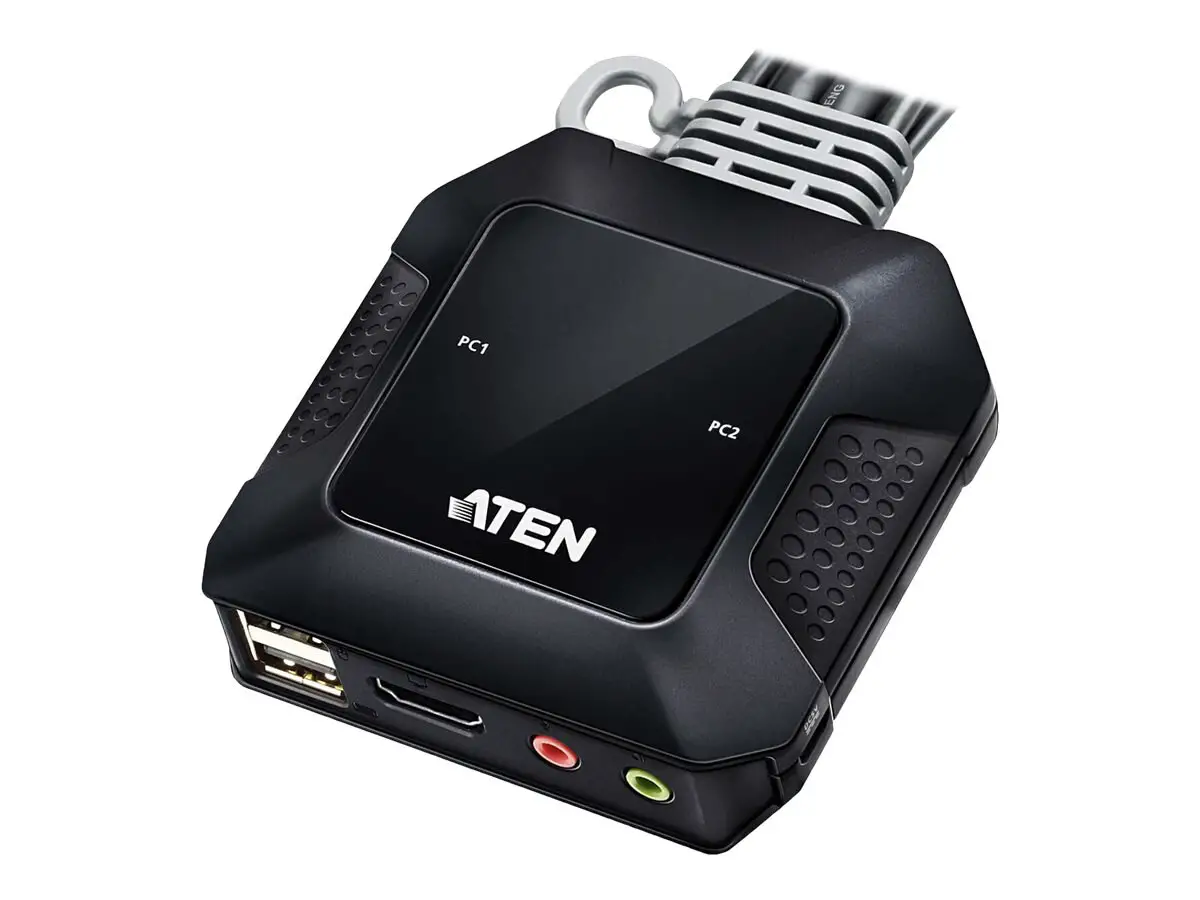
Hardware Review
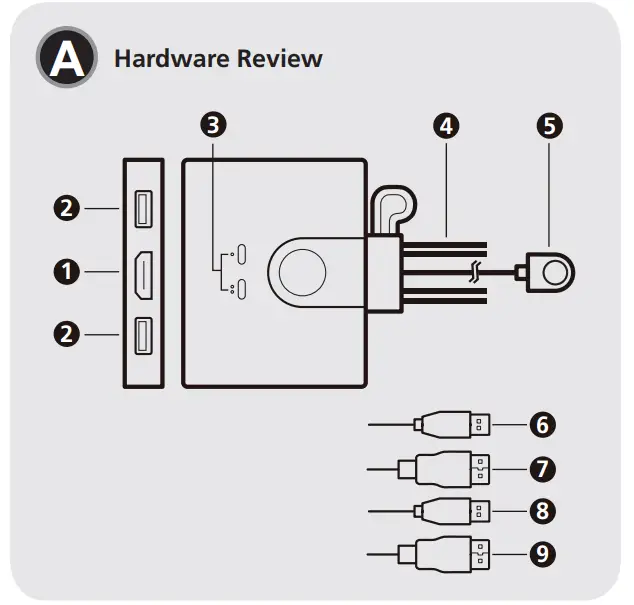
Hardware Review
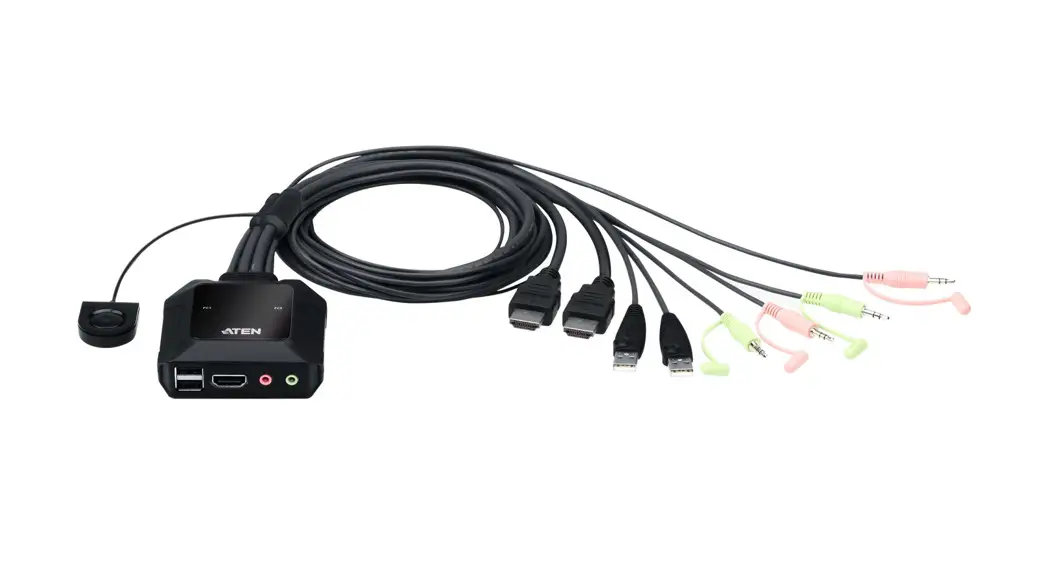
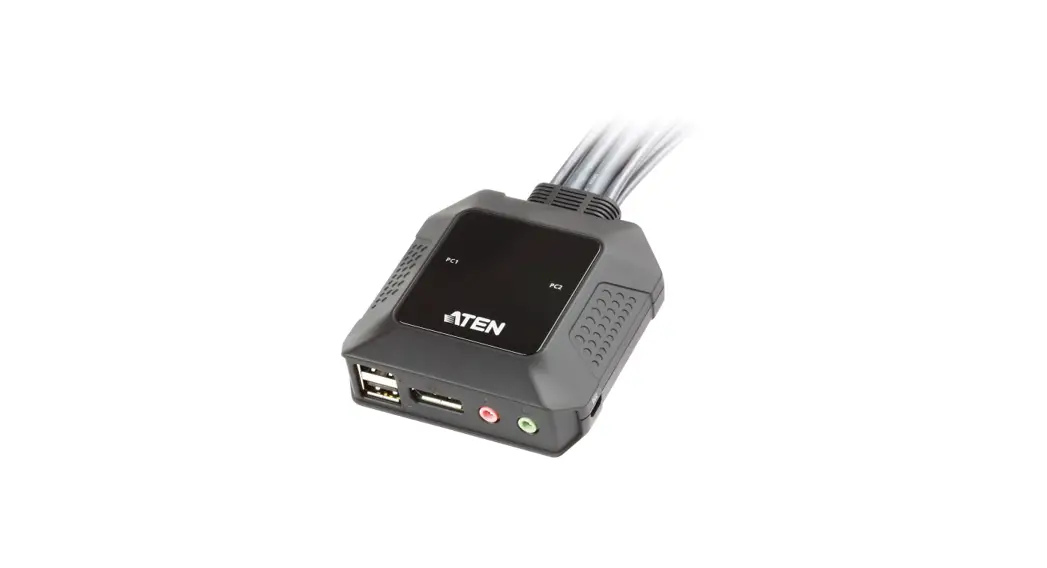
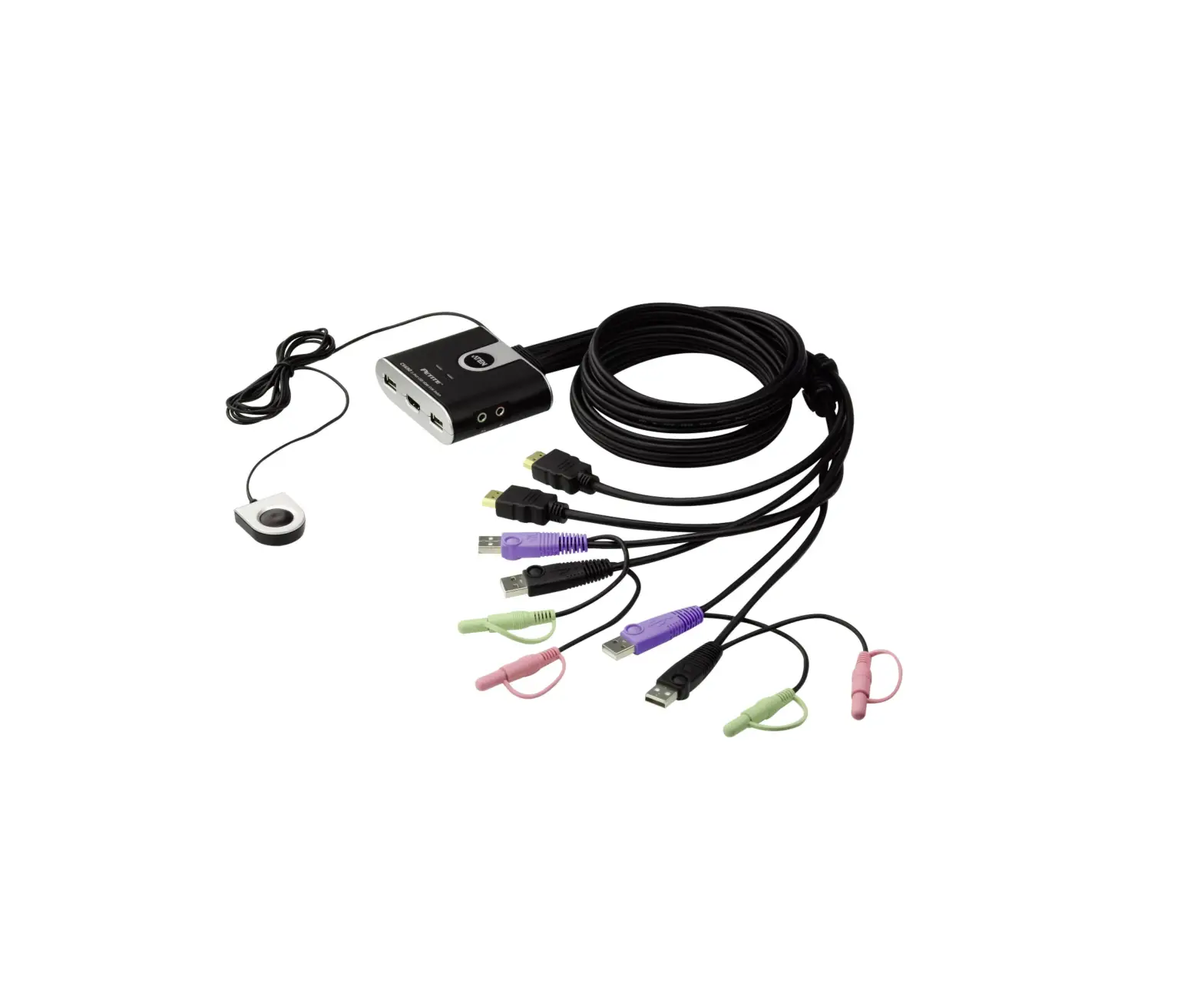
- HDMI out
- USB keyboard / mouse ports
- Port LEDs
- KVM cables (see No.6 – 9 for details)
- remote port selector
- USB Type-A connector (port 1)
- HDMI in (port 1)
- USB Type-A connector (port 2)
- HDMI in (port 2)
Installation
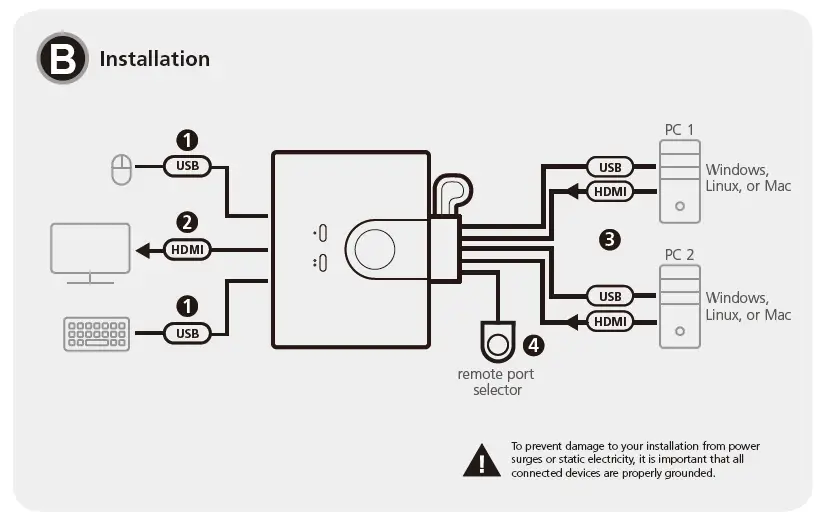
Installation
- Connect your keyboard and mouse to the unit’s USB keyboard and mouse ports.
- Connect an HDMI-enabled monitor to the unit’s HDMI out.
Operation
Press the remote port selector to switch KVM control between the two computers. The port LED for the selected port lights green.