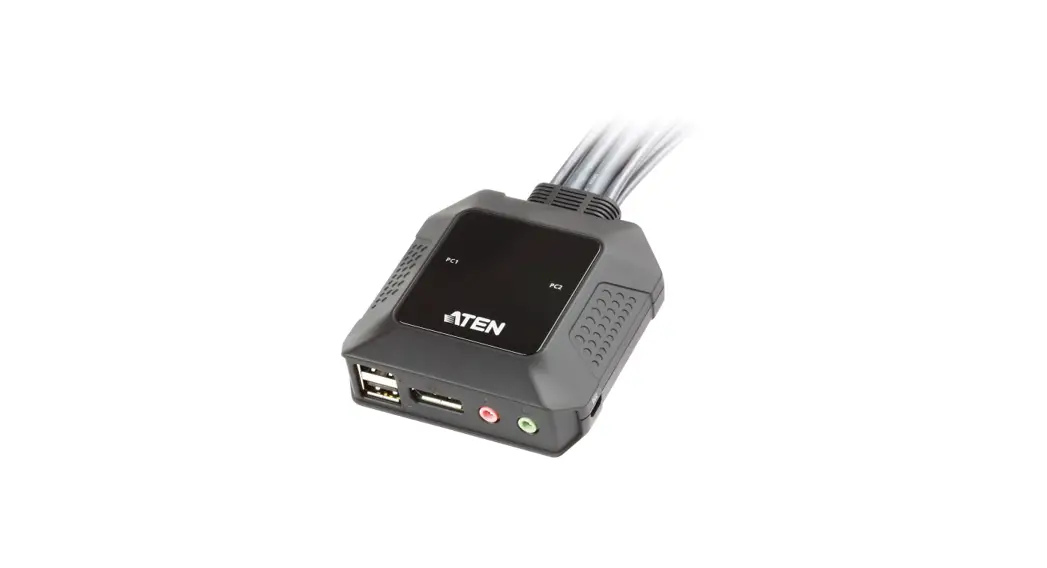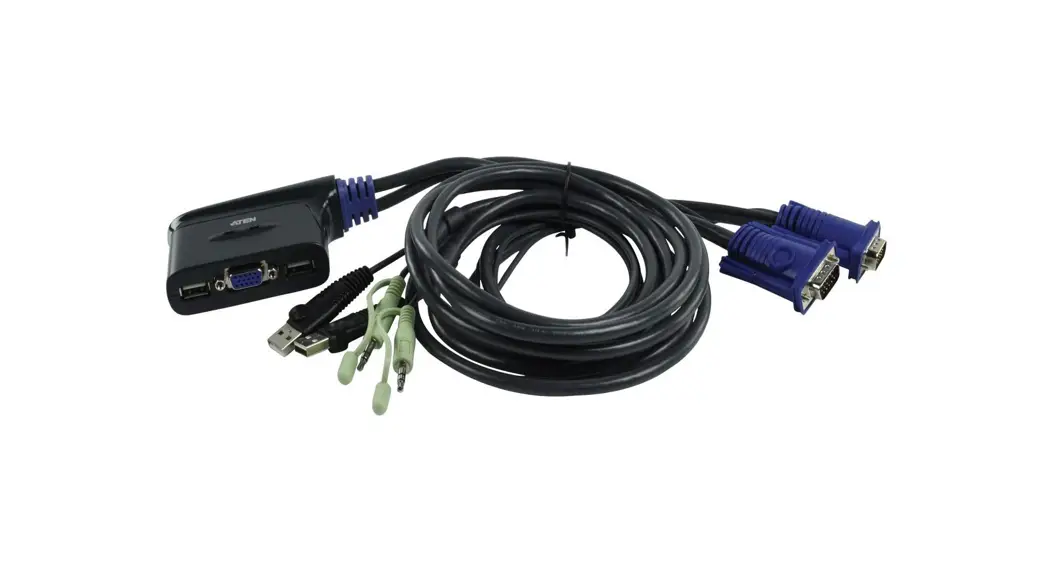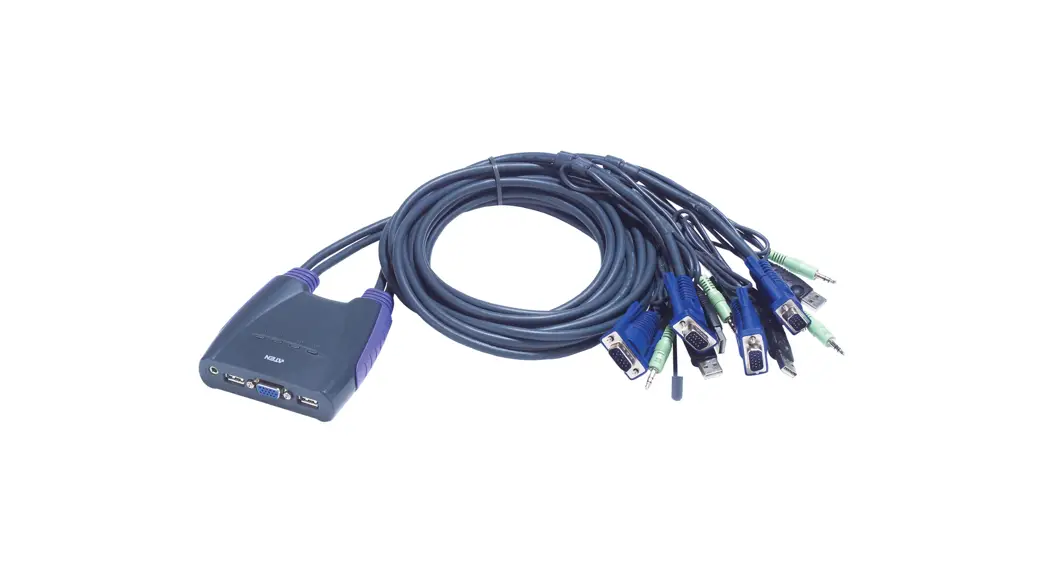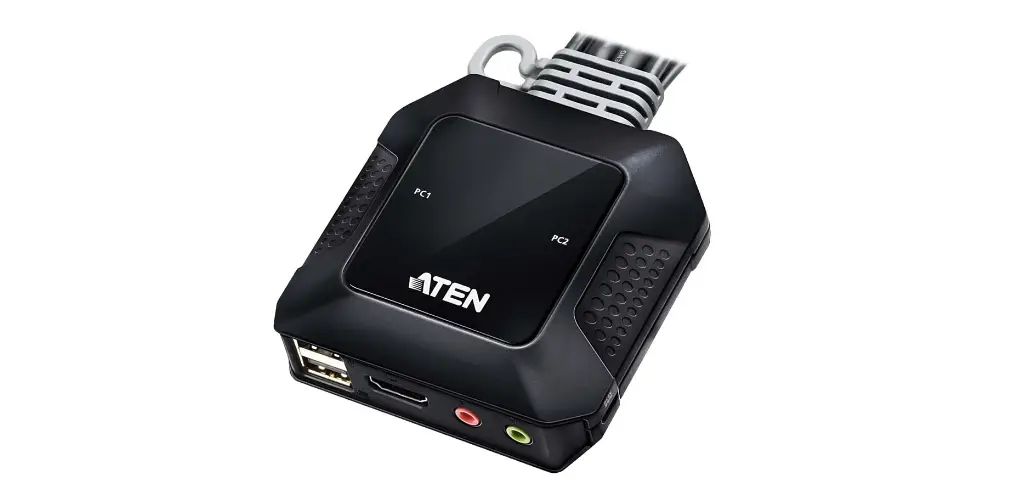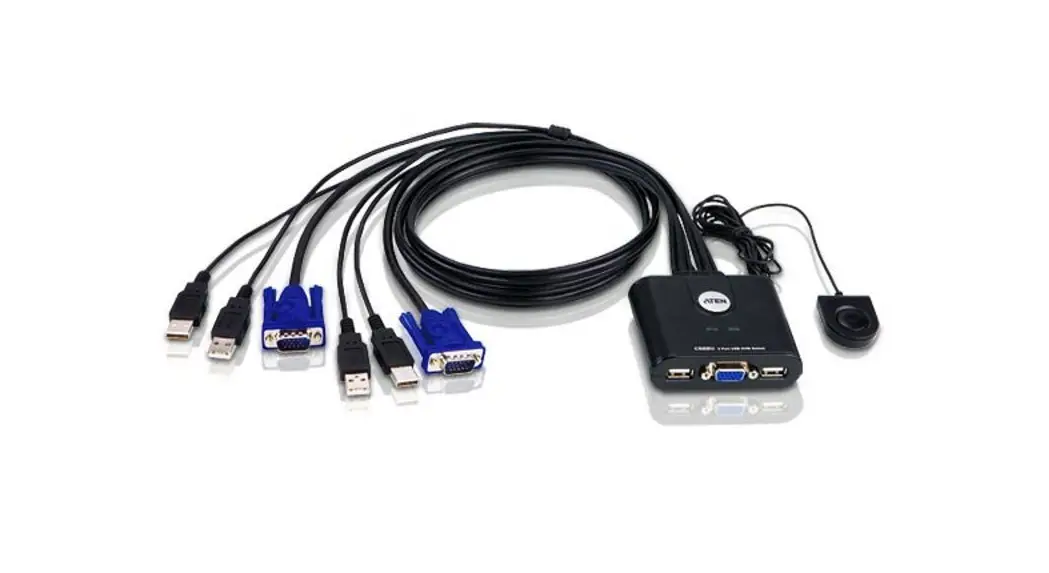

2-Port USB Cable KVM Switch
CS22U
User Guide
Package Contents
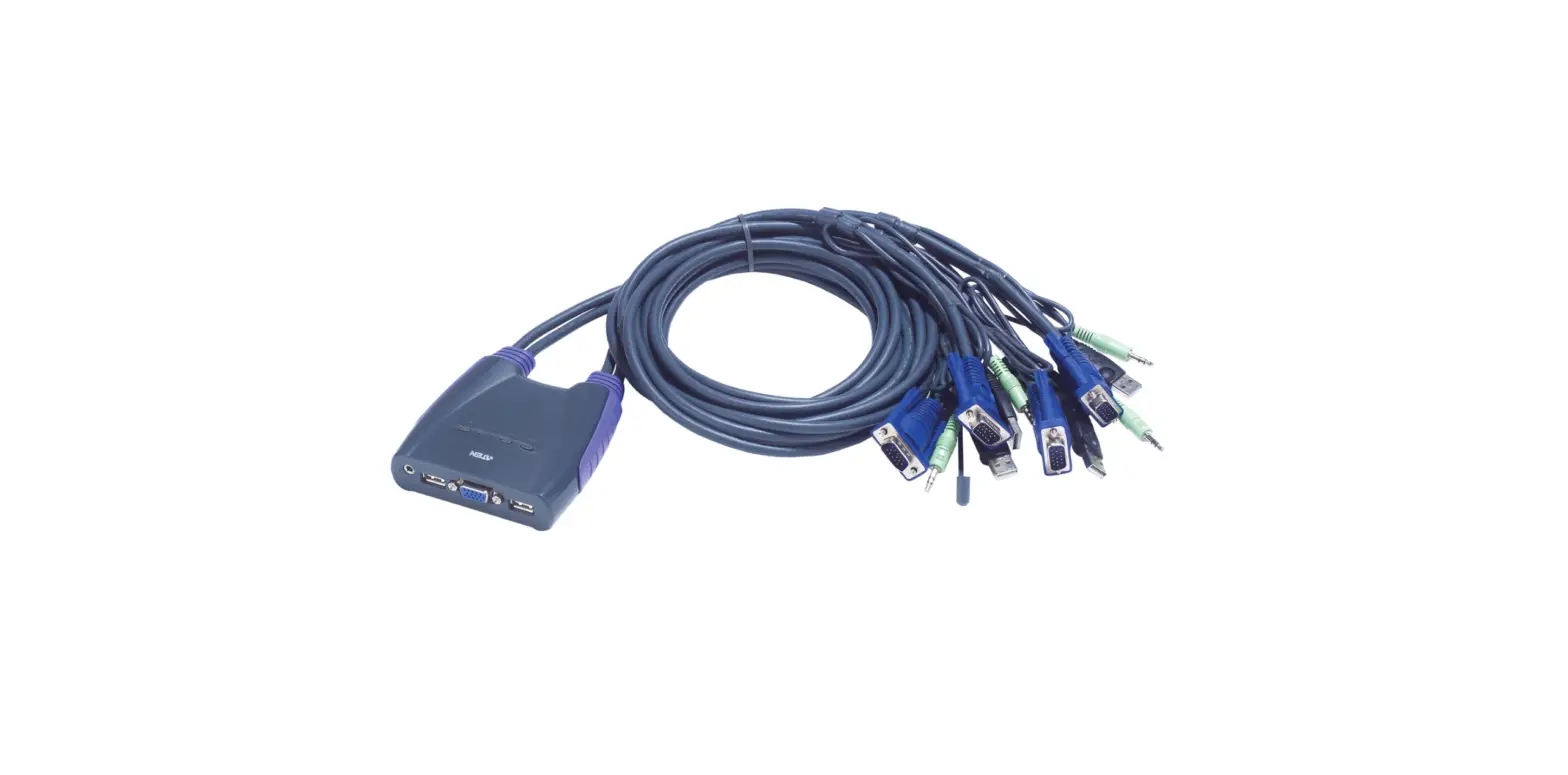
- 1 CS22U 2-Port USB Cable KVM Switch with Remote Port Selector
- 1 User Instructions
A Hardware Review
B Hardware Installation
Requirements
Console
- A VGA, SVGA, XGA, SXGA, or multisync monitor capable of the highest resolution you will using in the installation
- A USB Keyboard
- A USB Mouse
Computers
The following must be installed on each computer that is connected to the system:
- A VGA, SVGA, XGA, SXGA, or Multisync video port
- USB Type A ports
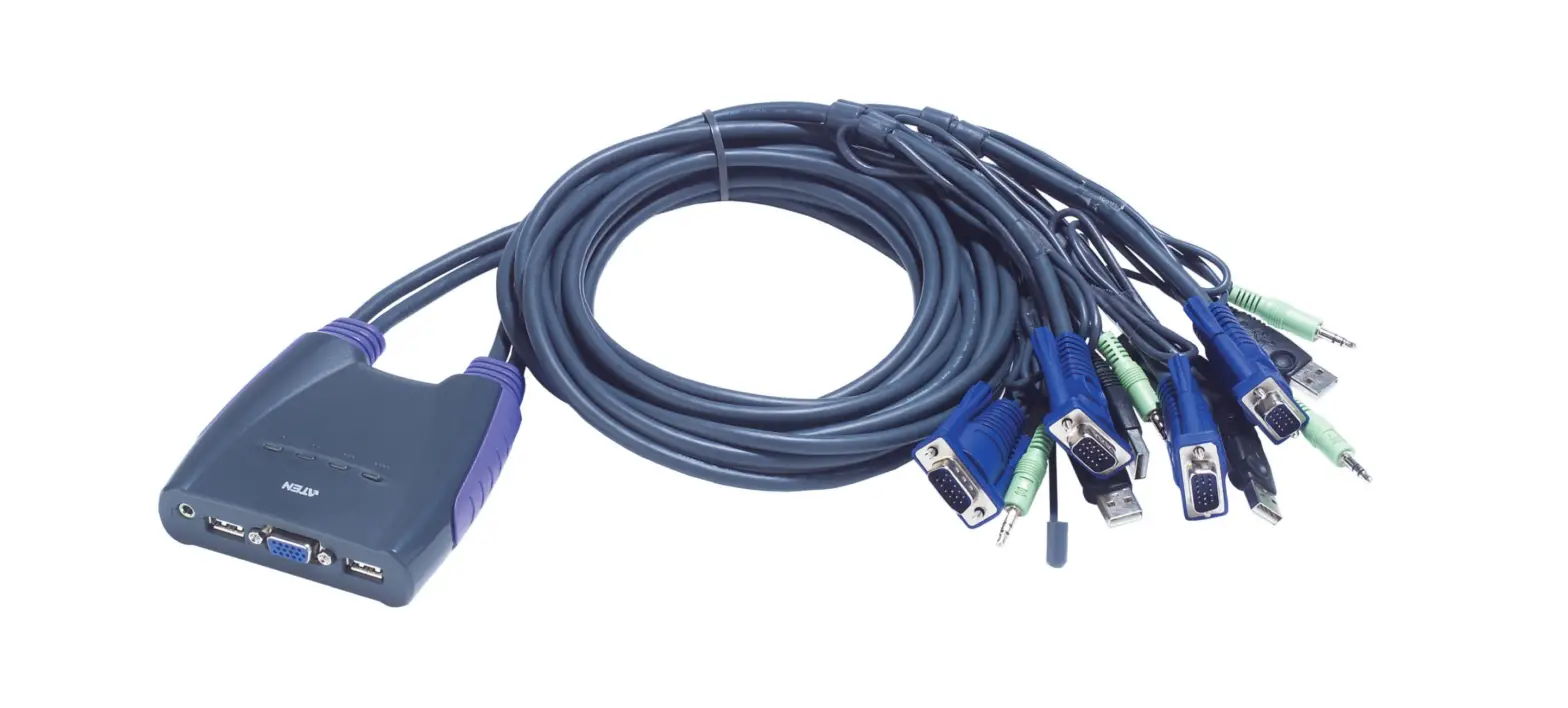
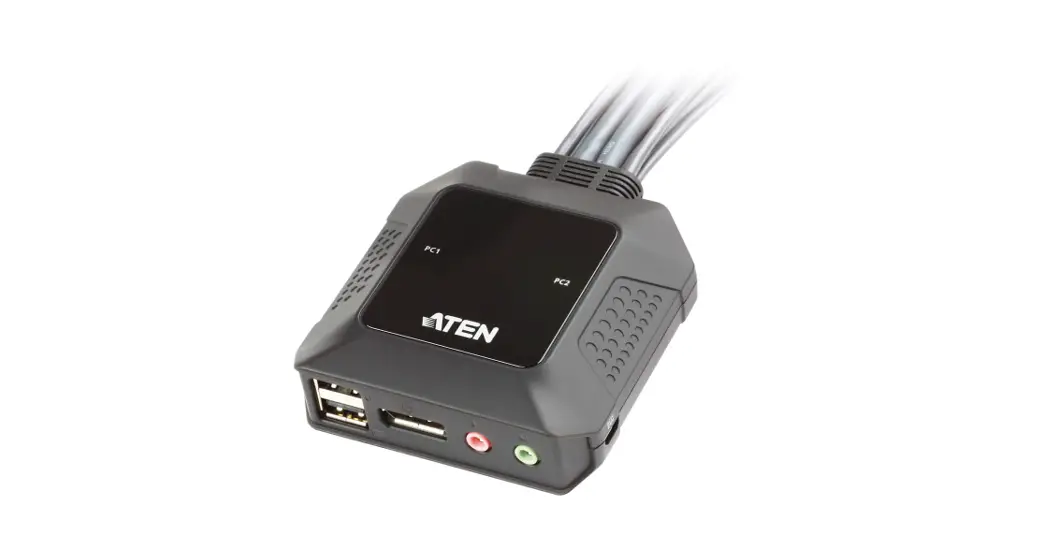
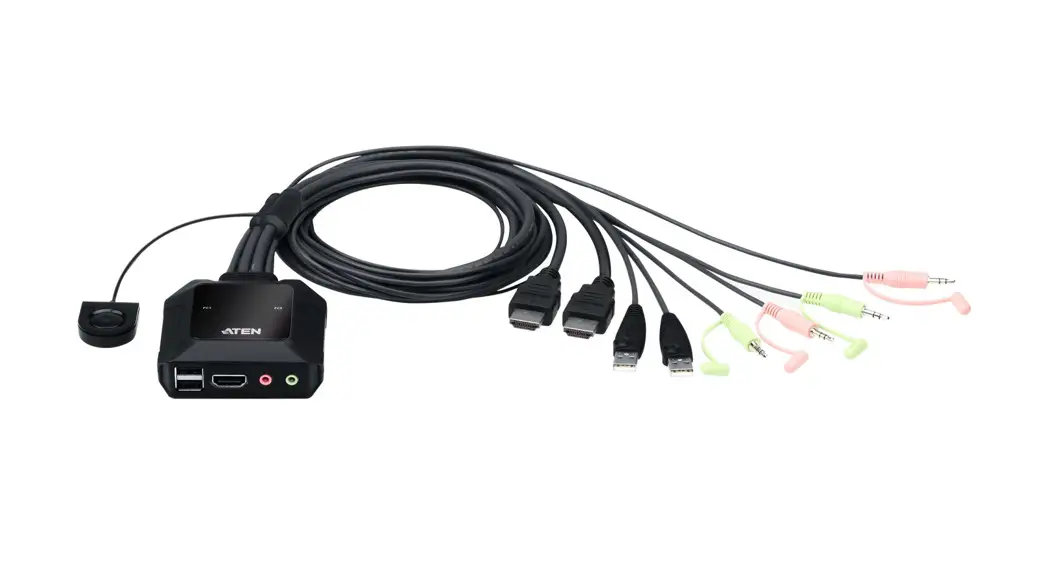
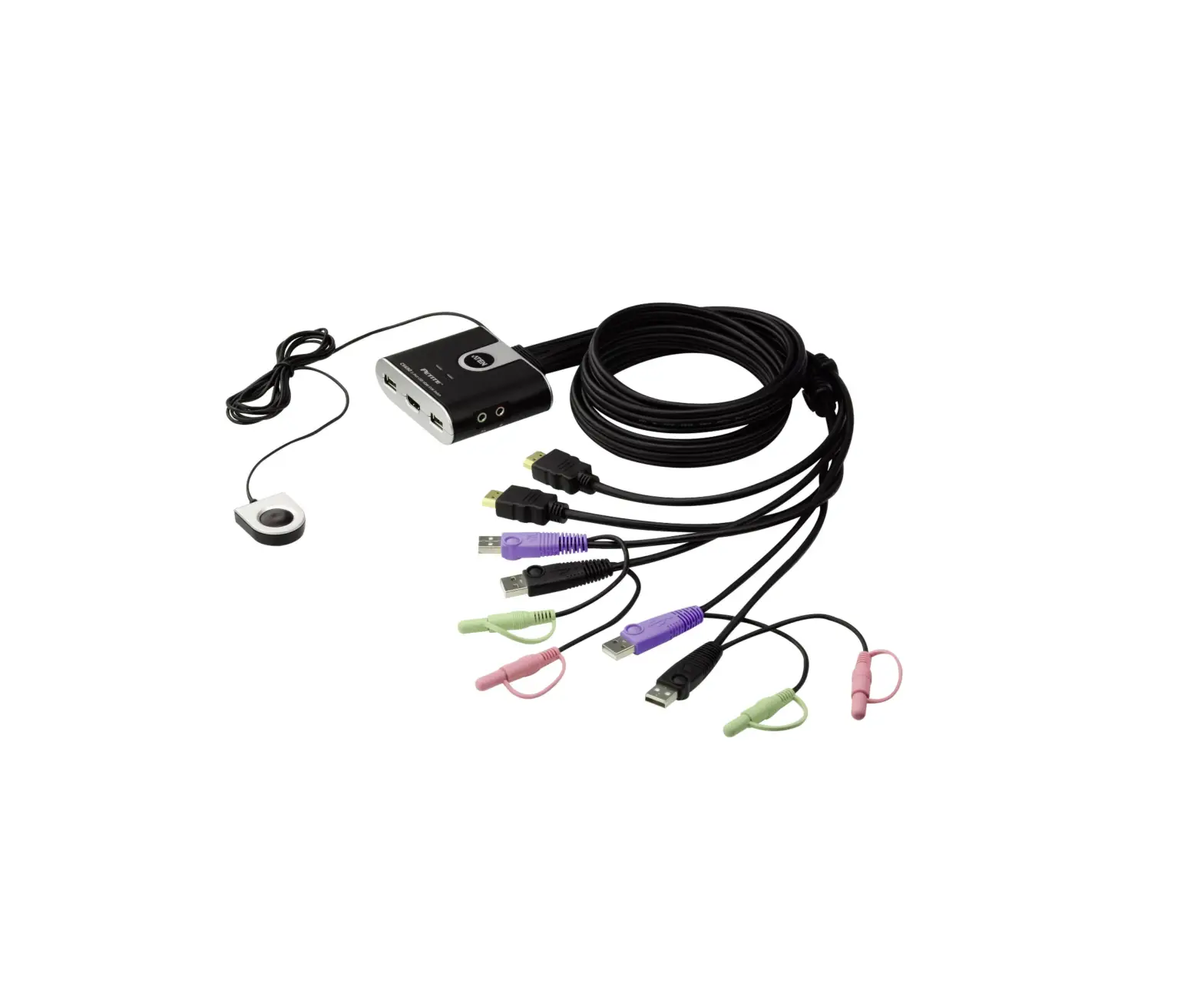
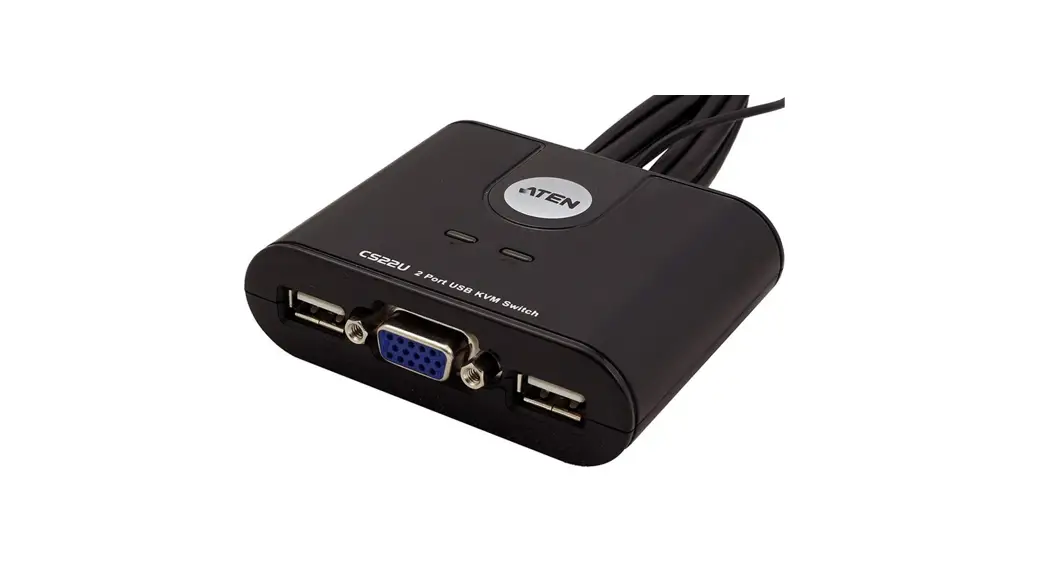
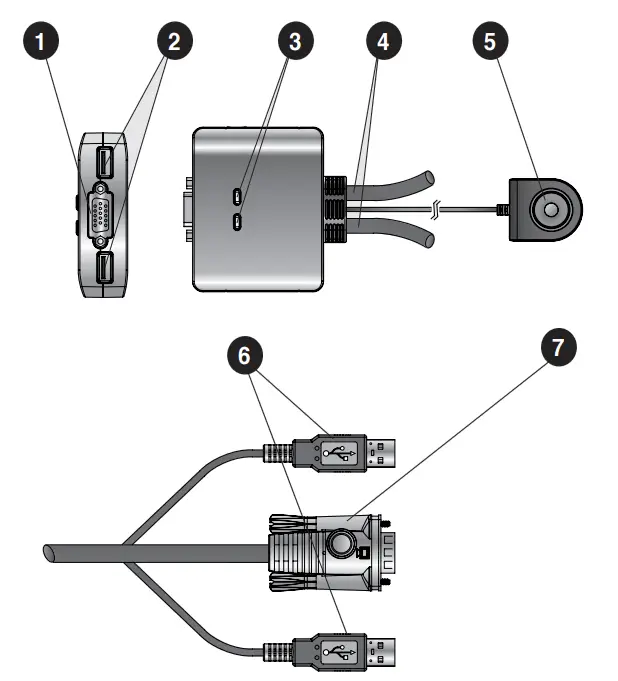
Hardware Review A
- Console Monitor Port
- Console USB Keyboard / Mouse Port
- Port LEDs
- KVM Cables
- Remote Port Selector
- USB Keyboard and Mouse Connectors
- Video Connector
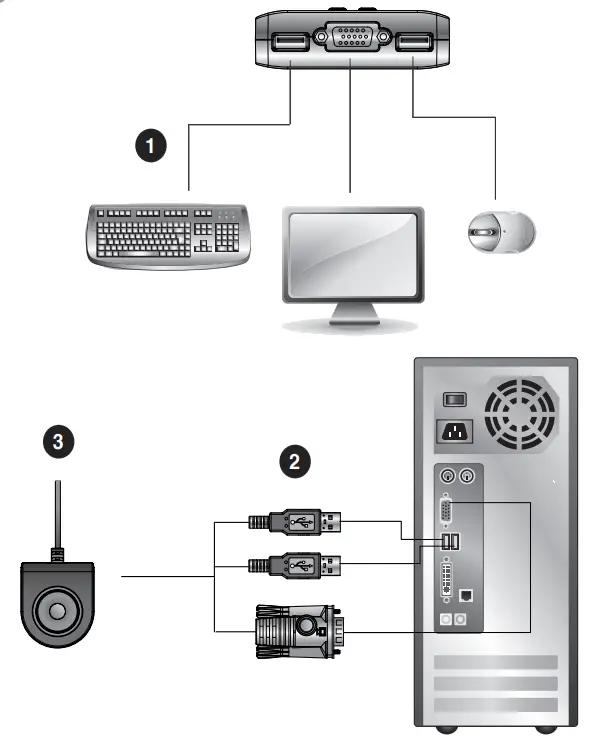
Hardware Installation B
- Before beginning the installation procedure, ensure that all equipment to be connected is powered off.
- To prevent damage to your installation, make sure that all devices are properly grounded.
- Plug your keyboard. Monitor, and mouse into their ports on the CS22U. The USB keyboard and USB mouse ports are labeled with an icon to distinguish them.
- Plug the USB and video connectors of the attached KVM cables into their respective ports on the computers you are installing.
- Position the Remote Switch within reach on your desktop.
- Turn on the power to the computers.
Specifications
| Function | CS22U | ||
| Computer Connections | 2 | ||
| Port Selection | Remote Port Selector | ||
| Connectors | Console Ports | Keyboard | 1 x USB Type A Female (Black) |
| Video | 1 x HDB-15 Female (Blue) | ||
| Mouse | 1 x USB Type A Female (Black) | ||
| KVM Ports | Keyboard / Mouse | 4 x USB Type A Male (Black) | |
| Video | 2 x HDB-15 Male (Blue) | ||
| LEDs | Selected | 2 | |
| Cable Length | Computers | 0.9 m | |
| Remote Port Selector | 1.8 m | ||
| Video | 2048 x 1536, DDC2B | ||
| Environment | Operating Temp. | 0-50°C | |
| Storage Temp. | -20-60°C | ||
| Humidity | 0-80% RH, Non-condensing | ||
| Physical Properties | Housing | Plastic | |
| Weight | 0.31 kg | ||
| Dimensions (LxWxH) | 7.00 x 8.20 x 2.50 cm | ||
Online Registration
http://eservice.aten.com
Technical Phone Support
International:
886-2-86926959
North America:
1-888-999-ATEN Ext: 4988
United Kingdom:
44-8-4481-58923
© Copyright 2019 ATEN® International Co., Ltd.
ATEN and the ATEN logo are trademarks of ATEN International Co., Ltd. All rights reserved. All other trademarks are the property of their respective owners.
This product is RoHS compliant.
Part No.PAPE-1285-U04G Printing Date: 04/2019

 eService System
 ATEN - Simply Better Connections | ATEN U.S.A.