Bluetooth Surge Protector
User Guide
- Download the app on your mobile device (App Store or Google Play) by searching Power Watchdog or Scanning below QR Code.
 https://itunes.apple.com/na/app/POWER-WATCHDOG/id1336375006?mt=8
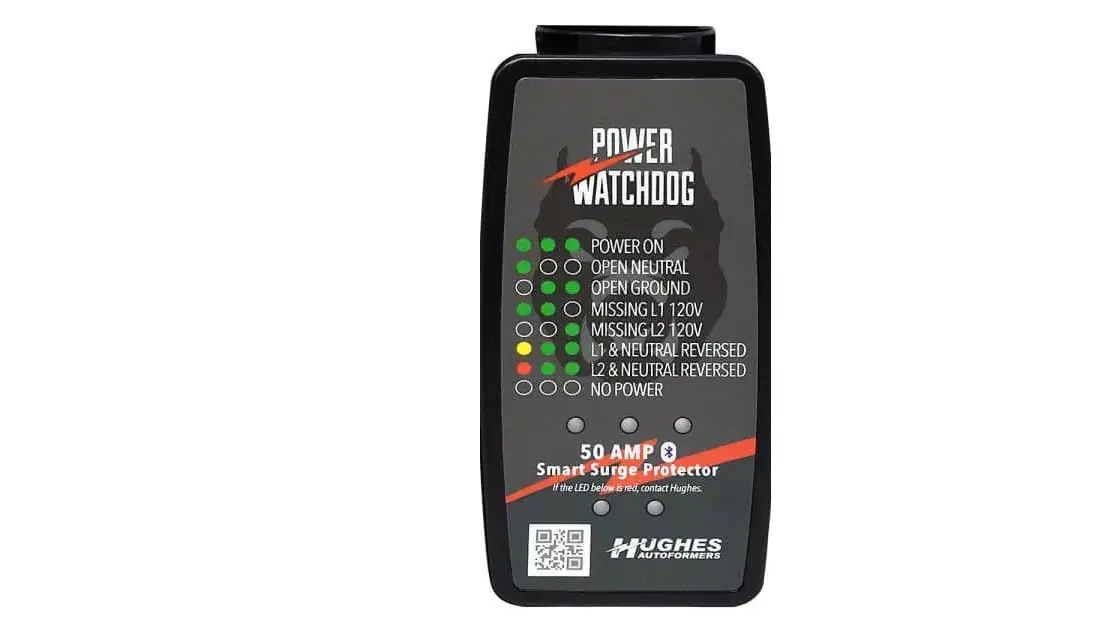
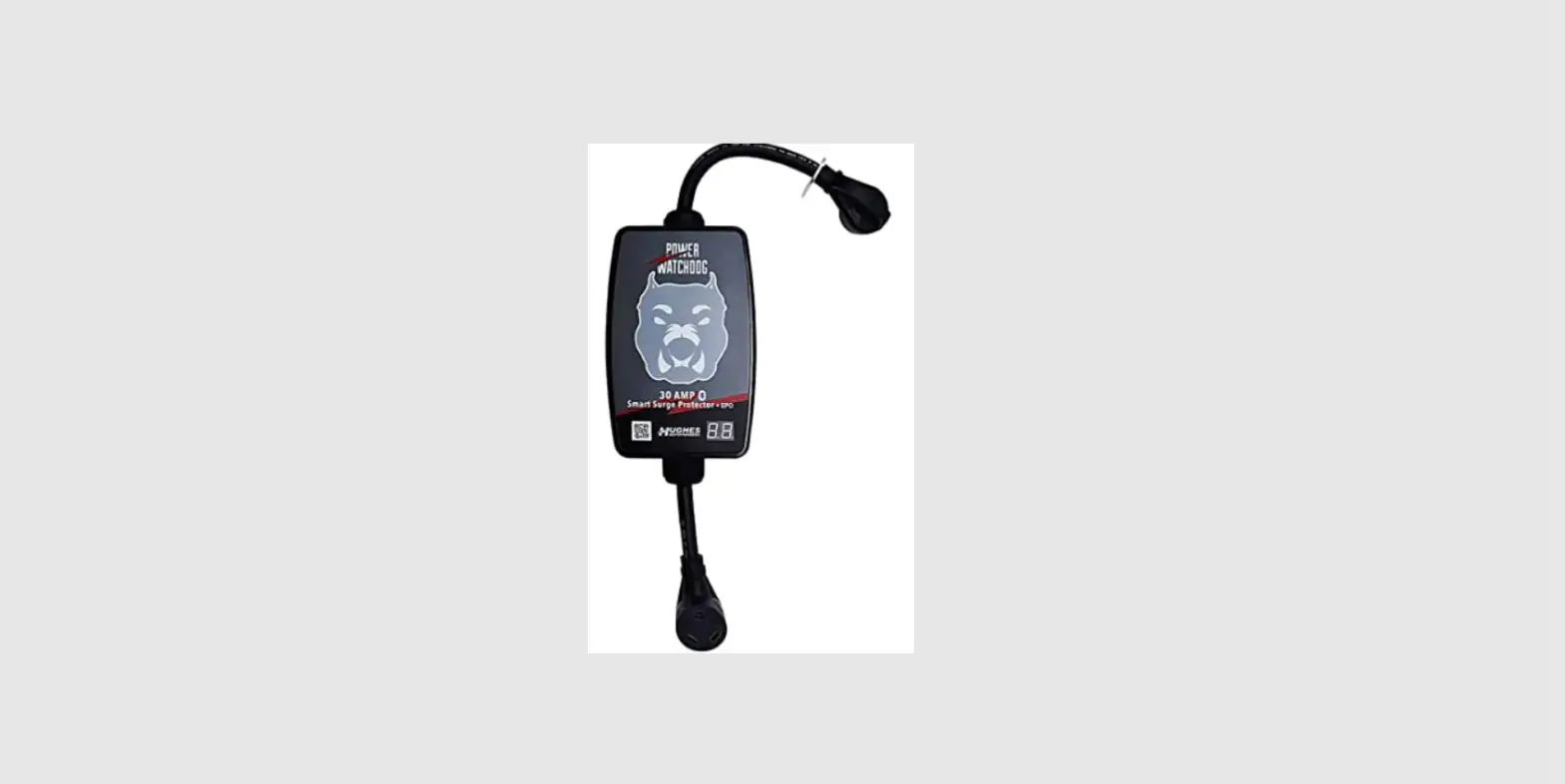
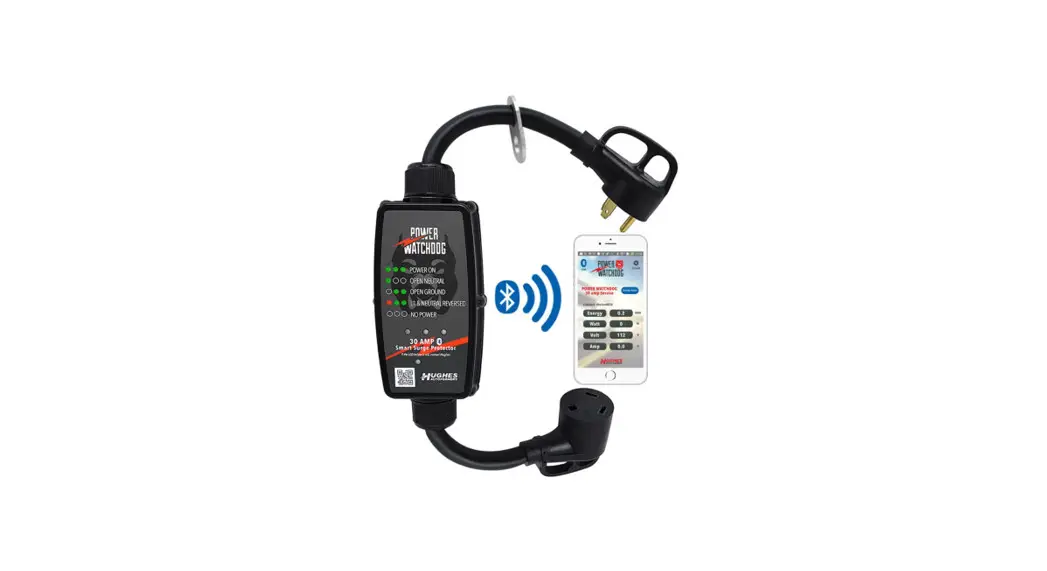
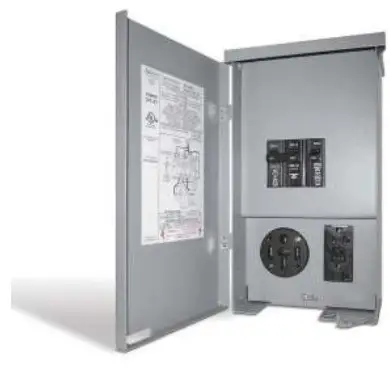
https://play.google.com/store/apps/details?id=com.radinet.ble_app - Power and check the LED’s. Make sure all three top LEDs are Green, otherwise you have a power line issue. Talk to your Park Manager.

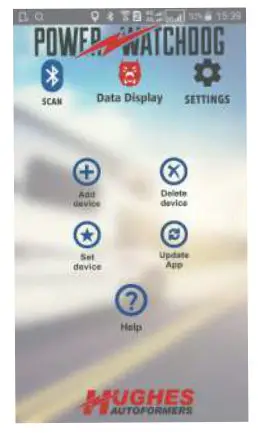
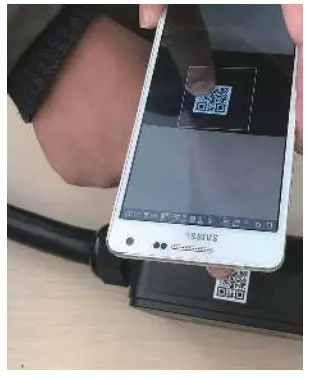
- Open the app (make sure your Bluetooth is ON) and tap on +. Tap on “Allow”, so the app can use your camera to Scan the Barcode.

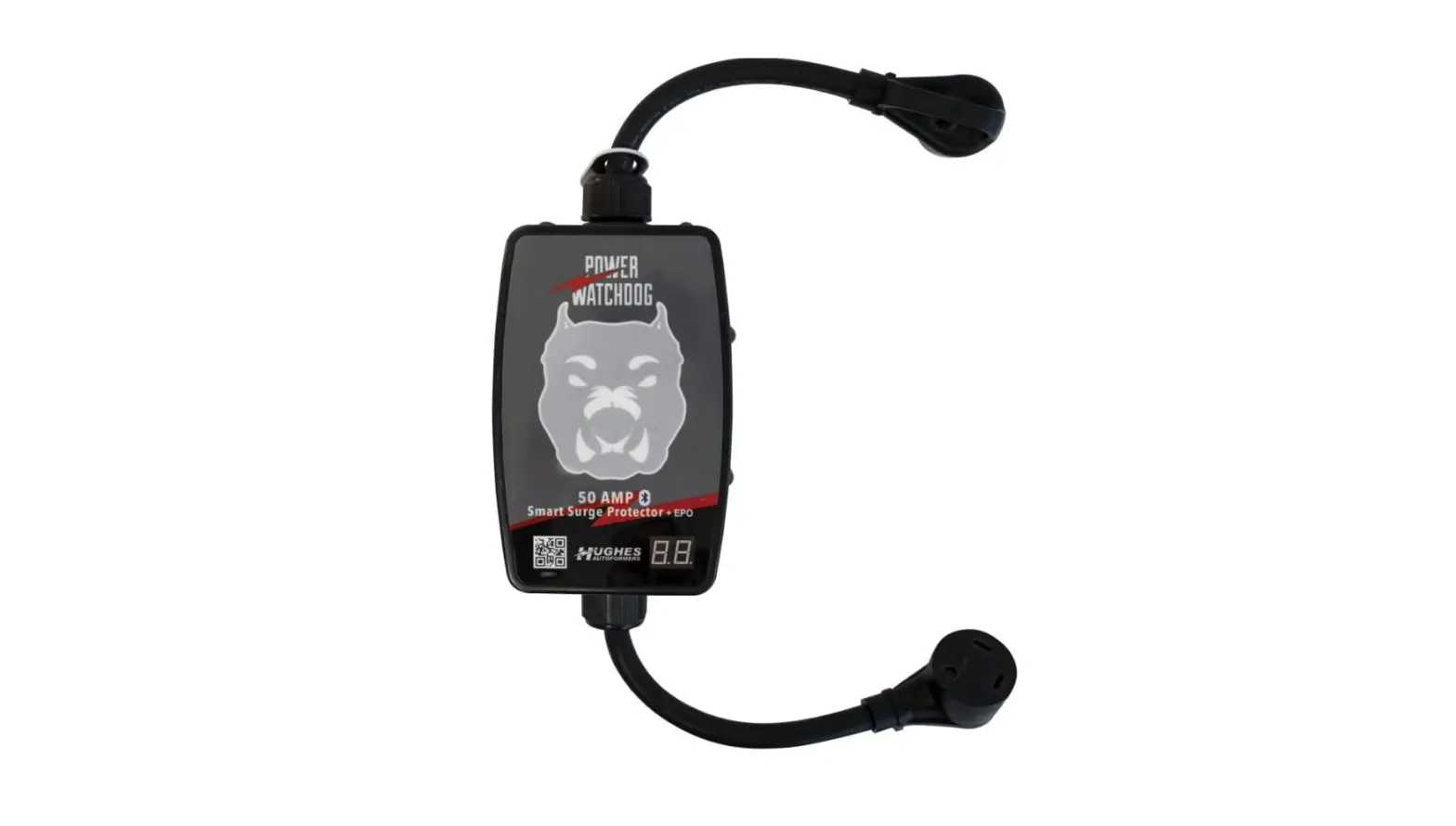
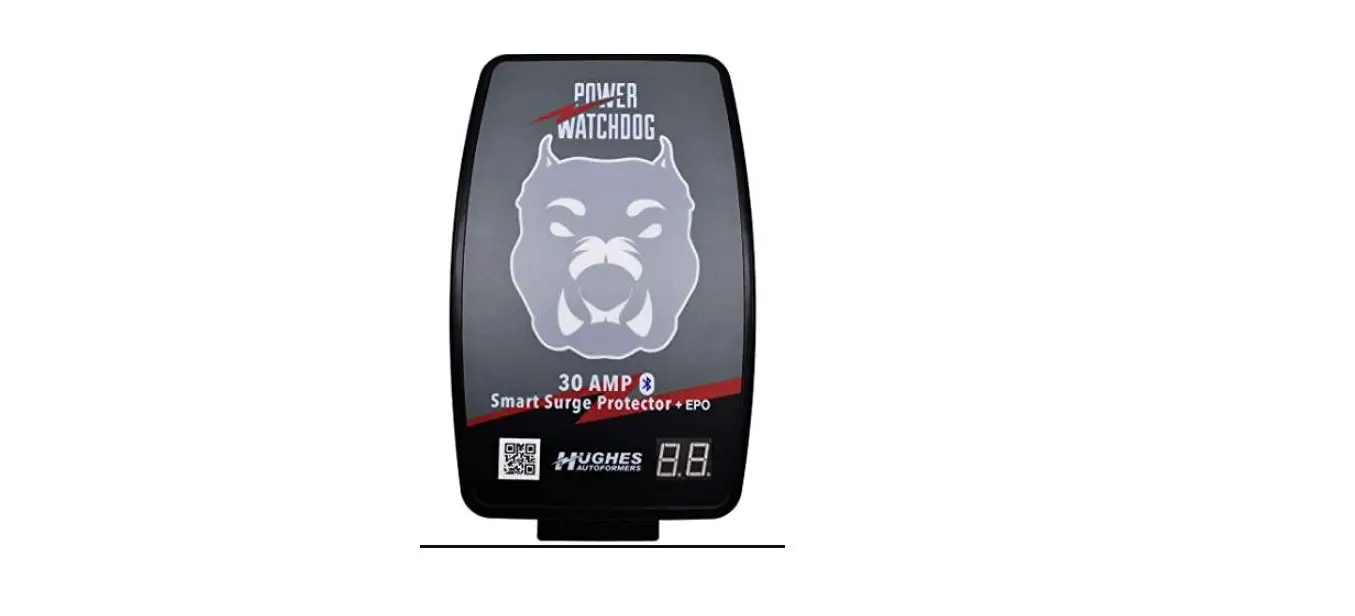
- Scan the QR code on the side of the product to sync the app and your product.

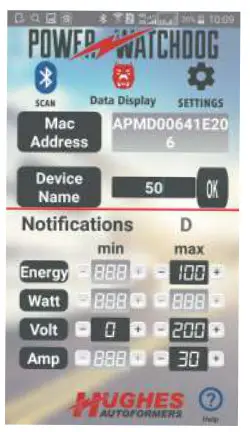
- Add a name for the product and set the values to get notified. Tap on OK to save.

- Tap on
 and select your device name. Tap on “Connect”.
- Your device is set and by tapping on
 you can monitor your Power.
 and select your device name. Tap on “Connect”.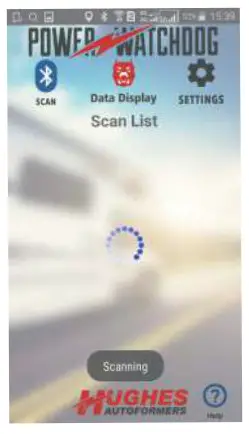
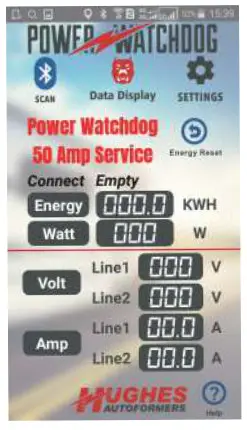
I’m watching it!!