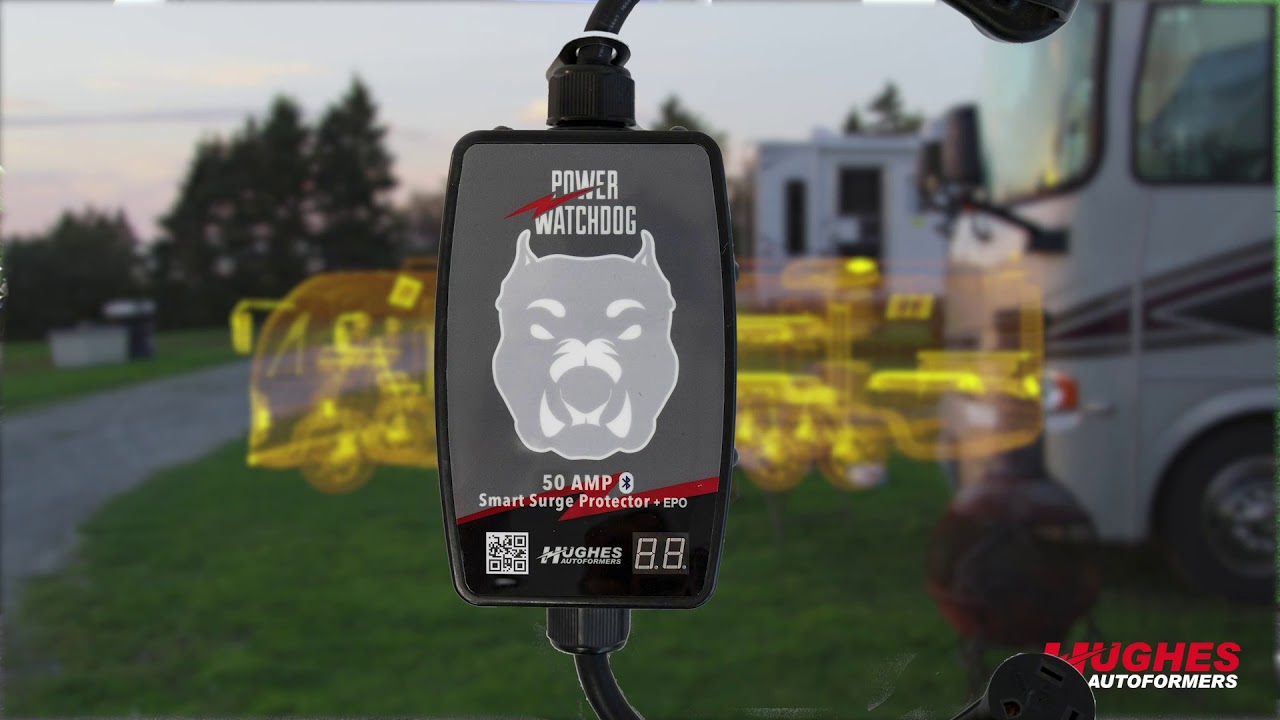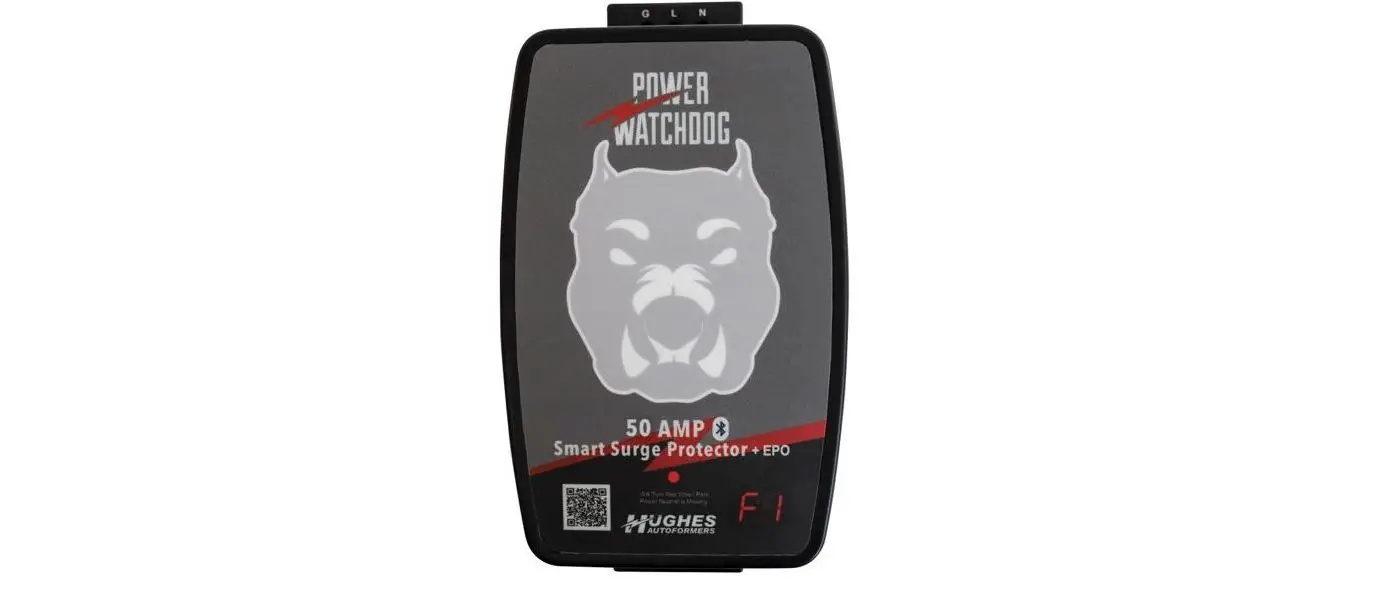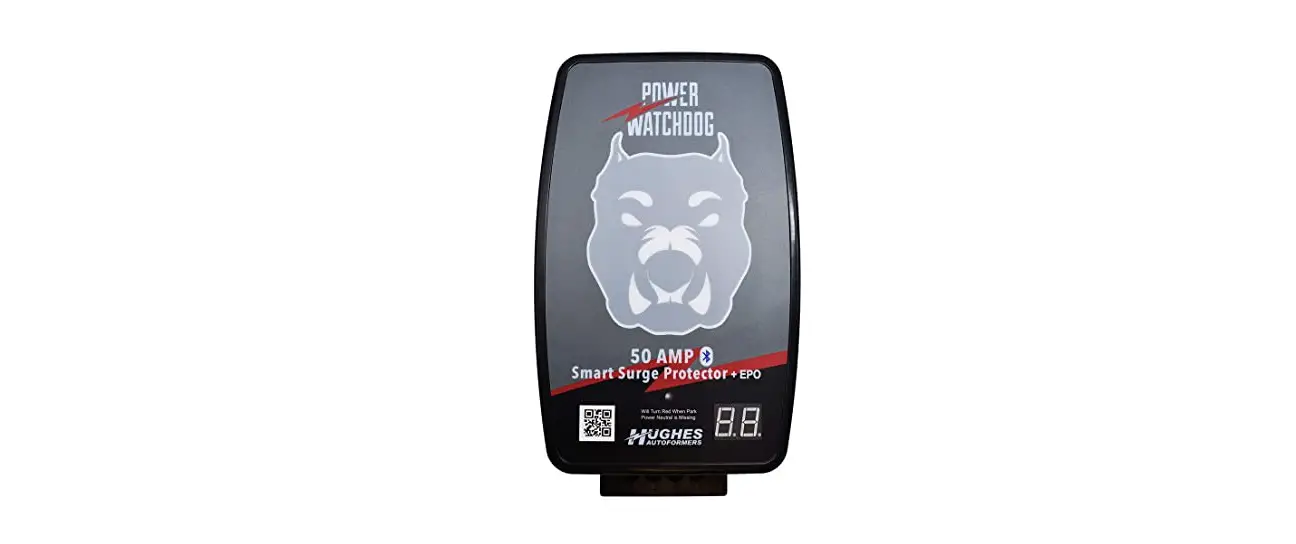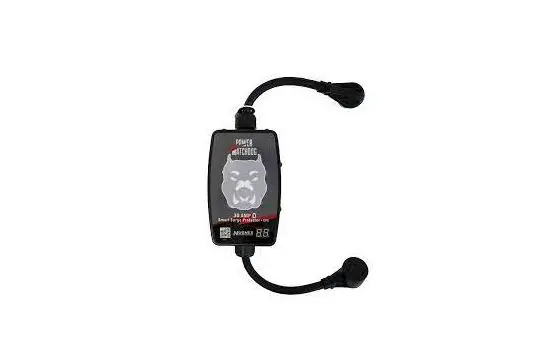

HUGHES PWD30-EPO Bluetooth Surge Protector with Auto Shutoff
PWD30-EPO SURGE MODULE REPLACEMENT INSTRUCTIONS
Step one:
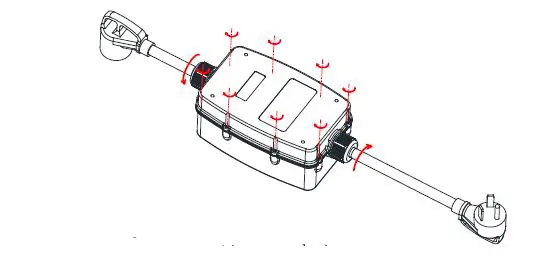
Loosen and unscrew the top and bottom cable gland connectors.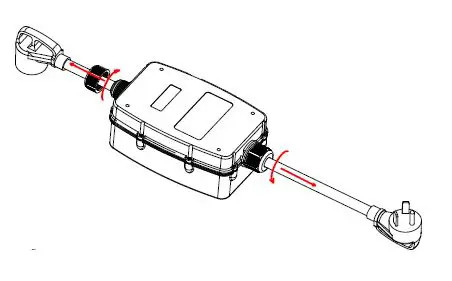
Step two:
Unscrew the 8 Phillips screws(M3*16) on the back side of the unit.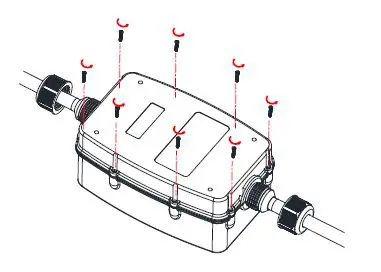
Step three:
Carefully separate the top and bottom halves of the Power Watchdog Unit.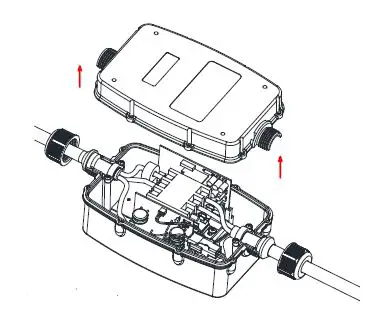
Step four:
Unclip the connections. Take note of where these connections come from.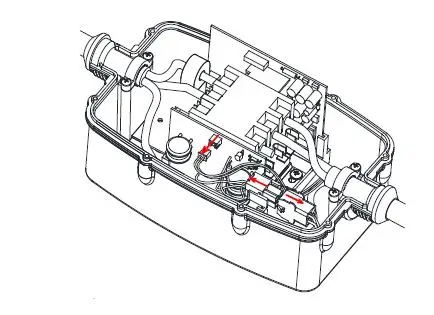
Step five:
Carefully slide out the used up surge module.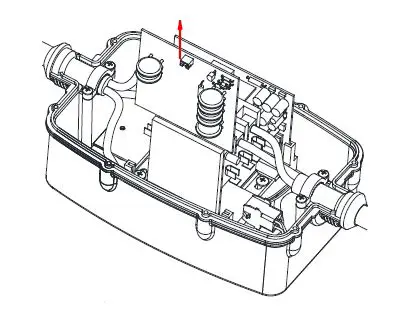
Step six:
Slide in the new surge module into the slots inside the Power Watchdog unit. clip together the connections.
Note-you may use the white connector only, or you may use the red and white connectors. Just match the color and size of your connectors.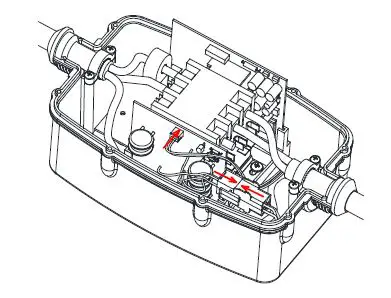
Step seven:
Place top and bottom halves together, rescrew all the screws, tighten down the cable gland connectors
Do not overtighten the screws.