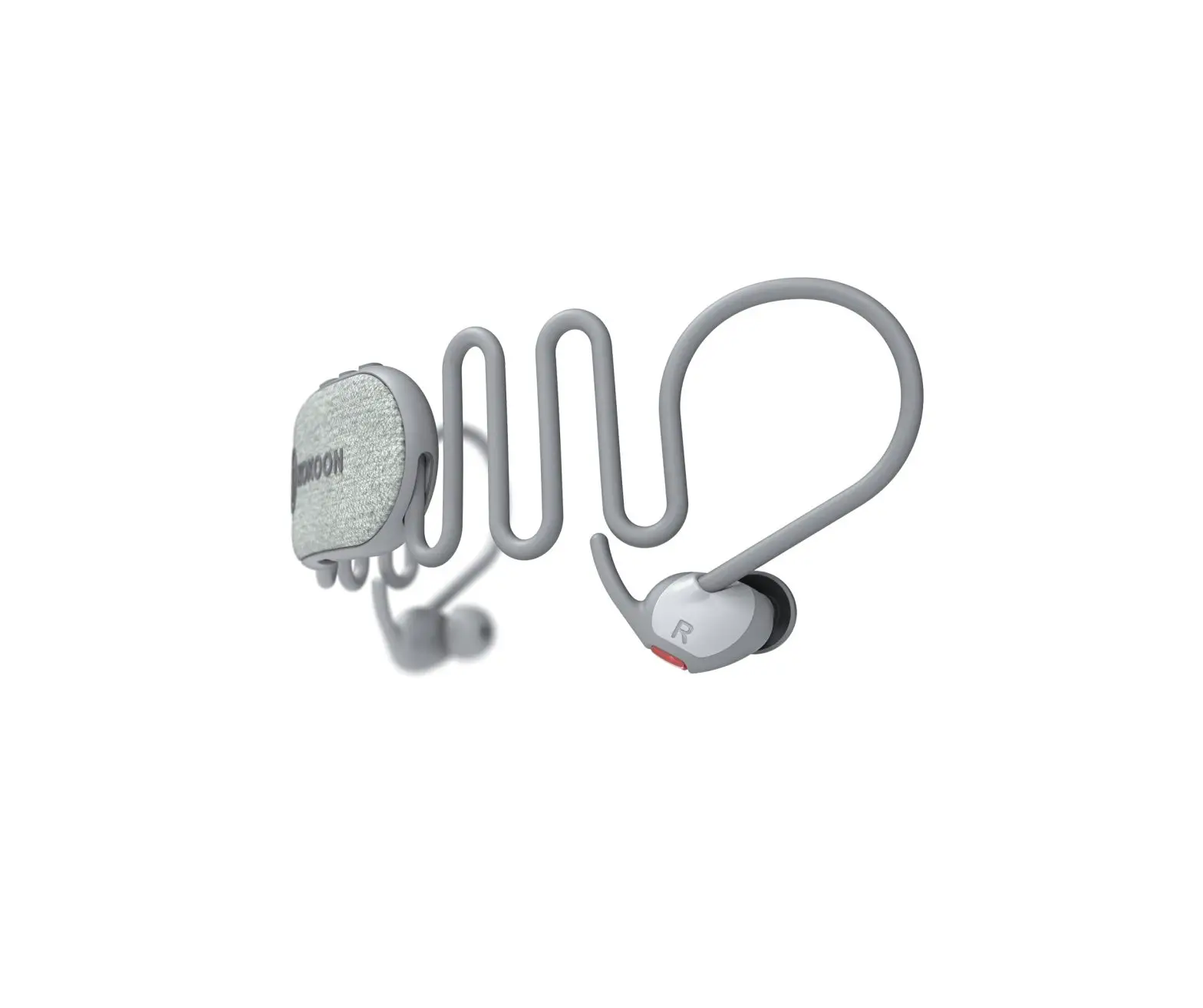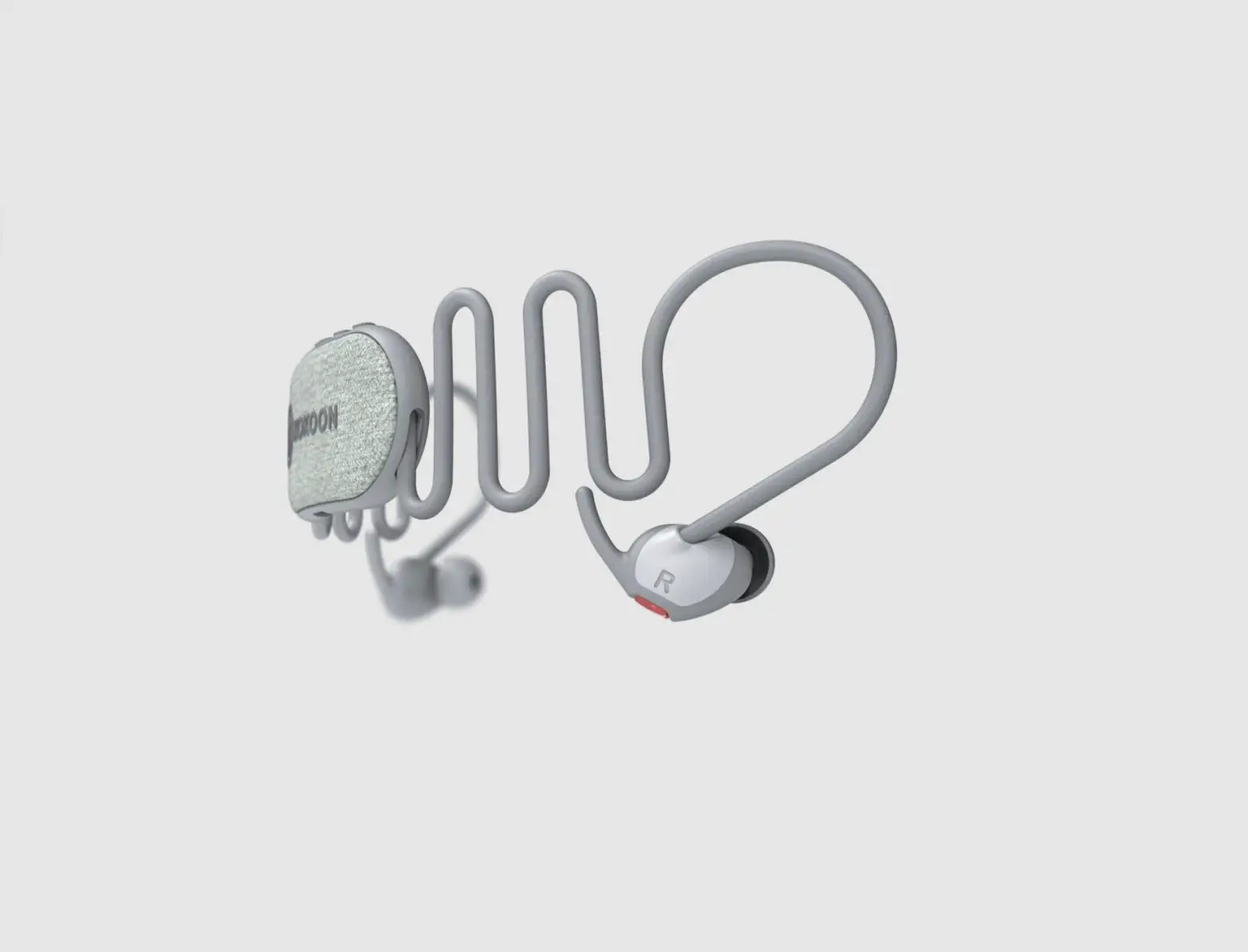
KOKOON NightBuds In Ear Headphone
User Guide
Connecting for the first time
- MyKokoon app
Install and open the MyKokoon app.


- Charging
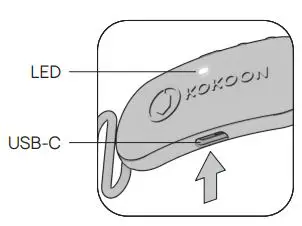
Connect the headphones to a power source, using the USB-C cable.
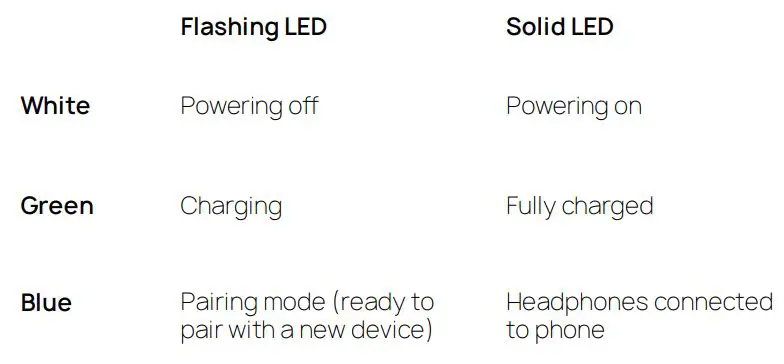
> LED flashes green when charging
> LED solid green when fully charged
- Powering on
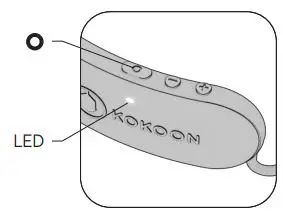
Hold the button for 2 sec to turn the headphones on. > LED single white pulse.
- Pairing*
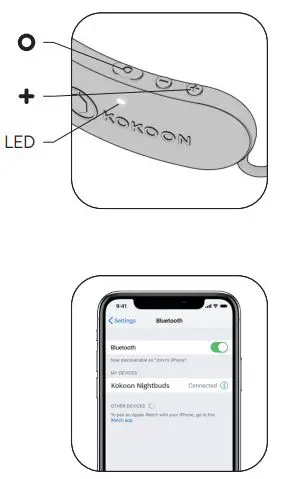
Hold and + buttons simultaneously for 1.5 sec to enter pairing mode. > LED flashes blue when in pairing mode.


Turn on Bluetooth® on your phone. Select “Kokoon Nightbuds” in your Bluetooth® settings. > LED single blue pulse (3 sec) once connected. > Begin your journey to beer sleep.
*pairing only required for first connection https://help.kokoon.io/manual
LED indicator
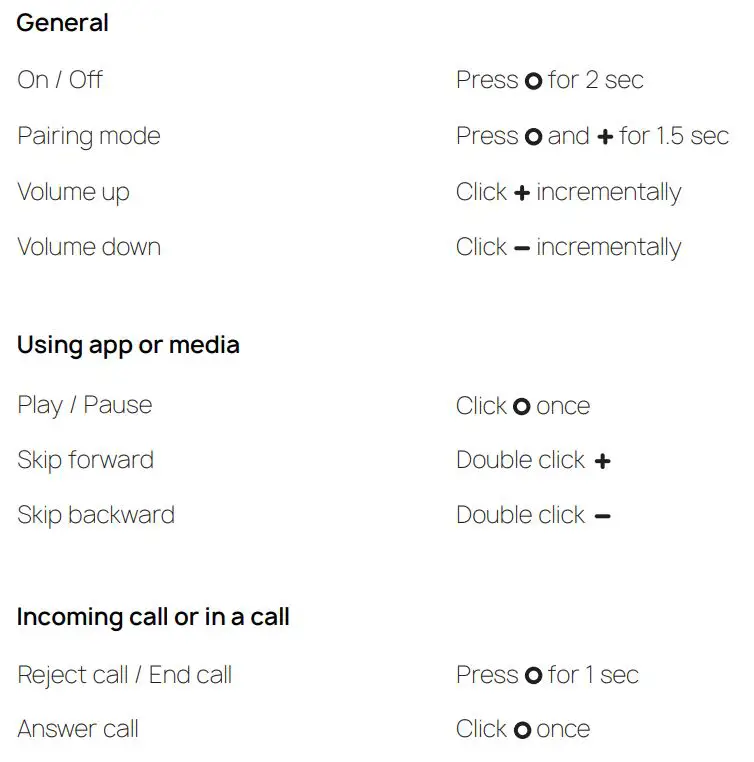
For full manual: https://help.kokoon.io/manual
Your place to pause
 Sleep Headphones (Designed for Ultimate Comfort) | Kokoon Kokoon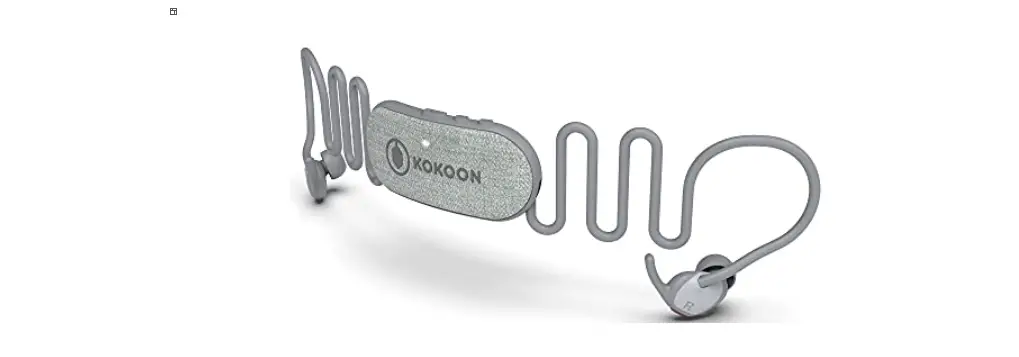
![Kogan Tws Earbuds User Manual [katwsipx6ha]](https://static-data1.manualsee.com/1/img/91/71047/2021/02/Kogan-TWS-Earbuds-KATWSIPX6HA.jpg "Kogan Tws Earbuds User Manual [katwsipx6ha]")