Contents hide

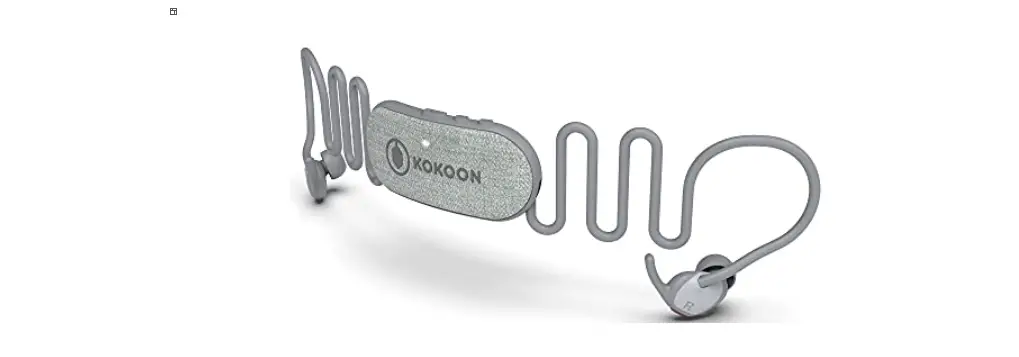
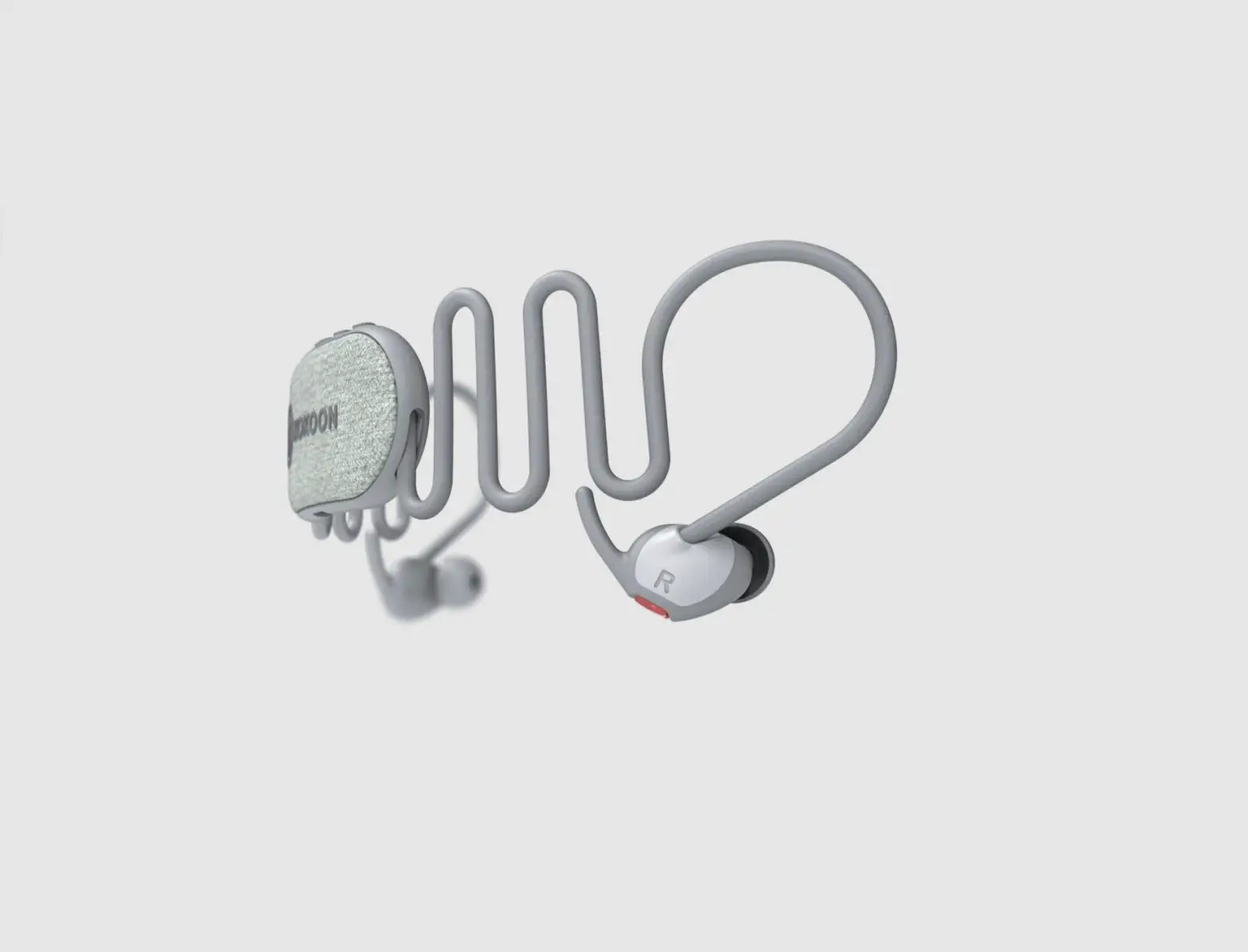
KOKOON S09TLF9QSJ Nightbuds In-Ear Headphones
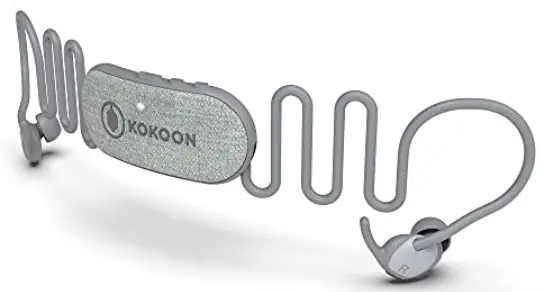
Connecting for the first time
MyKokoon app
Install and open the MyKokoon app.
Charging
Connect the headphones to a power source, using the USB-C cable.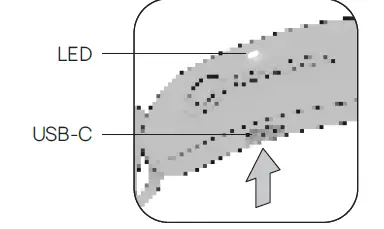
Powering on and Pairing*
- To turn the headphones on and enter pairing mode, hold the button until the LED flashes blue.

- Turn on Bluetooth® on your phone. Select “Kokoon Nightbuds” in your Bluetooth® settings.

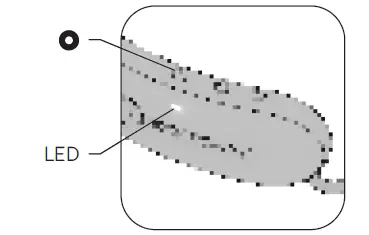
Before powering on and pairing, the device must be off.
Pairing only required for first connection.
Action summary
General
- On Press for ~2 sec LED single white pulse
- Off Press for ~2 sec 3x LED white flashes
- On + Pairing Press for ~5 sec LED flashes blue
- Connected LED single blue pulse
- Volume up Single click+
- Volume down Single click-
Using app or media
- Play / Pause Single click
- Skip forward Double click +
- Skip backward Double click –
Incoming call or in a call
- Reject / End call Press for 1 sec
- Answer call Single click
Charging status
- Charging 4x LED green flashes
- Fully charged 1x LED green pulse
Charging status shows when:
- Connecting or disconnecting the power source.
- button pressed (whilst power source connected).
Important care information
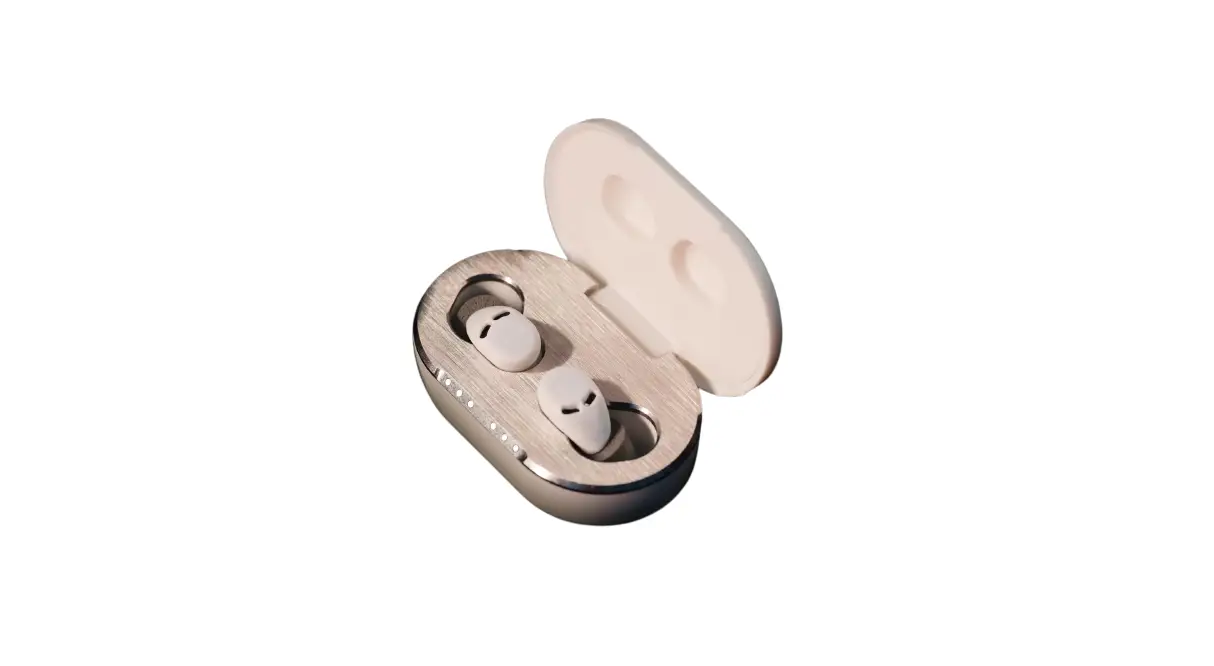
To maintain good sound quality, clean the acoustic nozzle regularly using an alcohol-based cleaner on a cotton bud. Clean the silicone sleeves with soapy water, rinse and dry thoroughly before re-assembly.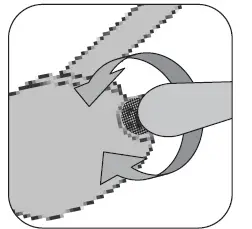 For further information go to: help.kokoon.io



![Kogan Tws Earbuds User Manual [katwsipx6ha]](https://static-data1.manualsee.com/1/img/91/71047/2021/02/Kogan-TWS-Earbuds-KATWSIPX6HA.jpg "Kogan Tws Earbuds User Manual [katwsipx6ha]")