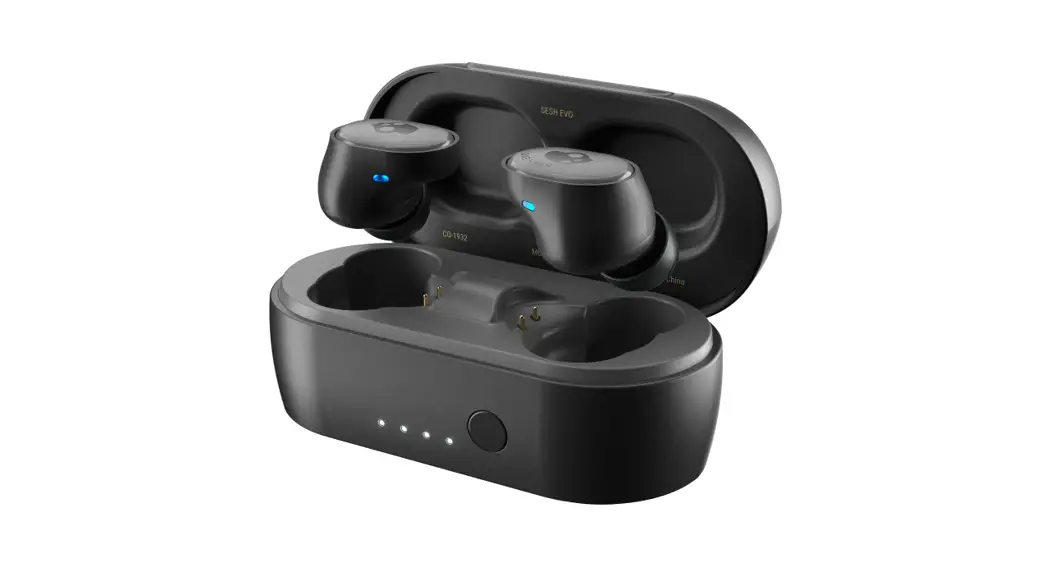
 USER GUIDE

Auto Pair Mode
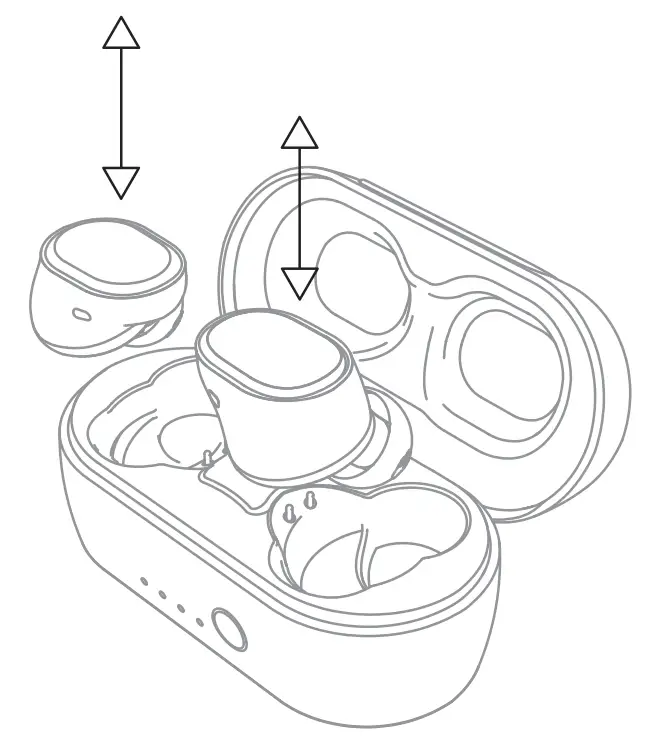 Pairing Mode
Auto Power- On
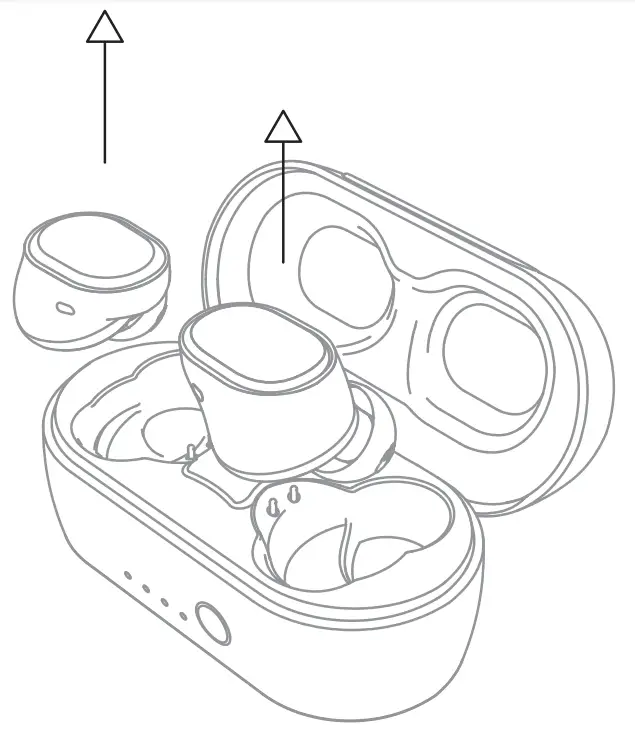
power-On
Auto Power -Off
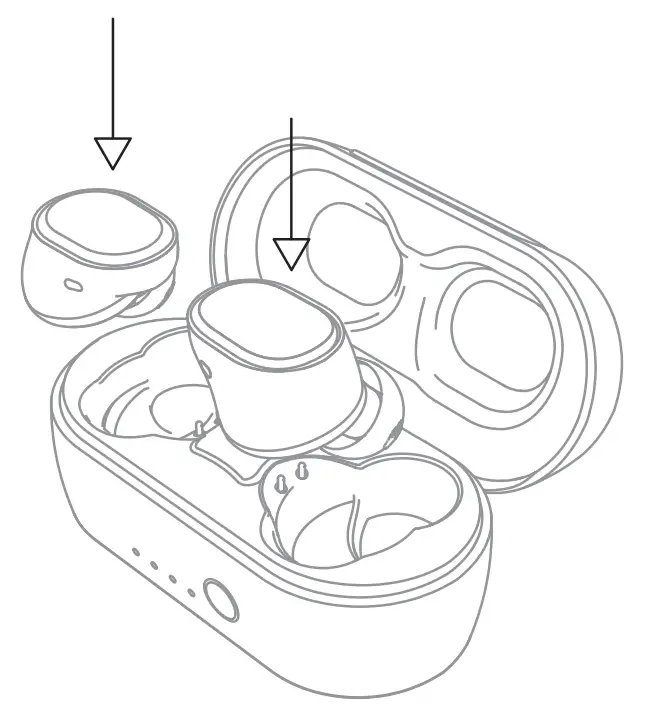
Power-Off
Charge Earbuds
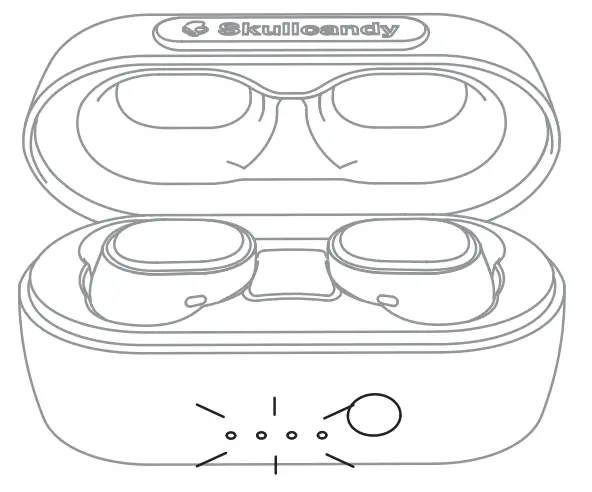
Charge Earbuds
Charge case
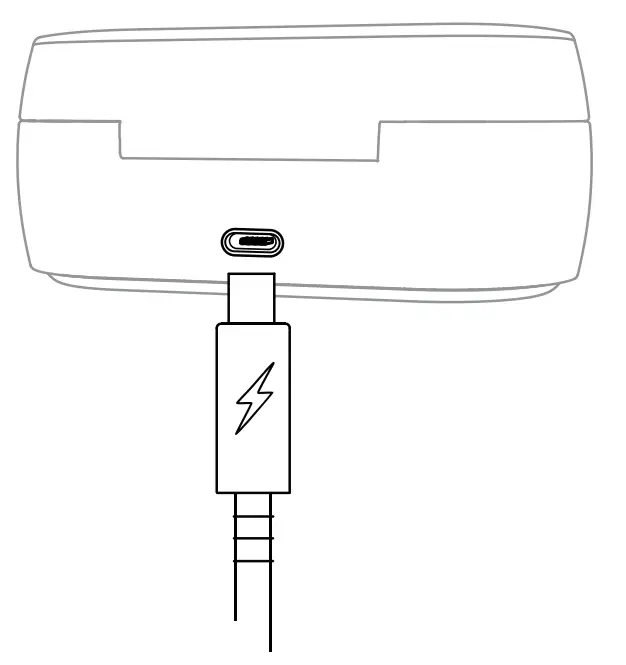 Charge case
Pairing Mode
∗Off Mode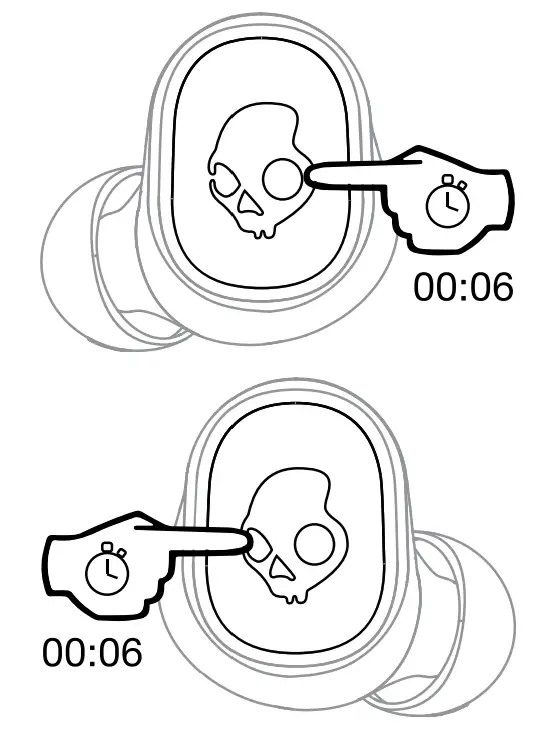 Pairing Mode
Pair New Device
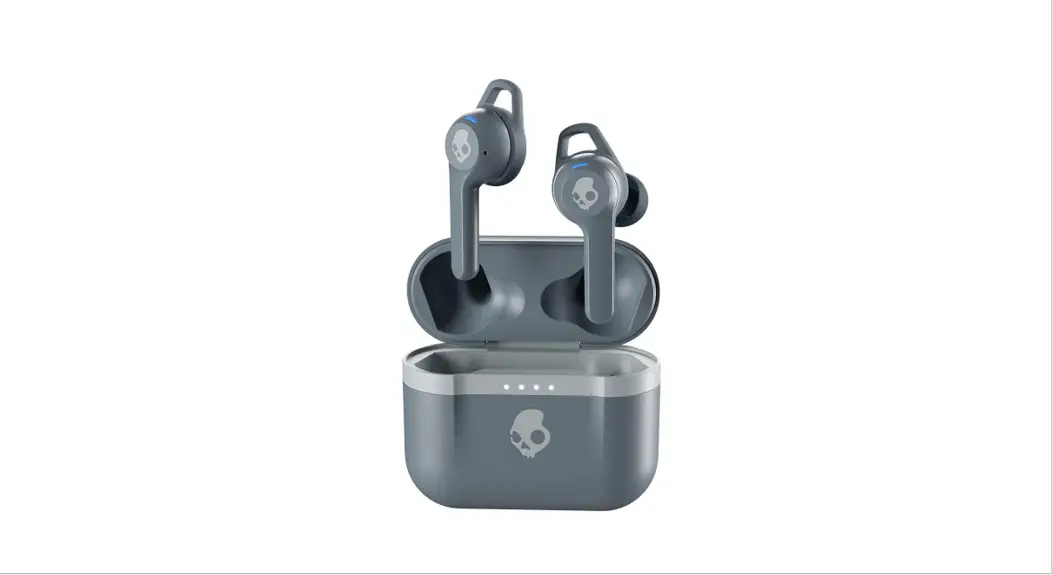
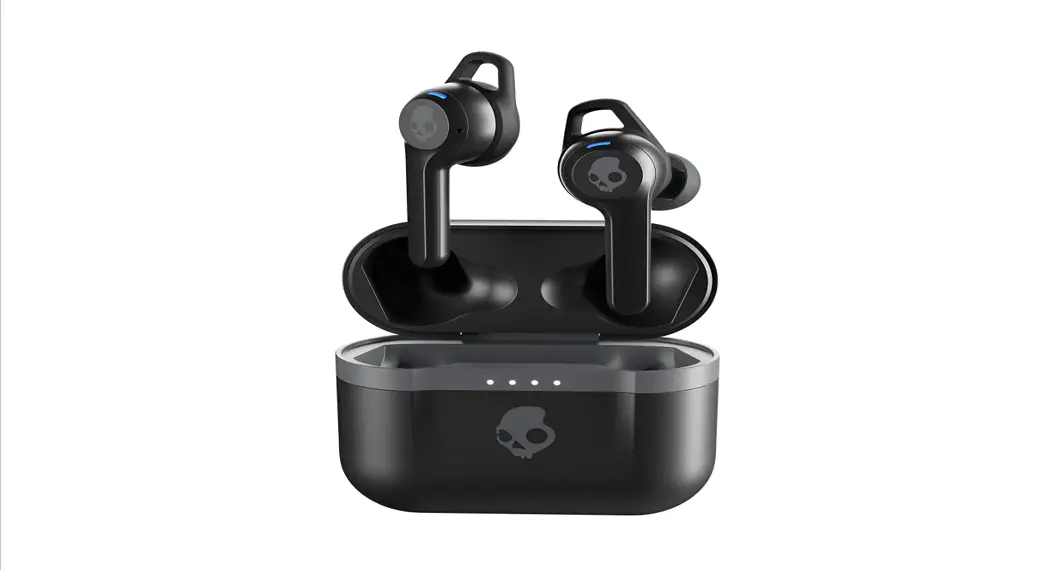
“Sesh Evo”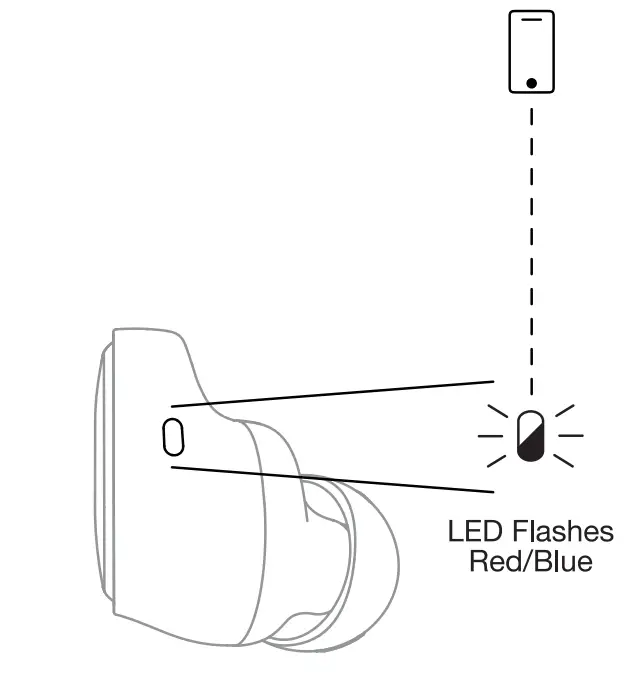
Power -On
Left Side and Right Side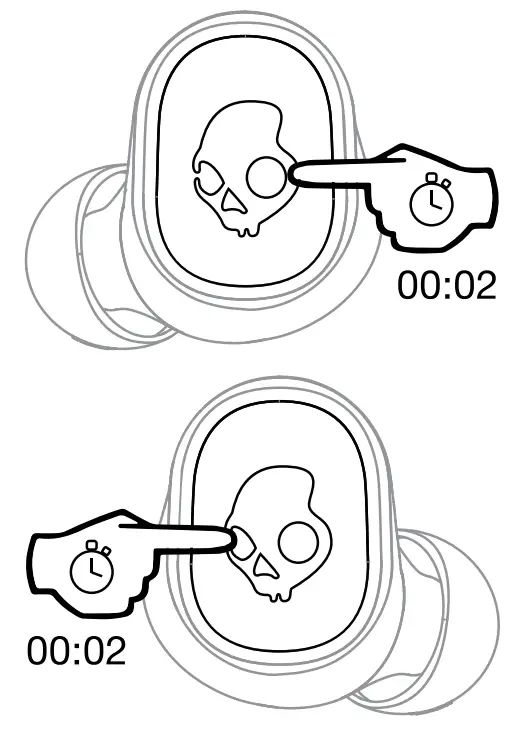
Power-Off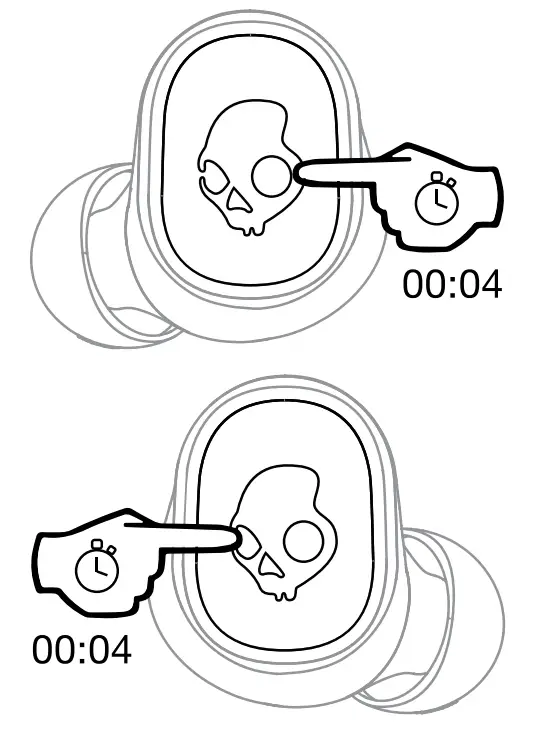
Play/Pause
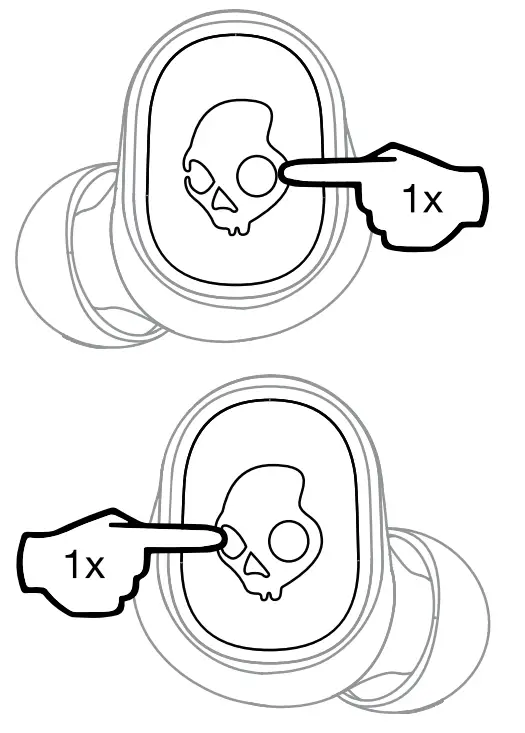
Track Forward
Right Side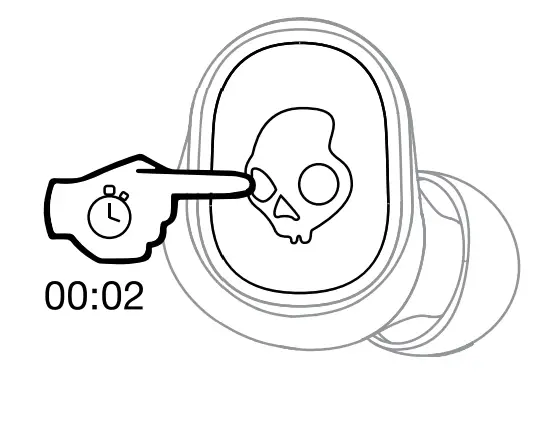
Track Back
left Side
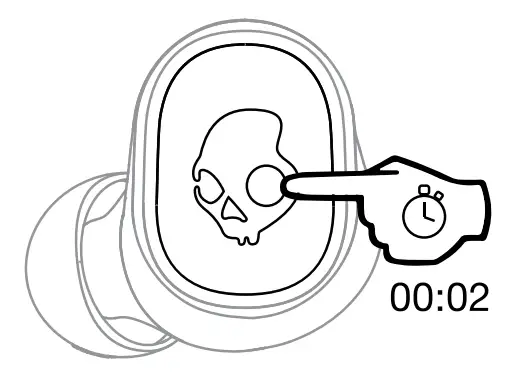
Volume Up
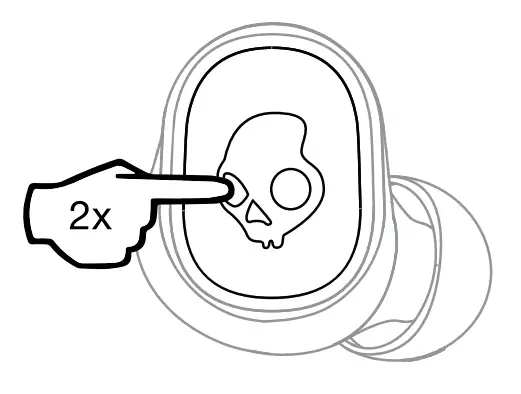
Volume Down
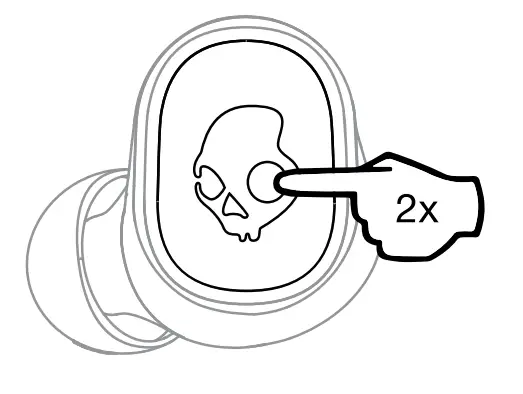
Answer/End
Left Side or Right Side
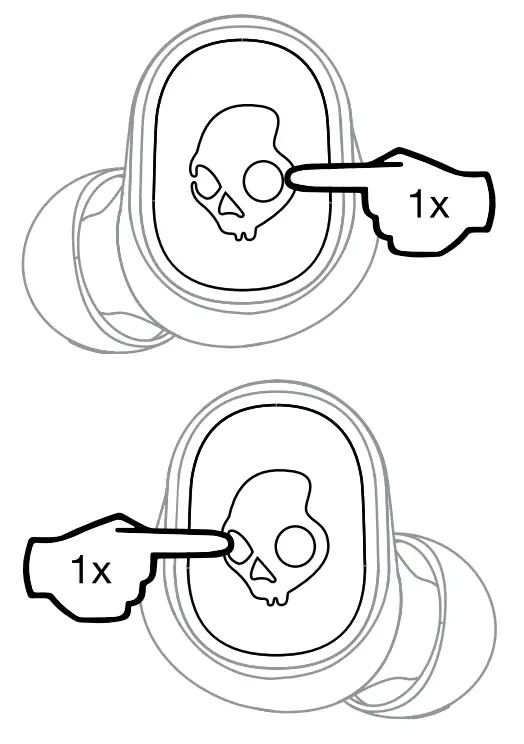
Activeate Voice Assistant
Left Side or Right Side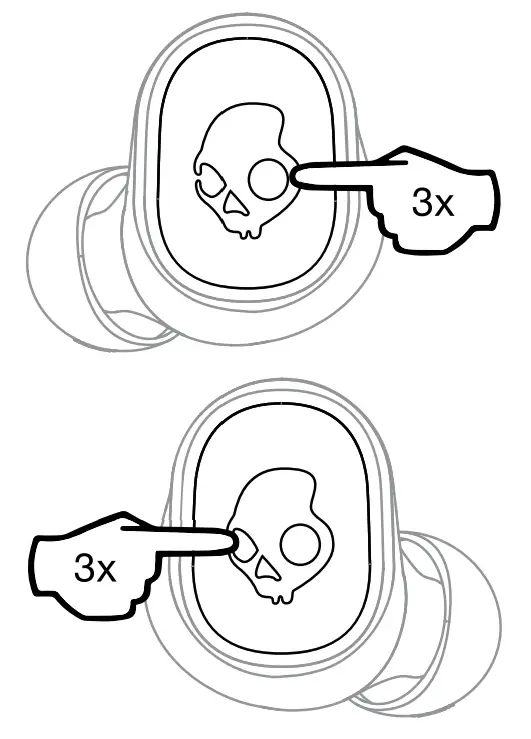
Clear Paired Device

Left Side or Right Side
∗Off Mode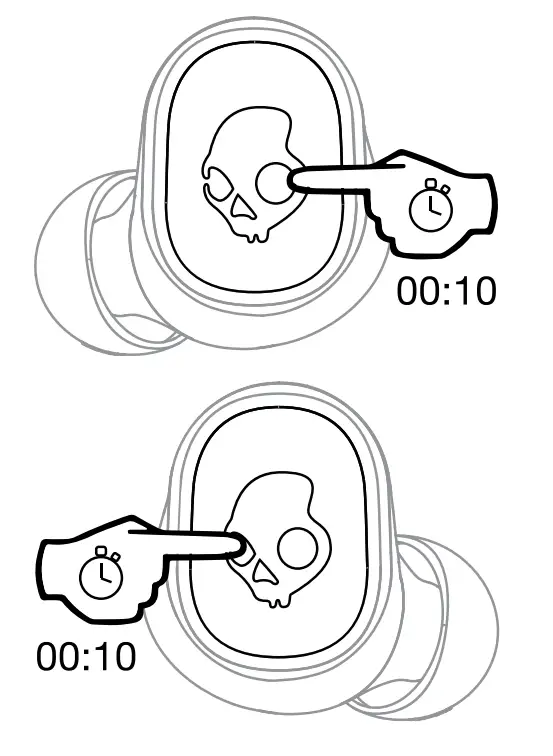
Rest Device
Tile™ Enabled:
Download the App

Download the Tile™ App
Pair Tile™
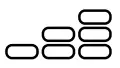
3EQ Mode
Left Side or Right
Music, Move, and Podcast
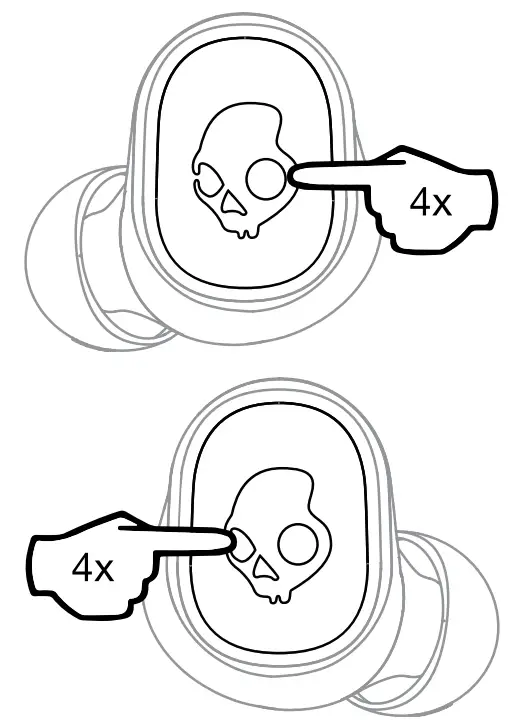
Change equalizer modes
Speaker Driver: 6mm, Impedance: 32 Ohms, THD <3%@1 KHz, Voltage Regulation: 5V, 500mA, Bluetooth® 5.0, Frequency Band: 2402MHz – 2480MHz, Maximum Power: 10mw, Weight: 63.5g.
Skullcandy  and other marks are registered trademarks of Skullcandy, Inc. All rights reserved.
Maximum operating temperature 45°C.
FCC Compliance Statement
This device complies with Part 15 of the FCC Rules. Operation is subject to the following two conditions: (1) this device may not cause harmful interference, and (2) this device must accept any interference received, including interference that may cause undesired operation.
Changes or modifications not expressly approved by the party responsible for compliance could void the user’s authority to operate the equipment.
This equipment has been tested and found to comply with the limits for a Class B digital device, pursuant to Part 15 of the FCC Rules. These limits are designed to provide reasonable protection against harmful interference in a residential installation. This equipment generates, uses, and can radiate radio frequency energy and, if not installed and used in accordance with the instructions, may cause harmful interference to radio communications. However, there is no guarantee that interference will not occur in a particular installation. If this equipment does cause harmful interference to radio or television reception, which can be determined by turning the equipment off and on, the user is encouraged to try to correct the interference by one or more of the following measures:
– Reorient or relocate the receiving antenna.
– Increase the separation between the equipment and receiver.
– Connect the equipment into an outlet on a circuit different from that to which the receiver is connected.
– Consult the dealer or an experienced radio/TV technician for help.
ISED Compliance Statement
This device contains license-exempt transmitter(s)/receiver(s) that comply with Innovation, Science, and Economic Development Canada’s licence-exempt RSS(s). Operation is subject to the following two conditions: (1 )This device may not cause interference. (2)This device must accept any interference, including interference that may cause undesired operation of the device.
ISED SAR Compliance Statement
This equipment complies with ISED radiation exposure limits set forth for an uncontrolled environment. End-user must follow the specific operating instructions for satisfying RF exposure compliance. This transmitter must not be co-located or operating in conjunction with any other antenna or transmitter.
The portable device is designed to meet the requirements for exposure to radio waves established by the ISED. These requirements set a SAR limit of 1.6 W/kg averaged over one gram of tissue. The highest SAR value is reported under this standard during product certification for use when properly worn on the body.
| Americas Skullcandy, Inc. 6301 N Landmark Dr. Park City, UT 84098 U.S.A. Skullcandy.com | Canada Skullcandy Canada ULC 329 Railway St. Unit 205 Vancouver, BC. V6A 1A4 Canada Skullcandy.ca |
Contains a Li-ion battery. The battery must be recycled or disposed of properly.
Hardware Version: V5.1
Software Version: V5.0
Made in China.
MODEL: S2TVW
FCC ID: Y22-S2TVW
IC:10486A-S2TVW
 R-Sku-S2TVW
 018-200004
Questions Vist: www.skullcand.com