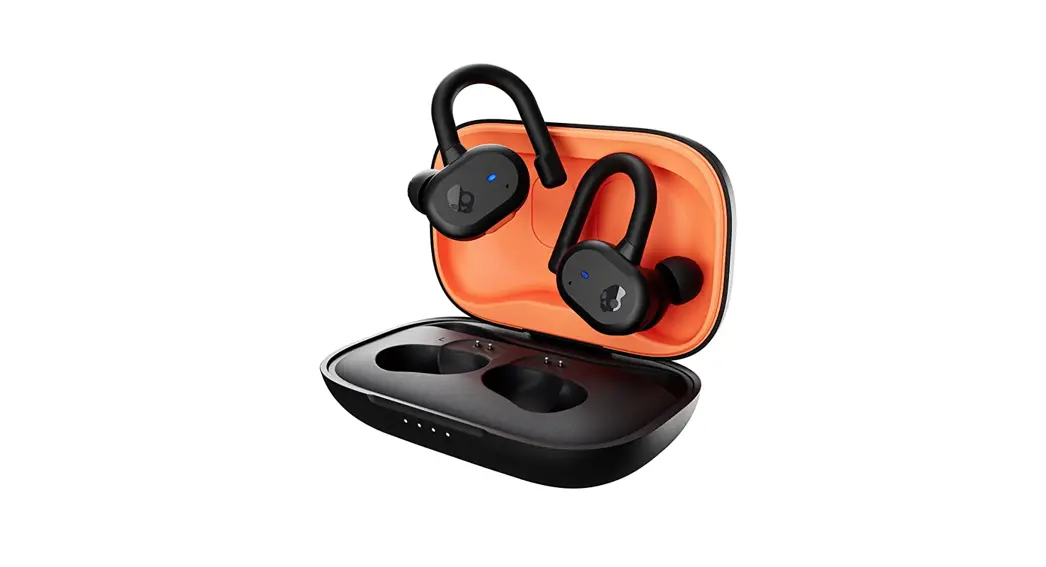

ULTIMATE FIT™.
UNLEASHED.
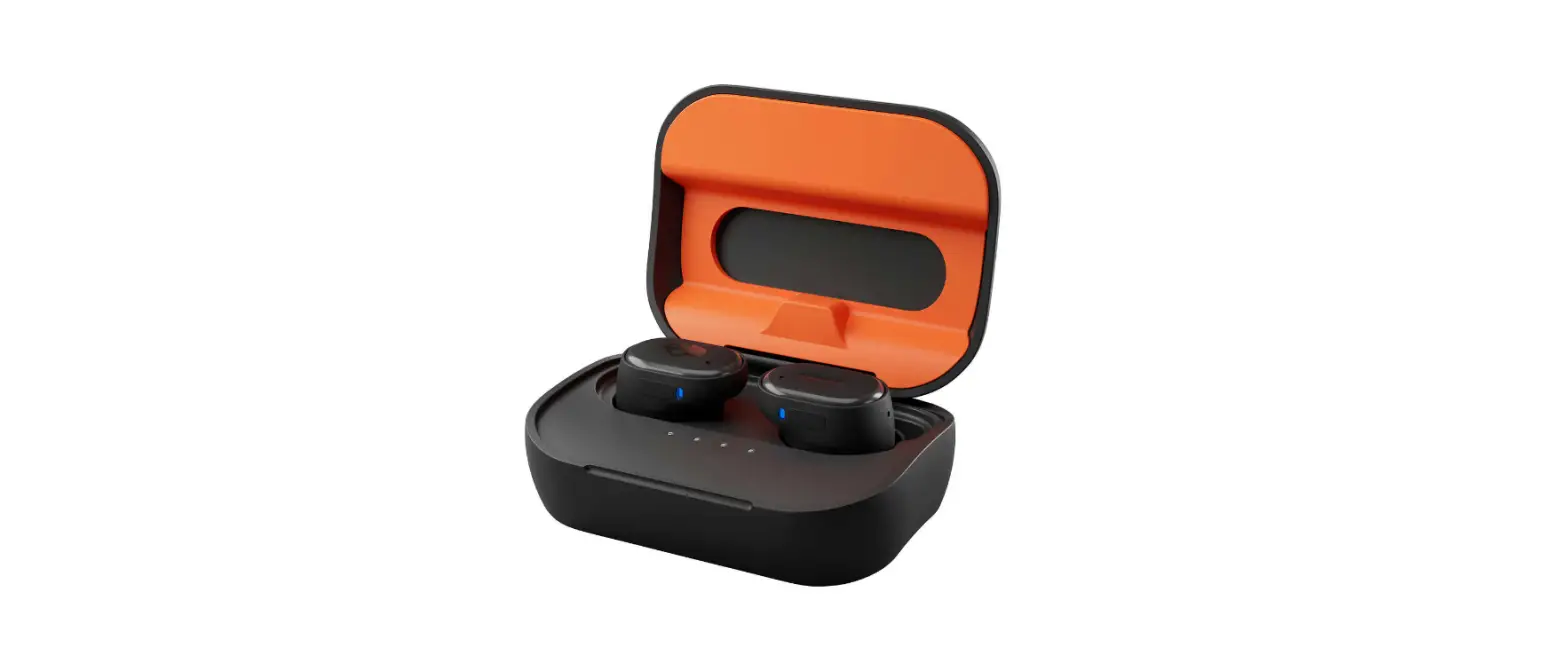
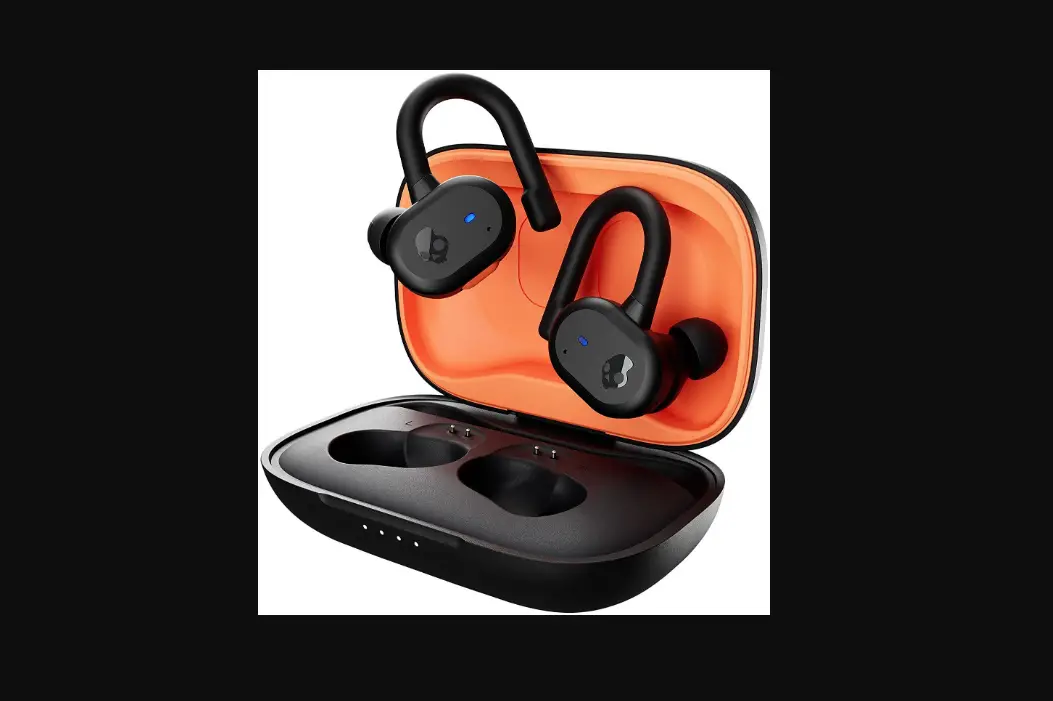
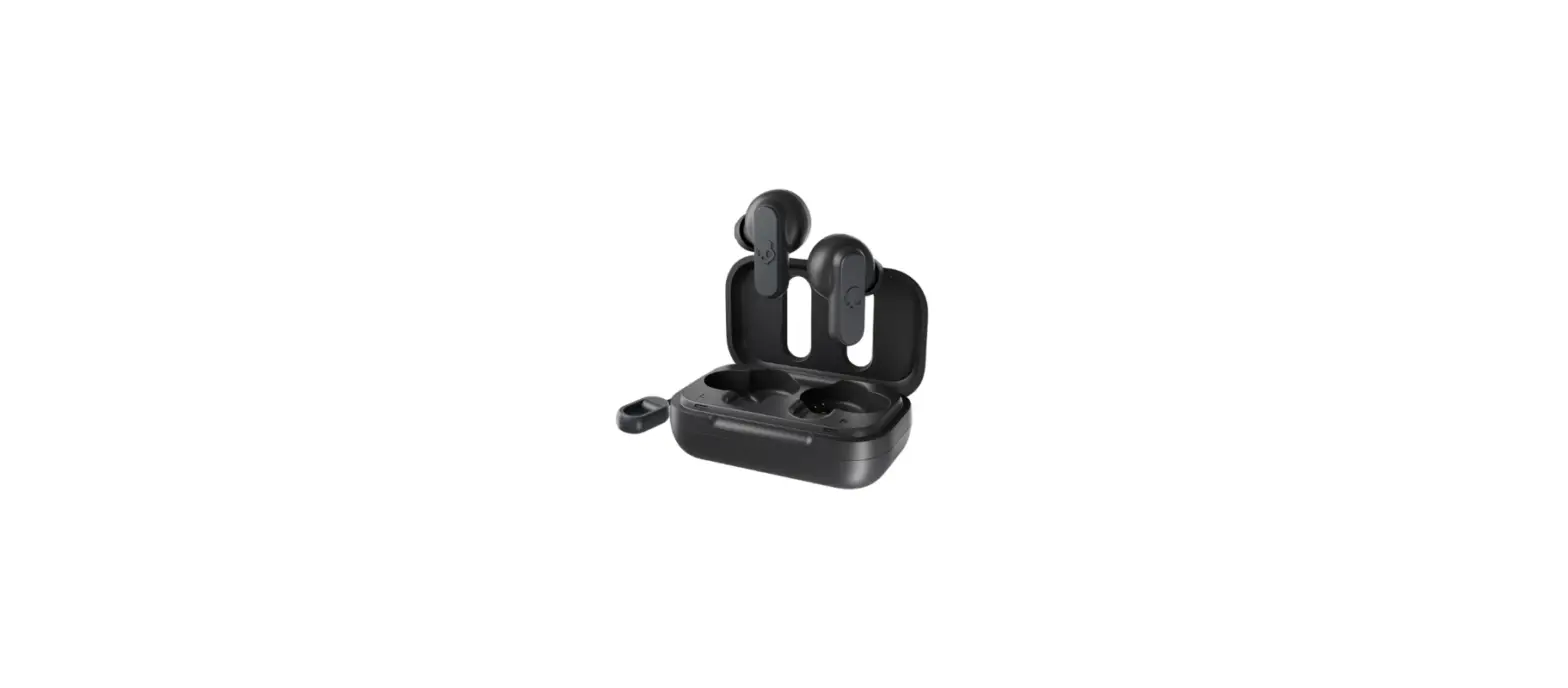
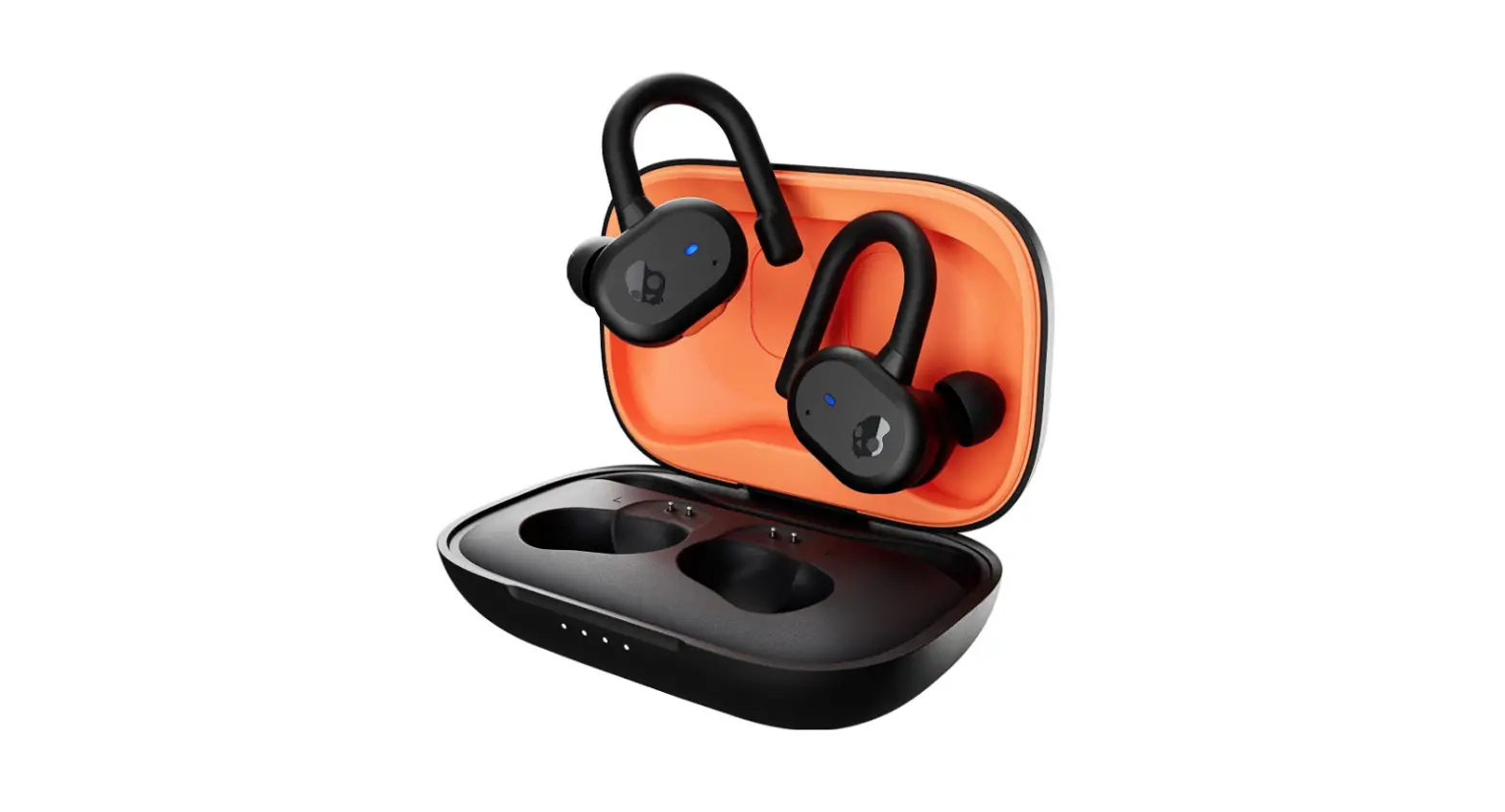
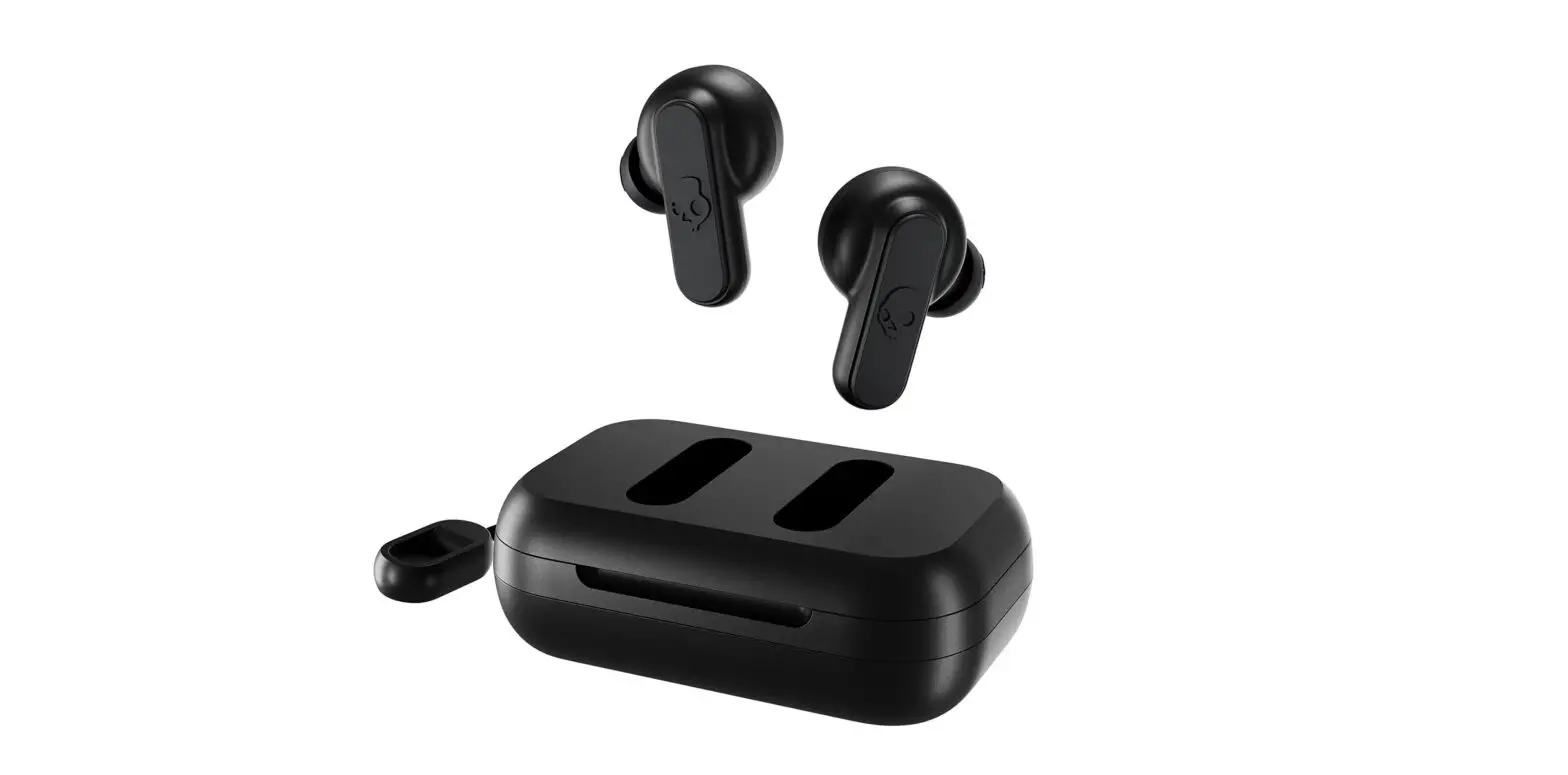
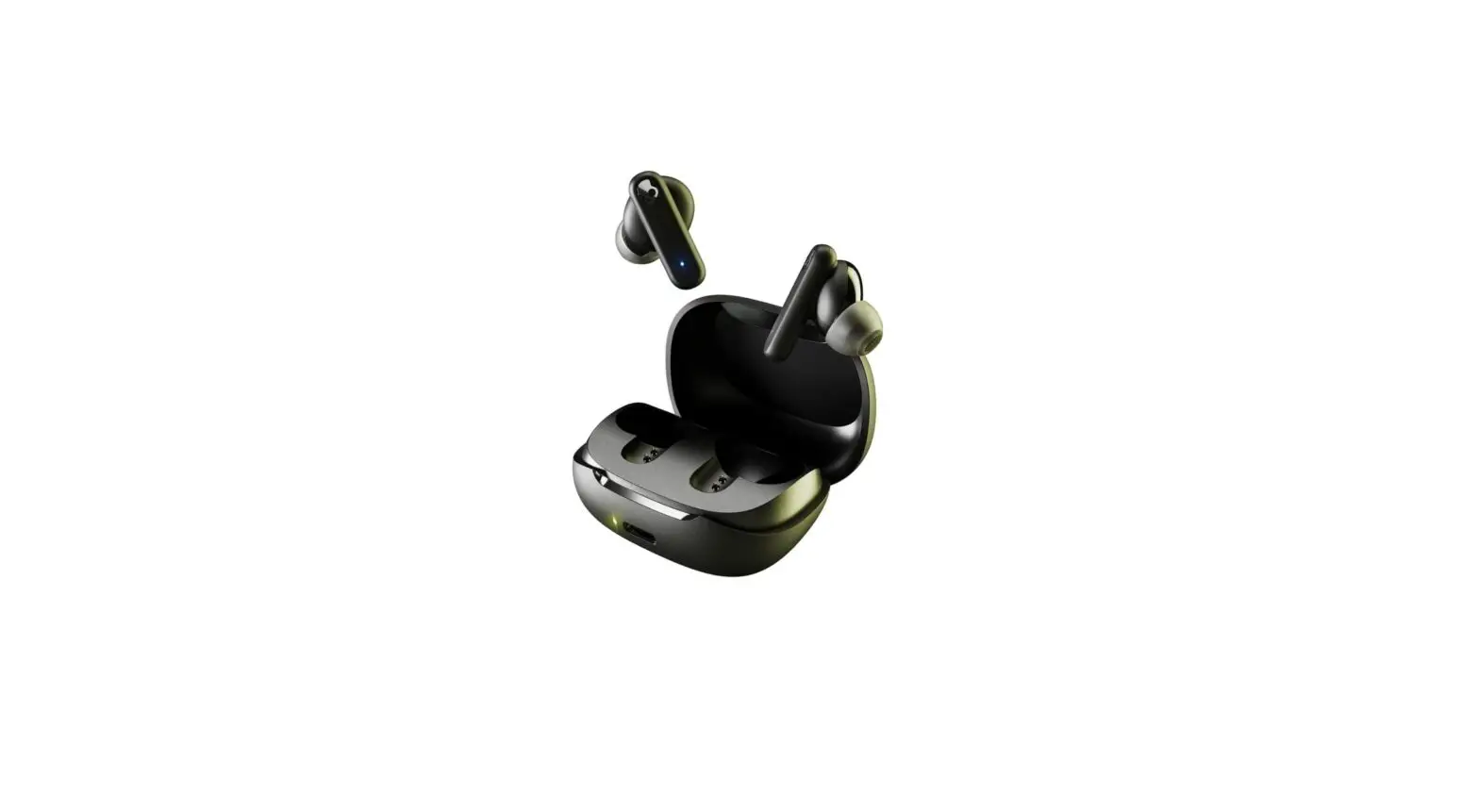
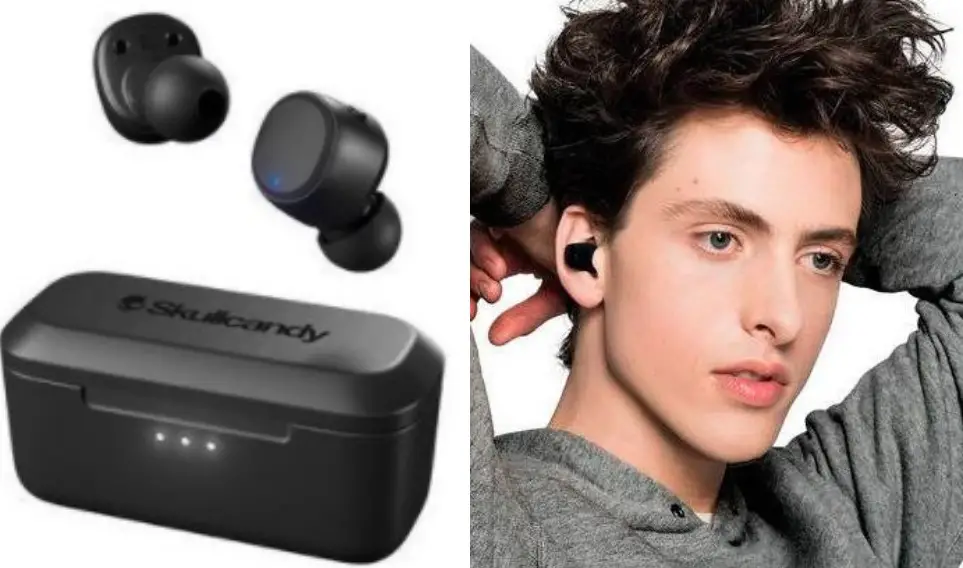
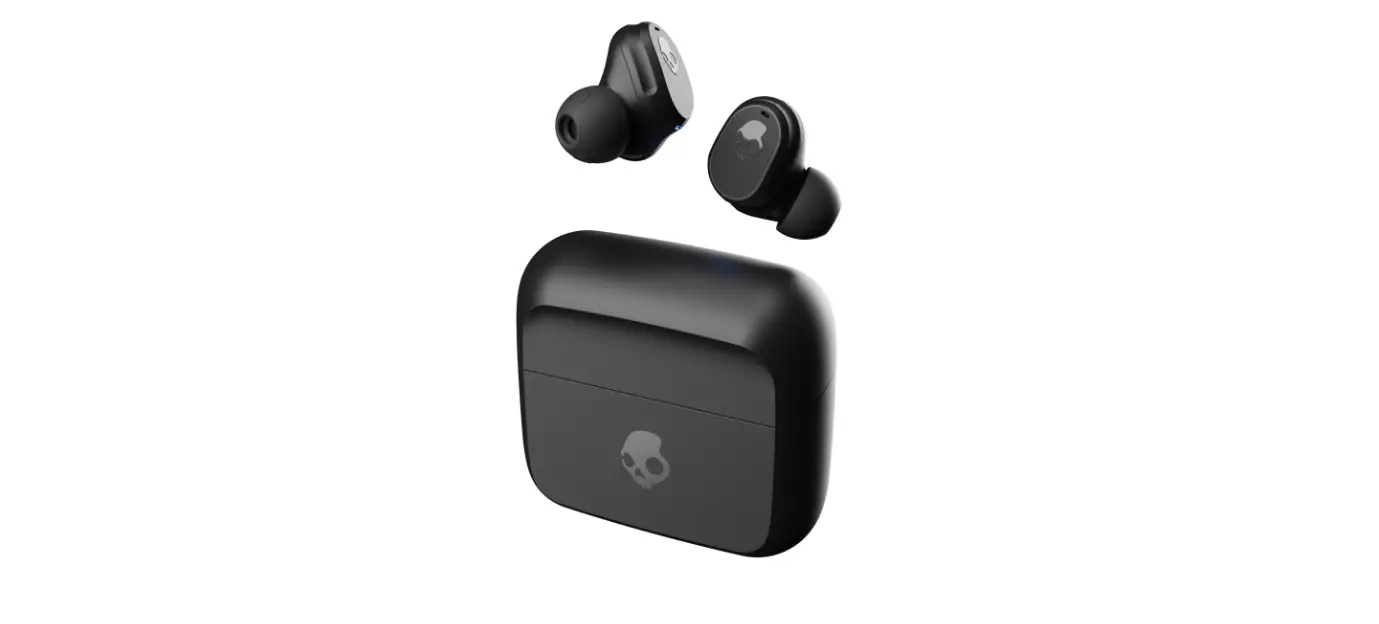
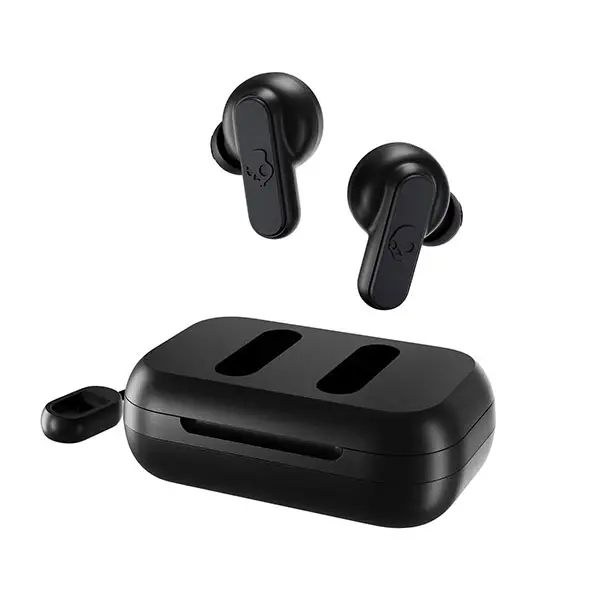
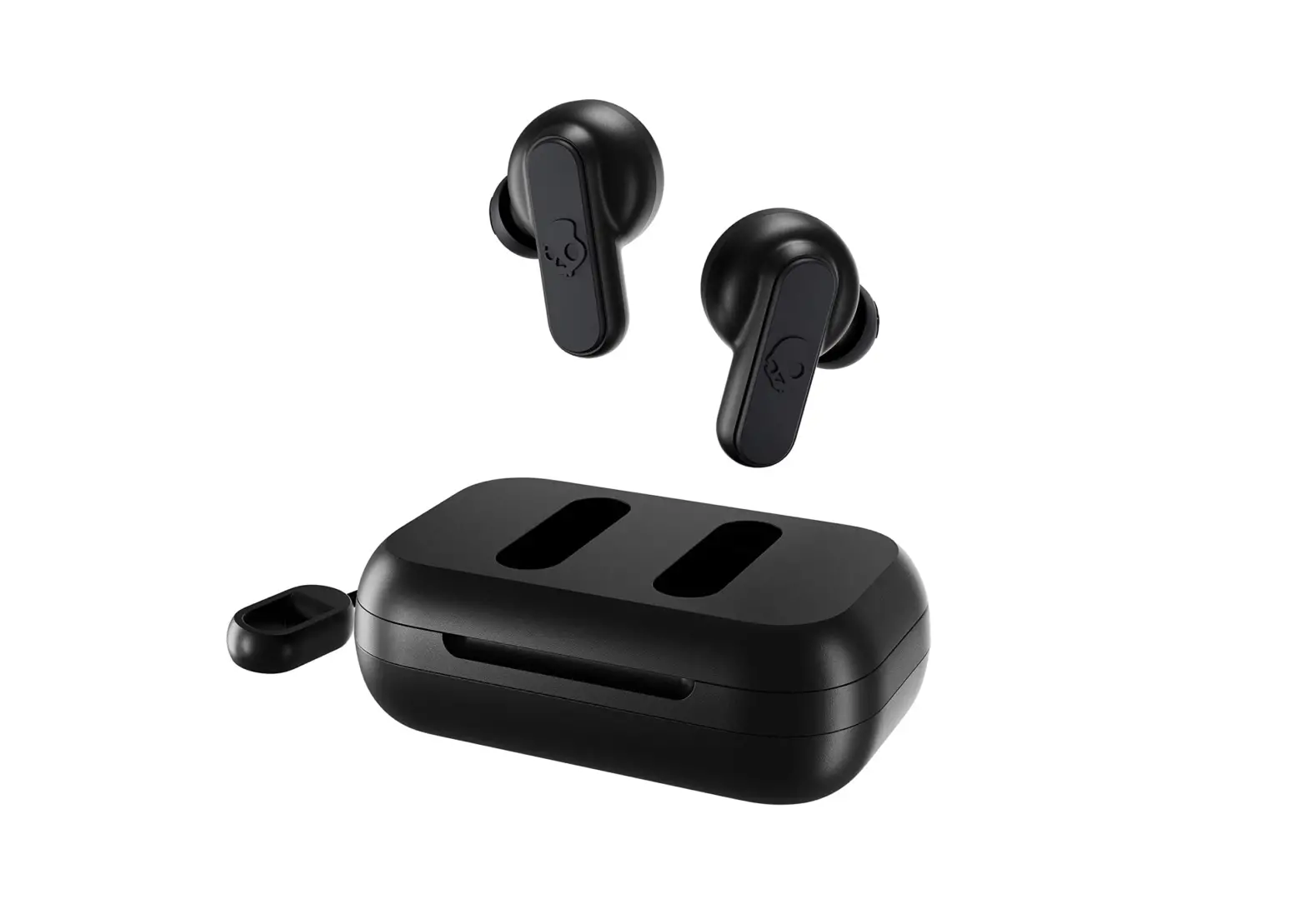
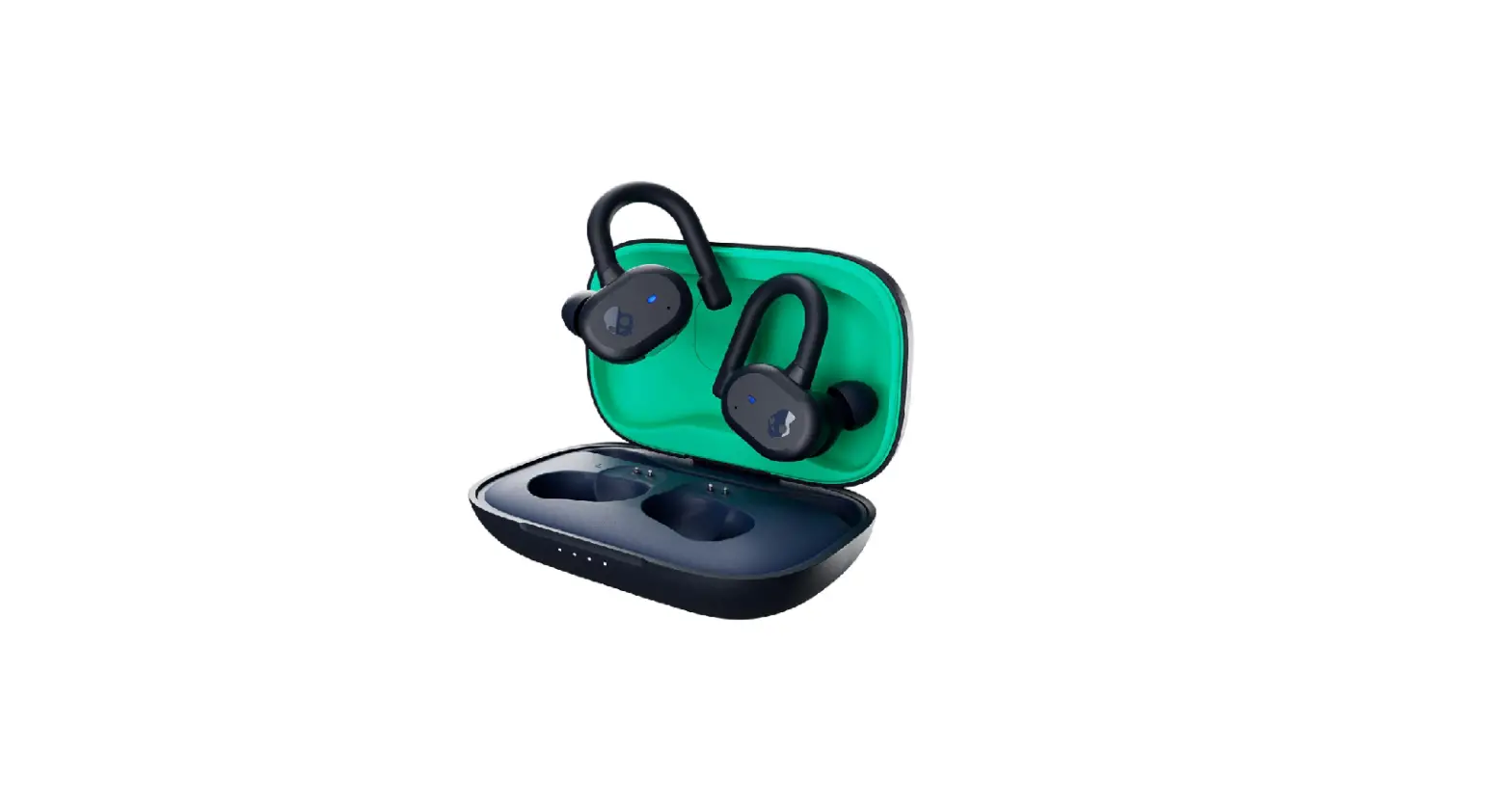
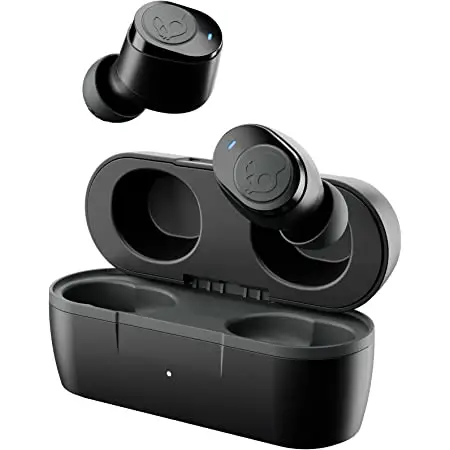
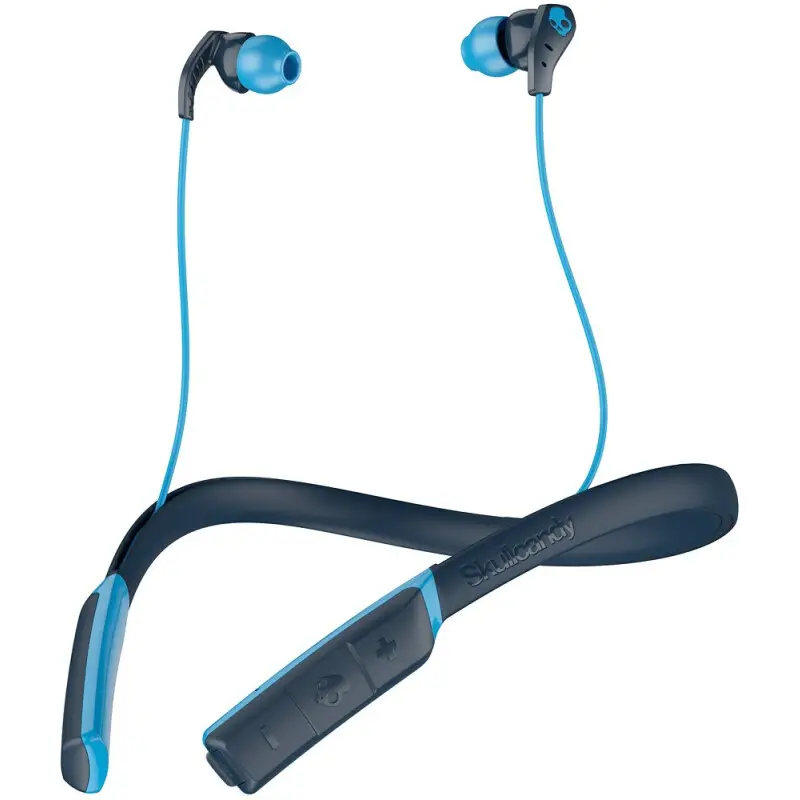
Push Active \ True Wireless Sport Earbuds
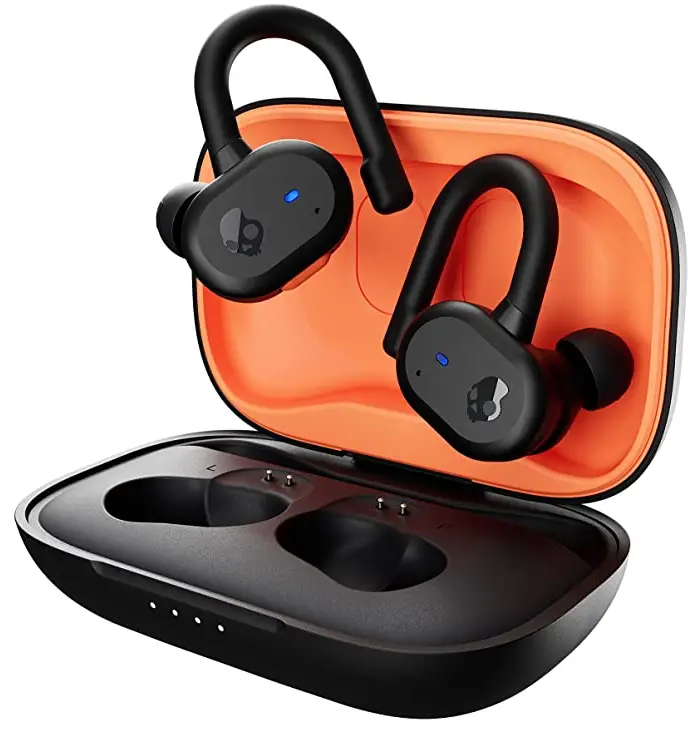

 | Ultra-Secure and Sweat Resistant |
| Control Music + Calls | |
| Hours Total Battery | |
| Find Your Earbuds | |
| Works with the Skullcandy App |
 SKULL-IQ™
Voice-iQ: Voice Activation Tune-iQ: Change EQ Modes Music-Kt Music Sharing Tap-iQ: Change Buttons
Voice-iQ: Voice Activation Tune-iQ Change EQ Modes Music-10: Music Sharing Tap-iQ: Change Buttons
Voice-iQ: Voice Activation Tune-iQ: Change EQ Modes Music-10: Music Sharing Tap-iQ: Change Buttons
SIMPLIFY YOUR LISTENING*™
Auto On-Connect Call, Track, Volume Control Activate Assistant Use Either Bud Solo
Auto On-Connect Call, Track, Volume Control Activate Assistant Use Either Bud Solo
Auto On-Connect Call Track, Volume Control Activate Assistant Use Either Bud Solo
SUPREME SOUND,,™
Premium Audio Quality Dual Microphones Noise Isolating Fit Ambient Mode
Premium Audio Quality Dual Microphones Noise Isolating Fit Ambient Mode
Premium Audio Quality Dual Microphones Noise Isolating Fit Ambient Mode
FEARLESS USE,™
Tile” Finding Technology Replacement Policy IP55 Sweat/Water Resistant
Voles-iQ: Volpe Activation Chat-iQ: Instant Messaging Photo-iQ: Control Your Phone
Voice-iQ: Voice Activation Chat-iQ: Instant Messaging Photo-iQ: Control Your Phone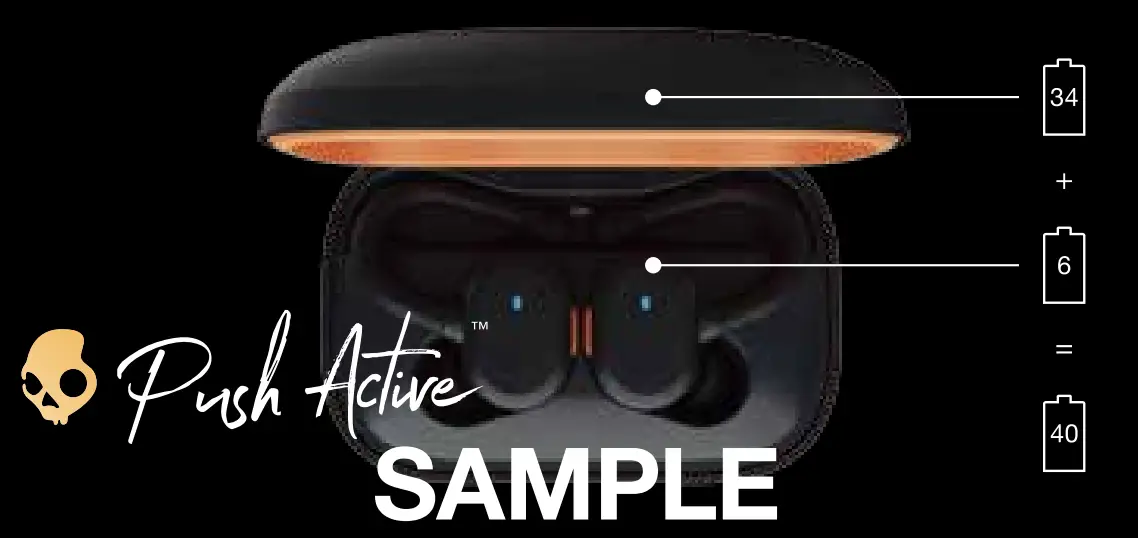 DO THIS FIRST:
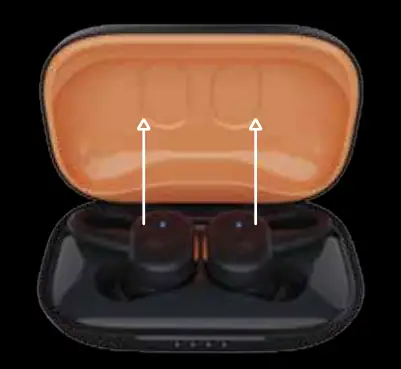
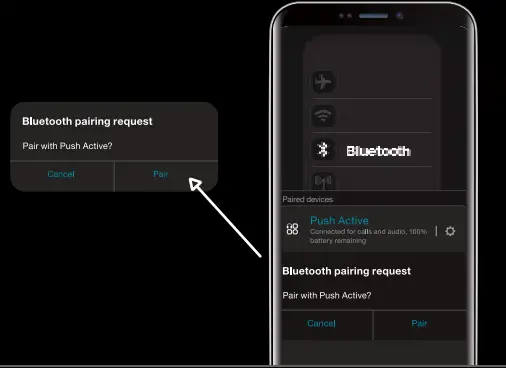
- Remove earbuds from charging case. This will automatically put them in pairing mode

- Open your list of Bluetooth devices and select “Push Active Earbud LEDs will turn blue when connected. Be sure to select “Pair” if you see the Bluetooth pairing request.


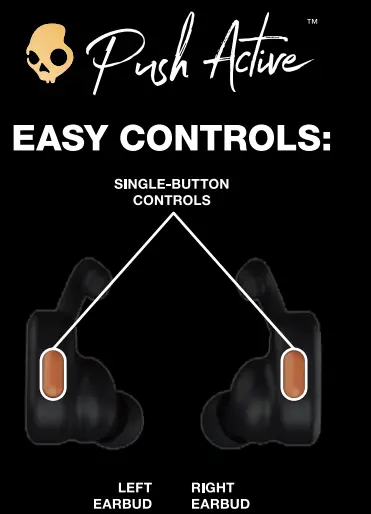
Power On – Press and hold 2 seconds Power Off – Press and hold 4 seconds Track Back – Press and hold 1 second Volume Down – Press twice Play/Pause – Press once Answer/End Calls – Press once Activate Assistant – Press 3 times
Clear/Reset – From off, press and hold both buds for 10 seconds
Power On – Press and hold 2 seconds Power Off – Press and hold 4 seconds Track Forward – Press and hold 1 second Volume Up – Press twice Play/Pause – Press once Answer/End Calls – Press once Activate Assistant – Press 3 times
For additional features, download the Skullcandy app.
HAVING TROUBLE? DON’T RETURN TO STORE.
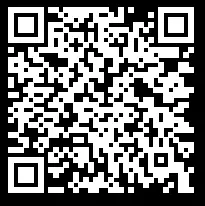
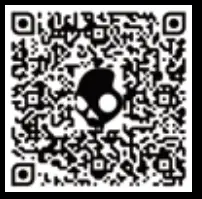
For videos and product support, scan the code below or type this URL into your browser:
Skullcandy.com/Support/Product-Help
LIKE YOUR PRODUCT?
We’re happy that you’re happy. We’d really appreciate you leaving a positive review at your retailer’s website or Skullcandy.com
Questions?
Skullcandy.coni/support/PushAcfive
Safety information inside. Made in Vietnam. Skullcandy, and other marks are registered trademarks of Skullcandy, Inc All rights reserved. The Bluetoothe word mark and loos are re. istered trademarks owned b Bluetooth SIG, Inc and an use of such marks b Skullcand , Inc is under license. Contains Li-ion batte Bette must be rec cled or disosed of properly.
This device complies with part 15 of the FCC Rules. Operation is subject to the following two conditions: (1) This device may not cause harmful interference, and (2) this device must accept any interference received, including interference that may cause undesired operation.
Push Active : Black Orange
MODEL : S2BPW
FCC ID : Y22-S2BPW
IC : 10486A-S2BPW
“Android” is a trademark of Google inc “Apple” is a trae inc. a re’ » est une marque de cxxnmerce de e inc “Apple.

Americas
Skullcandy, Inc
6301 N Landmark Dr.
Park City, UT 84098
U S A Skullcandy corn
©2020 Skul lcandy, Inc. Skullcandy.com/patent-information