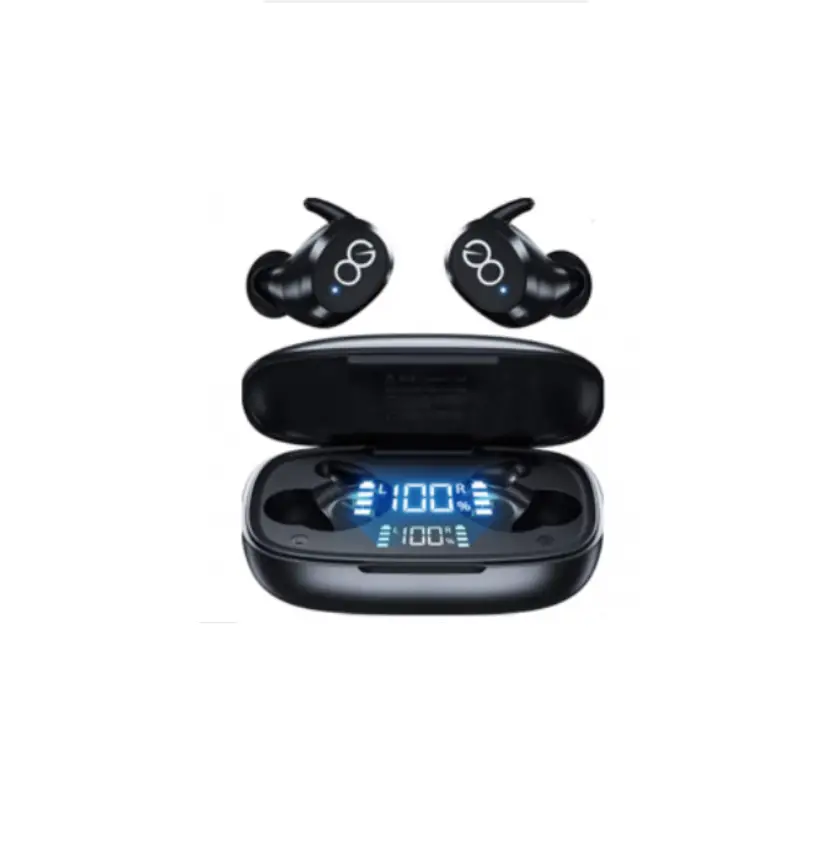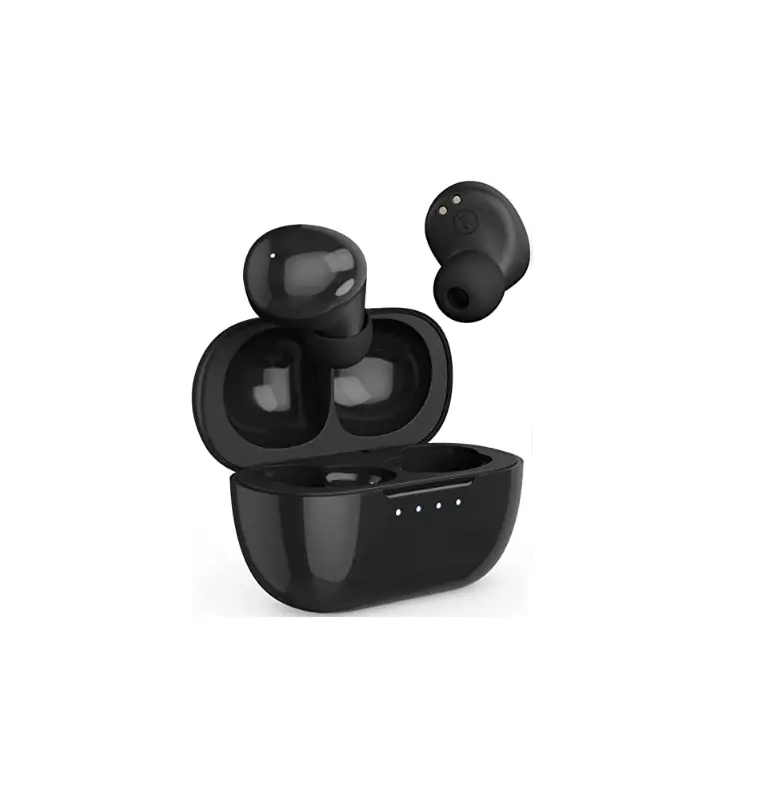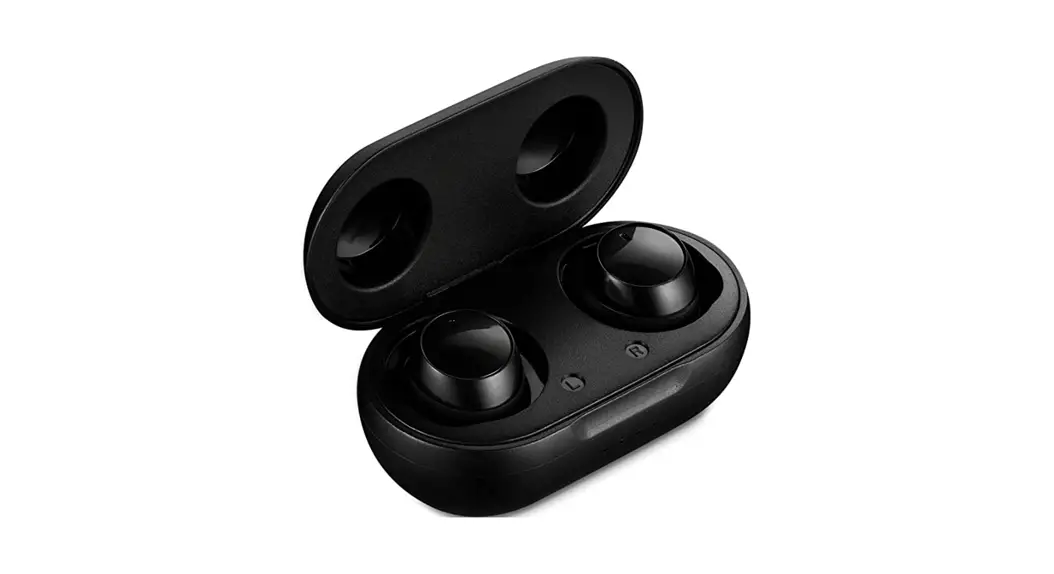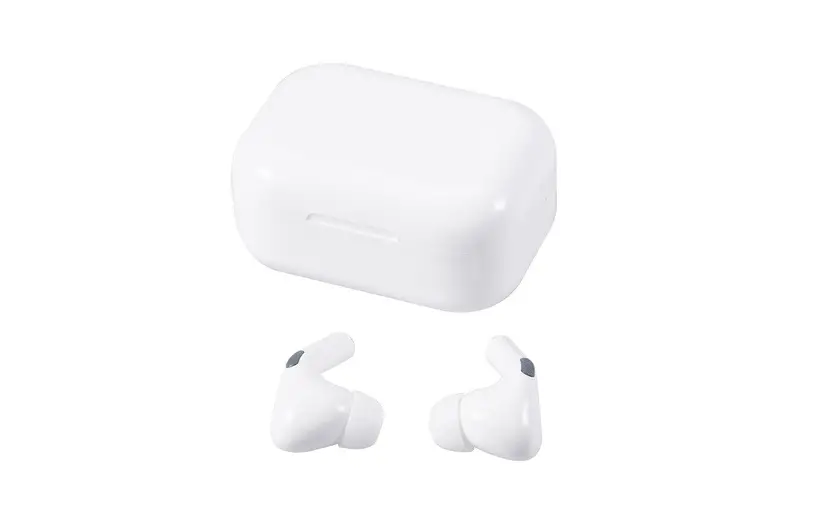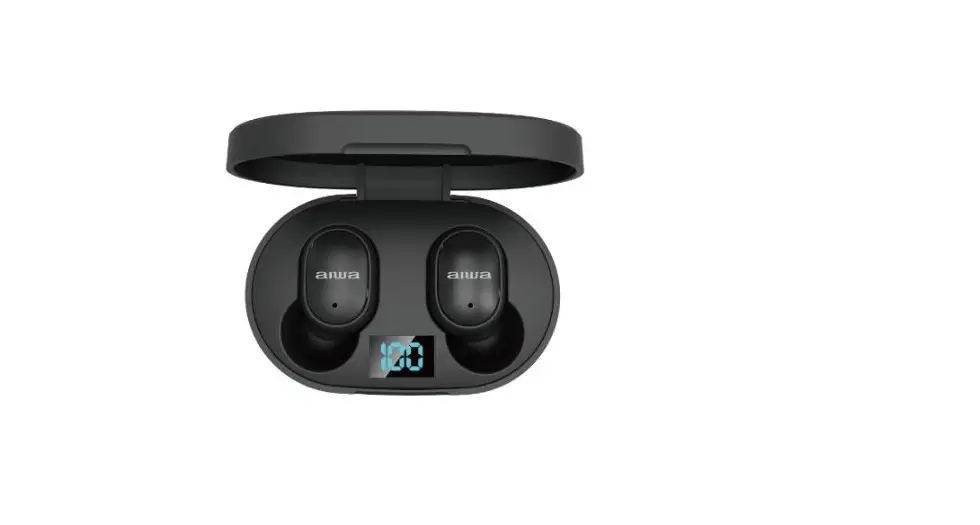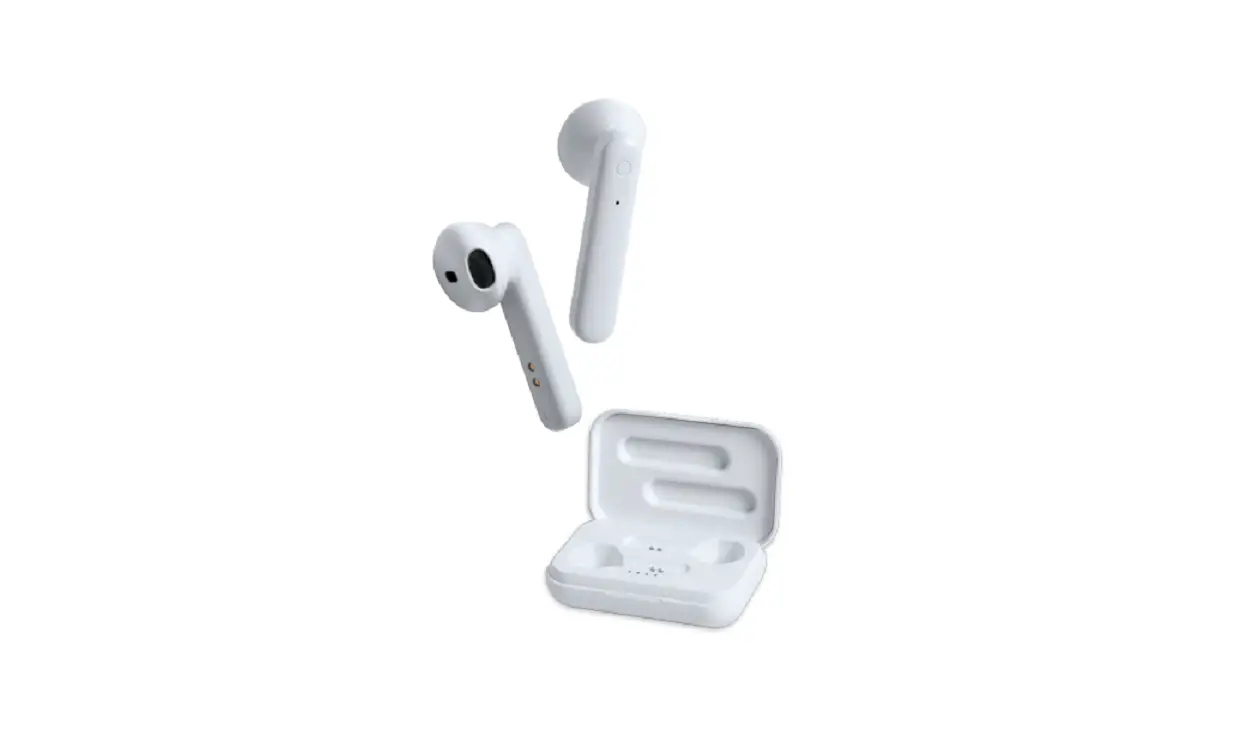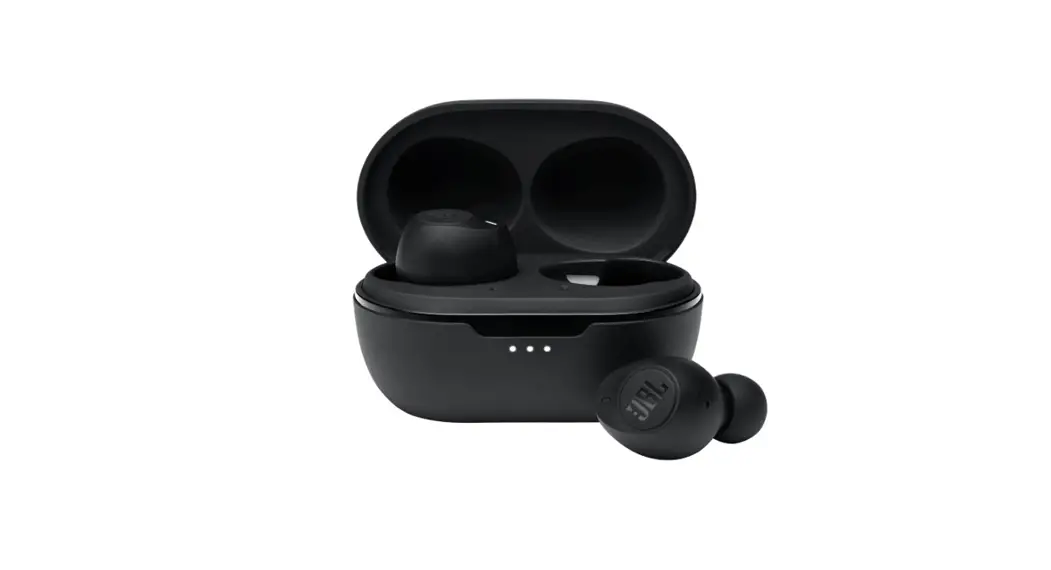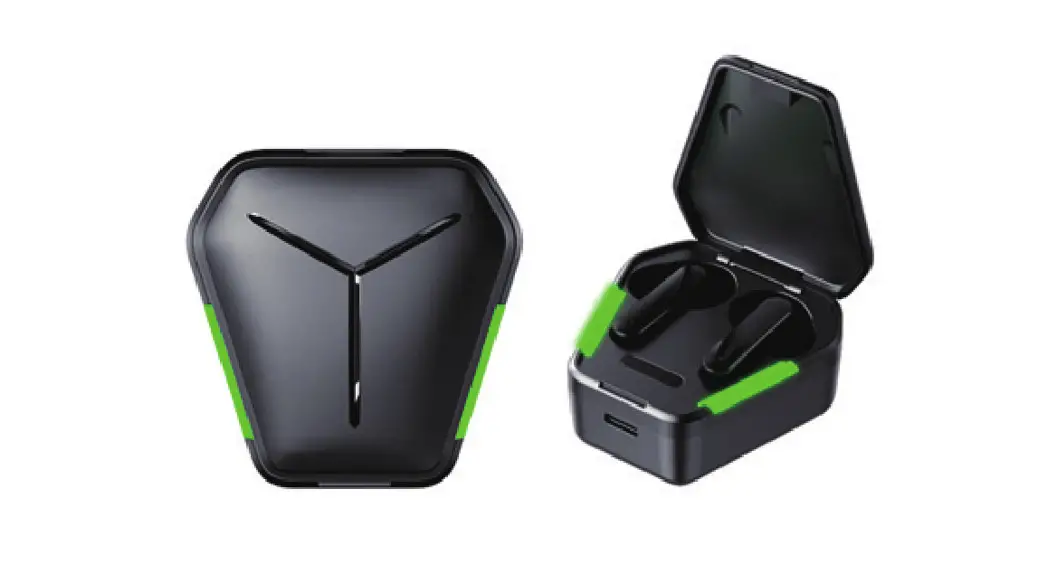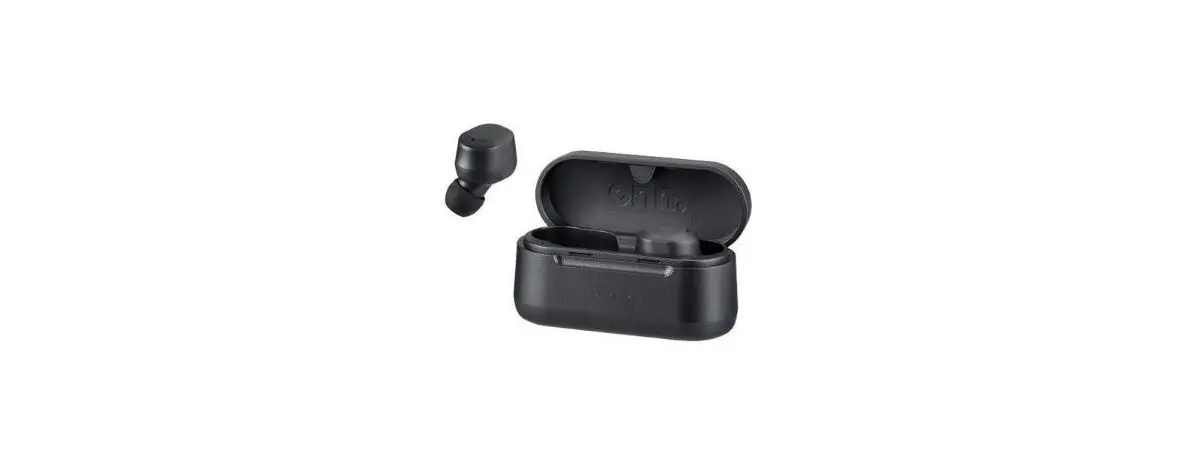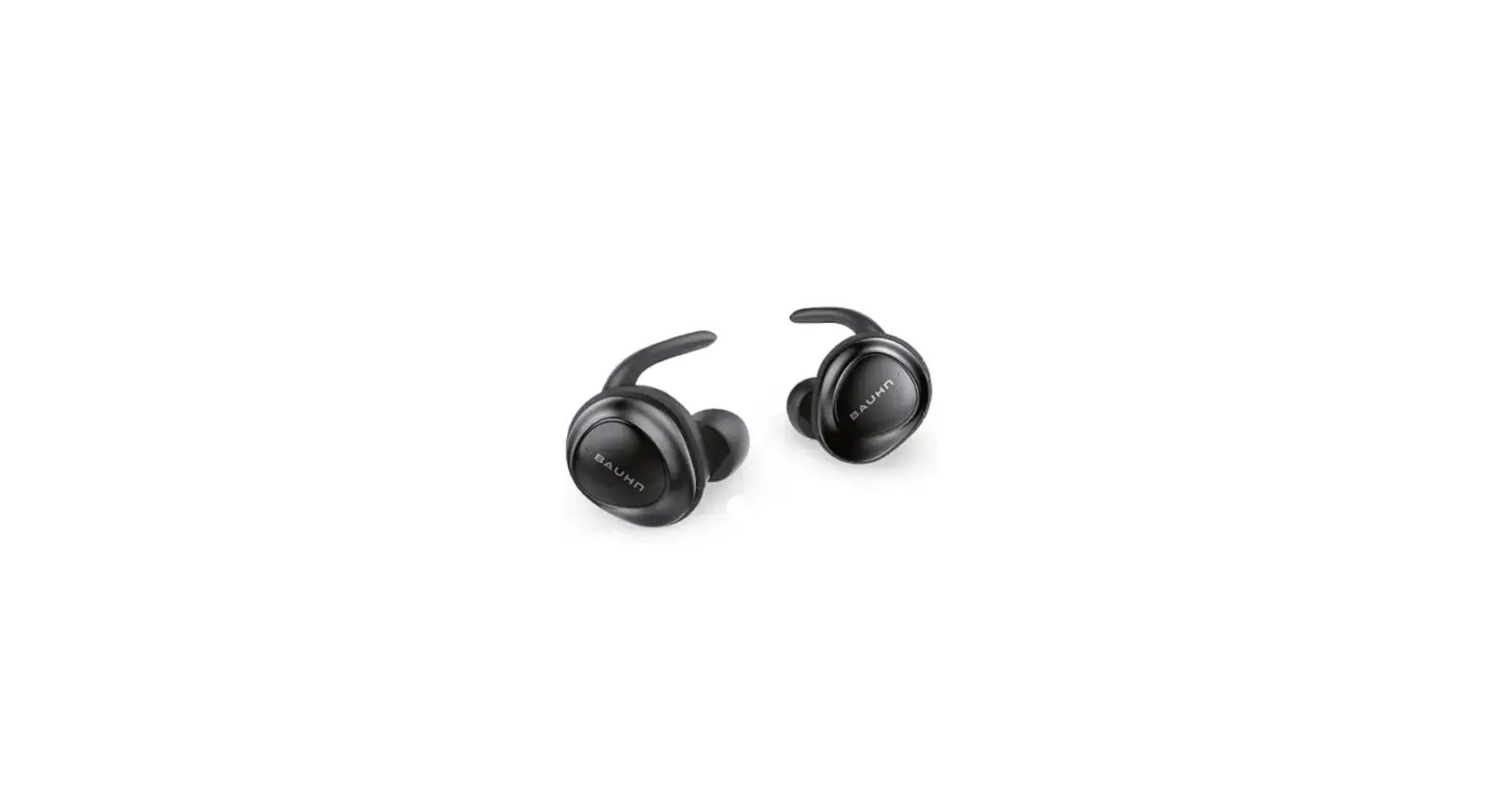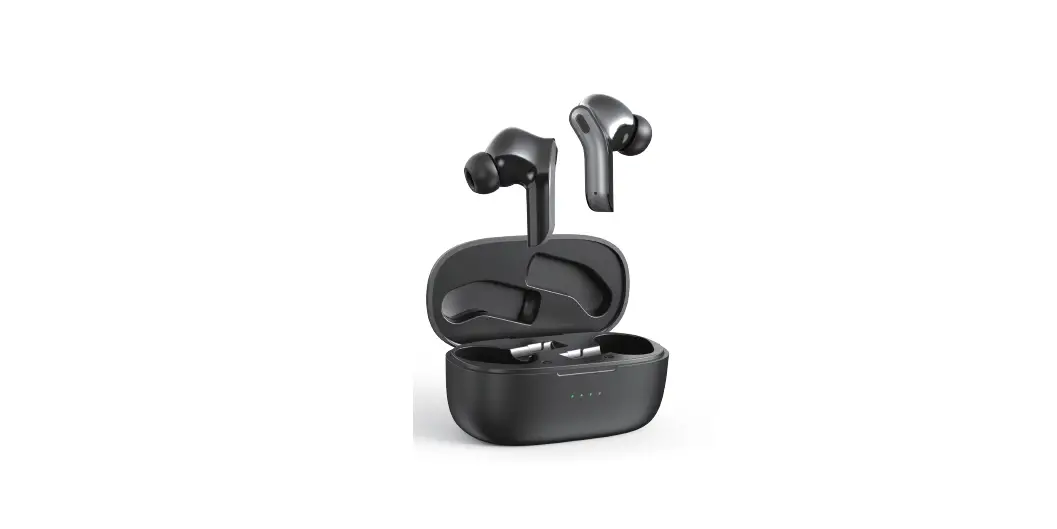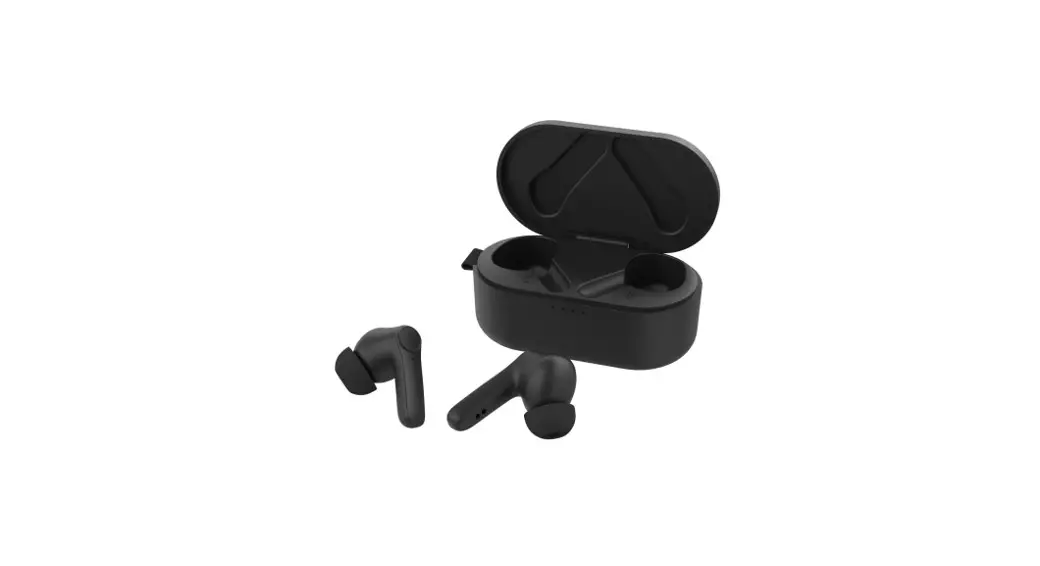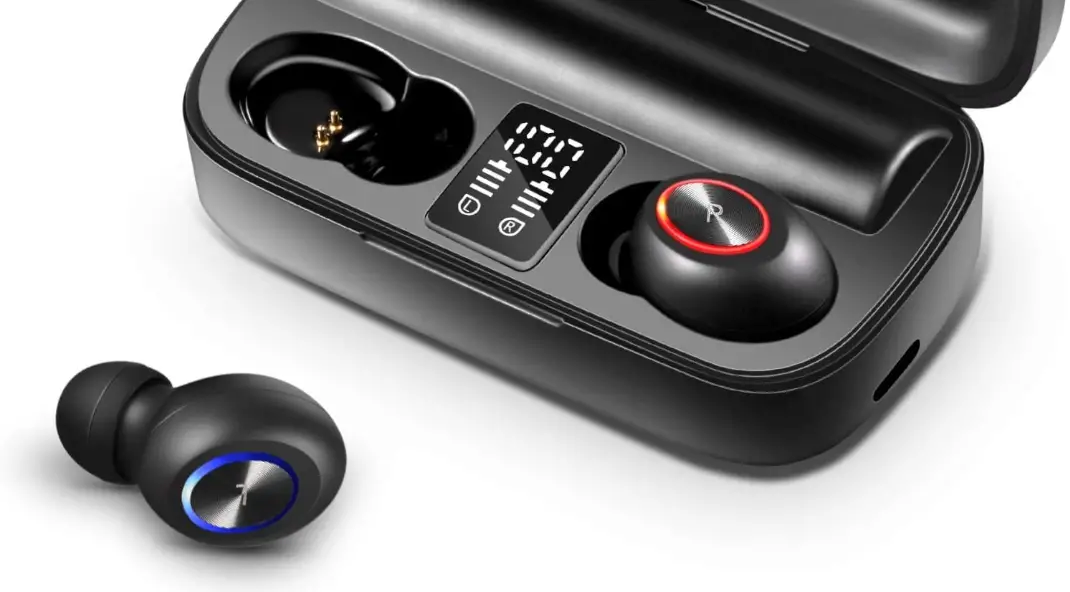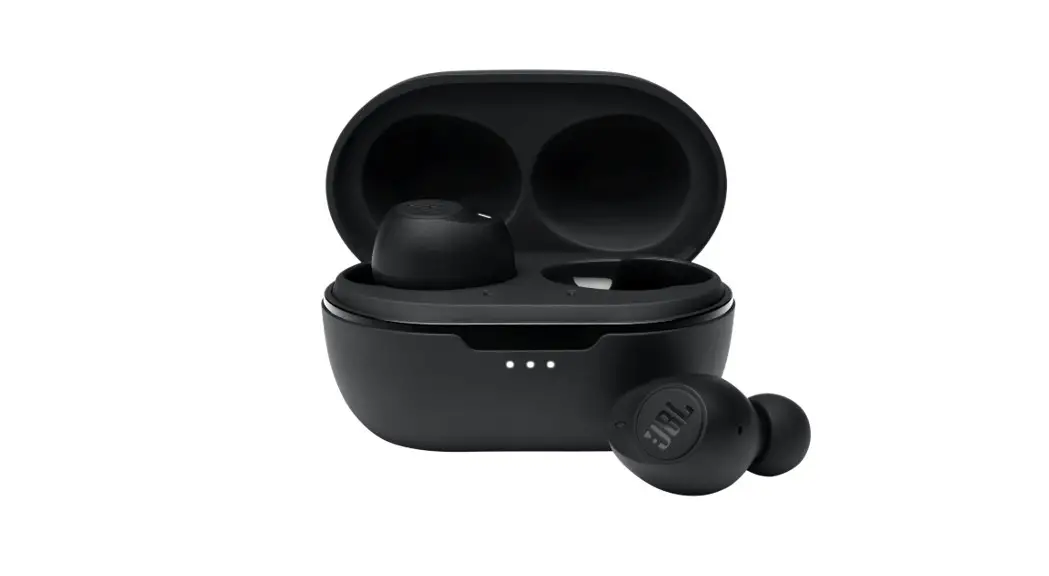
 True Wireless Earbud
Model: 19TW26
43007639
PRODUCT GUIDE
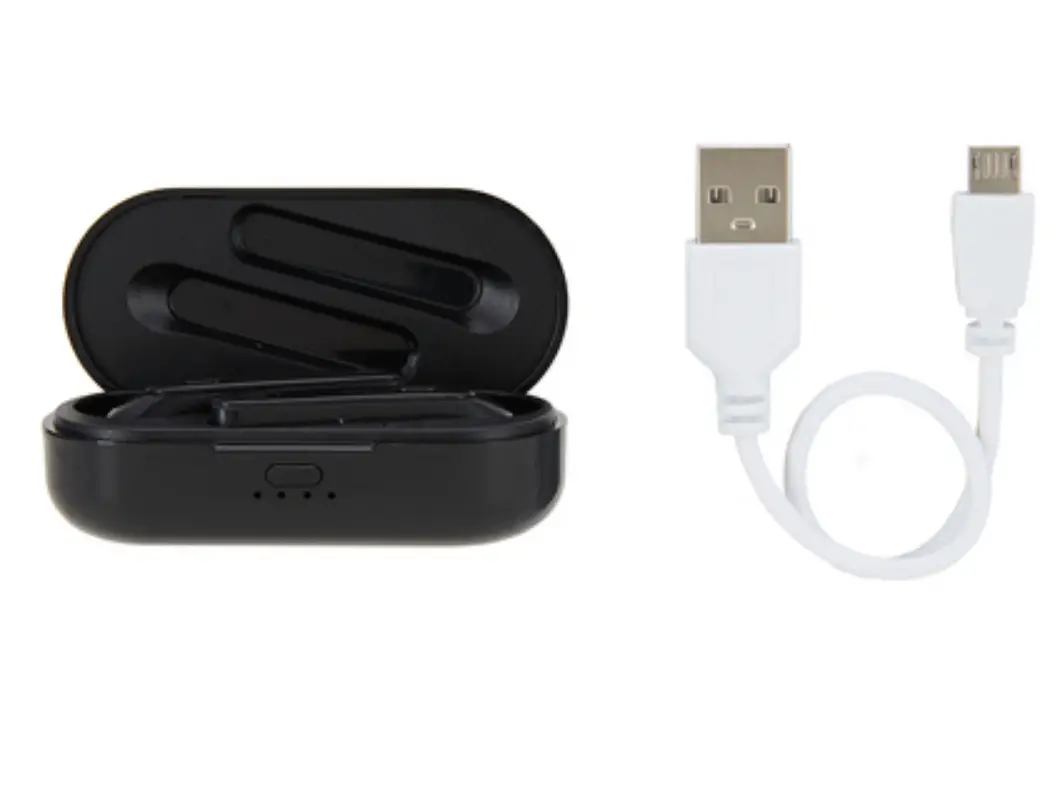
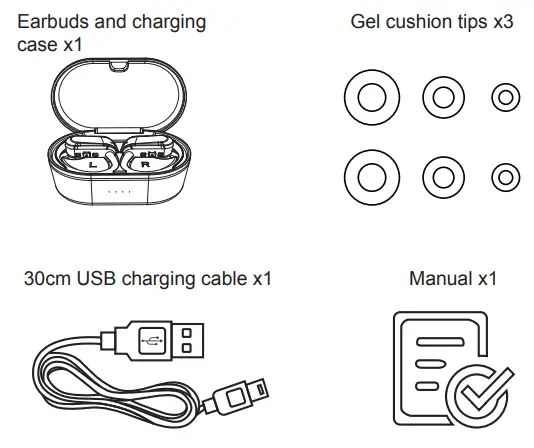
what’s in box
WARNING
- Working temperature: 0 – 45˚C.
- Battery cannot be subjected to high or low extreme temperatures, low air pressure at high altitude during use, storage or transportation.
- Replacement of a battery with an incorrect type can result in an explosion or the leakage of flammable liquid or gas.
- Disposal of a battery into fire or a hot oven, or mechanically crushing or cutting of a battery, that can result in an explosion.
- Leaving a battery in an extremely high temperature surrounding environment can result in an explosion or the leakage of flammable liquid or gas.
- A battery subjected to extremely low air pressure may result in an explosion or the leakage of flammable liquid or gas.
- These BT earbuds shall be charged by the supplied charging case only.
Powering on/off
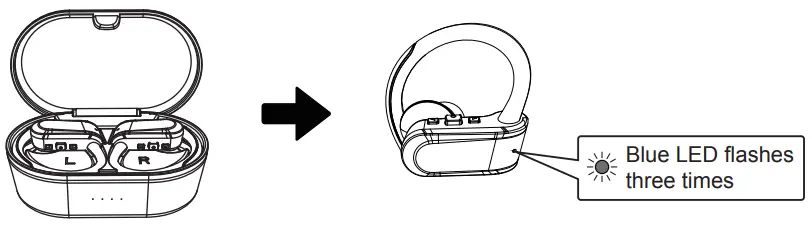
Remove insulating film and place earbuds in the charging case for activation.
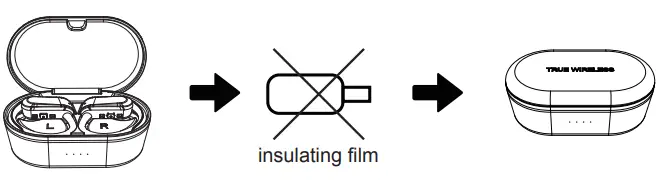 The earbuds automatically turn on & connect to each other when taking out of the case.
LED light flashes Blue 3 times and there is “power on” voice reminding.
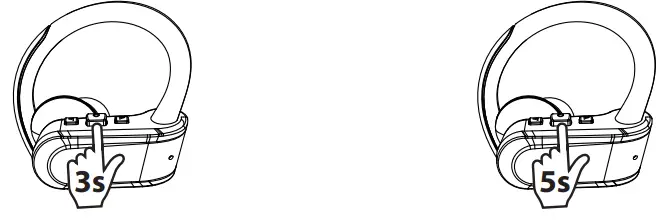
Place earbuds in the charging case, earbuds will power off automatically, then Red LED lights on.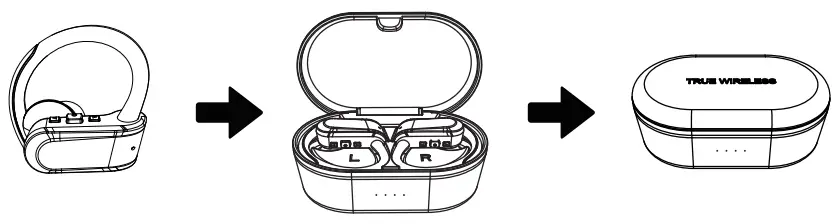 Power on by hand: press & hold for 3s to power on and there is “power on” voice reminding.
Power off by hand: press & hold for 5s to power off and there is a “power off” voice reminding.
Bluetooth pairing
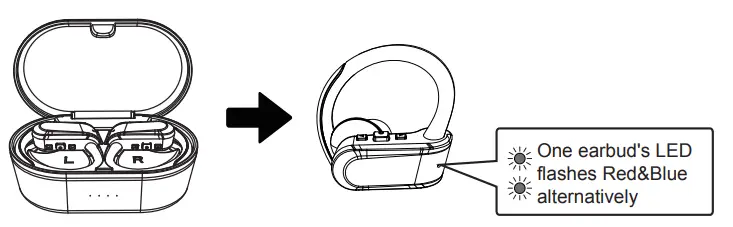
The earbuds automatically turn on & connect to each other right out of the case.
One earbud’s LED flashes Red&Blue alternatively and there is a “pairing” voice reminding.
Connect your device by searching for” Anko TWS”, LED light goes off when connected.
there is a “connected” voice reminding.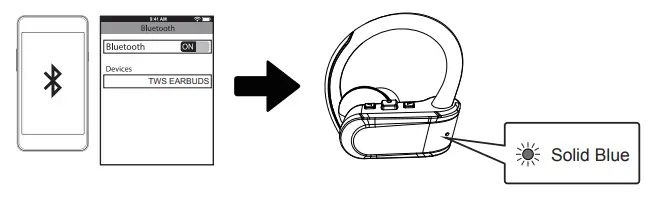 TWS earbuds will automatically reconnect to your last paired device. there is a “connected” voice reminding.
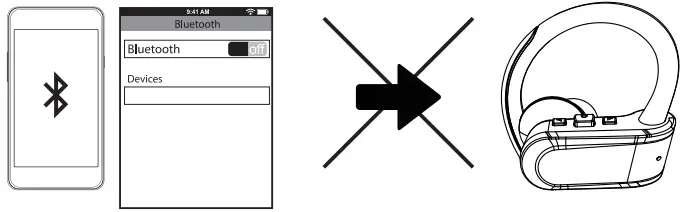
If you want to pair with another device, please disconnect Bluetooth with your last paired device if it’s nearby. There is a “disconnected” voice reminding.
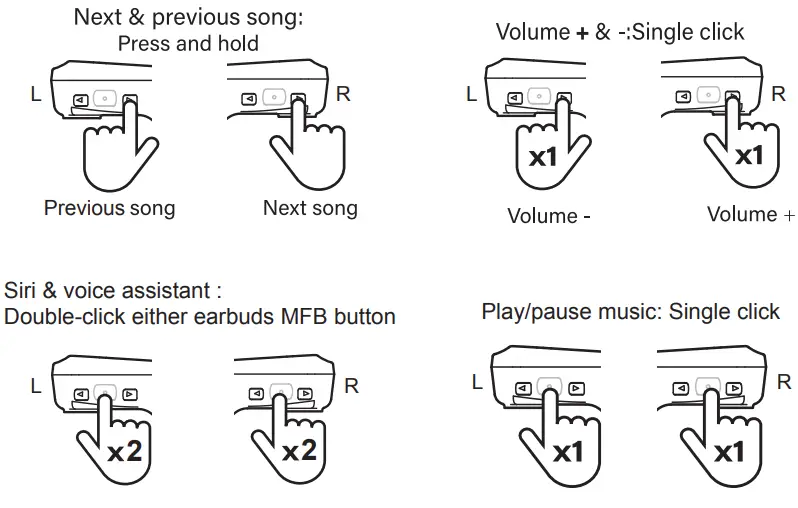
Play music
Phone call
1x press either side, answer/ hang up,
press and hold 1s either side, reject an incoming call.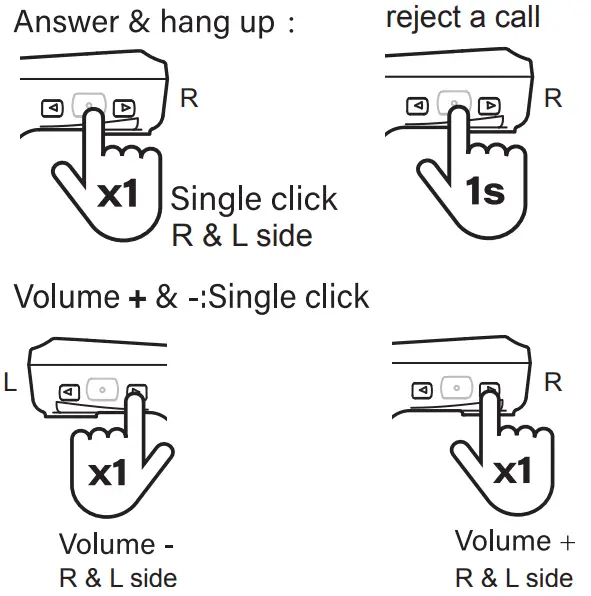
Charging
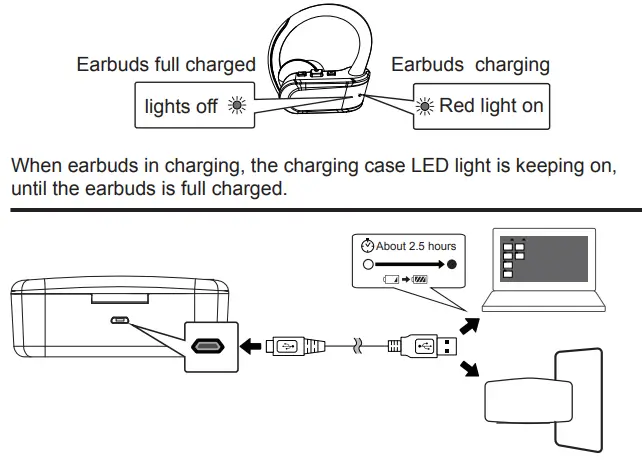
When the charging case is fully charged: the Power indicator will be on.
Trouble Shooting and Common Situations
Earbuds cannot power on
Battery drain, please charge the device for 30 minutes, and then power on.
Smartphones cannot search Bluetooth Earbuds
- Make sure the Earbuds is in pairing mode (Red and Blue LED flash alternately)
- Delete pairing list in smart phone and searching Earbuds again.
- If it still cannot be found, please restart the smartphone and Earbuds again.
Earbuds will be disconnected from time to time
- The battery drain.
- The Earbuds is beyond the communication range(10m)
No sound on talking mode
- Confirmed the Earbuds connected to smartphone mode on talking.
- Try to volume up Earbuds or smartphone.
No sound with music playing
- Try to volume up Earbuds or smartphone.
- Earbuds disconnected with smart phone,please reconnected again.
Cannot charge for Earbuds
- Make sure the earbuds are placed well in the charging case.
- make sure LED lights are red.
- Check if the charging case is drained up.
- Charge the charging case.
Warranty
Please retain your receipt as proof of purchase and contact our Customer Service Centre on 1800 124 125 (Australia) or 0800 945 995 (New Zealand) or alternatively, via Customer Help at Kmart.com.au for any difficulties with your product. Warranty claims and claims for expenses incurred in returning this product can be addressed to our Customer Service Centre at 690 Springvale Rd, Mulgrave VIC 3170.
Our goods come with guarantees that cannot be excluded under the Australian Consumer Law. You are entitled to a replacement or refund
for a major failure and compensation for any other reasonably foreseeable loss and damage. You are also entitled to have the goods repaired or replaced if the goods fail to be of acceptable quality and the failure does not amount to a major failure.
For New Zealand customers, this warranty is in addition to statutory rights observed under New Zealand legislation.
 Kmart.com.au