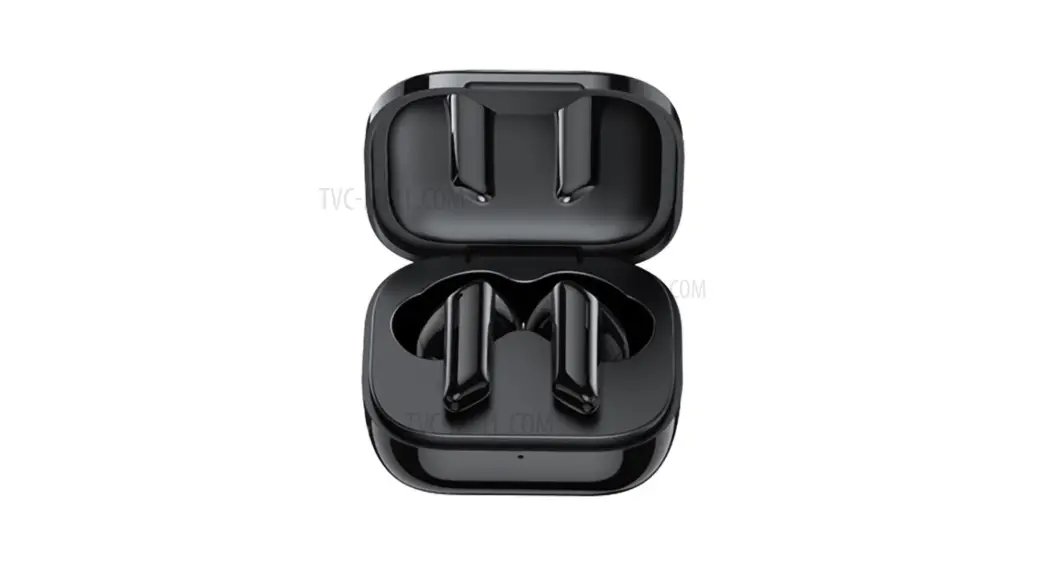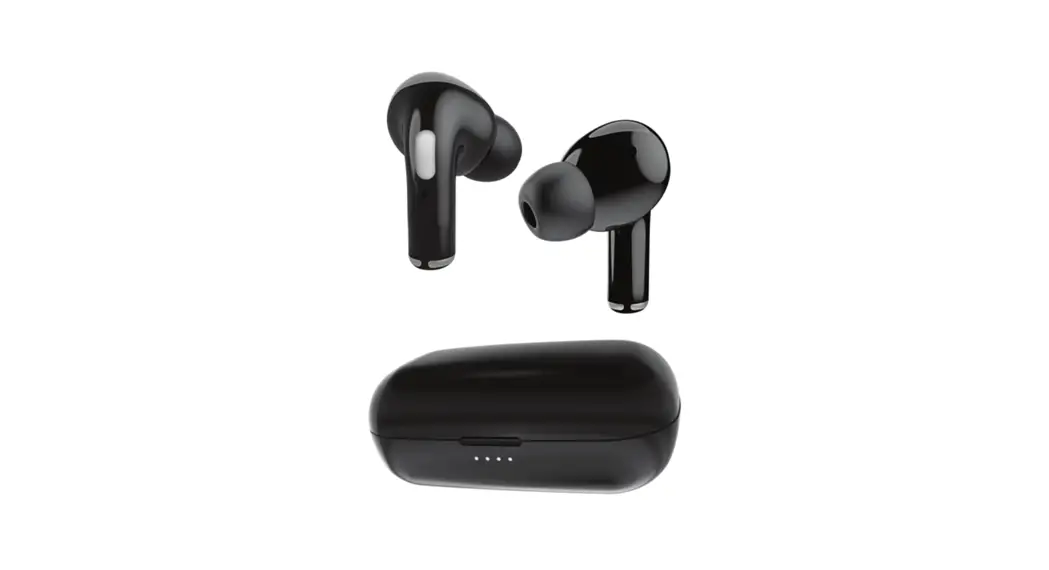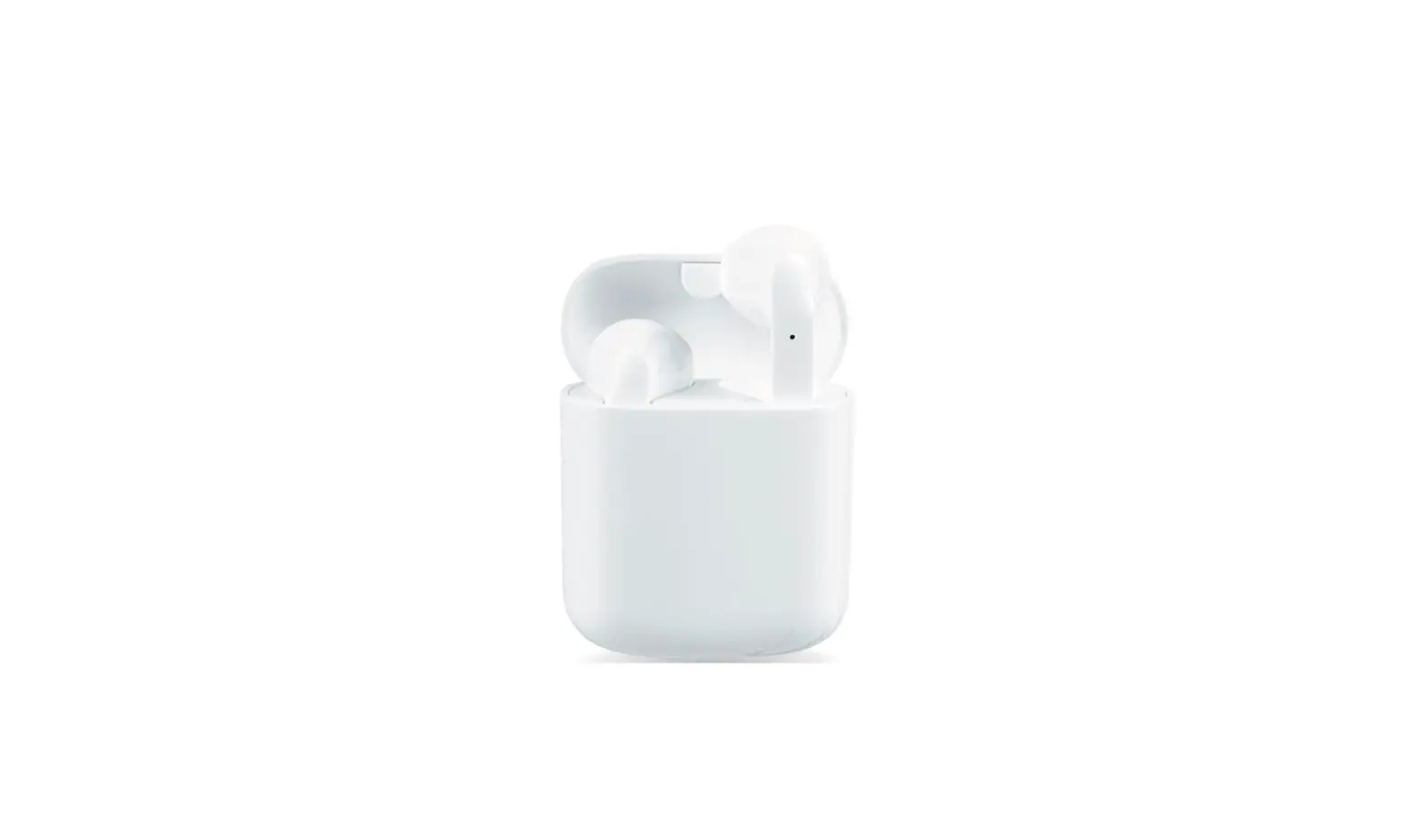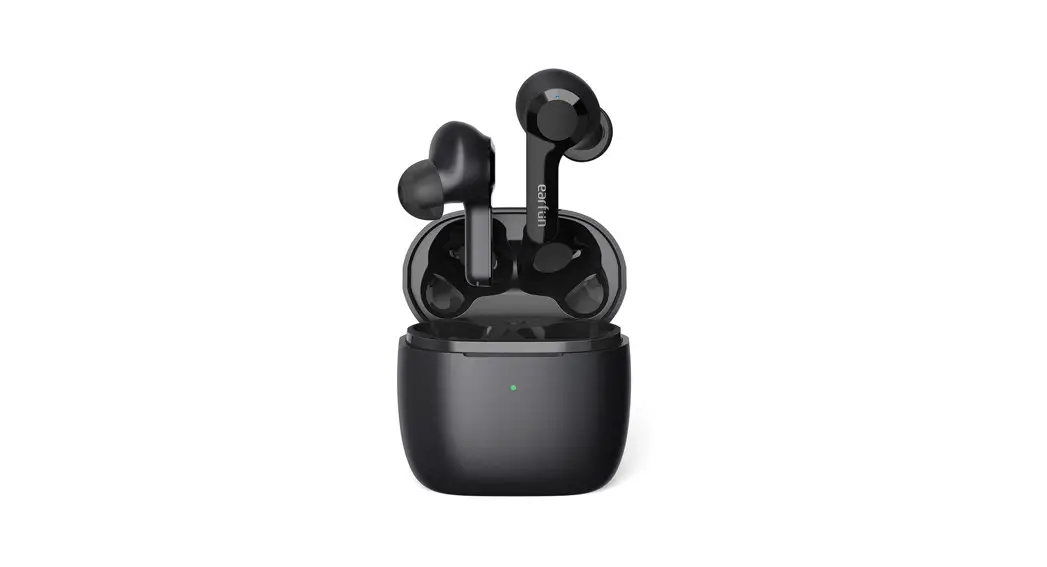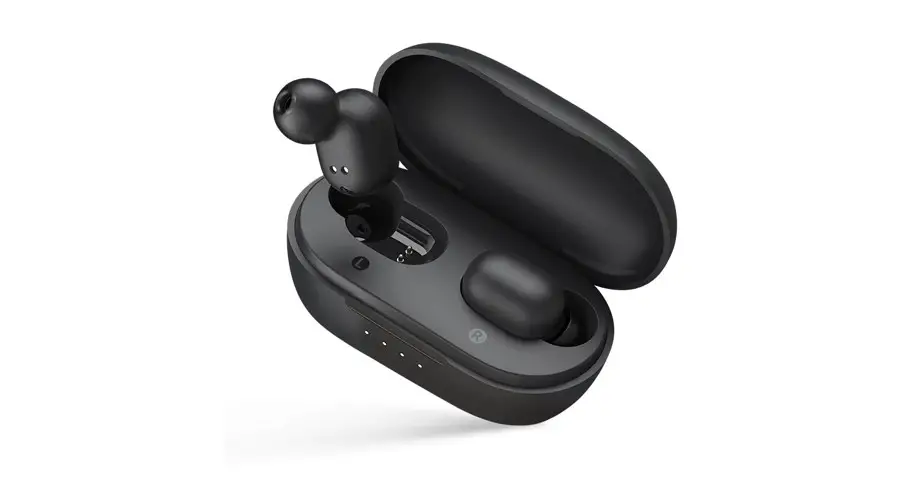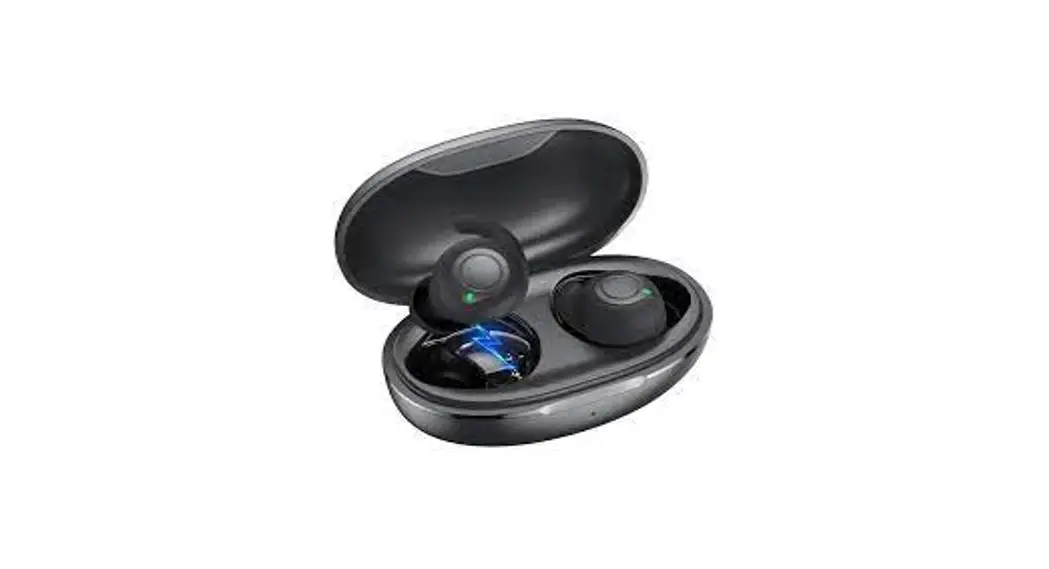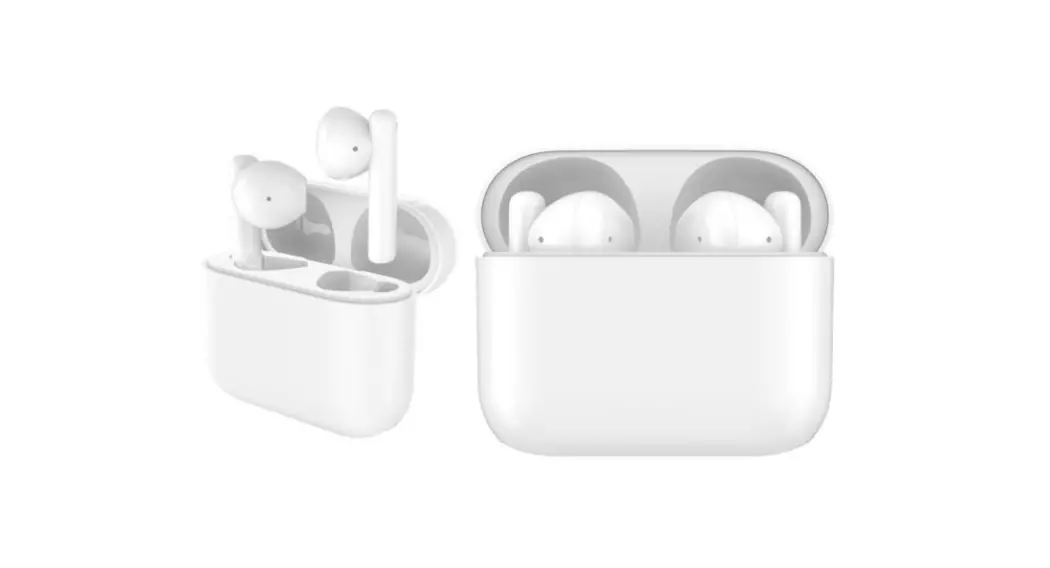

Buds 10 True Wireless Earbuds
User Manual
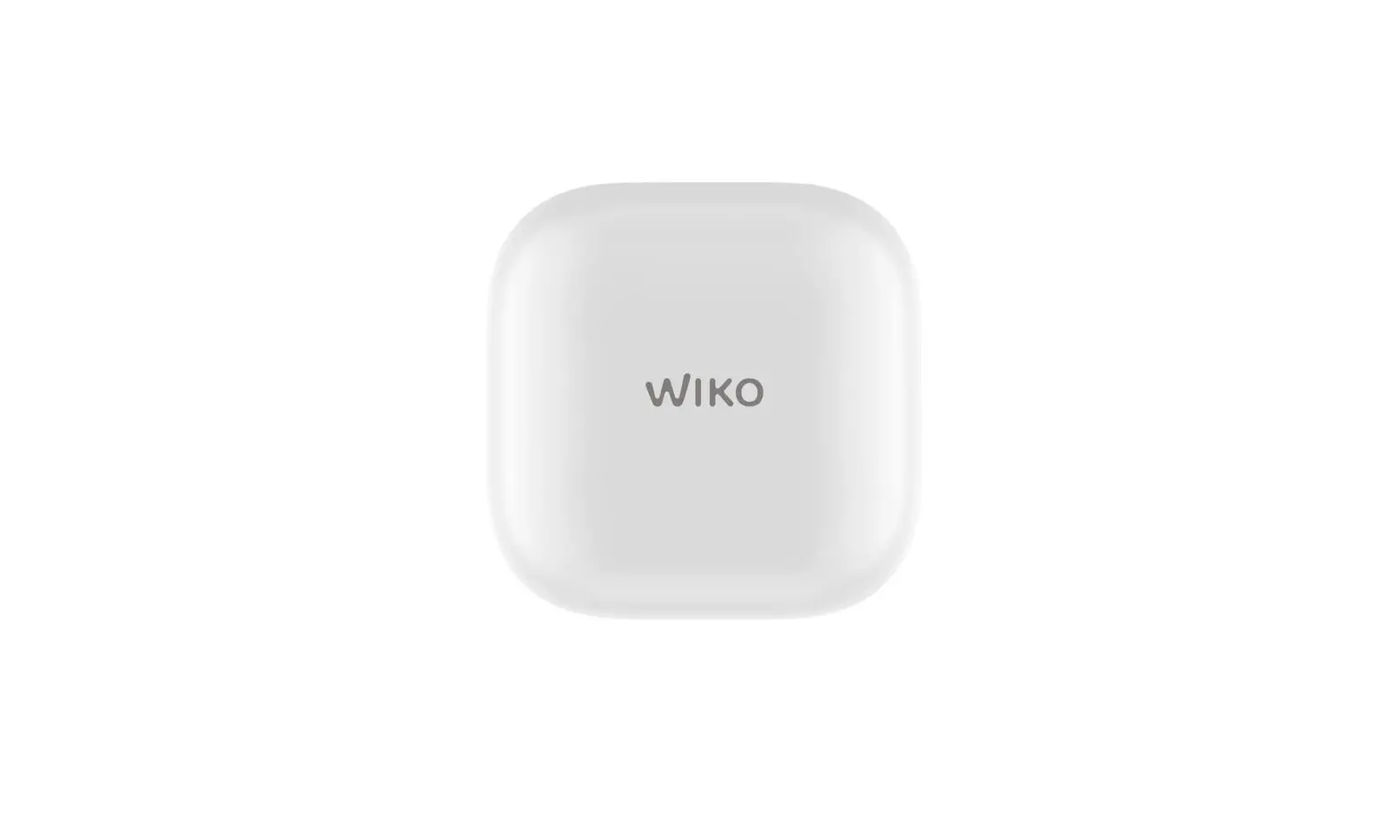
WIKO Buds 10
Buds 10 True Wireless Earbuds
ABOUT US
WIKO, the global mobile brand, was founded in 2011 in Marseille in the South of France.
Today, it operates in over 30 countries around the world, and is among the TOP 5 smartphone brands in Western Europe. Propelled by its success in the European market, the company has a growing international presence in Asia, Africa, Middle East and in the US. For more information, please visit https://world.wikomobile.com/
Change Record
| Version | SE | Modify Content | Released Data |
| V1.0 | First Version | 2022-6-8 | |
Product Overview
2.1 Introduction
WIKO Buds 10 (Certification Model: AT01) is TWS Bluetooth earphones developed by WIKO SAS.
- Bluetooth version: 5.2(HFP, HSP, A2DP, AVRCP)
- Bluetooth IC: BES 2500IUC-40
- Time of endurance: 6H/30H(Music), 4H/20H(Talk)
- 40mAh*2 Powerful Battery +500 mAh Powerful Battery
- Total Weight : <50g
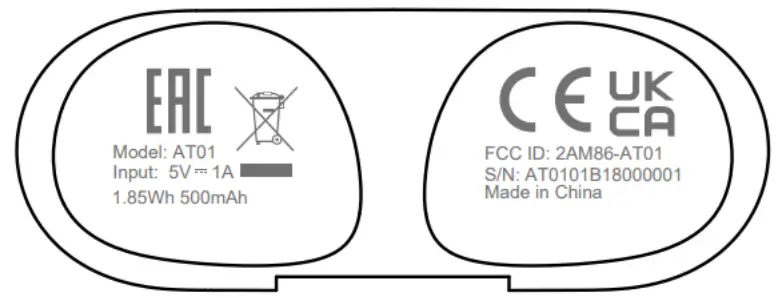
- FCC ID: 2AM86-AT01
2.2 Appearance
White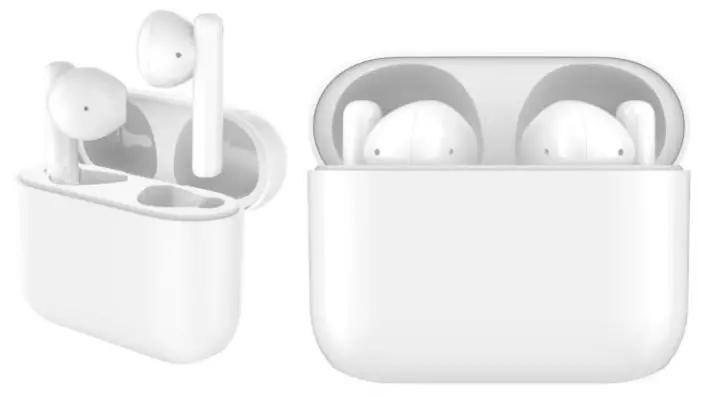 Product Description
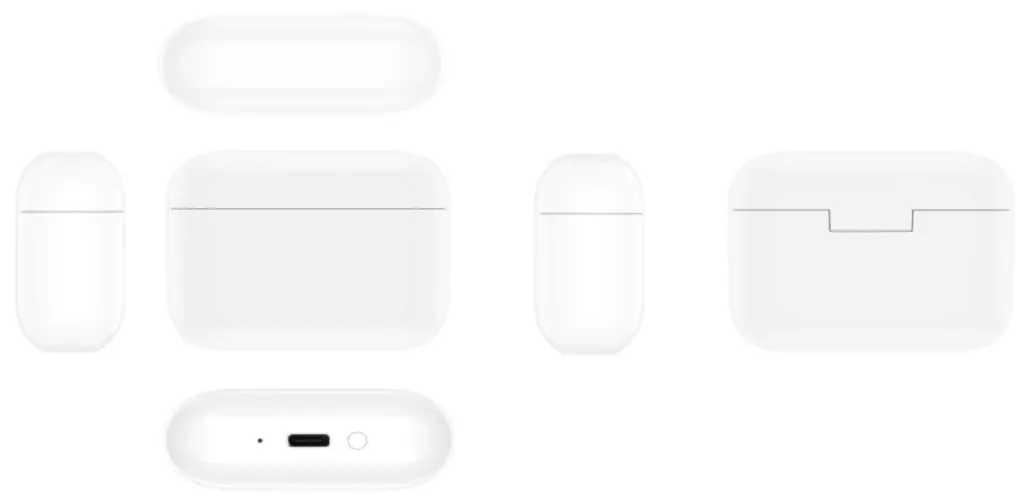
Hardware specification
| Item | Description |
| Appearance | |
| Shape | Half in ear, ultra short rod |
| Color | White |
| Size | 59.95mm (L) x 23.60mm (W) x 47.2mm (H) Note: The actual dimensions may vary depending on the configuration, manufacturing process, and measurement method. |
| Weight | Approx. 50 g (including the battery) Note: The actual weight may vary depending on the configuration, manufacturing process, and measurement method. |
| Battery Type | Lithium polymer |
| Storage | |
| Memory | 2MB RAM Note: The available internal storage may be smaller as part of the internal storage is occupied by software. |
| System | |
| Device control | Reset key |
| External interface | Data interface: Standard USB Type-C |
| Bluetooth | BT5.2, 5.2(HFP,HSP,A2DP,AVRCP) |
| Battery | Capability: 40mAh*2 Powerful Battery +500 mAh Powerful Battery Theoretical Charging Time: approx 180 Mins (Note: Laboratory data is generated by charging using the standard charger with the screen off. The actual charging time may vary depending on usage.) |
| Item | Description |
| Time of endurance : 6H/30H(Music), 4H/20H(Talk) | |
| Power supply | Input: 5V, 1A Output: 5V, 160mA |
| Temperature | Operating temperature: 0℃ – 45℃ Warehouse temperature: -20℃ – 60℃ |
| Relative humidity | 5% – 95% |
| Certification | BQB, CE, FCC ID, RoHS, REACH, WEEE |
Software specifications
| Item | Description |
| Multi-media | Audio file format: mp3, mp4, 3gp, ogg, amr, aac, flac, midi Video file format: 3gp, mp4 |
| Decoding format | Sbc /aac |
| Function | Earphone pause / play / answer / end / reject / music / game mode, EQ |
| Software update | WIKO SAS OTA online update |
Packing List
| Index | Item | Count | Description |
| 1 | Bluetooth earphones | L/R*1 | Standard |
| 2 | Built-in battery | 3 | Standard |
| 3 | Charger Box | 1 | Standard |
| 4 | Type-C cable | 1 | Standard |
| 5 | Protective Film | 1 | Standard |
| 6 | Quick Start Guide | 1 | Standard |
| 7 | Warranty Card | 1 | Dependent on market |
FCC Statement
This device complies with Part 15 of the FCC Rules. Operation is subject to the following two conditions:
- This device may not cause harmful interference, and
- this device must accept any interference received, including interference that may cause undesired operation.
Warning: Changes or modifications not expressly approved by the party responsible for compliance could void the user’s authority to operate the equipment
Note: This equipment has been tested and found to comply with the limits for a Class B digital device,pursuant to part 15 of the FCC Rules. These limits are designed to provide reasonable protection against harmful interference in a residential installation.
This equipment generates, uses and can radiate radio frequency energy and, if not installed and used in accordance with the instructions, may cause harmful interference to radio communications. However, there is no guarantee that interference will not occur ina particular installation. If this equipment does cause harmful interference to radio or television reception, which can be determined by turning the equipment off and on, the user is encouraged to try to correct the interference by one or more of the following measures:
- Reorient or relocate the receiving antenna.
- Increase the separation between the equipment and receiver.
- Connect the equipment into an outlet on a circuit different from that to which the receiver is connected.
- Consult the dealer or an experienced radio/TV technician for help.
Huawei Proprietary and Confidential
Copyright © Huawei Technologies Co., Ltd.
 Home | WIKO